-
-
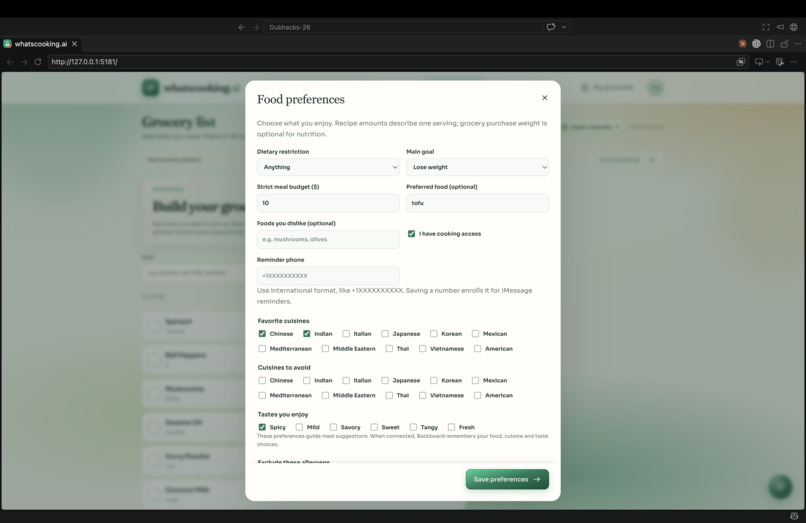
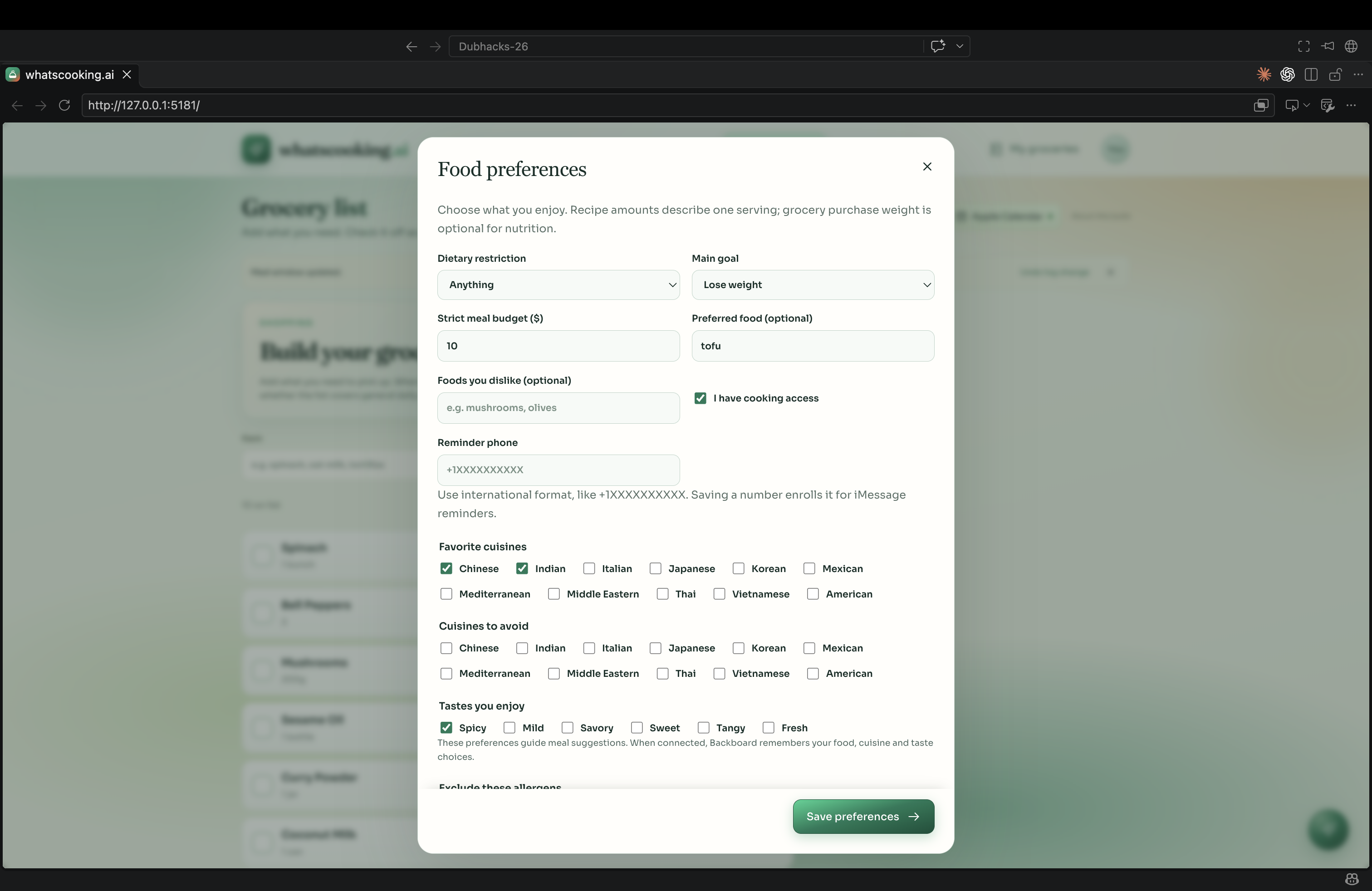
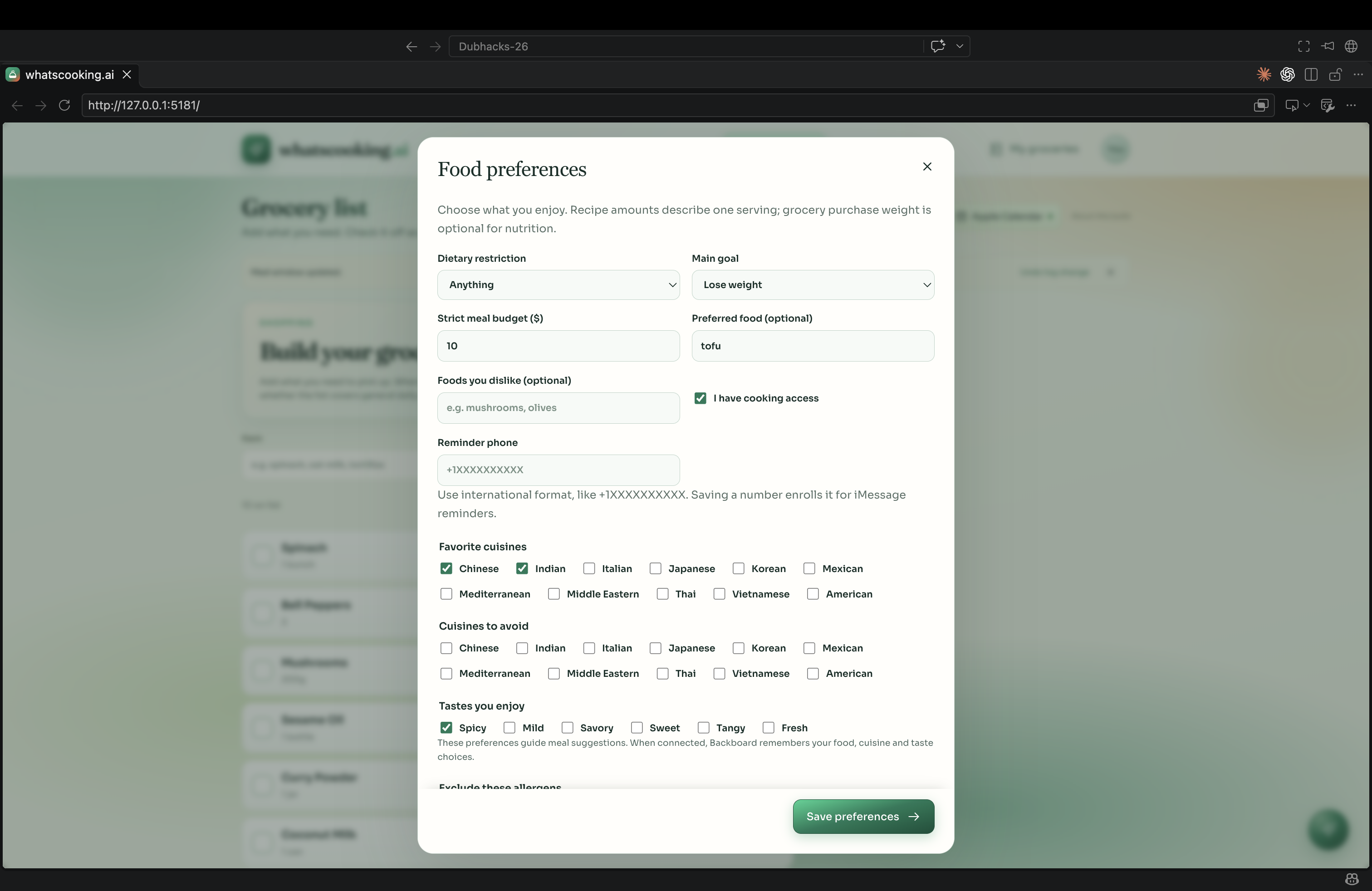
user preferences
-
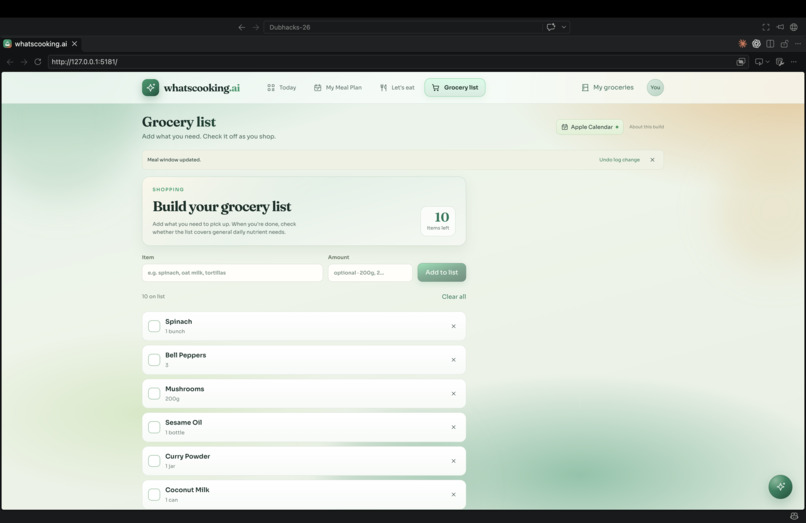
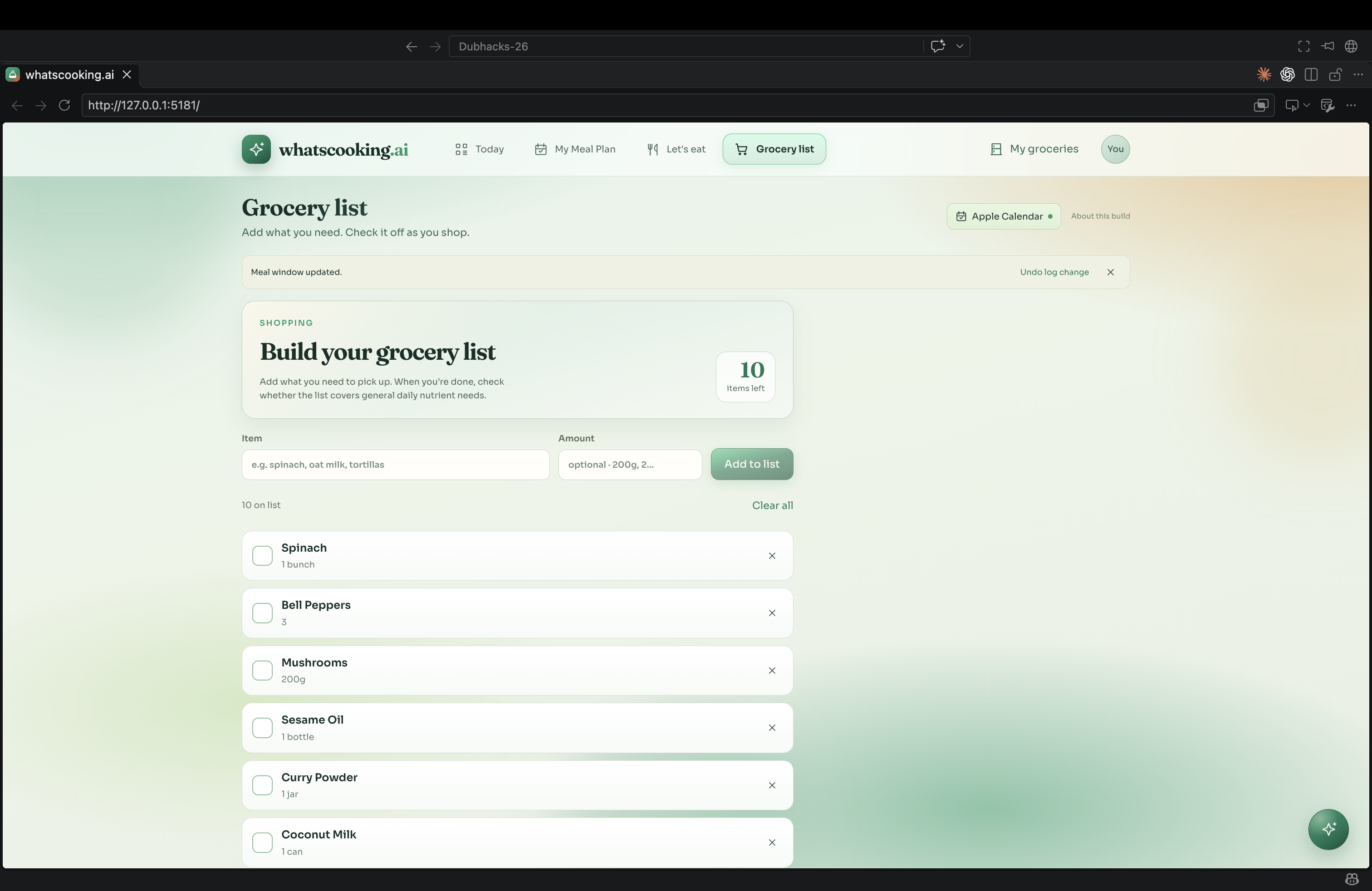
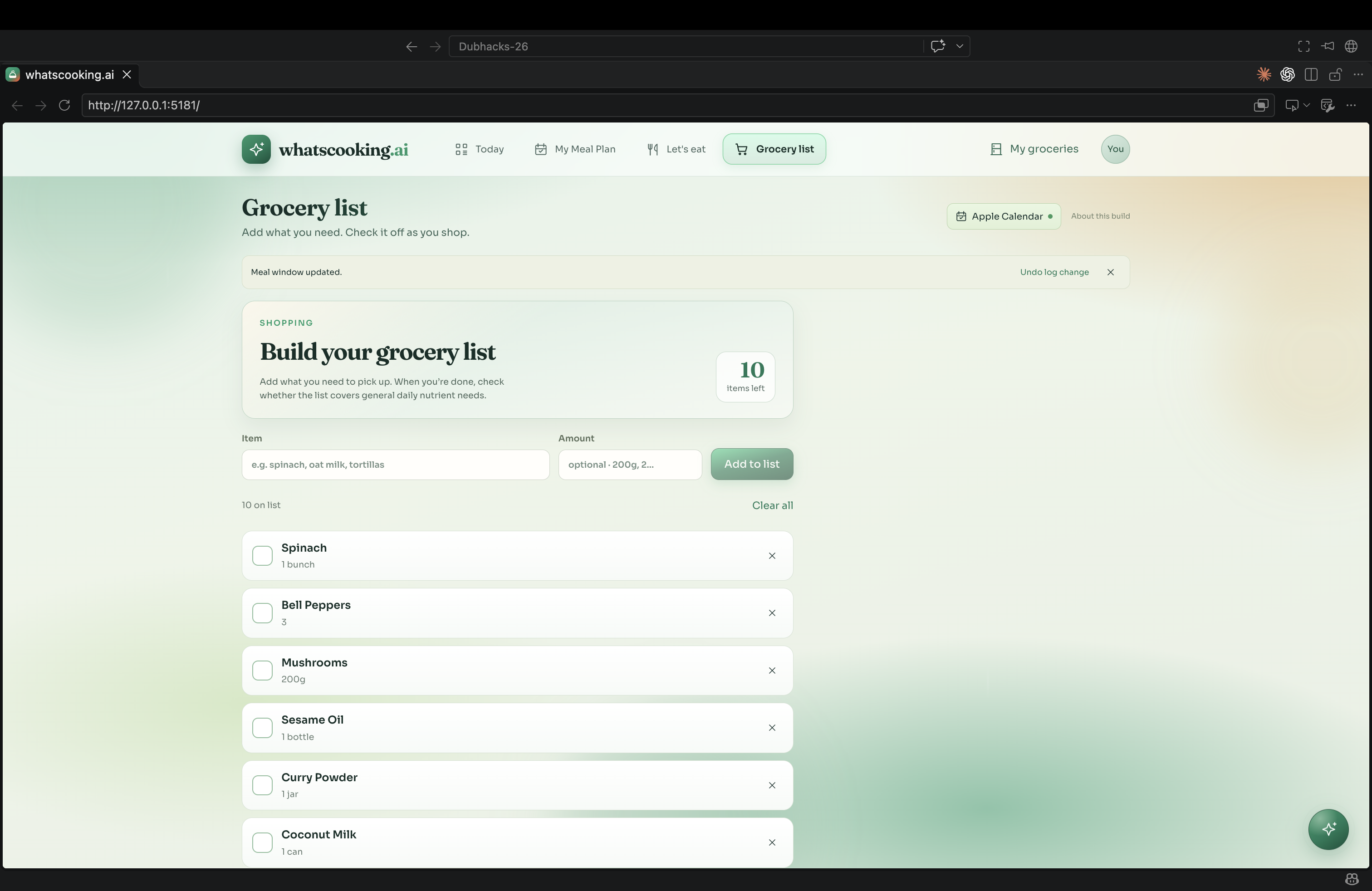
grocery list
-
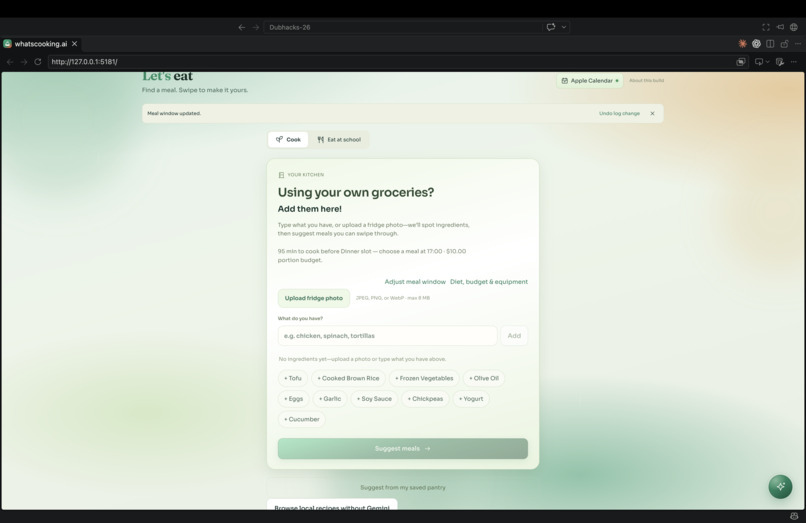
meal planner
-
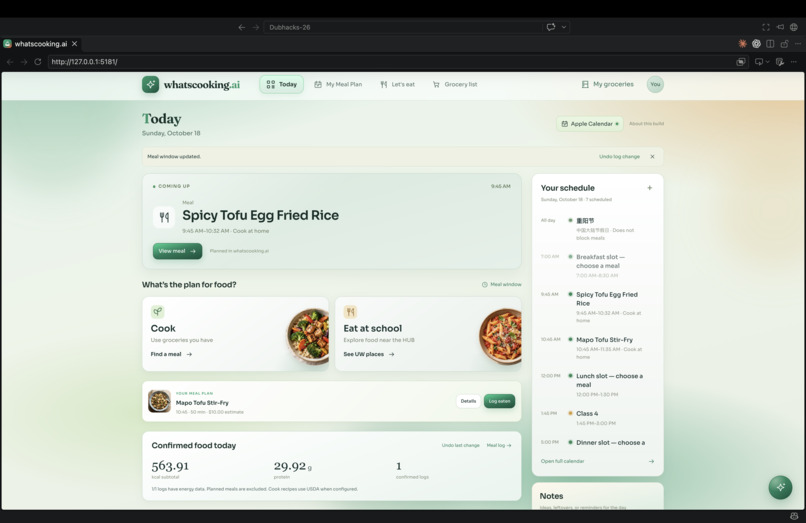
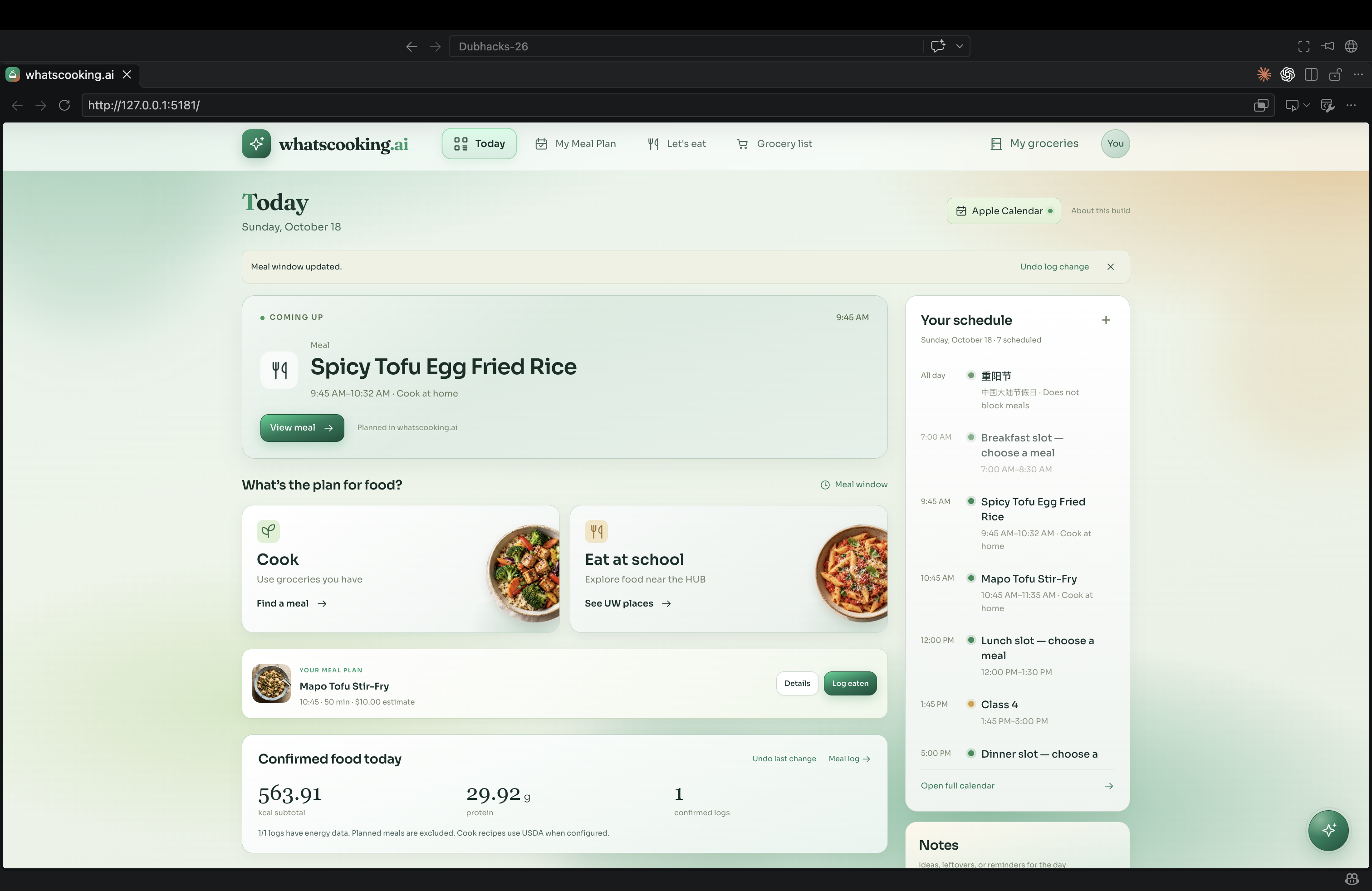
main dashboard
-
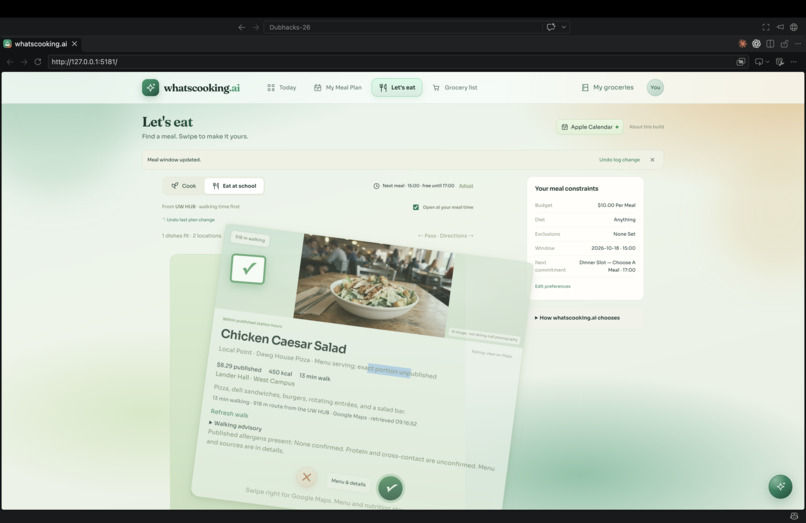
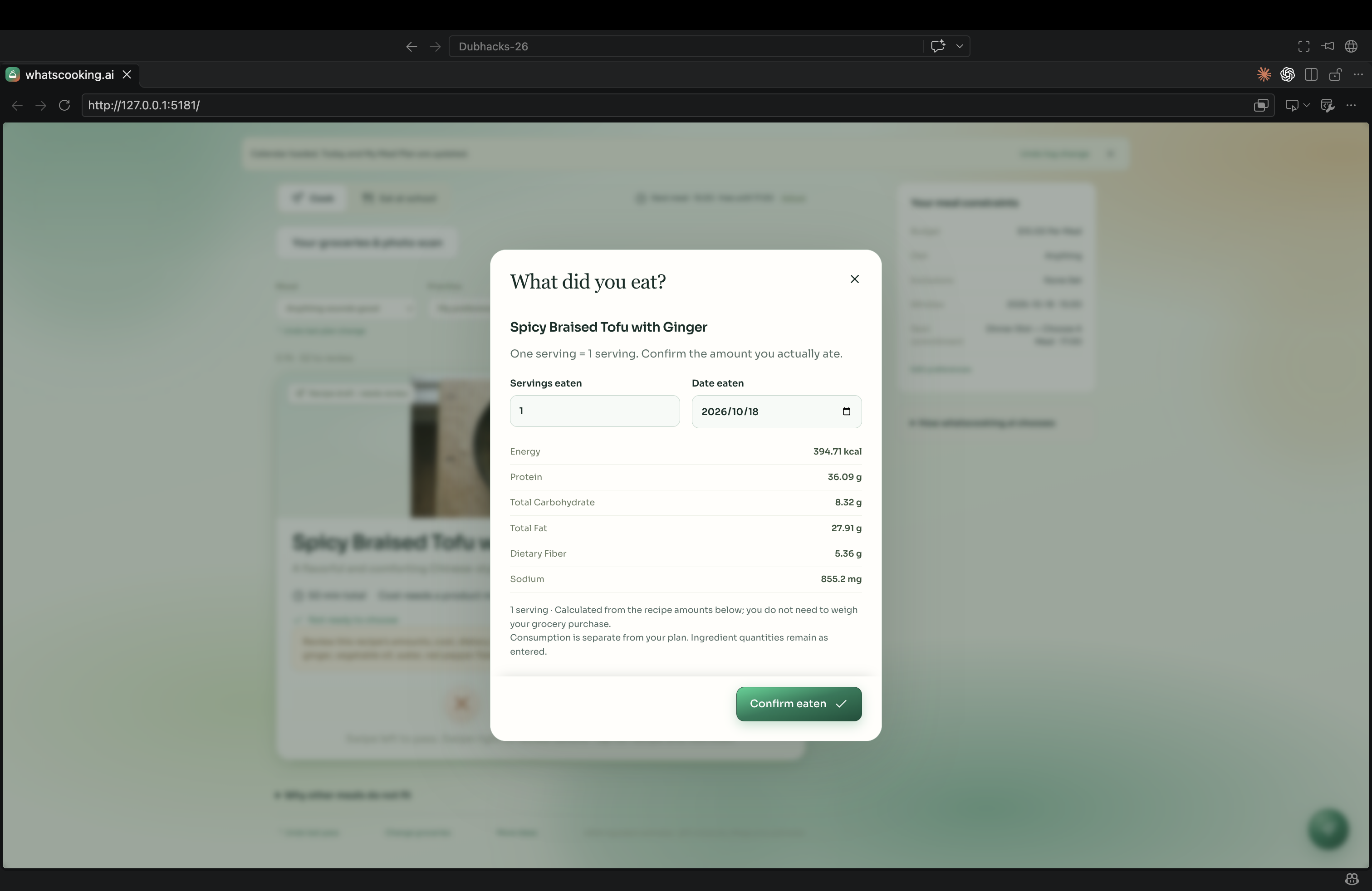
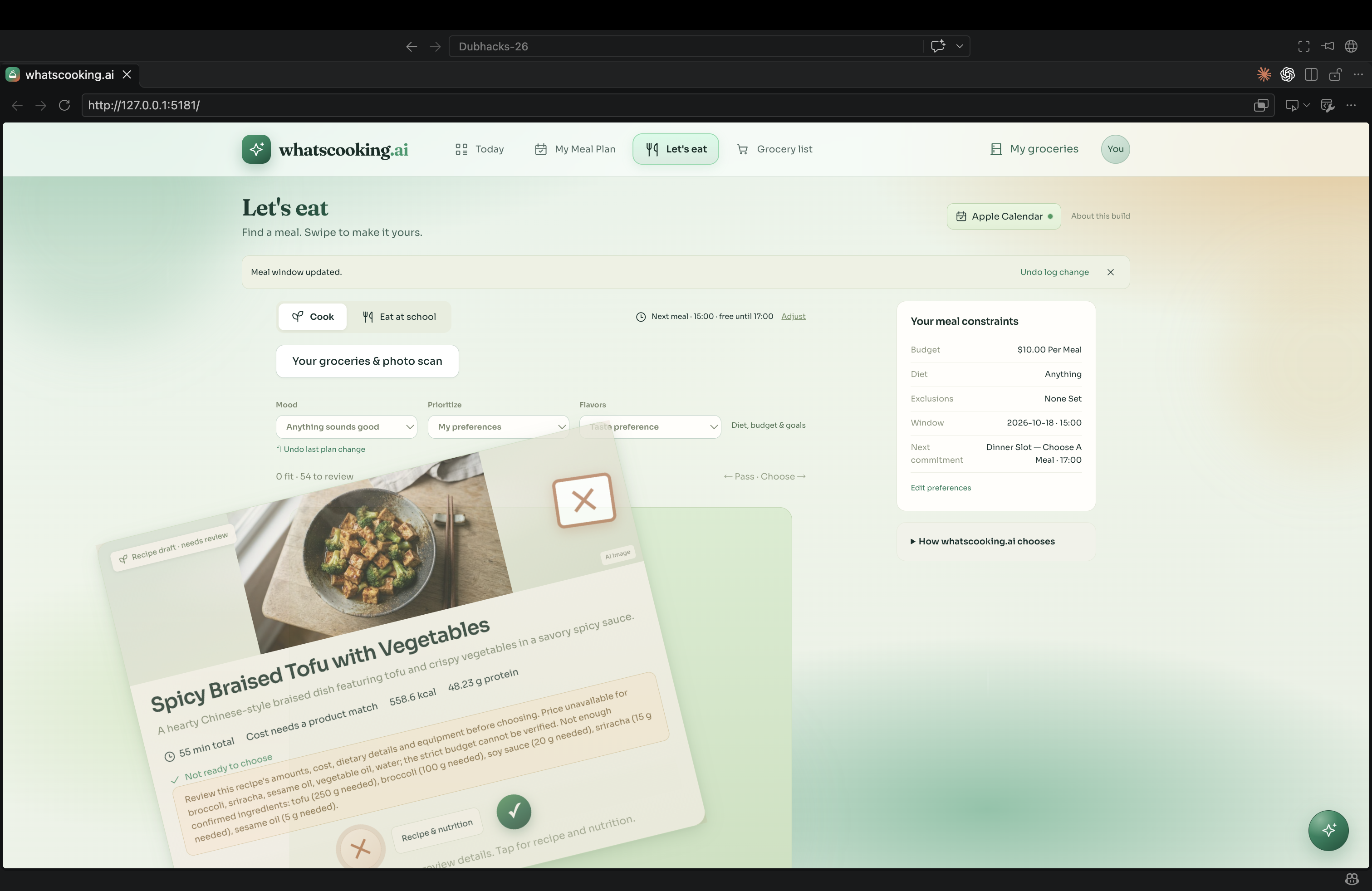
approve meal
-
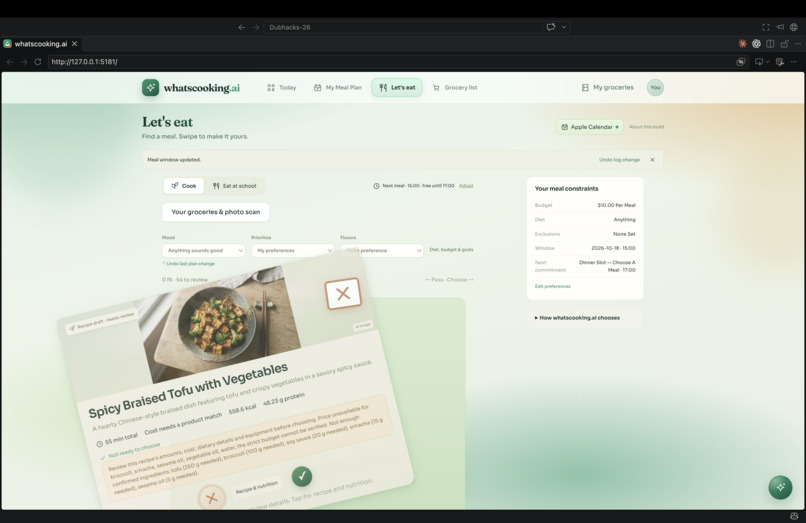
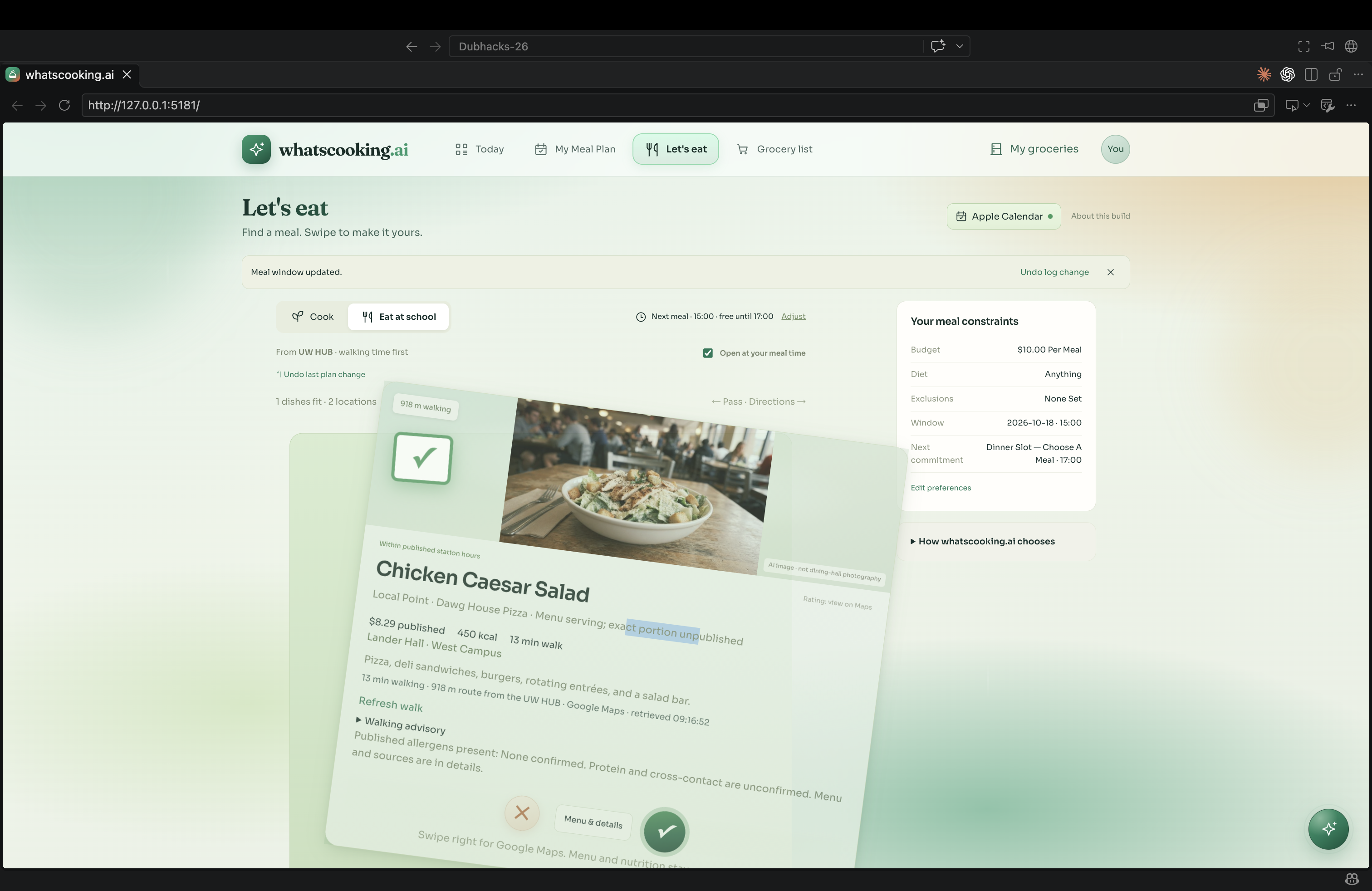
recommend new meal
-
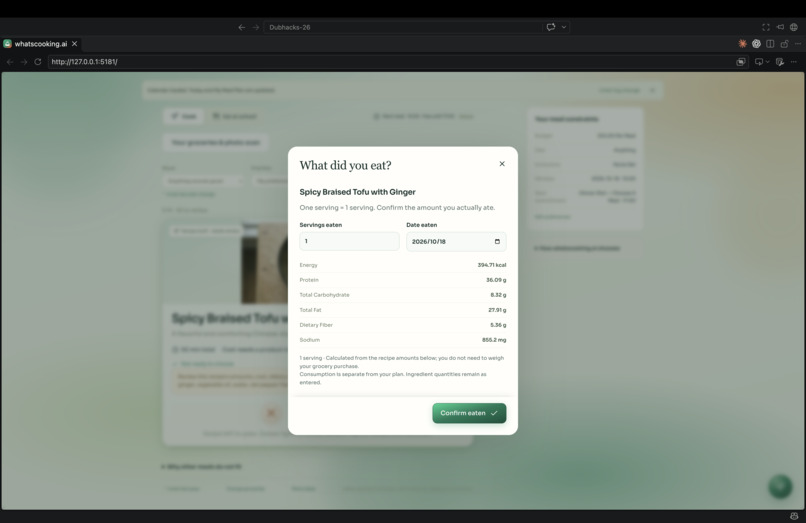
meal nutrients
-
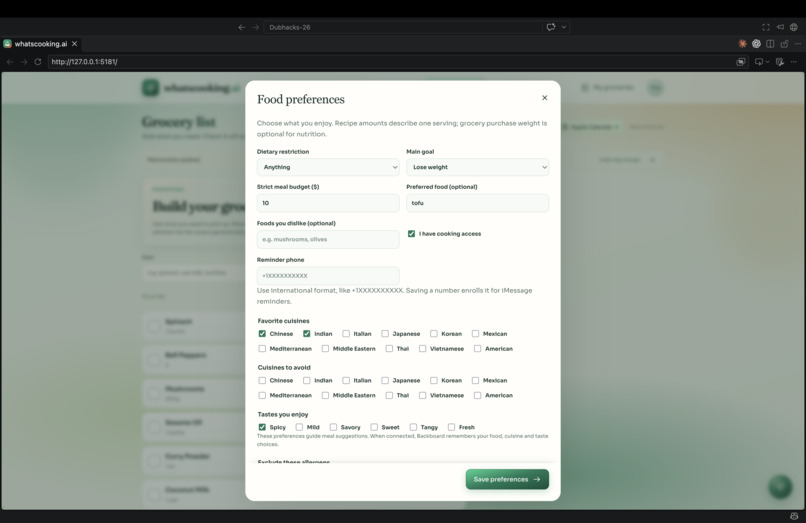
user preferences
-
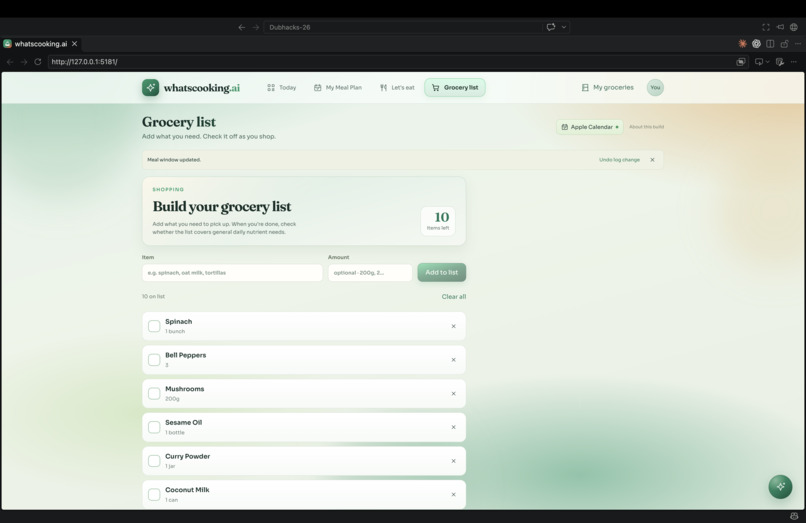
grocery list builder
-
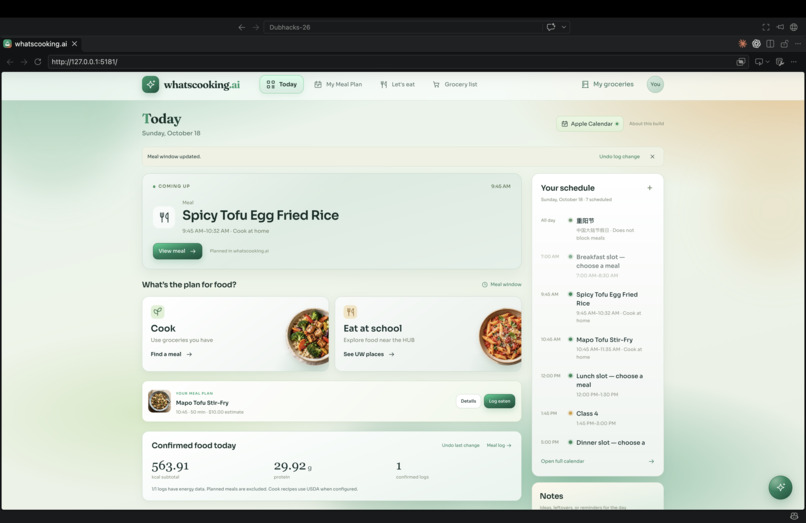
main dashboard
-
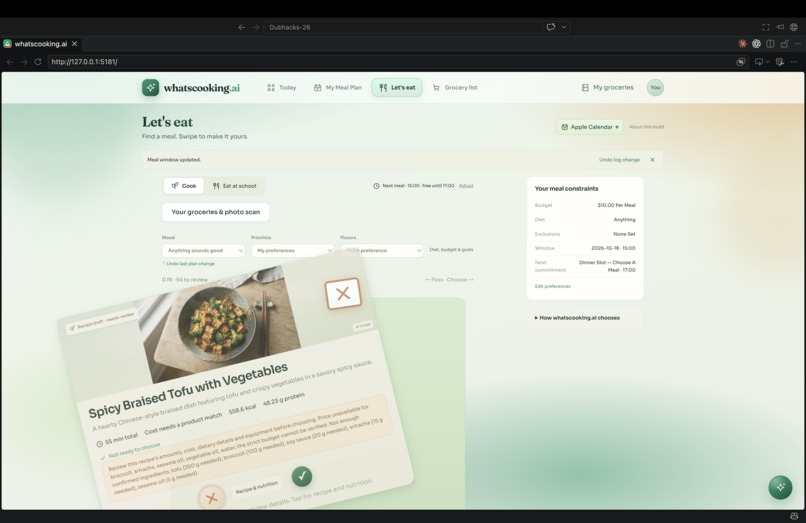
recommend new meal
-
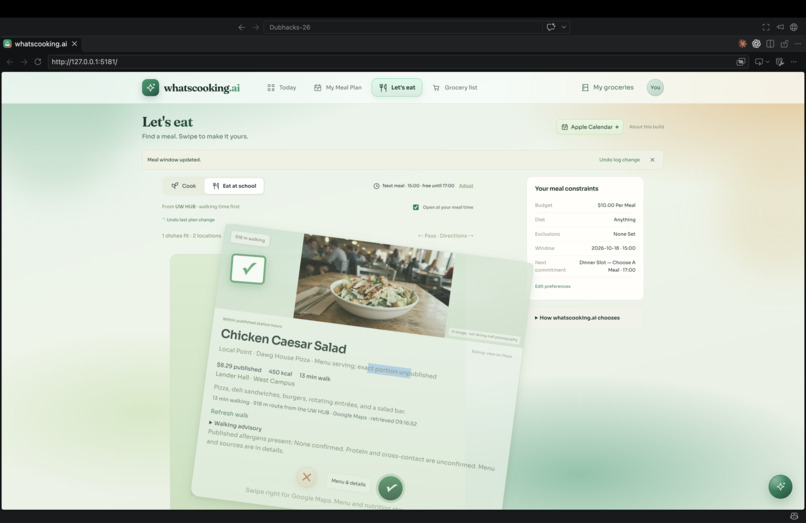
approve meal
-
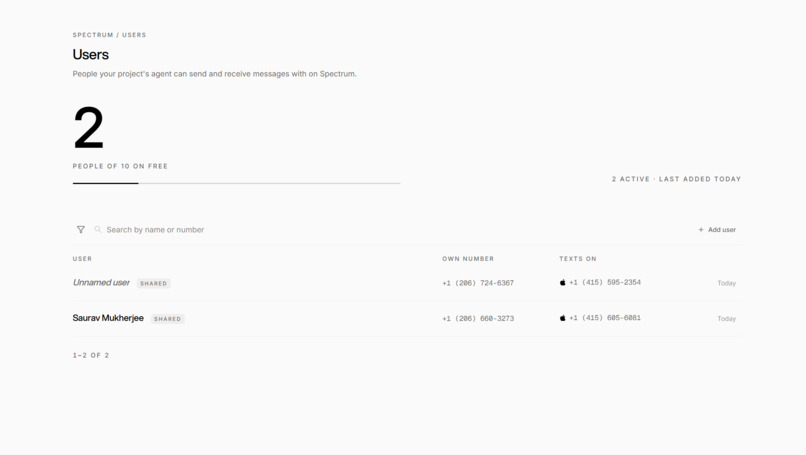
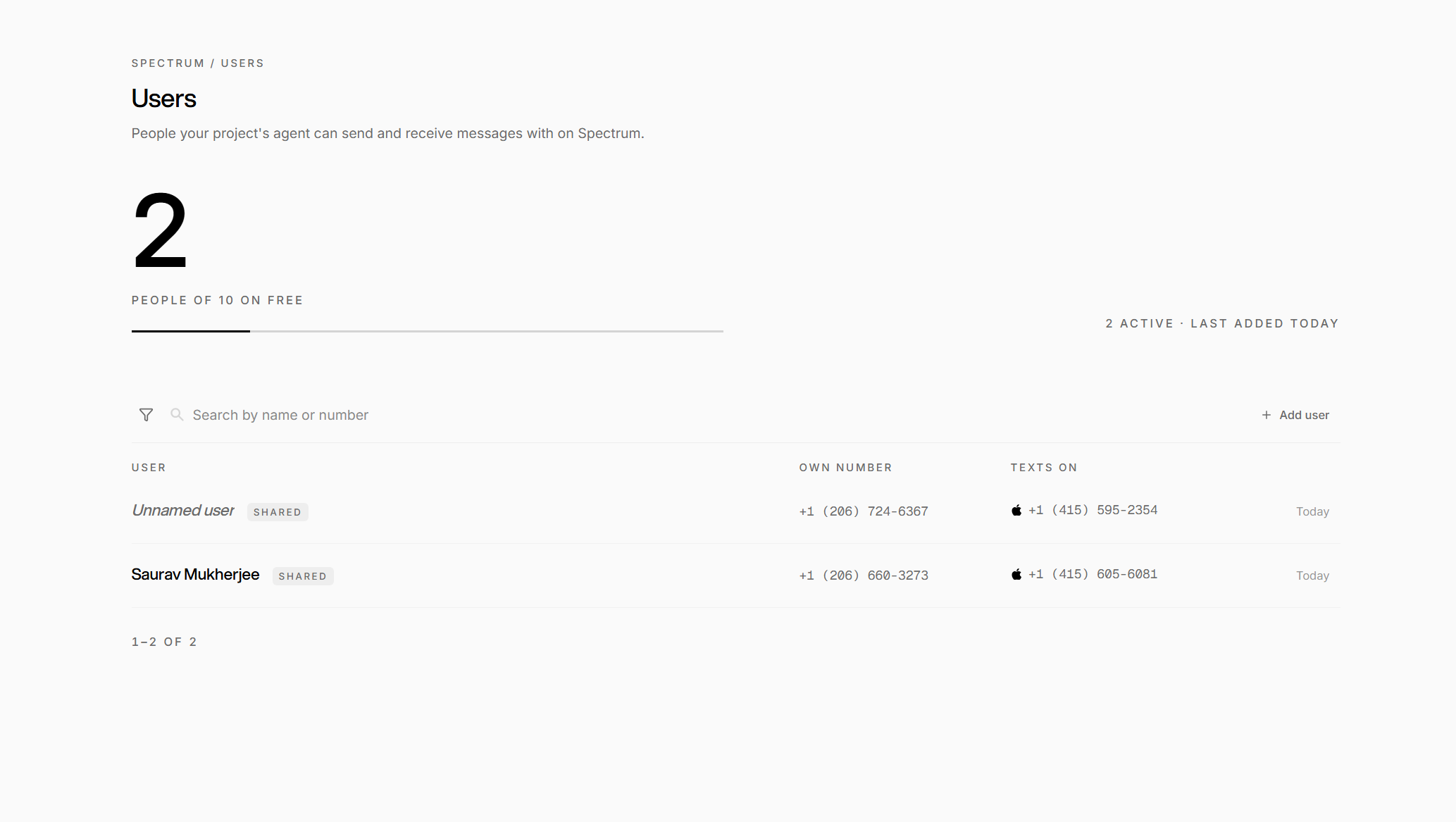
photon user dashboard
-
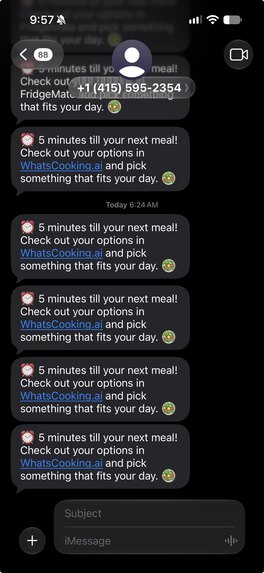
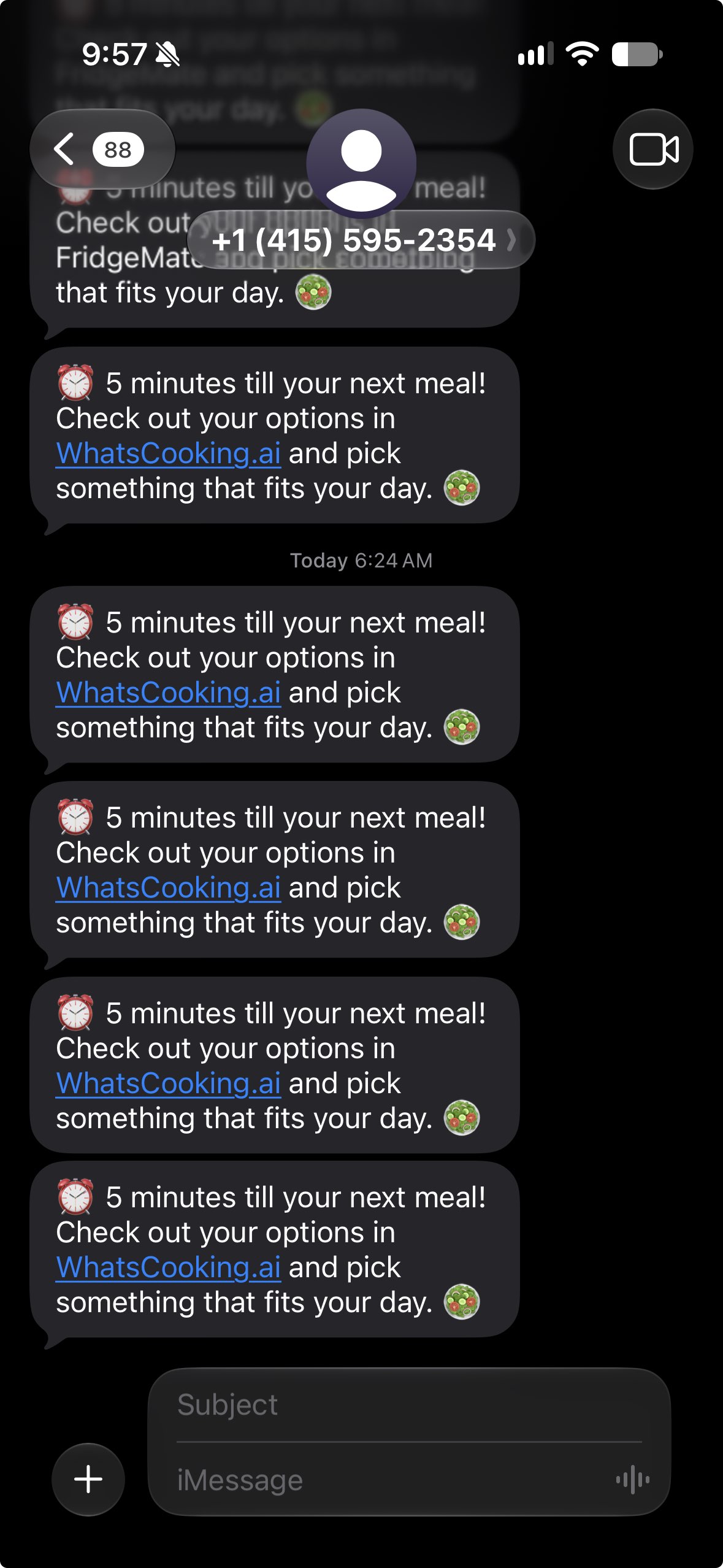
photon imessage reminder to eat your meal
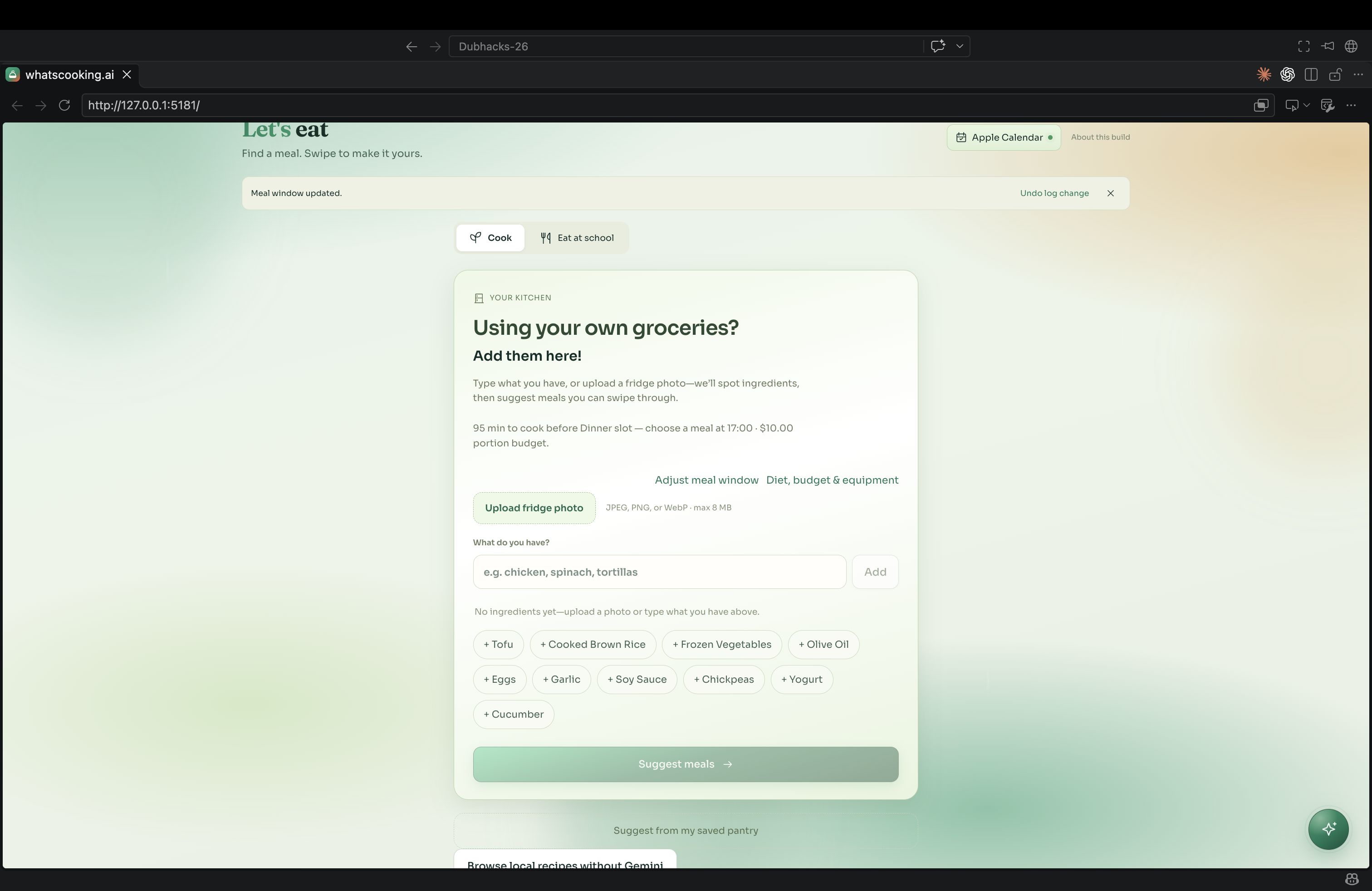
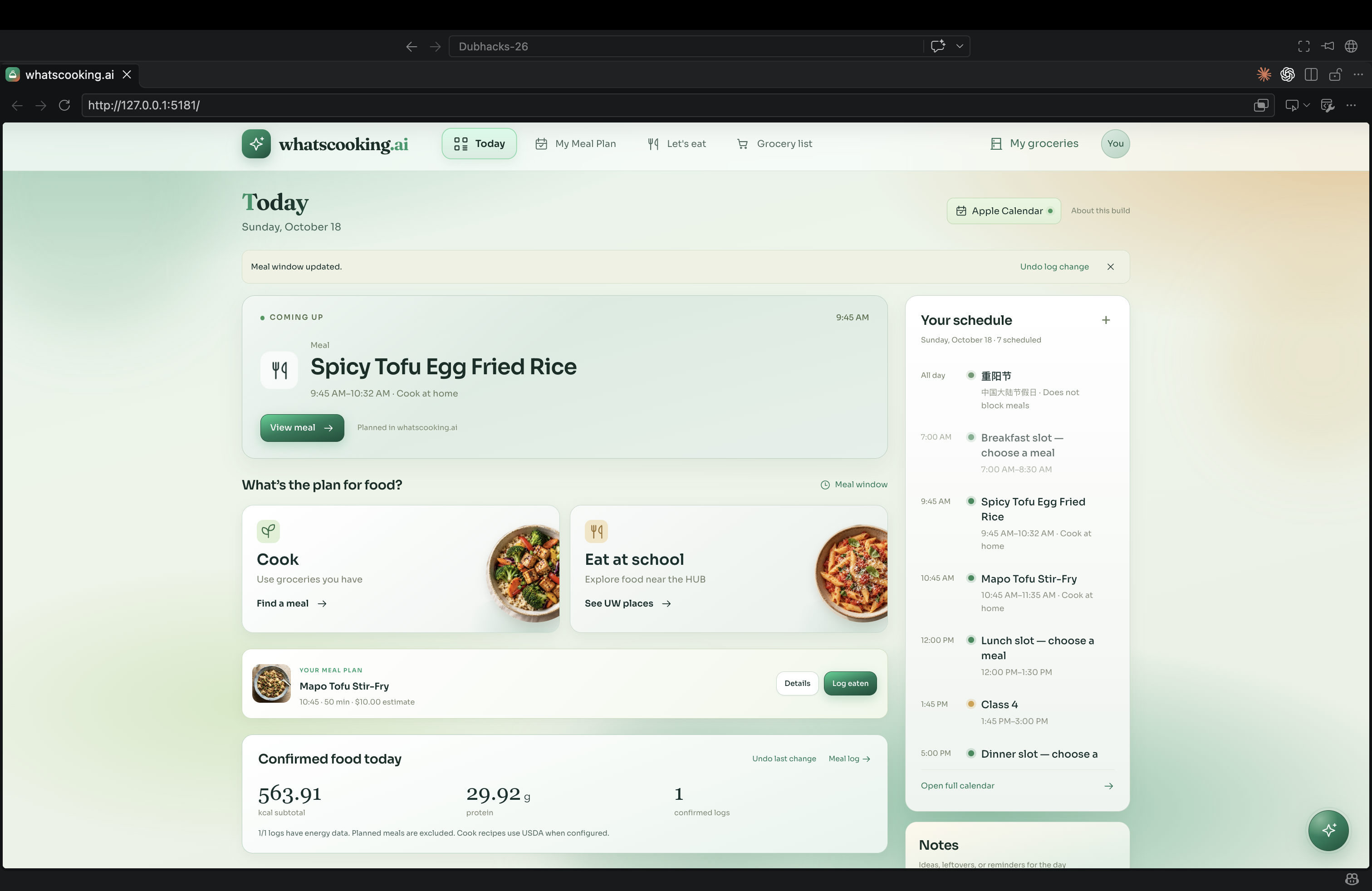
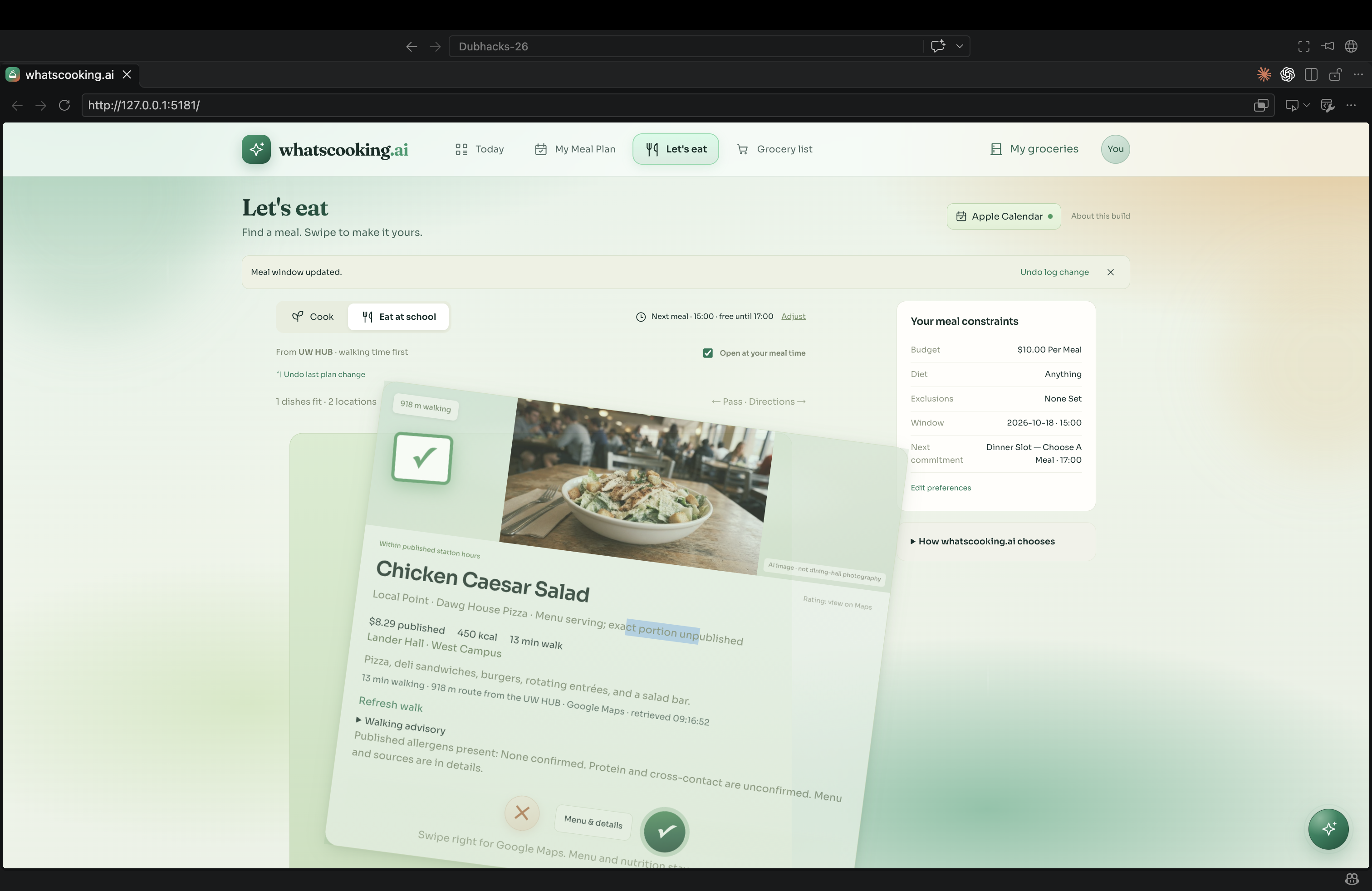
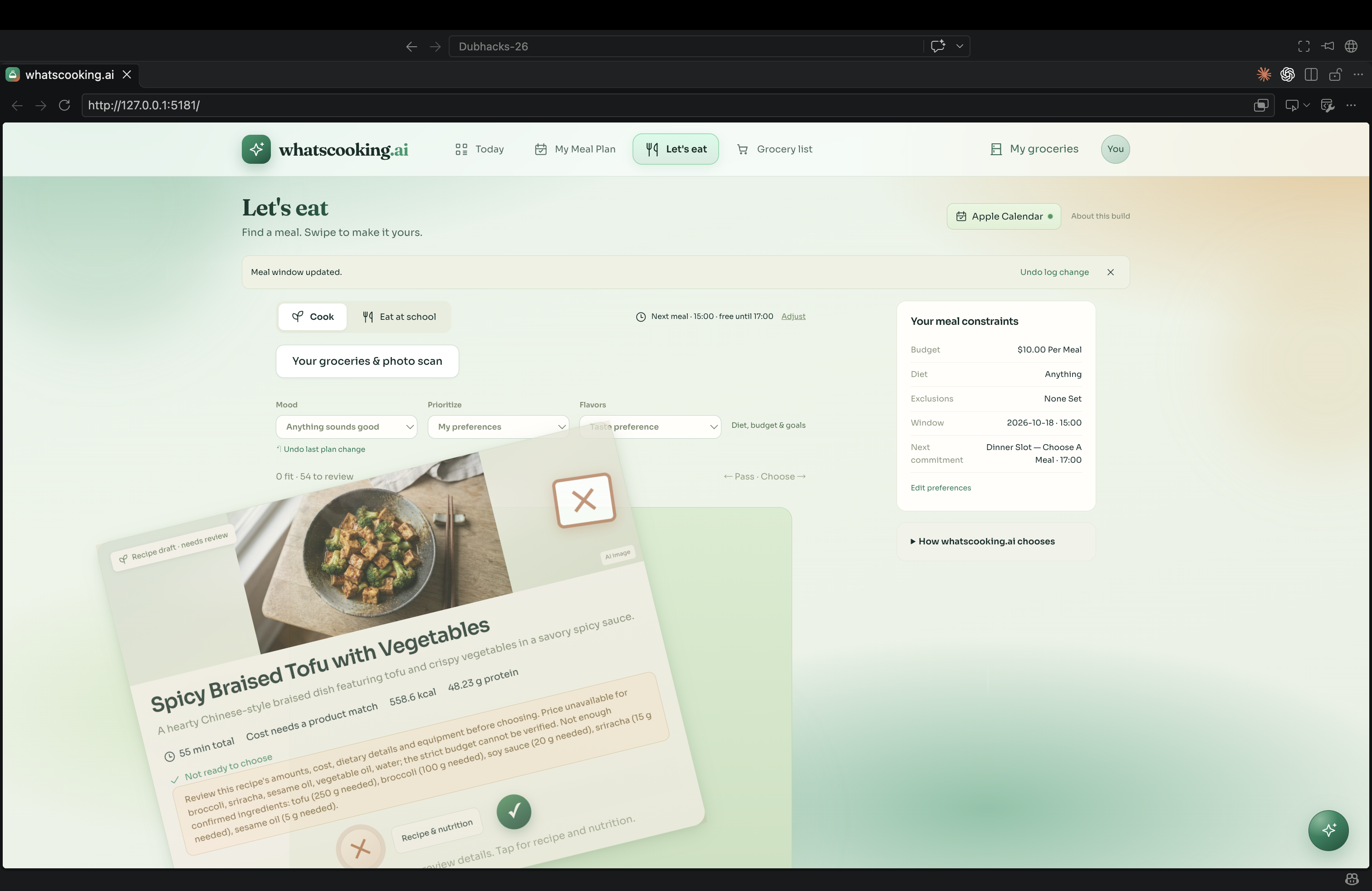
WhatsCooking.ai
Cook what you already have, in the hour you actually have.
What it does
College students buy groceries they never eat. Dinner fails when the fridge and the calendar never meet. WhatsCooking.ai turns a grocery list or a fridge photo into meals that fit your preferences and the open time on your day, then texts you before the slot so you cook it or pick something else. Built for people whose schedule moves faster than their meal plan.
Key features
- Smart schedule sync — Apple or Google Calendar import, plus meal slots that fit open time on your day
- Fridge photo scanning — Snap the fridge; WhatsCooking.ai logs ingredients and suggests meals
- Context-aware filtering — Schedule, groceries, diet, likes/dislikes, cuisines, and budget shape every suggestion
- Swipe meal matching — Discover personalized recipes by swiping options for your mood and window
- Grocery list — Track what you still need to buy, with USDA nutrient checks when configured
- Campus dining fallback — Route to nearby open UW dining when cooking is not realistic
- Voice + AI assistant — Talk or type with WhatsCooking for planning help and onboarding
- iMessage reminders — Spectrum texts you before a planned meal or open slot
How we built it
React and Vite frontend, FastAPI backend, Postgres for plans and reminders, Spectrum iMessage for delivery, and Google Calendar OAuth for a read-only import of the day you already have.
Quick Start
git clone https://github.com/saanvikrishan/Dubhacks-26.git
cd Dubhacks-26/whatscooking
python -m pip install -r backend/requirements.txt
npm ci --prefix frontend && npm install --prefix photon
Copy secrets into backend/.env (see whatscooking/README.md). Then run these in three terminals from backend/, frontend/, and photon/:
python -m uvicorn main:app --reload --host 127.0.0.1 --port 8000
npm run dev -- --host 127.0.0.1
node remind.mjs
Open the Local URL Vite prints (usually http://127.0.0.1:5173/). API docs: http://127.0.0.1:8000/docs
Full setup, environment variables, and architecture: whatscooking/README.md
Challenges we ran into
Google's OAuth dance uses PKCE, and the code verifier was gone by the time the redirect came back, so a valid client still could not finish the token exchange. We keep the in-flight flow keyed by OAuth state so the verifier is still there when Google returns.
The calendar lives in the browser and can arrive from three sources, while reminders are sent by a separate poller that only sees Postgres. We built a sync bridge that writes internal, Google, and Apple events into one reminder table, with a stable key per event and day so each slot is texted once and an edit can send again.
Documentation
Setup, environment variables, architecture, and known limitations: whatscooking/README.md
Built for DubHacks 2026.
Built With
- apple-icloud
- fastapi
- gemini
- google-calendar
- node.js
- postgresql
- purple
- python
- react
- spectrum
- vite

Log in or sign up for Devpost to join the conversation.