PlateIt - Hackathon Submission
Inspiration
We all watch recipe videos and posts online constantly—on YouTube, TikTok, Instagram—but rarely actually cook them. The gap between inspiration and action is huge. We wanted to bridge that gap by making it frictionless to go from watching a video to actually cooking the meal. PlateIt removes the barriers: extract the recipe automatically, check what you're missing, create a shopping list, and then guide you through cooking with live AI assistance.
What it does
PlateIt transforms recipe videos into actionable cooking experiences:
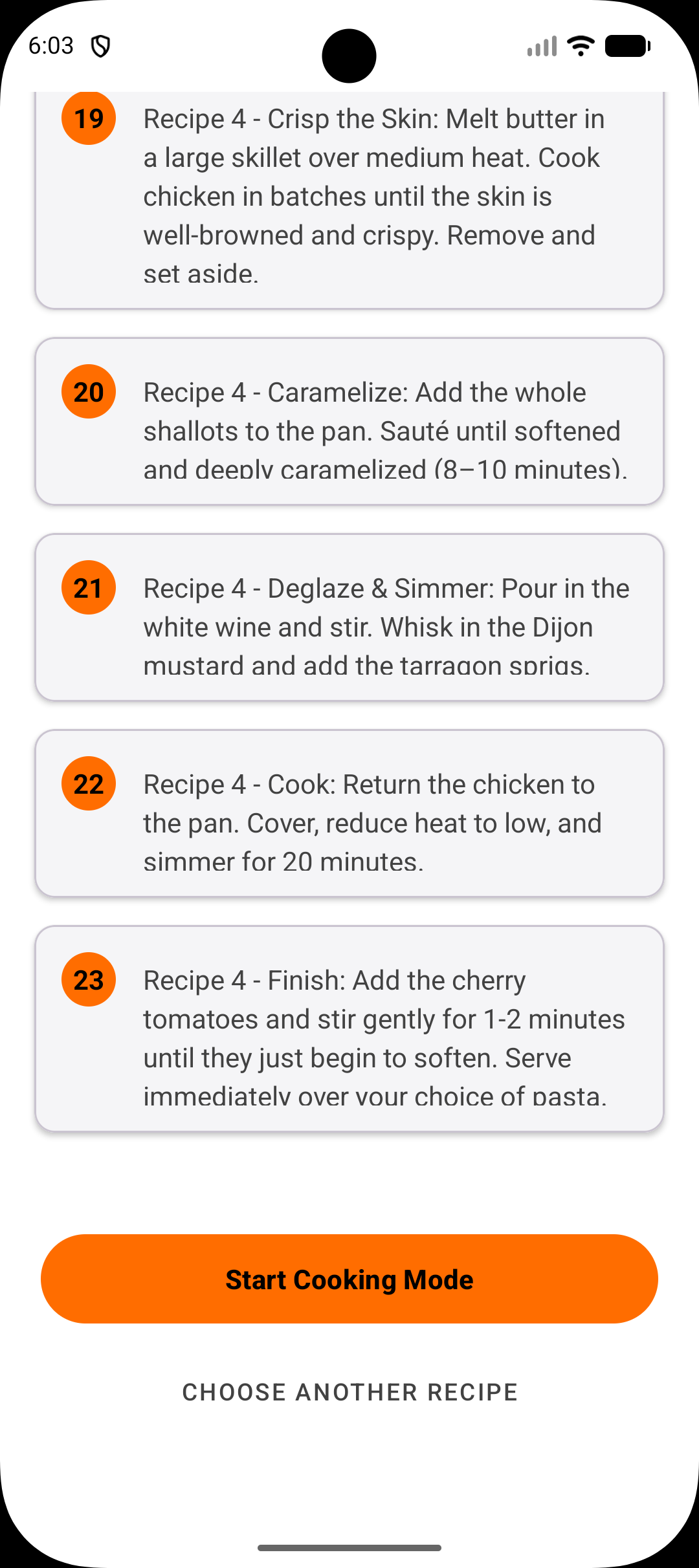
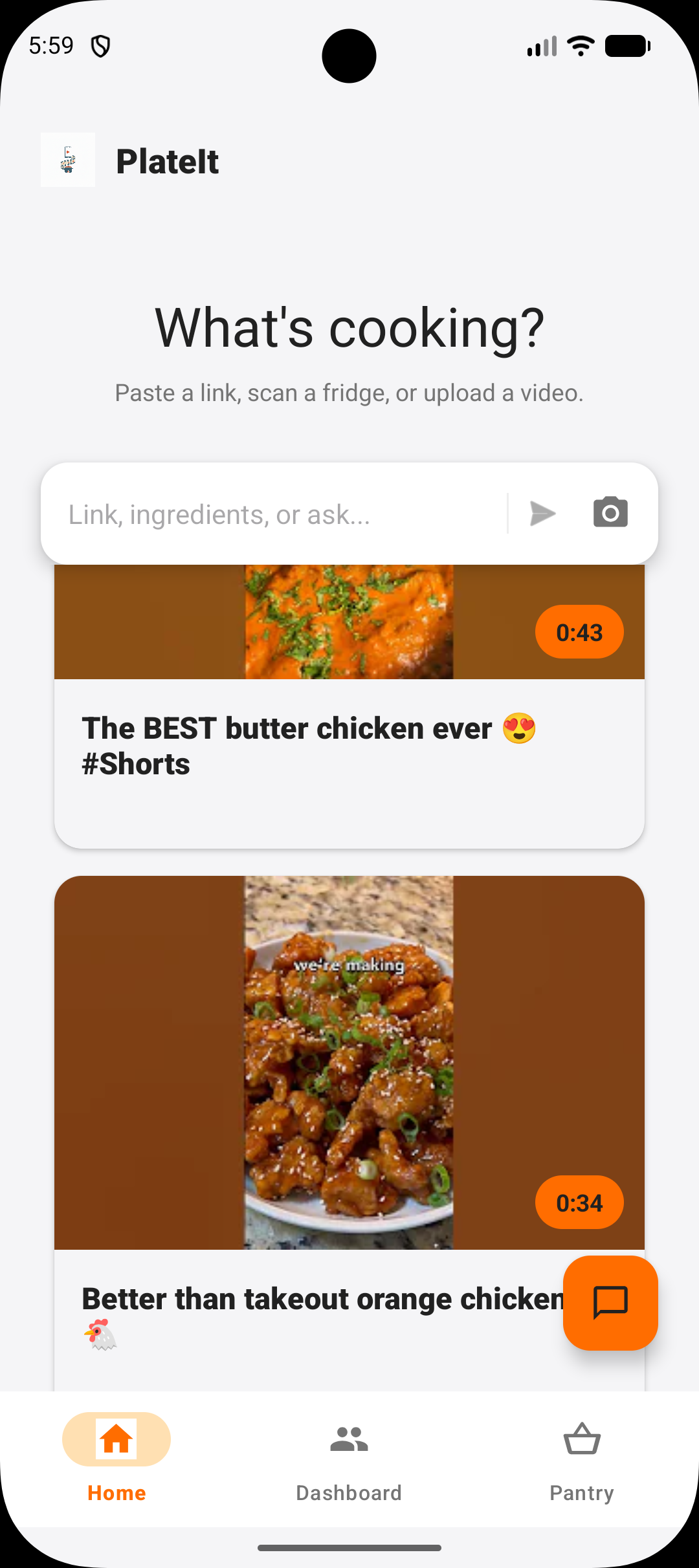
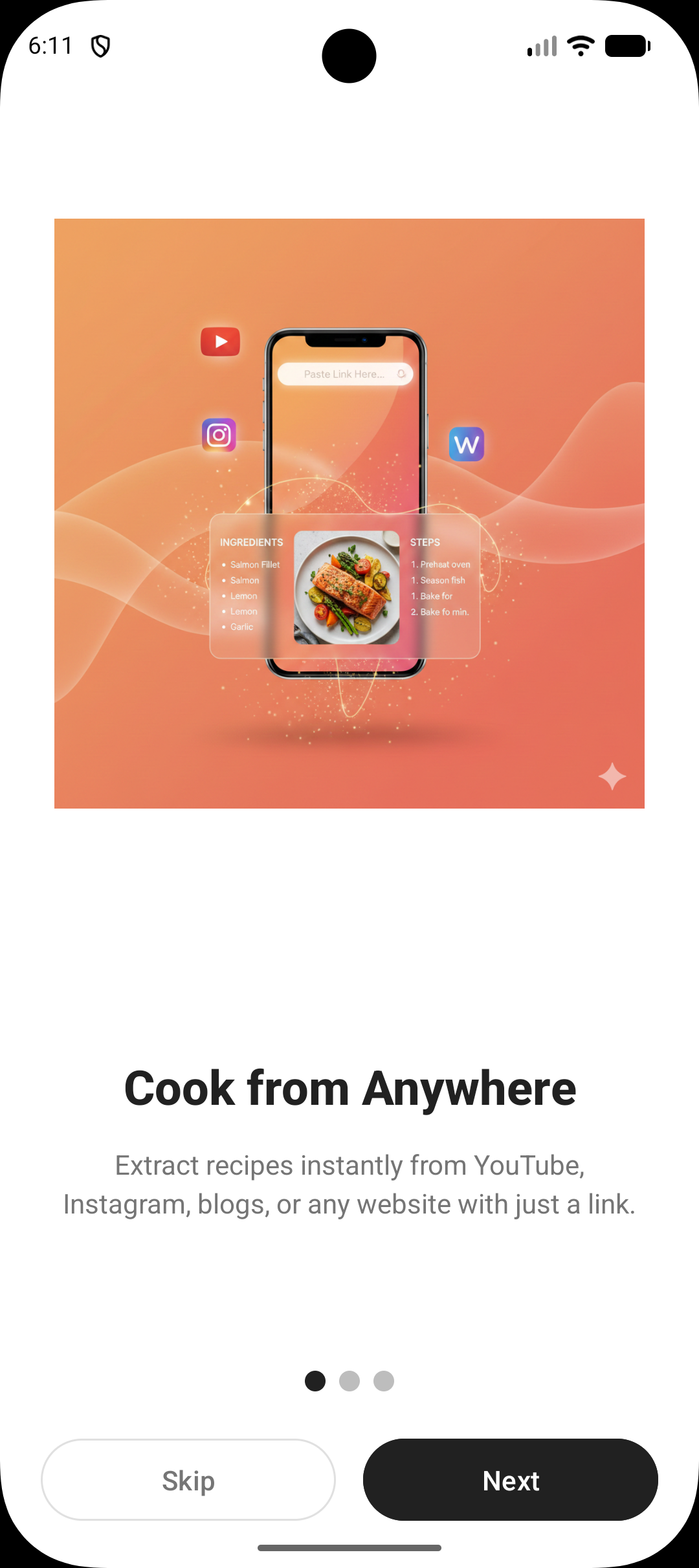
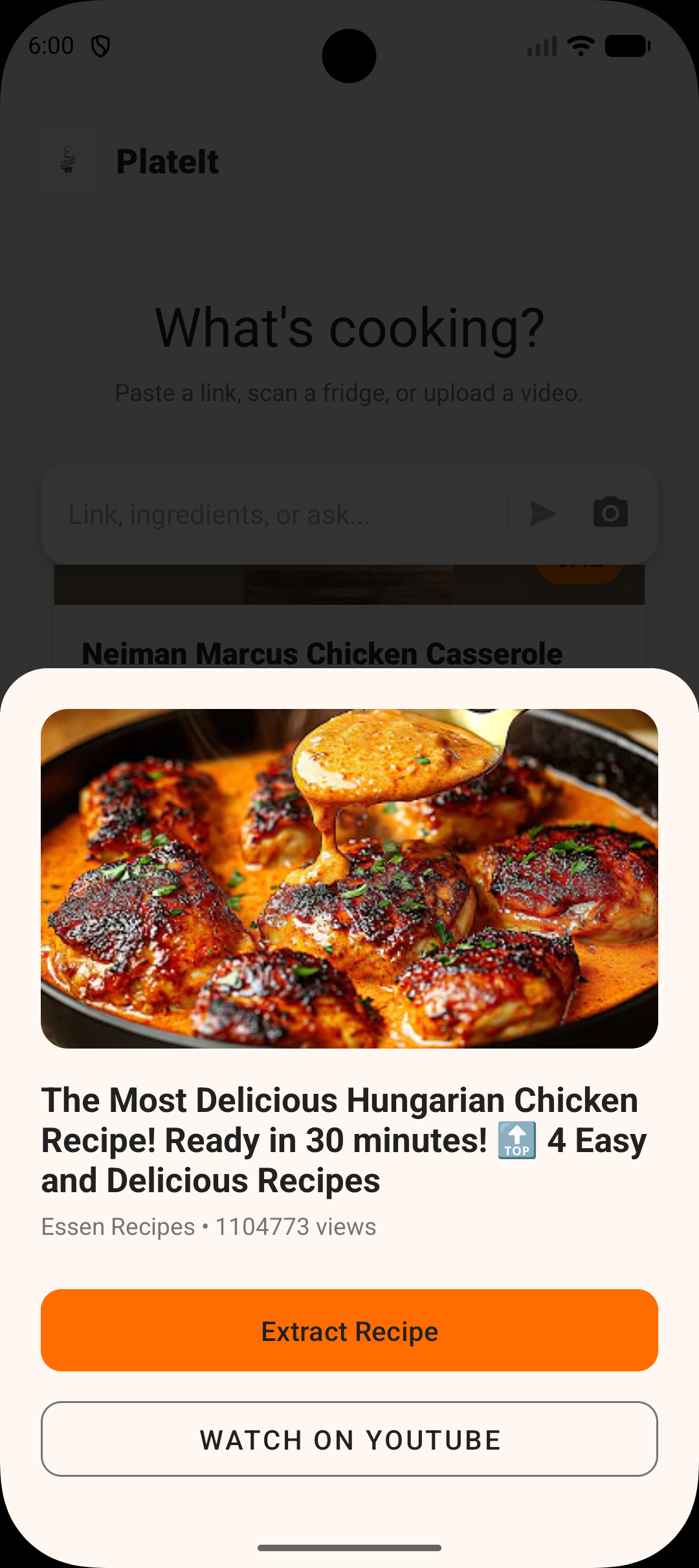
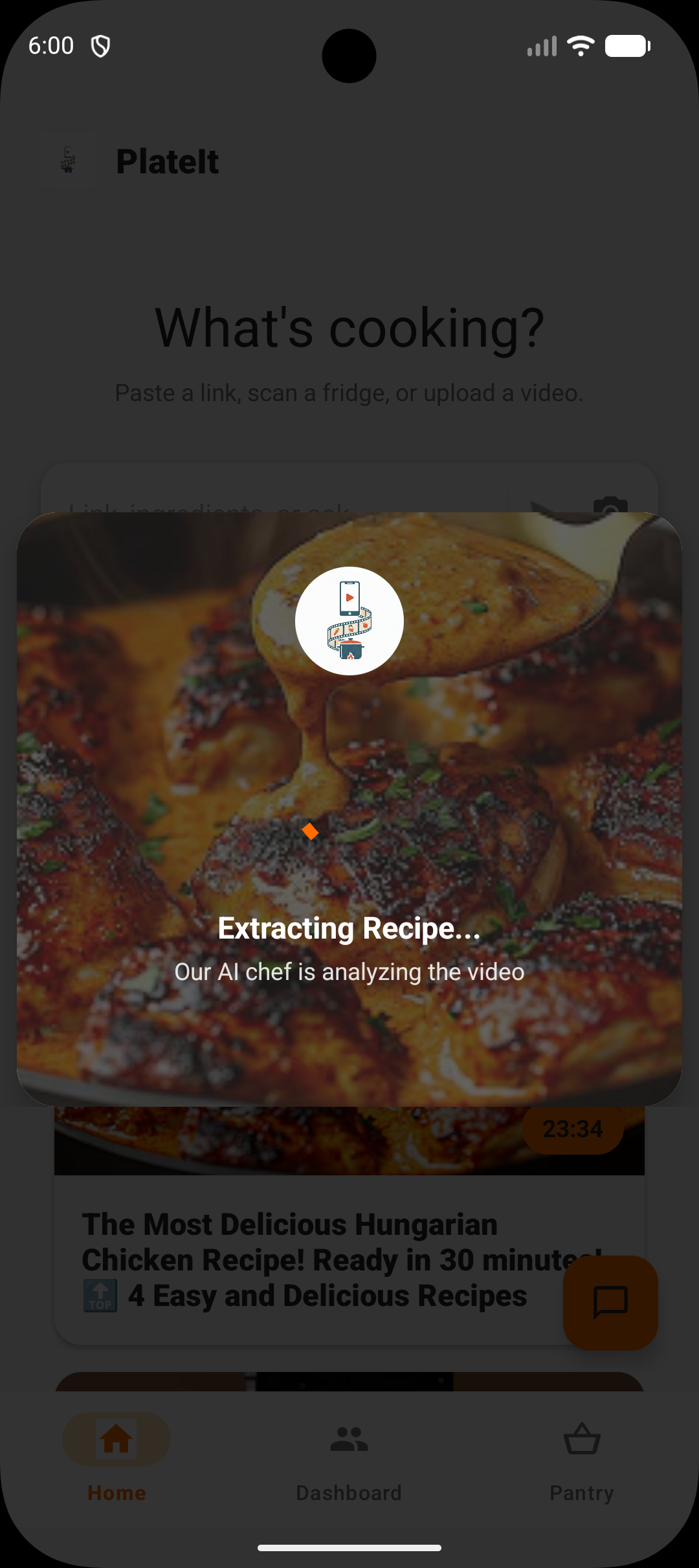
- 🎥 Automatic Recipe Extraction: Paste a recipe video link (From Youtube, Tiktok, Twitter, Instagram) or a recipe blog link and our AI agent finds the exact recipe (yes you heard me right!) from that source.
- 📚 Personal Cookbook: Save extracted recipes and make your very own digital cookbook for easy access anytime.
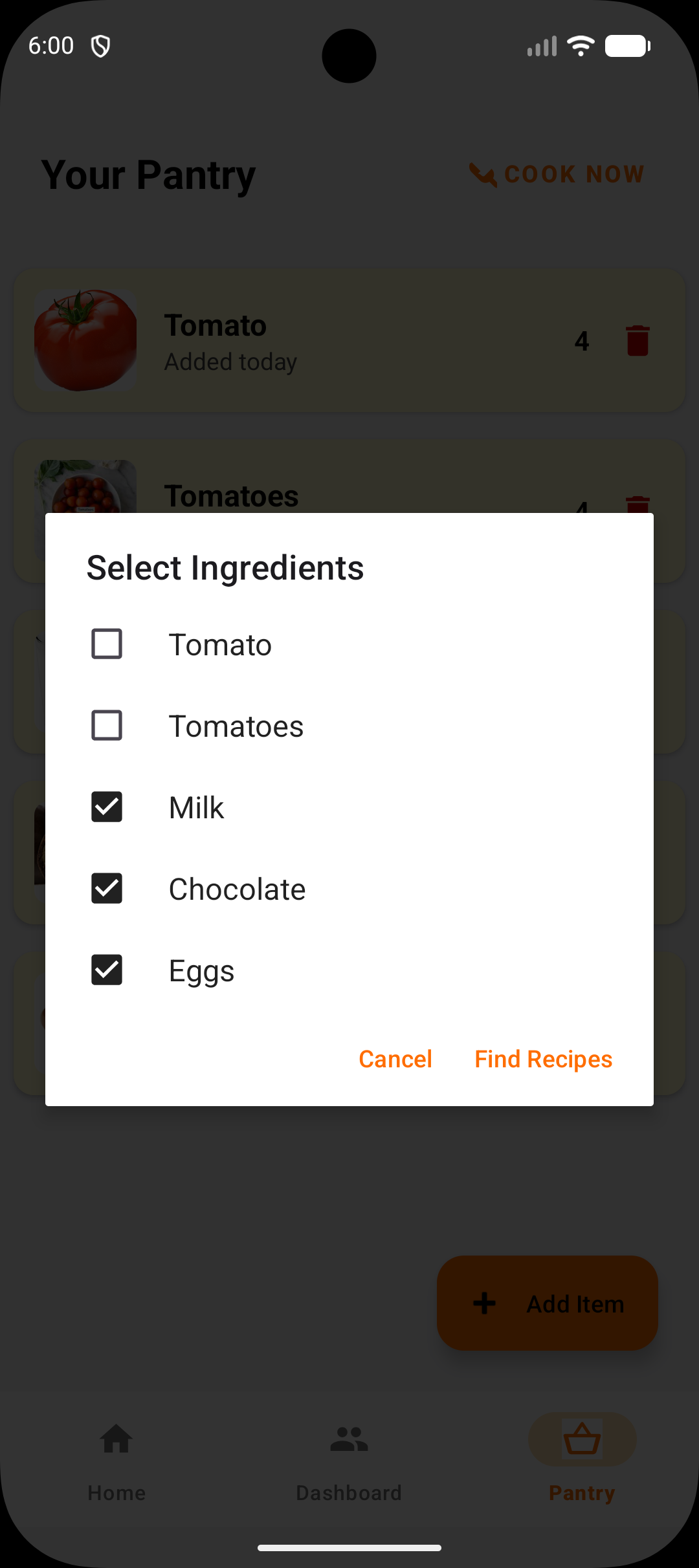
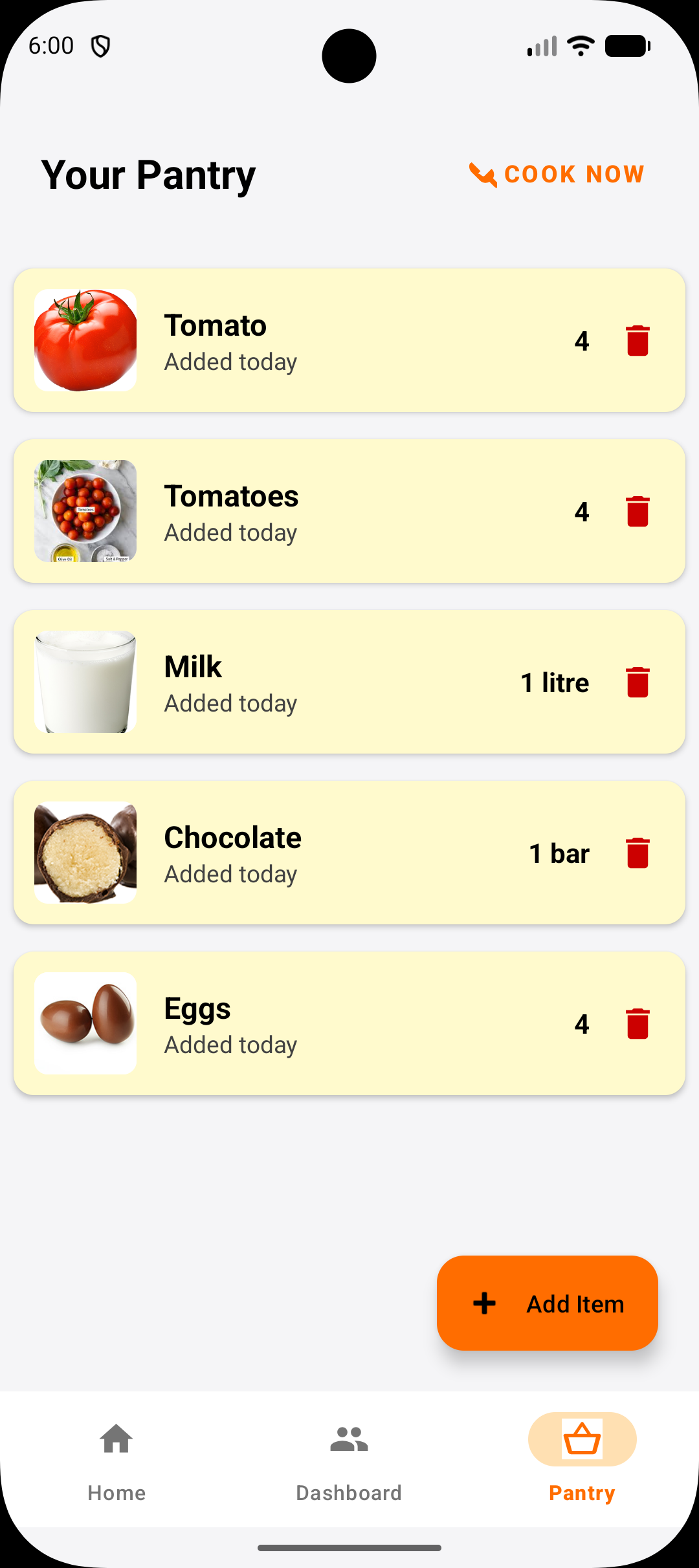
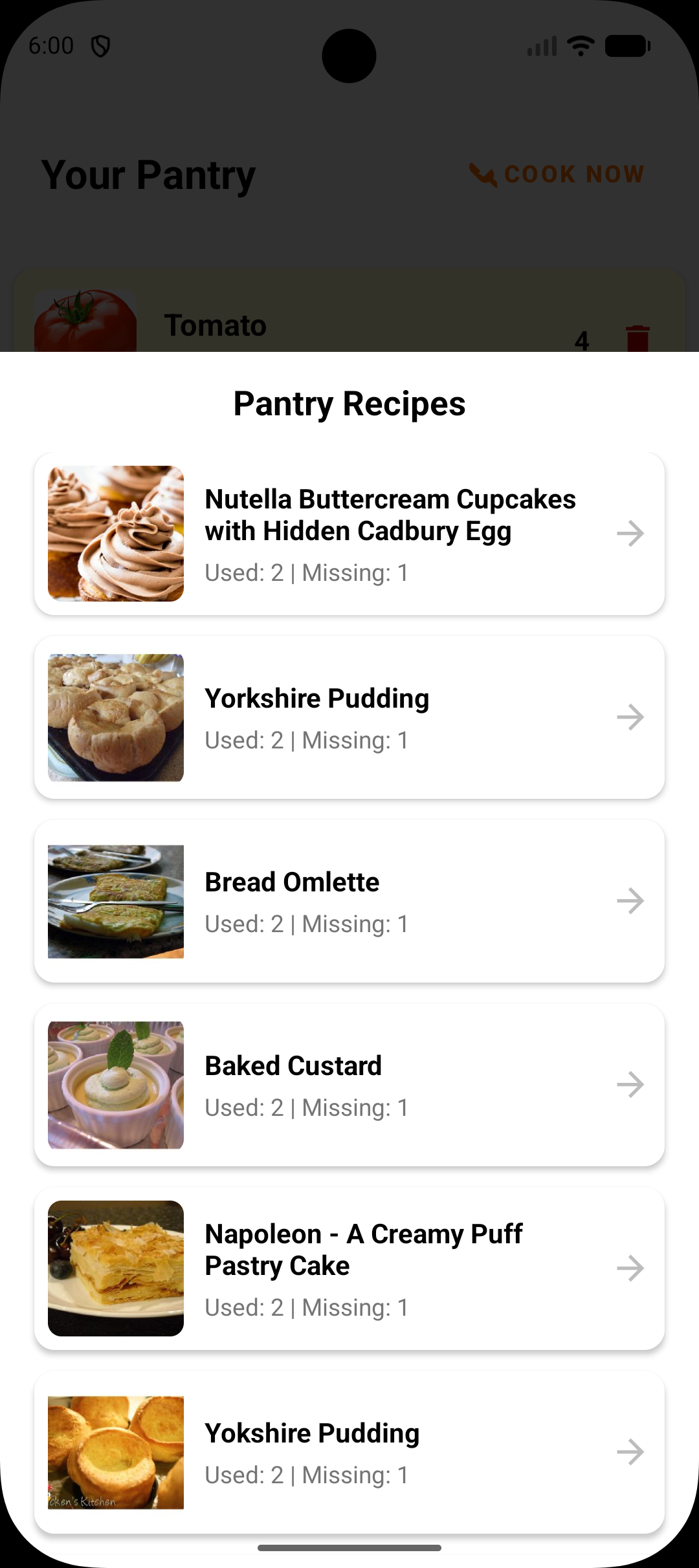
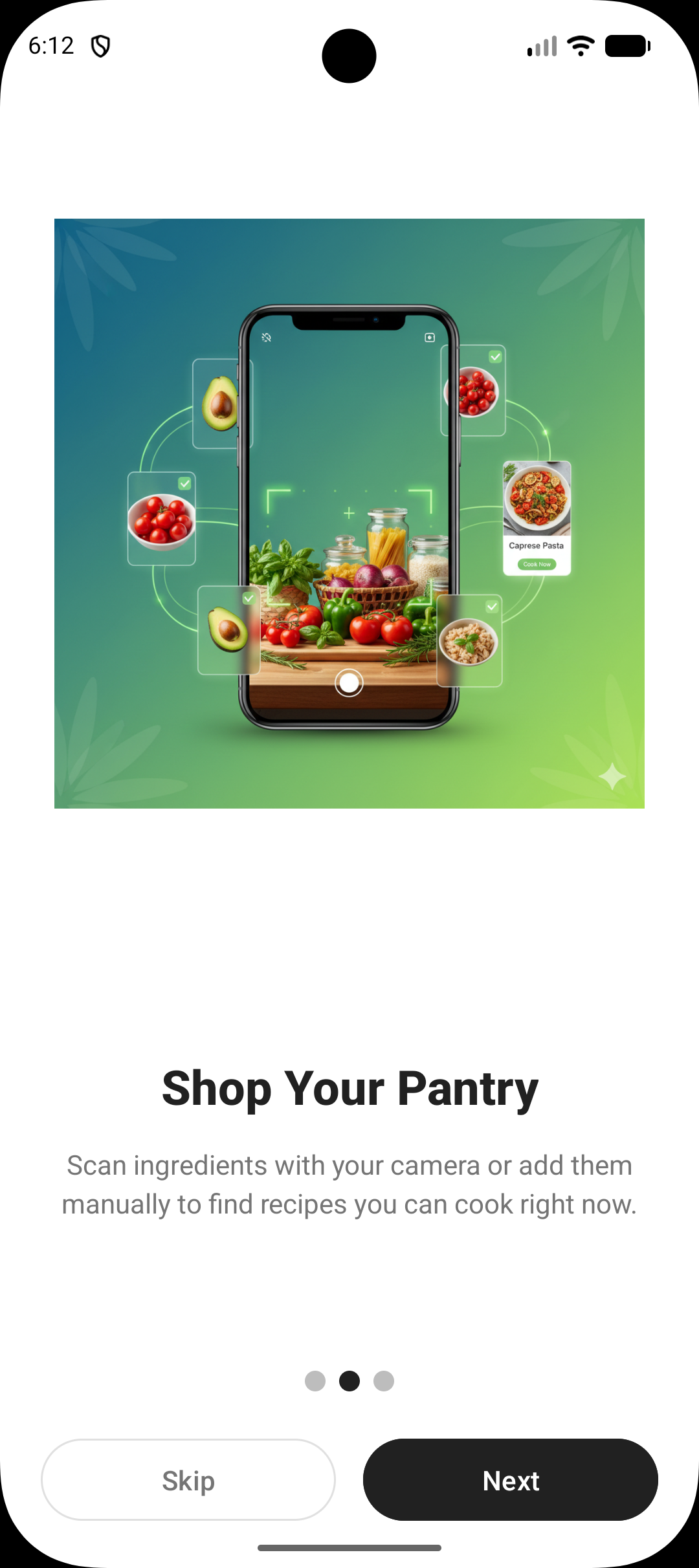
- � Pantry Management: Scan your fridge or ingredients with your camera. AI agent identifies what you have and builds your pantry inventory.
- 🔍 Missing Ingredients Check: When viewing a recipe, instantly see which ingredients you have and which you're missing.
- 🛒 Smart Shopping Lists: Generate a grocery list from missing ingredients, grouped by category, ready to take to the store.
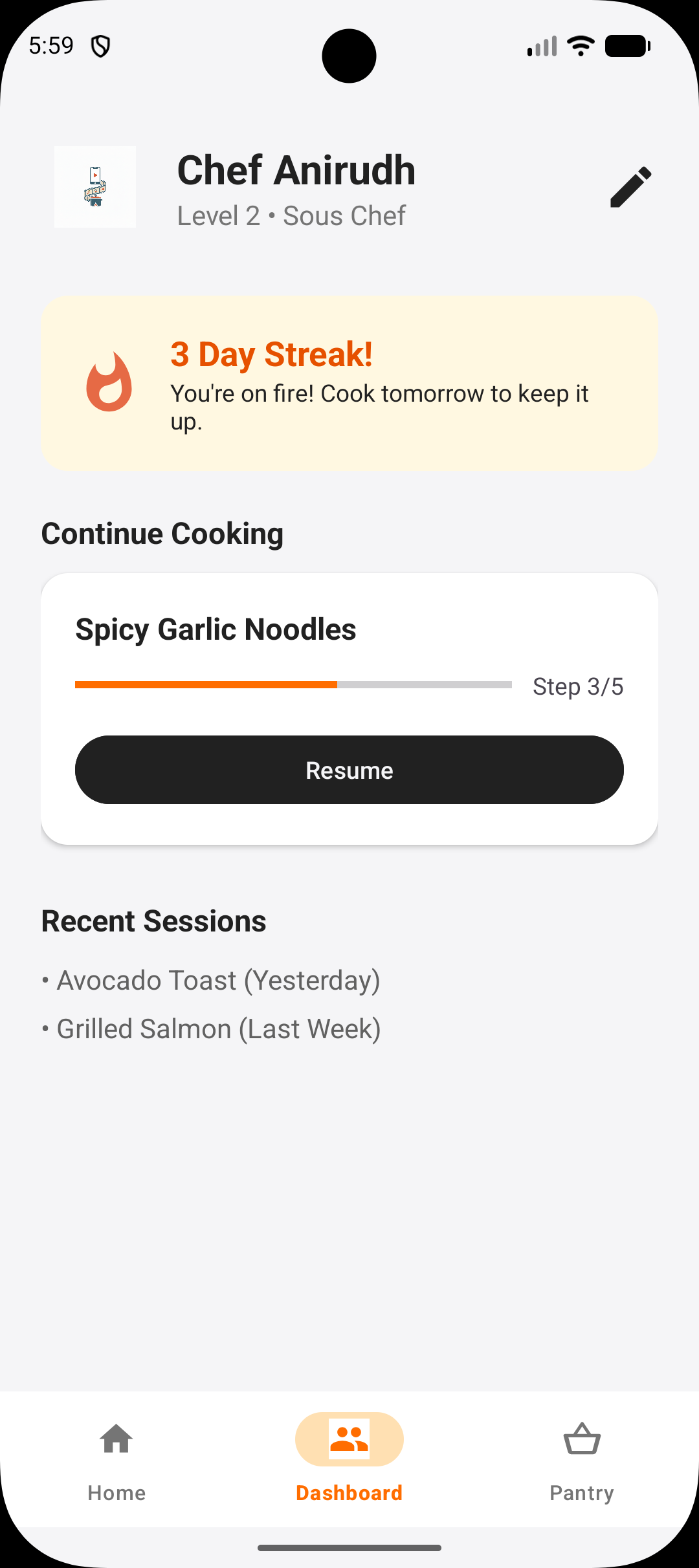
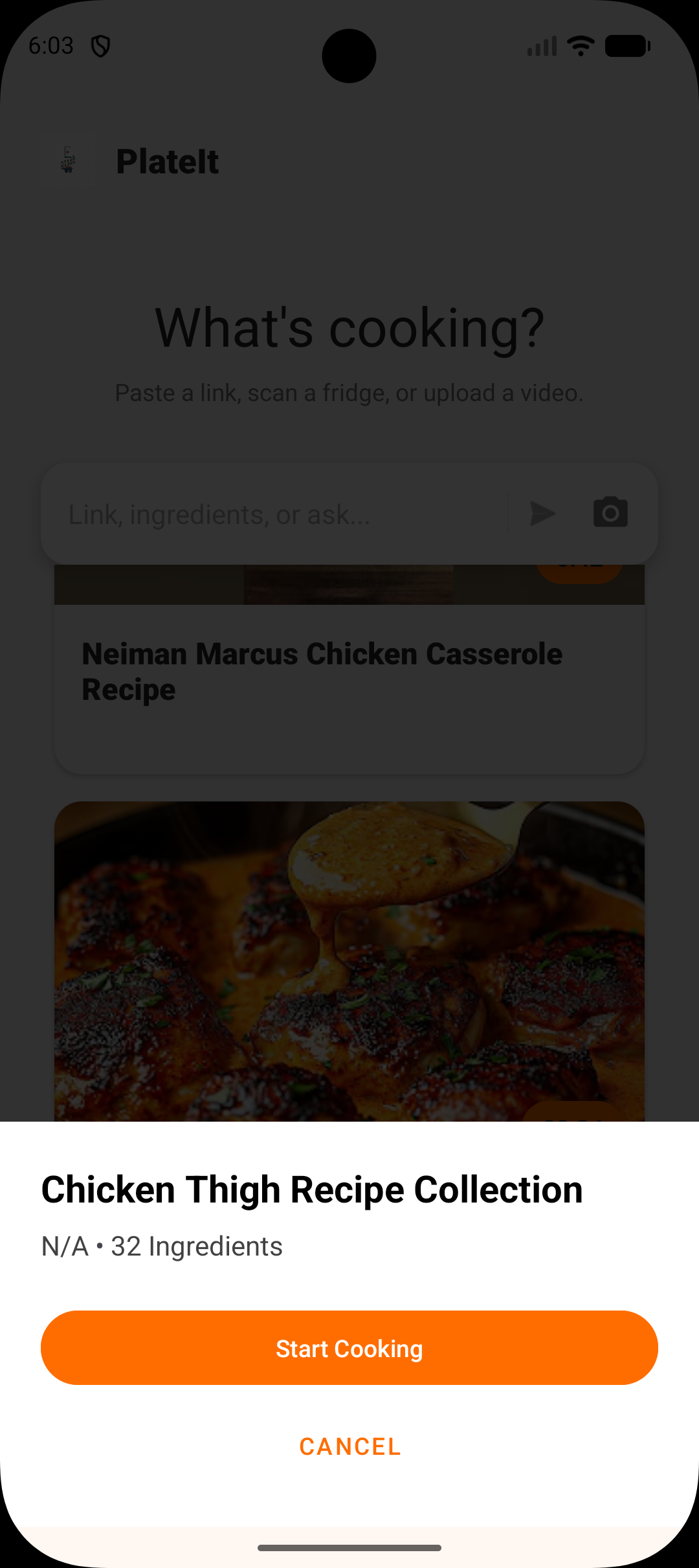
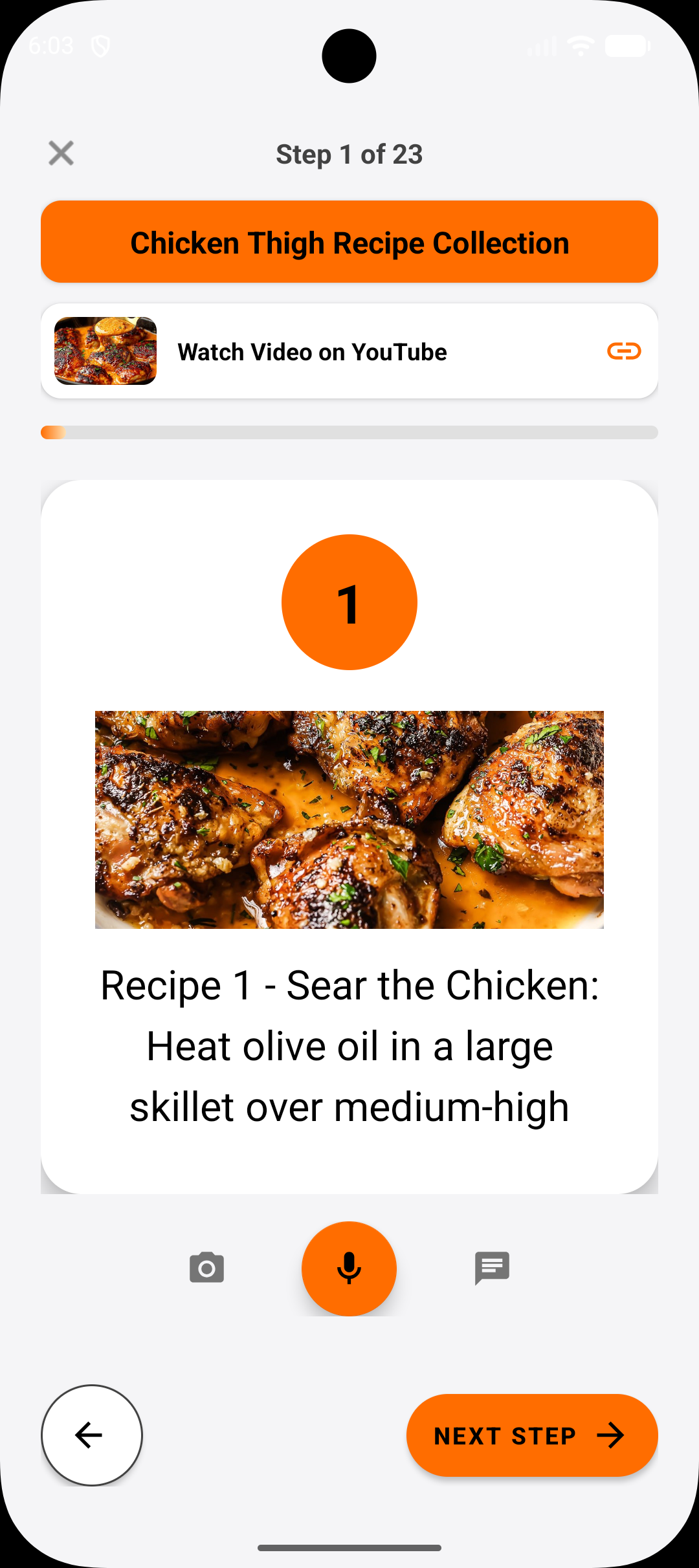
- 🍳 Guided Cooking Sessions: Start a cooking session and follow step-by-step instructions with large, readable text.
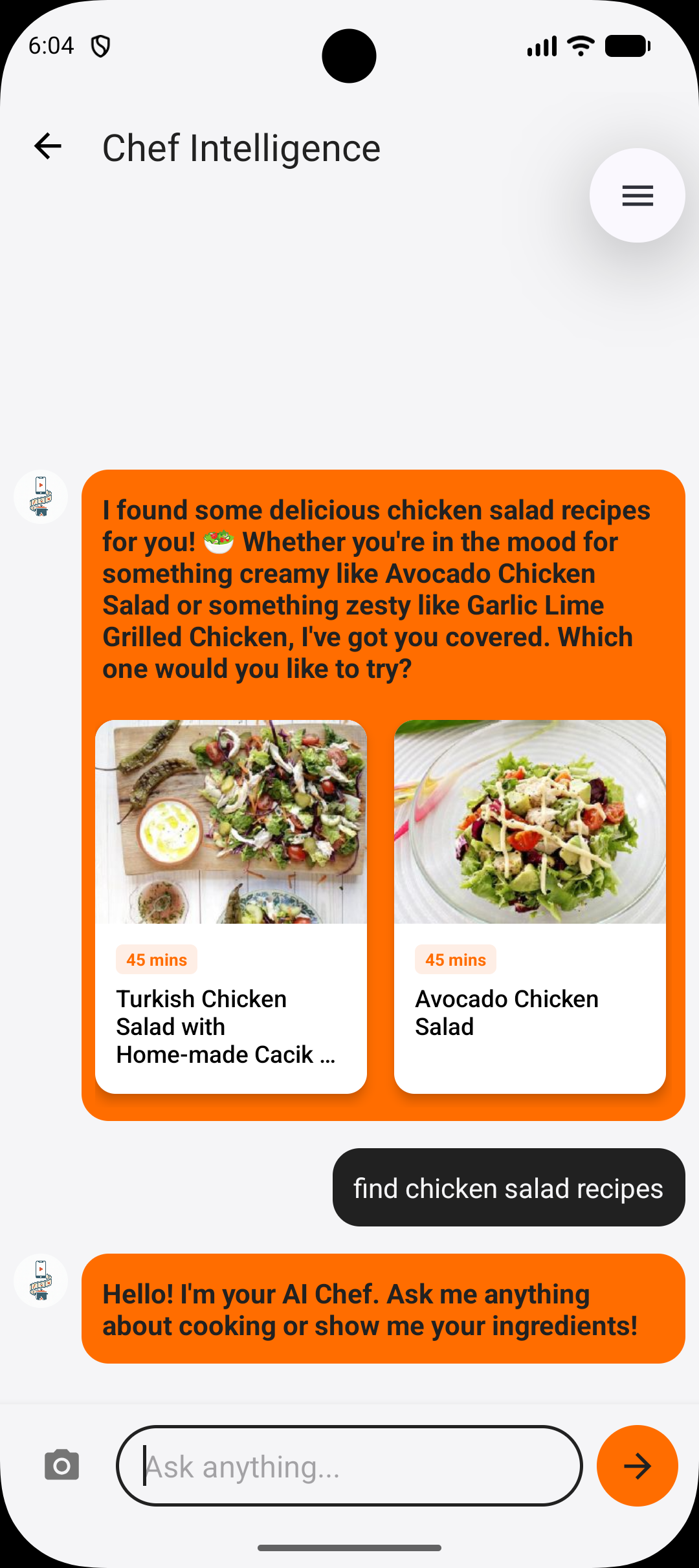
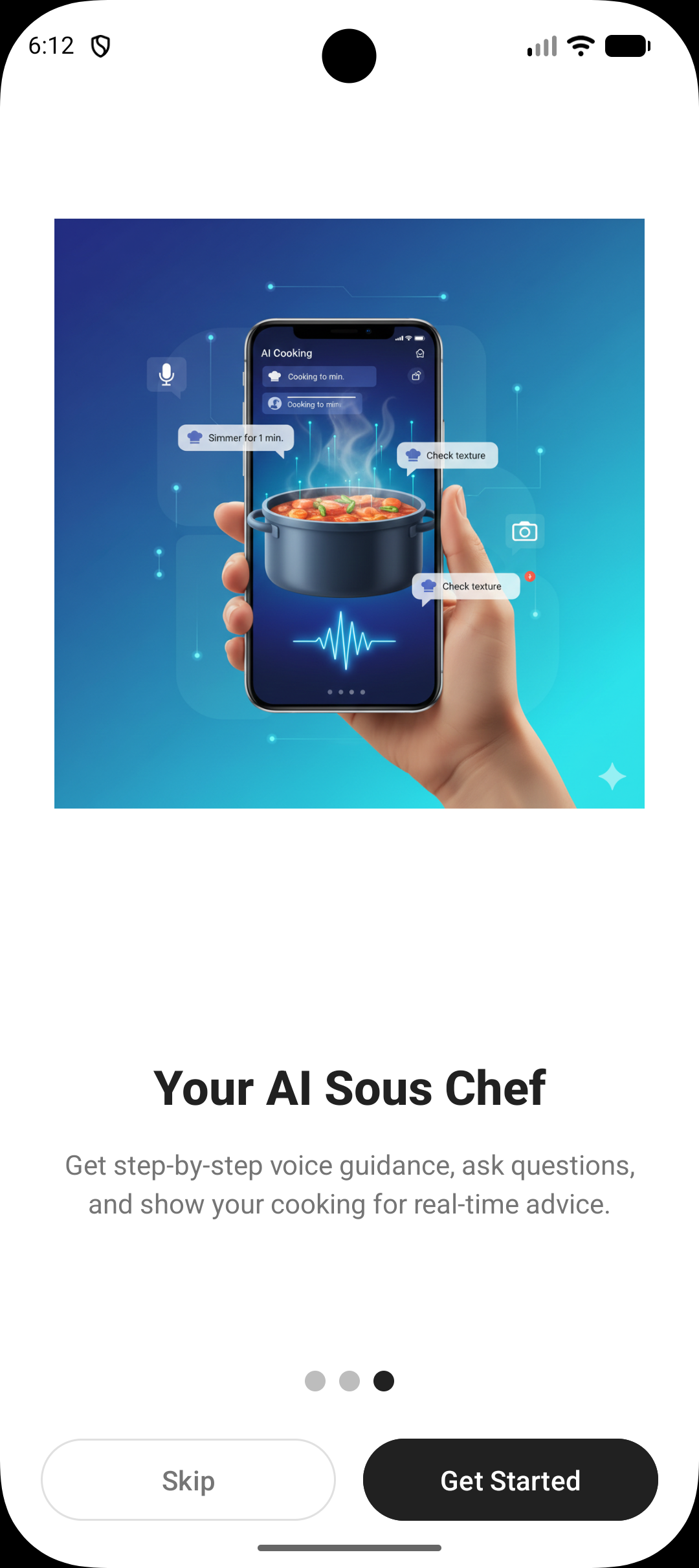
- 🤖 Live AI Chef Assistant: Ask questions during using voice, image, text prompt while cooking—get tips, substitutions, timing advice, or clarifications on any step in real-time.
How we built it
Tech Stack:
- Mobile: Android (Java) with Material Design, Retrofit2 for networking
- Backend: FastAPI (Python) with LangGraph for agentic workflow orchestration
- AI Models:
- Google Gemini 3 Flash for native video understanding and vision tasks
- GPT-4o as the orchestrator for complex reasoning and recipe generation
- GPT-4o-mini for fast formatting and text refinement
- Database: Supabase (PostgreSQL) for users, recipes, pantry, and cooking sessions
- External APIs: Spoonacular (recipe data), YouTube Data API v3, Pexels (images), DuckDuckGo (search)
- Deployment: Google Cloud Run (Dockerized) with automated CI/CD via GitHub Actions
The Thought Process:
We designed PlateIt around a multi-agent architecture where different AI models handle specialized tasks:
1. Recipe Extraction Agent (LangGraph State Machine)
The core innovation is our intelligent routing system that determines the best extraction method based on input type:
Video Sources (YouTube, TikTok, Instagram, Twitter): First, we check if the video description contains a complete recipe using GPT-4o. If yes, we skip the expensive video download. If not, we use yt-dlp to download the video, upload it to Gemini 3.0 Flash, and let it "watch" the video to extract the recipe with native multimodal understanding.
Recipe Websites: We use Spoonacular's extraction API to parse structured recipe data from blog posts and recipe sites, preserving ingredient images and metadata.
Image Inputs: When a user uploads an image, GPT-4o with vision analyzes whether it's raw ingredients or a finished dish. For ingredients, we search Spoonacular's database for matching recipes. For dishes, we generate an authentic recipe based on the visual description.
2. Recipe Formatting Pipeline
Once we have raw recipe text from any source, we pass it through a three-stage pipeline:
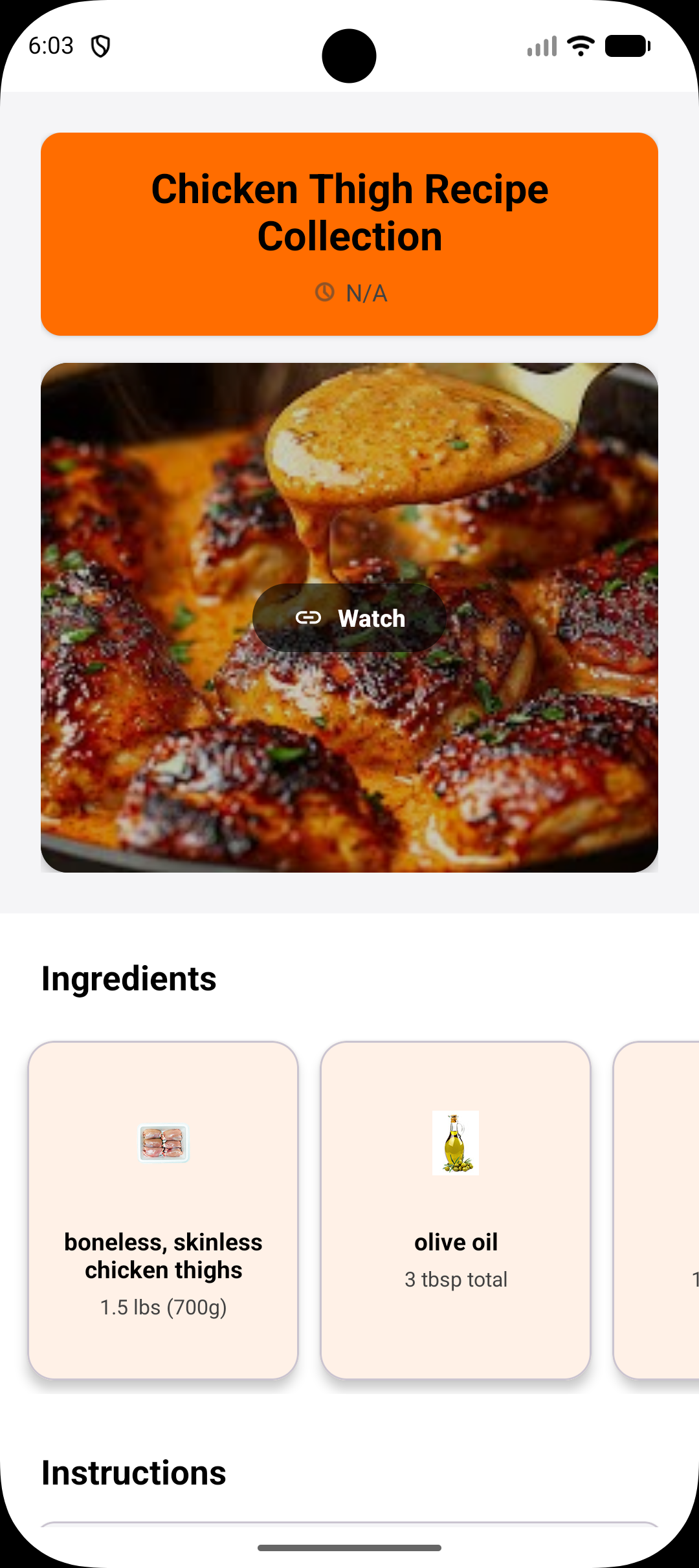
Orchestrator (GPT-4o): Generates the full recipe with ingredients, steps, and importantly, a "visual_query" for each step (e.g., "chopping onions", "simmering sauce") to enable image enrichment.
Worker (GPT-4o): Formats the raw text into strict JSON matching our Recipe schema with structured ingredients and steps.
Refiner (GPT-4o-mini): Polishes prose—capitalizes sentences, fixes punctuation, ensures professional tone—without changing measurements or structure.
3. Visual Enrichment
After formatting, we enrich the recipe with images:
- Ingredient Images: We use Spoonacular's ingredient image database (fast, free, consistent).
- Step Images: For each cooking step, we search Pexels first (free, high-quality), then fall back to DuckDuckGo image search if needed, using the visual_query generated earlier.
4. Chat Agent (Context-Aware Cooking Assistant)
During cooking sessions, we maintain conversation state using LangGraph. The agent knows:
- Which recipe the user is cooking
- Which step they're currently on
- Their pantry inventory
- Their cooking history
The agent has access to tools for:
- Recipe search
- Ingredient substitutions
- YouTube video tutorials
- General cooking knowledge (web search)
- Nutritional information
- User info (preferences, pantry, shopping list, name)
All chat responses are generated by GPT-4o with full context awareness, making it feel like a real sous chef standing next to you.
5. Pantry & Shopping List Logic
When a user scans their pantry with a photo, Gemini 3.0 Flash identifies ingredients. When viewing a recipe, we perform fuzzy matching between recipe ingredients and pantry items to show what's missing. Missing items are automatically compiled into a categorized shopping list stored in Supabase.
Behind the Scenes:
The entire backend runs as a stateless FastAPI server on Google Cloud Run. Each recipe extraction request triggers a LangGraph workflow that routes through the appropriate nodes based on input type. We use parallel enrichment (ingredients and steps are enriched simultaneously) to minimize latency. The Android app communicates via REST APIs, caching recipes locally for offline viewing.
Challenges we ran into
- Video Recipe Extraction: Extracting precise, structured recipe data from unstructured video content required careful prompt engineering with Gemini to ensure accuracy and completeness.
- Ingredient Normalization: Matching user pantry items (which can be vague or colloquial) to recipe ingredients required fuzzy matching and semantic understanding.
- Real-Time Context in Cooking: Maintaining conversation context during a cooking session so the AI assistant understands which step the user is on and can provide relevant help.
- Pantry Photo Accuracy: Ensuring Gemini's vision model correctly identifies ingredients in cluttered, real-world fridge photos with varying lighting and angles.
- API Coordination: Orchestrating multiple API calls (Gemini for video/vision, Supabase for storage, SerpApi for search) while keeping the app responsive.
- Time Constraints: Building a full-stack application in 5 days meant prioritizing the core watch-to-cook workflow over secondary features.
Accomplishments that we're proud of
- Seamless Video-to-Recipe Pipeline: Successfully built an end-to-end workflow that takes a recipe video and converts it into a structured, cookable recipe in seconds.
- Context-Aware Cooking Assistance: The Chef Agent understands which step the user is on and provides relevant, actionable help during cooking sessions.
- Complete User Journey: From watching a video to cooking with live AI help—the entire flow is functional and intuitive.
- Scalable Backend: Built a production-ready FastAPI server on Google Cloud Run that handles video processing, recipe storage, and real-time chat.
- Action Flow: Created a github action flow to automate the testng, containerization, deployment of backend side
- Added payment: Designed a revenue stream and integrated that with my app with the help of RevenueCat SDK
What we learned
- LangGraph for Stateful Conversations: Using LangGraph to manage cooking session state made it easy to keep the AI assistant context-aware throughout the cooking process.
What's next for PlateIt
- Social Sharing: Allow users to share recipes, cooking tips, and pantry discoveries with friends and the PlateIt community.
- Offline Mode: Cache recipes and enable basic cooking guidance without internet connectivity.
- Nutritional Insights: Integrate nutritional data to help users make healthier choices and track macros.
- Community Recipes: Enable users to upload and share their own extracted recipes with the PlateIt community.

Log in or sign up for Devpost to join the conversation.