Inspiration
Every calorie app has "chicken soup" or "borscht". But whose? Which chicken, how much oil, how long was it boiled? "Plus or minus a tram stop" is not good enough for me. I wanted a calculator where I build my own dish from what I really put in the pot, give it a name — and next time simply add it.
It is two in one: the calculator says I need 1,500 kcal today; tomorrow I see that the fried onion in my borscht adds a lot — so I cook it without frying. For people who lose weight, gain weight, or just keep an eye on it.
The logo is the dietitians' plate rule: one part grains, one part vegetables, one part protein.
What it does
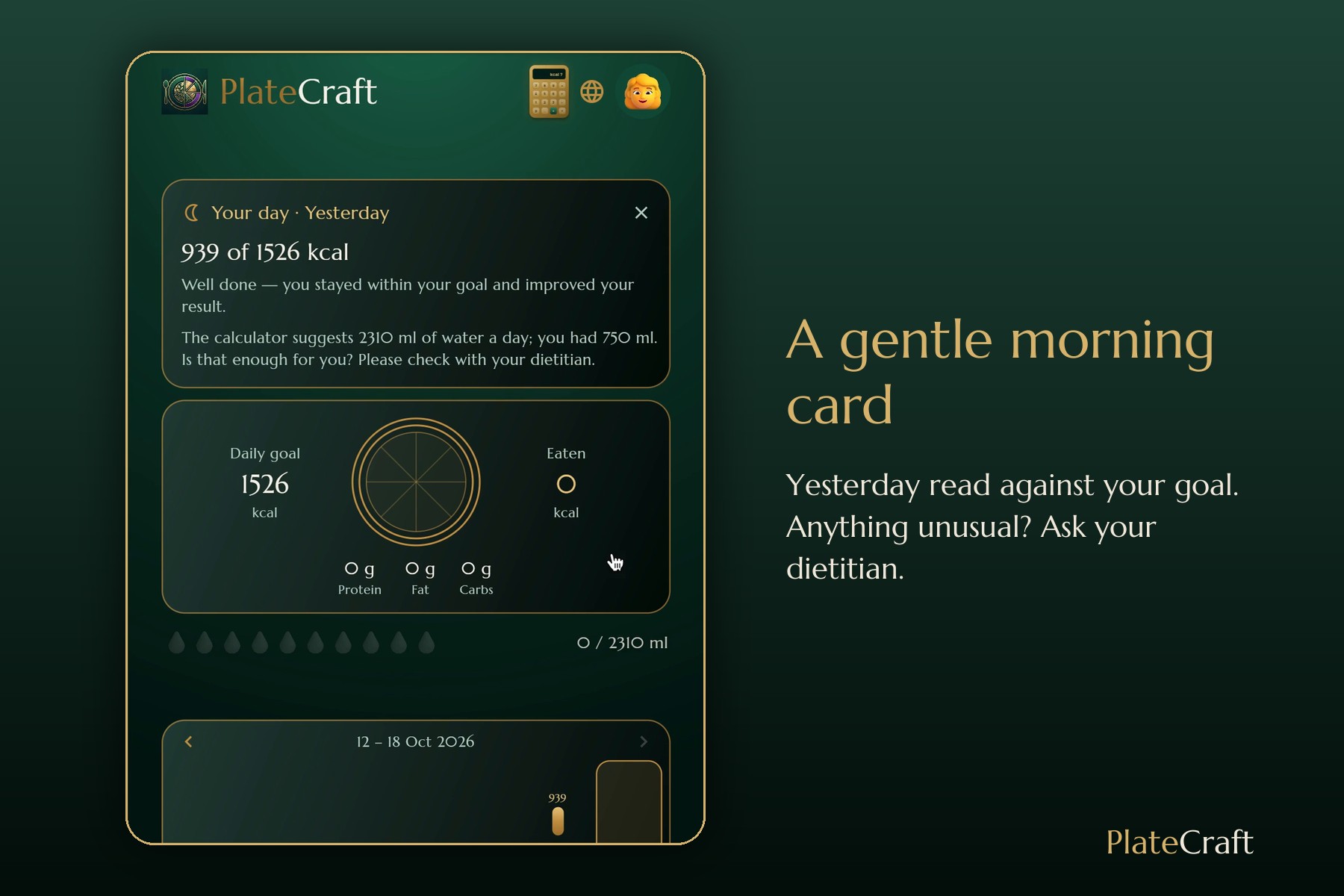
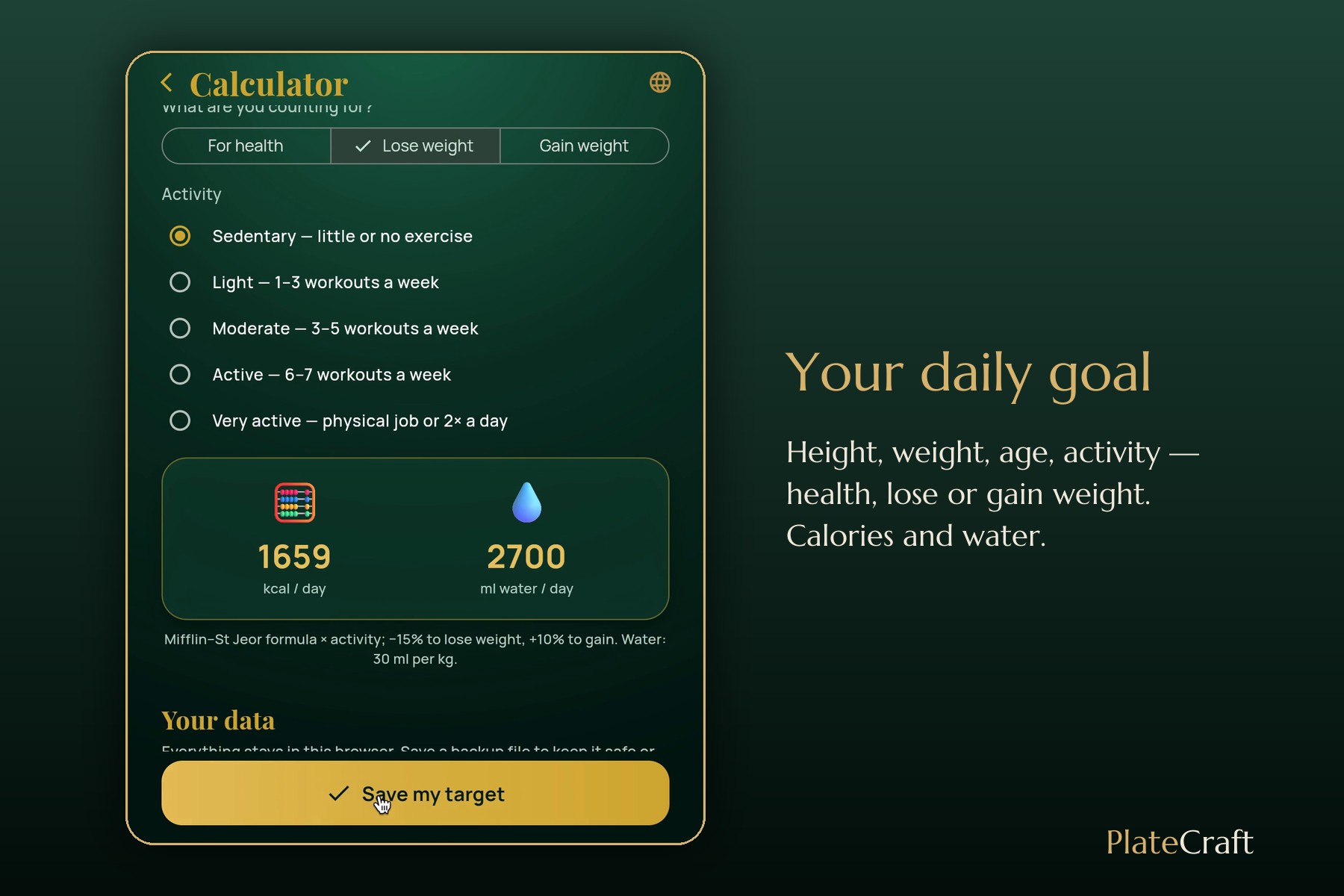
- Daily goal — a golden calculator: height, weight, age, activity and your goal (health, lose or gain weight) → calories and water for the day.
- A gentle morning card about yesterday: well done, or too little / too much — and for anything unusual, "please check with your dietitian".
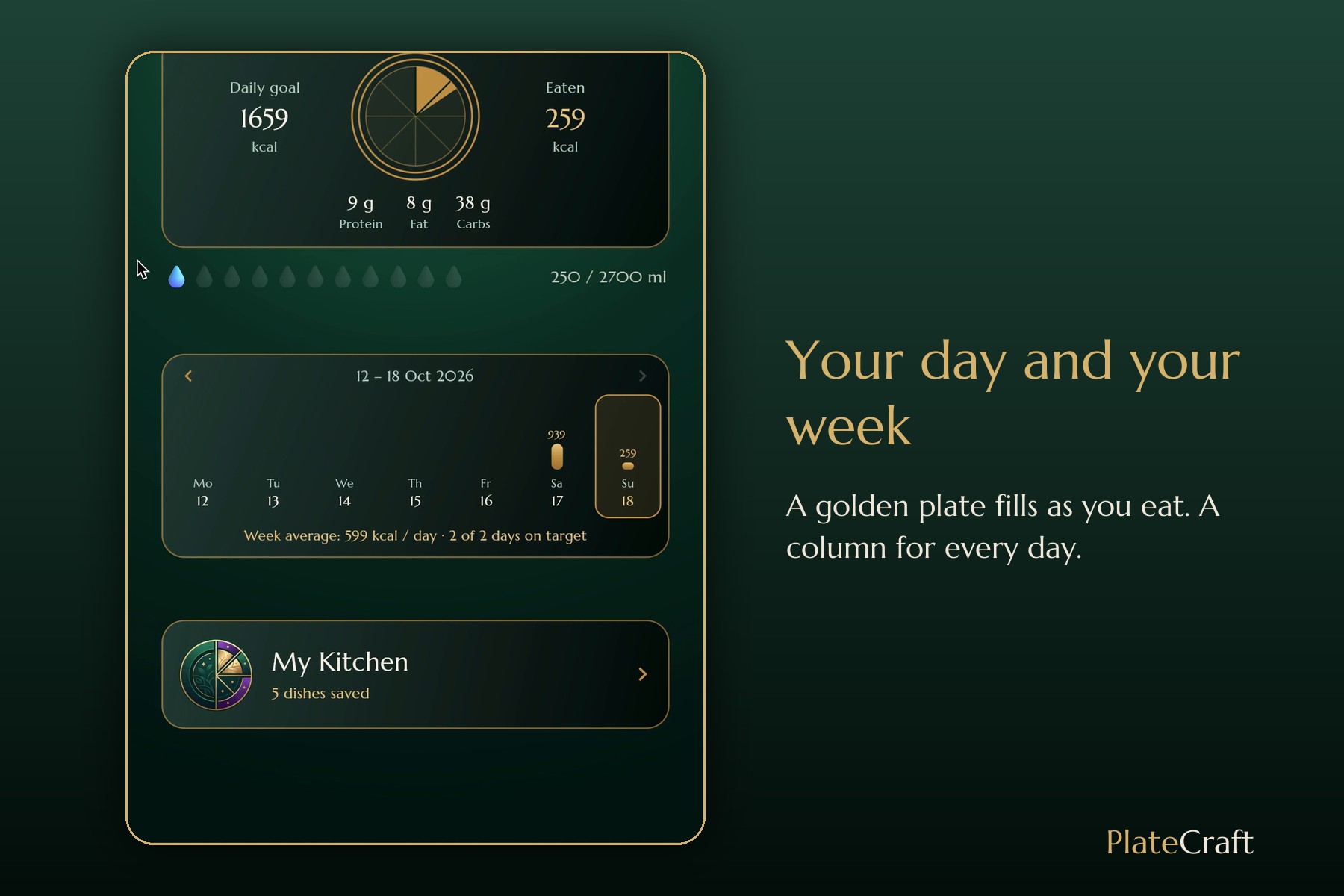
- My Kitchen — breakfast, lunch, dinner, snack, and water on its own line, because it matters.
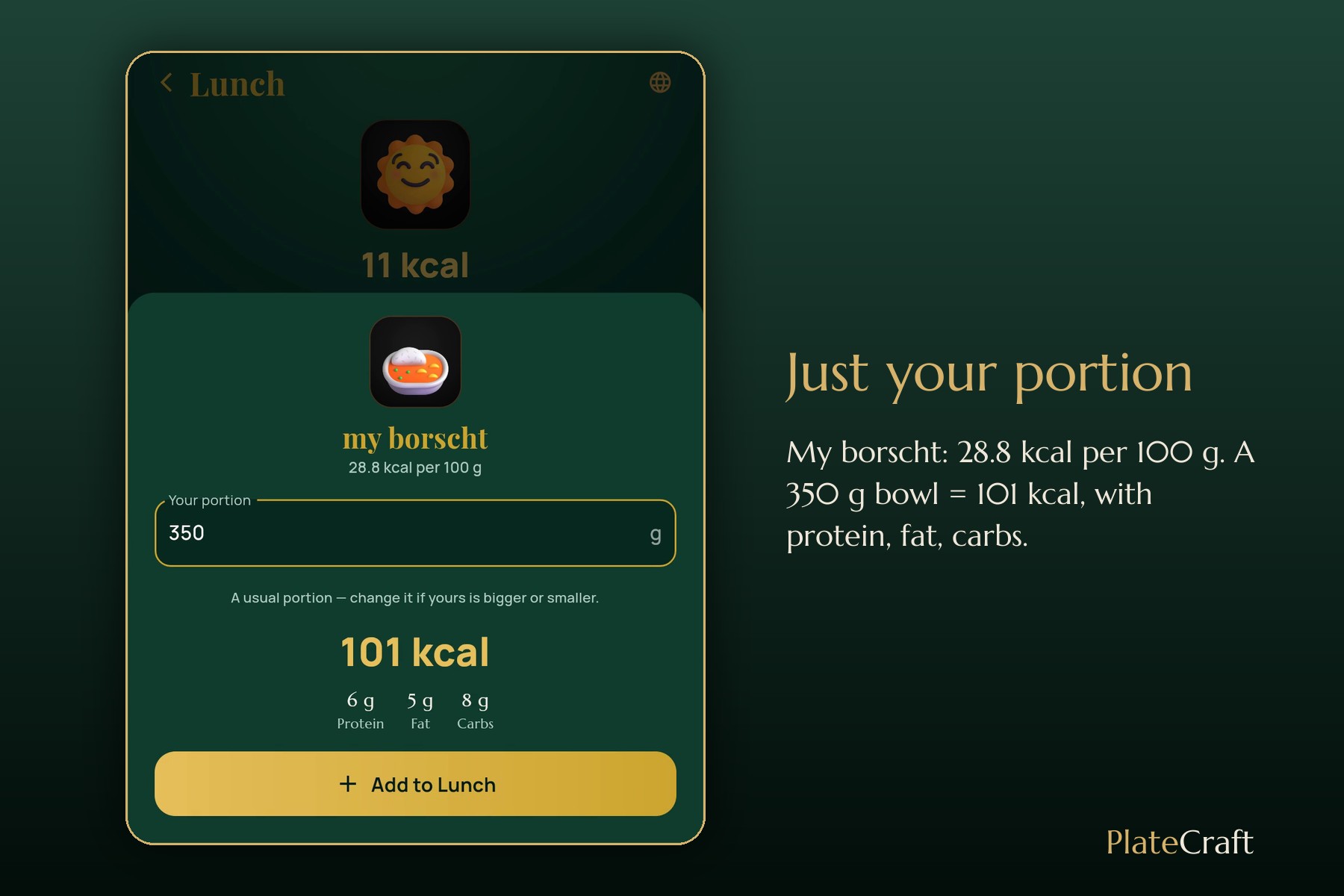
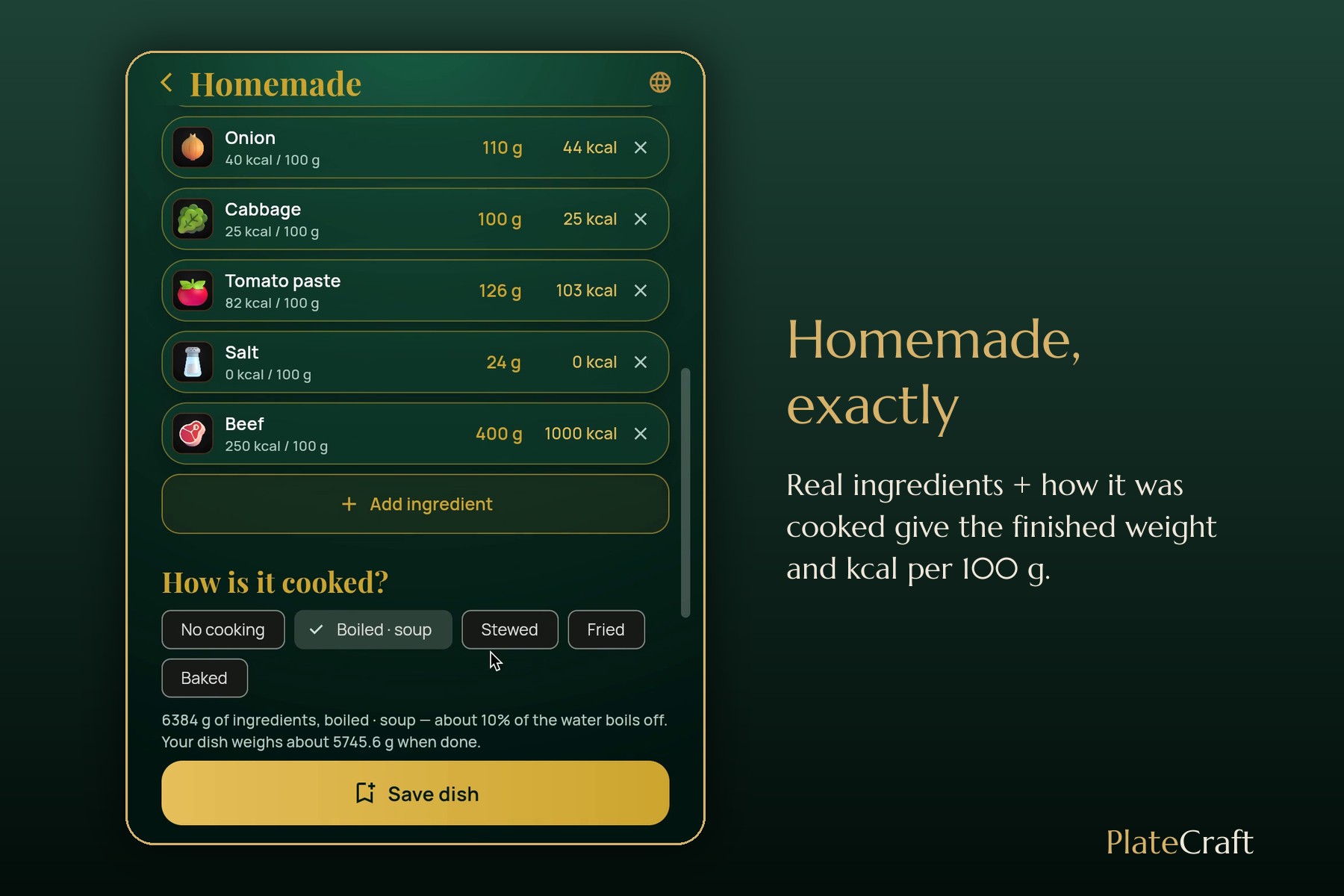
- Homemade — add the real ingredients → the app estimates the finished weight after cooking (or you enter yours) → calories, protein, fat and carbs per 100 g of your dish → enter your portion.
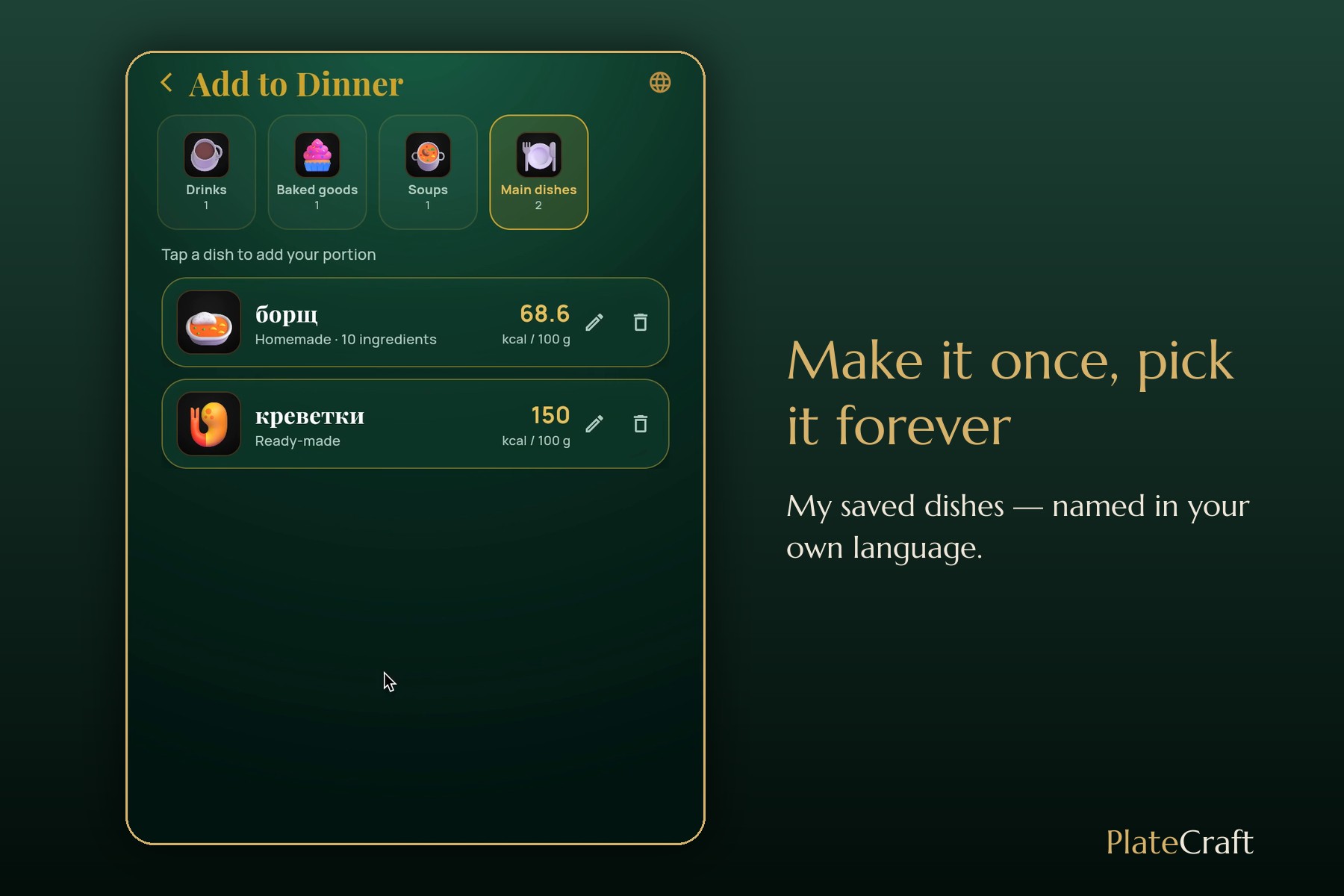
- My saved dishes — make it once, pick it next time. Name your dishes in your own language.
- Home — a golden plate fills as you eat; a week of columns shows over, under or just right.
- A language globe — English, Ukrainian, German, French, translated on the fly; more can be added.
- Backup — save your data to a file, restore it on a new phone.
How we built it
Two of us: me — the idea, every decision about how it should feel, and testing by cooking real food — and Claude Code as my AI partner for the code, the tests and the translations. Plan first: scope → PRD → spec (in devpost/), then the screens, one by one.
- Flutter web, data stays in the browser: no accounts, no server, no AI keys.
- Our rule: AI helps name things, code does the math. Calories come from real ingredients (over 100 products, typical USDA values) and real formulas (Mifflin–St Jeor, cooking yields), never from a guess.
- Food pictures: Microsoft Fluent Emoji; the beetroot was drawn by a script in the same style.
- The demo video: I recorded the real app with my real data; the AI looked at every recording frame by frame, cut and sped it up with ffmpeg, and composed the background music in code. I put it together in Canva.
Every change and the reason for it is in the build log (devpost/build-log.md) and the commit history.
Challenges we ran into
- Nobody weighs a pot of soup. So the app estimates the finished weight from the cooking method (soup −10%, stew −15%, frying −25%, oven −15%). Weighed it? Your number wins.
- A coffee typed as 250 kcal became 625 kcal — it was read "per 100 g". Now ready-made food is per 100 g or per serving.
- Numbers that disagreed: the home banner said 60 kcal eaten while the week said nothing was logged. Fixed, and a test guards it.
- A translation that waited for itself forever — a tiny bug in the translator; we found it, fixed it, and wrote a test.
- I don't write English. I speak in my own language, in my own words; the AI translates close to them.
What we learned
My goal was to see a task as a whole — all the parts at once, not in blurry pieces. Plan before code. One screen, one job. Small details build trust: a strawberry must look like a strawberry. And a demo is a story where the numbers only go up.
What's next
- AI that finds products in a global food library ("Golden Delicious apple", the label on a cupcake) — through our own server, never with a key inside the app.
- Your own photo of a dish instead of an icon.
- Backup to the cloud, by itself.
- A real evening reminder on the phone.
- Months and years of history, and more languages.
Built With
- canva
- claude-code
- dart
- ffmpeg
- fluent-emoji
- flutter
- flutter-web
- gemini
- google-translate
- python
- shared-preferences

Log in or sign up for Devpost to join the conversation.