-
-
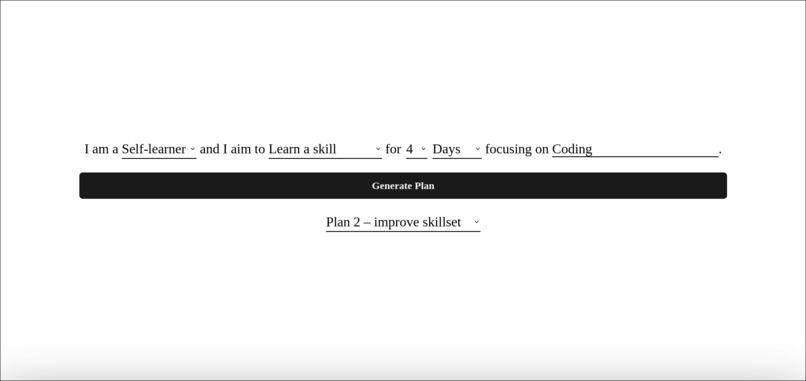
Input your plan
-
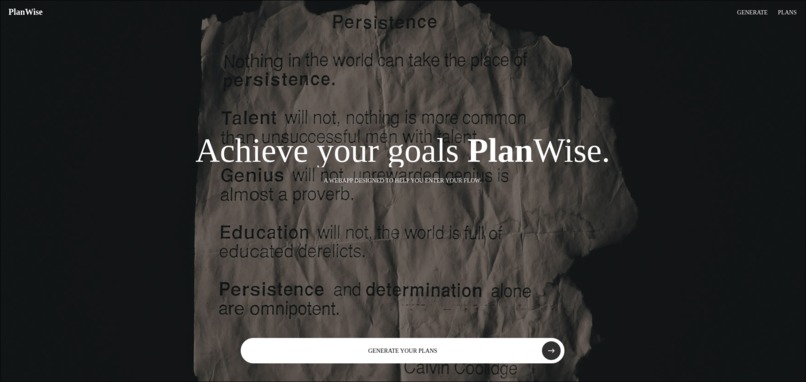
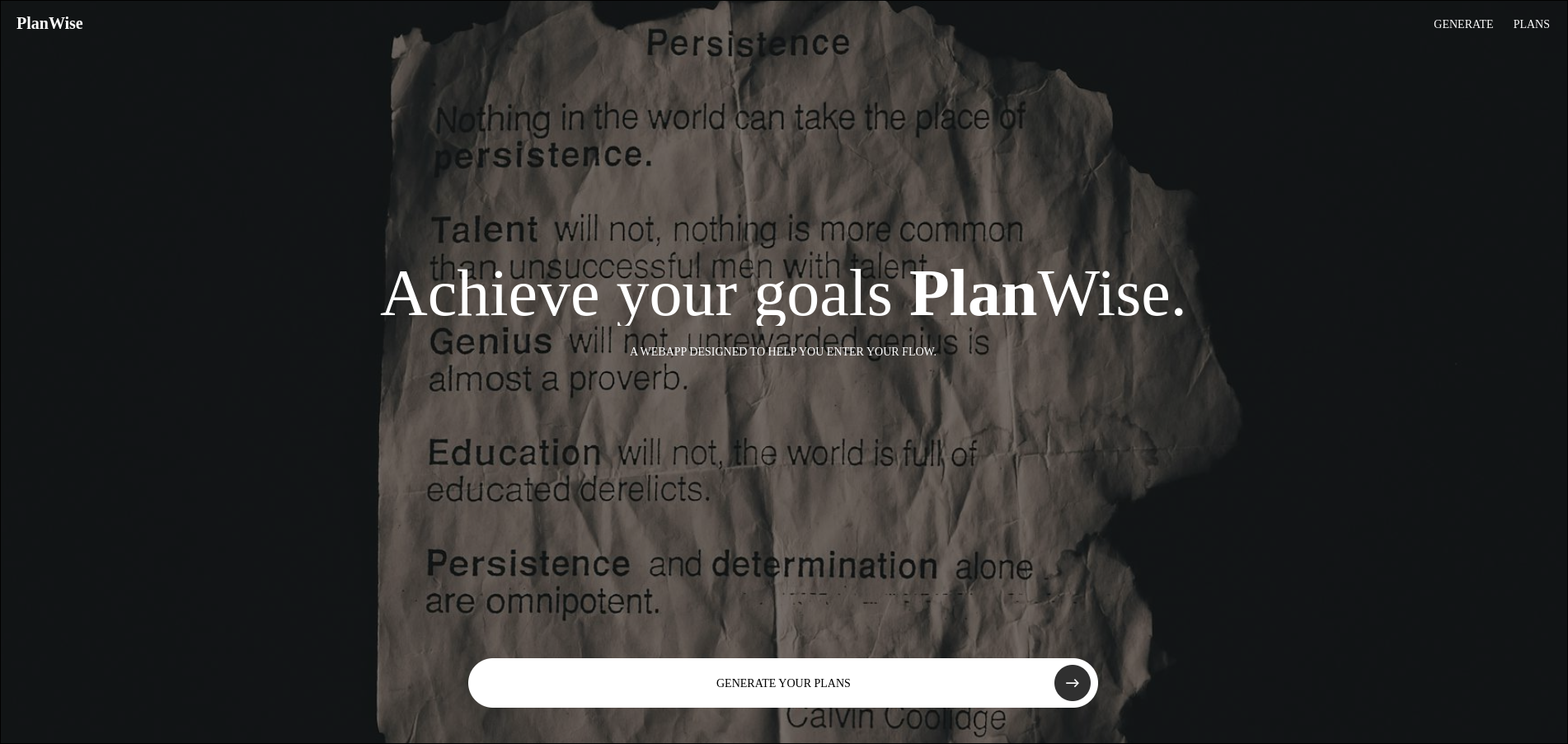
Landing Page
-

Personalized AI powered plans
-

GSAP Powered Scrolling


Inspiration
I’ve always struggled with planning tools that are either too complicated or too empty to be useful. Most apps either overwhelm you with features or expect you to magically know what to do next. I wanted something simpler, a way to take a goal in my head and turn it into clear, manageable steps without overthinking it. PlanWise came from that need to make planning feel calm, structured, and motivating instead of stressful.
What it does
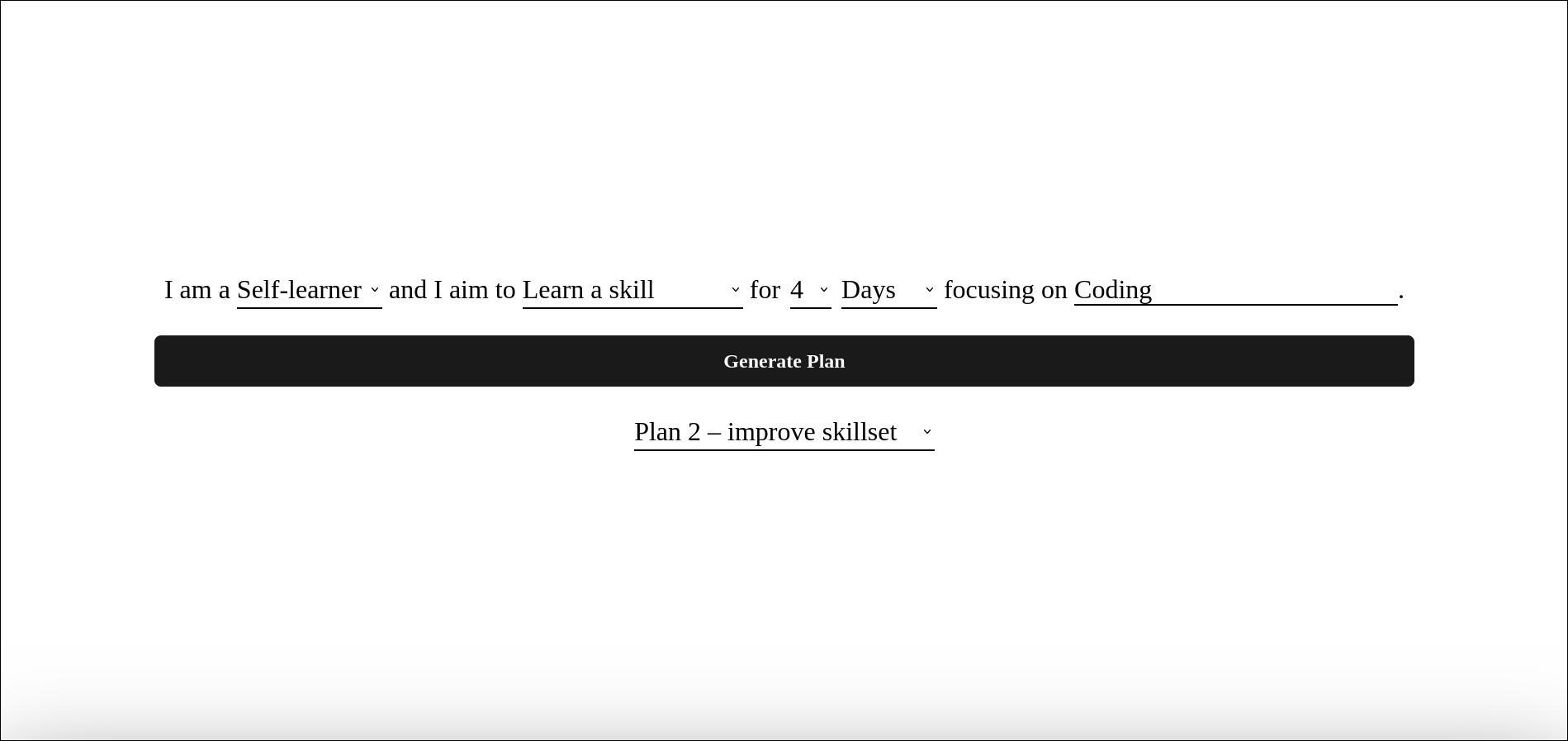
PlanWise helps you turn a goal into a structured plan based on how much time you actually have. You choose what you want to work on and for how long, and it generates a sequence of day, week, or month cards with guidance for each phase. Each card shows what to focus on and includes a simple progress indicator, so you always know where you are without feeling pressured.
How we built it
The project is built as a web app using React. Animations and scroll interactions are handled with GSAP and ScrollTrigger, with Lenis for smooth scrolling. Plans are generated using AI via OpenRouter, and everything is stored locally so progress isn’t lost. I used high-quality images from Pexels and applied subtle theming to make each plan feel visually distinct without distracting from the content.
Challenges we ran into
A big challenge was getting the animations to feel smooth and intentional without hurting performance. Scroll-based card interactions took a lot of trial and error, especially when working with larger images. Another challenge was making sure the AI-generated content stayed practical and readable instead of sounding generic or repetitive.
Accomplishments that we're proud of
I’m really happy with how cohesive the experience feels, from generating a plan to scrolling through it. The animations add depth without getting in the way, and the app feels focused instead of cluttered. Finishing a complete, polished product within the hackathon time was also a big win.
What we learned
This project reinforced how important constraints are. Limiting options actually made the product more useful. I also learned a lot about performance optimization, scroll-based animation, and how to integrate AI in a way that supports the user instead of replacing thinking entirely.
What's next for PlanWise
Next steps include letting users edit plans, improving long-term progress tracking, and adding accounts so plans can sync across devices. I’d also like to refine the AI output further so plans adapt as users complete steps instead of staying static.
Built With
- css
- gsap
- html
- javascript
- jsx
- openrouter
- react


Log in or sign up for Devpost to join the conversation.