Inspiration
Owning plants has become popular for both aesthetic and environmental reasons, but most people who buy a plant have no idea how to keep it alive. They water it wrong, put it in the wrong light, and only notice a disease long after it could have been treated. When they search for help, they get generic online advice that isn't tailored to their specific plant.
What made it worse was how scattered the tools are. One app identifies plants, another sets watering reminders, a third sells plants, and none of them talk to each other. We wanted to see what would happen if identification, diagnosis, care management, and buying all lived in one place — so a plant you just identified could be added to your collection, diagnosed when it looks sick, and repurchased or gifted without ever leaving the app.
What it does
Plantify is a cross-platform mobile app that helps users identify, diagnose, manage, and buy plants from a single platform.
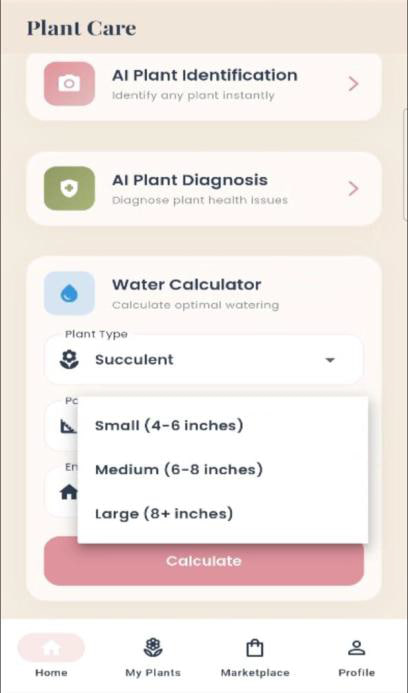
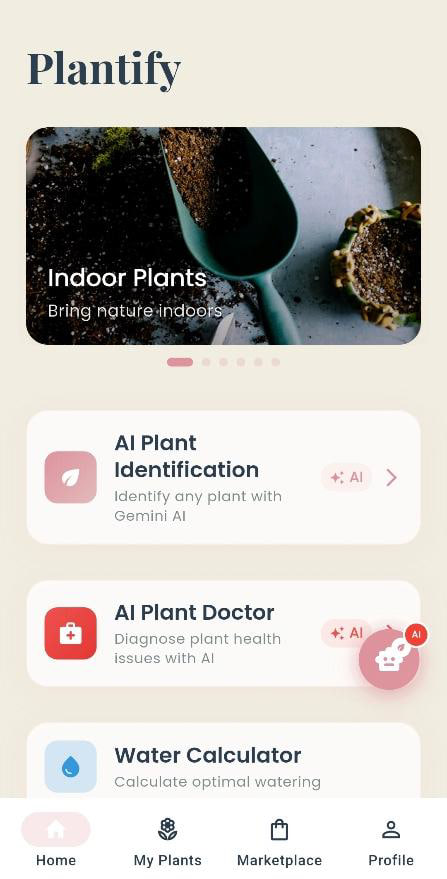
- AI plant identification — snap or upload a photo and get the plant's name, scientific name, family, a confidence level, a short description, care instructions (watering, sunlight, humidity, soil, fertilizer, temperature), characteristics, and fun facts.
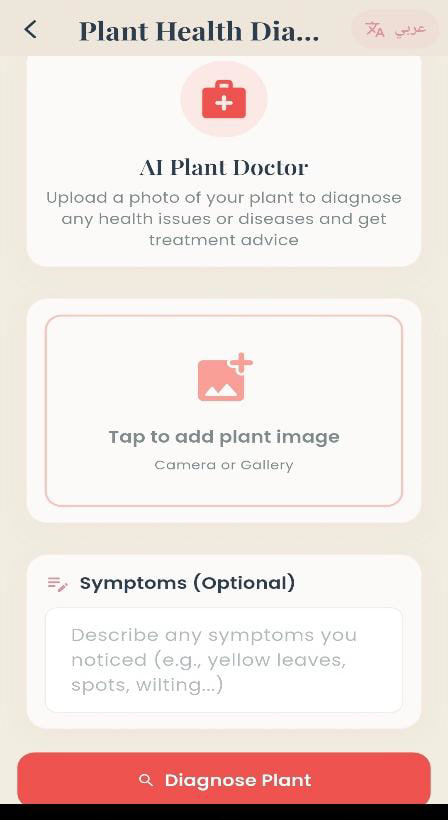
- AI health diagnosis — image analysis combined with optional user-reported symptoms and care habits. Returns overall health status, urgency level, and general advice; when a disease is detected, it adds the disease name, likely causes, treatment steps, and prevention methods.
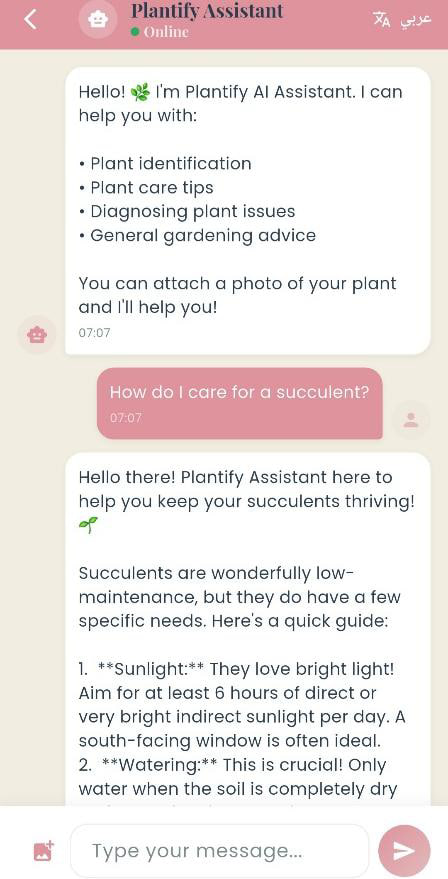
- AI chatbot assistant — a plant-scoped conversational assistant for care questions and personalized gardening advice, available any time.
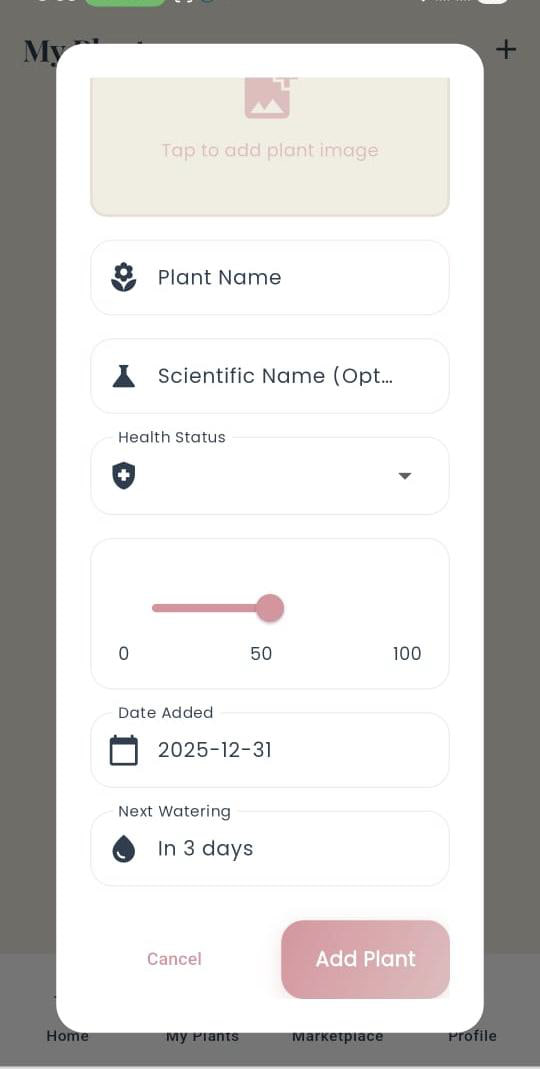
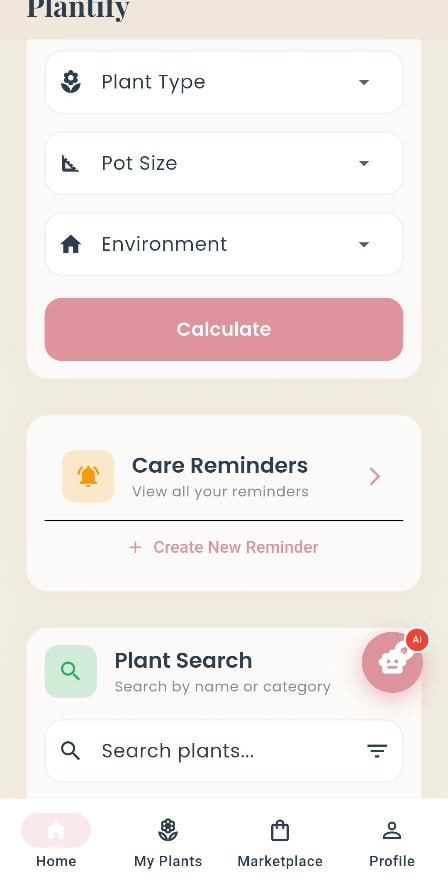
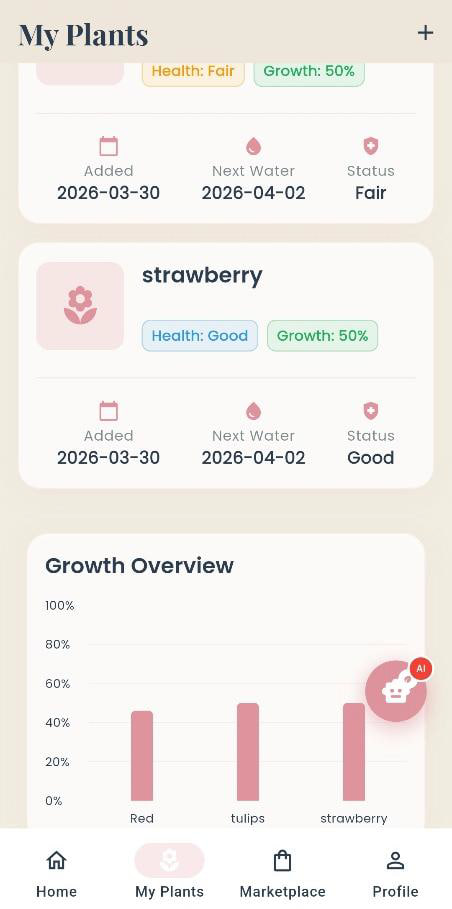
- My Plants — save and organize your plants, track growth and health history, and use the water calculator to work out how much each plant actually needs.
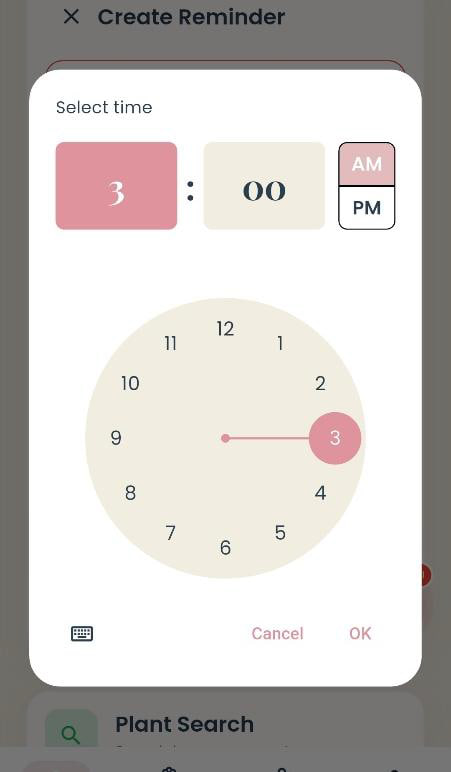
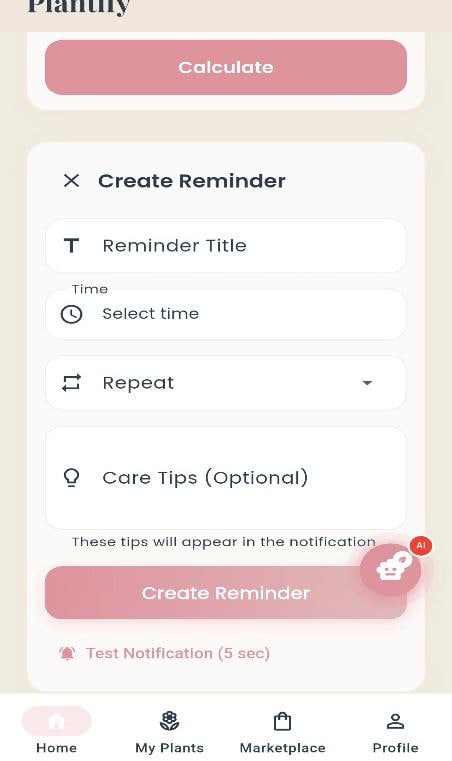
- Reminders — alarm-based watering and care reminders with local notifications.
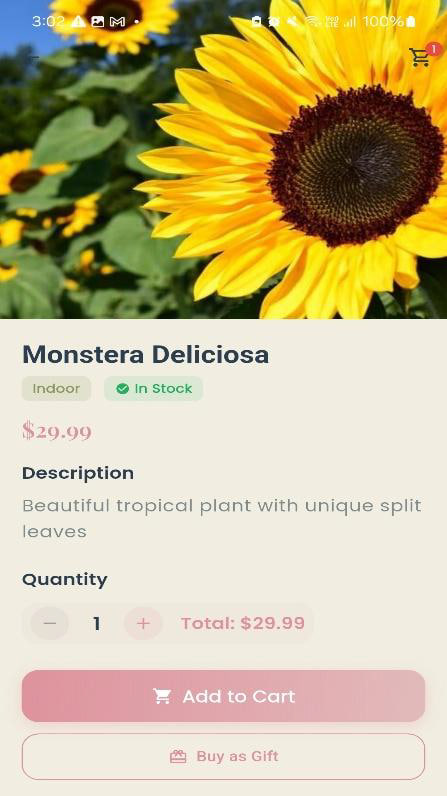
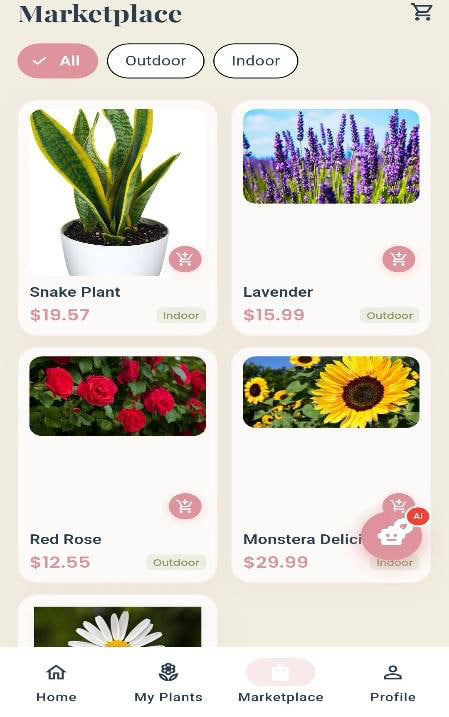
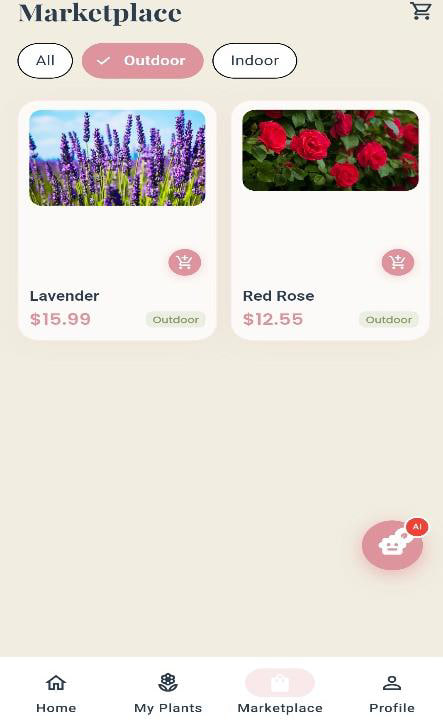
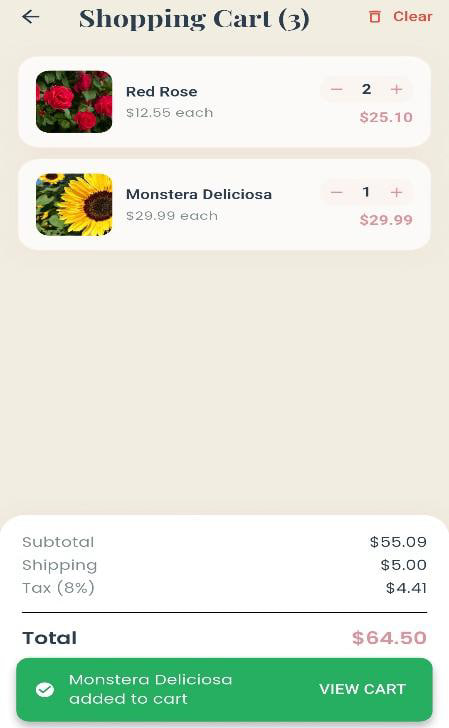
- Marketplace and gifting — a plant-only store with secure checkout and delivery tracking, plus a gift option with recipient details and a message. Identified plants link directly to matching marketplace products.
- Engagement content — tips, FAQs, and "Did You Know?" plant facts.
- Bilingual — full English and Arabic support, including AI responses.
Admin dashboard — centralized management for users, products, and orders.
How we built it
Frontend: Flutter and Dart, a single codebase for both platforms, built in Android Studio and VS Code. The project is organized into
screens/,widgets/,models/,services/, andutils/to keep UI, logic, and data cleanly separated.Design: Figma for UI/UX and screen prototyping before implementation.
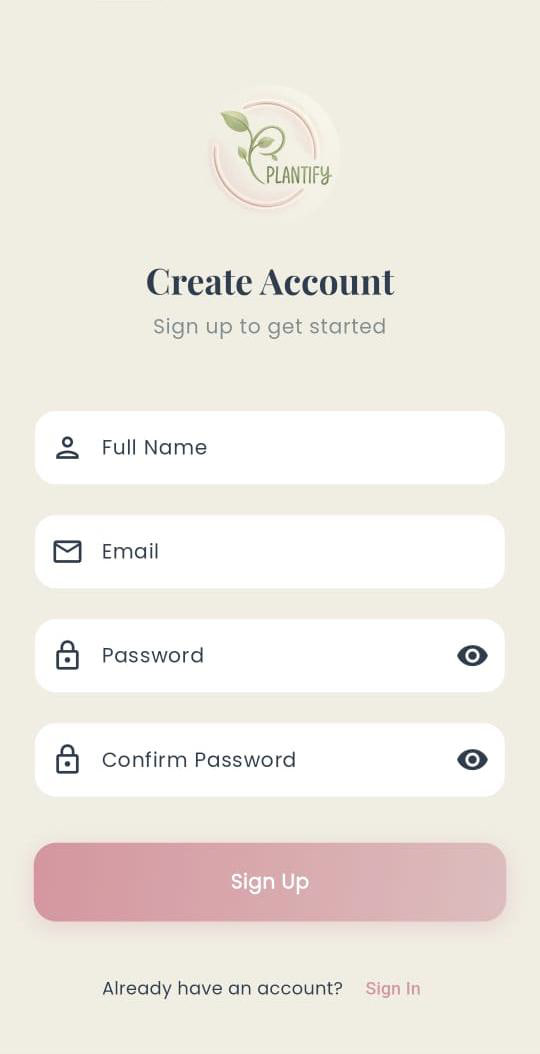
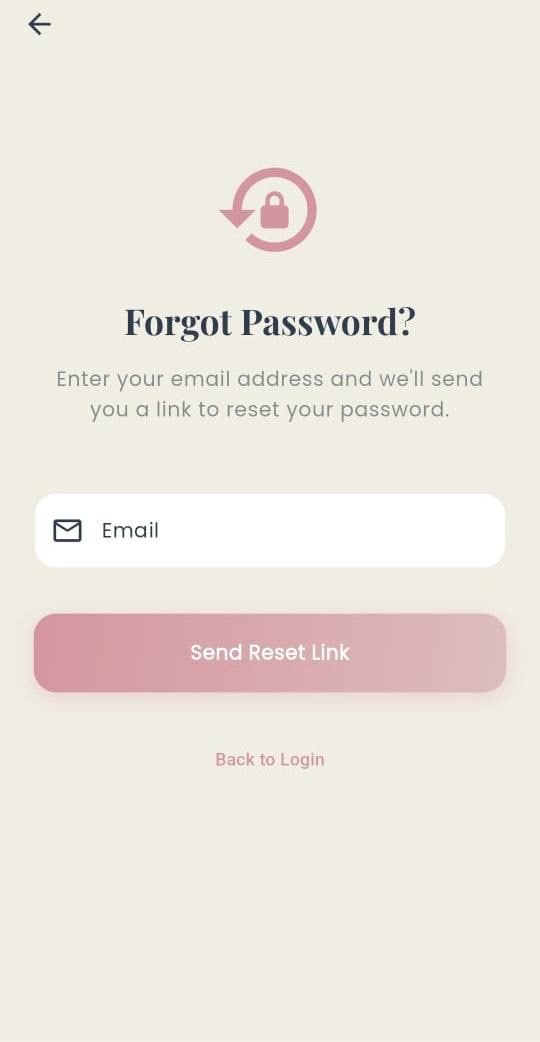
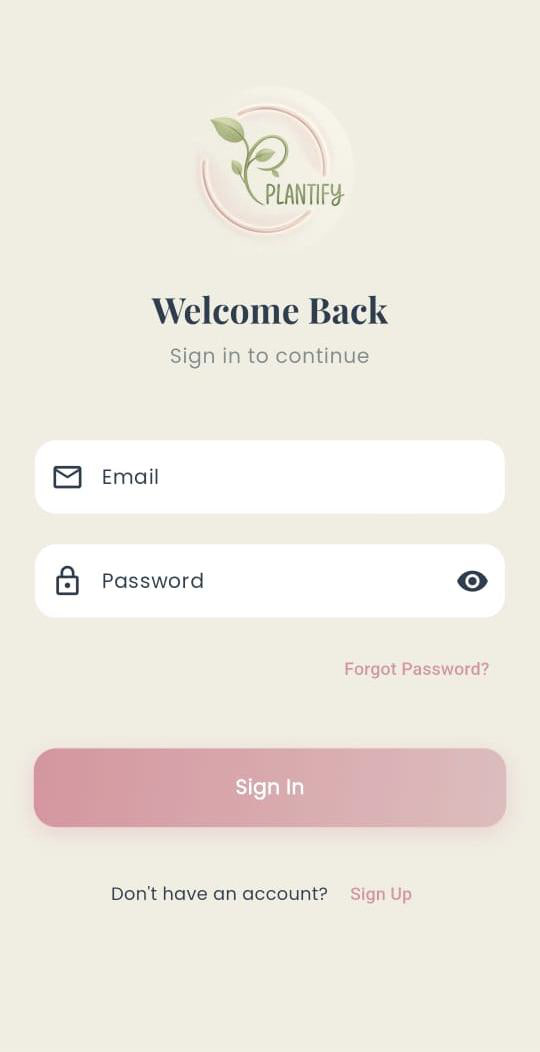
Backend: Supabase for authentication, storage, and APIs — including email validation, password reset, secure session management, and persistent login, all tied to the user profiles table.
Database: PostgreSQL with nine linked tables — profiles, plants, user plants, plant health history, reminders, products, orders, order items, and gifts — connected through foreign keys.
AI: Google's Gemini 2.5 Flash model via the
google_generative_aipackage, wrapped in a dedicatedgemini_servicelayer that powers identification, diagnosis, care recommendations, and the chatbot.Supporting services: dedicated authentication, database, storage, notification, and admin services;
image_pickerfor camera and gallery input;flutter_local_notificationsfor reminders.Process: we followed a phased methodology — requirement gathering (including analysis of existing apps like PlantNet and PictureThis), system design with full UML and ER modeling, implementation, functional and usability testing, then cloud deployment.
Challenges we ran into
Making diagnosis actually reliable. Existing tools judge a plant from a photo alone, and visual symptoms are genuinely misleading — overwatering and underwatering can look almost identical. Our fix was to stop treating the image as the whole story and feed the model contextual input too: watering habits, sunlight exposure, and user-reported symptoms. Getting that combination to produce structured, consistent output instead of loose prose took real prompt engineering.
Keeping the chatbot on topic. A general-purpose model will happily answer anything. Constraining it to plant-related questions only, while still sounding natural and conversational, was harder than getting it to answer well in the first place.
Bilingual AI, not just a bilingual UI. Translating interface strings is straightforward. Making sure identification results, diagnosis reports, and chatbot replies all came back correctly in either Arabic or English — with right-to-left layout intact — was a different problem.
Designing a schema that connects everything. The whole premise of the project is that identification, care history, reminders, and the marketplace aren't separate silos. Modeling that meant nine tables with foreign keys tying users to their plants, their plants to health history and reminders, and orders to items and gifts, without the relationships becoming a tangle.
Scope. Identification, diagnosis, chatbot, plant management, reminders, a marketplace with gifting and delivery tracking, and an admin dashboard — delivered by a six-person team on a graduation project timeline.
Accomplishments that we're proud of
- We shipped the integrated experience we set out to build. Identification, diagnosis, personal plant management, and purchasing genuinely work as one system, not four features sharing a menu.
- The Gemini integration returns rich, structured results — scientific name, family, confidence level, full care profile, and disease breakdowns with urgency levels — rather than a bare label.
- Full Arabic and English support across the entire app, AI responses included.
- Smart marketplace linking: identify a plant, and if we sell it, you can buy or gift it immediately.
- The admin dashboard, which turned the project from a demo into something maintainable and operable at scale.
- A complete engineering artifact behind it all: use case, activity, class, sequence, and ER diagrams, plus a full architecture design and requirements specification. ## What we learned
Technically, we got hands-on experience across the whole stack — Flutter mobile development, integrating a generative AI model into a production app, relational database design and implementation in PostgreSQL, backend-as-a-service architecture with Supabase, and UI/UX design.
The bigger lessons were less about tools. We learned that AI output quality depends far more on what context you give the model than on the model itself — adding user care habits to the diagnosis input changed the results more than any other single decision we made. We learned that designing the database schema first, before writing screens, saved us from rewrites later. And after months of coordinating six people across frontend, backend, database, AI, and design work, we learned that team collaboration and project management are skills in their own right, not overhead.
What's next for Plantify
Smarter AI — train on larger datasets for better accuracy, add real-time camera detection so users can scan plants live, generate personalized care schedules from user behavior and environmental conditions, and add a voice-based assistant for hands-free help.
IoT integration — connect to smart sensors for soil moisture, temperature, humidity, and light exposure, enabling automatic real-time plant monitoring.
A weather-aware reminder system — AI-generated watering and fertilizing schedules based on plant type and climate, adjusted dynamically through weather APIs.
A bigger marketplace — a seller dashboard so nurseries and plant shops can manage their own products and orders, wider inventory covering seeds, fertilizers, pots, and gardening tools, and product reviews and ratings.
Community features — a plant forum for sharing photos and care tips, user plant diaries for documenting growth over time, and an achievement and badge system.
Wider reach — support for languages beyond English and Arabic, and accessibility improvements including screen reader support and voice navigation.
Built With
- android-studio
- dart
- flutter
- postgresql
- supabase

Log in or sign up for Devpost to join the conversation.