-
-
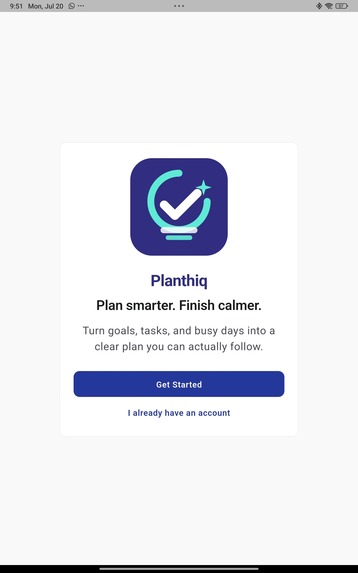
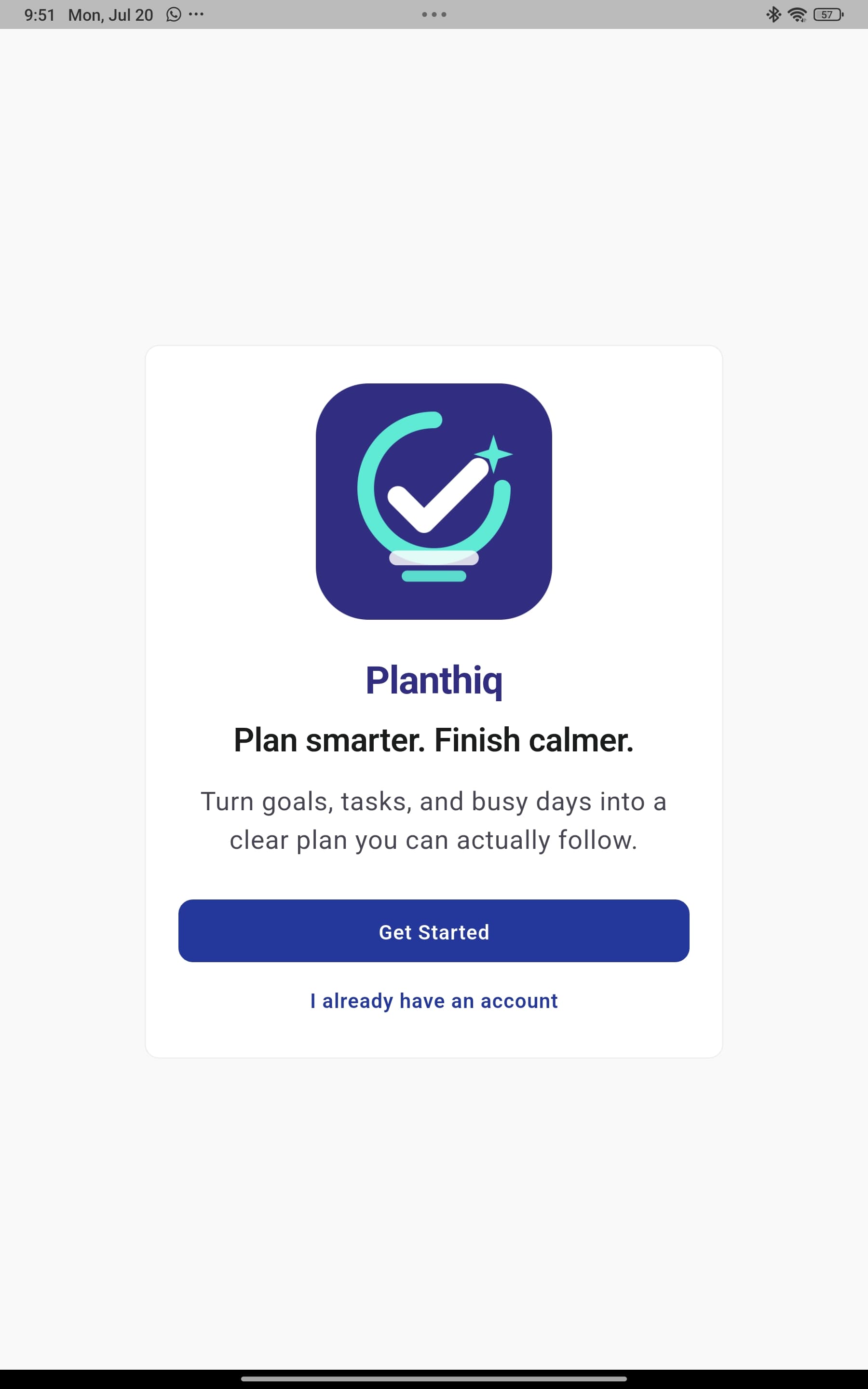
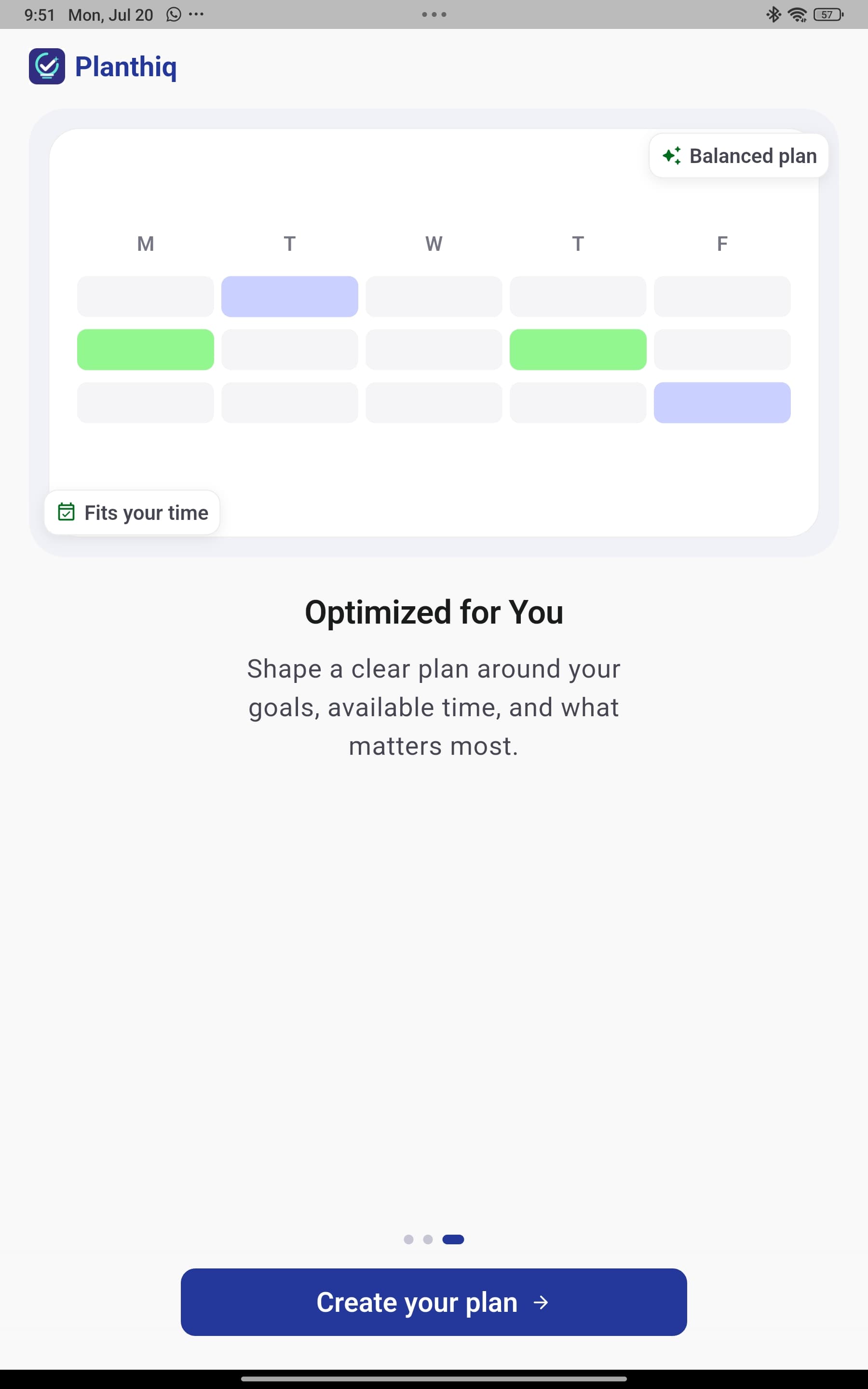
Welcome screen: Plan smarter, finish calmer with AI-powered daily planning.
-
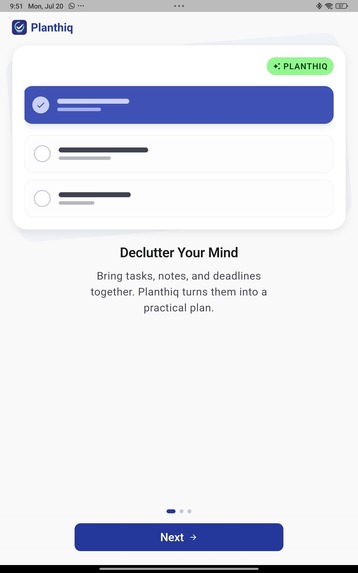
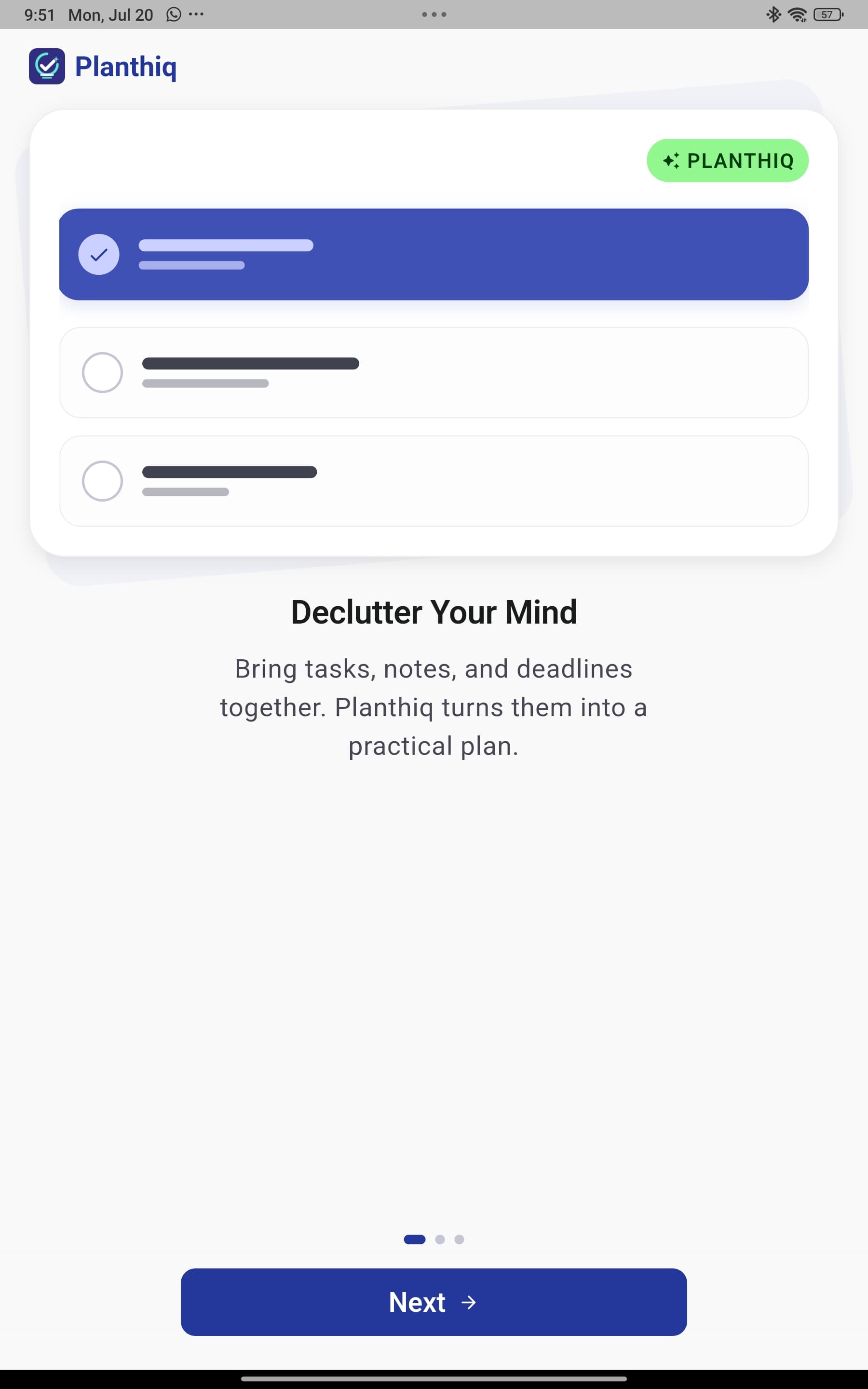
Splash 1: Turn big goals into clear daily actions.
-
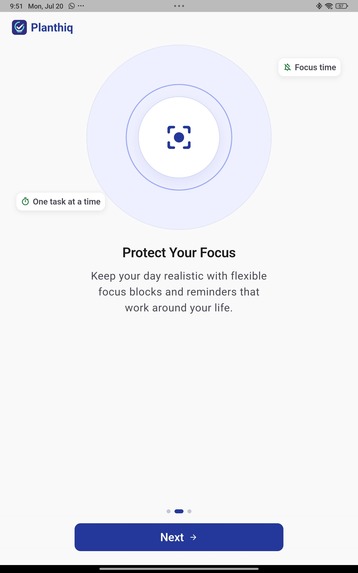
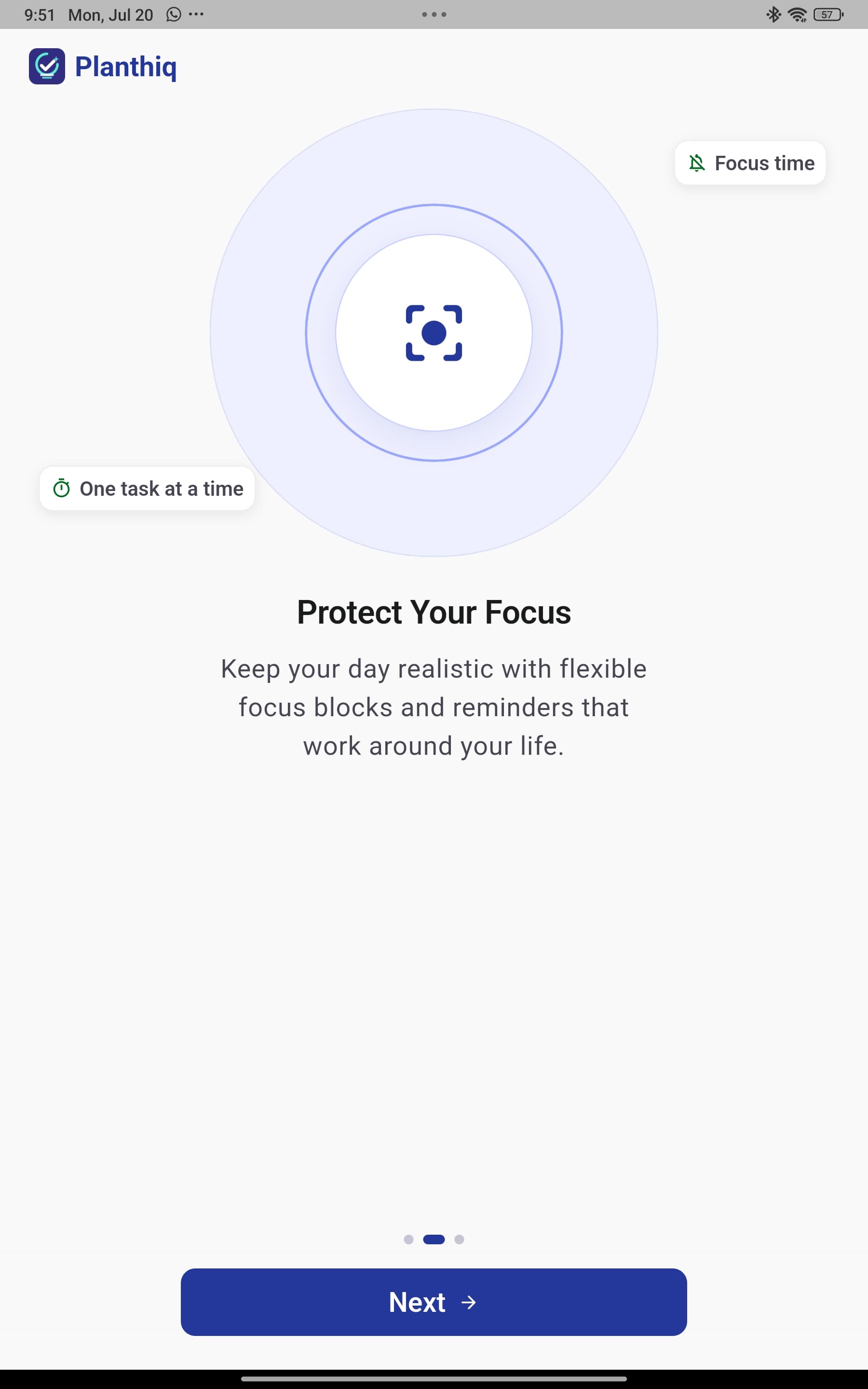
Splash 2: Upload, speak, or type your tasks in seconds.
-
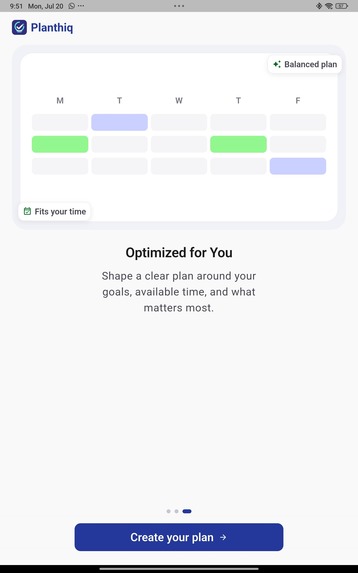
Splash 3: Let AI shape your schedule around your real life.
-
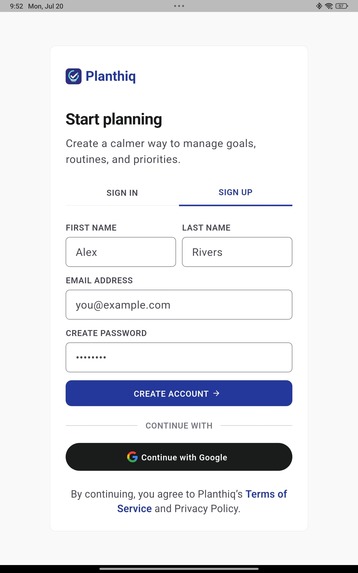
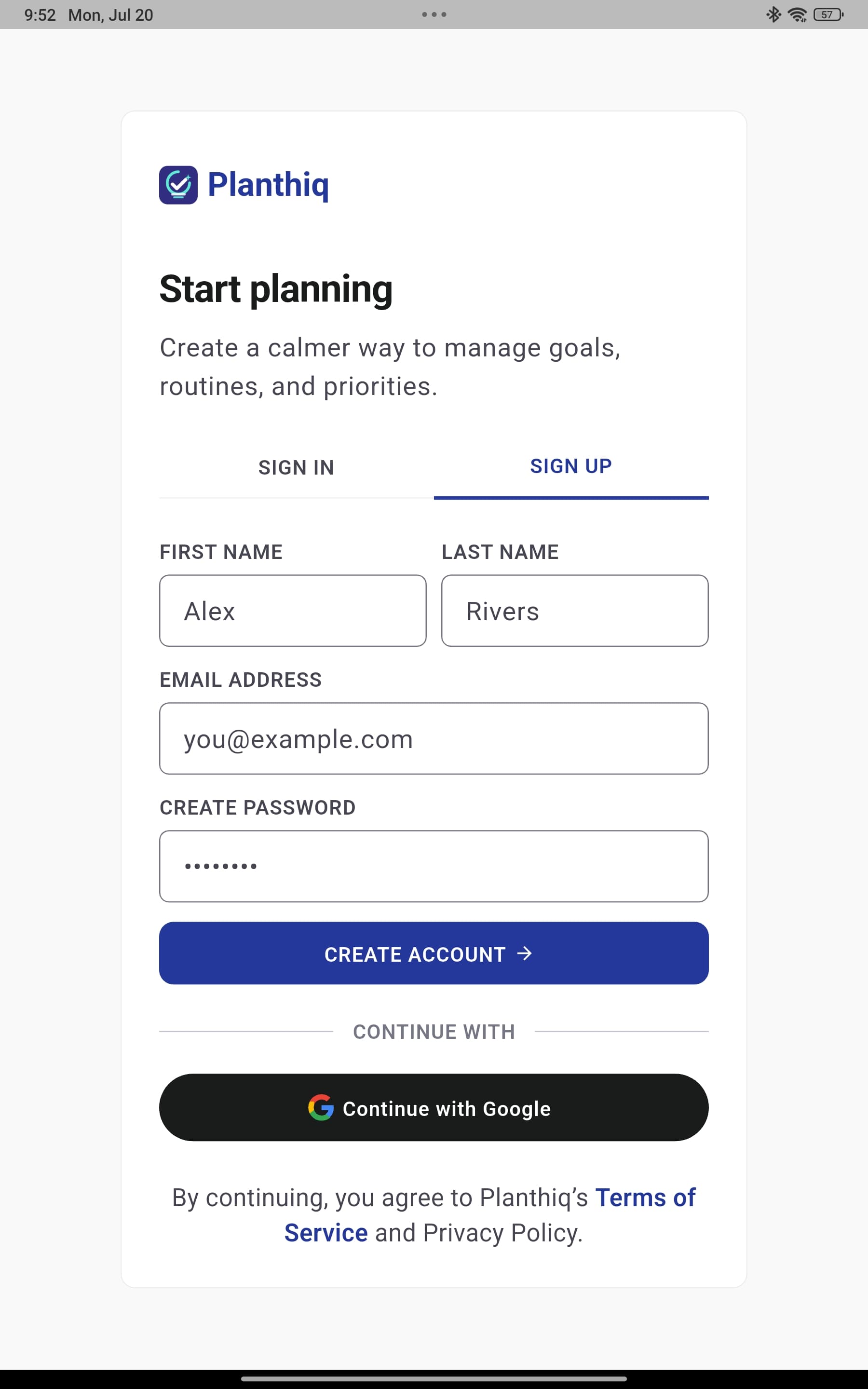
Sign up / Sign in: Start planning securely with your account.
-
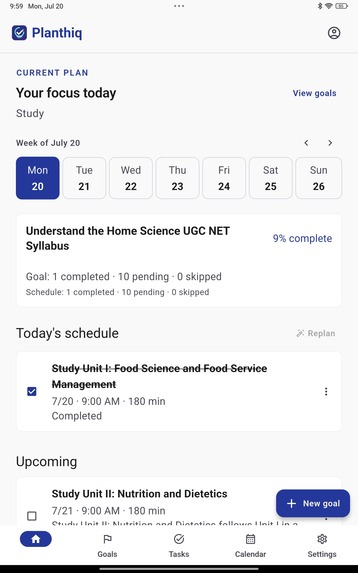
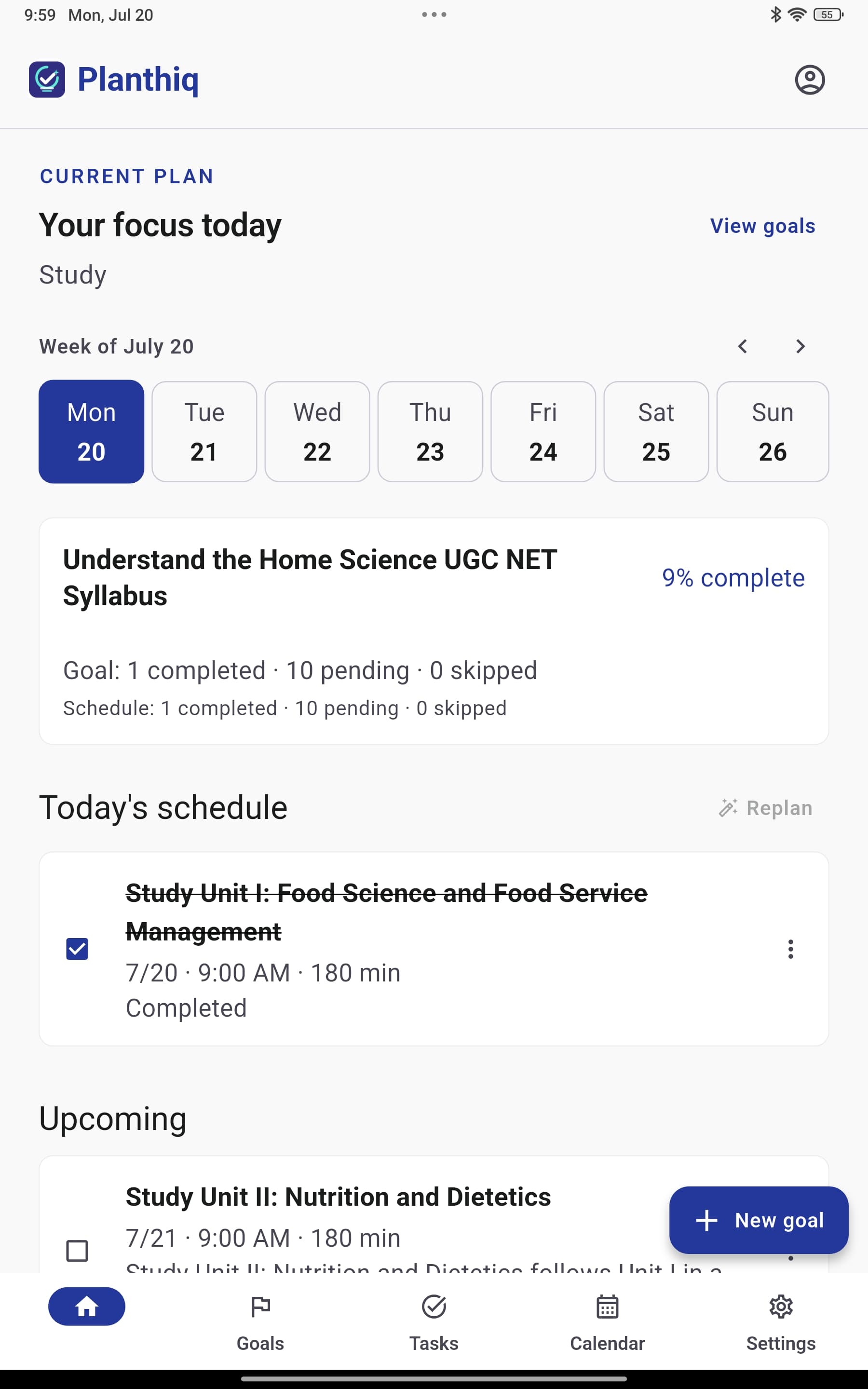
Dashboard/Home: See today’s plan, progress, and next best task.
-
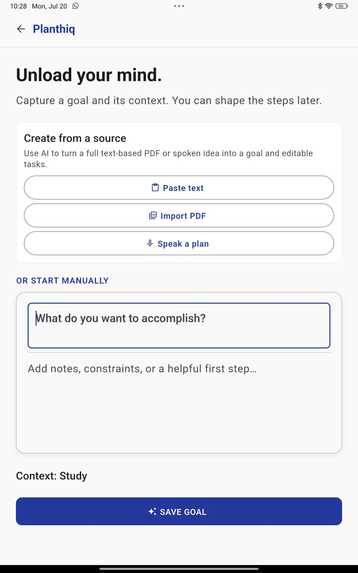
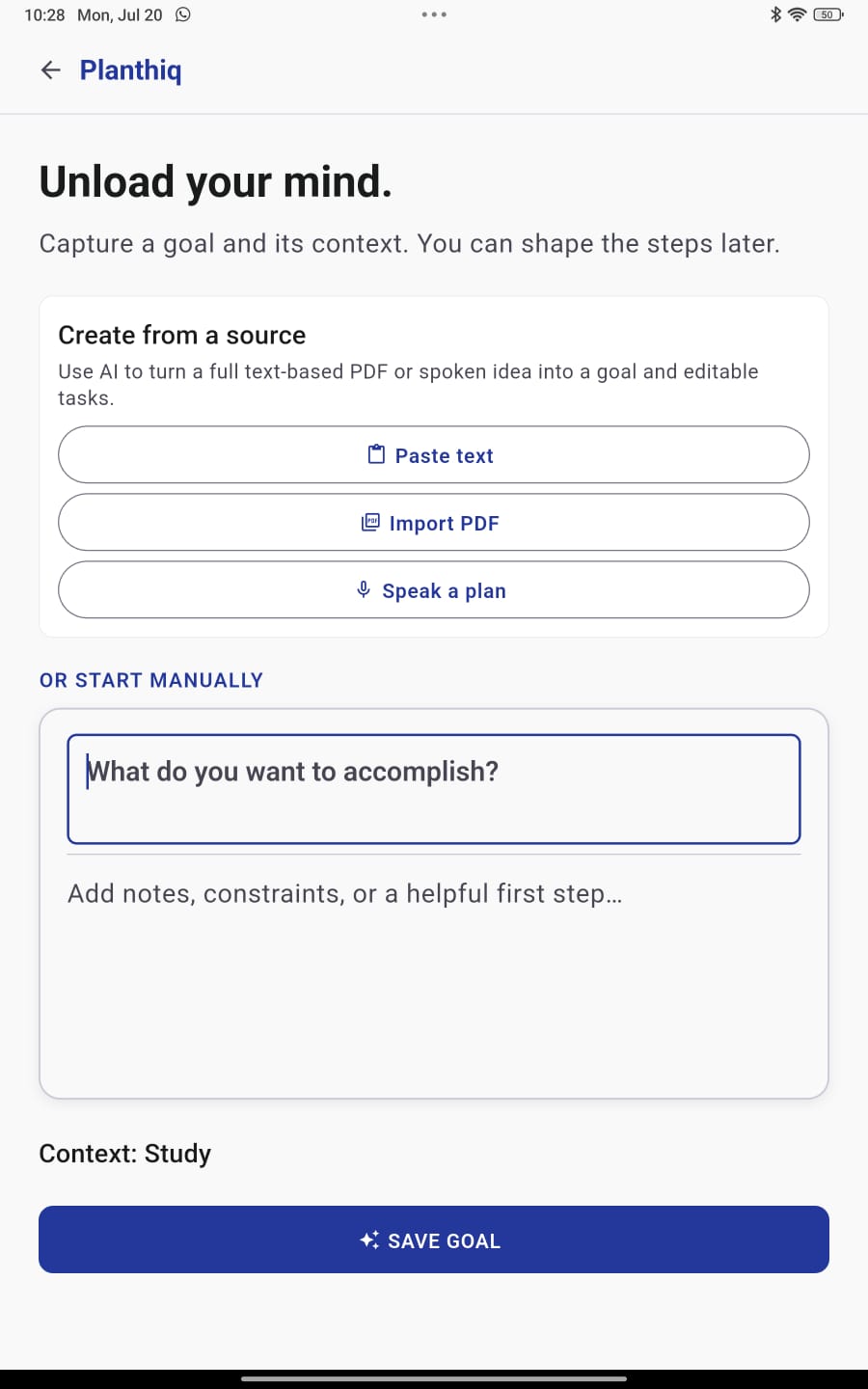
Create goal: Define what you want to achieve and by when.
-
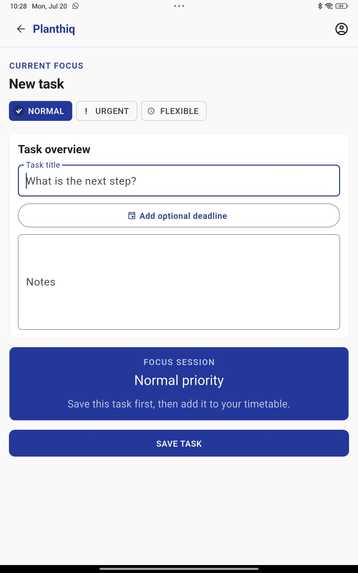
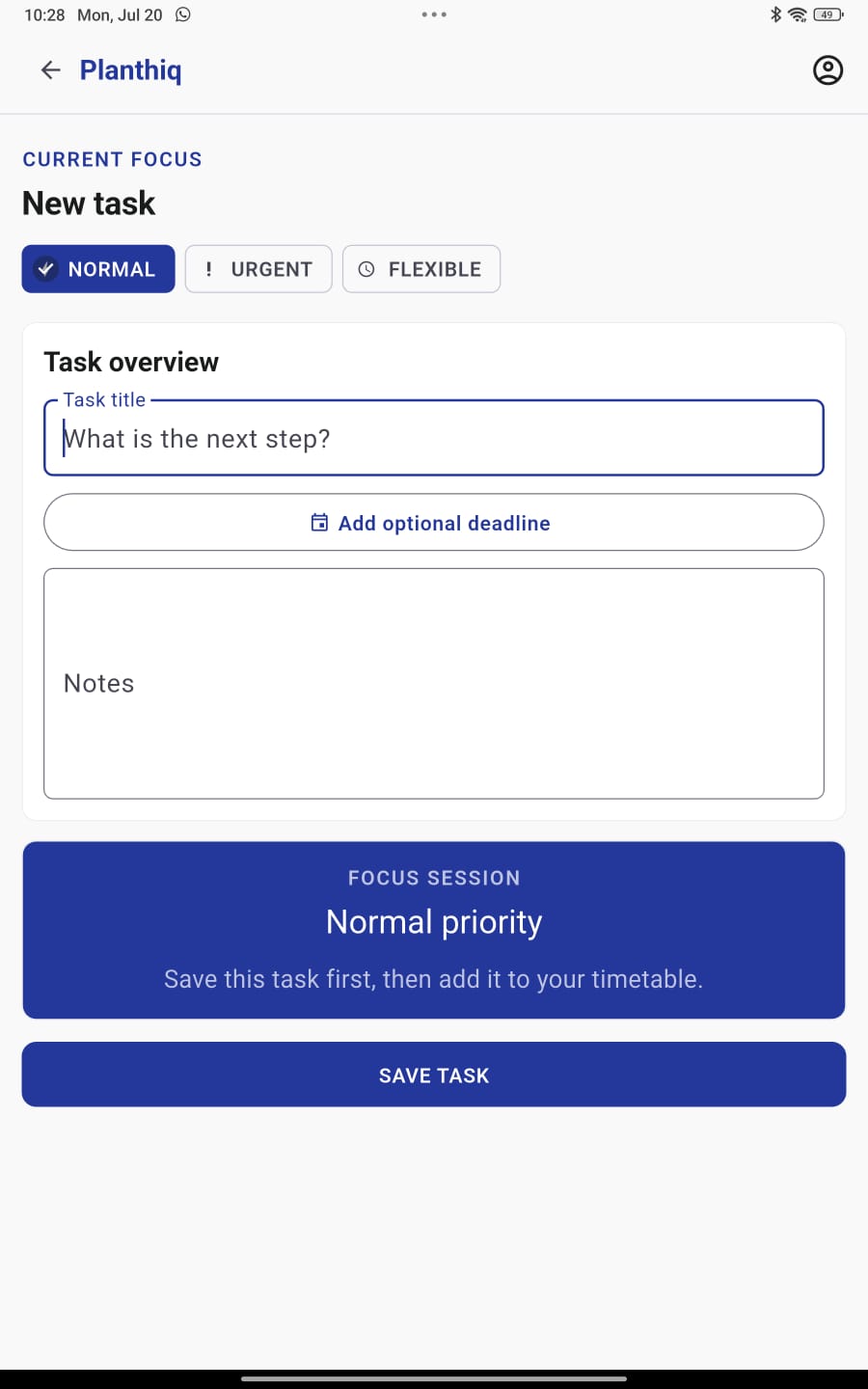
Create task: Capture the next step before it slips away.
-
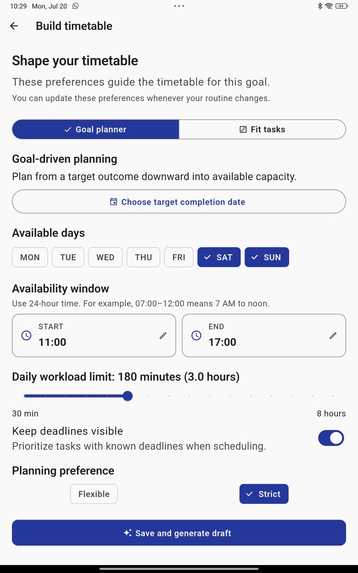
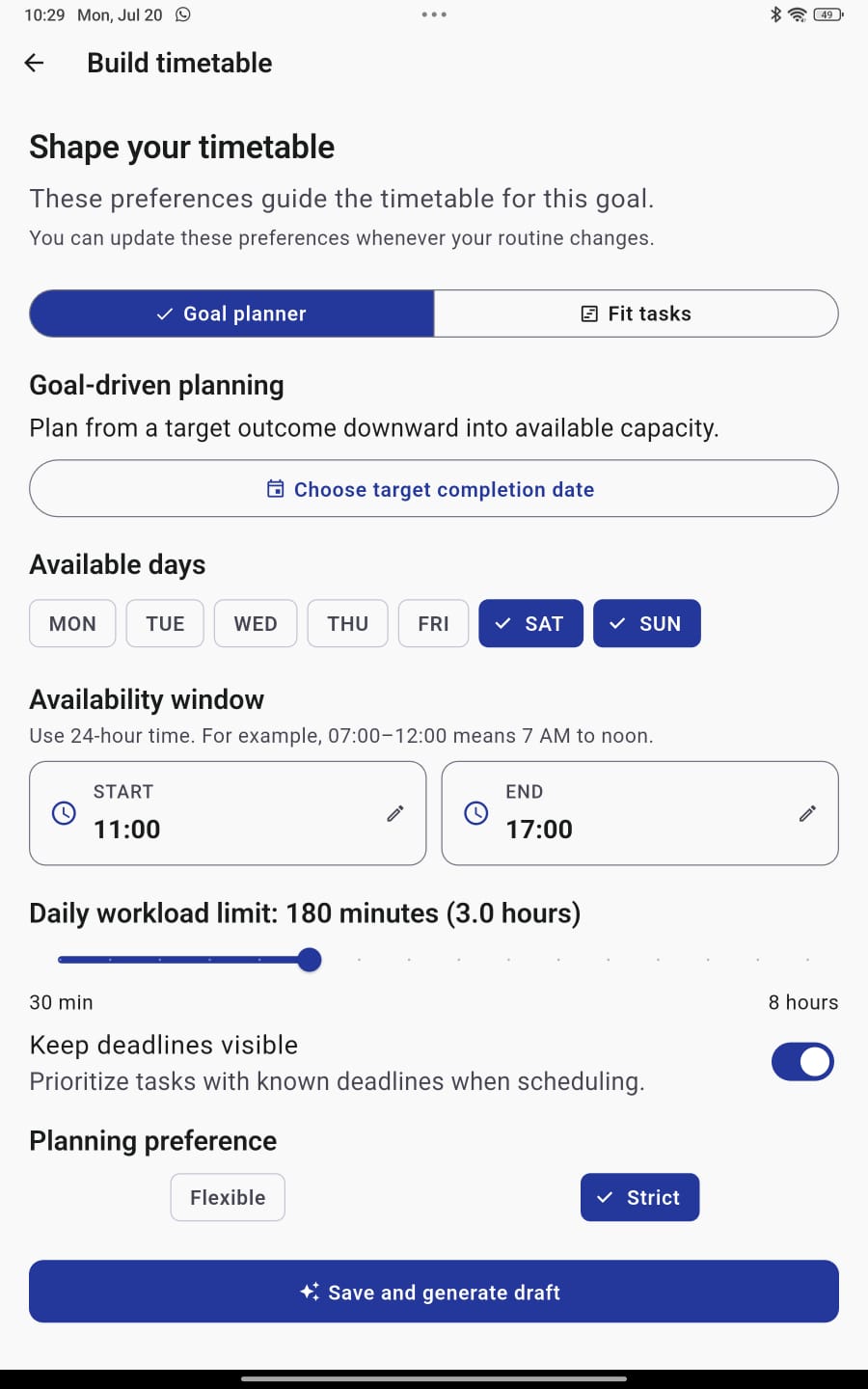
Build timetable: Generate a smart schedule from your goals, tasks, and availability.
-
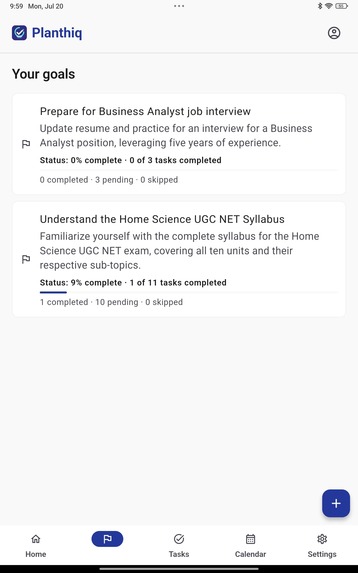
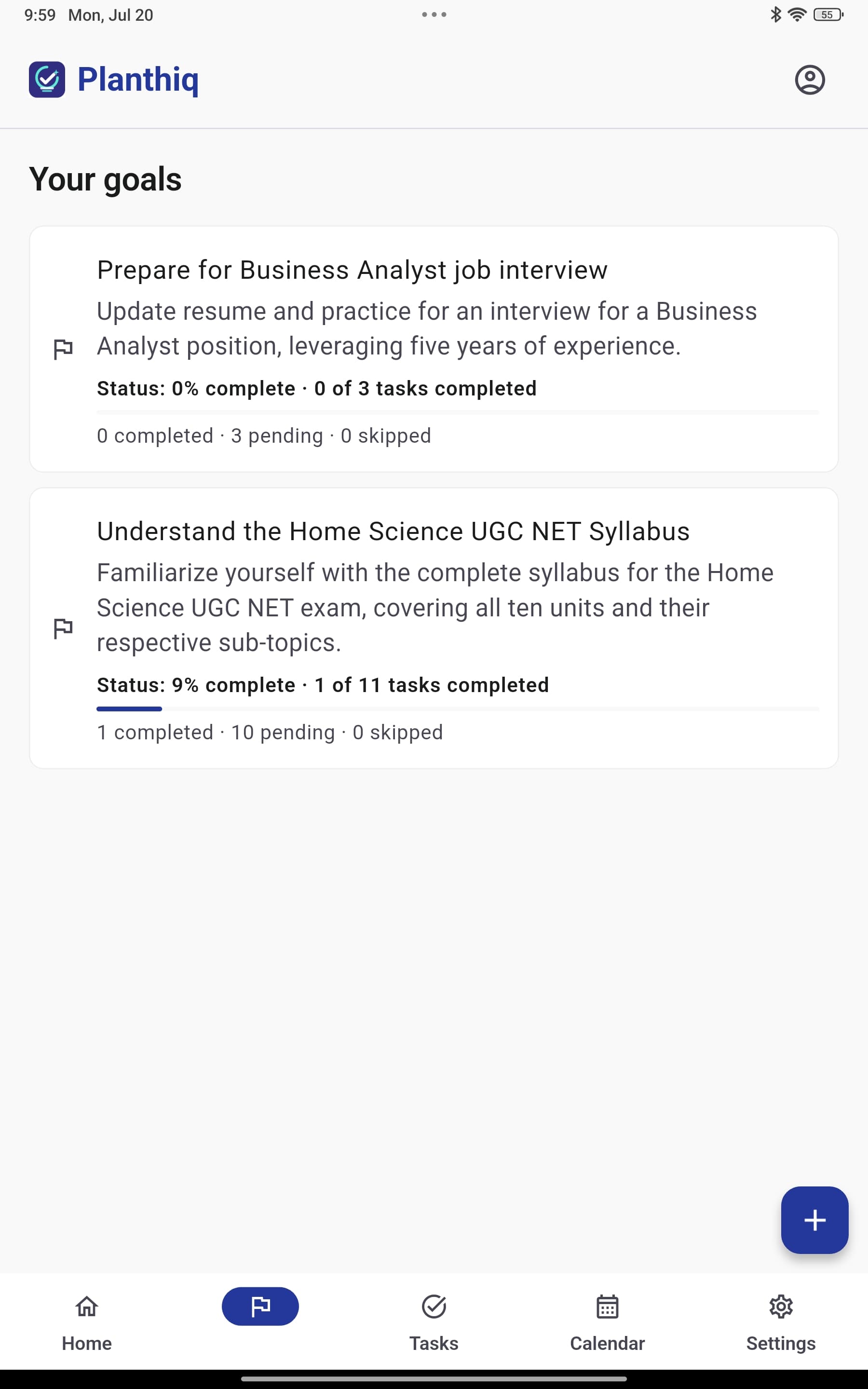
Goal listing: Track every goal from idea to completion.
-
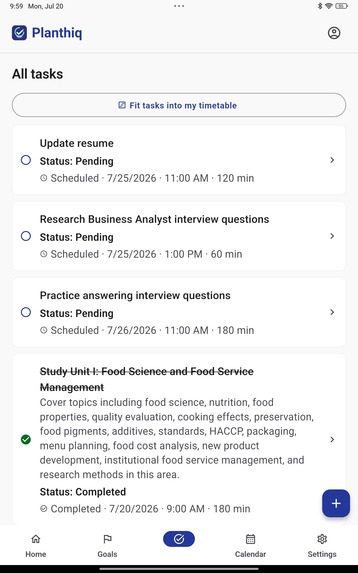
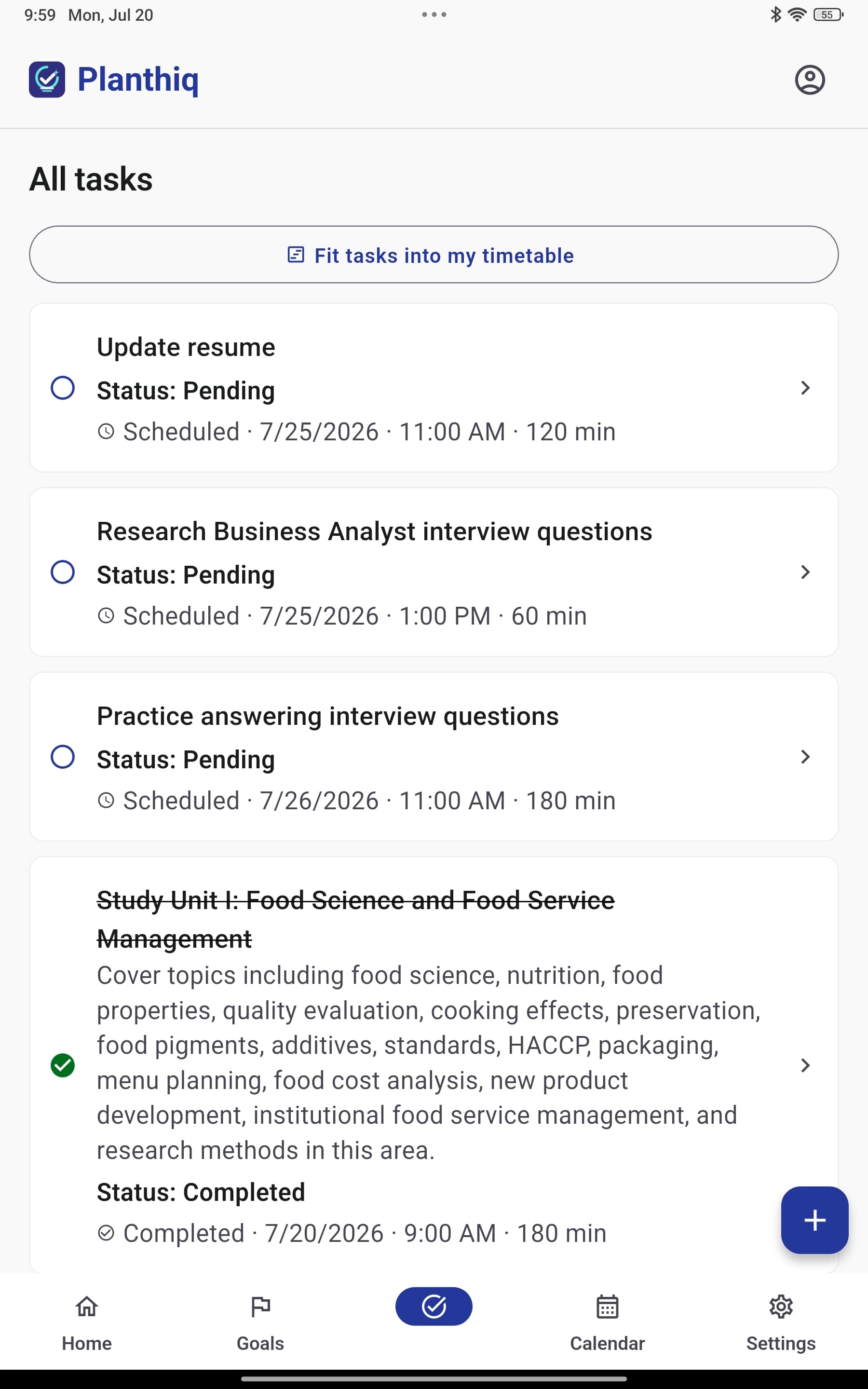
Tasks listing: Manage all your tasks in one focused place.
-
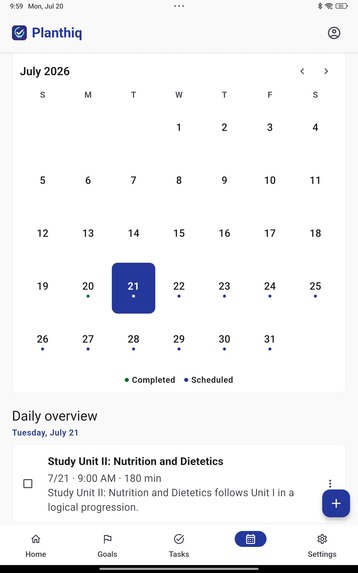
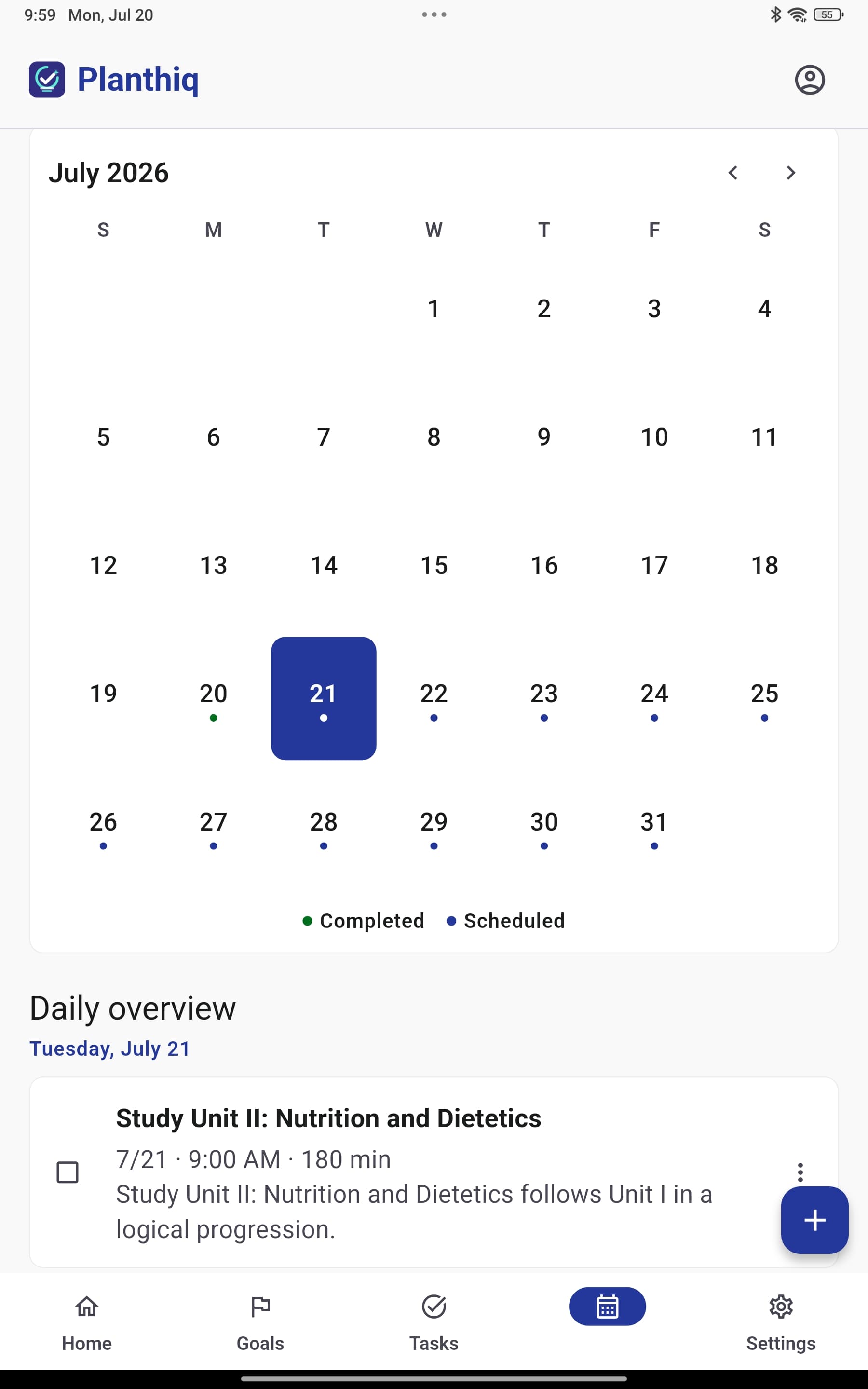
Calendar view: View your planned tasks across days, weeks, and deadlines.
-
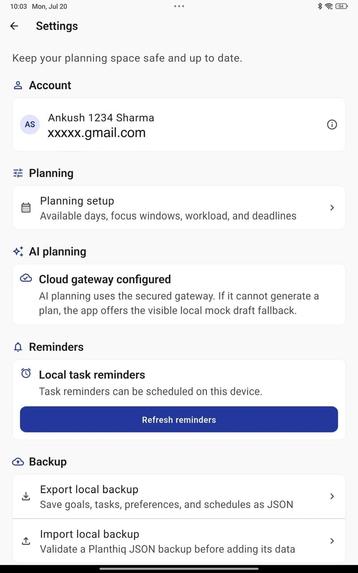
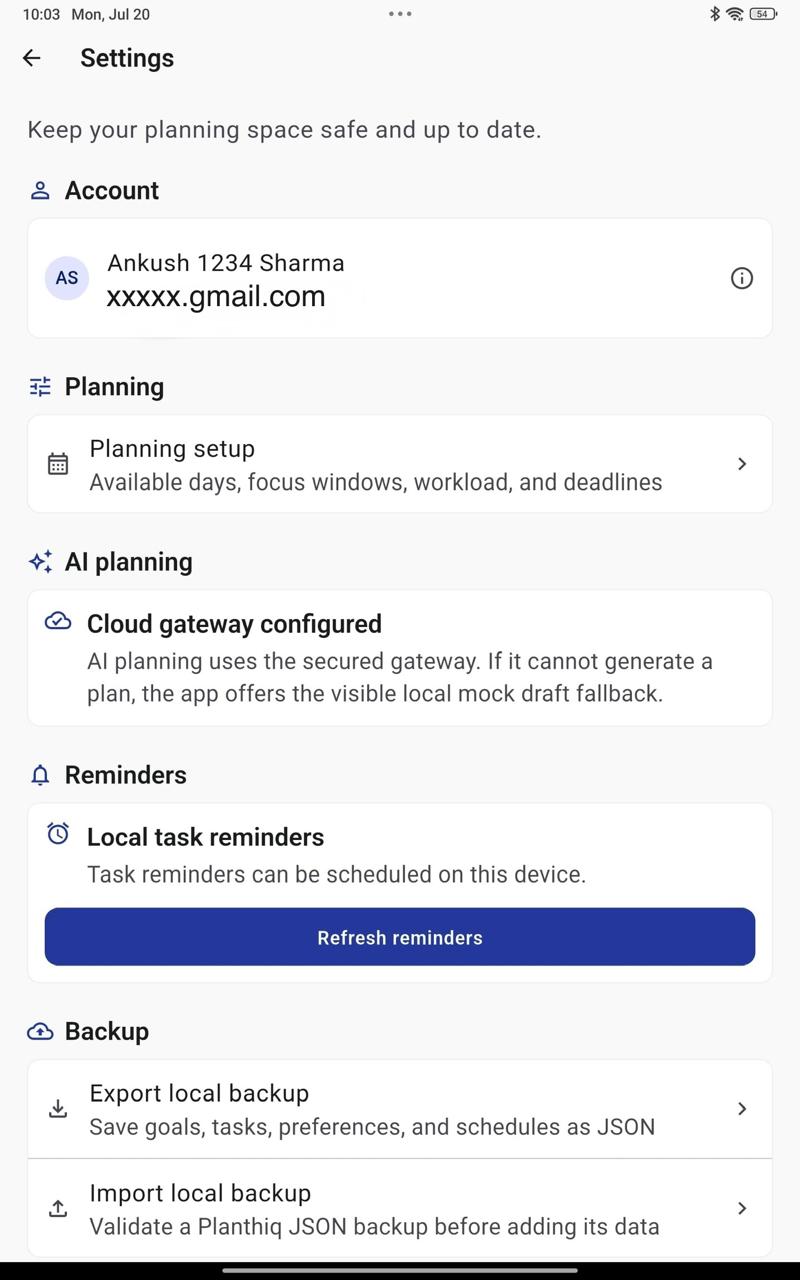
Settings: Control your profile, planning preferences, reminders, and data.
Inspiration
The inspiration for Planthinq came from watching people close to me struggle with planning their daily work. My cousin and my wife often try to organize their daily tasks, study syllabus, exam preparation, and personal goals using pen and paper. Sometimes they also use online LLM tools to create a timetable, but that process itself becomes hectic because they still need to copy everything, structure it manually, adjust timing, and keep checking what to do next.
While seeing this problem again and again, I got an idea: why not create a mobile app that can work like both a planner and a thinker? A place where users can simply add their goals and tasks manually, speak them, or upload a PDF/text file like an exam syllabus, and then the app can help convert everything into a clear, manageable plan.
That idea became Planthinq.
What it does
Planthinq helps users convert goals, tasks, syllabus, deadlines, and available time into a practical schedule. Users can add their goals and tasks, set planning constraints like available days, preferred timing, deadlines, and workload, and then generate a timetable using AI.
Once the plan is created, users can view their daily tasks, complete them, track goal progress, reschedule if needed, and receive reminders through notifications. The aim is to reduce the stress of planning and help users focus more on actually completing their work.
How I built it
I built the app using Flutter for the mobile application. For authentication, I used Firebase Authentication with Google Sign-In and email/password login. I used Firebase Functions as a secure backend gateway so that the Gemini API key is not exposed inside the mobile app.
For AI features, I integrated Gemini to help generate schedules and convert unstructured input like PDF content or user-provided text into organized goals and tasks. For local data storage, I used Drift with SQLite, which allows the app to store goals, tasks, schedules, constraints, and progress locally on the device.
The app also uses Riverpod for state management, which helped keep the logic clean between UI, database, authentication, and scheduling services.
Main technologies used:
- Flutter
- Dart
- Firebase Authentication
- Firebase Cloud Functions
- Gemini API
- Drift / SQLite
- Riverpod
- Android testing on a real device
Challenges I ran into
One of the biggest challenges was building the Gemini gateway properly. I did not want to put the API key directly inside the Flutter app, so I had to use Firebase Cloud Functions as a secure middle layer. Understanding this flow and making the app communicate with the function correctly was a major learning point.
Another challenge was UI consistency. Sometimes Codex missed small design details or did not fully follow the design references I shared. I had to ask it again to reanalyze the design files, improve the screens, fix colors, and align the UI with the theme. This made me understand that even with AI help, the builder still needs to review carefully and guide the result.
There were also challenges around Firebase setup, Google Sign-In, local database structure, task scheduling logic, PDF/voice input flow, and testing the APK on a real Android device. Each part looked small at first, but when combined into one working app, it required a lot of debugging and iteration.
Accomplishments that I'm proud of
I am proud that I built this app from idea to working application by myself using Codex as my coding partner. I started with a simple problem I saw in my family, then slowly converted it into a real app with authentication, local storage, AI scheduling, task management, reminders, and a working mobile UI.
For me, the proudest part is not only that the app works, but that it solves a problem I have personally seen. It can help someone who has a syllabus, a deadline, or too many scattered tasks and does not know how to organize everything.
What I learned
By building this project, I learned how to integrate an online LLM into a real mobile app, not just as a simple chat feature but as part of the product workflow. I learned how to use Gemini for planning, how to connect it through a secure backend function, and how to design fallback behavior when AI is not available.
I also learned how to work with Firebase Authentication, Cloud Functions, local SQLite storage using Drift, and Riverpod state management. On the product side, I learned that planning is not only about creating tasks. A useful planner needs context, deadlines, availability, reminders, progress tracking, and the ability to adjust when life changes.
Most importantly, I learned how to take an idea from a real-life problem and convert it into a working mobile application.
What's next for Planthiq
There are many features I want to add after this version:
- Offline LLM support so planning can work even without internet
- Image capture support to convert handwritten notes or screenshots into goals and tasks
- iOS application support
- Better AI recalibration when users miss tasks
- More advanced notification and reminder options
- Improved PDF and syllabus understanding
- Cloud sync across multiple devices
My long-term goal is to make Planthinq feel like a personal planning assistant that understands the user’s goals, time, and habits, and then helps them move forward one clear task at a time.
Built With
- codex
- dart
- drift
- firebase
- flutter
- gemini
- google-cloud
- sqlite
