-
-
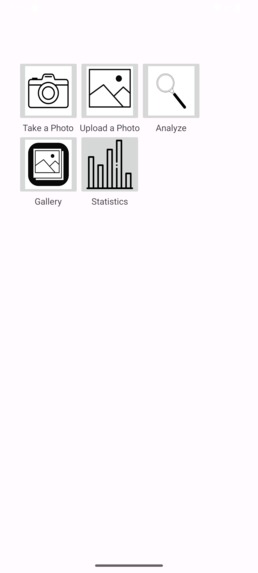
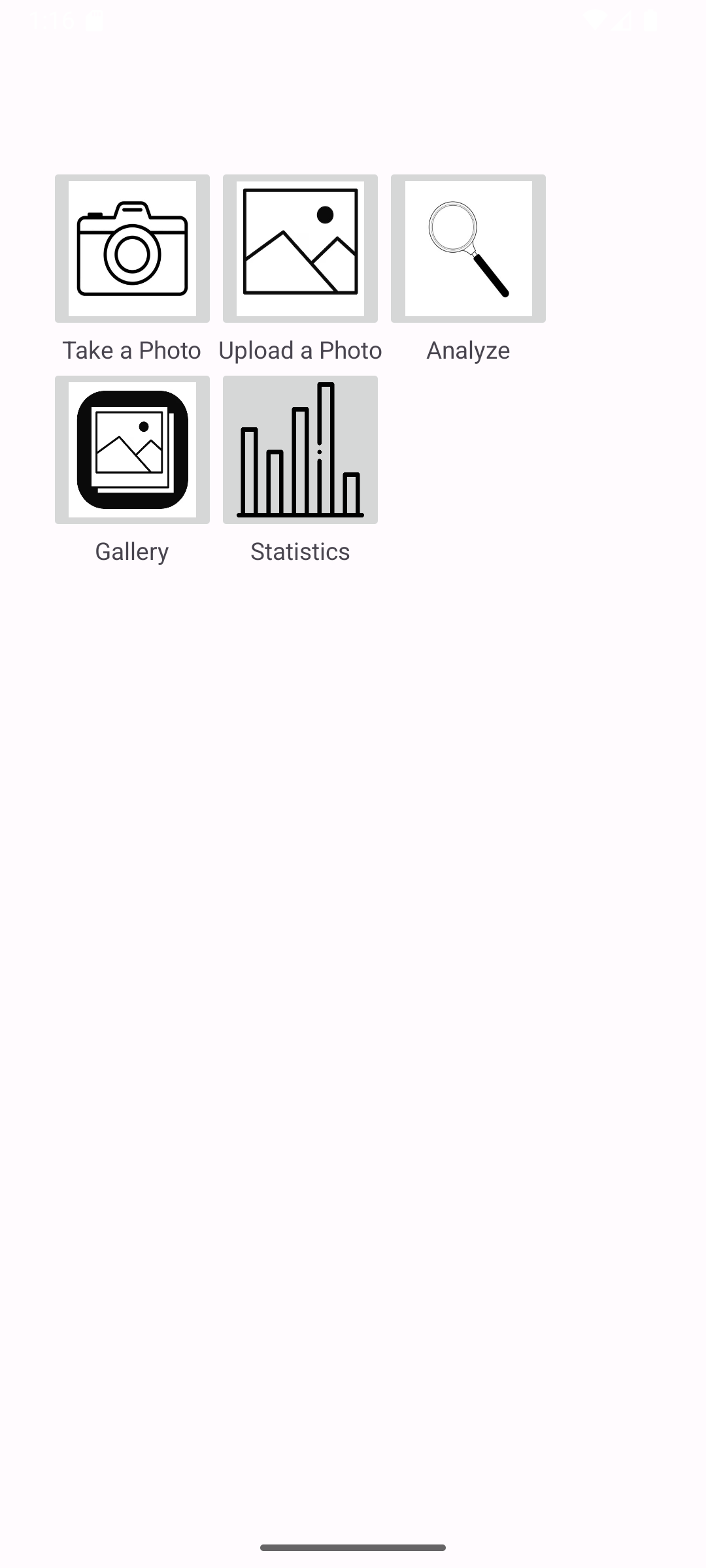
Our app!!!
Inspiration
The members of this team all come from immigrant parents and because of this, we all grew up listening to our parents talk about the various hardships both they and our grandparents had to endure. This is why when browsing through the United Nations Sustainable Development Goals we decided we wanted to do something related to the troubles of rural areas in our home countries. Despite the fact that our communities have gotten access to common technology such as televisions and mobile smartphones, they are still ridden with most of the same problems. This was because of the lower education the locals receive and the lack of media literacy. This meant that despite the fact that they had the entire internet at their fingertips they could not utilize it to the fullest extent. To help these people become accustomed to using the internet to resolve their problems, we have decided to create an app that specifically addresses one particular issue. After much discussion, we landed on helping people better recognize diseased crops through the use of AI. We chose this problem in particular because billions of dollars worth of crops are lost to disease and many farmers who have families to feed suffer for it.
What it does
Our mobile application called PlantGuard will ask the user to use their camera to take a picture of a plant. The image will then be sent to the Google Gemini API and a prompt asking if the plant in the picture is diseased will be sent. The resulting answer Gemini gives will then be displayed for the user to view.
How we built it
We decided to use Java in Android Studio to create our mobile application. This was done with the help of the Gemini assistant built into Android Studio. After getting our user interface we decided to set up the app's functions. This includes launching the camera, taking the captured photo, sending it to Gemini along with its prompt, and taking the response back to the user to be displayed. This was done with the help of the assistant along with the mentors at Solution Hacks.
Challenges we ran into
The first major challenge we faced was our lack of a structured plan. We spent too long debating about what features should and shouldn't be on the app. In the end, we didn't have time to add any extra features anyway. Another big issue was getting the API to work. As it was our first time with an AI API in Android Studio.
Accomplishments that we're proud of
We made a mobile app in Android Studio and we completed our very first Hackathon.
What we learned
We learned how to use APIs, how to integrate AI into our projects, how to make use of AI assistants and and how to create a mobile app in Android Studio.
What's next for PlantGuard
PlantGuard needs to have a UI overhaul to make it more colorful and user-friendly to our intended audience along with other useful features that we were going to have such as a statistics page where you can learn more about the disease you scanned and a gallery page that shows you an overview of the different plants you scanned and the diseases they had.
Built With
- android-studio
- gemini-api
- java

Log in or sign up for Devpost to join the conversation.