-
-
responsive-title-info-page
-
credit-page
-
pixelated-page
-
title-info-page
-
title-page
-
responsive-tree-page
-
responsive-flower-page
-
flower-page
-
tree-page
Inspiration
There are many plants in the world that are permanently disappearing due to environmental damage. To "preserve" these plants online, we created a website to share their beauty with our users.
The goal is to help people choose to protect their environment for themselves and the next generations by looking at these beautiful images, which we hope to make our users feel more intimate to nature.
What it does
(1) Top Navigation Bar
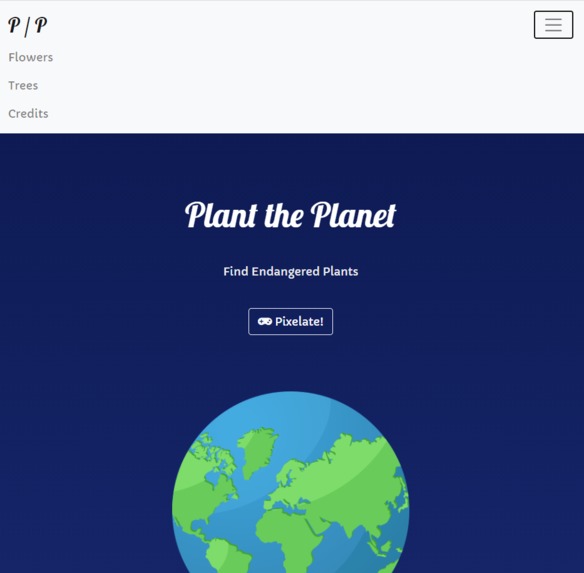
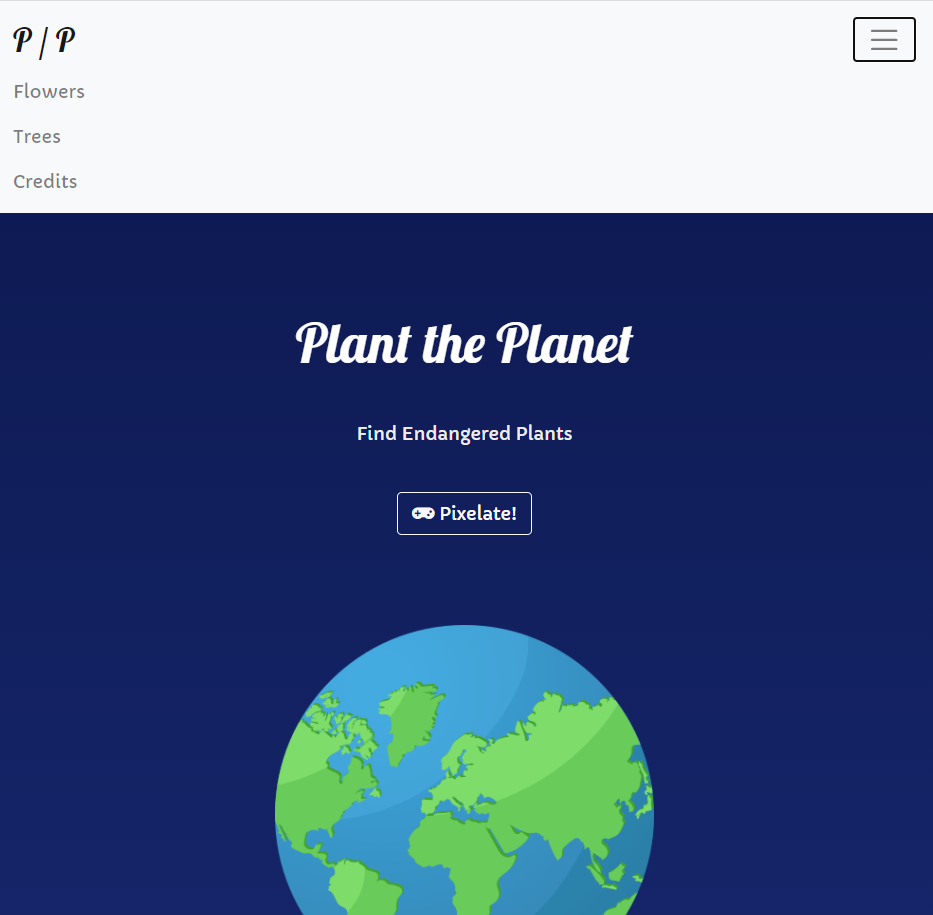
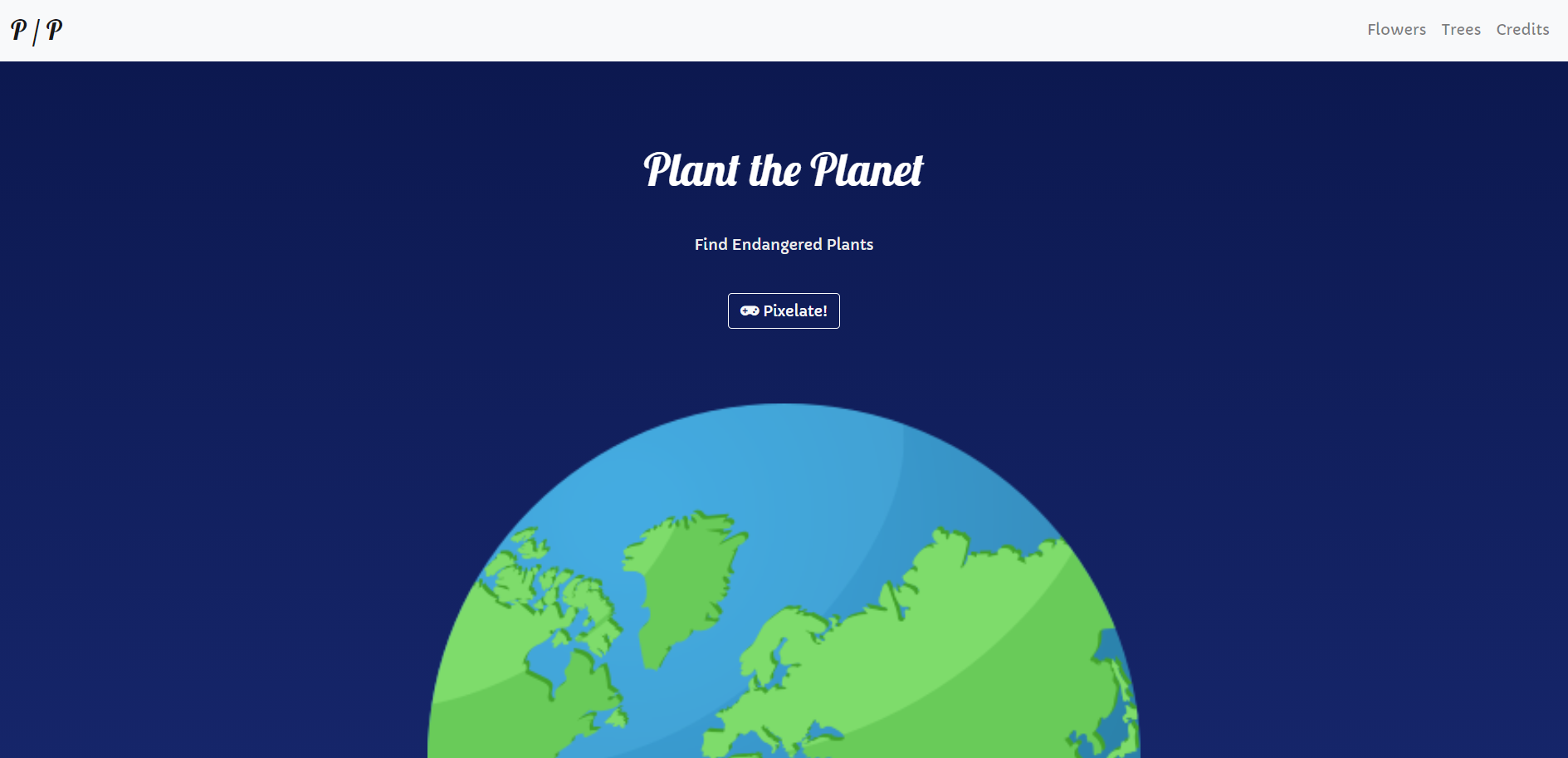
The top navigation bar allows users to quickly access the information they are looking for. There are three different sections: flowers, trees, and credits. When users click each section, the users will be directed to that specific section.
The top navigation bar is also responsive. If the screen size is too small to display the top navigation bar's sections, the sections will be hidden inside of a hamburger button (the button with three horizontal lines).
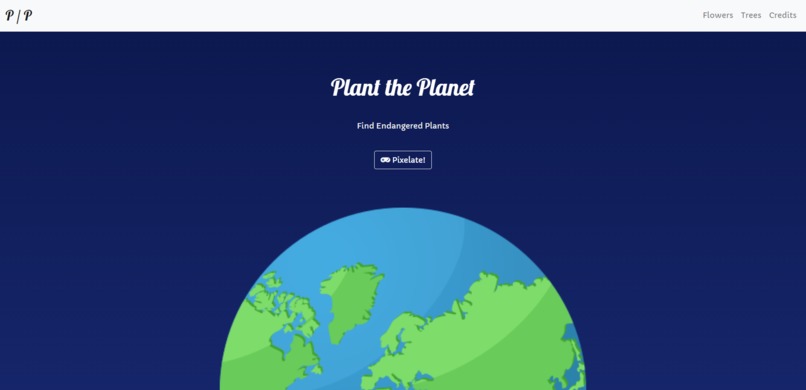
We also included our logo, "P/P", which represents both "Plant the Planet" and "from People (our team) to People (users)".
(2) Home Page / Front Page
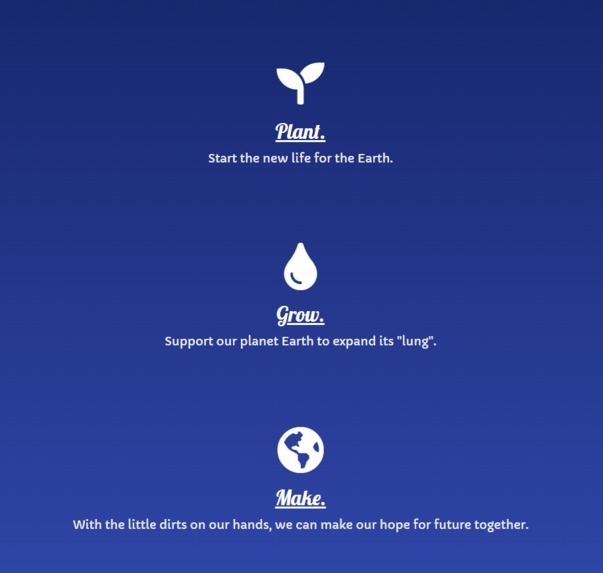
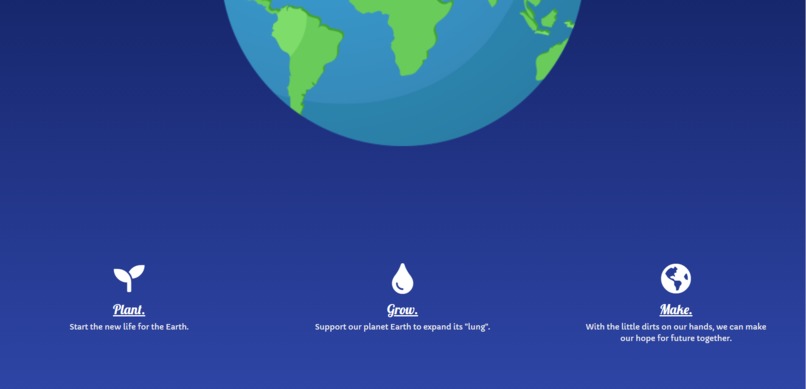
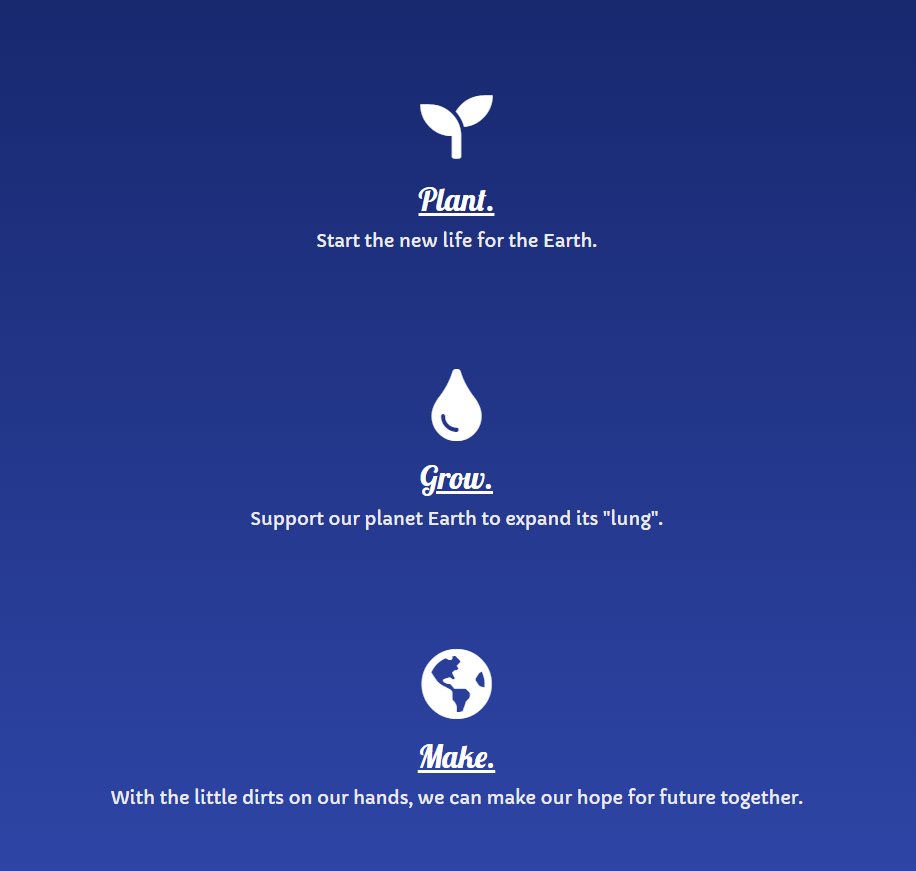
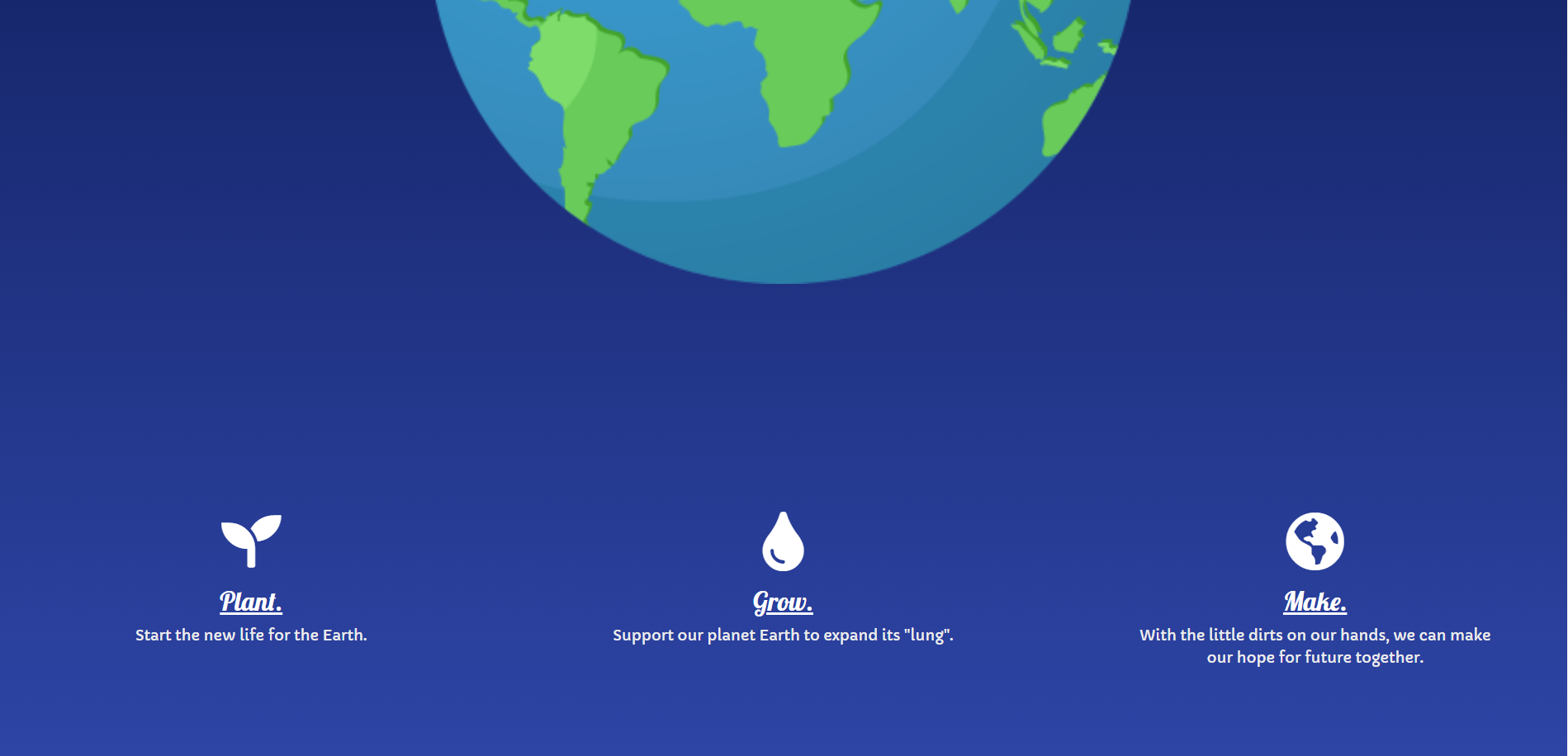
The home page shows the illustration of the Earth with our brand name and gradient backgrounds. The Earth is also responsive, increasing its size as the size of the screen is increasing. Below them, we added a short description of how we can protect the Earth -- by planting the new life, by growing our planet Earth's "lung", and by making our hope for the future together.
To make the website more interesting to users, we also added a button "Pixelate!", which makes the entire website pixelated.
(3) Main Content
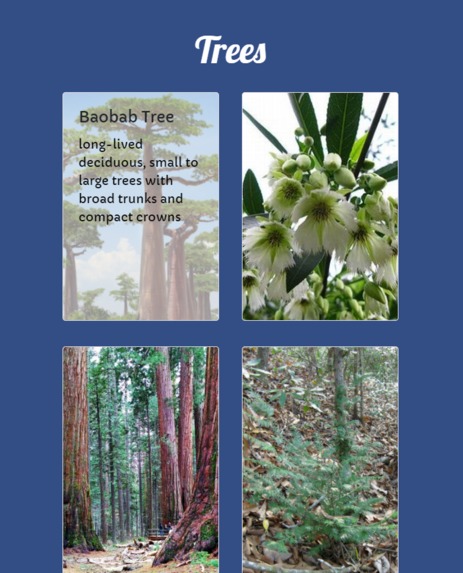
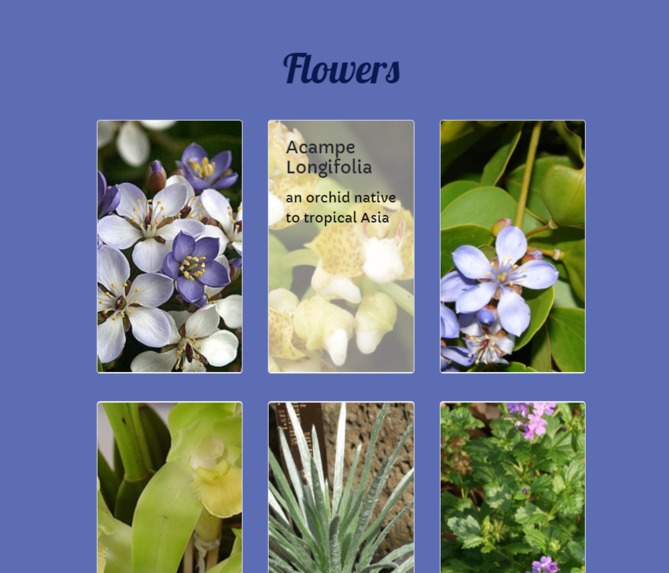
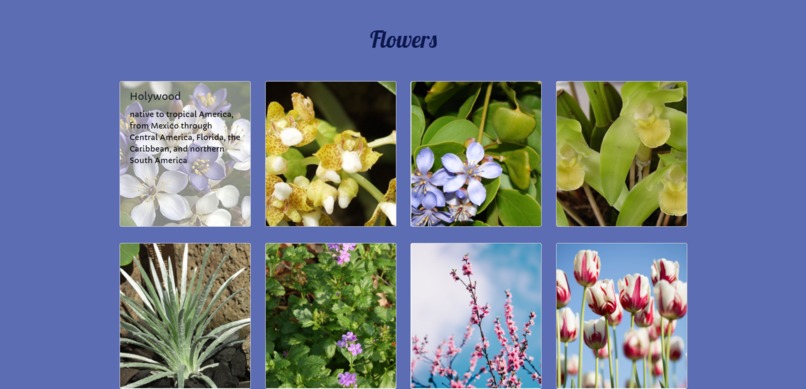
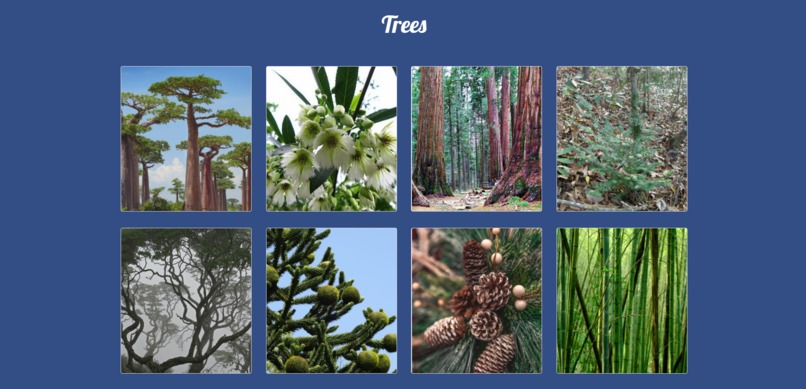
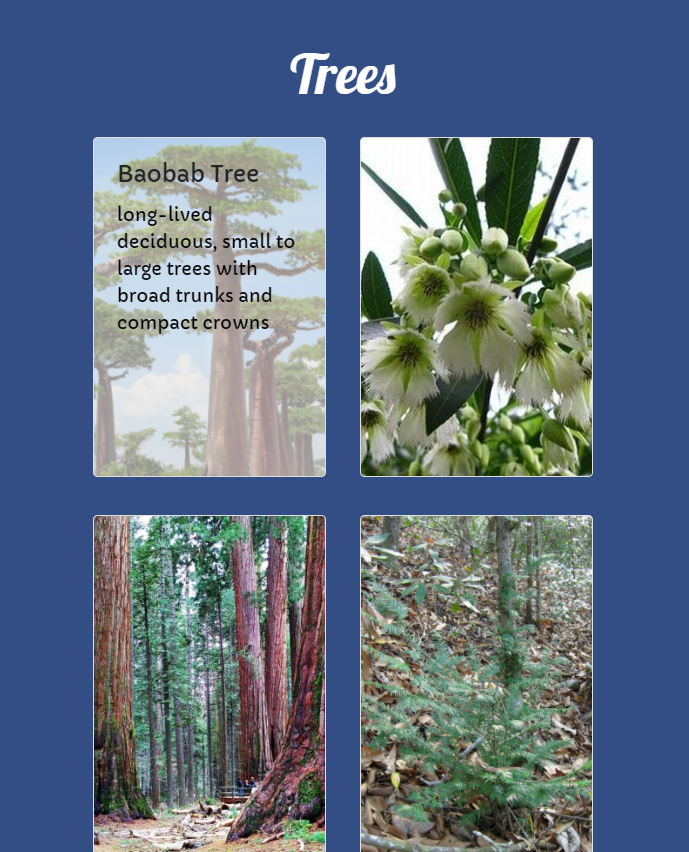
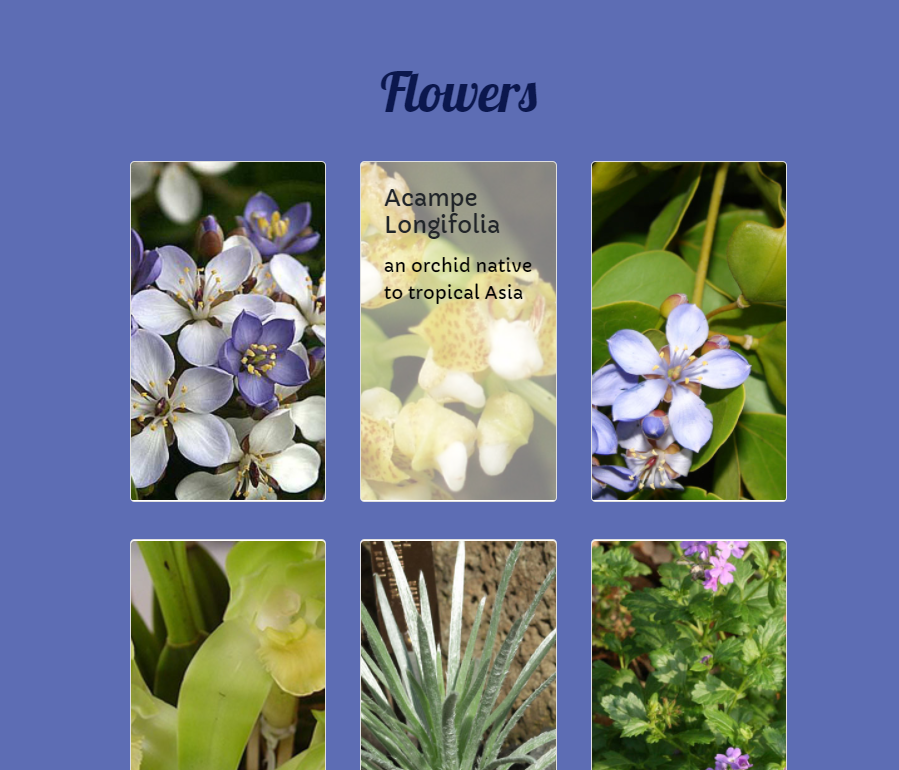
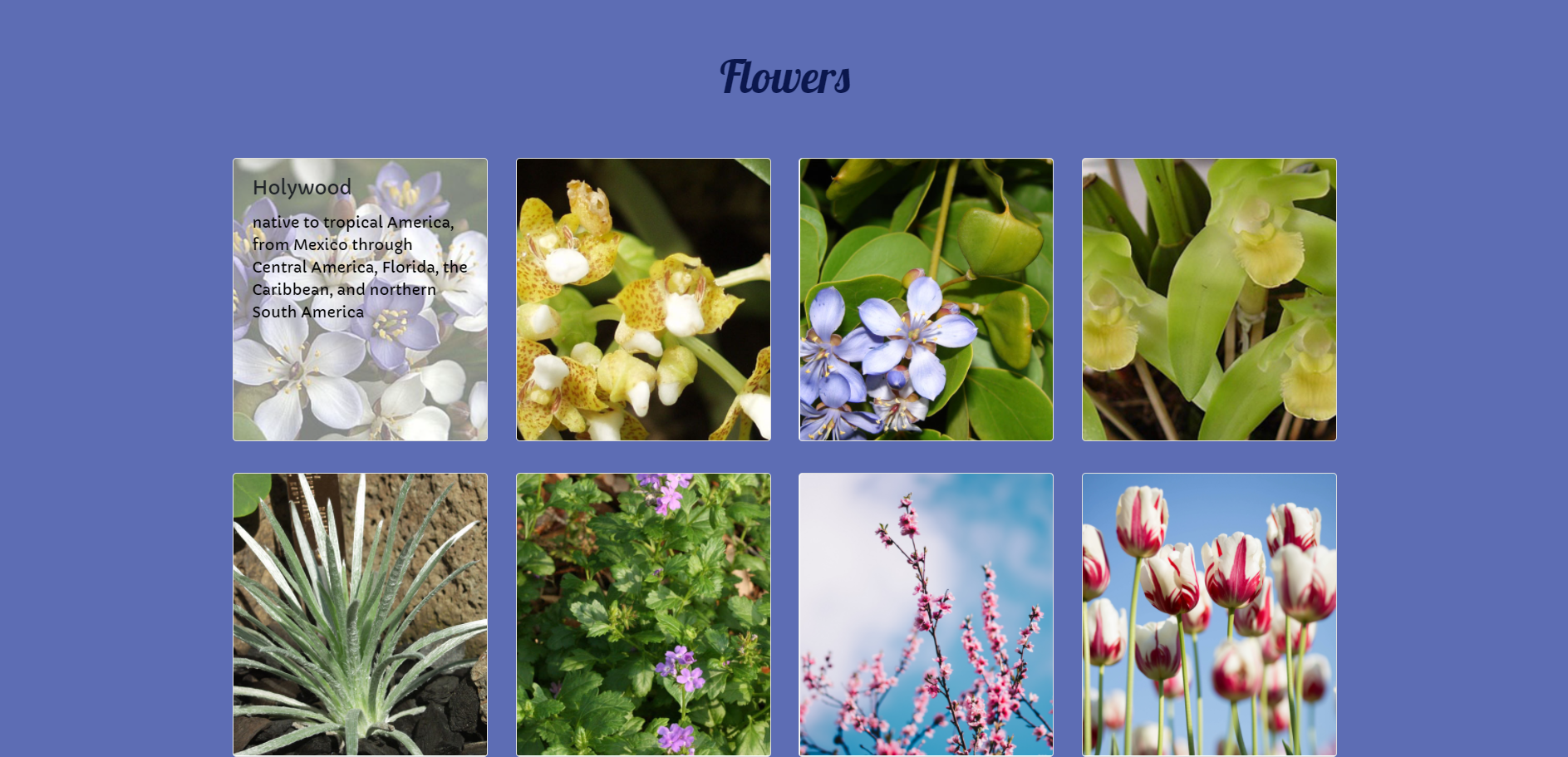
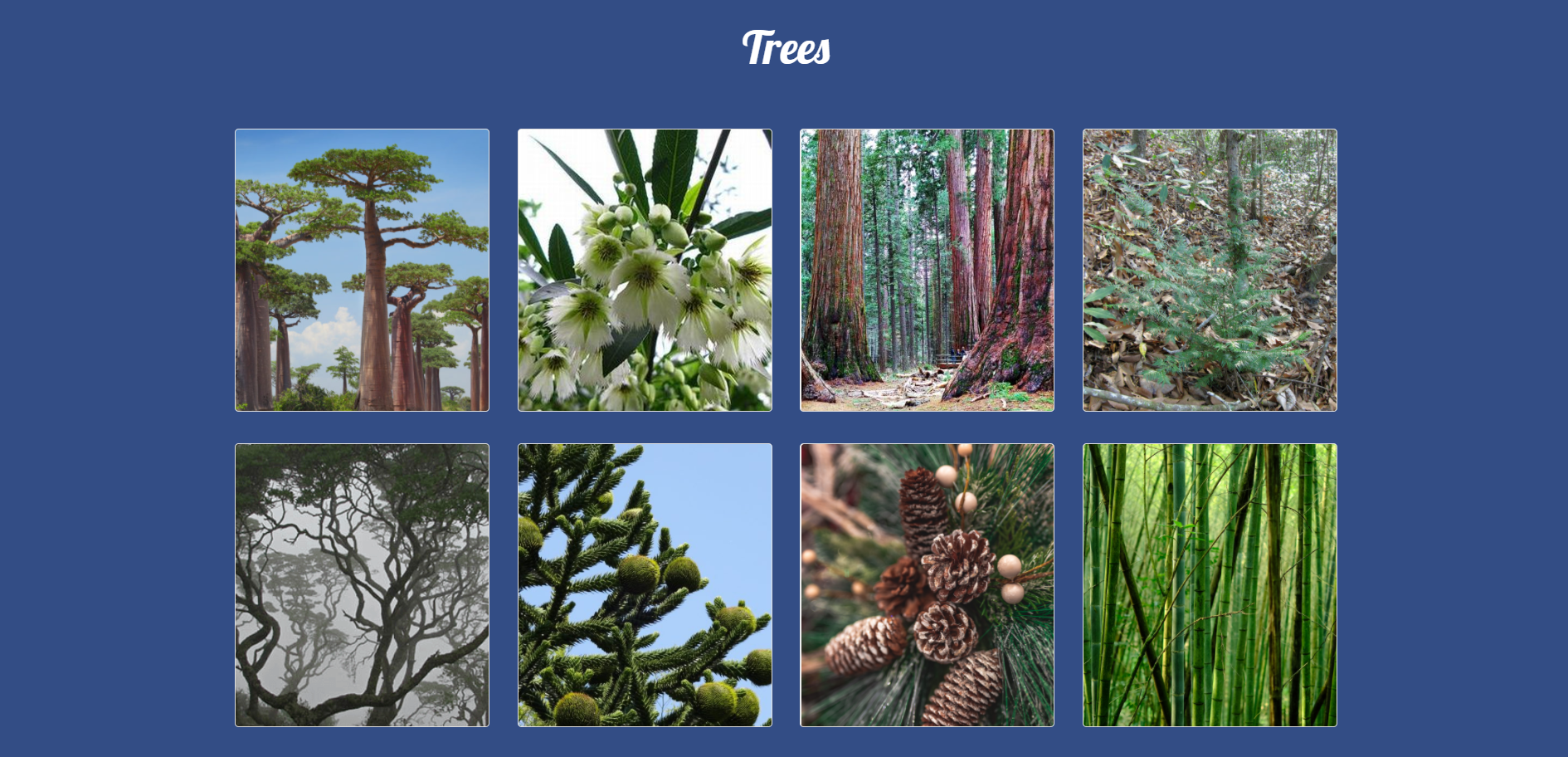
The main content of this website is the list of endangered species that are grouped in two different sections: flowers and trees.
The contents are also responsive. On a computer-sized screen, four cards would be displayed. On a tablet-sized screen, three cards would be displayed. On a phone-sized screen, two cards would be displayed.
When users hover on each card, the species's photo would be enlarged and shaded, and the species's name and short description would appear. Users can also click on each card to see the detailed description.
(4) Credits
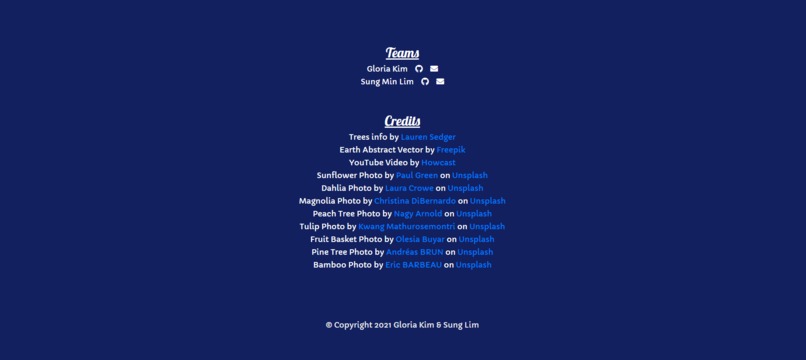
Other than the ones that are specifically mentioned that no credit is necessary (such as Font Awesome), we listed out all resources in our credit page. These resources, of course, are only relevant for "raw materials", such as photos and information about endangered species. All codes are written by our team, Gloria Kim and Sung Min Lim.
How we built it
On the first day, we spent the entire day to learn the new skills. While we are aware of HTML, we were not an expert of using Bootstrap, JavaScript and jQuery, so we needed to study these materials.
After that, we drew a wireframe of our website using a pen and a paper. Gloria was the main designer, and Sung added some interesting ideas, such as the button "Pixelate!" Then, Sung started to code the entire HTML and half of CSS and Bootstrap, and Gloria finalized the webpage using Bootstrap and some of JavaScript and jQuery.
As a back-up, we committed our project on GitHub time to time.
Challenges we ran into
(1) It was difficult to find a good tool to convert a png image into a pixelated image for free. We ended up using the not-so-perfectly-pixelated image.
(2) Because we had limited time, we did not have enough time to learn much of JavaScript and jQuery. We decided to use them minimally and complete the project for now, but we could have improved our coding if we knew how to use the for loop in JavaScript/jQuery.
Accomplishments that we're proud of
Sung is submitting the Hackathon project for the first time, and we're very happy that we completed all the parts we planned together! We're also proud that we listened to 20+ lectures to study deeper in CSS and JavaScript. And the idea of the pixelated button was neat. :)
What we learned
We learned to use Visual Studio Code that allows us to run the live demo. We also learned about additional Bootstrap libraries and actual applications. While we did not have enough time to deeply learn about JavaScript and jQuery, we still managed to use at least some portions of them.
What's next for Plant the Planet
We hope to improve the logic. Rather than writing each plant, we are hoping to use a for loop to generate the repetitive parts if that is possible in JavaScript (and we're pretty sure it would be).

Log in or sign up for Devpost to join the conversation.