-
-
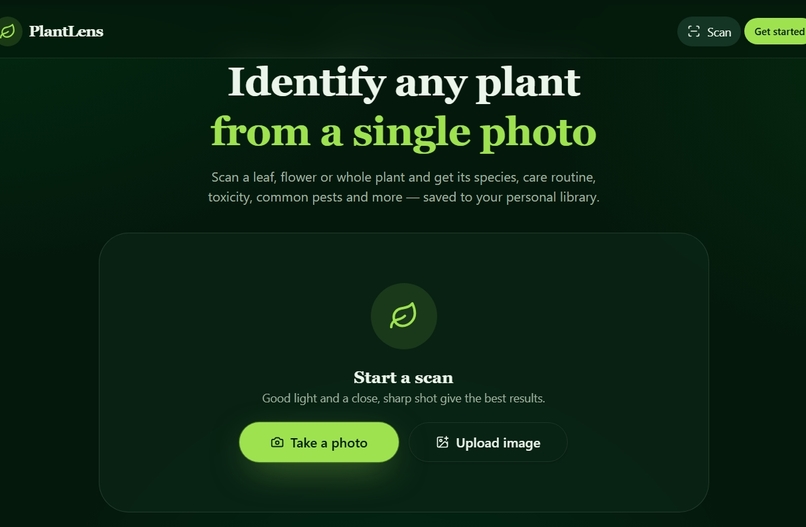
home page
-
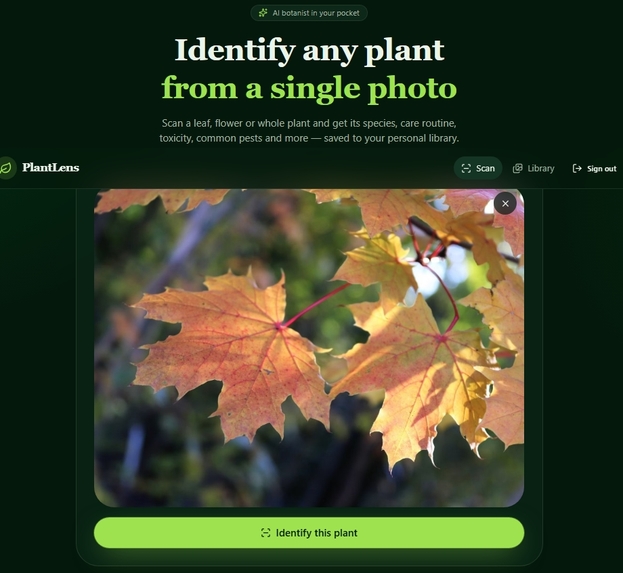
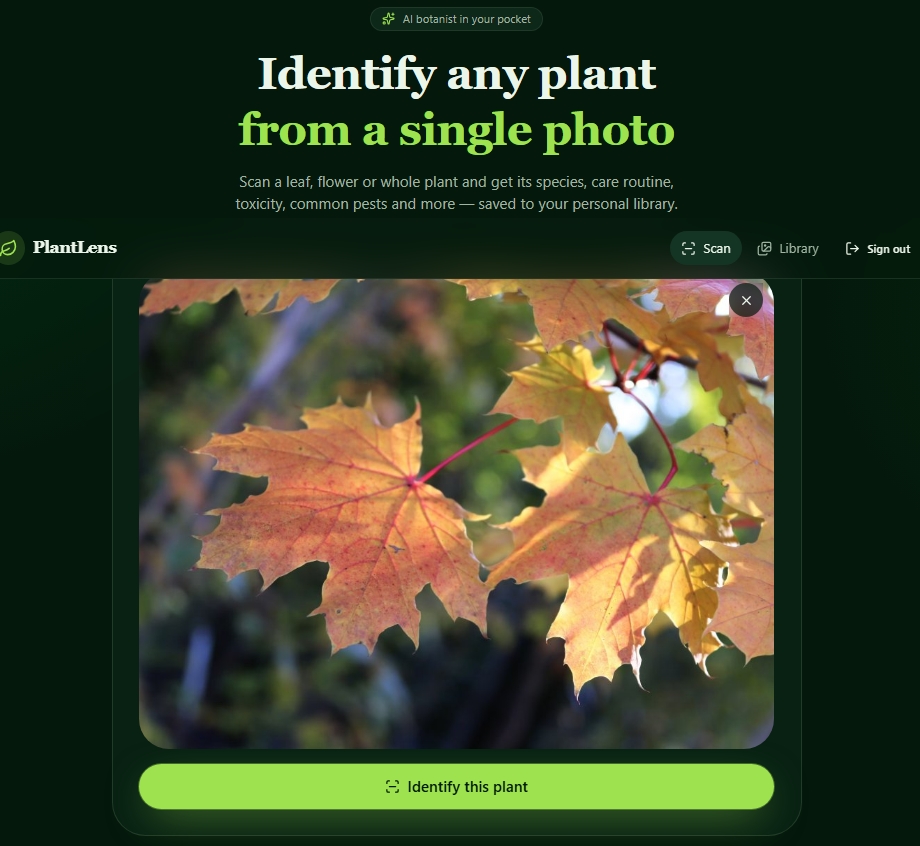
identify pant leaf
-
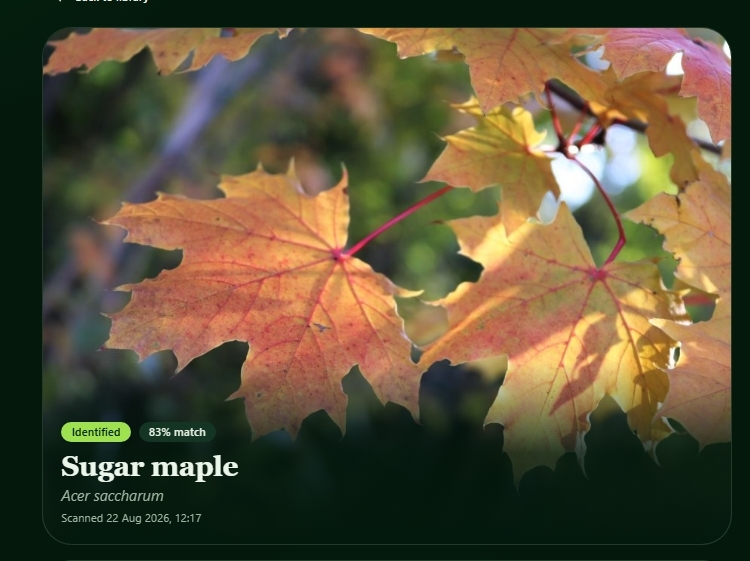
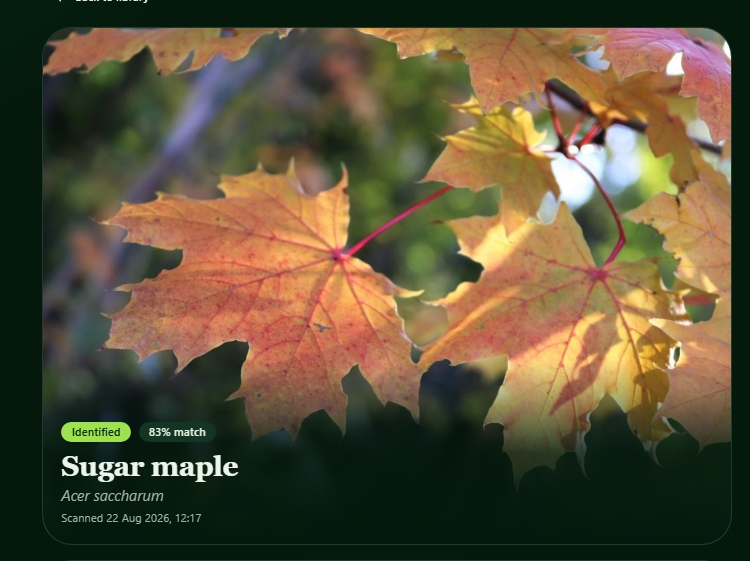
plant identify
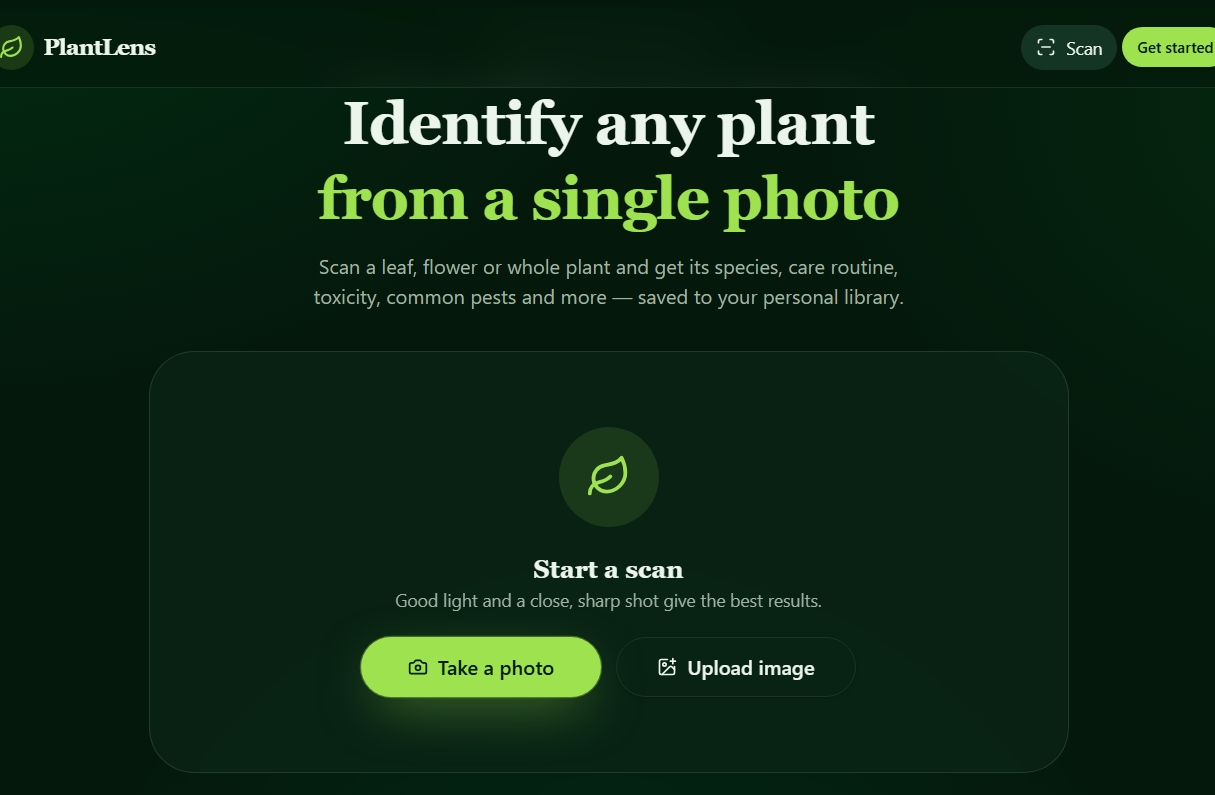
Inspiration
I wanted to make plant identification simple and fun. Many people love nature but struggle to recognize plants around them, so I built an app that bridges curiosity and technology.
What it does
Plant Pal lets users take a photo or scan a plant to instantly identify it. It provides the plant’s name, species details, and a short botanical profile — helping users learn and care for their plants better.
How we built it
The app uses an AI image‑classification model trained on plant datasets. I designed the interface with a clean dark‑green theme and implemented simplified authentication using name, age, and password, with optional Google sign‑in.
Challenges we ran into
- Fixing type errors and authentication bugs during deployment.
- Securing user data and plant photos against unauthorized access. 3.Balancing speed and accuracy in plant recognition.
Accomplishments that we're proud of
- Completed a fully functional plant‑identifier app with a smooth camera scan and AI recognition.
- Added secure login and optional Google sign‑in.
- Achieved a clean, modern UI that feels natural to use.
What we learned
- Completed a fully functional plant‑identifier app with a smooth camera scan and AI recognition.
- Added secure login and optional Google sign‑in.
- Achieved a clean, modern UI that feels natural to use.
What's next for plant lens
- How to integrate an AI image‑classification model into a real app and fine‑tune it for plant datasets.
- Building Plant Pal showed us how AI can be applied to everyday problems like plant care and biodiversity awareness.
Built With
- bun
- css
- express.js
- firebase
- github
- google?oauth?2.0
- html
- javascript
- lovableai
- mongodb
- node.js
- react
- supabase
- tensorflow?lite
- typescript
- vite


Log in or sign up for Devpost to join the conversation.