-
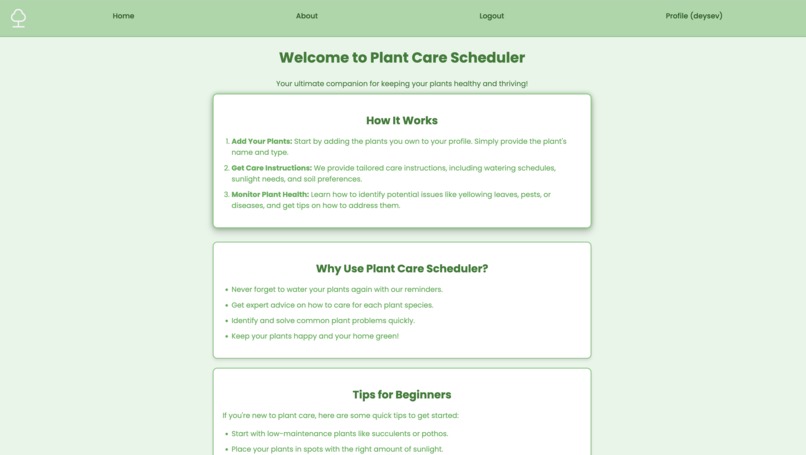
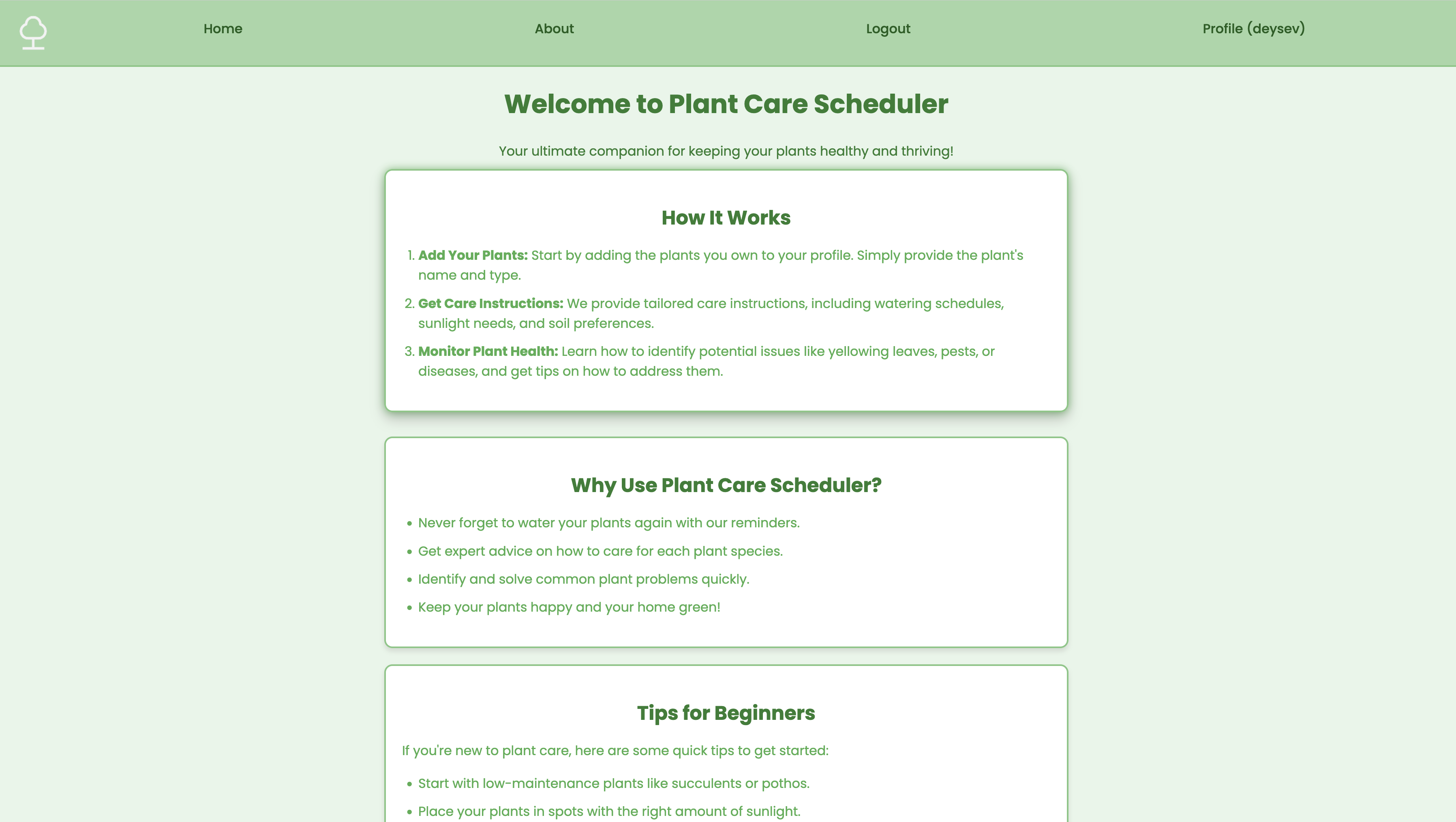
HomePage demo
Inspiration
Like many plant lovers, we found it difficult to keep track of each plant’s unique care needs—watering schedules, light preferences, and seasonal changes. After repeatedly forgetting to water some of our own plants, we realized there had to be a better way. We wanted to build something that not only reminded users to care for their plants, but also educate them with real, personalized plant care data. That’s how Plant Care Scheduler was born.
What it does
Plant Care Scheduler is a web application that helps users manage their plant collection by:
- Providing plant-specific care instructions via the Permapeople API
- Supporting account registration and secure login with profile management
- Offering a clean, responsive interface to view and edit your plant list
- Dashboard with all educational information about the plant
How we built it
We built the application using:
- Flask, Python and Javascript for the backend functionality
- PostgreSQL for structured data storage
- Permapeople API to fetch real-world plant care data
- HTML/CSS with a soft, nature-inspired aesthetic for the frontend
- Blueprints to organize routes like login, registration, profile management, dashboard
Challenges we ran into
- Keeping the layout responsive across different devices and screen sizes (not enough time)
- Handling missing or inconsistent data from the Permapeople API
- Managing access control and user roles using Flask Blueprints
- Javascript listening functionality
- API didn't include all the info necessary
Accomplishments that we're proud of
- Creating a complete user authentication system with profile picture support
- Designing an intuitive and beginner-friendly UI for plant management
- Successfully integrating real-time plant data through an external API
- Structuring our code cleanly using Flask Blueprints for scalability
What we learned
- Best practices for handling forms, file uploads, and user sessions securely
- How to consume and display data from a third-party API with routes

Log in or sign up for Devpost to join the conversation.