-
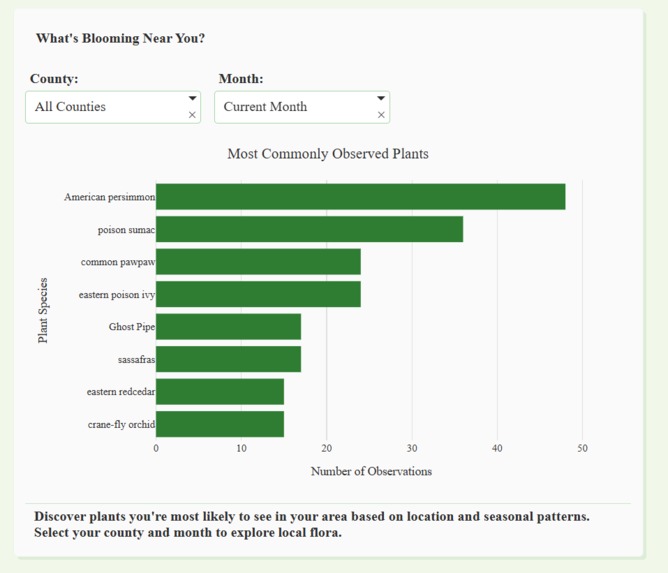
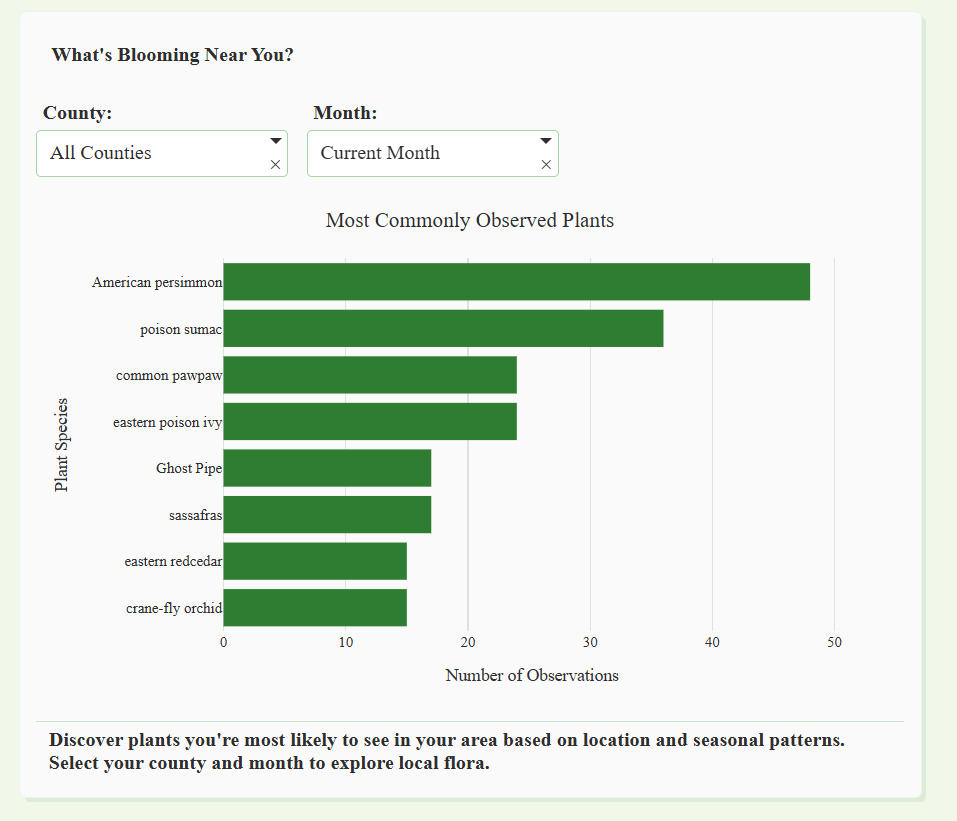
What is blooming near you?
-
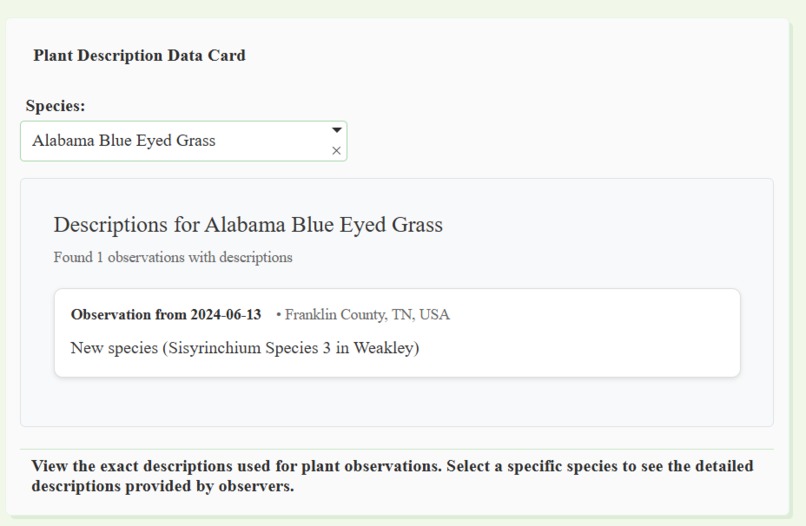
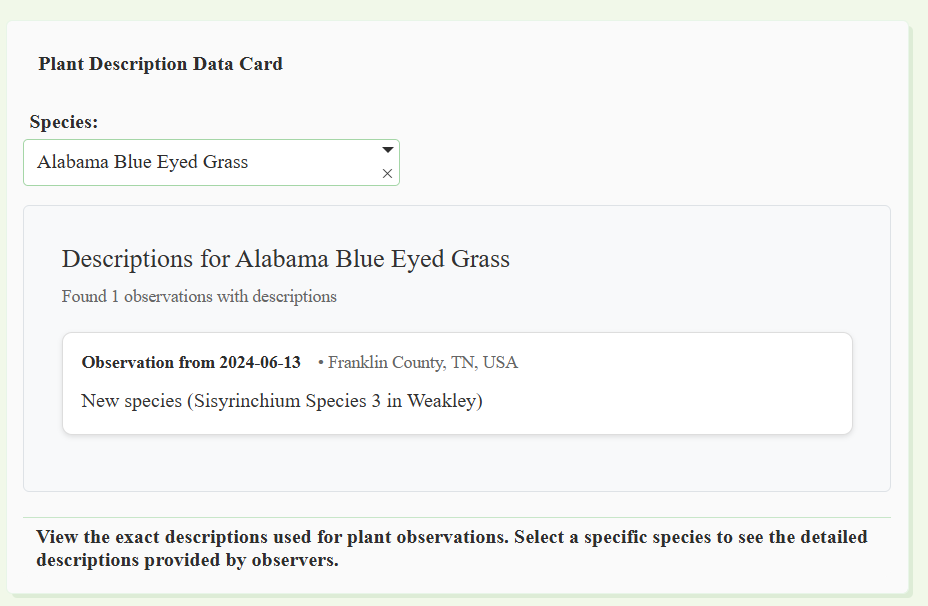
Describe plant charactersistics
-
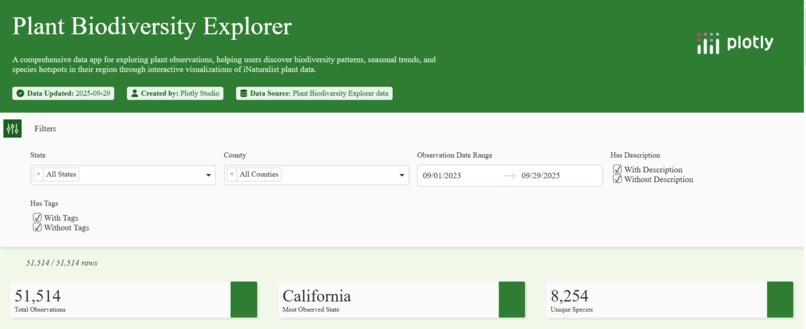
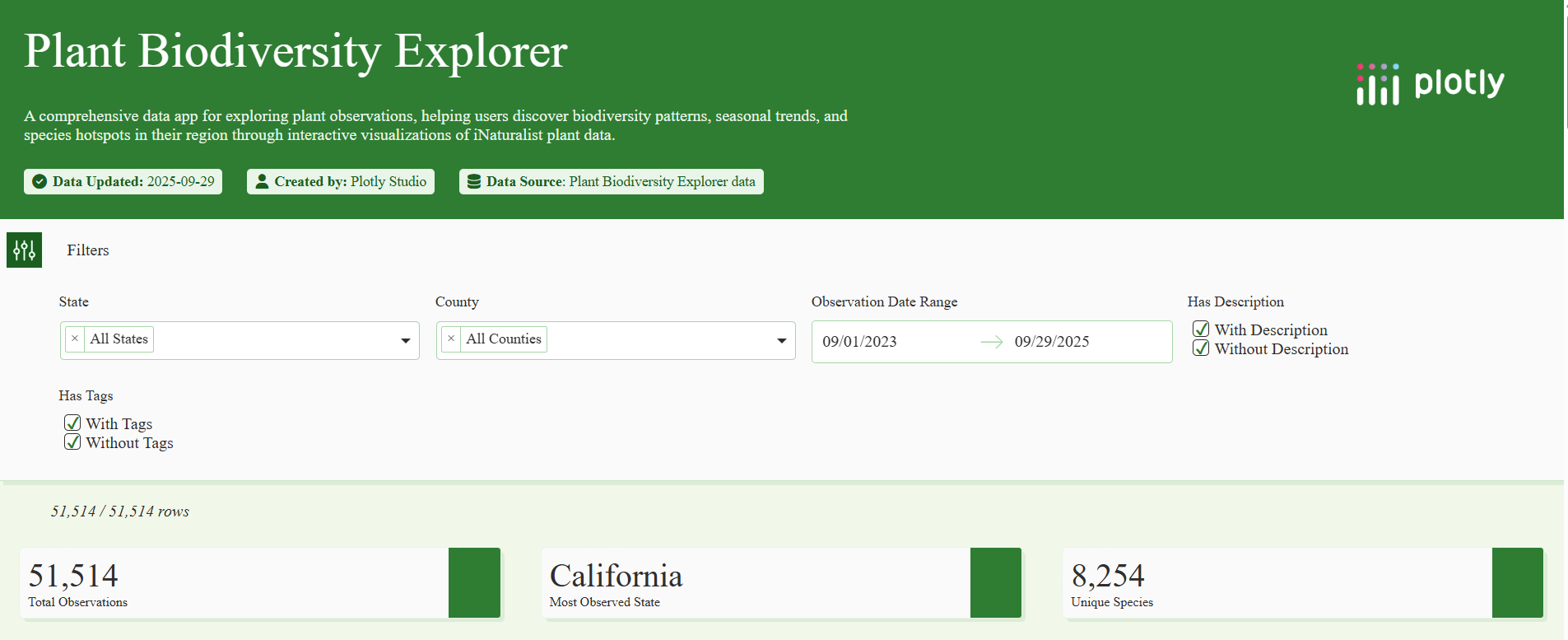
App header
-
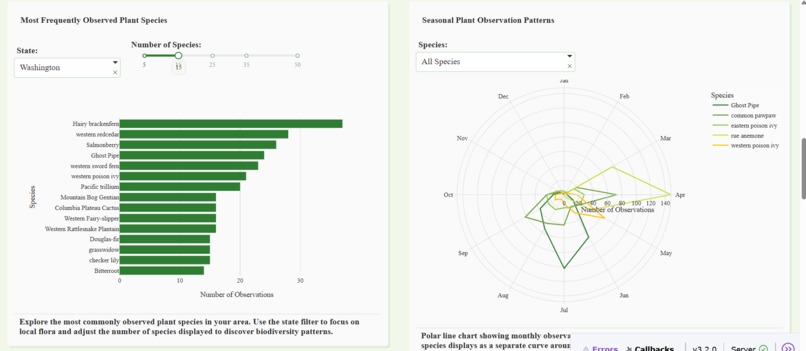
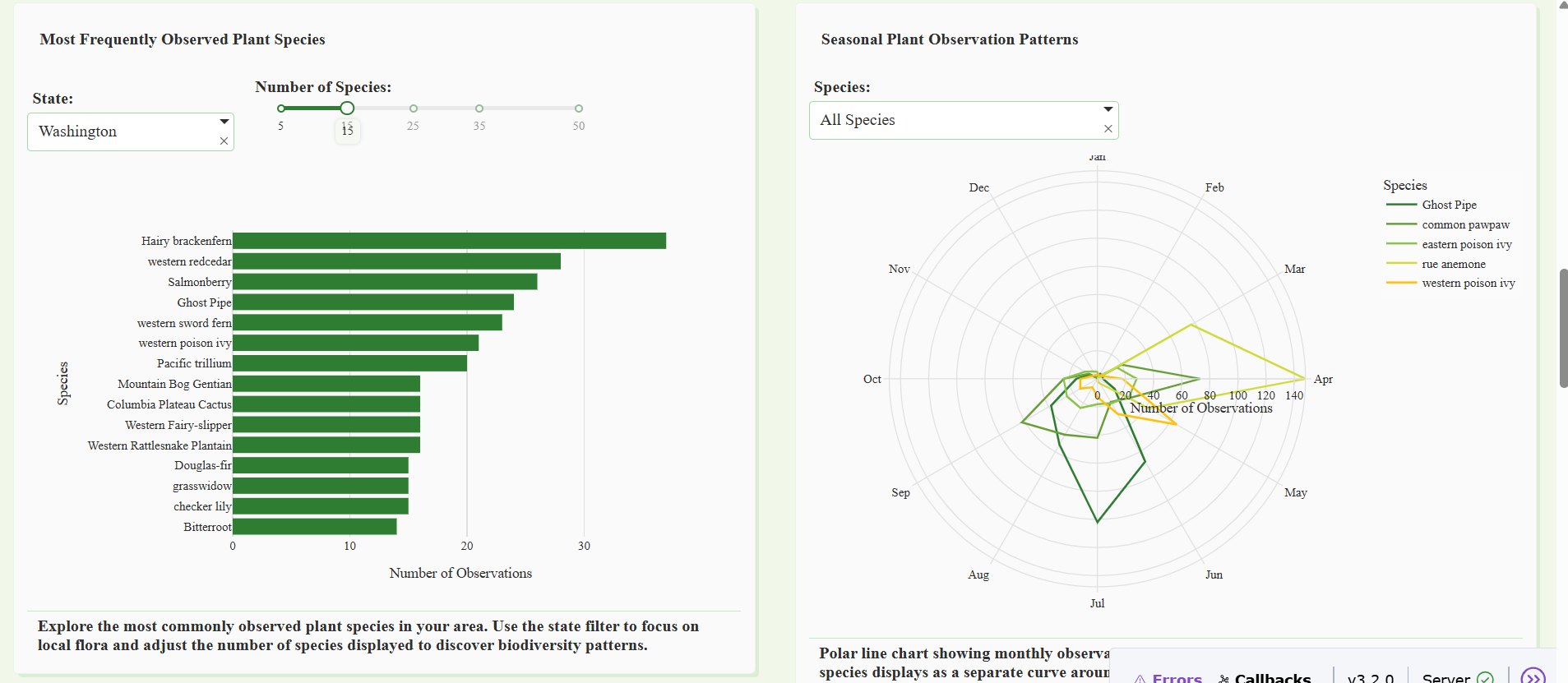
Most frequent and peak observation "flower" wheel
-
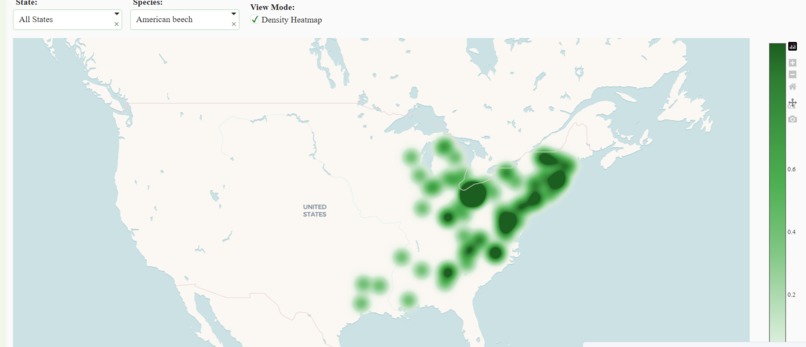
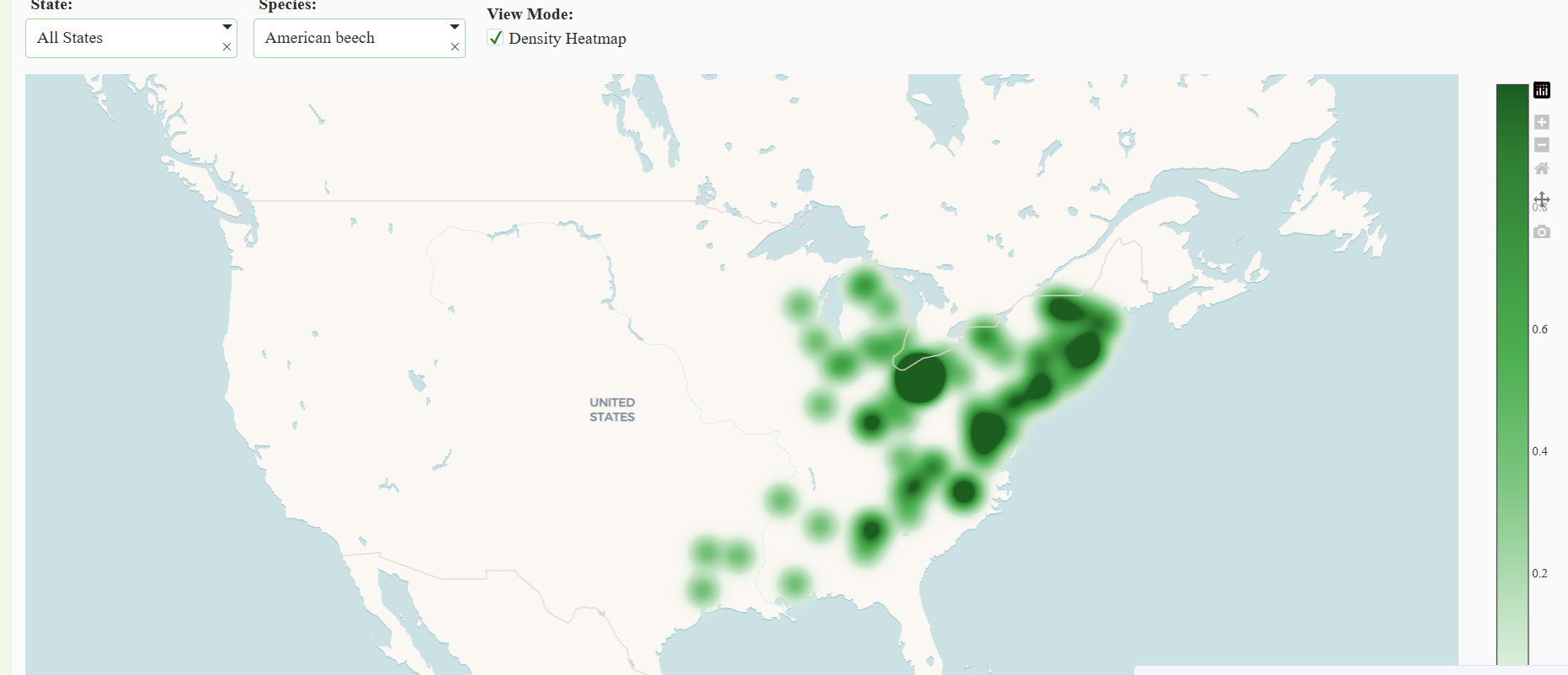
Density map
Inspiration
I don't have a green thumb - I suck at taking care of my own plants. What I do love though, is observing all the plants and trees around me, and appreciating what nature has to offer. However, I'm not the best at identifying the plants - which is why I made this data app. I wanted to create an interactive way for other curious people to explore the plant biodiversity around them.
What it does
The app visualizes real-world plant observation data from iNaturalist. Users can:
- Discover which species are common in their area.
- Explore taxonomic relationships through a “tree of life” view.
- See seasonal “bloom wheels” showing when species are most visible.
- Understand what characteristics to look for when identifying a plant.
How I built it
I used Plotly Studio to create this app. I uploaded my data and prompted Plotly studio to come up with charts. I also tweaked the python code for a few of the charts to change colors, filters and aggregations.
Challenges we ran into
One challenge was handling large data - the plant species data I had included media such as photos. However, I wanted to emphasize on clean charts that provided a cohesive story rather than work with the entirety of the data. This is why, the app focuses on a few features, and only the US as a geographic area.
Accomplishments that we're proud of
- Translating ecological complexity into interactive, storytelling visuals.
- Building a cohesive design where charts complement each other.
- Making biodiversity data accessible and fun to explore for anyone.
What we learned
I learned how to leverage Plotly studio for narrative-style data visualizations. Using plotly studio allowed me to think of the importance of thoughtful UI and filtering in data storytelling.
What's next for Plant Biodiversity Explorer
I definitely want to expand beyond the US region. I also want to add image previews as data card components for each species. In order to have the most up-to-date data I would also integrate real-time iNaturalist API to fetch the latest observations.


Log in or sign up for Devpost to join the conversation.