-
-
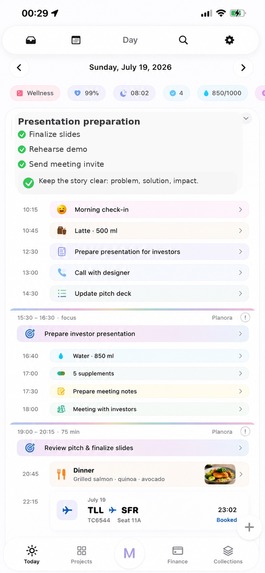
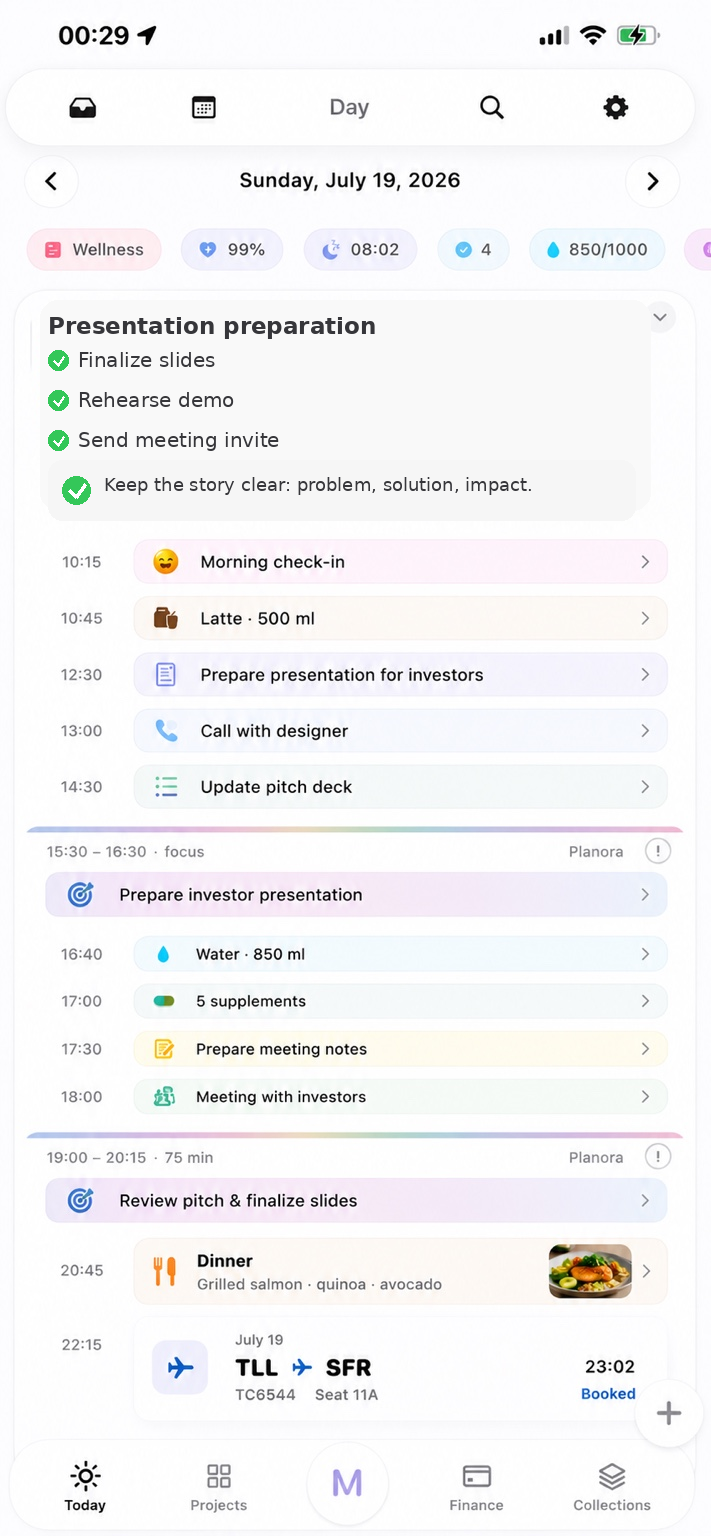
Plan work, wellness, meetings, focus sessions, meals, hydration, and travel in one connected daily timeline.
-
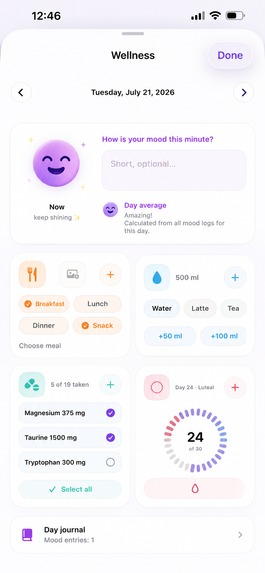
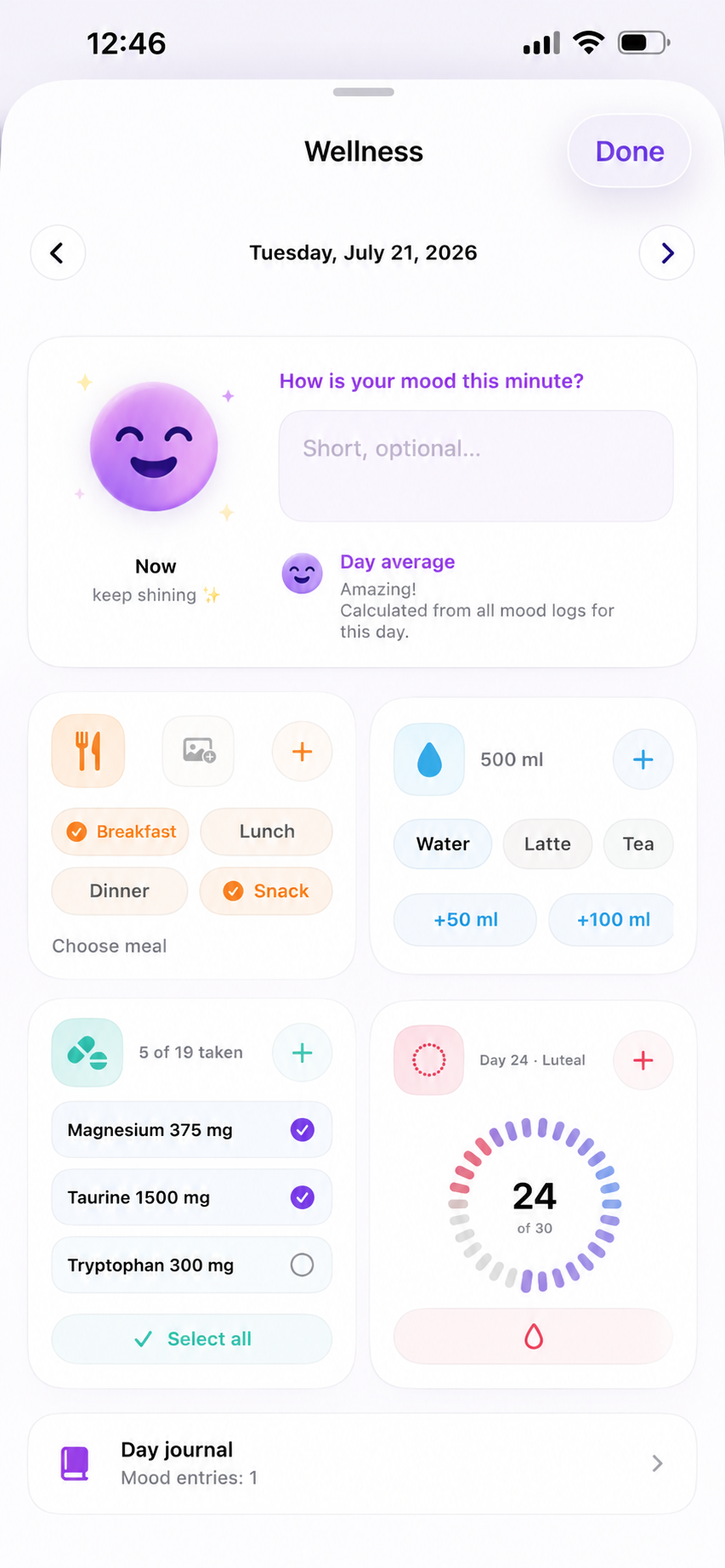
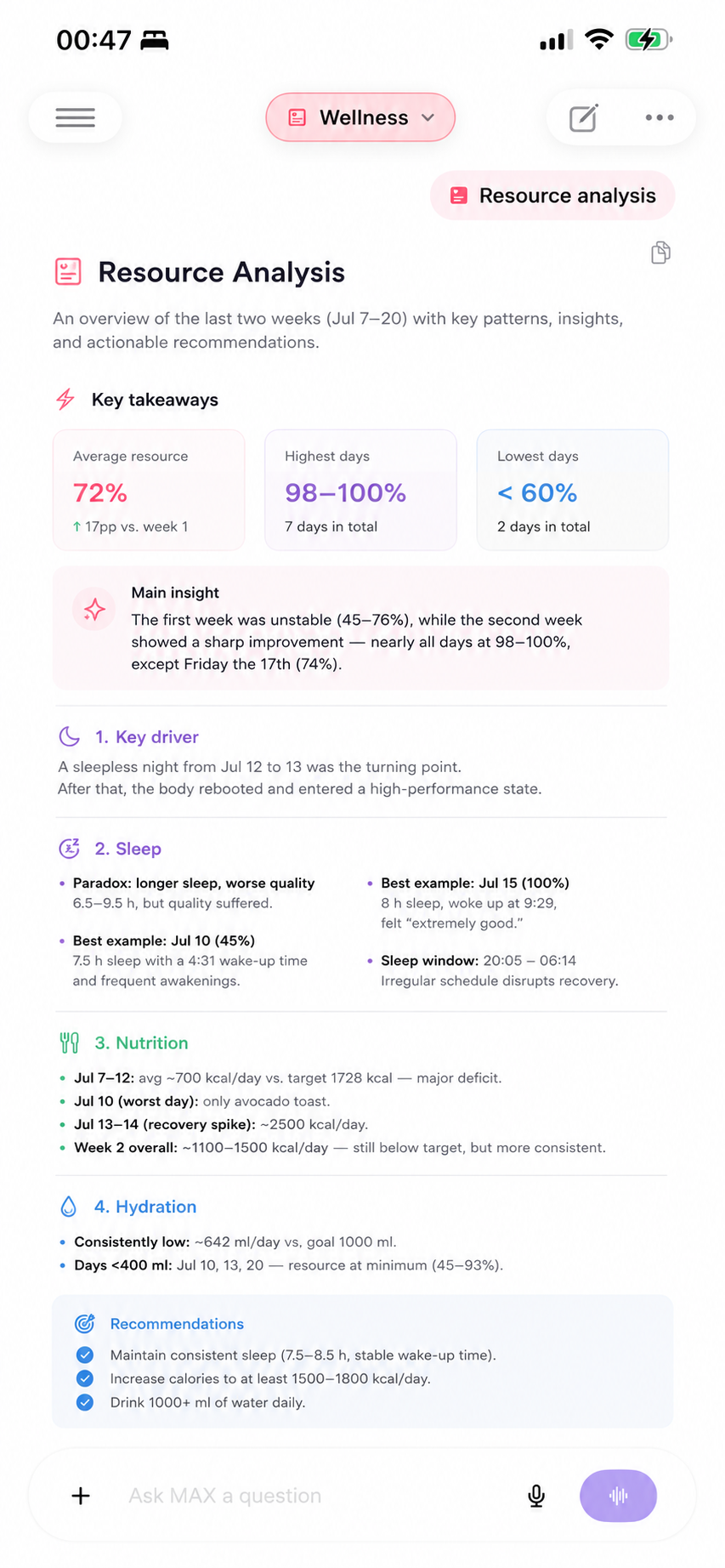
Track sleep, mood, meals, hydration, supplements, and your cycle in one place for a healthier, more balanced lifestyle.
-
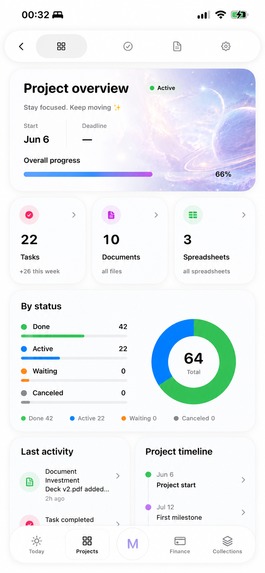
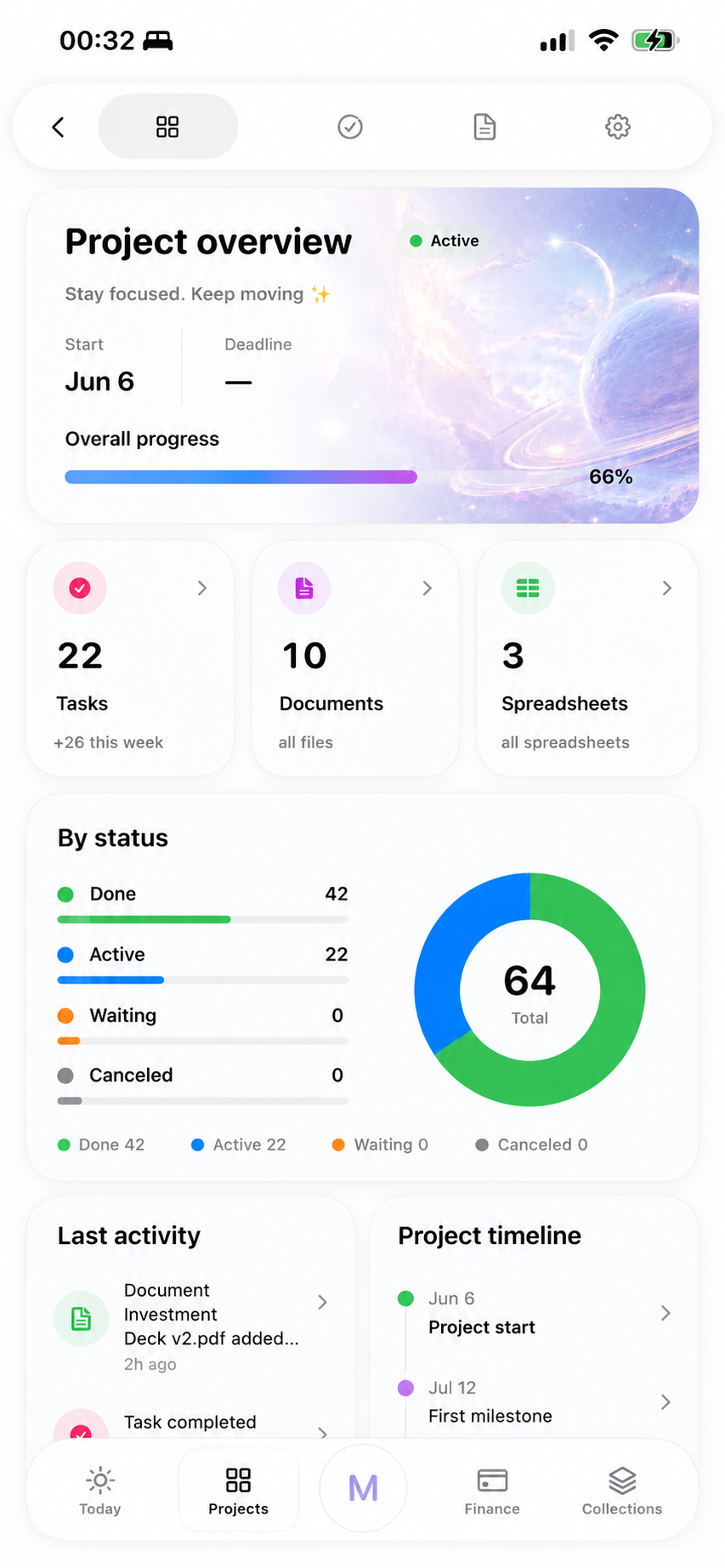
Manage tasks, documents, spreadsheets, folders, progress, activity, and project milestones in one connected workspace.
-
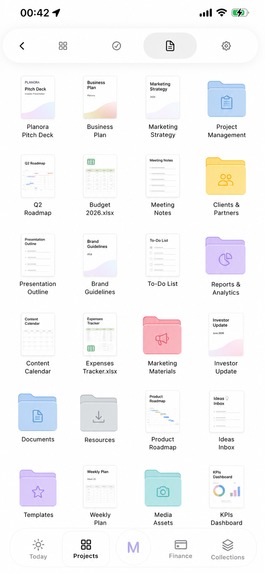
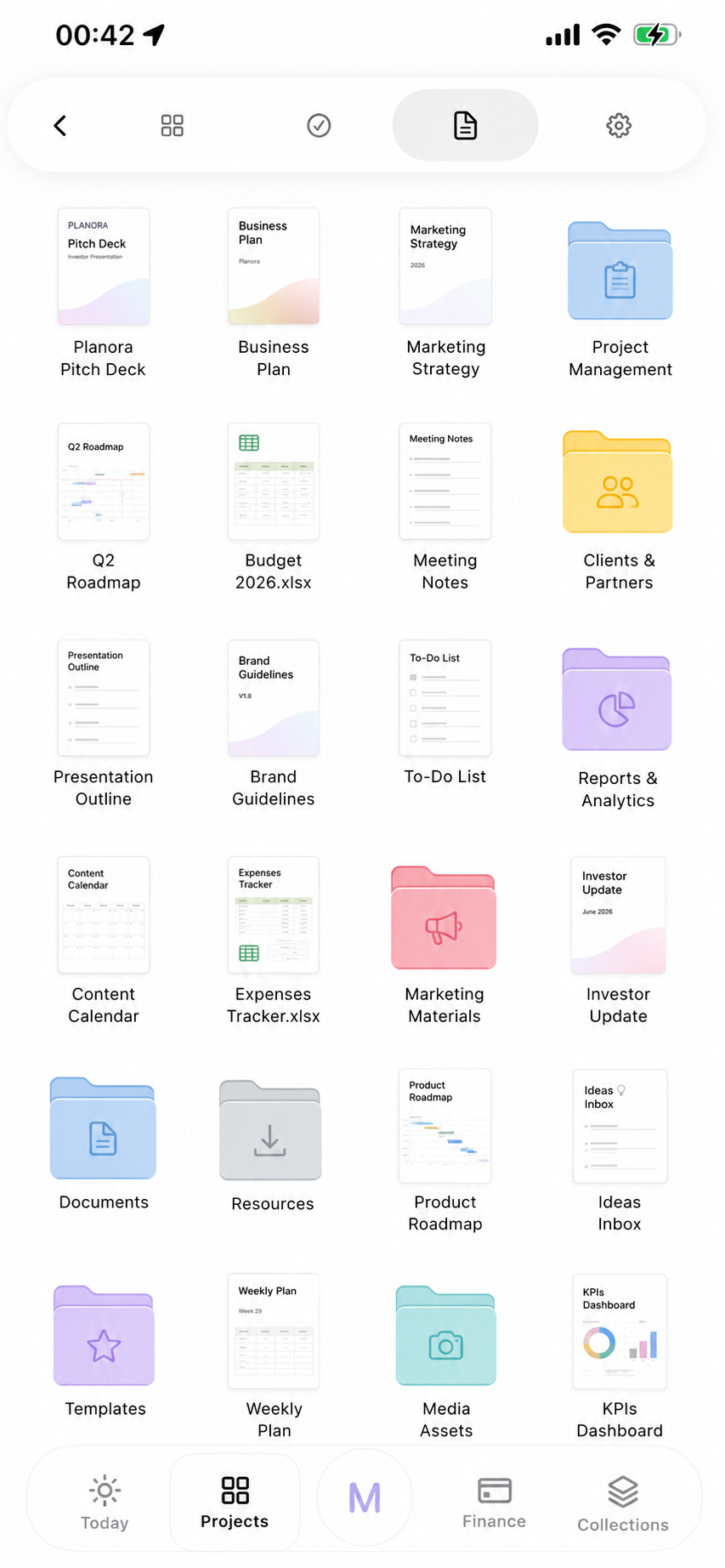
Create and store documents, spreadsheets, plans, reports, and resources, then organize everything into project folders.
-
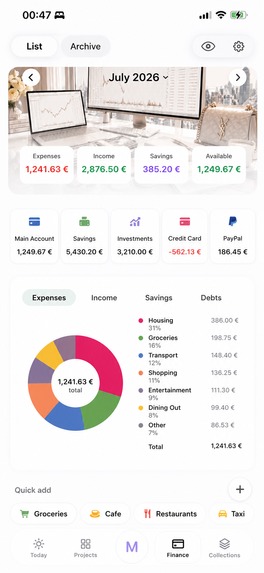
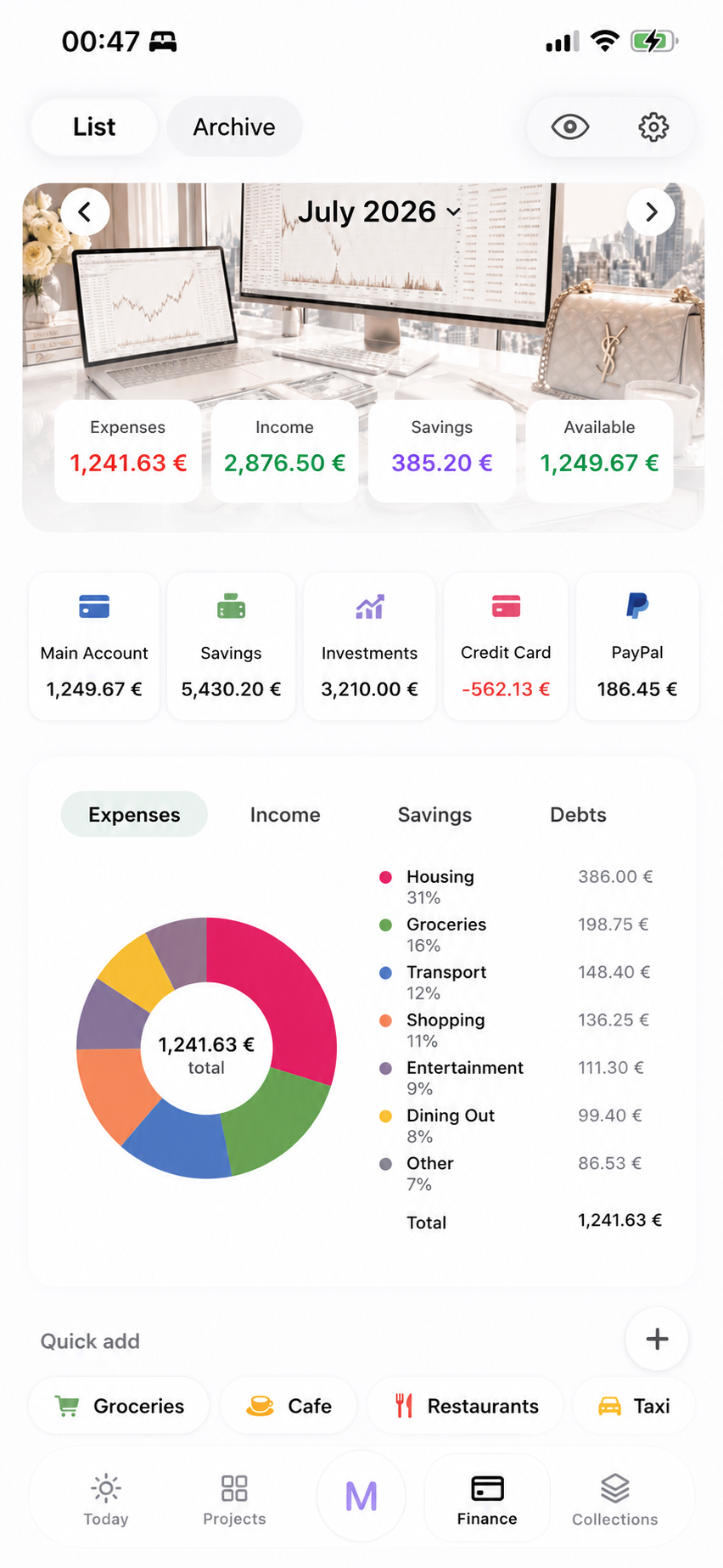
Track income, expenses, savings, accounts, and spending categories through one clear financial dashboard.
-
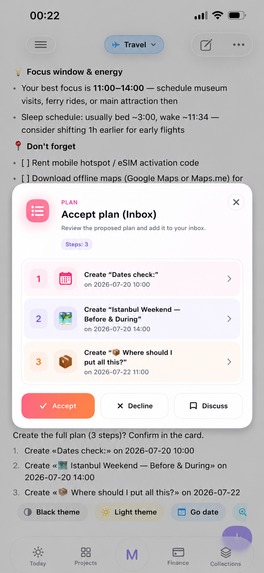
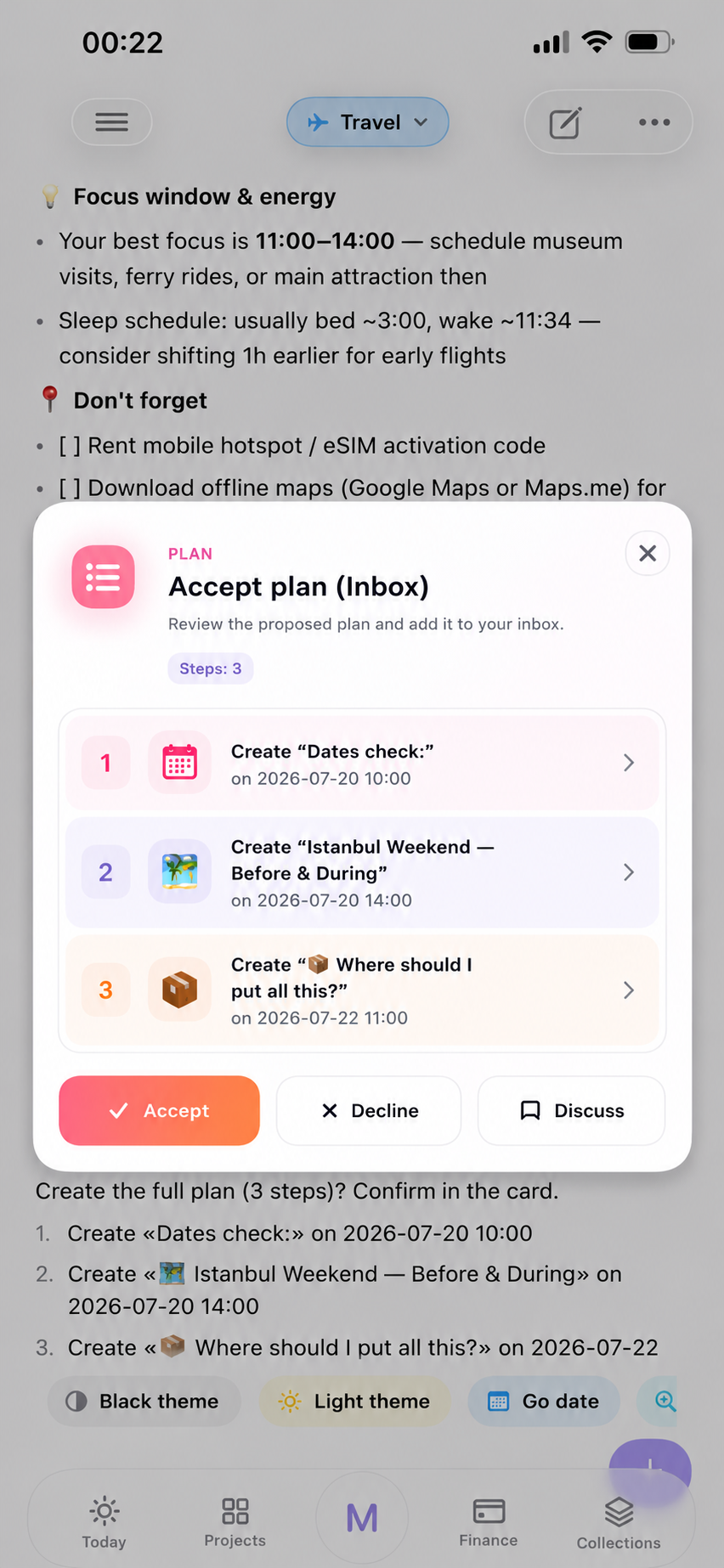
MAX analyzes your work, wellness, sleep, and energy, then creates a personalized action plan for your day or any goal.
-
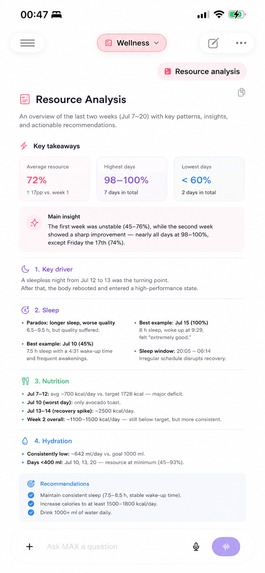
MAX turns wellness data into clear patterns, insights, and practical recommendations for better daily energy.
-
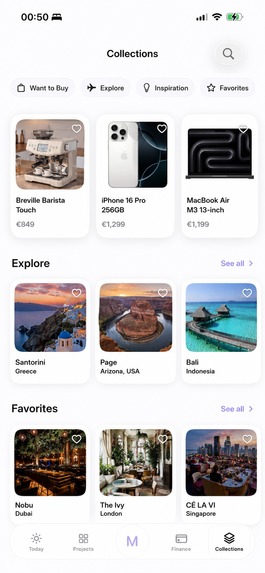
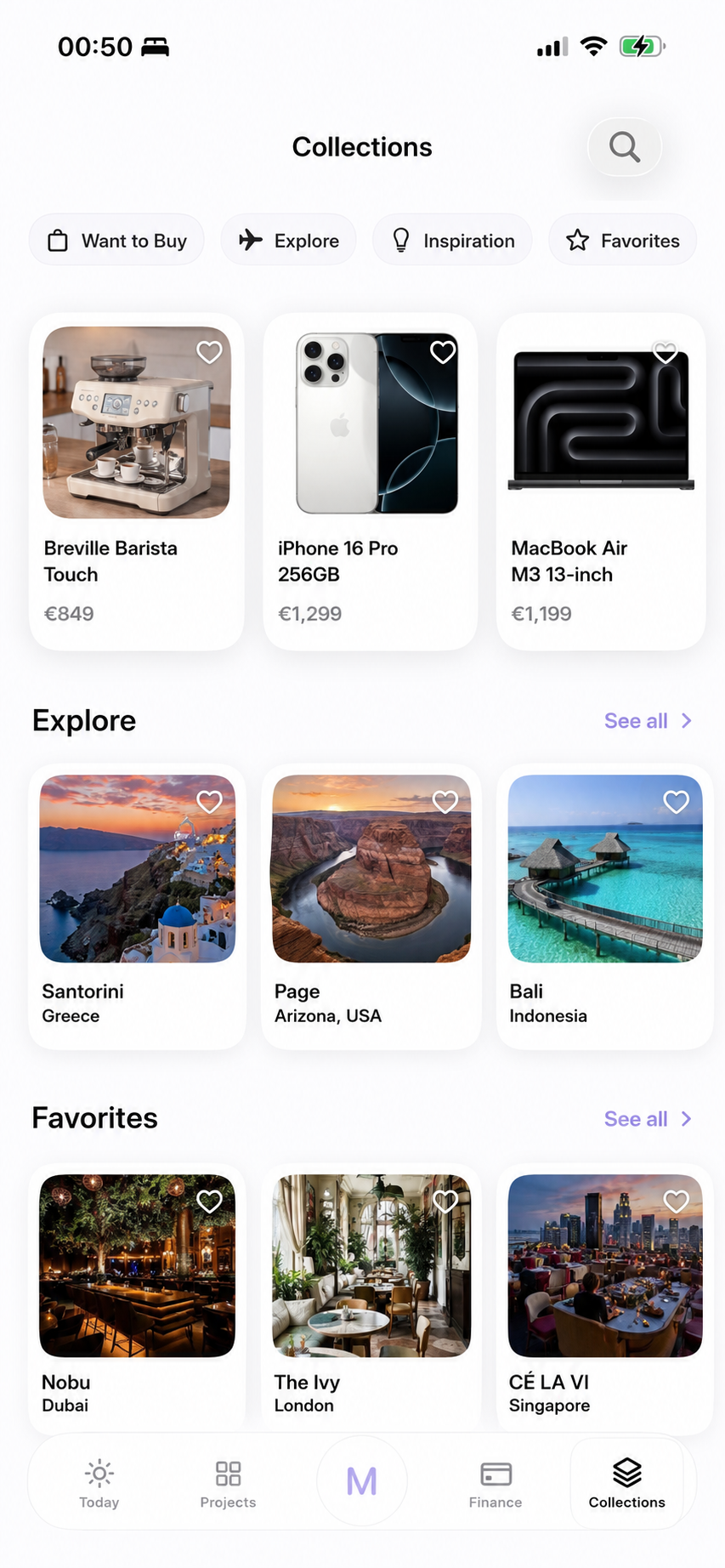
Organize everything you want to buy, explore, remember, or visit across Buy, Ideas, Places, and Travel collections.
-
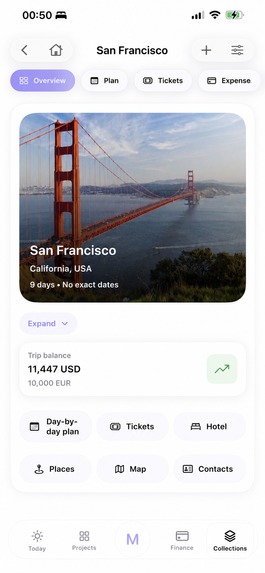
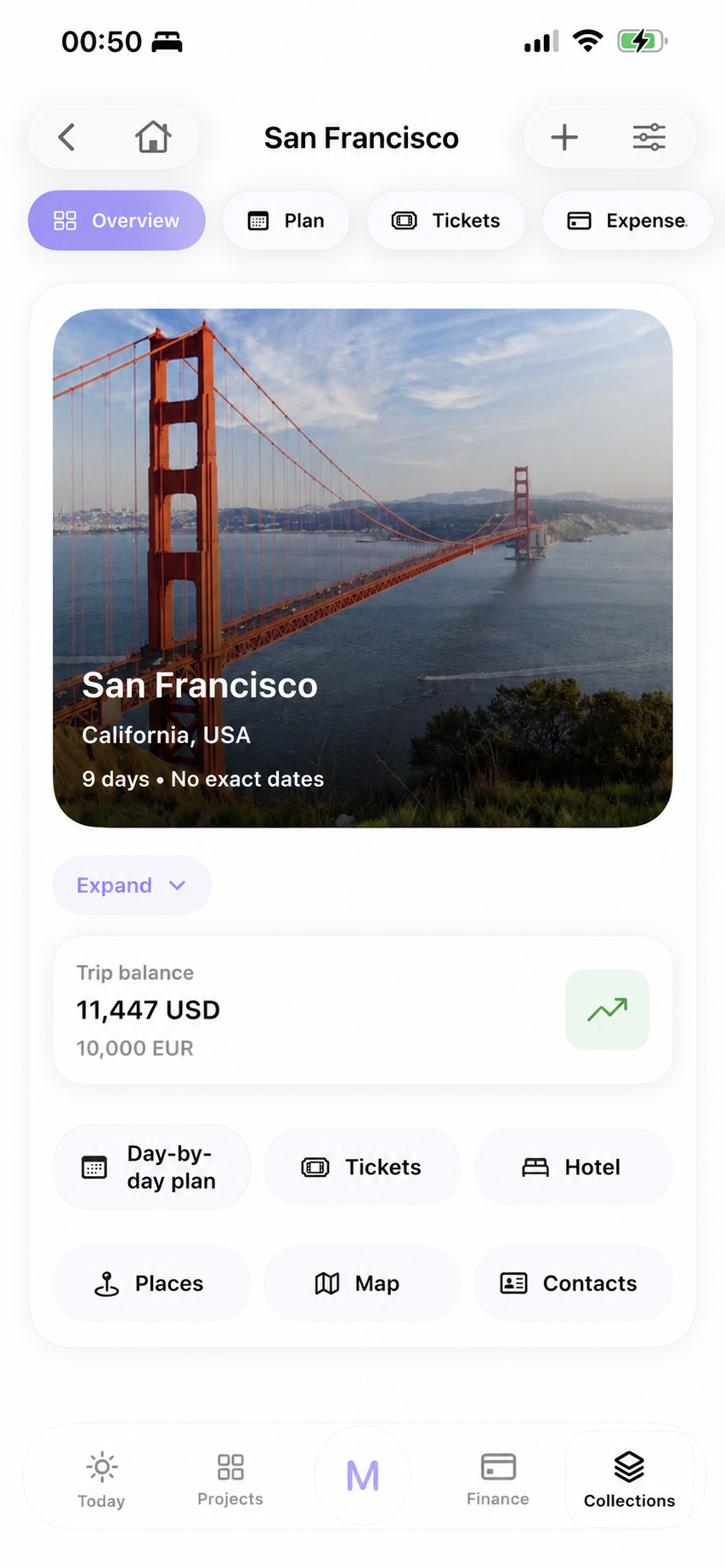
Build a complete San Francisco itinerary with saved places, locations, and everything needed for the trip.
-
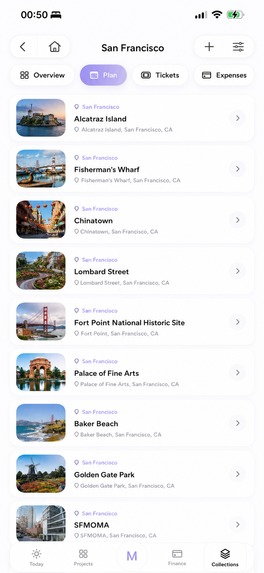
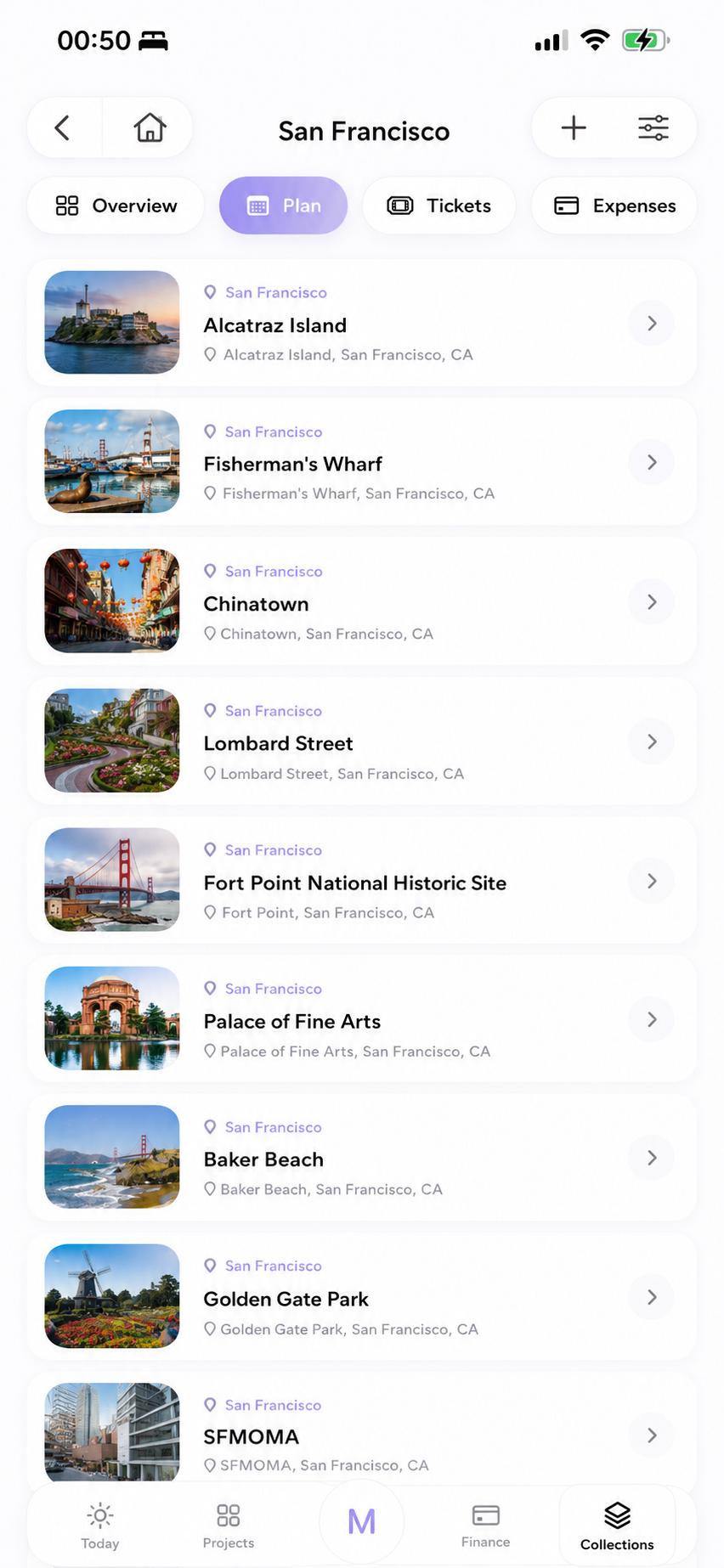
Save places found by MAX, then assign each one to a specific trip day, time, route, and part of your itinerary.
Inspiration
I came up with the first idea for Planora back in 2022. At first it was something completely different. I wanted to build a business tool. But after a while I realized I didn’t want to spend years making another app for companies. Then, in 2026, my dad lost both of his legs after two operations. That hit me hard. It reminded me that life can change in one day. Health comes first, always. That was the moment I stopped saying “maybe later” and finally started building Planora. I wanted to build something that people could actually use every day. One app instead of five.
What it does
Planora is one place for almost everything. Tasks, projects, notes, money, travel, wellness and AI all work together instead of living in different apps. The AI assistant is called MAX. MAX doesn’t just answer questions. It can see what’s already inside Planora. It knows your tasks, schedule and workload, then helps you build a realistic plan instead of just giving random advice.
How I built it
I’m building Planora alone. I don’t have a team or a programming background. Most of the project was built with AI tools like Codex, GPT-5.6 and Cursor. Codex helped me create a big part of the foundation. Later I started combining different AI tools, but I still review everything myself before it becomes part of the app.
Challenges
The hardest part wasn’t writing code. It was keeping a huge AI-generated project under control. Sometimes one small change broke something completely different. I learned that AI works much better when you give it a clear plan and a very specific task. Without that, everything turns into chaos.
What I’m proud of
Today Planora already has working versions of the main parts of the app. The thing I’m most proud of is MAX. It can connect information that normally lives in different apps and use it together. I also built the whole project by myself. There wasn’t a company or a team behind it. Just me, a lot of documentation, and many hours of testing.
What’s next Right now my goal is simple. Finish polishing Planora and release it on the App Store. After that I want to keep improving MAX, add more integrations and make the app smarter over time. I want Planora to help people stay productive without forgetting about their health.
Built With
- codex
- cursor


Log in or sign up for Devpost to join the conversation.