-
-
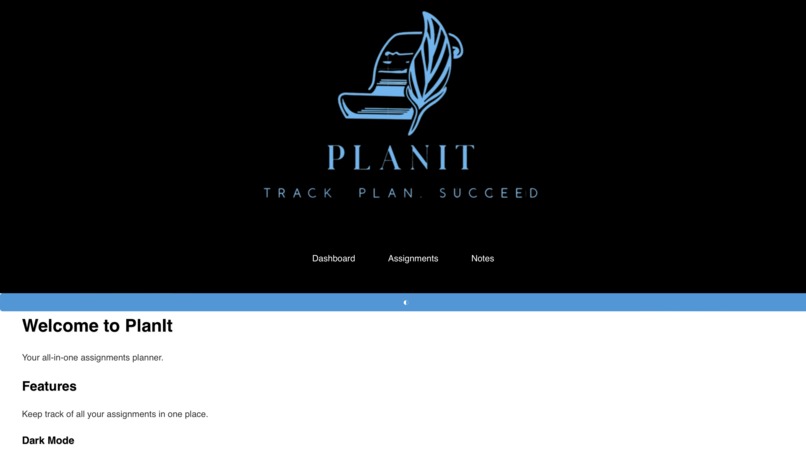
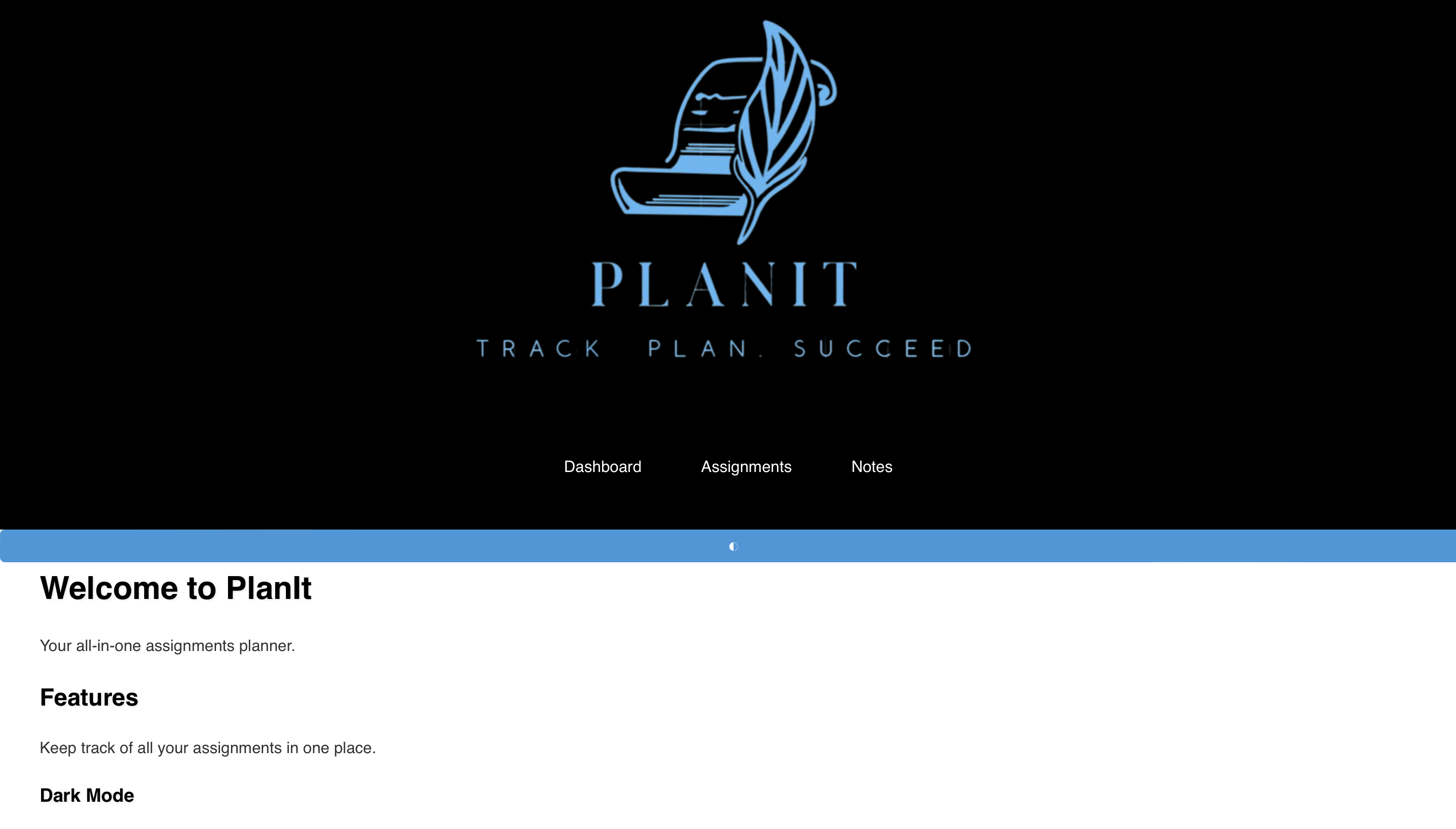
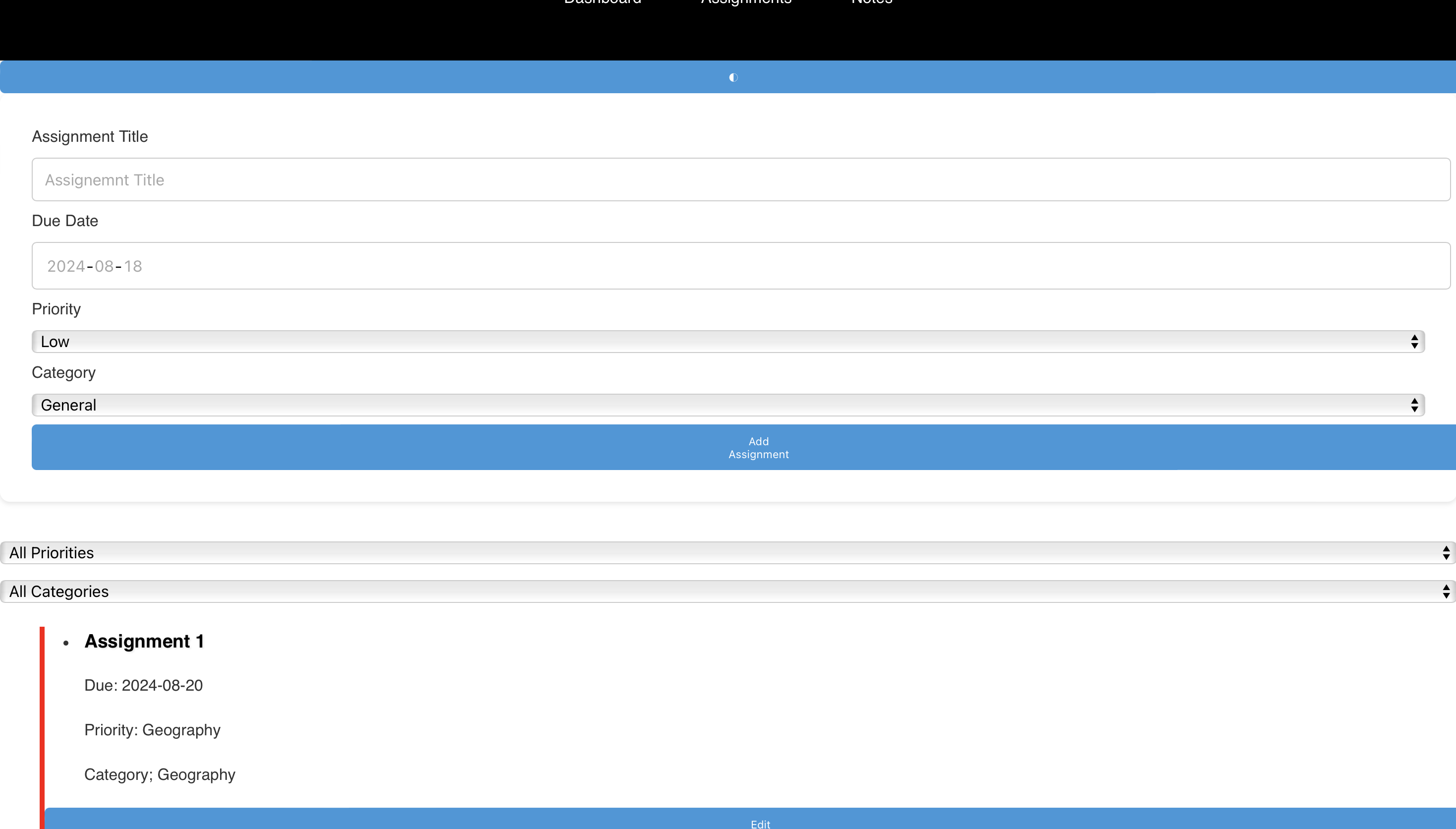
Home Page
-
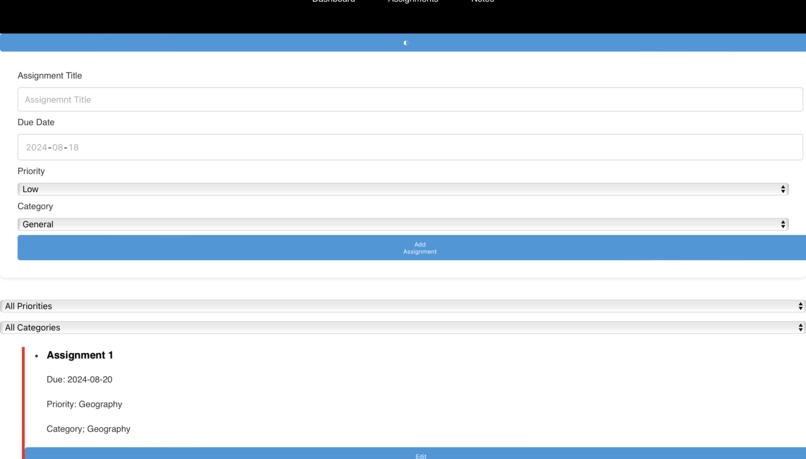
Light mode
-
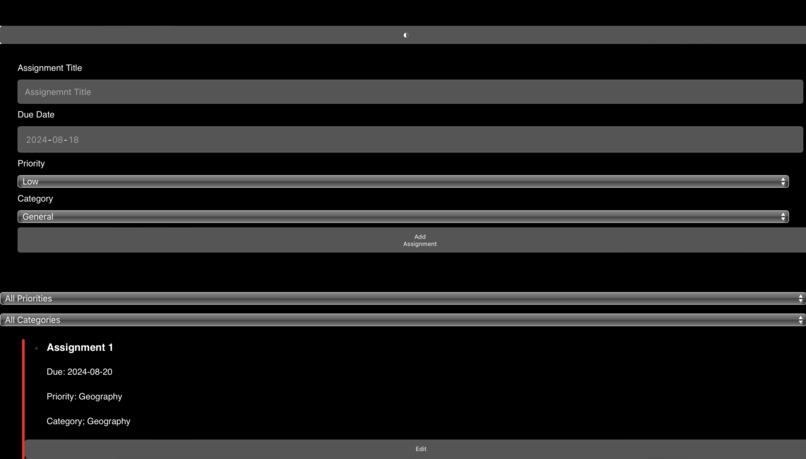
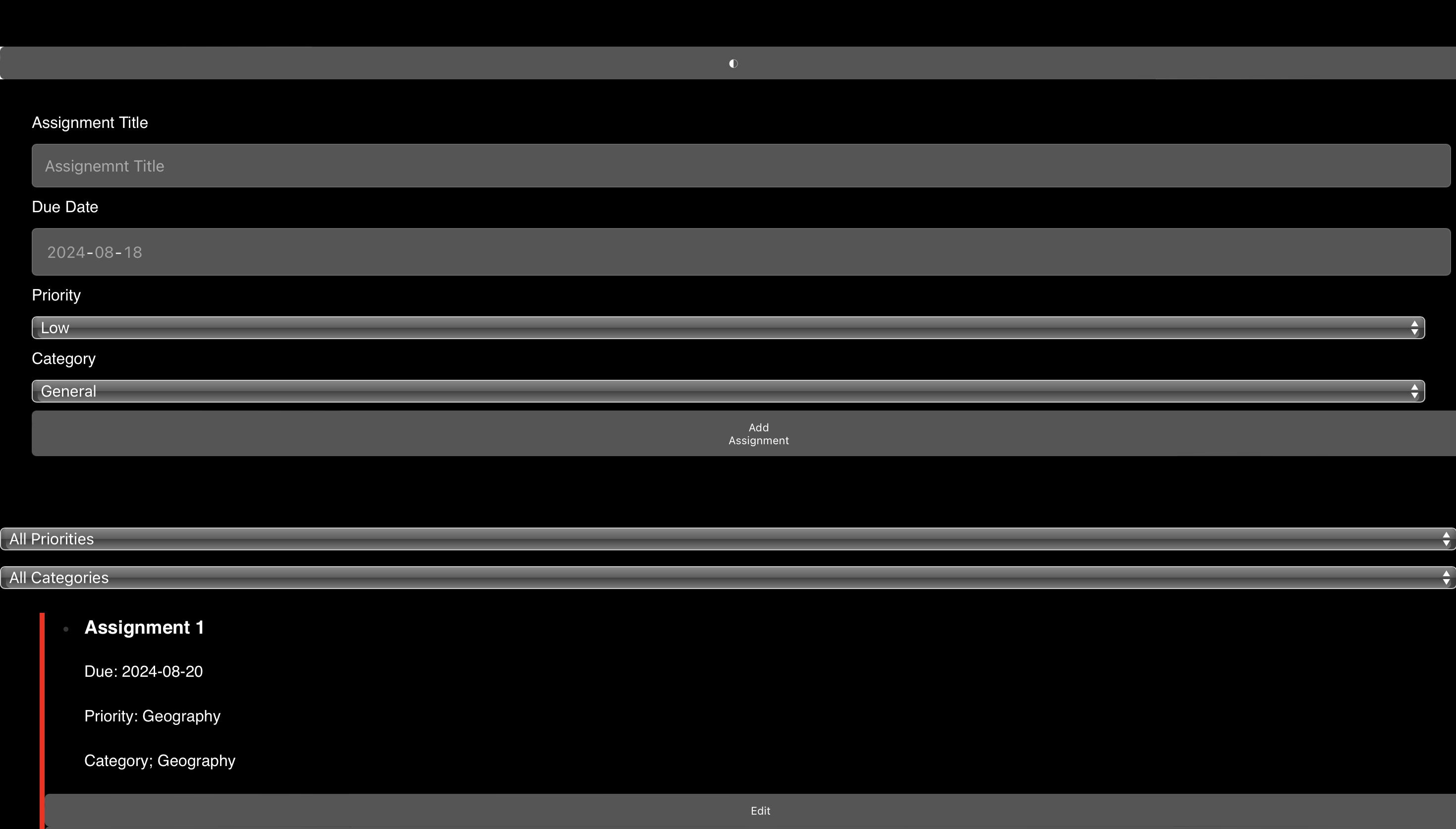
Dark Mode
Inspiration
The inspiration for PlanIt came from a desire to create a user-friendly and efficient tool for managing assignments and tasks. As a student, I often found it challenging to keep track of deadlines and organize my workload. I wanted to build an application that would simplify task management and provide useful reminders, helping users stay on top of their assignments and improve their productivity.
What it does
PlanIt is an assignment planner app designed to help users manage and organize their tasks effectively. Key features include: Task Management: Users can add, edit, and delete assignments with details like title, due date, priority, and category. Reminders: The app provides notifications for upcoming deadlines, helping users stay informed about approaching due dates. Dark Mode: A toggle feature allows users to switch between light and dark themes for better usability in different lighting conditions. Notes Section: Users can jot down and manage notes related to their assignments and tasks.
How we built it
PlanIt was built using modern web technologies to ensure a responsive and intuitive user experience. The app was developed using React, a popular JavaScript library for building user interfaces. This choice provided a component-based architecture and a smooth, interactive user experience. For styling, we used CSS and incorporated modern design principles to make the interface visually appealing and user-friendly. SCSS was utilized for more organized and maintainable styles. React’s useState and useEffect hooks were used to manage state and handle side effects such as notifications. React Router was used to handle navigation between different pages of the app, such as the home page, dashboard, assignments, and notes.
Challenges we ran into
Component Interaction: Coordinating interactions between different components, such as managing state and ensuring data consistency, was challenging. Styling Complexities: Designing a responsive and visually appealing UI required careful attention to detail and adjustment of CSS properties. Notification System: Implementing a reliable notification system to alert users about upcoming assignments while ensuring cross-browser compatibility posed a challenge.
Accomplishments that we're proud of
We successfully created an intuitive and attractive user interface that enhances the overall user experience. The notification feature works effectively, helping users stay informed about their deadlines. Adding a dark mode option improved the app's usability and accessibility in different lighting conditions.
What we learned
React Best Practices: Gained deeper insights into React’s component-based architecture and hooks, improving our understanding of state management and side effects. CSS Techniques: Learned advanced CSS techniques and practices for creating responsive and visually appealing designs. User Feedback: Understood the importance of user feedback in refining and improving application features and usability.
What's next for PlanIt
Enhanced Features: Plan to add more features such as task prioritization, recurring tasks, and integrations with calendar applications. Performance Improvements: Focus on optimizing the app's performance and ensuring faster load times. User Customization: Explore options for greater user customization, including themes and layout options, to cater to individual preferences.

Log in or sign up for Devpost to join the conversation.