Inspiration
With Planify, we want to help teachers support their students. Teachers already have enough work to do without having to worry about creating state and curriculum-compliant lesson plans that will engage their students. This challenge is exacerbated by the added time it takes for teachers to understand state curriculums and miscommunications between the state’s education board and local schools due to differences at each bureaucratic level. Additionally, we aim to address student learning styles by generating diverse lesson plans, which will ultimately allow more students to learn and enjoy learning. We noticed that current options for generating lesson plans do not offer options to input a desired learning approach or include the time the topic will be taught for, so we also opted to incorporate these inputs into our app.
What it does
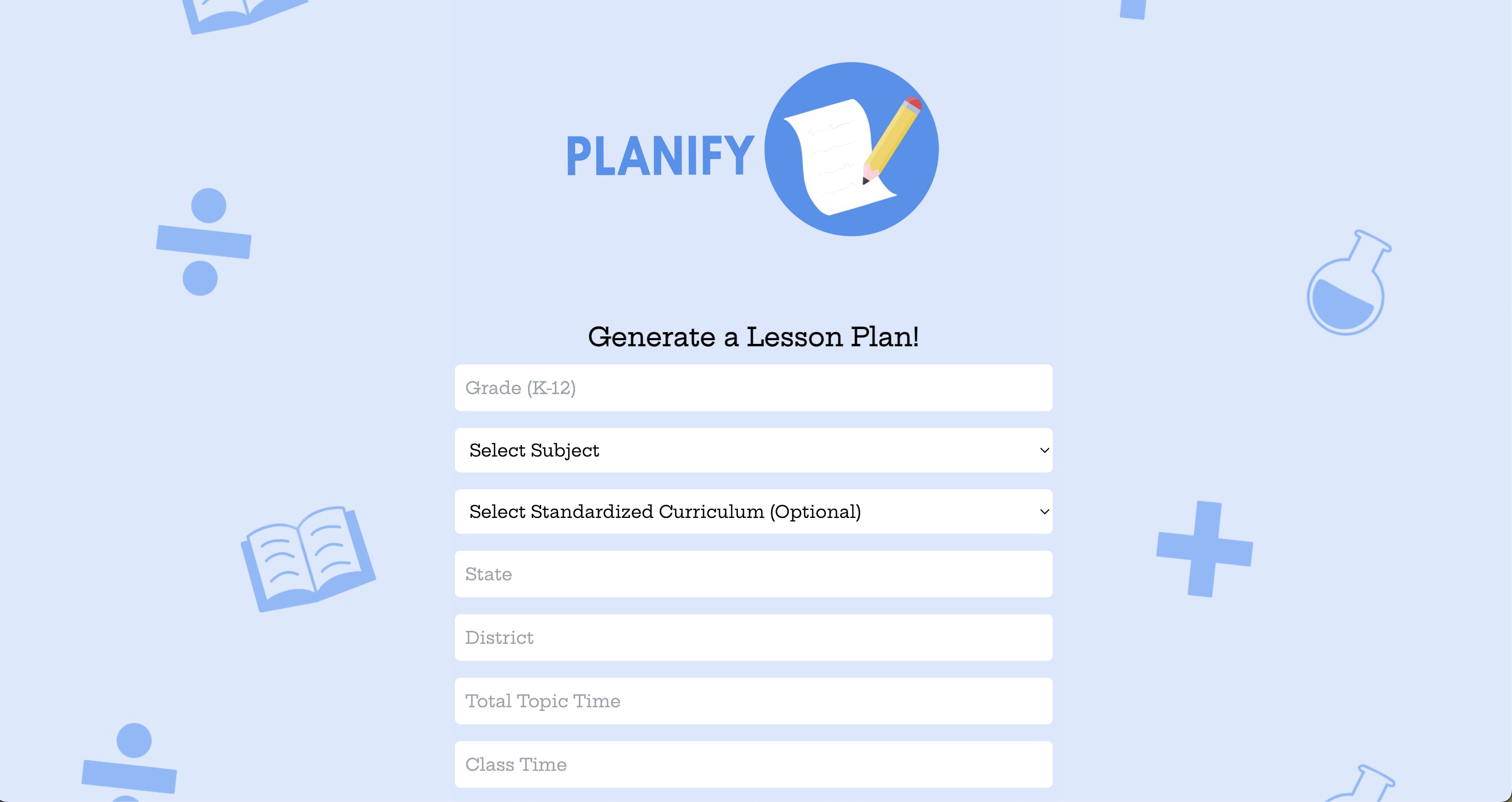
Users enter their desired inputs (state, subject, topic, length of time, time for each class, learning style, etc.) into a form on our web app. We then call the OpenAI API with the inputs constructed into a prompt we designed and tested with ChatGPT. We return the response from GPT and display it to the user on the app.
How we built it
- React.js website app that calls OpenAI API
- CSS to customize website style and formatting
- Procreate to design website logos and backgrounds
- Originally used Python to write API query then switched to JavaScript
Challenges we ran into
- Using the OpenAI API
- Displaying the API response
- Started off with Next.js framework but was incompatible with Formik library, so switched to a React app
- Making a user friendly UI (scrapping a more complex UI for one that is cleaner and easier to implement)
Accomplishments that we're proud of
- The overall project took us less time than expected to build a minimally viable product
- We utilized everyone’s unique skills to build our solution
- How user friendly the interface is
- The unique design identity of our product and how it represents teachers
What we learned
- How to use and format API requests (specifically for OpenAI)
- How to design an engaging UI/UX
- How to integrate React with API requests
- How to design appealing logos and backgrounds for a website
What's next for Planify
- Allow users to enter multiple learning styles/approaches
- Allowing users to edit the plan on the web app and then download it as a pdf/doc
- Feature to export the lesson plan into a calendar (e.g. Google Calendar)
- Way to visualize the teacher’s teaching schedule for a given day
- Option to regenerate lesson plan given feedback from teacher
- Login option so users can save their lesson plans in the app
- Integrating the website with a monetization plan
Built With
- css
- javascript
- openai
- react


Log in or sign up for Devpost to join the conversation.