Inspirat## Inspiration
Most solar system visualizers online are either a static diagram or a barebones orbit simulator — accurate, but lifeless. We wanted to make astronomy tactile: something you explore rather than just read about, that mixes real science (relative orbital distances, real facts, real mission history) with the kind of playful discovery you get from a game.
What it does
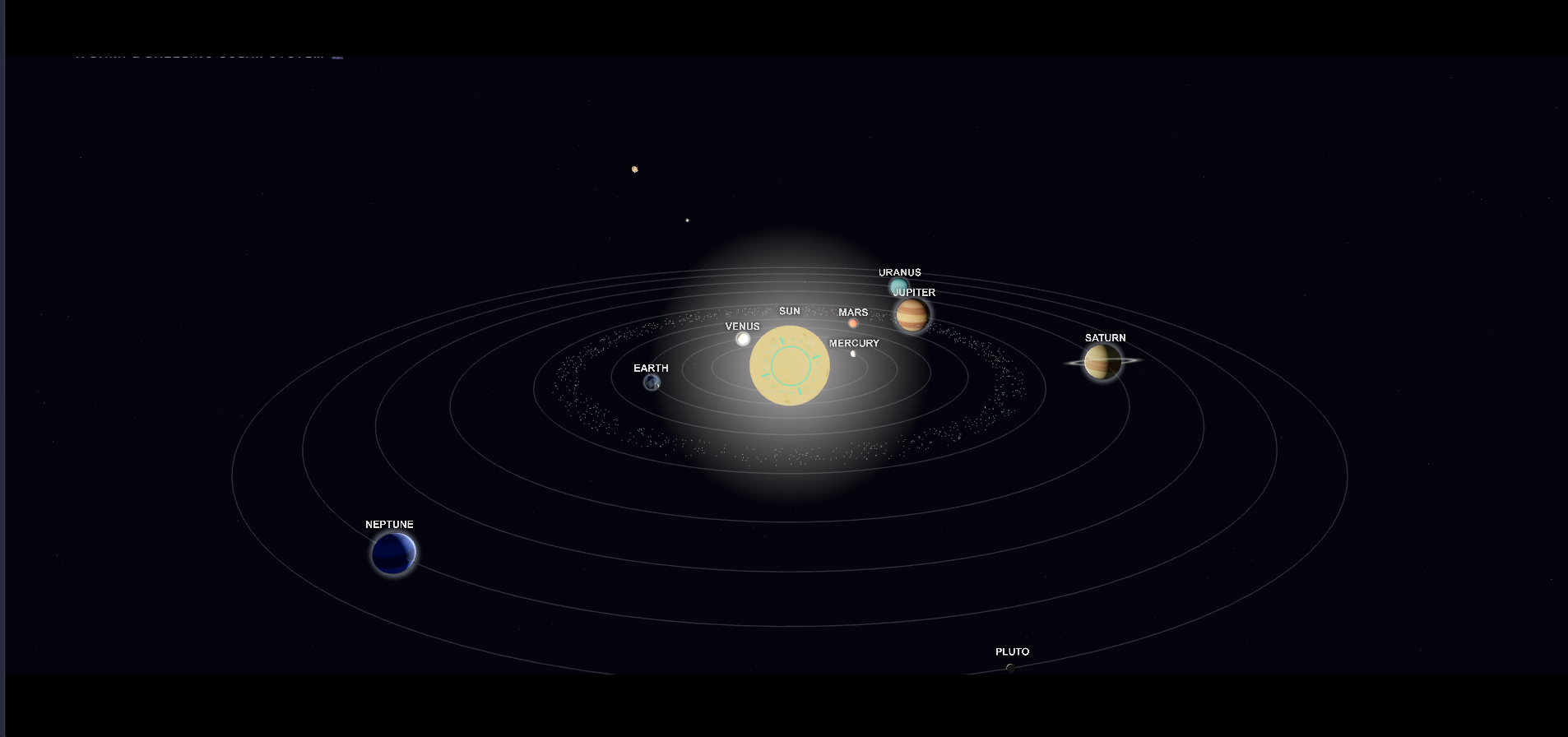
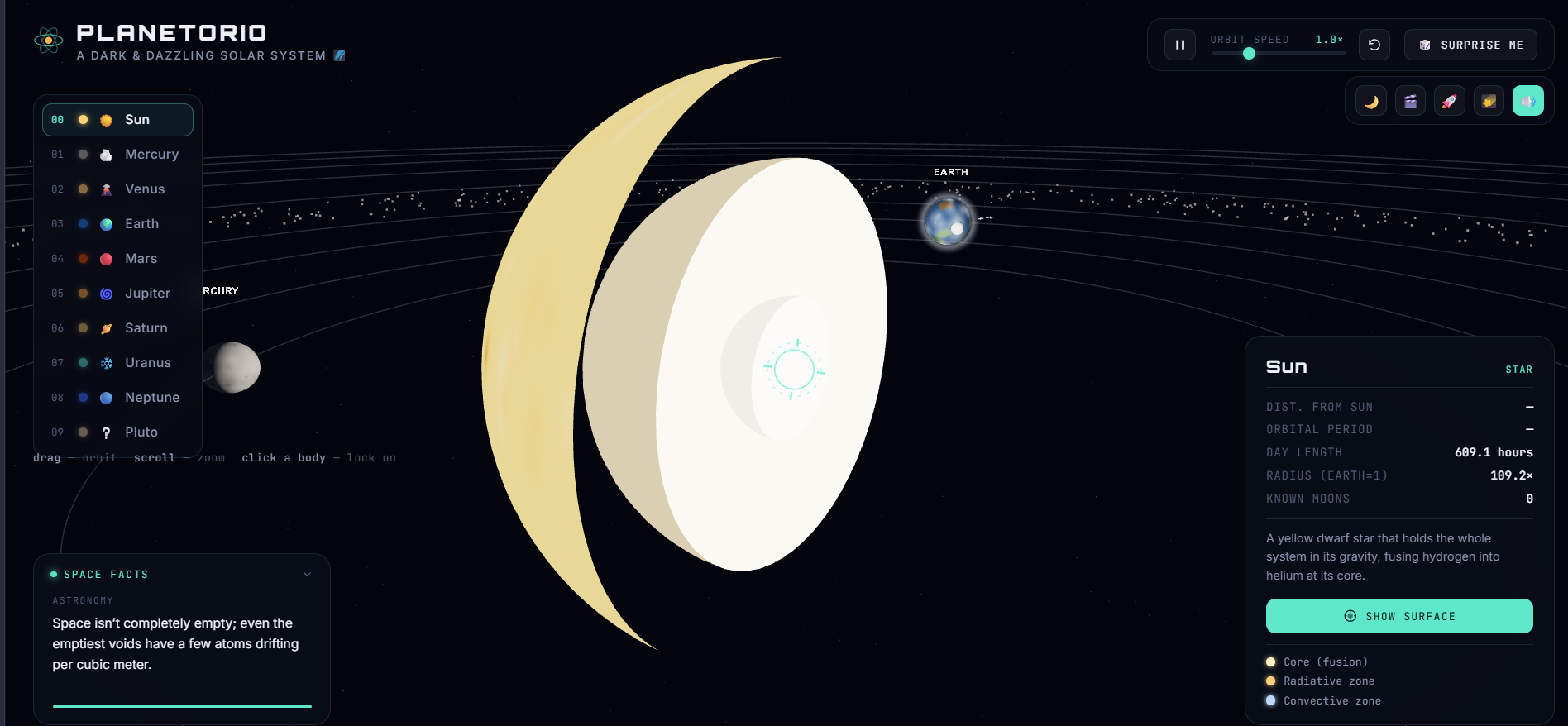
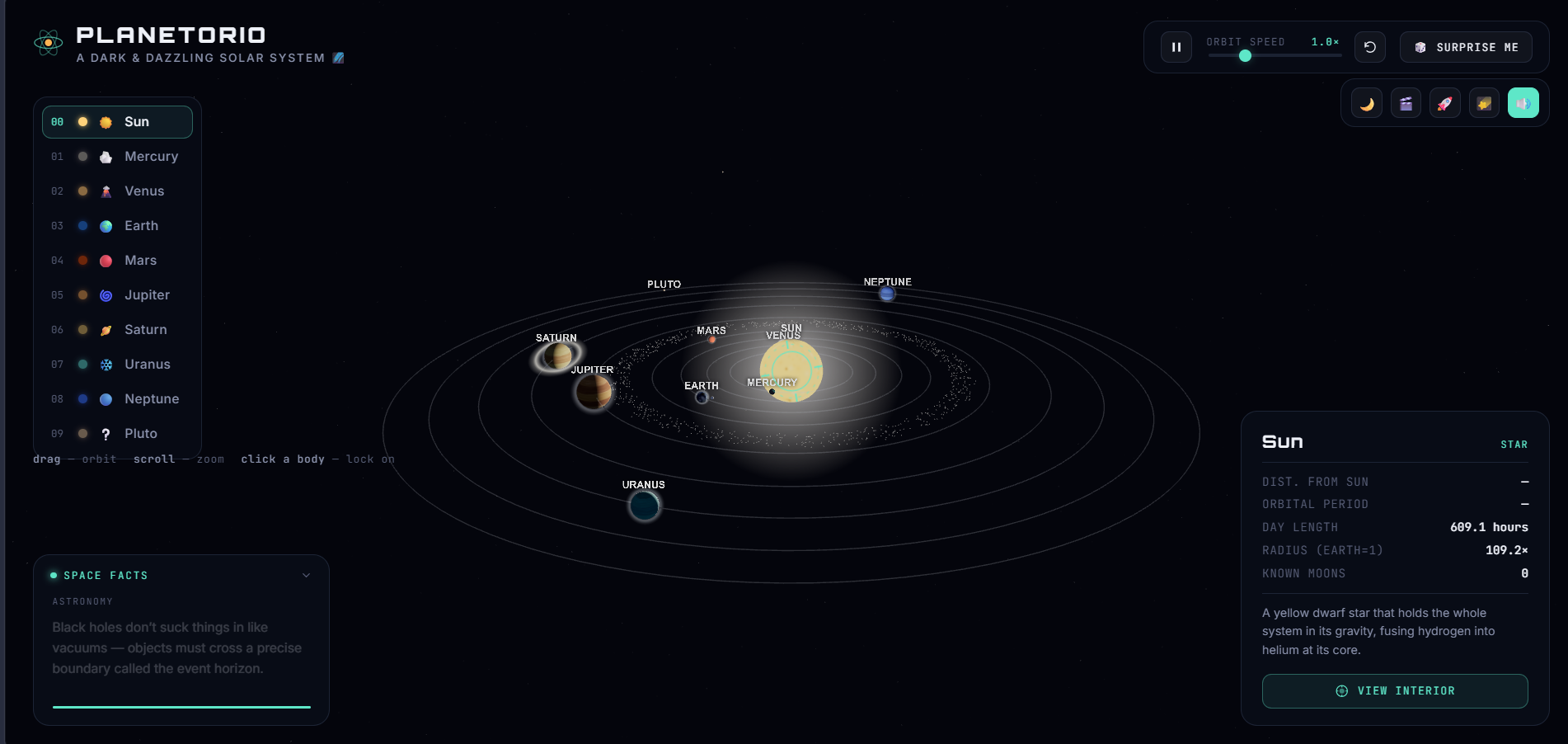
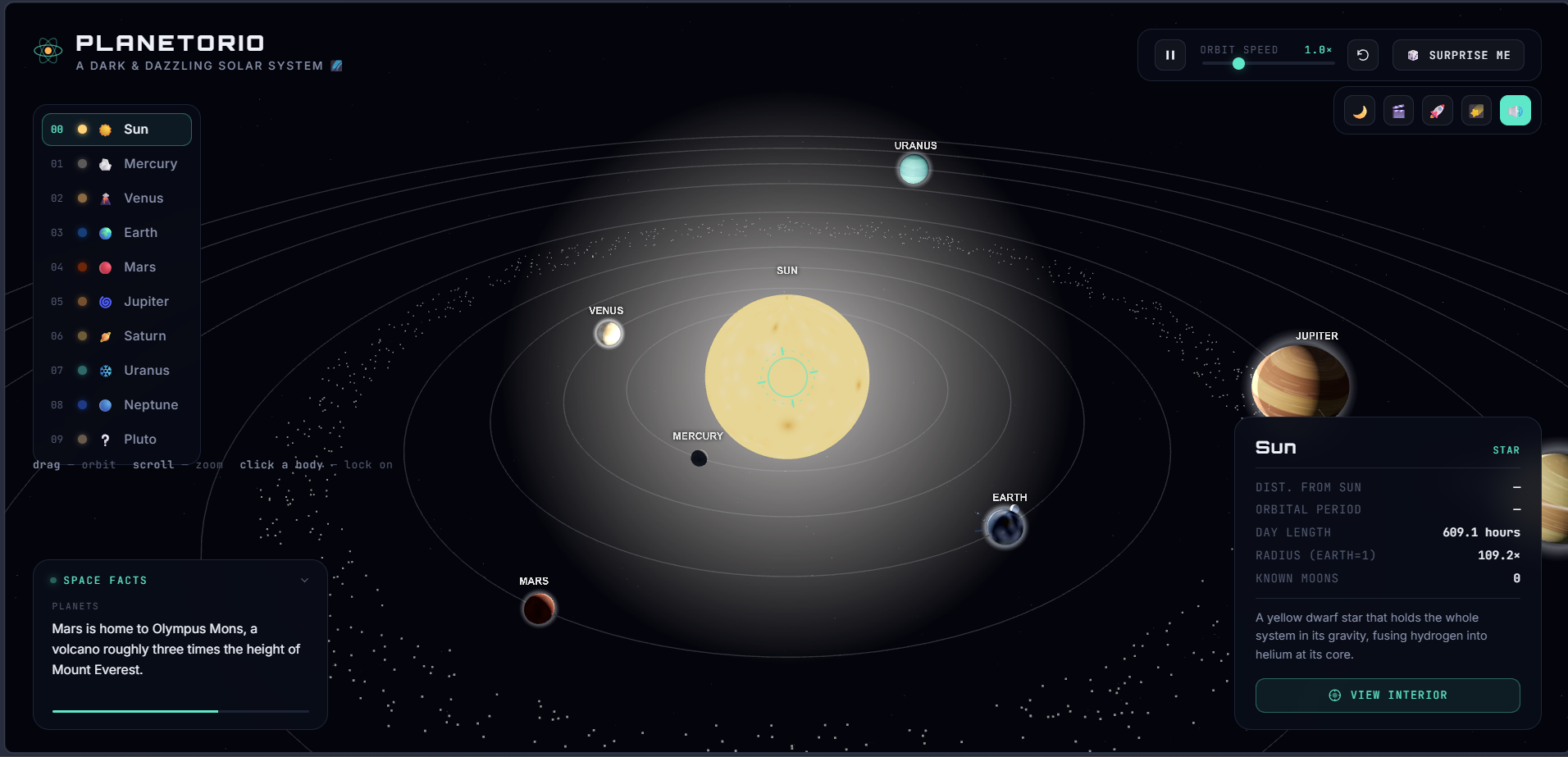
Planetorio is a fully interactive 3D solar system built entirely in the browser. You can:
- Drag to orbit, scroll to zoom, and click any body to lock onto it
- Read live telemetry for each planet (day length, radius, moon count, orbital period)
- Browse 30+ rotating facts about planets, moons, asteroids, missions, and astronomy
- Pause/resume orbital motion and adjust simulation speed
- Switch between day/night lighting and a letterboxed cinematic auto-orbit mode
- Flip on Spaceship Exploration Mode to warp between planets with a hyperspace streak effect, tracking real distance traveled in AU, with an atmospheric entry flash on arrival
- Trigger a meteor shower on demand, watch satellites orbit Earth, and see atmosphere glow on every planet that has one
- Listen to a fully synthesized ambient space-music soundtrack
- Find a hidden Easter egg if you click Pluto enough times
How we built it
The entire app is a single self-contained index.html — no framework,
no build step, no backend. Three.js (r128) handles the 3D scene: each
planet is a textured sphere with procedurally generated surface/cloud
textures, orbit rings, and rim-glow atmosphere sprites. The camera is a
custom dependency-free orbit controller with fly-to focus transitions.
All audio — the ambient drone, the twinkling melody, and interaction
sound effects — is synthesized live with the Web Audio API, so there
are zero external audio files. It's deployed on Vercel as a static site
with no build command.
Challenges we ran into
- Getting sprite-based atmosphere glows to fade cleanly at the edges instead of leaving a visible square artifact around each planet
- Balancing the ambient audio so it actually sounds like music rather than just a low hum, while respecting browser autoplay restrictions (audio only starts after the visitor's first click/tap)
- Making warp travel between planets feel physical — tracking real distance traveled in AU while keeping the transition visually snappy
Accomplishments that we're proud of
Getting a rich, game-like space experience — meteor showers, warp travel, synthesized music, atmospheres, satellites, an Easter egg — all running smoothly in a single HTML file with zero dependencies to install and zero backend to maintain.
What we learned
How much can be achieved in the browser with just Three.js and the Web Audio API when you lean into procedural generation instead of loading external assets — and how much little details (a fade curve, a sound cue, a hidden interaction) do for making a technical visualization feel alive.
What's next
- A GitHub repo with the full source for anyone to fork
- More Easter eggs across other planets/moons
- A "guided tour" mode that narrates a scripted journey through the system
- Exploring real NASA imagery/texture data for even more accurate surfacesion


Log in or sign up for Devpost to join the conversation.