-
-
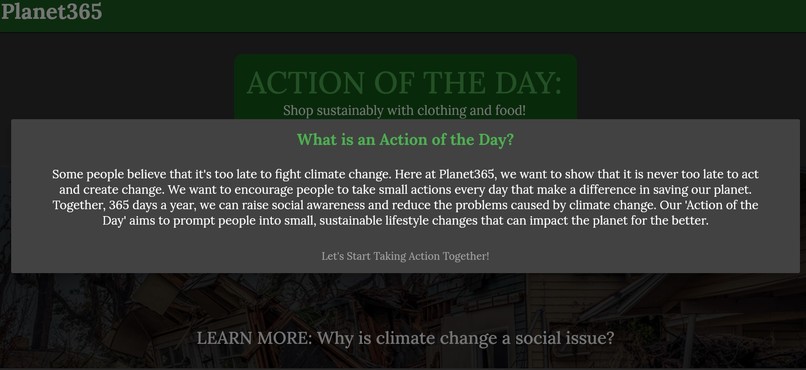
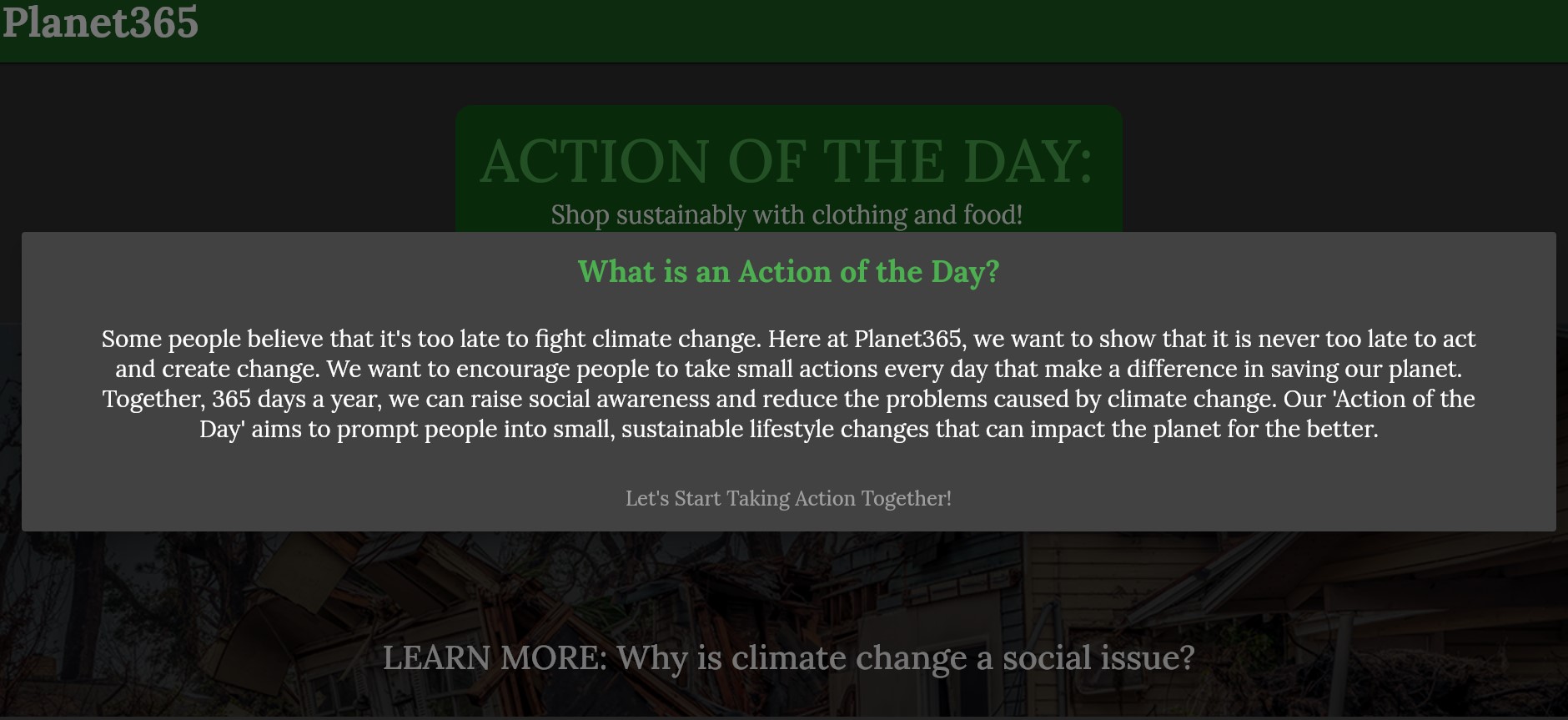
Alert dialog
-
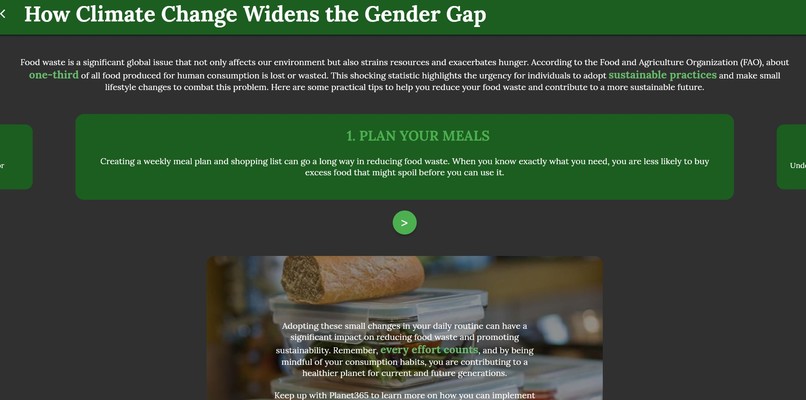
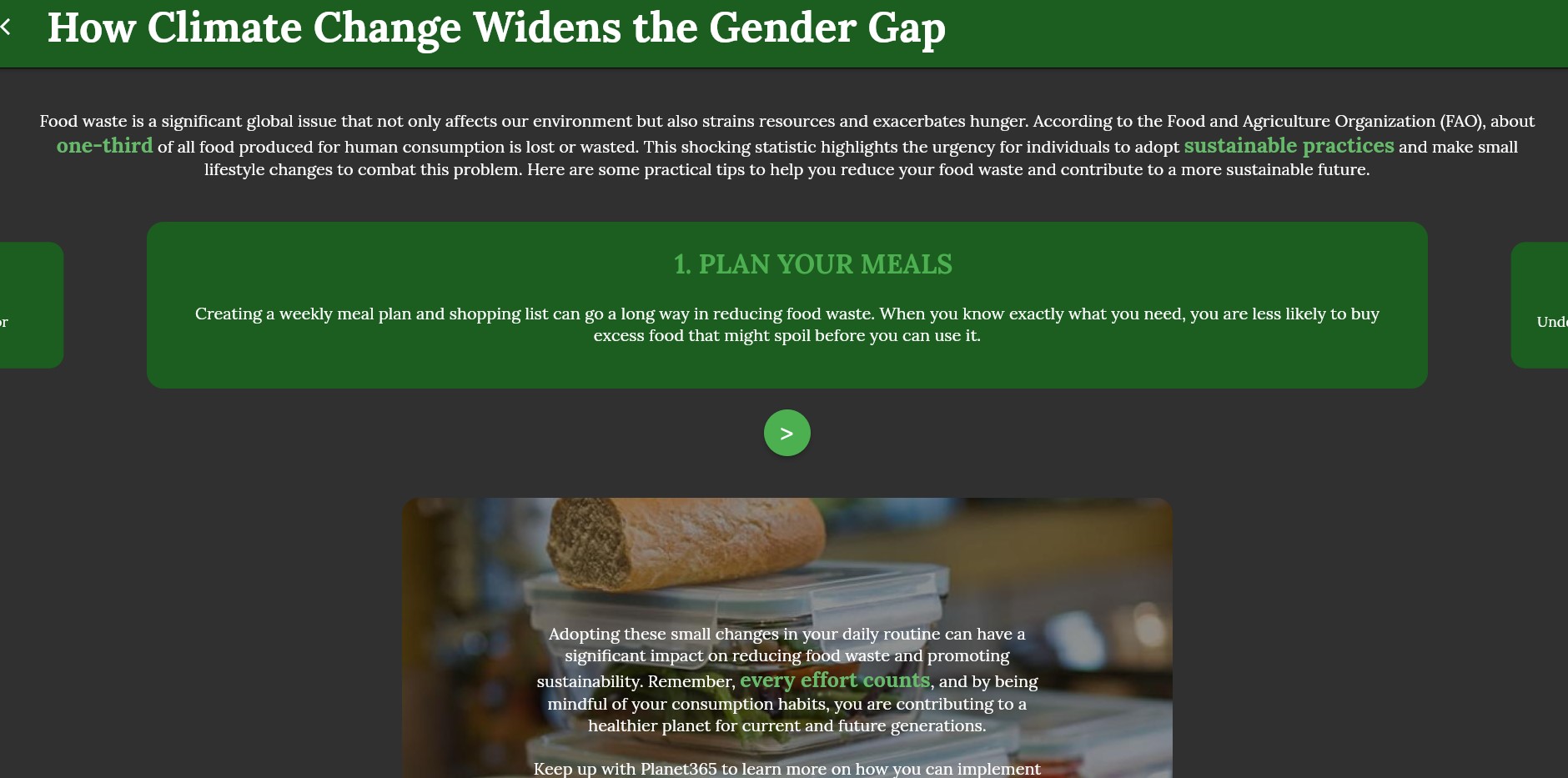
Food waste page
-
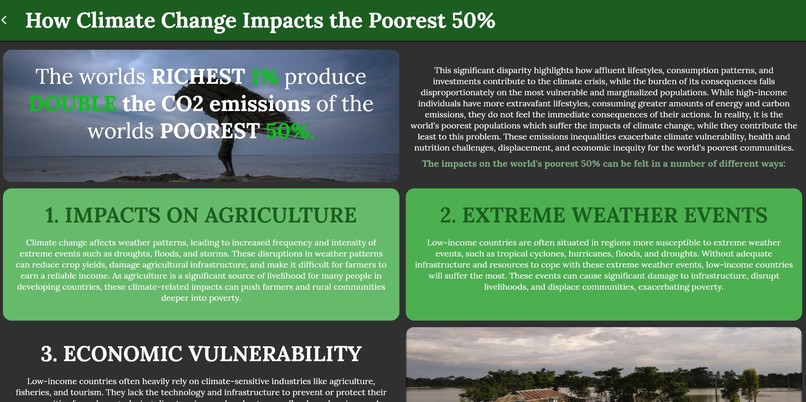
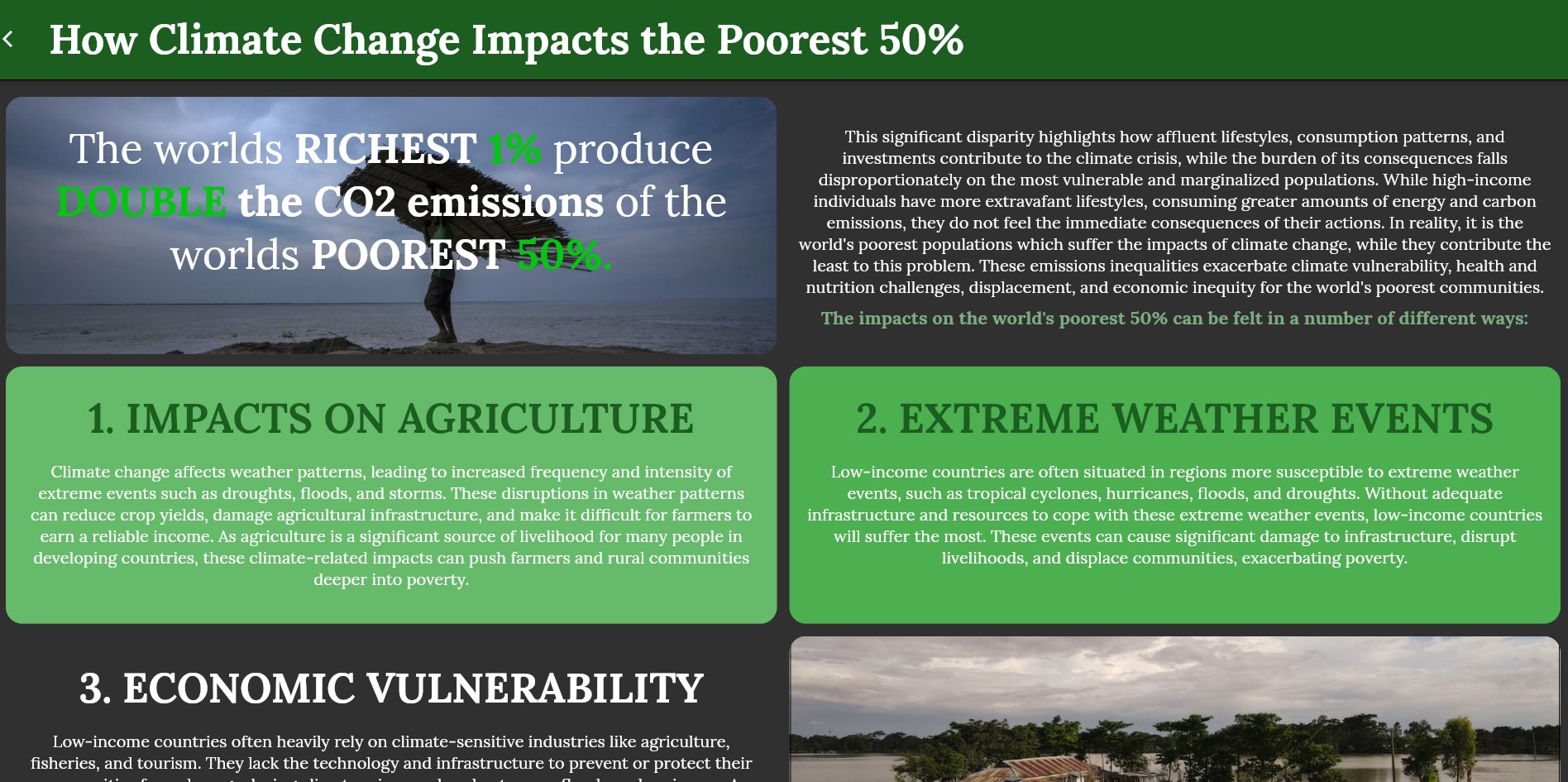
Poverty page
-
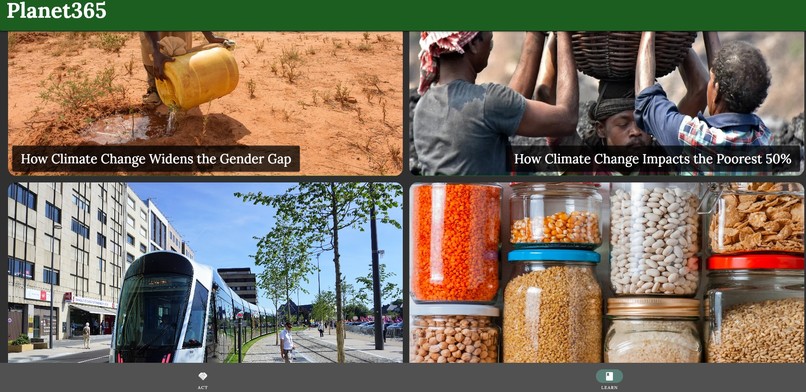
Learn page
-
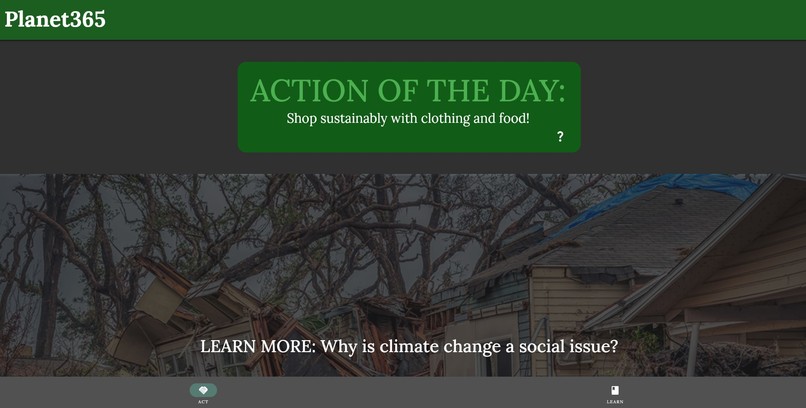
Action page
Planet365_app
Inspiration
This is the web app that was created for the 2023 Katy Youth Hacks Hackathon. This project was inspired by the idea that the world can be changed through consistent, daily habits. As a young adult who wants to better the world for the future generations, climate change and the environment is one of the most prominent issues. This problem encompasses the theme of sustainability presented by the hackathon. In order to be successful in changing the world, our actions must not only be good for the environment, but very sustainable long term. The app I created focuses on society's daily lifestyle and attempts to address the problems in people's everyday actions. Through these small actions, the user would be able to build a more sustainable lifestyle that can make a big impact. The web app is inspired loosely by habit tracker apps and mindfulness apps such as Mindset and Todoist.
What it does
There are two main parts of this app:
ACT
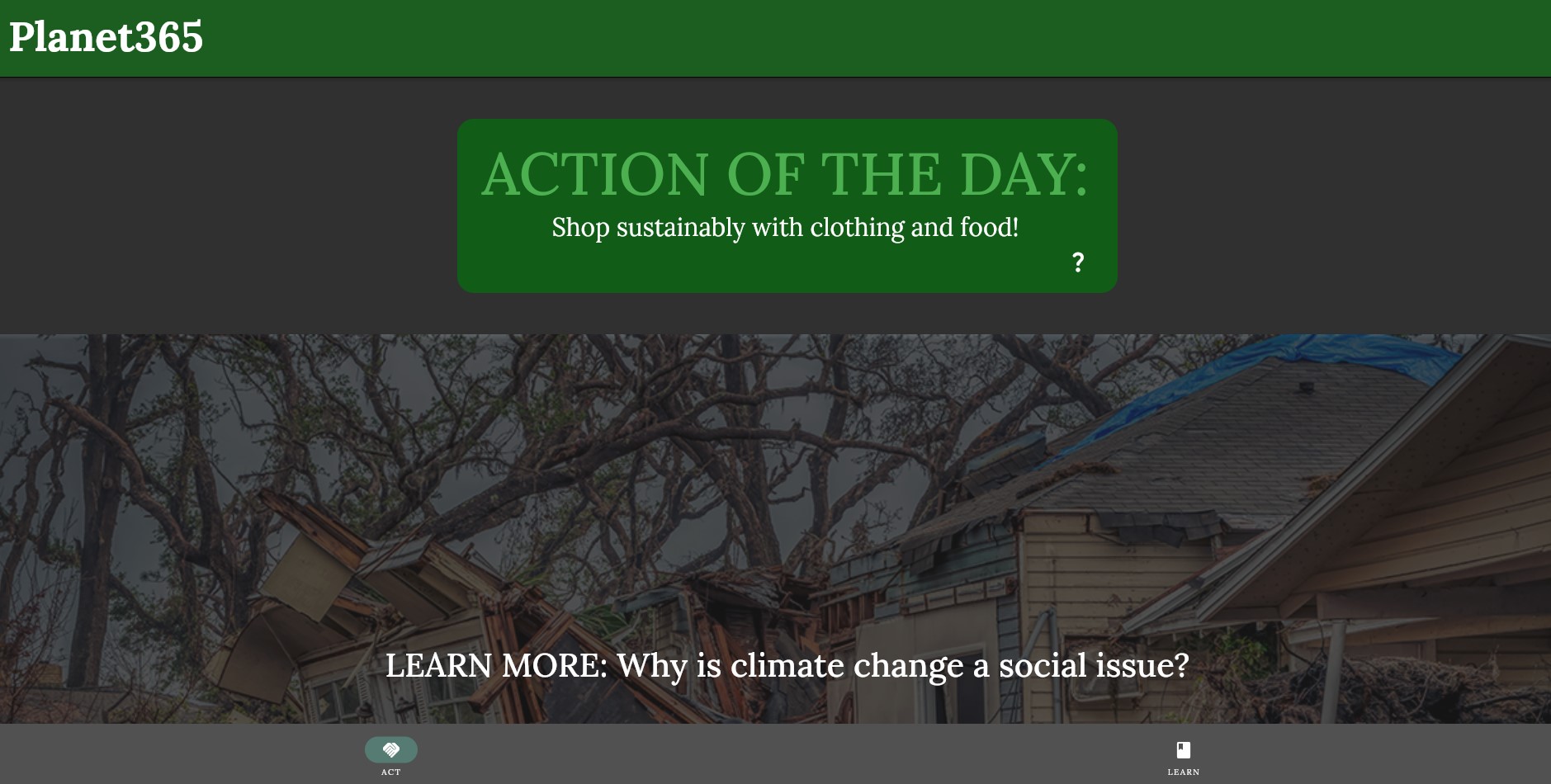
- This page provides a daily prompt for the user to accomplish.
- The prompt is typically a small habit or lifestyle change that helps the environment in a specific way.
- There are further descriptions of how this action can specifically help combat climate change and a place to check off the accomplishment for the day.
- There are currently 31 prompts available in the app, and it cycles through a different action each day of the month.
LEARN
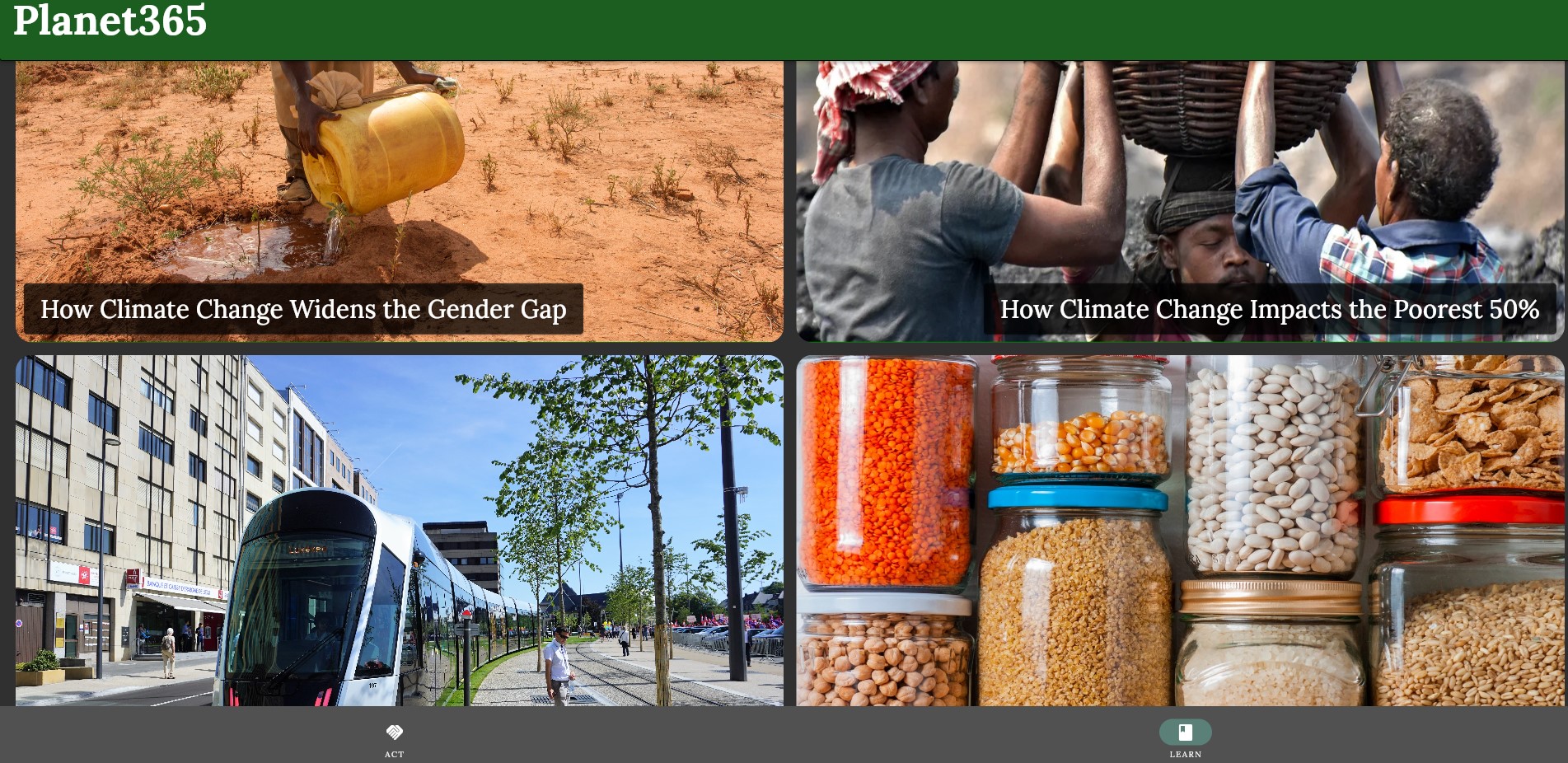
- This page consists of a library of information for the user to explore various topics relating to climate change and educate themselves on these topics.
- Many of these topics relate to awareness on social problems caused by climate change as well as education on how people can be more sustainable in their everyday lives.
- There are currently six different topics in the Learn section.
To Access Planet365
For the best experience, please ensure that you are using a standard monitor or computer screen (landscape rectangular). The web app is designed to fit only on landscape computer browsers. Please access it through the link https://planet365-katy-youthhacks-2023.web.app.
Navigating the Project's Folders
I have uploaded my whole project directory onto the Github repository. Due to the immense size of the project, it may be difficult to understand the different components. The majority of the folders and files are ones that are provided by the Flutter framework by default when creating a new project.
The files that I mainly edited are located in the "lib" folder. I also added the "images" folder and edited the "pubspec.yaml" file. The folders other than this are generated to run the Flutter project, as well as to launch the web app on Firebase.
How I built it
Planet365 was built with the Flutter framework. It was launched using Firebase. The IDE that I used to develop it is Visual Studio Code.
Going into this hackathon, I was a complete beginner with the Flutter toolkit as well as the language used by it called Dart. A couple days before the hackathon started, using online tutorials and experimenting on my own, I was able to familiarize with the various functionalities of this framework. This project was successful thanks to a number of resources:
- https://www.youtube.com/@flutterdev
- https://www.youtube.com/@academind
- https://api.flutter.dev/index.html
- https://www.youtube.com/@FlutterMapp
The main code that I created is located in the "lib" folder of the repository. To run this project's code, you must install the Flutter framework and library onto your computer, and also get the Flutter extension on VSCode. This is a useful video I used for installing Flutter: https://www.youtube.com/watch?v=VFDbZk2xhO4.
Challenges I ran into
There were definitely a variety of challenges that occurred as I was creating this project.
- Launching the web app: Being my first ever web app that I developed, I was confused on how I could launch and publish it for the public to view. Thankfully many resources online pointed me towards Firebase. However, installing the required toolkits to launch it successfully was still a bit of a struggle.
- Consistency between devices: Due to the fact that I primarily designed my app for web use, it was definitely difficult to transfer the same and design to a different device. On different screens sizes, my app will appear different and may run into some issues with the interface.
- User interface: I wanted to create a user friendly interface that was both informative, easy to use, and enjoyable to nevaigate. However, I found that some of my original design ideas were difficult to implement with my limited knowledge of the Flutter framework. I adapted and overcame these challenges by experimenting with various layouts, doing extensive research online, and I was able to create a nice, attractive-looking web app.
- Coding efficiency: I used some very bad conventions while developing this project. There are definitely many parts of the code that challenged me due to my inexperienced level of programming. I found it hard to develop some parts of the project concisely, and I ended up wasting a lot of time on these parts.
Accomplishments that I'm proud of
In general, I am quite proud of completing this project for my first hackathon. I learned the framework and language within a short time to develop this web app. I am extremely proud of how cohesive everything is.
- The "LEARN" page: This page required extensive research on layouts in the "grid" format. In the end I was able to adjust everything as well as the images in a cohesive and aesthetic manner. Using the knowledge from when I first built this page, I was able to also build other grid layouts on other pages.
- LEARN article pages: Furthermore, within each article on this page, I put lots of effort into making the contents informative and eye-pleasing. I used various interactable features from the Flutter framework to make them more engaging for the audience and I tried to make the pages as attractive as possible. I'm very proud of the article pages since I was able to challenge myself in creating aesthetic layouts and I succeeded by experimenting and using resources from the internet.
- Daily prompts: I really love my idea with changing prompts daily. It switches each day since it takes the date using the Datetime library, and a list of the prompts. I loop through the prompts and correspond the number of each day with a prompt.
- Interface navigation: I spent lots of time on many of the small aspects in my webpage that make the user navigation very smooth and easy. For instance, the dialog alerts and the tooltips are certain things that make the page very cohesive. I like the detailed result of my web app.
What I learned
I learned a lot about coding with the Flutter framework as well as launching a web app to public. This experience really gave me lots of insight on developing apps in a more professional way. I should definitely focus on functionality before any of the aesthetic visual elements. After all, it is not useful to have a pretty web app that is not functional. Because of this, I definitely want to build more apps in the future and expand my reach to mobile apps. I also learned about productivity and time management while working on my project. Due to the short timeline of this hackathon, it was extremely difficult for me to accomplish everything I had in mind. I needed to manage my time well and be efficient with my code. However, I learned that when I have a good goal for myself, I am able to accomplish a lot!
On another aspect, this hackathon also taught me a lot about the topic of sustainability. I had a lot of knowledge on this topic beforehand due to school projects and research, but making Planet365 taught me that there is still so much more for me to learn about sustainability. Through the research I did for this hackathon, I am so glad I was able to raise awareness on sustainable lifestyle practices, and also learn about how I could personally implement them.
What's next for Planet365
Planet365 still has many features that are yet to be developed. The following are features that I would love to implement for my app in the future:
- Tracking accomplishments: The ability for the user to track their accomplishments (or keep a streak) for a more rewarding experience and to further motivate them to take action. Currently, the web app is able to allow the user to check off their action each day, however there is no feature to keep a streak or see their progress. A function to do this would take Planet365 to another level and help users stay motivated to continue their sustainable lifestyle.
- More LEARN pages: I have many more ideas on topics to add to the LEARN page to help educate the user and raise awareness on climate change issues. Moreover, I think that I could definitely improve further on the visual aesthetics or user engagement of these pages. It would be more enjoyable to learn and read about these different sustainability topics if the pages were more interactable or visually engaging with buttons or activities to complete in order to learn about the topic!
- COMMUNITY page: It would be amazing if Planet365 had a community page so that users could come together and talk about issues of sustainability. This would further cultivate action and planning to better the planet.
- Mobile development and layouts on different devices: I would love for Planet365 to be an app that would work on mobile devices, not just the computer. I would also have to change the interface a little to fit the needs and the sizes of a narrow mobile screen. Currently, the app is not very flexible to be accessed through different sizes of devices, so an important step for the future would be to program more diversity in the interface of the app to allow the design to work with different screen sizes. Additionally, it would be incredibly rewarding to see Planet365 launched as a mobile app instead of a web app so it can be even more easy for users to use.
- Personalized accounts and profiles: Something that would be extremely helpful for Planet365 would be the ability to login to the app with a personalized account for each user. This would make it easier to track the users' accomplishments and also implement further personalized features.
Conclusion
This hackathon was an extremely rewarding experience. I learned and grew so much just by creating this project, and I'm very grateful for the opportunity to participate. I worked very hard throughout the weekend to make my vision for Planet365 possible. I hope everyone who tries out Planet365 enjoys using it!

Log in or sign up for Devpost to join the conversation.