-
-
-
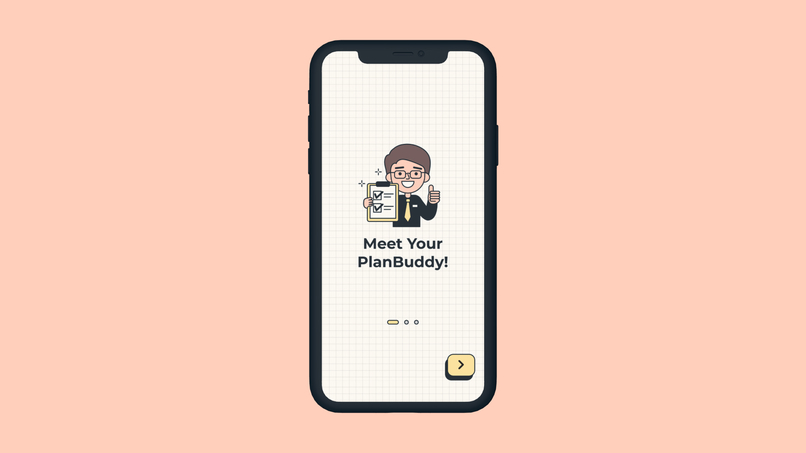
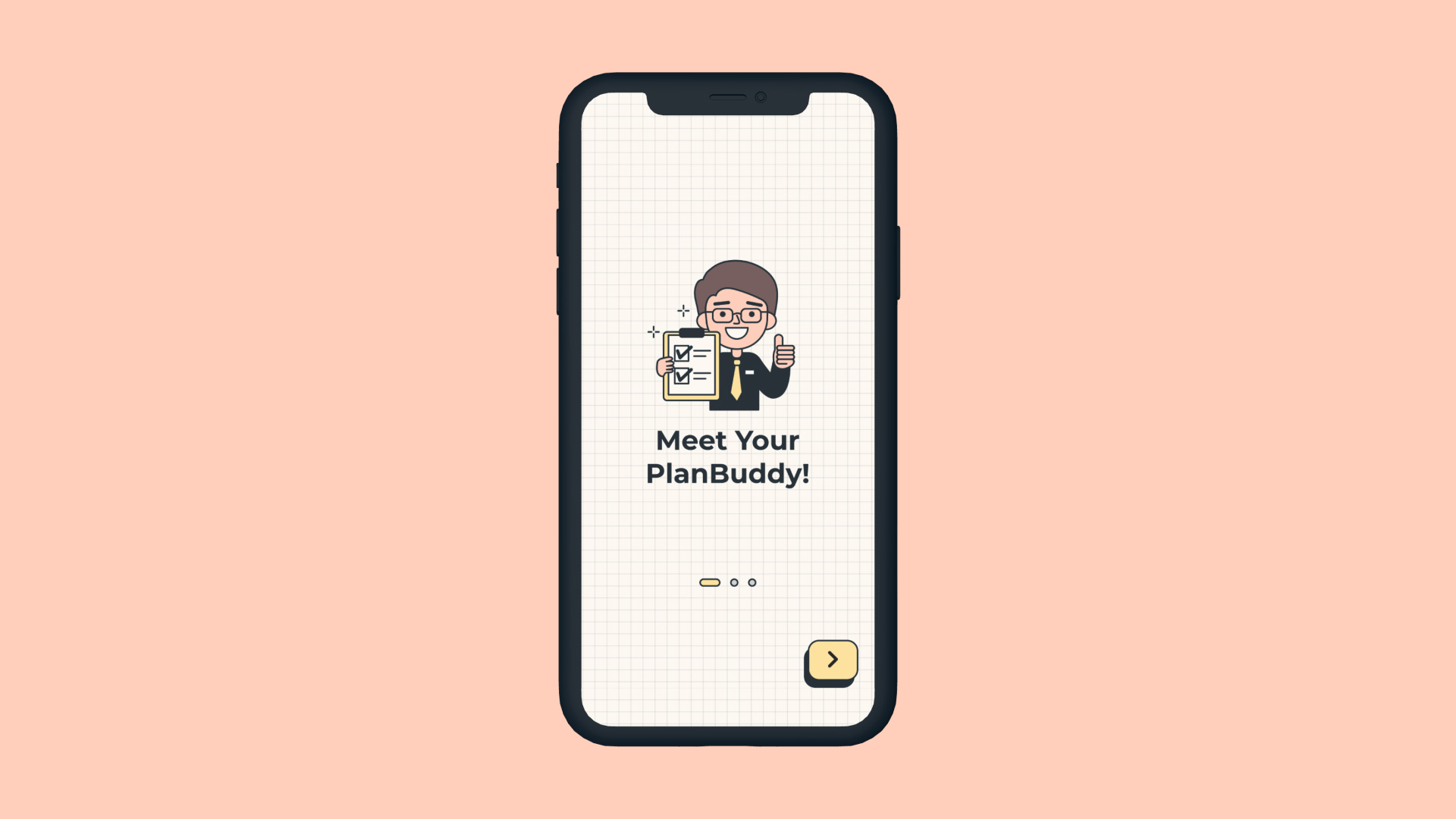
The first onboarding screen introducing PlanBuddy!
-
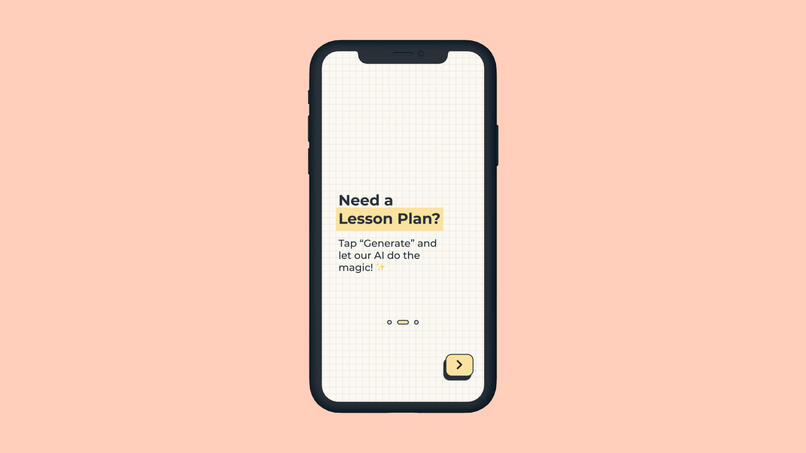
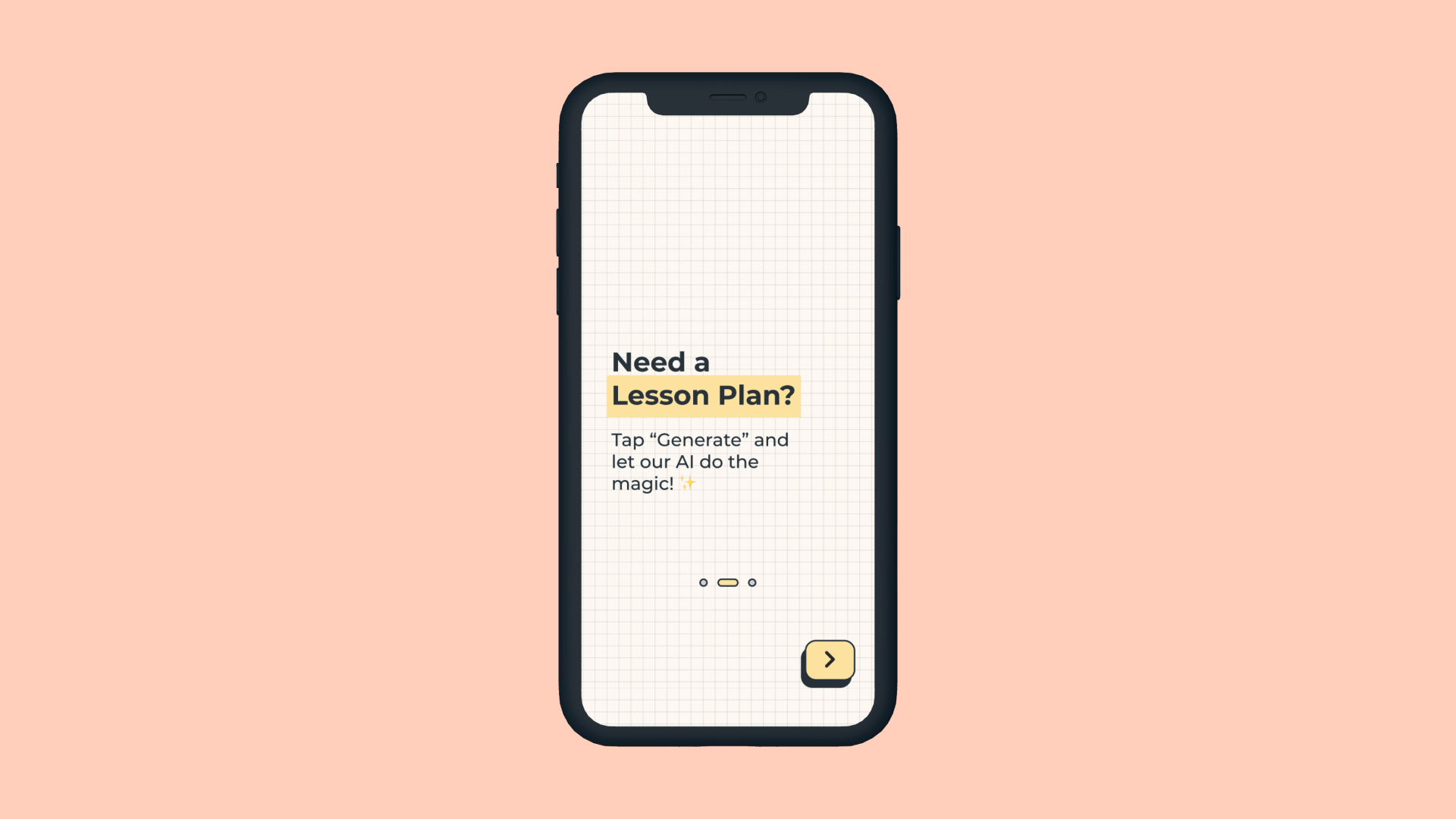
Second onboarding screen
-
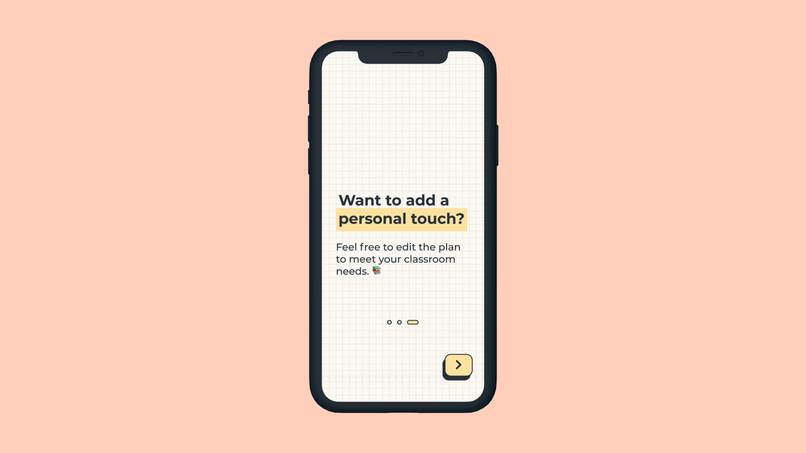
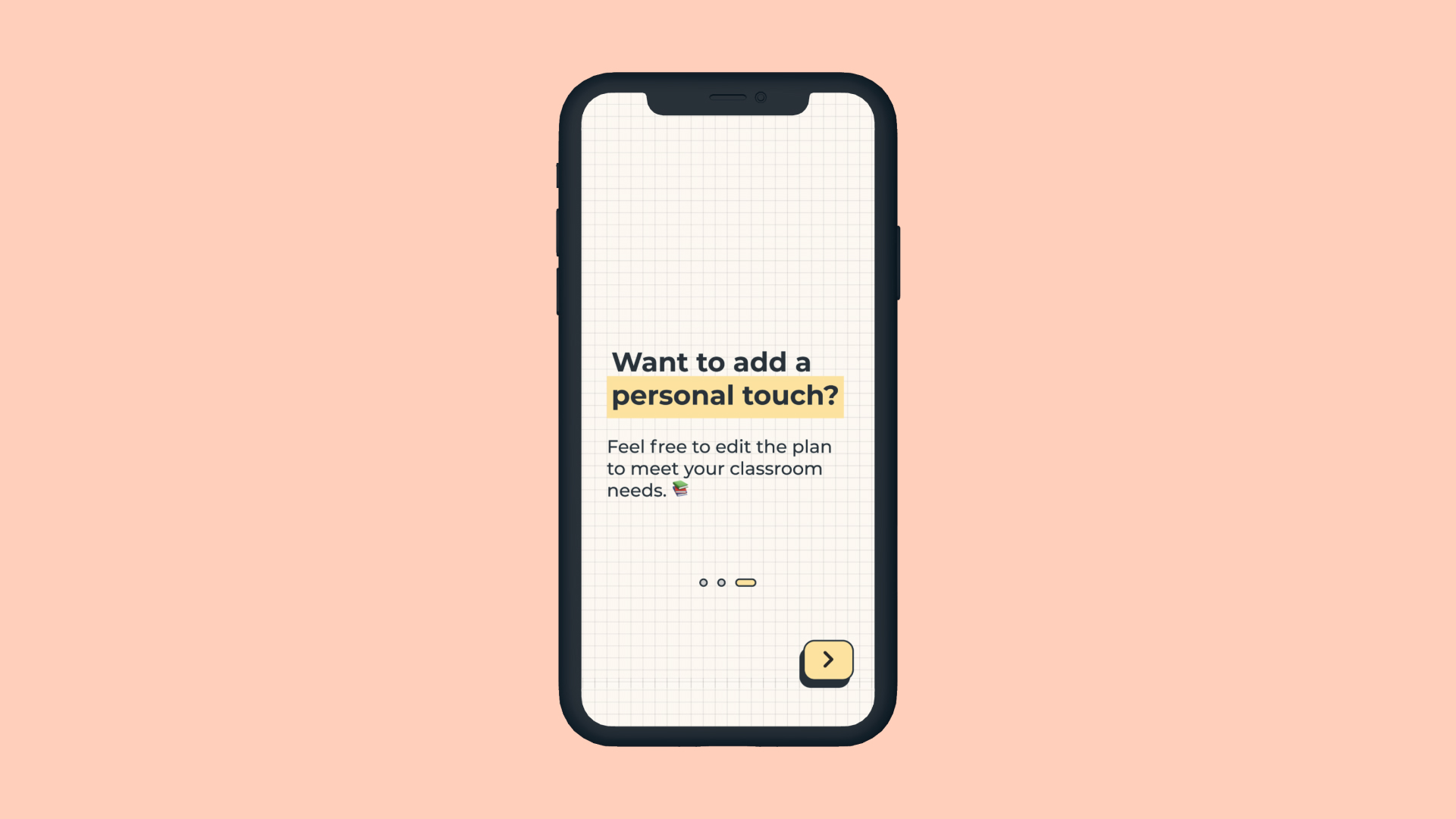
Third onboarding screen
-
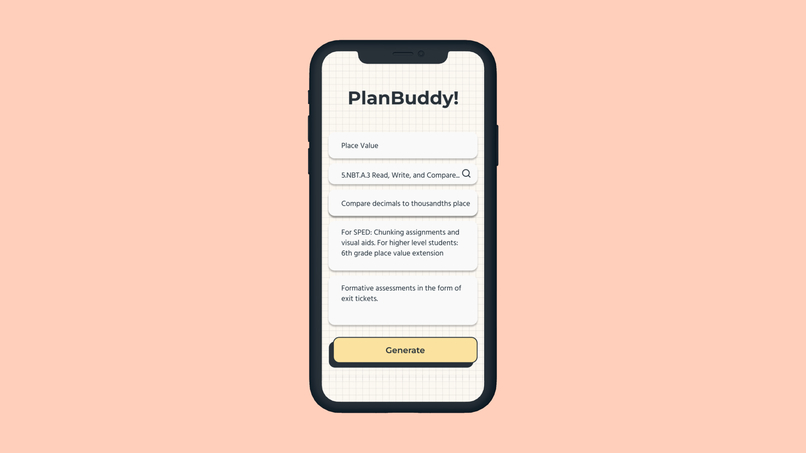
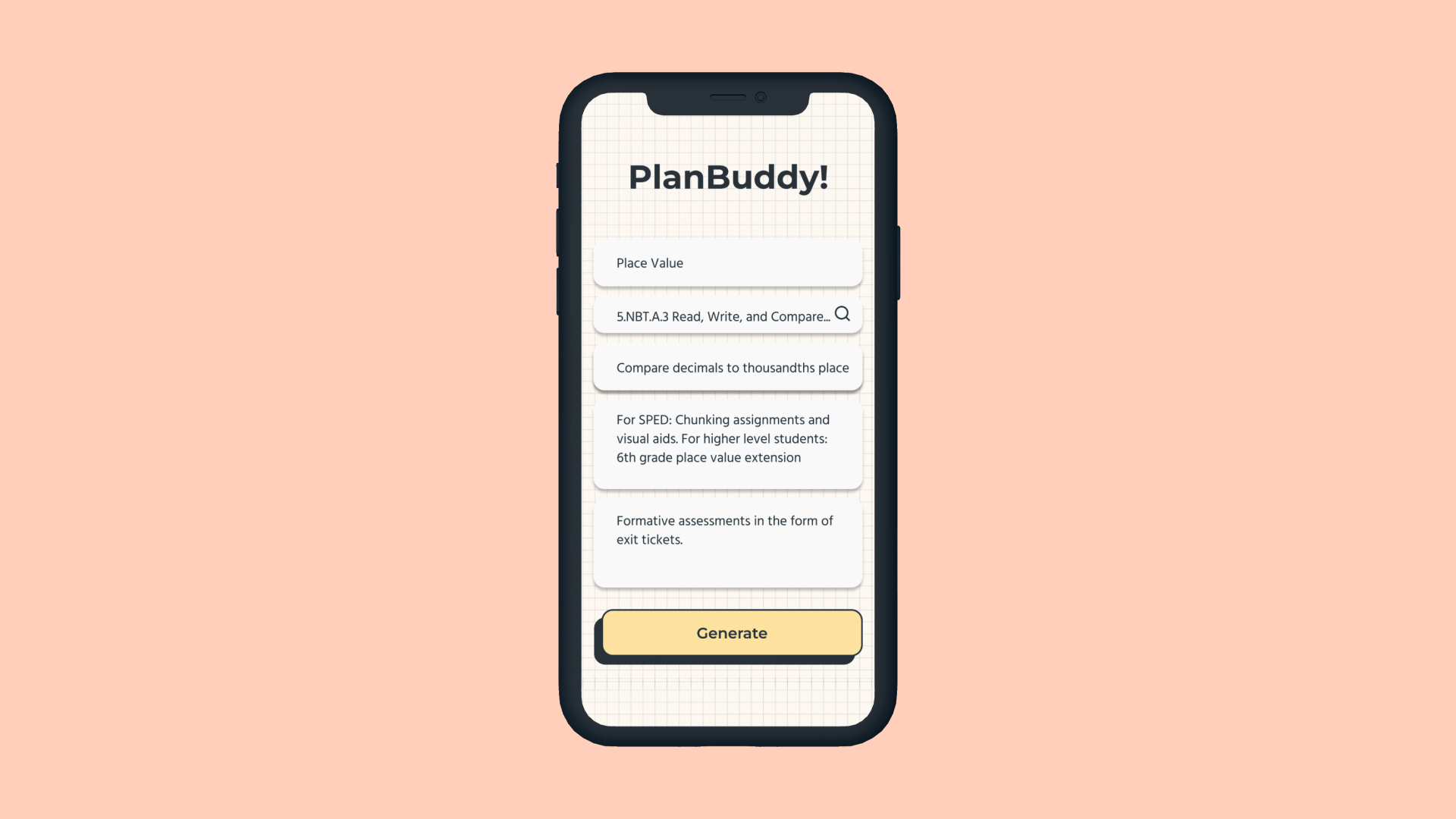
The input form for users to specify how they want the lesson plan to be generated
-
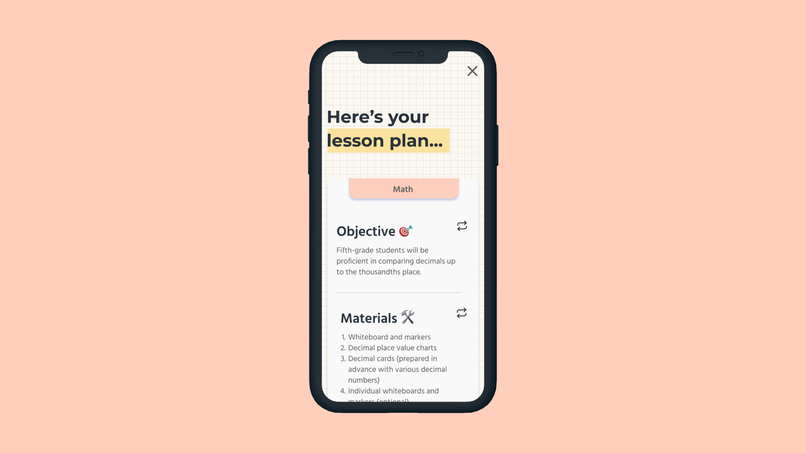
The generated lesson plan after the user clicks "Generate". A floating "x" icon allows for the user to exit back to the input form
-
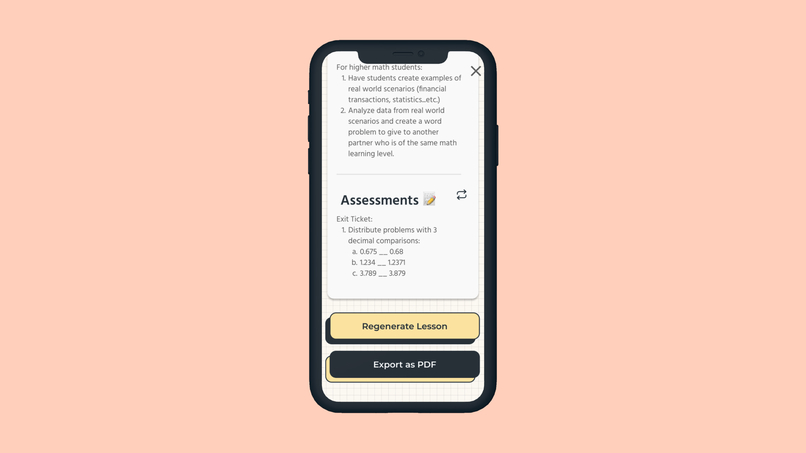
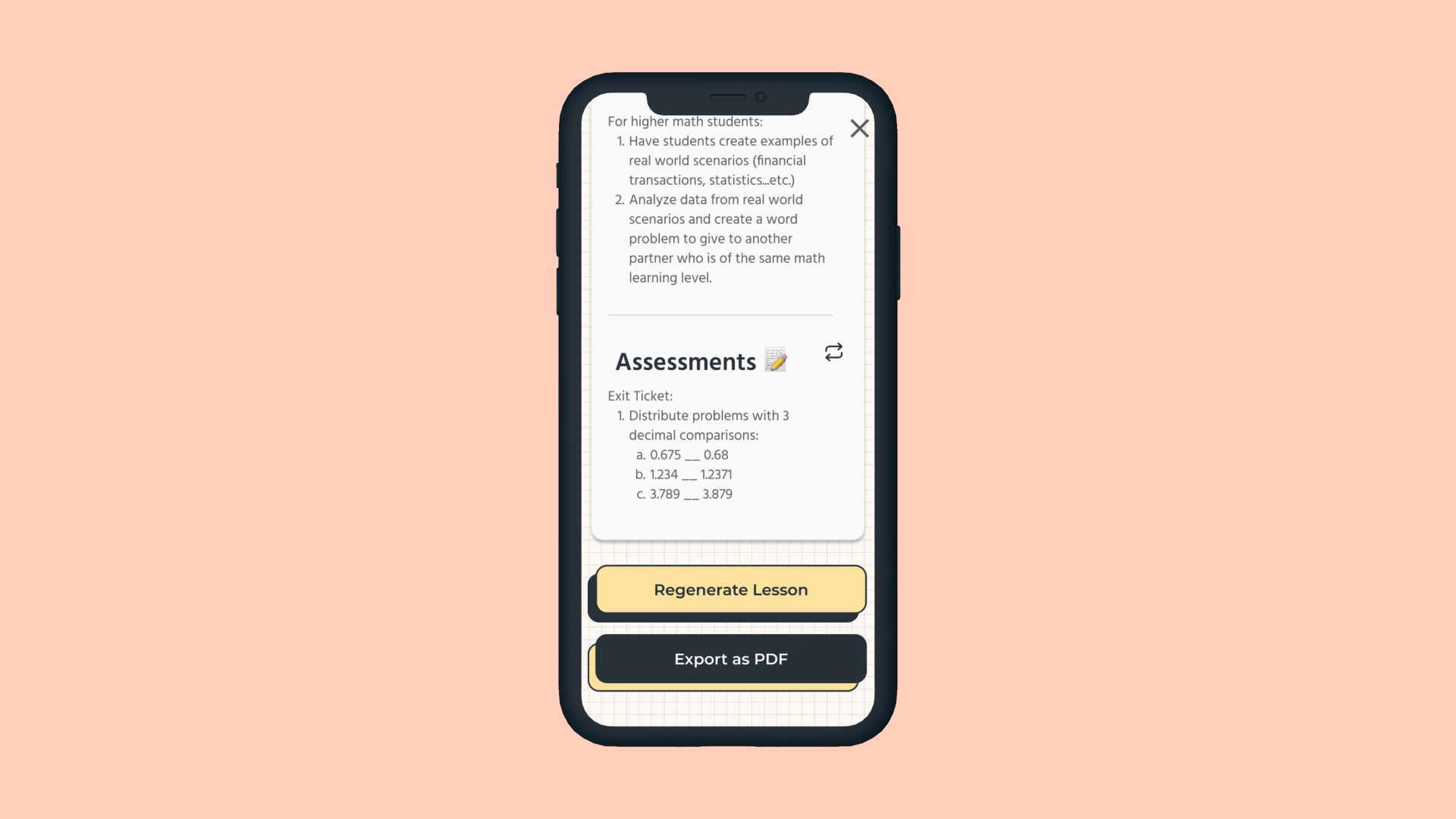
The screen the user sees after scrolling down. They are presented with two options: regenerating the lesson or exporting the lesson as a pdf
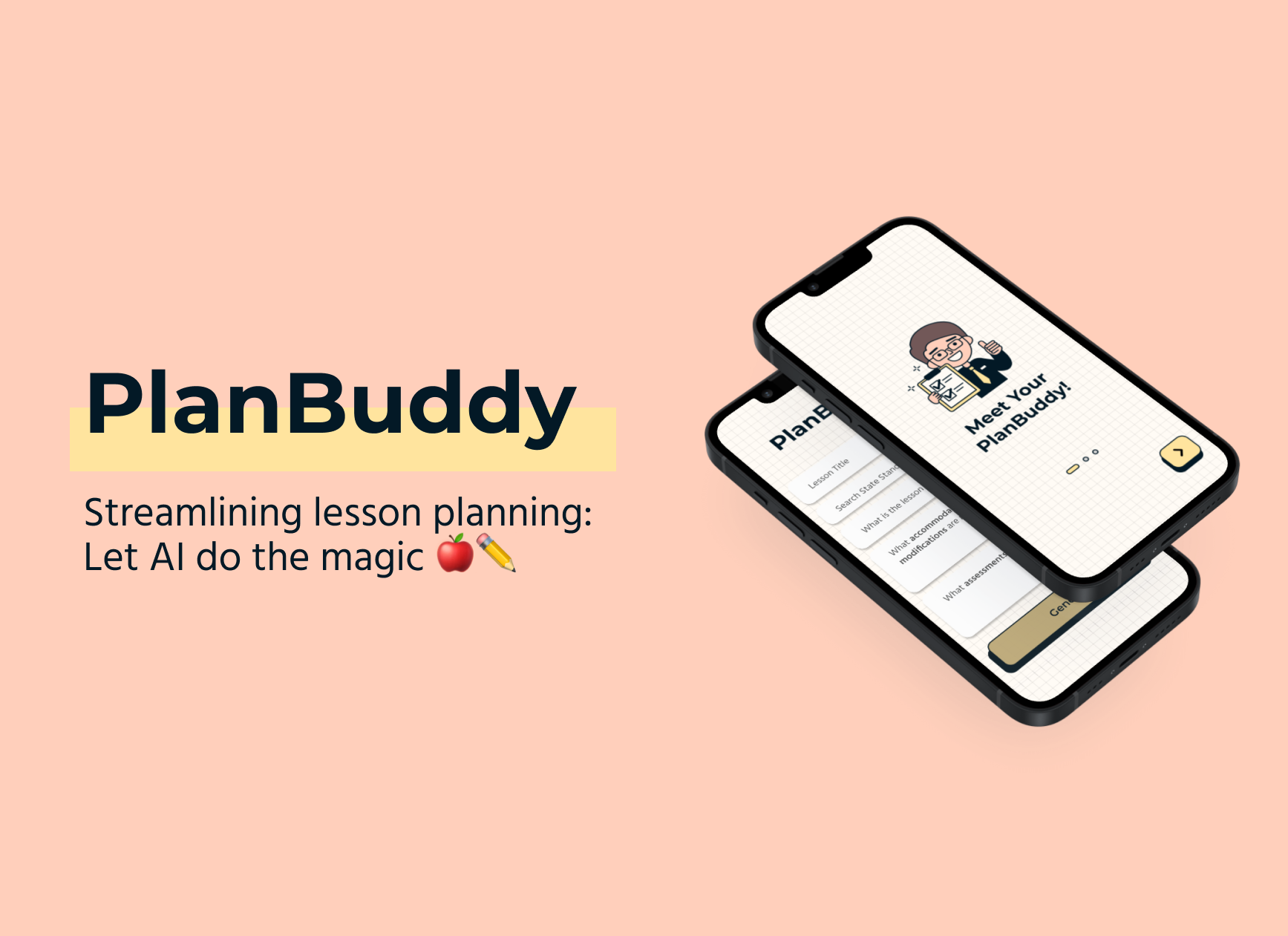

Inspiration
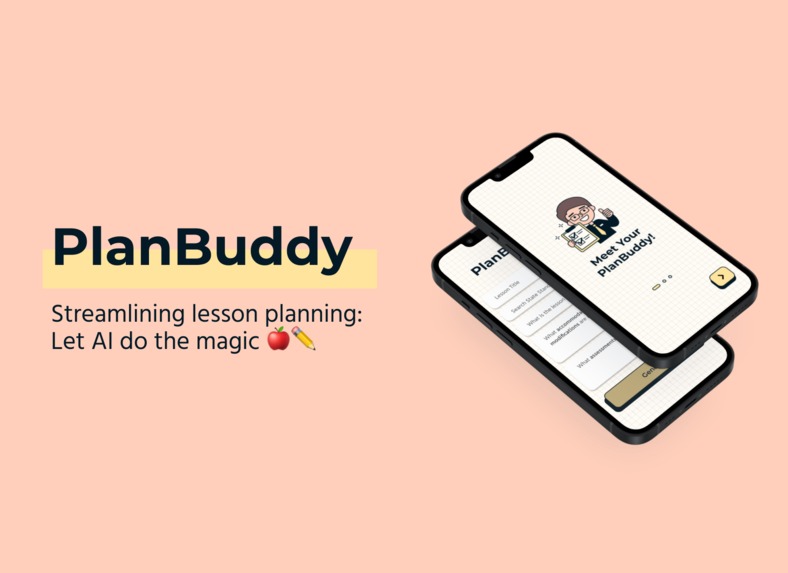
PlanBuddy is an app that was inspired from the collective struggles of teachers planning out lessons for their students. Our team of designers, including a former teacher, began with identifying pain points in the North-American education sector post-pandemic. We noted that the primary struggles that teachers face are student behavioural management, lesson-planning and grading.
The Problem: Lesson Planning
We aimed to proceed with the lesson-planning problem as planning lessons can be incredibly overwhelming, given all the necessary considerations that need to be made such as curriculum standards, accommodations, and the activities needed to engage students, to list a few. We acknowledged that lesson planning shouldn’t be so hard for teachers who simply want to educate and help students as well as allowing teachers to have more time on their hands to tackle the other issues they face.
Hence why we decided to create an innovative solution to this struggle: an ai-generated lesson planner that can be customized and regenerated depending on the teacher’s needs.
Lesson planning doesn’t need to be so challenging with PlanBuddy!
What it does
- Onboarding: The user, which in our case is likely an educator, begins with an onboarding process that provides details on the functionality and benefits of using PlanBuddy.
- Input-form Screen: They are then led to an input-form screen that allows them to detail the specifics of how they want their lesson to be generated (objective, subject, curriculum, type of assessment and accommodations).
- Press Generate: Once the form is filled out, and the “Generate” button is pressed, the educator is given a detailed generated lesson plan that complies with the details filled out previously.
- Regenerate by Section: They are then provided the option to regenerate specific sections of the lesson plan; for instance, “Procedures” is specifically regenerated in the demo video.
- Regenerate Whole Lesson: The educator can also generate the lesson plan, or click the “X” to return to the input-screen for a completely new lesson.
- Export as PDF: Lastly, the educator can export the lesson as a pdf, which is essential for saving the generated lesson or for sharing the lesson to other educators.
How we built it
The initial brainstorming and identifying of pain points was done in Mural, while our wireframes and final prototype of the app was built in Figma. We started off with brainstorming, identifying pain points in the North-American education sector post-pandemic and creating a problem statement. Then, we created personas to understand potential users, created low-fidelity wireframe iterations, had a critique of these iterations and created a final low-fi wireframe with what we learnt. Next, we created moodboards, style tiles and typographic combinations and moved onto creating high-fidelity wireframe iterations. We finalized on a high-fidelity wireframe once we critiqued and iterated on initial designs. Lastly, we prototyped the final wireframes to make it ready for demonstration.
Challenges we ran into
- High-fidelity: We had trouble with deciding colours, typographic combinations and icon positioning. It took us a lot of time, iterations and discussions to find choices that we found to fit the friendly but professional vibe of the PlanBuddy app.
- Efficiency: Next time, learning tools to streamline our design process such as using auto-layout instead of manual adjustments, keyboard shortcuts, smart animate and Figma components.
- Need for usability testing of high-fi prototype: We were not able to test the high-fi prototype with non-members to test usability.
- More research: We focused more on the experiences of our team-member with teaching experience. We need to also include more in-depth research of experiences from other teachers and their struggles with post-pandemic education.
- Coding: Next time, coding the design so that it can be used by others.
Accomplishments that we're proud of
- First Hackathon: This is the first hackathon for all three of us. We were nervous and a bit confused at the beginning but we’re proud of our ability to collaborate and create a project in a time crunch. We prioritised organisation, avoided any task for the last minute and worked to our strengths. We made sure to deal with any hurdles as we came across them and did not let them slow us down.
What we learned
- Basics of smart animate.
- Getting an in-depth understanding of Figma and its plugins.
- Application of UX/UI process outside school setting.
- Designing for accessibility using WebAim
- Learning about new design resources: Coolors.com, WebAim
What's next for PlanBuddy
- AI generated imagery for creating visual aids.
- AI-powered search to output visual and/or audio elements to give additional materials to accommodate for different students' needs.
Built With
- canva
- figma
- mural

Log in or sign up for Devpost to join the conversation.