-
-
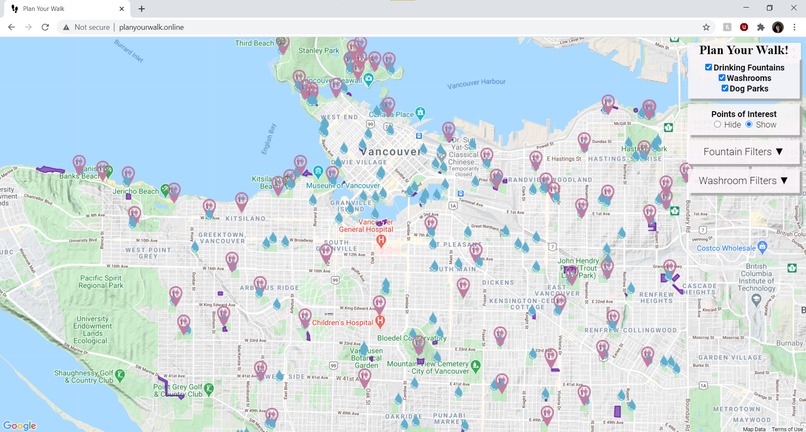
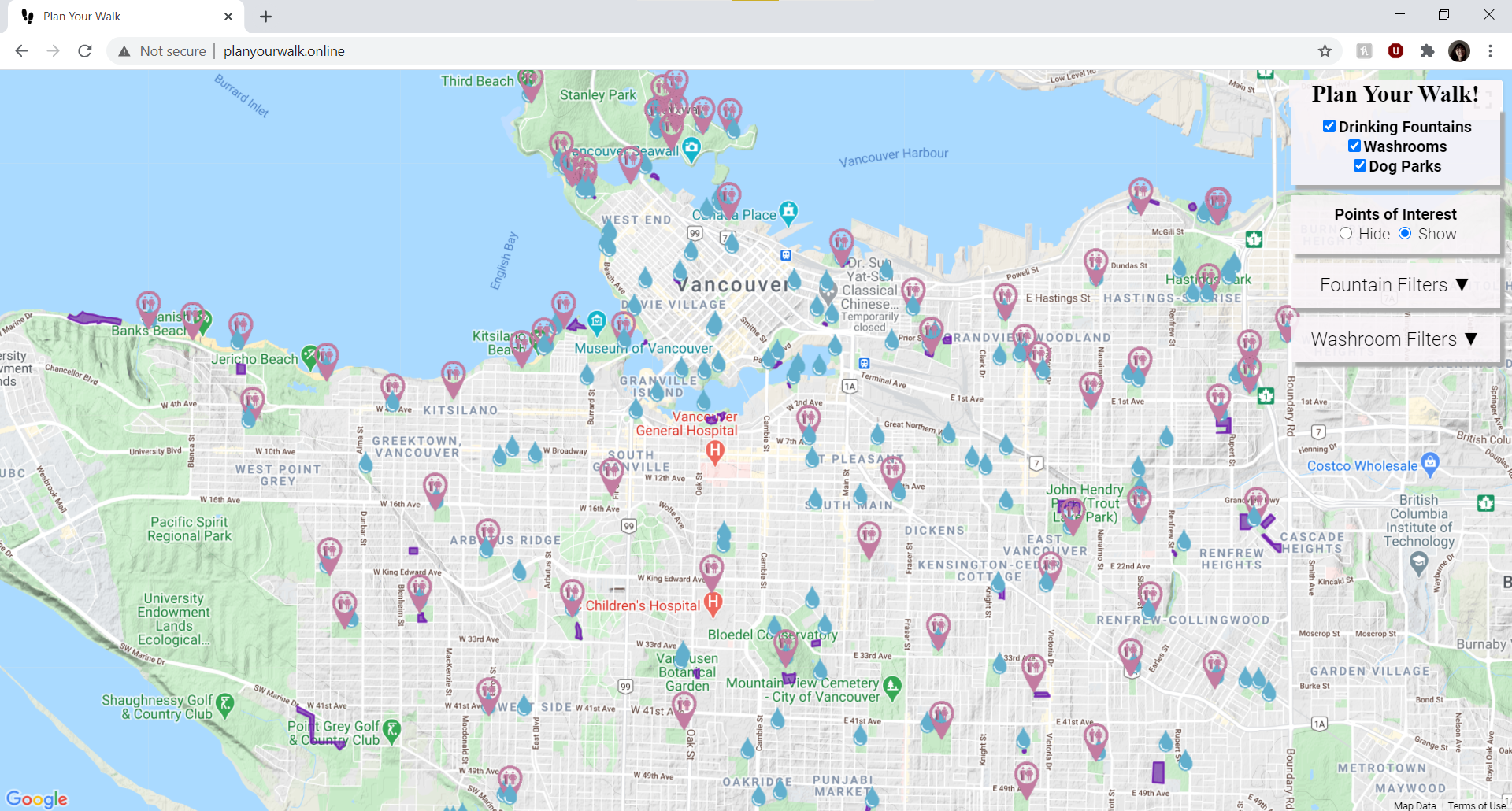
Shows all the pins for drinking fountains, public washrooms and dog parks
-
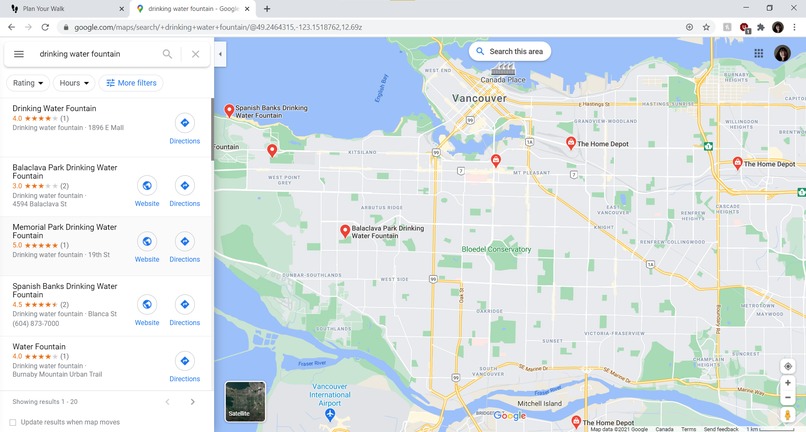
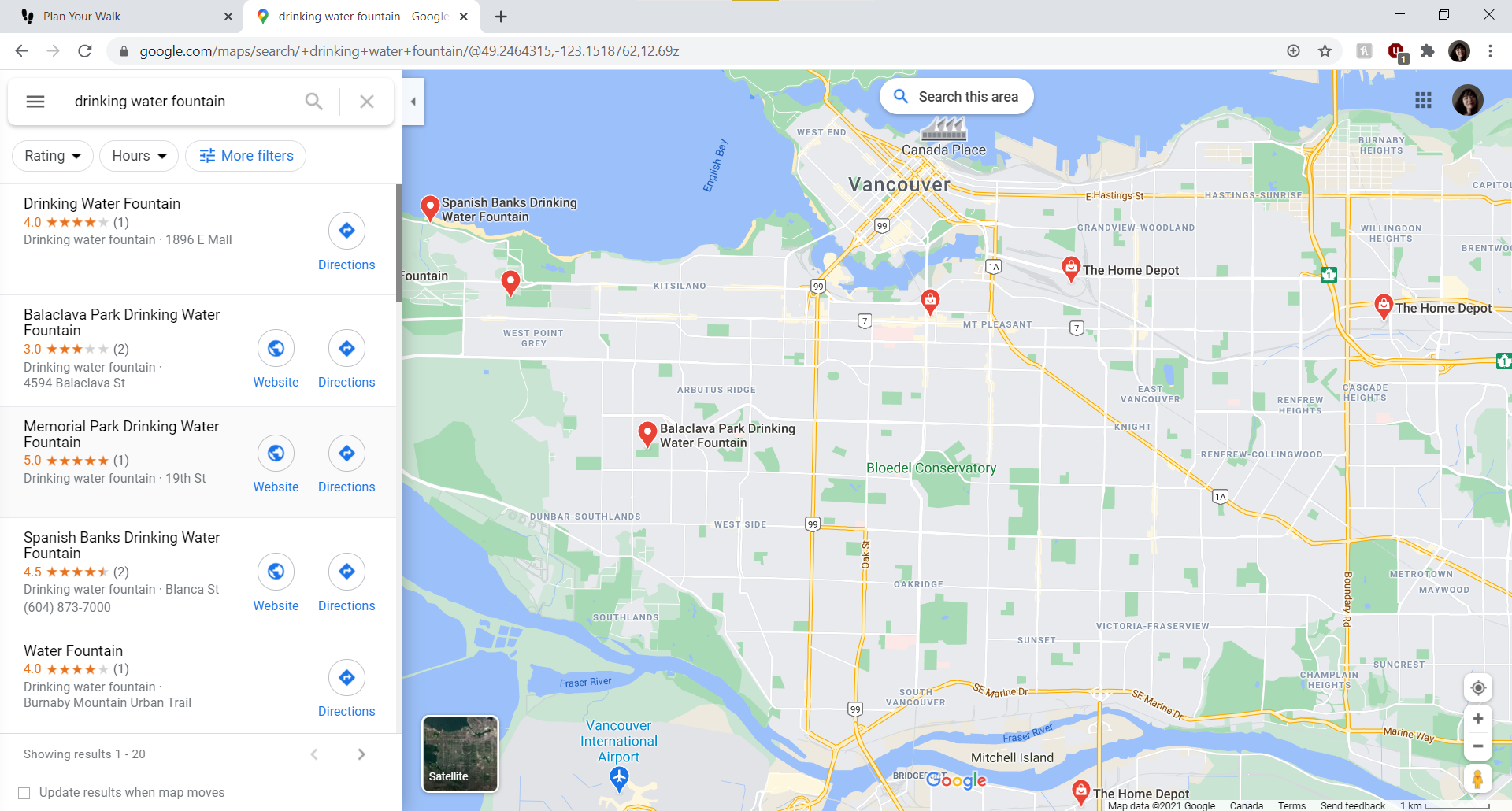
In comparison, Google Maps shows little information on drinking fountains, washrooms, etc.
Inspiration
While Google Maps has existing filters on restaurants, hotels, gas stations, etc., we find there are no pins for small public facilities that are actually essential, such as water fountains and washrooms. As two people who love going on walks to random places spontaneously at night, we've always wished that there were filters for water fountains and such, because when you search them up on Google Maps, it only gives you the results where the keywords are being mentioned in people's reviews. Even when they do appear as a landmark, it happens extremely rarely and is more likely to be misinformation (e.g. an actual fountain instead of a drinking fountain). Thus, we created our own map filters based on a couple of datasets of Vancouver's public facilities including drinking fountains, washrooms and dog off-leash parks, hoping to bring some convenience to people like us.
What it does
When you go to our domain link, you would see a map with all the pins for drinking fountains, toilets and dog parks in Vancouver area, just like you can see the restaurants, hotels on normal Google Maps. You can pin and unpin them, as well as choosing the relevant filters such as "operating hours", "is pet-friendly", etc. Moreover, you can choose to hide normal landmarks like golf clubs, hospitals to make the background cleaner and less hectic. It works on both computers and mobile.
How we built it
We registered a domain on Domain.com, and used AWS as a hosting service. We used AWS S3 to store our files on the cloud, and used Route 53 to connect our files on S3 to our domain. We used datasets from City of Vancouver Open Data Portal to combine with Google Maps JavaScript API for our front-end UI using html and JavaScript.
Challenges we ran into
It is our first time using Cloud Computing Services to host a website, it takes a while for the servers to communicate every time there is an update to our files on S3, so we couldn't verify our changes instantly. It took us a while to figure this out. We were also having problems setting up the SSL encryption as Domain.com kept giving us installing SSL errors, it might be because it takes a while for DNS changes to propagate across all the nameservers, so we couldn't make the website secure.
Accomplishments that we're proud of
We are very proud that we the project is complete and fully-functioning, can actually bring convenience to us! There were some technologies we weren't familiar with but it was surely a fun challenge.
What we learned
We learned how to host websites using Cloud Services, how to work with data, how to work with Google Maps API, etc.
What's next for Plan Your Walk
Next would be to combine more datasets from small facilities and better UI, add a search bar, etc.


Log in or sign up for Devpost to join the conversation.