Inspiration
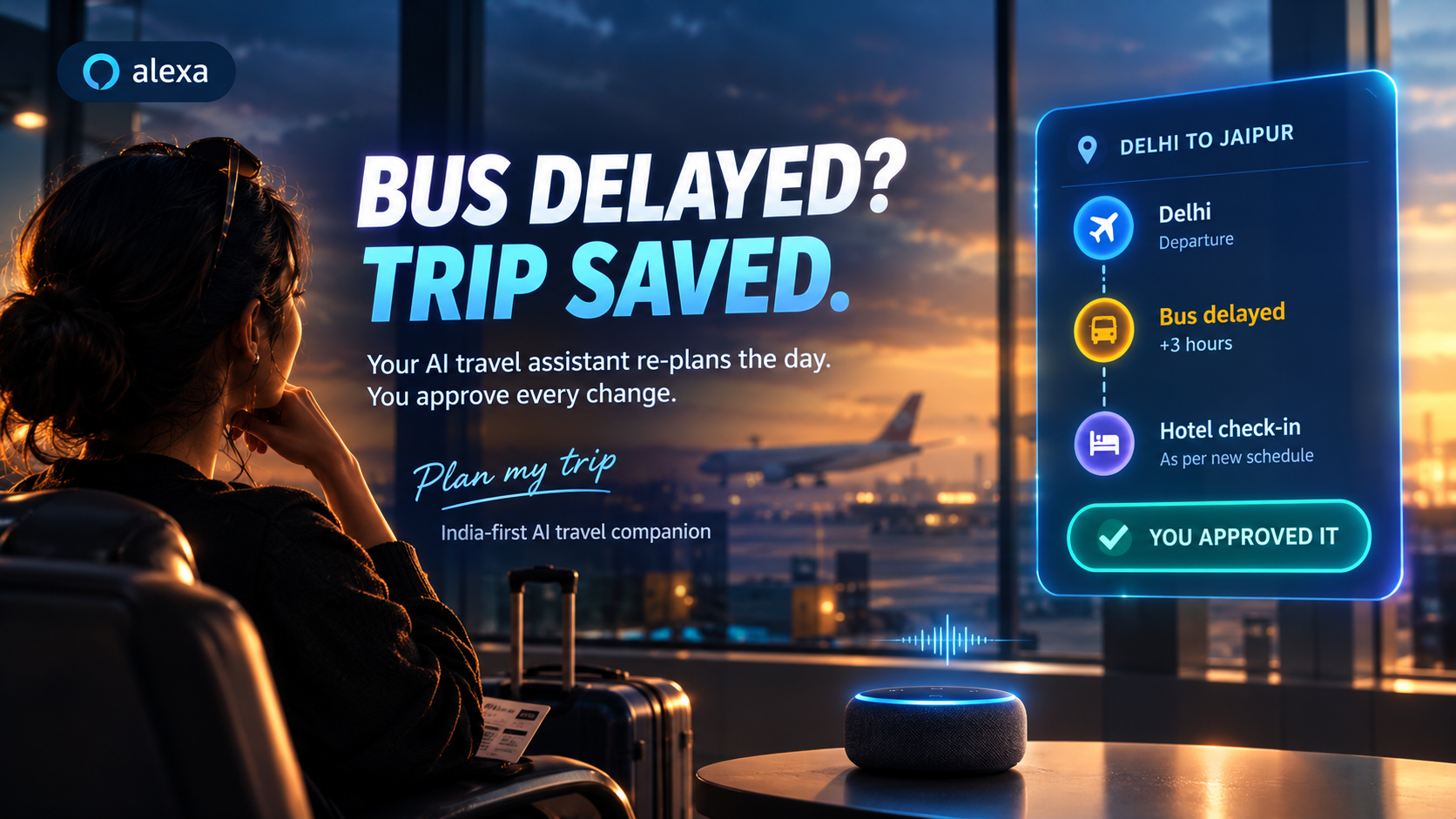
Travel in India often depends on buses, and buses run late. When one does, the real problem isn't the delay itself. It's everything after it: the hotel check-in, the plans for the day and the cost of fixing it. We wanted an assistant that can plan an affordable trip, and then help when the plan breaks, without ever changing a booking behind your back.
What it does
PLAN MY TRIP is an India-first AI travel companion. Through an Alexa+-style conversation you can:
- Plan an affordable trip from your origin, destination, dates and budget in INR
- Retrieve a saved trip and its itinerary
- Report a disruption, such as a delayed or missed bus, and see its impact on hotel check-in and other plans
- Prepare a recovery action, such as notifying the hotel or rebooking, as a preview you can review
- Approve or reject that action, and see whether it succeeded, failed or was cancelled
Nothing executes without explicit approval. Preparing an action only stages it in a pending_approval state.
How we built it
My part is the Alexa+ integration component: a self-hosted Model Context Protocol (MCP) server in Python.
- Implements MCP spec 2025-11-25 over Streamable HTTP at
/mcp - Exposes five tools:
plan_trip,get_saved_trip,assess_disruption,prepare_recovery_actionandapprove_recovery_action - Calls the main application's API for all business logic, so trip planning, budgets and recovery rules are not duplicated
- A browser-based Alexa+ simulation page acts as a real MCP client: it initializes a session, lists tools and calls them
- A mock backend with seeded demo data let us build and test the integration independently
- Automated tests cover the MCP protocol, input validation, approval safety, backend failures and tool logic
The main app uses React + Vite, Python FastAPI, SQLite and AI tool calling. We built with AI-assisted development tools, including Google Antigravity, and then reviewed and tested the code ourselves.
Honest note: the Alexa+ partner tools are gated, so this is a simulation of the Alexa+ experience. It is not a connection to a real Alexa+ device. The server follows the open MCP standard, so it could be registered with Alexa+ once access exists.
Challenges we ran into
- Designing a safe approval flow. The assistant must never change real bookings by mistake, so we split "prepare" and "approve" into separate steps and tested that approval can't be bypassed.
- Building before the backend existed. We used a mock API and kept the backend URL in configuration, so switching to the real API is a settings change.
- Handling failures gracefully. Backend timeouts and unavailable responses return clear, safe errors instead of crashing.
- Making a browser client work with MCP sessions. We had to configure CORS so a web page can read the MCP session headers.
Accomplishments that we're proud of
- A real MCP server, not a custom API with an MCP label, speaking protocol version 2025-11-25 over Streamable HTTP
- A human-in-the-loop safety design: every recovery action is a preview first, and approval is a separate, tested step
- A test suite that covers protocol behavior, bad inputs, approval safety and backend failures
- An end-to-end bus-delay scenario: report the delay, see the impact, prepare a fix, approve it and see the result
What we learned
- How MCP lets an AI assistant discover and call tools in a standard way
- Why validating inputs and requiring human approval matter when an AI can act on real-world bookings
- How to test a protocol-level integration, not only the functions behind it
What's next for PLAN MY TRIP
- Connect all tools to the live main application and share one demo trip across both apps
- Add fare and option comparison for recovery choices
- Tighten security settings for deployment, such as restricting allowed origins


Log in or sign up for Devpost to join the conversation.