-
-
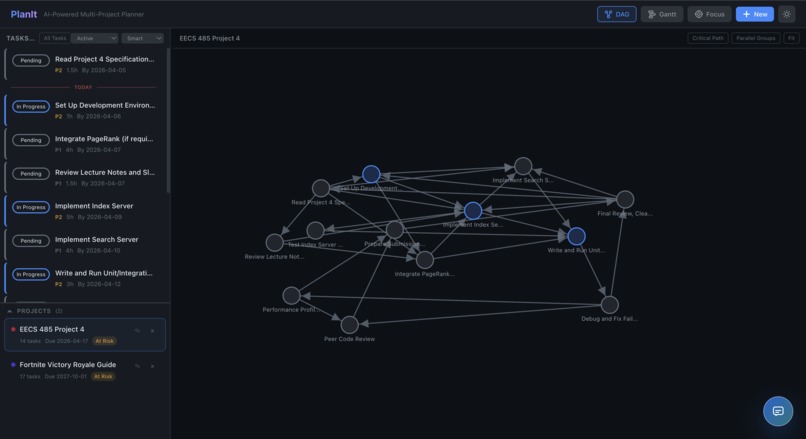
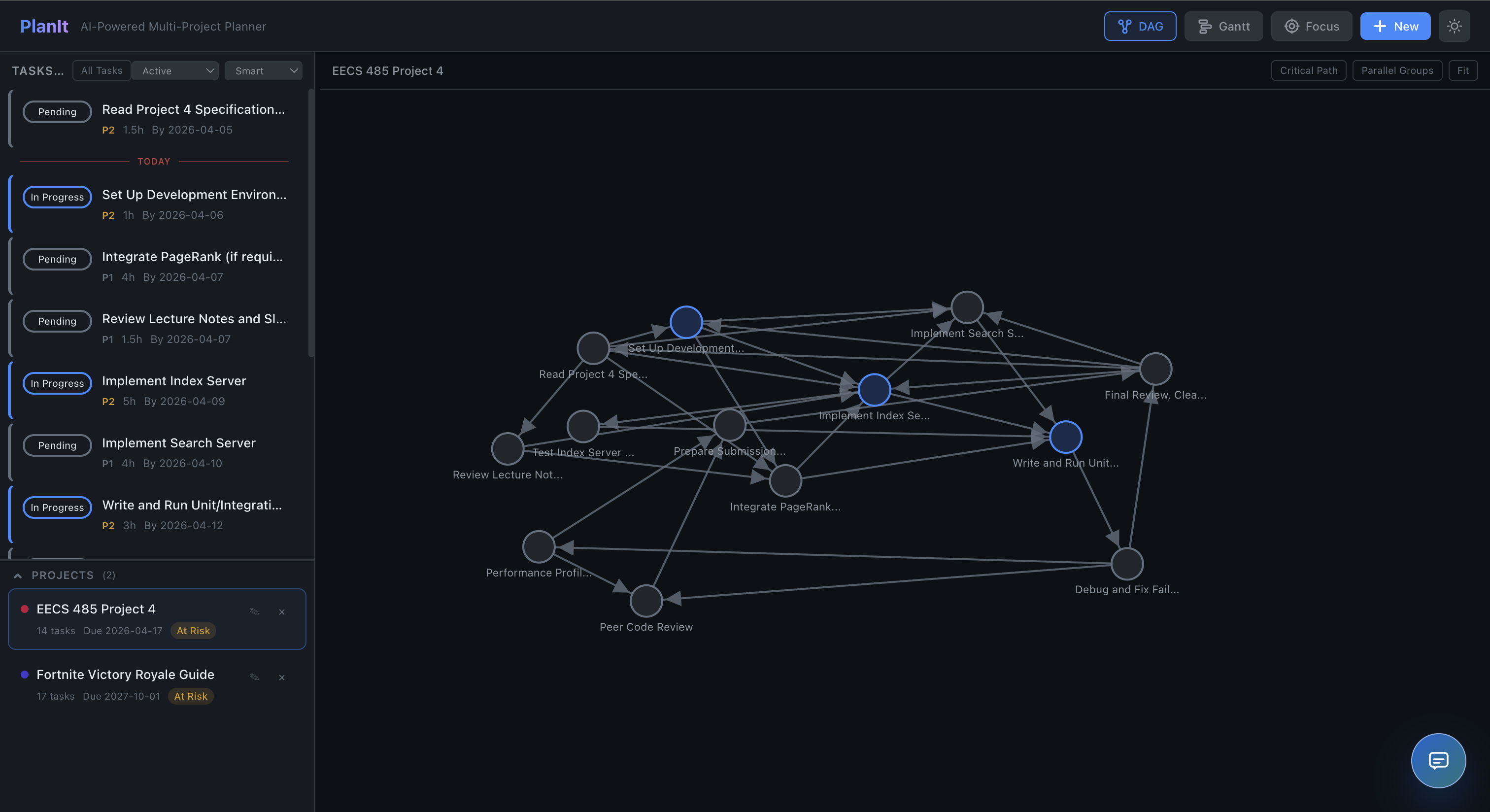
The main app layout showing your to-do list next to a visual web of how your tasks connect.
-
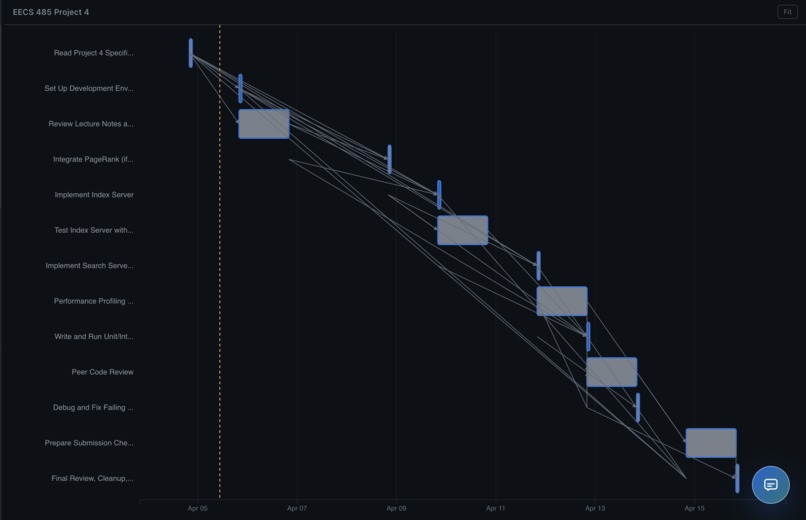
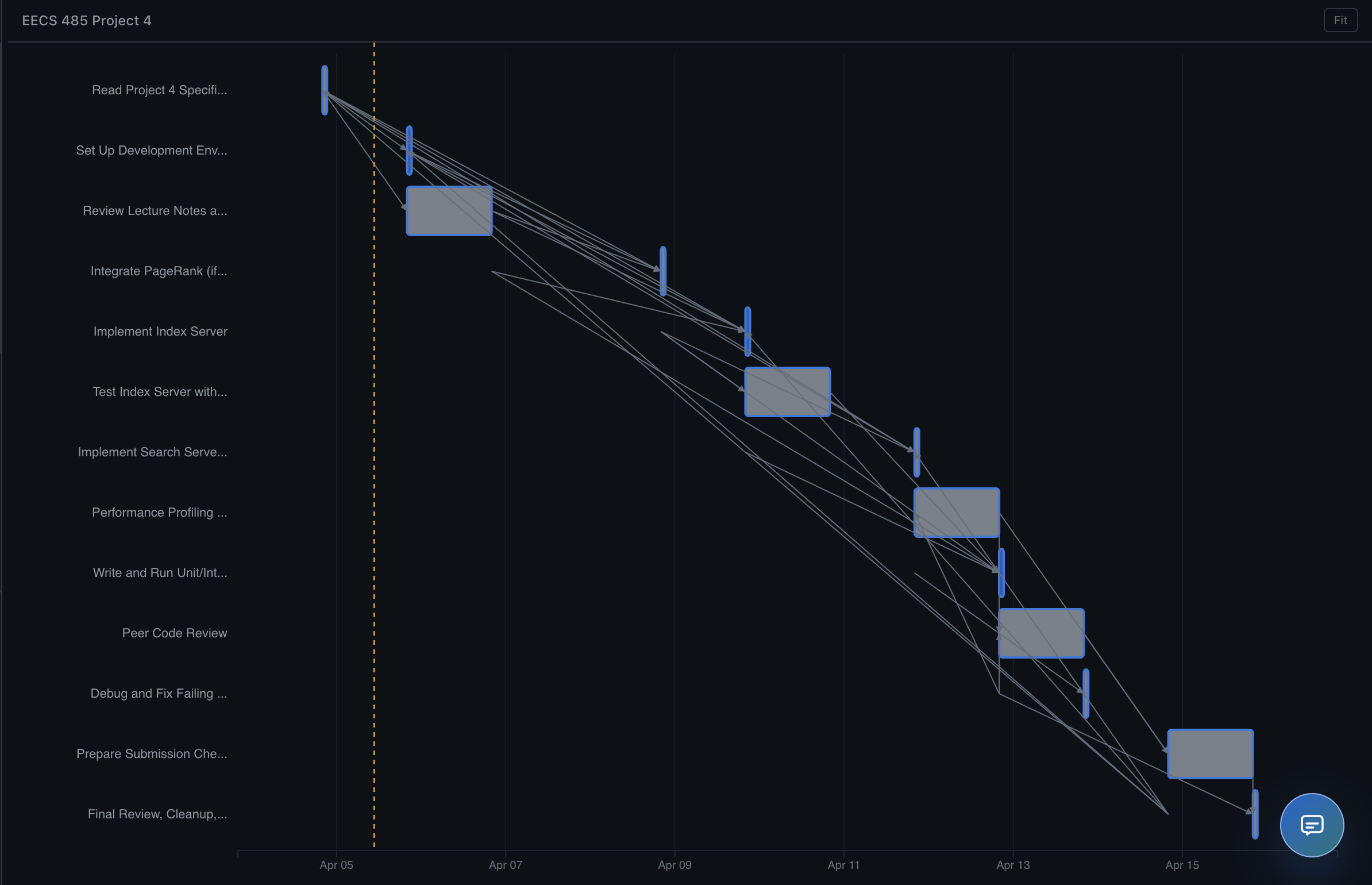
Gantt chart mapping out your task schedule and deadlines on a calendar timeline.
-
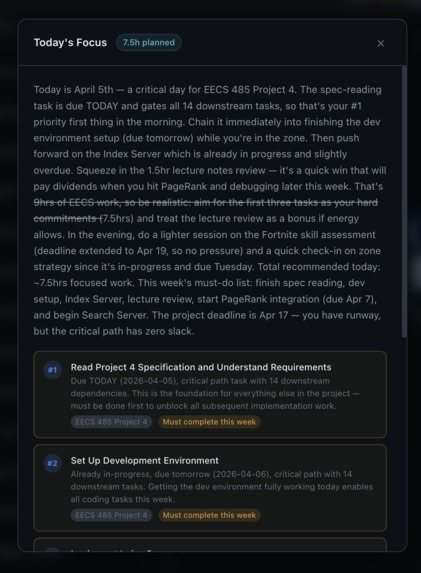
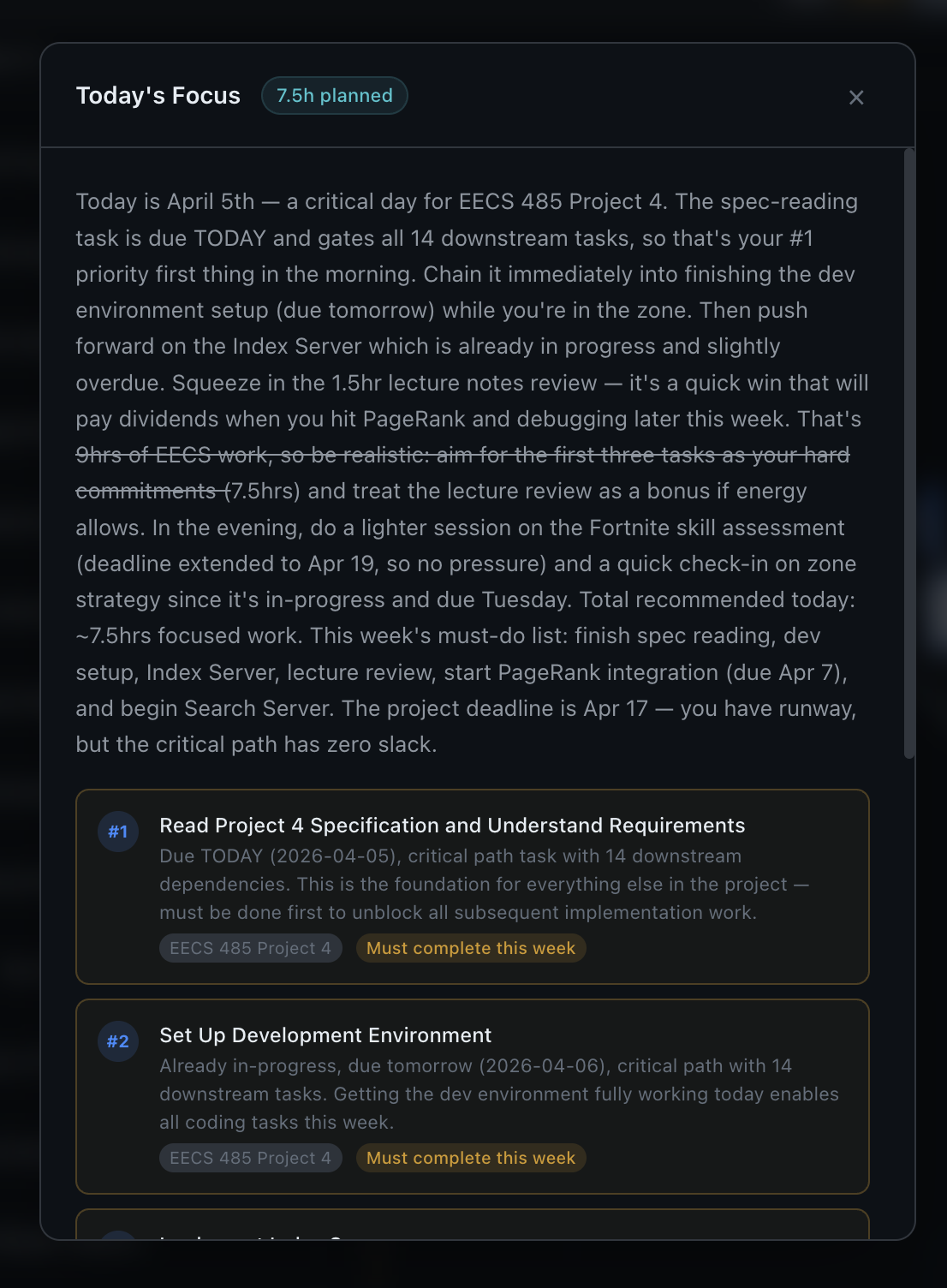
An AI-generated "Today's Focus" summary telling you exactly which priority tasks to tackle today.
-
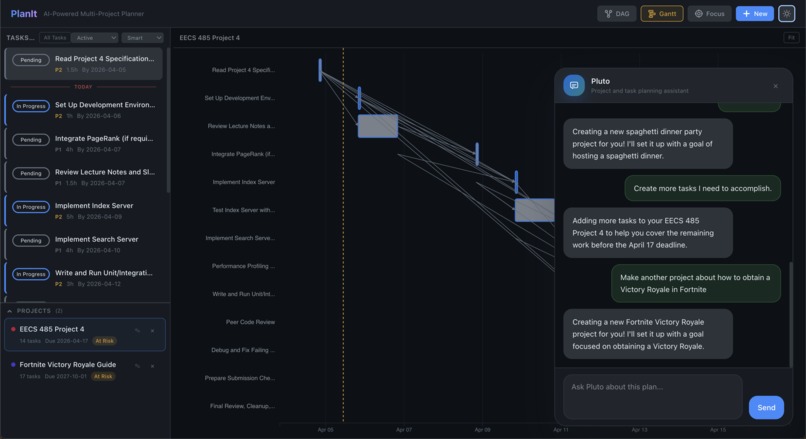
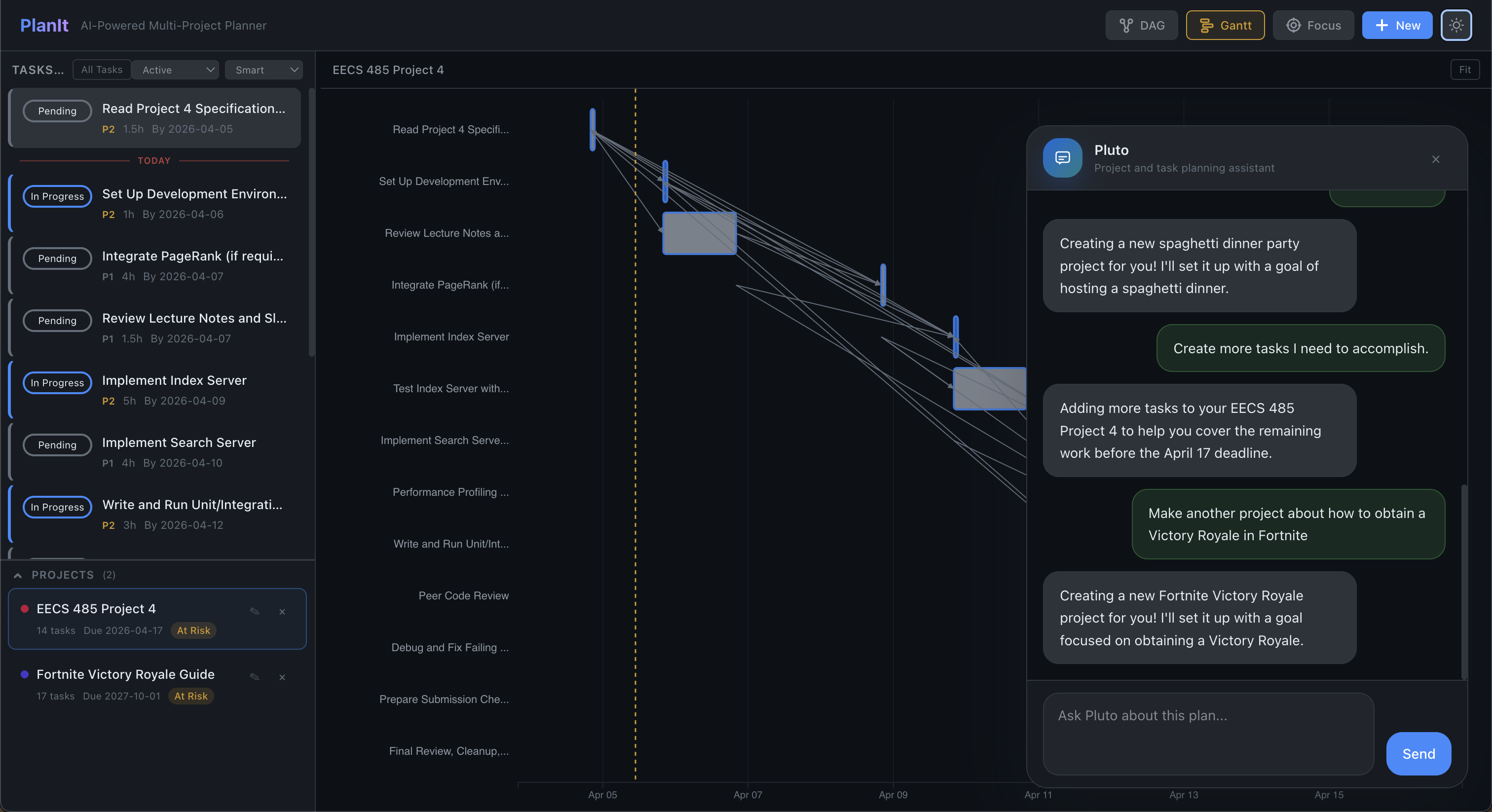
Chat with our AI assistant to instantly generate tasks, map dependencies, and visualize your timeline.
Inspiration: We wanted to make project planning smarter. Most tools require users to manually break down work, but we wanted an AI-powered planner that could take a high-level goal, generate tasks, find dependencies, and show what to focus on first.
What it does: Plan-It turns a project goal into a structured plan. It generates tasks with AI, discovers dependencies, builds a DAG, computes the critical path, suggests what to work on today, and shows project health in an interactive graph view.
How it fits the Agentic AI Track: Plan-It moves beyond traditional, conversational AI by acting as an autonomous project management agent. Instead of simply answering questions, the system exhibits agency by reasoning through a high-level goal, autonomously breaking it down into an executable sequence, and evaluating logical constraints to build a dependency graph. By taking over the cognitive load of structuring and prioritizing work, Plan-It functions as an active, goal-oriented agent rather than a passive tool.
How we built it: We built Plan-It with Jac for graph-based backend logic and API walkers, Claude for task generation and dependency analysis, D3.js for DAG visualization, jac-client/React for the frontend, and Tailwind CSS for styling.
Challenges we ran into: One challenge was getting AI-generated tasks and dependencies to be consistent and useful. We also had to make the DAG visualization readable, connect LLM output with deterministic graph algorithms, and manage team collaboration without causing merge conflicts.
Accomplishments that we're proud of: We’re proud that we built a working system that combines AI with graph algorithms in a useful way. We also created an interactive dependency graph, added critical path analysis, and made the app support prioritization across multiple projects.
What we learned: We learned how to combine LLMs with structured algorithms, how important prompt design is for reliable outputs, and how graph-based modeling can improve project planning. We also got better at rapid full-stack collaboration during a hackathon.
What's next for Plan-It: Next, we want to improve task/dependency accuracy, add calendar integration, support collaboration between multiple users, and expand the planning features with smarter scheduling, progress tracking, and more advanced visualizations.


Log in or sign up for Devpost to join the conversation.