-
-
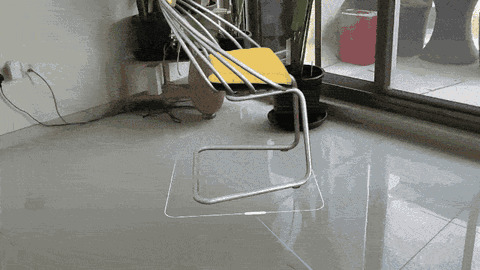 GIF
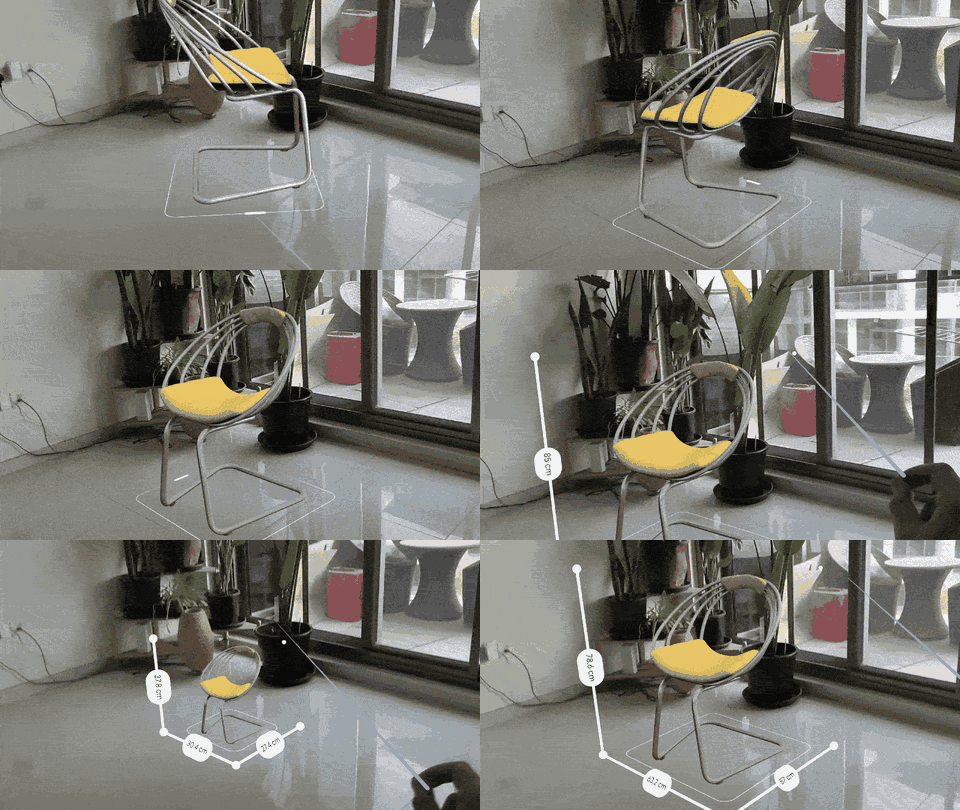
Easily manipulate objects with one hand
-
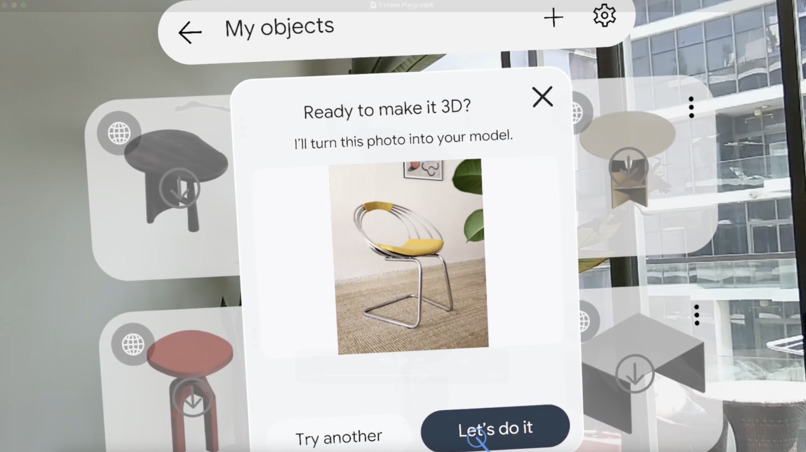
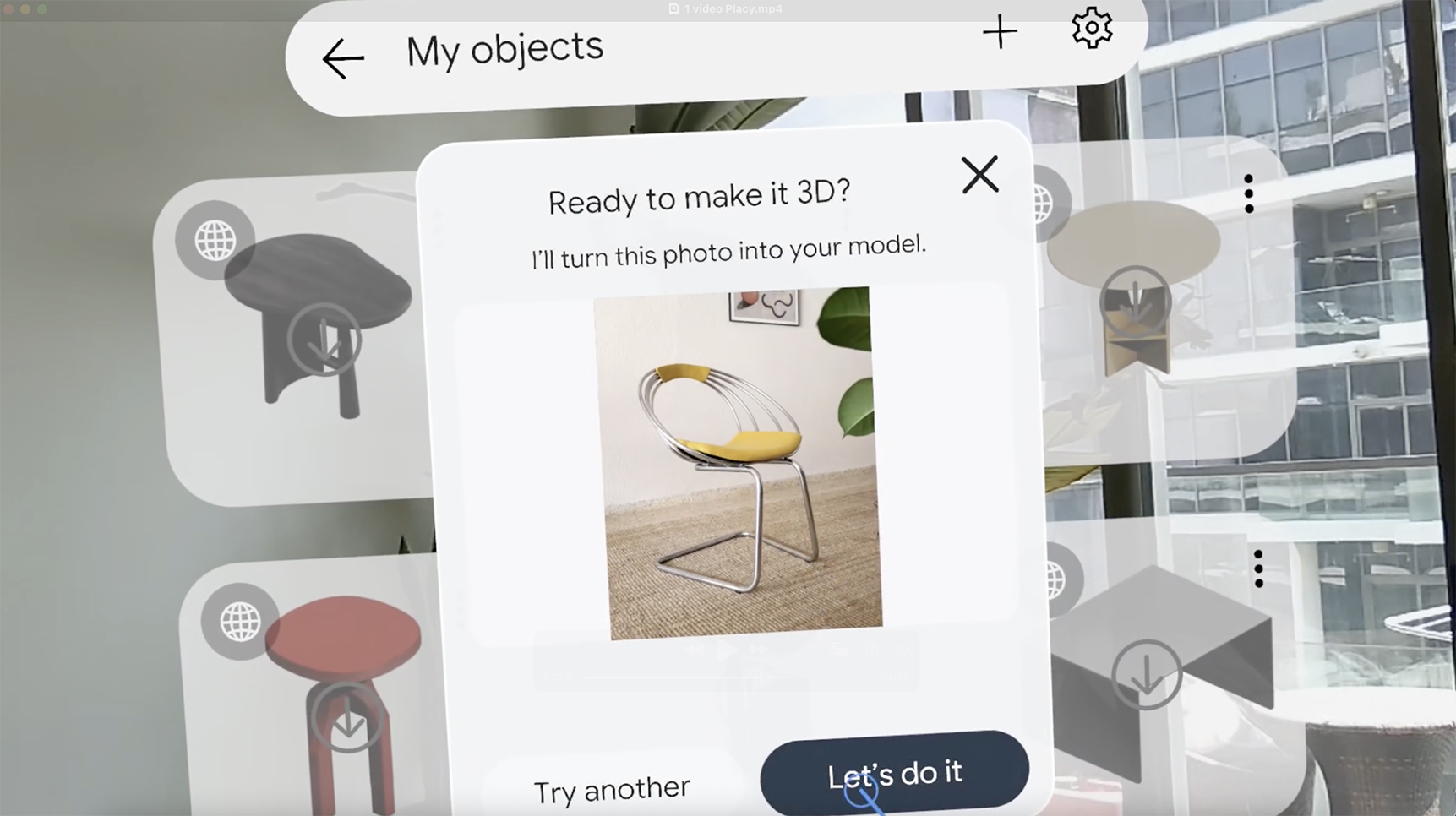
Upload an image to get a 3D model.
-
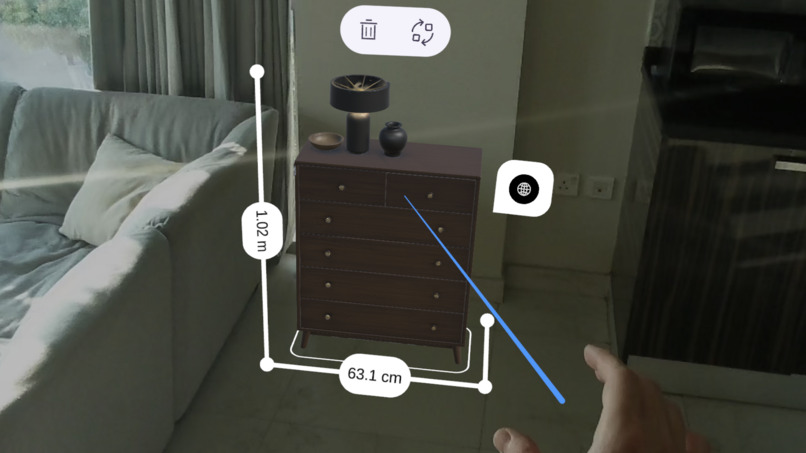
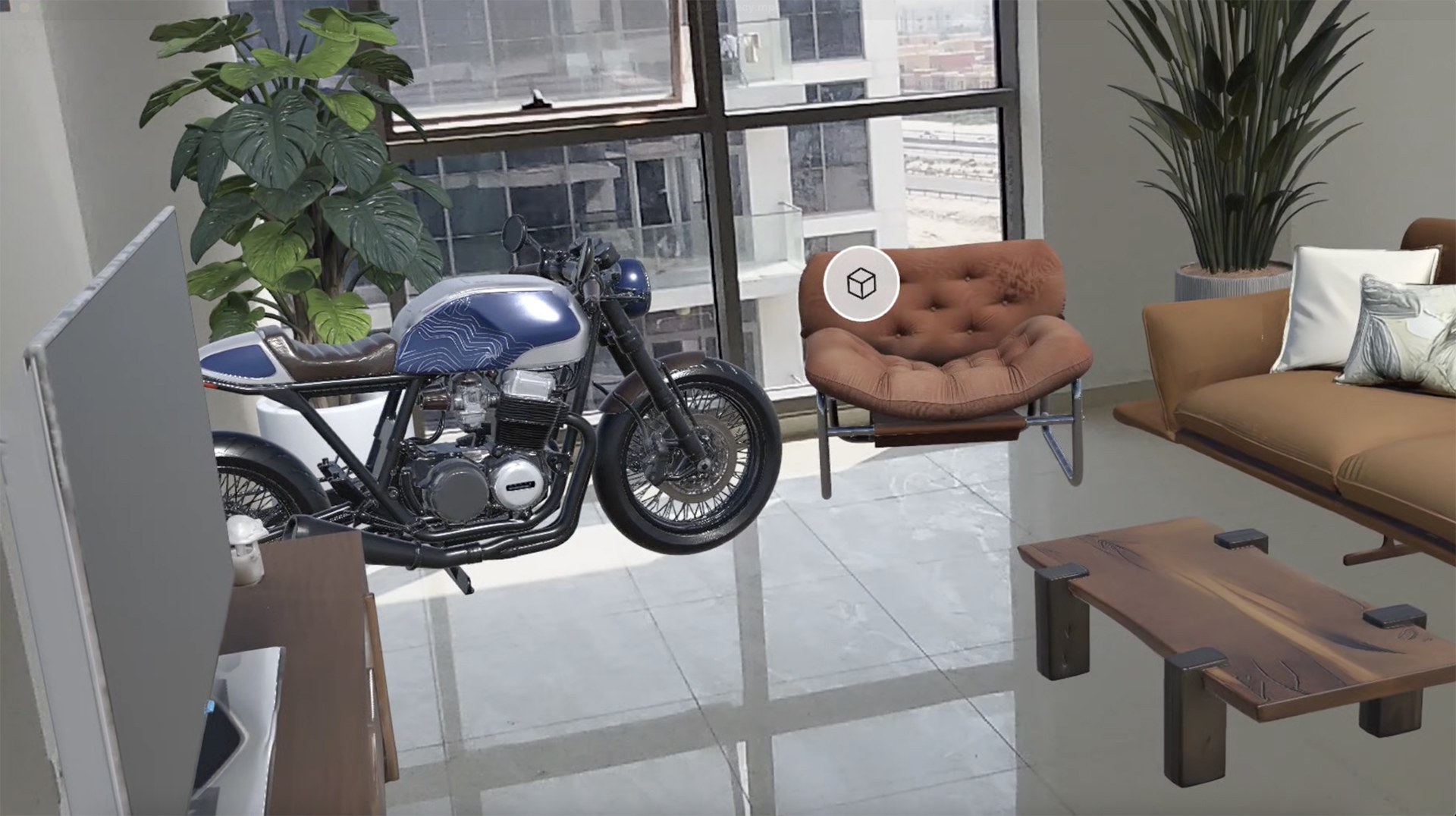
Generate and place 3D models of physical products to check the fitment and visual appearance.
-
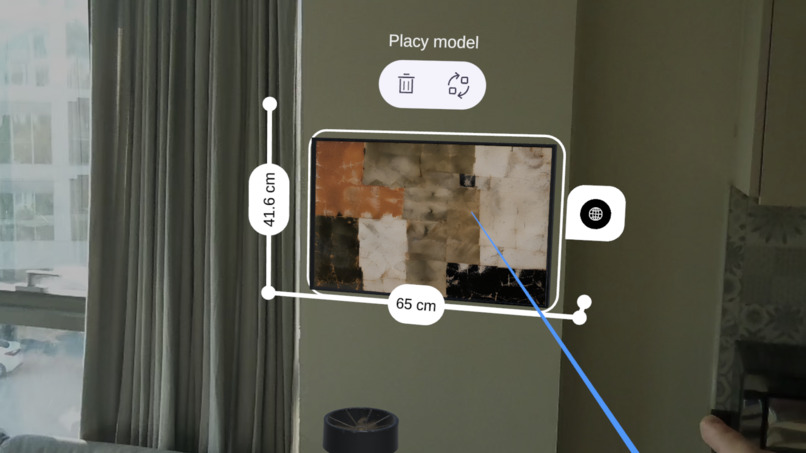
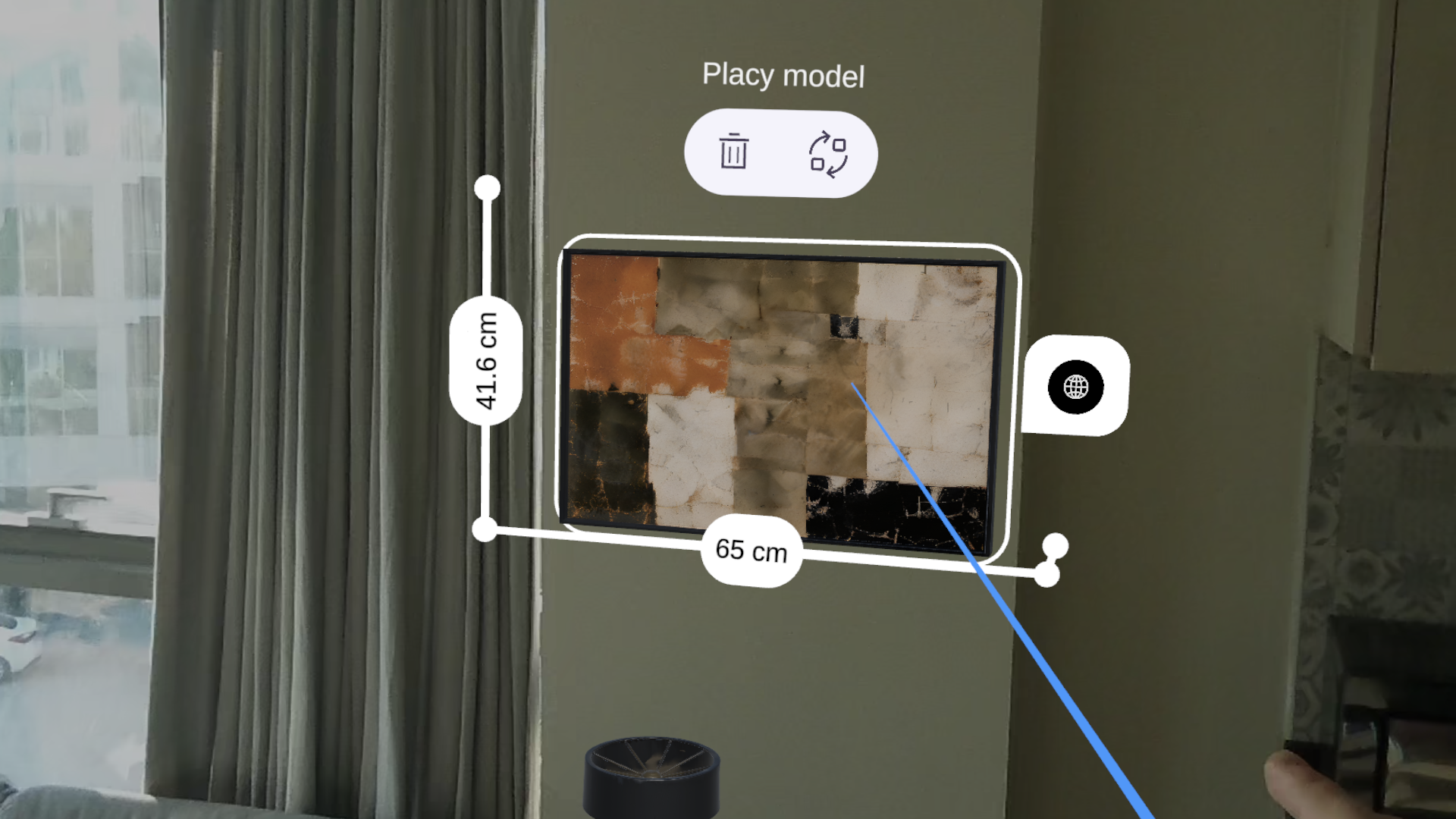
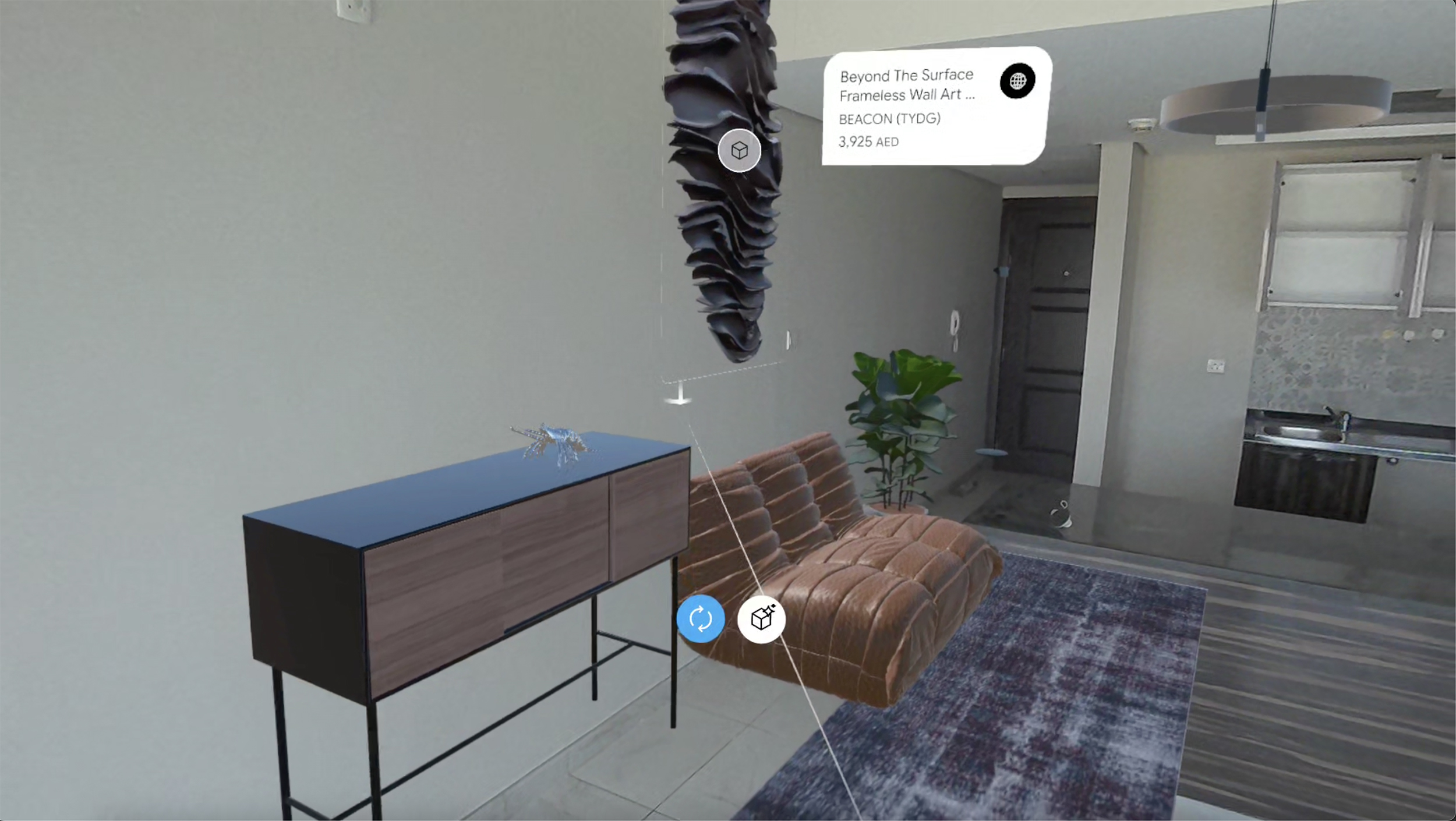
See wall art exactly how it will appear on your walls
-
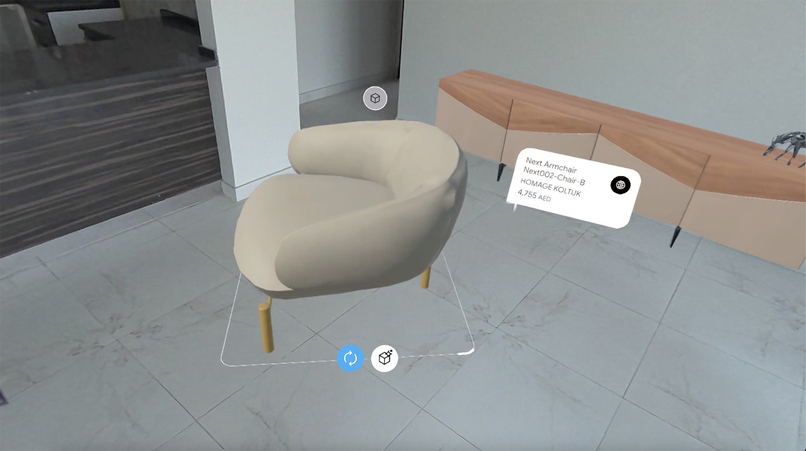
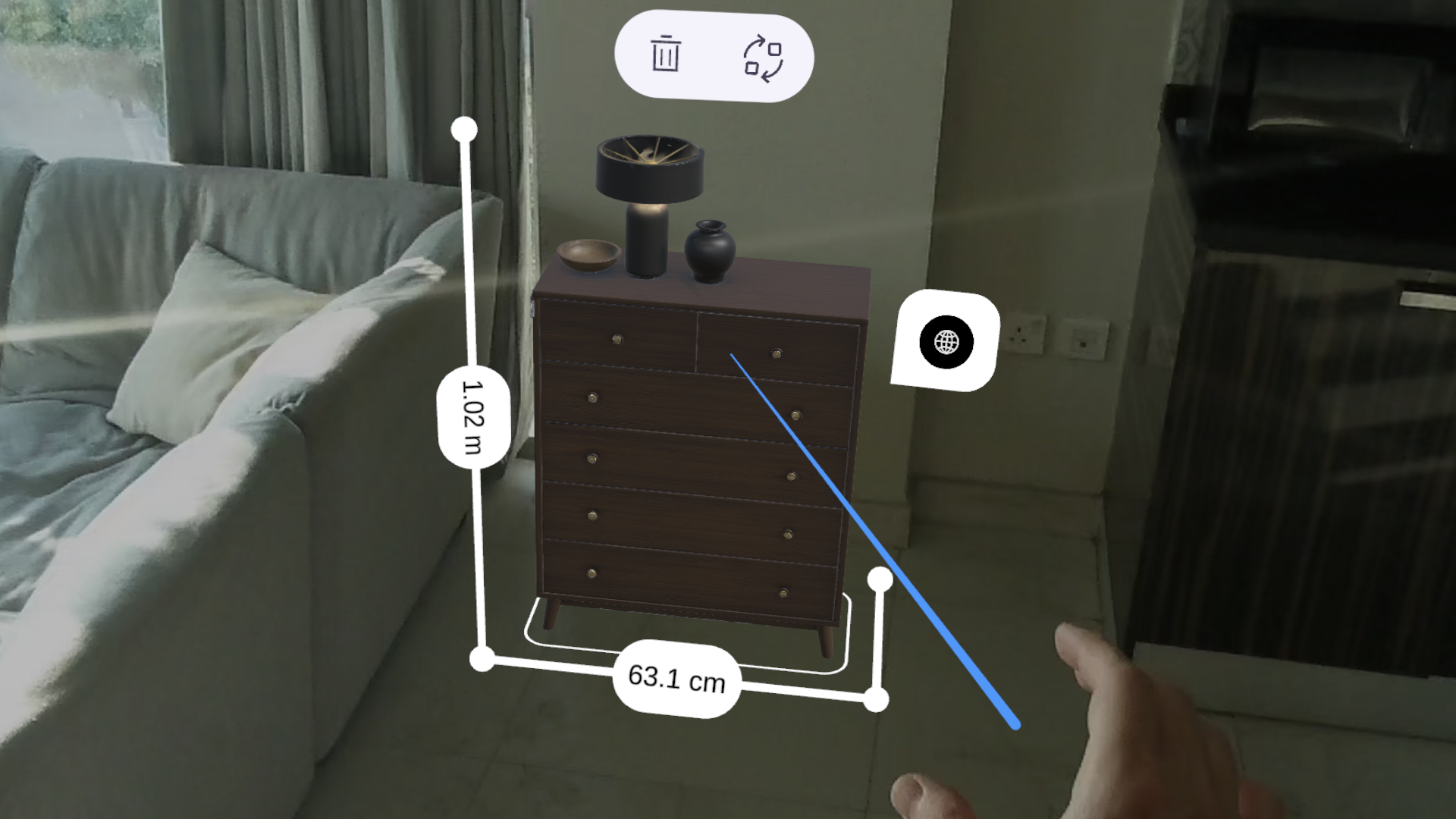
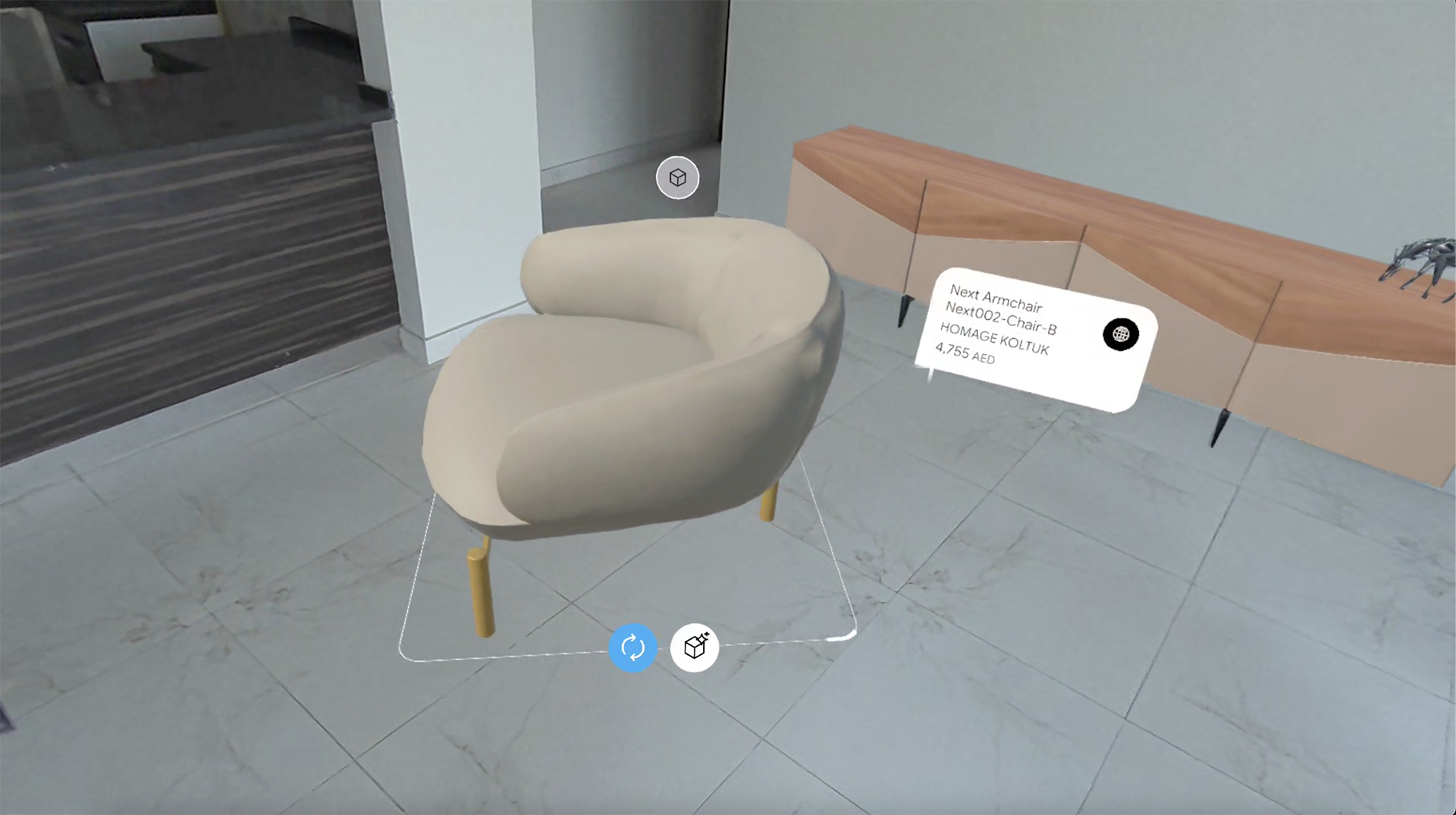
Use auto-layout to fill the room with real, purchasable products.
-
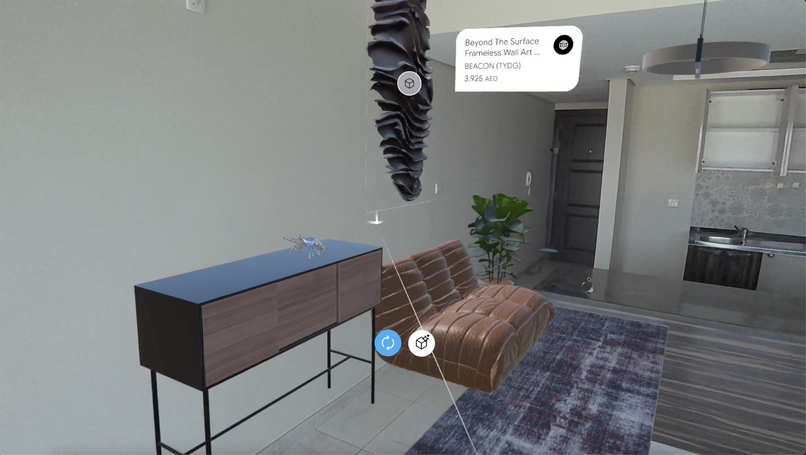
Use auto-layout to fill the room with real, purchasable products.
-
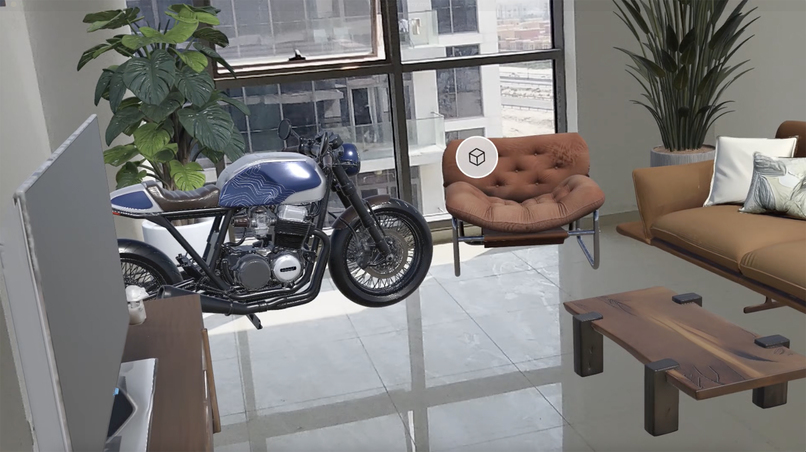
Setup full spaces with any objects.
-
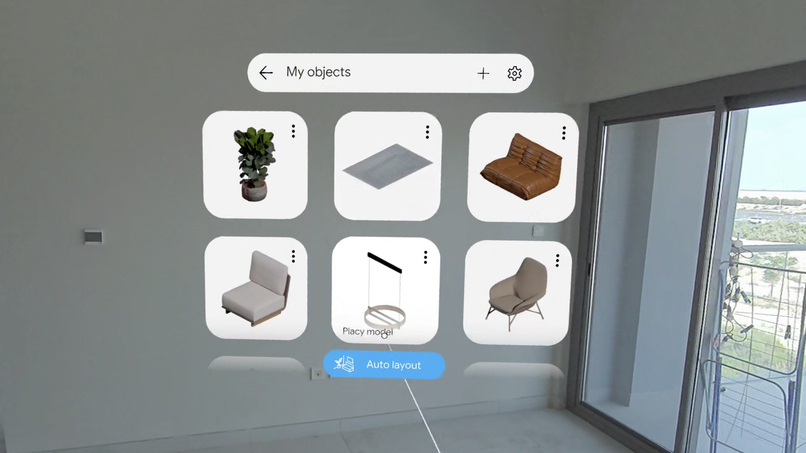
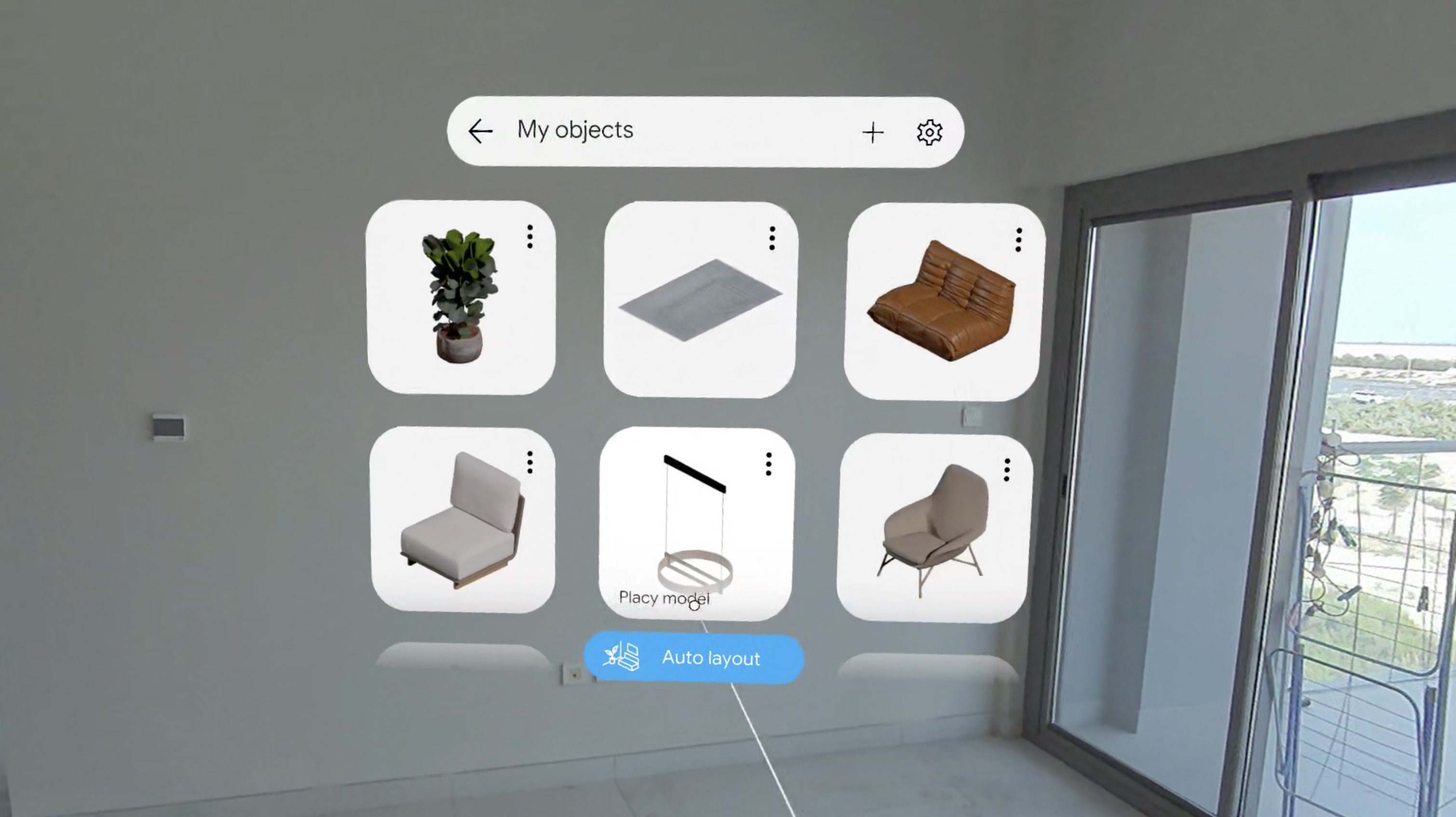
Save and keep your objects
Inspiration
While browsing Facebook Marketplace for a bookshelf, I found one I liked but couldn't tell whether it would fit in my room or look right alongside my furniture.
I thought: why can't I bring the listing into my room before buying it? Some major retailers already offer AR previews, but people buy furniture, decor, and plants from countless shops and second-hand sellers. We wanted to make spatial previews possible even when all you have is a product photo.
What it does
Placy turns a single product photo into a 3D model. Users enter the object's dimensions to set its scale, then place it in their real space using passthrough and hand gestures. Generation takes approximately two minutes, after which the model can be combined with other objects in the scene.
Our B2B workflow lets partners generate entire catalogues in bulk and add a "See it in my room" button to their product pages.
For this competition, we added Auto-layout. It uses the scanned room and our cloud catalogues of real, purchasable furniture and decor to generate furnishing layouts. Users can set a budget, shuffle alternatives, and save their favourites.
How we built it
We built Placy in Unity, using hand tracking, room scanning, and scene understanding to create a lightweight mixed reality experience.
The photo-to-3D pipeline brings individual products into the scene, while Auto-layout combines spatial data with catalogue models to generate room arrangements. We use level-of-detail (LOD) models to keep placement and layout previews responsive.
Challenges we ran into
Working with scanned room geometry was less straightforward than expected, especially when reusing saved spaces. Making the experience work reliably beyond our own test environment remains an important challenge.
Accomplishments that we're proud of
We're proud of making the photo-to-3D-to-AR workflow approachable: start with a product image, set its dimensions, and see it in your room.
Auto-layout takes this further, helping users explore complete arrangements of real products rather than placing every item individually.
What we learned
We learned that spatial shopping is about more than viewing a 3D model. Seeing products together in the room where they will be used helps people consider scale, style, and layout in context.
We also learned how much the experience depends on reliable room understanding and simple hand interactions.
What's next for Placy AR
We plan to improve Auto-layout, expand the size and quality of our cloud catalogues, and build more B2B partnerships.
We also want to add shared, multi-user room planning, so partners can arrange their space together—and settle those friendly debates about which piece of furniture goes where.
Built With
- scenescript
- unity


