-
-
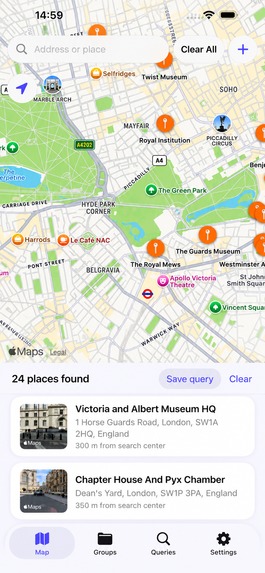
Screen
-
Icon
-
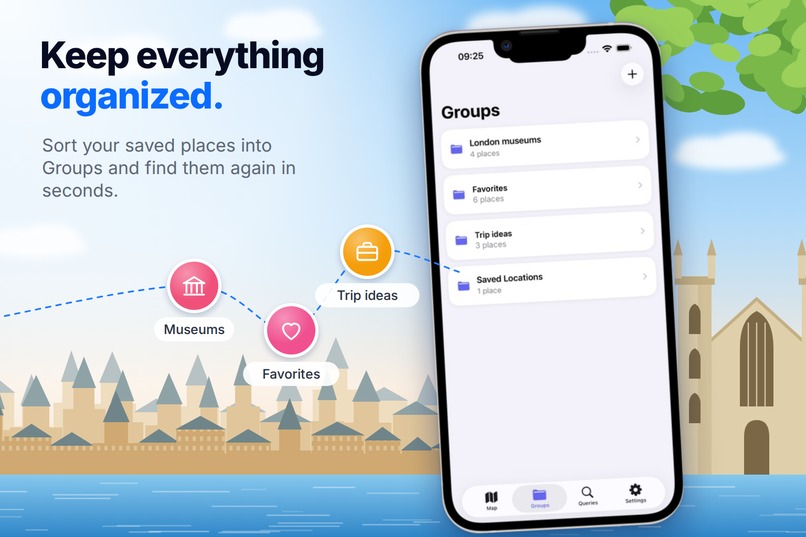
Keep everything organized.
-
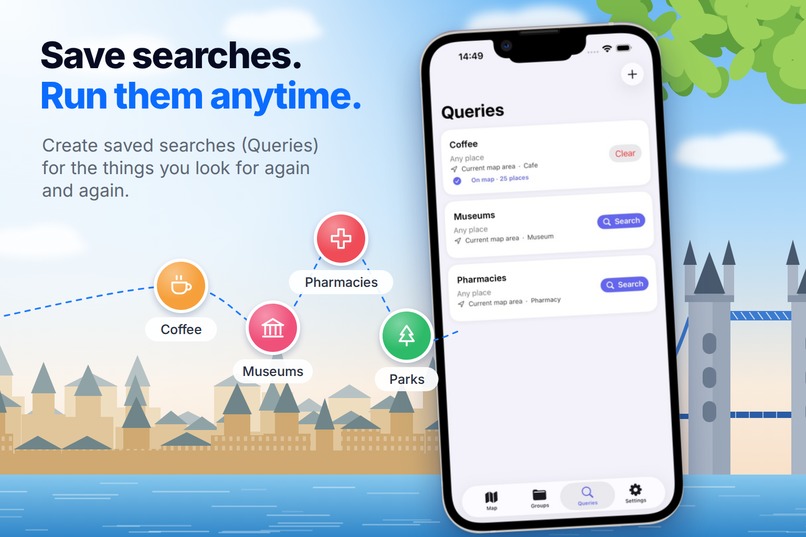
Save searches. Run them anytime.
-
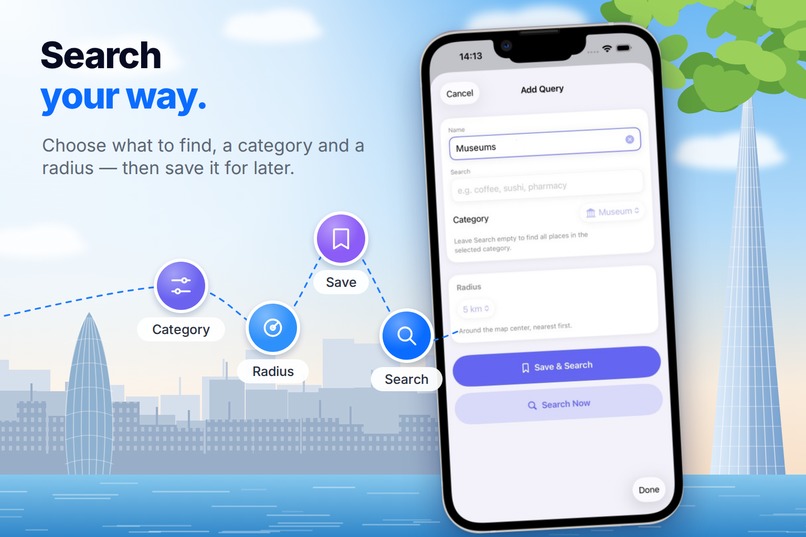
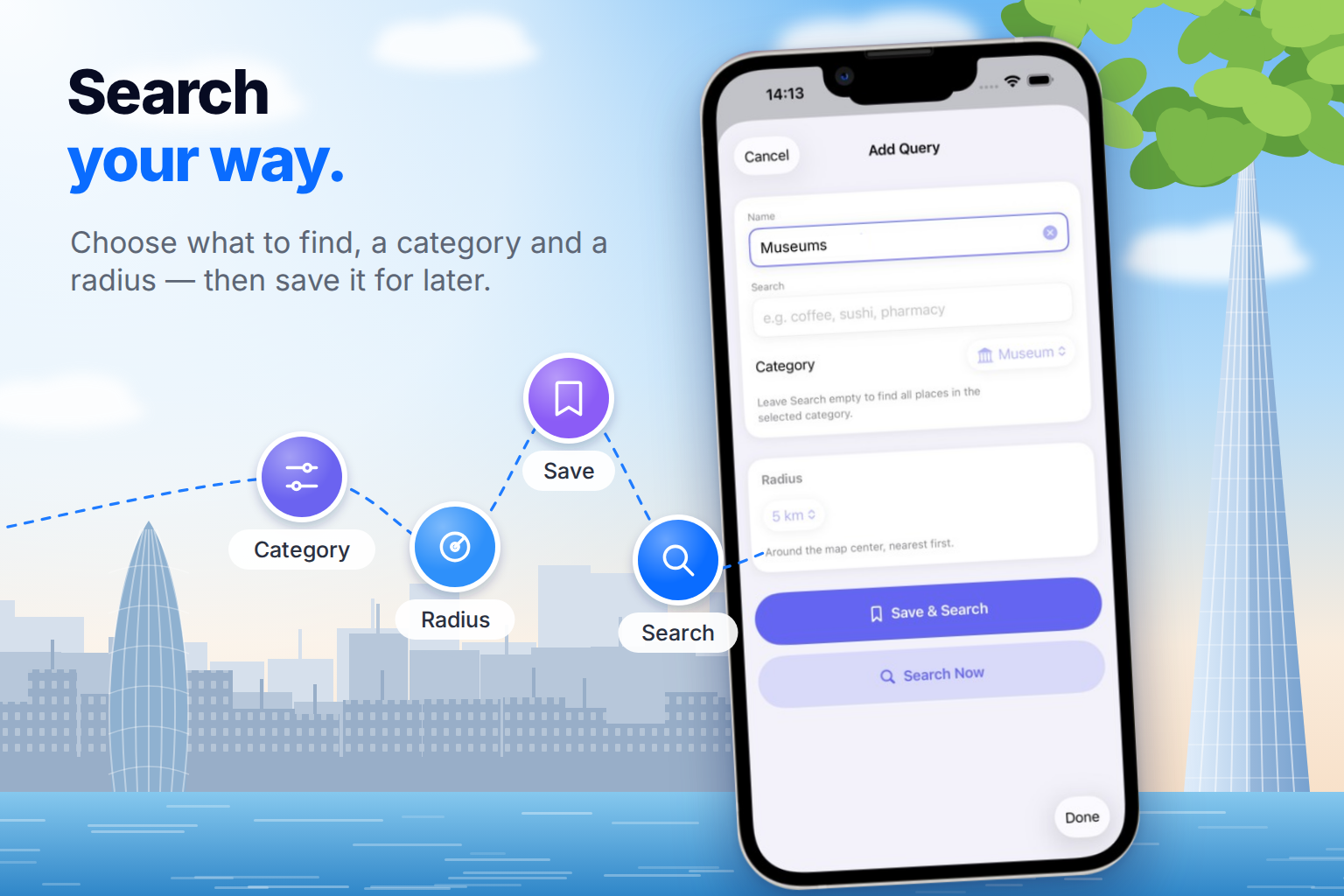
Search your way.
-
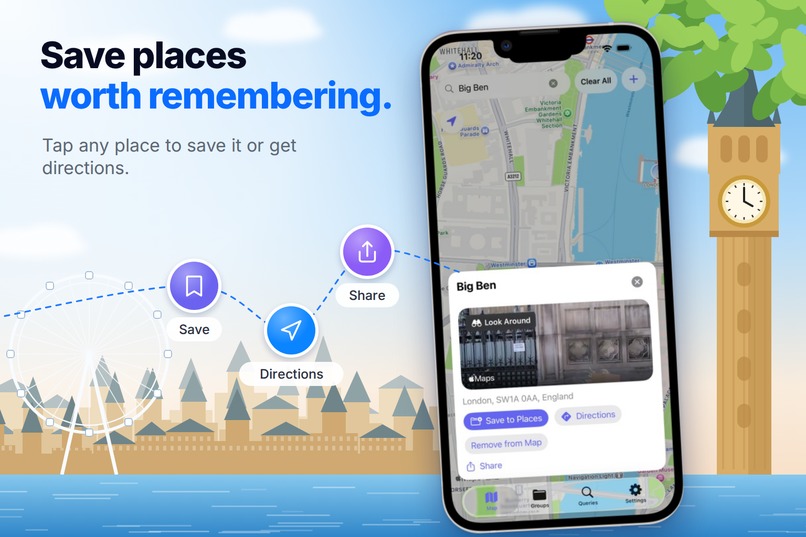
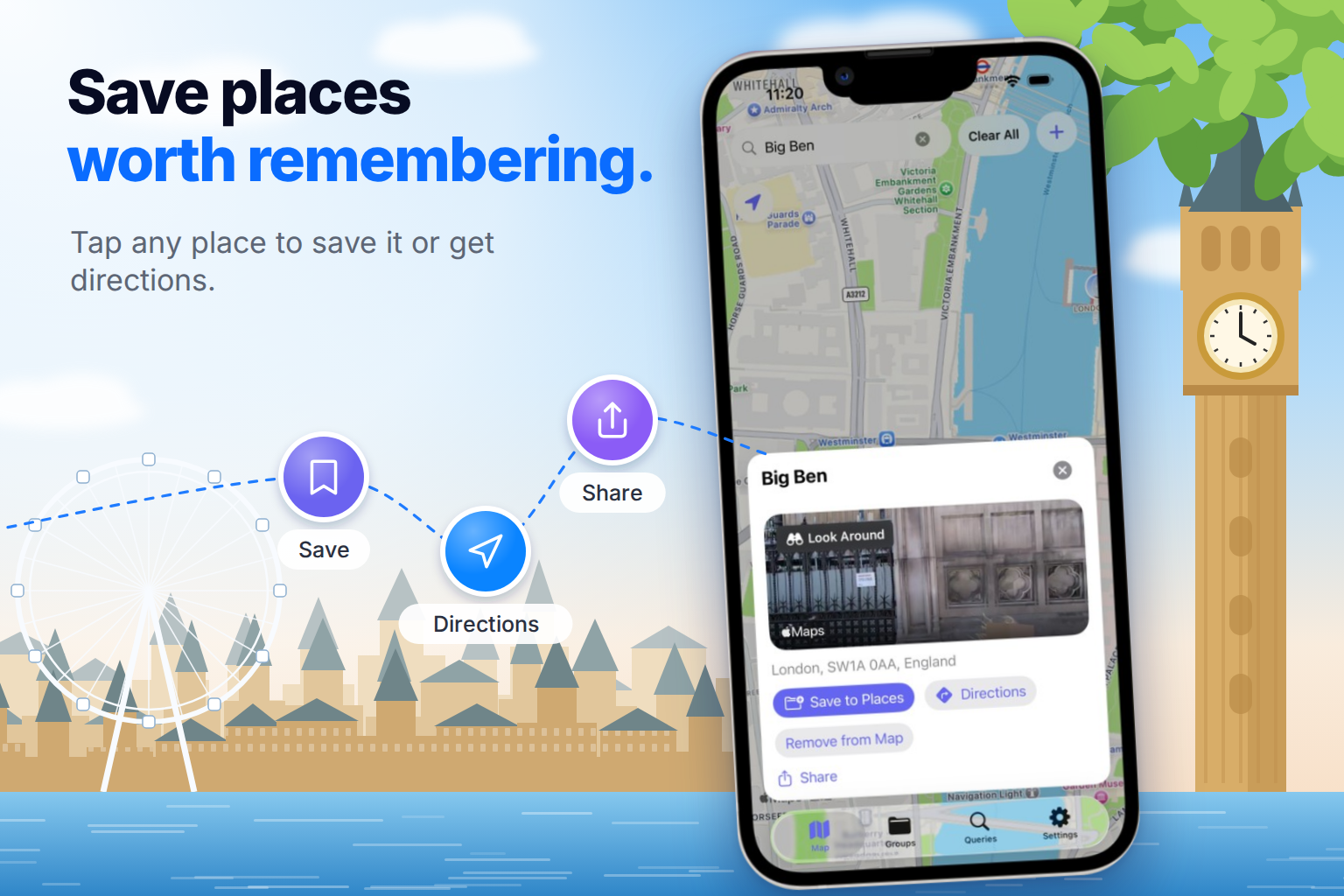
Save places worth remembering.
-
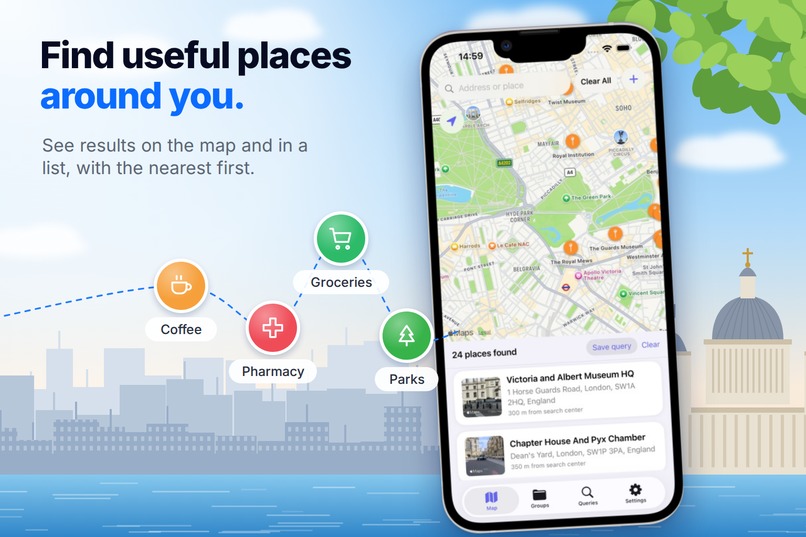
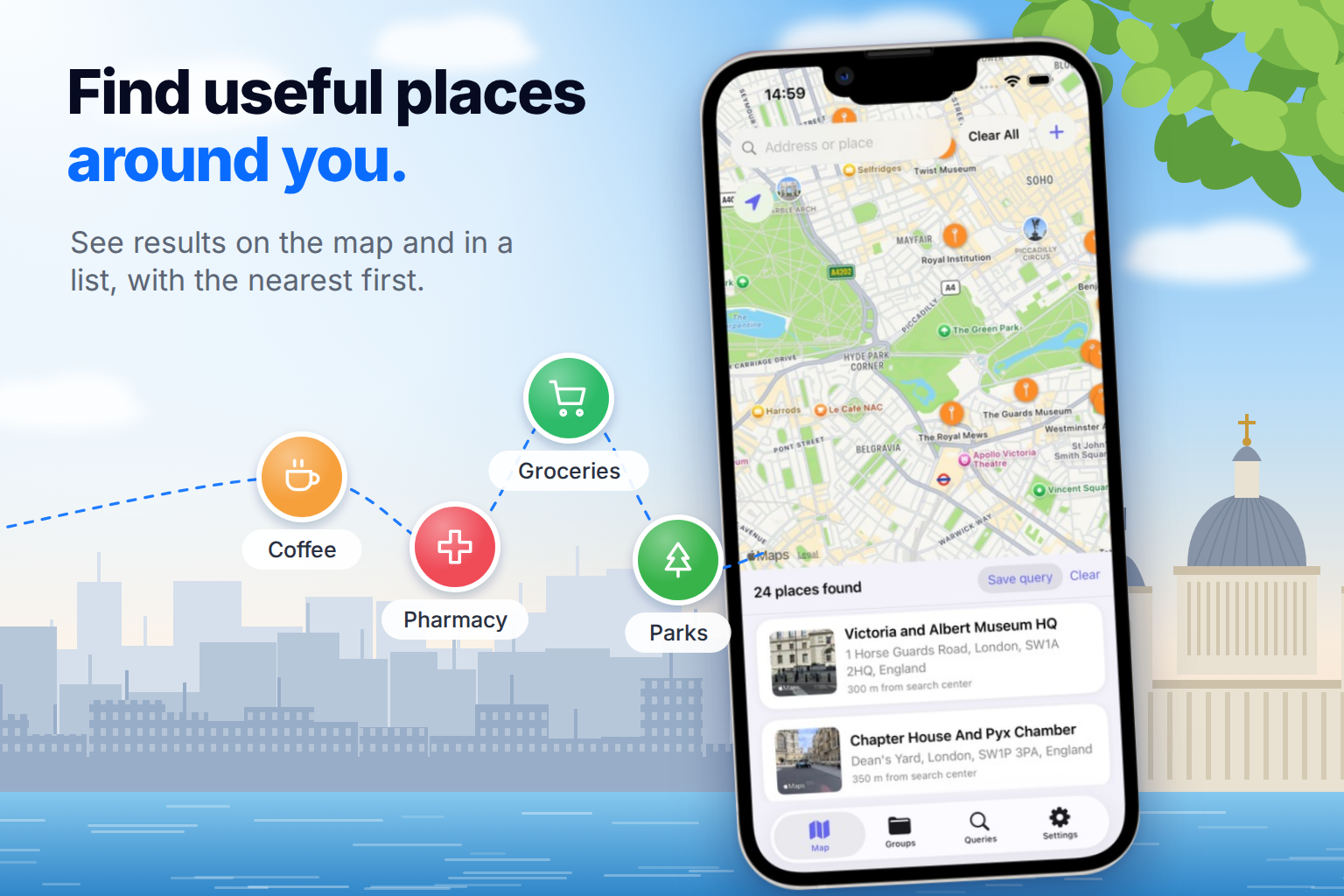
Find useful places around you.
-
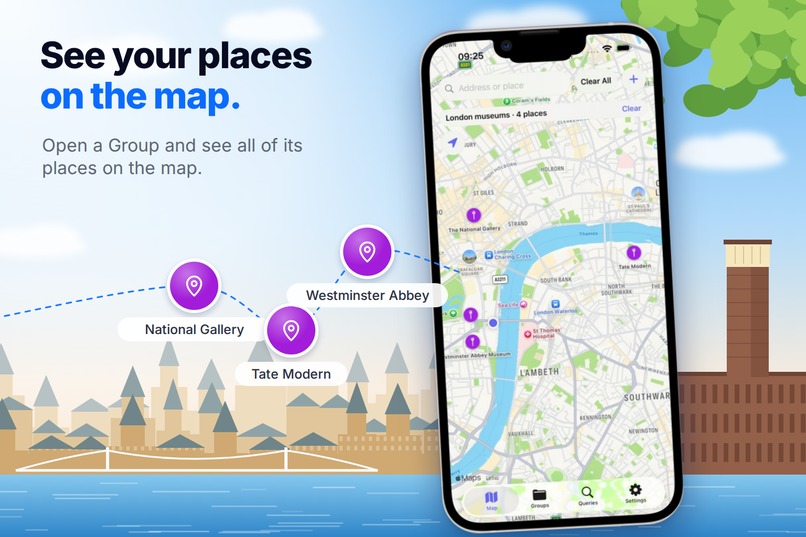
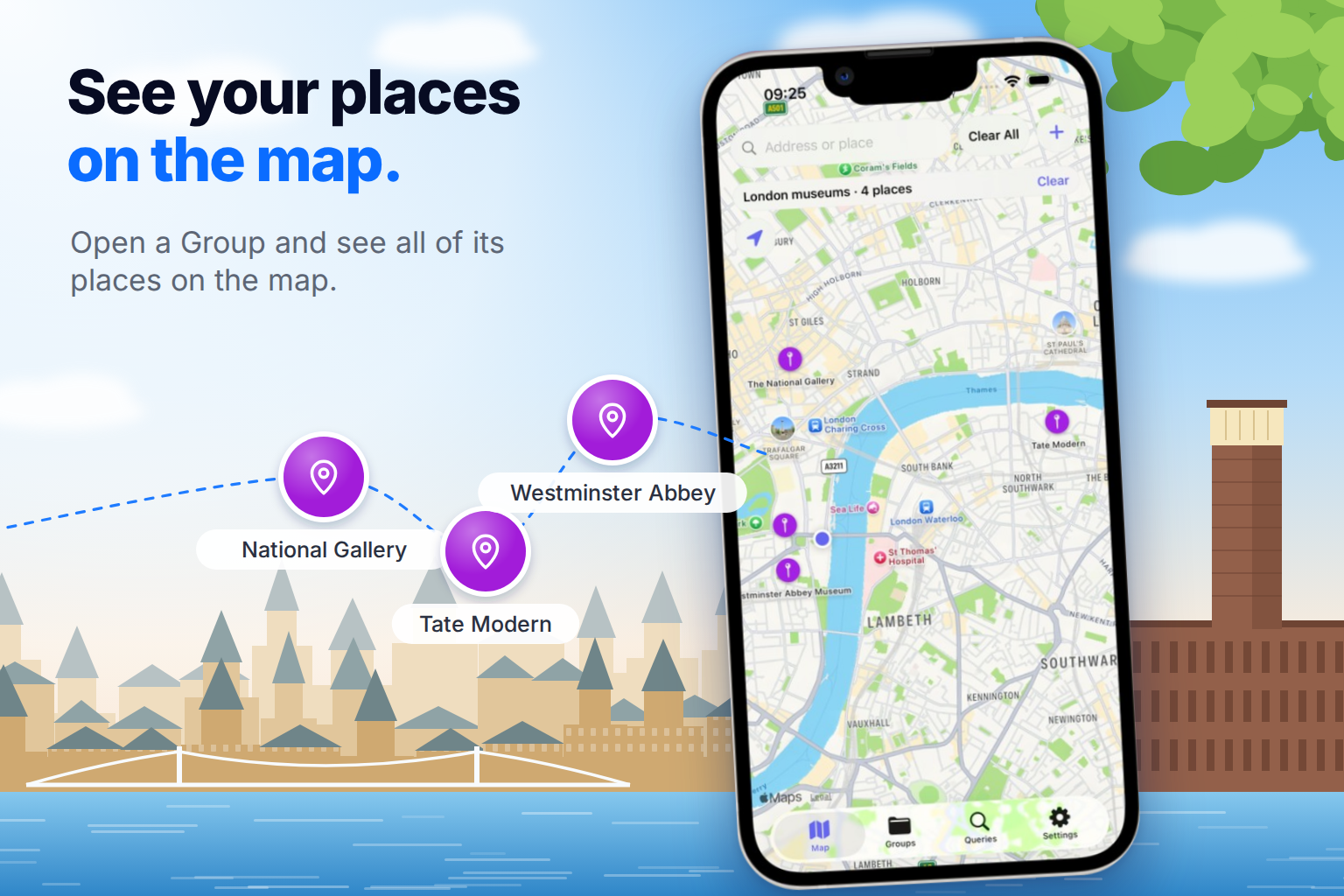
See your places on the map.
Inspiration
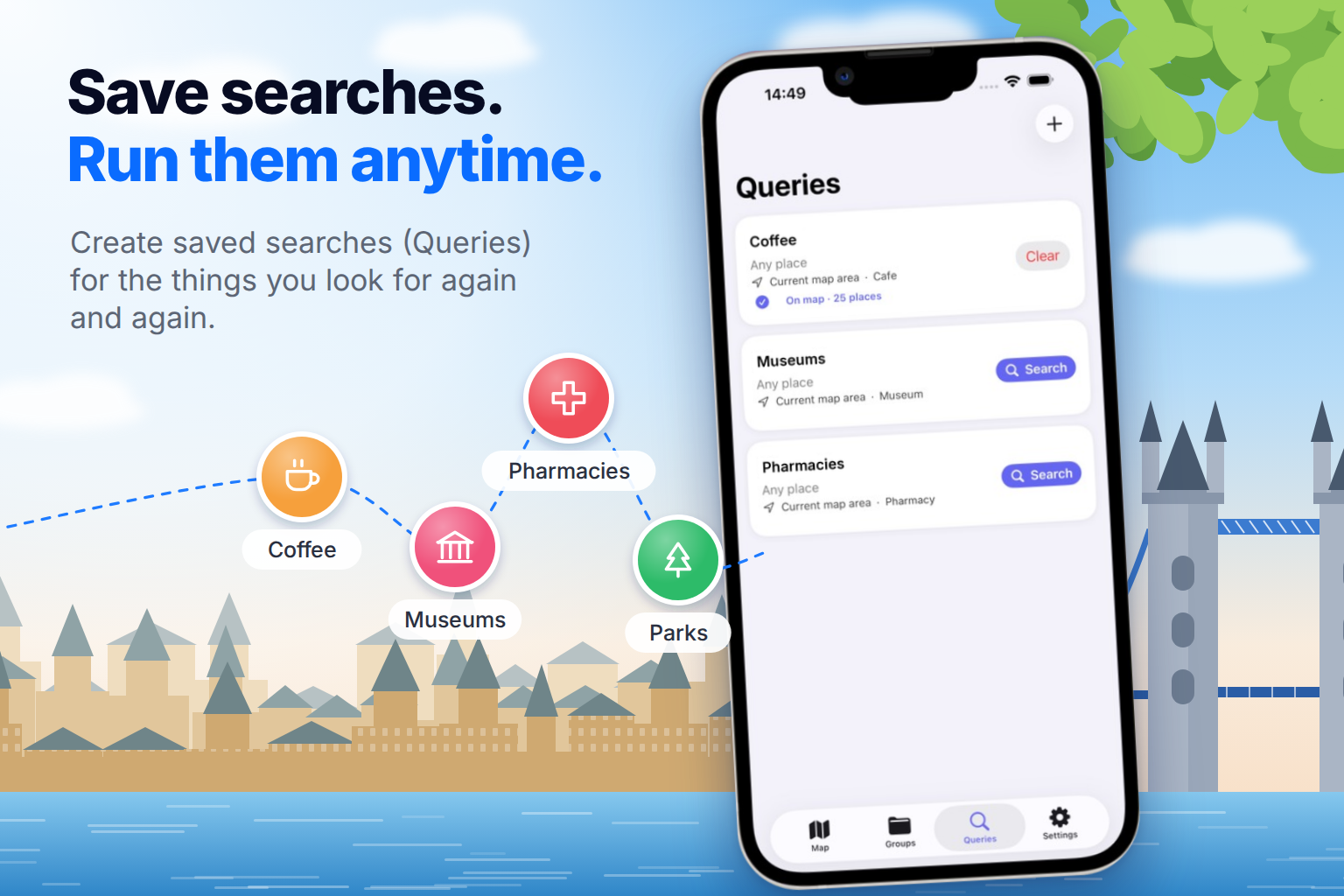
I often search for the same types of places again and again: coffee shops, pharmacies, grocery stores, parks. Repeating the same search every time gets annoying.
I also wanted saved places and groups to be closer at hand instead of buried somewhere in a map app. Saving the current location should be quick too, especially for things like a parking spot, a meeting point, or an interesting place you discover while walking.
That became the idea behind PlaceKeeper.
What it does
PlaceKeeper is built around three things that work as one workflow:
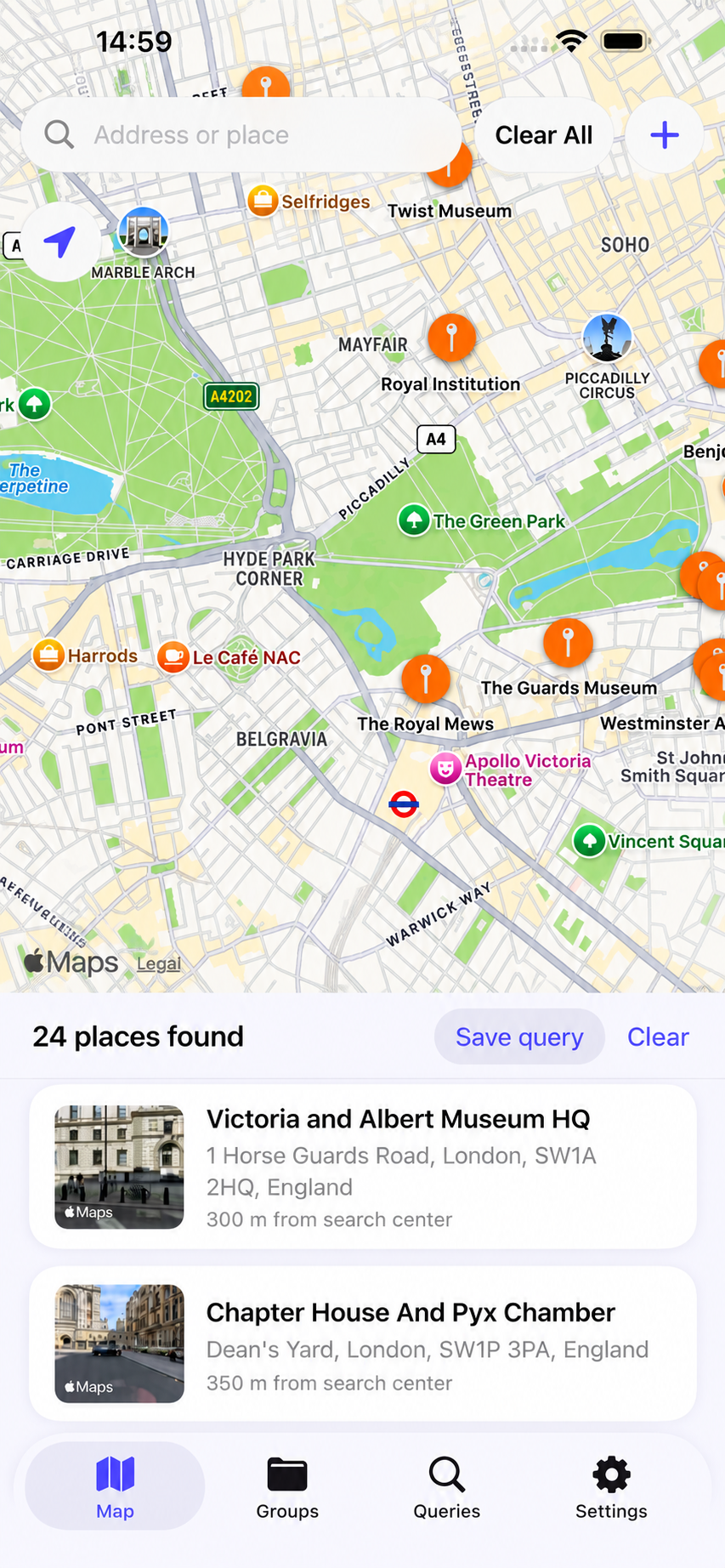
- Queries: reusable saved searches. A Query stores a name, category, and radius, and you can re-run it on any map area with one tap on Search. Save "Pharmacy" once and use it in any city.
- Places: save any place from the map, or save your current location with a name.
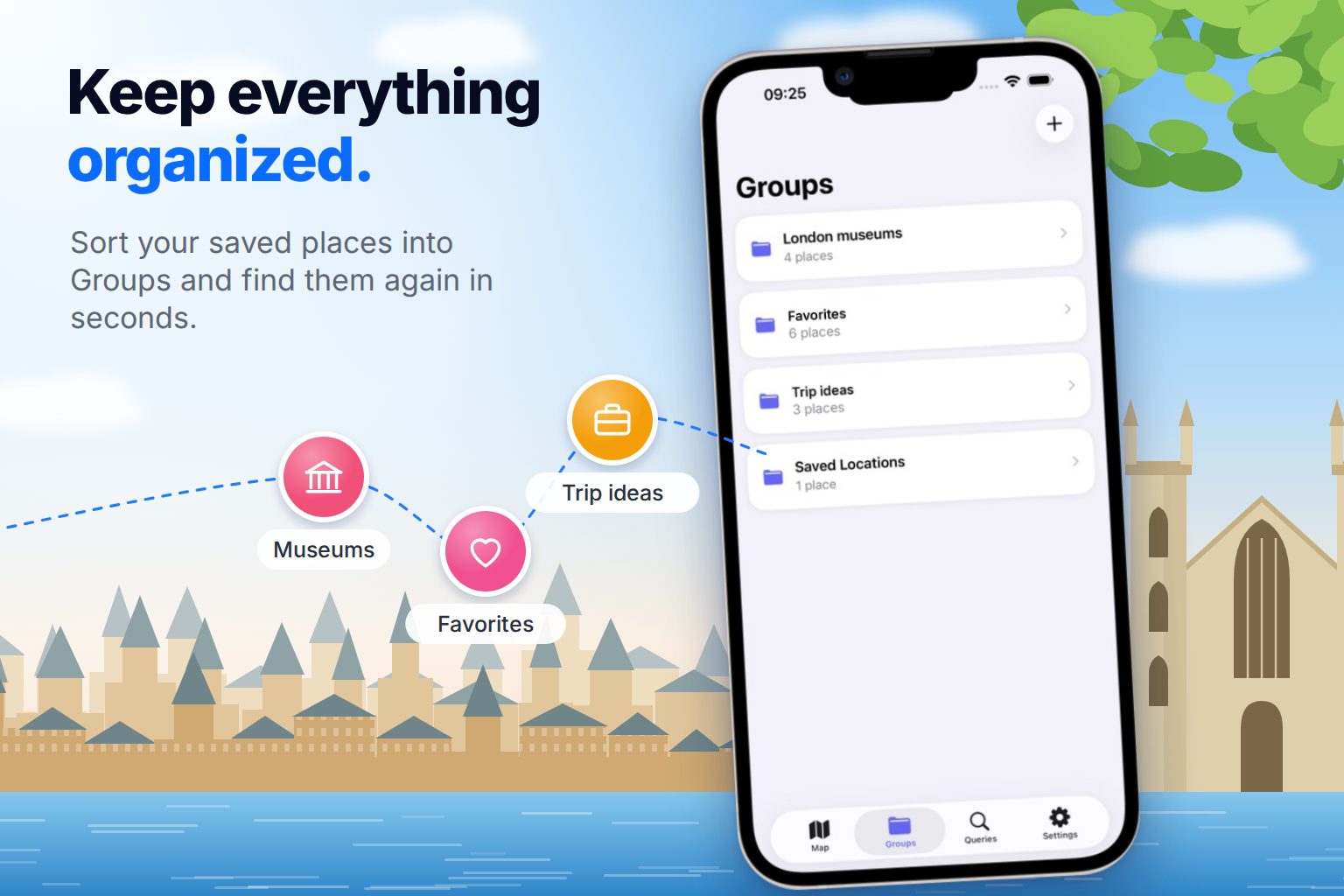
- Groups: organize saved places into groups such as trips, coffee spots, or favorites.
You can also open a saved place on the map and start navigation right away.
How I built it
I built the app natively with SwiftUI, using MapKit and Core Location for maps, place search, and location features.
PlaceKeeper has a Free/Premium model. Premium removes the limits on Queries, Groups, and saved places.
For subscriptions, I used the RevenueCat SDK on top of StoreKit. RevenueCat simplified a lot of the subscription work by handling entitlements, purchase state, restore purchases, and subscription status in one place. That let me spend more time on the actual product instead of building subscription infrastructure myself.
I also used Bitrig during development as an AI coding assistant. It helped speed up implementation, iterate on UI details, and handle repetitive development tasks while I focused on product decisions and the overall workflow.
The paywall appears when a user tries to create a second Query or Group, after the feature has already demonstrated its value.
Challenges
The main challenge was making Queries, Places, and Groups feel like one workflow instead of three separate features layered on top of a map.
One decision that helped was making a Query run on the area currently shown on the map rather than on the user's GPS position. That way, the same saved search also works when planning a trip to another city, not only near your current location.
I also had to cut scope to ship within the Shipaton window. Visit notes for saved places were the first feature I left out.
What I learned
Useful product ideas often come from reducing small repeated annoyances: fewer taps, faster access, and keeping important places close at hand.
I also learned a lot about turning a small idea into a complete iOS product: designing the workflow, working with MapKit and location permissions, adding subscriptions, preparing App Store metadata, and getting the app ready for review.
Using tools like RevenueCat and Bitrig also reinforced how much time can be saved by relying on good abstractions and development tooling instead of rebuilding everything from scratch.
What's next
The next feature I want to add is notes for saved places, so you can remember what was good — or not — after visiting.

Log in or sign up for Devpost to join the conversation.