-
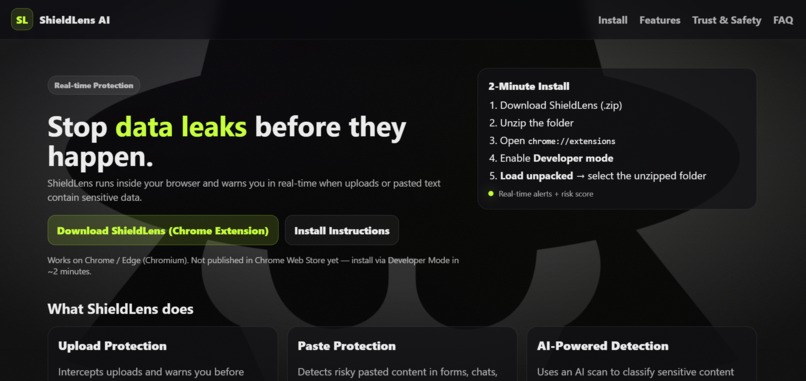
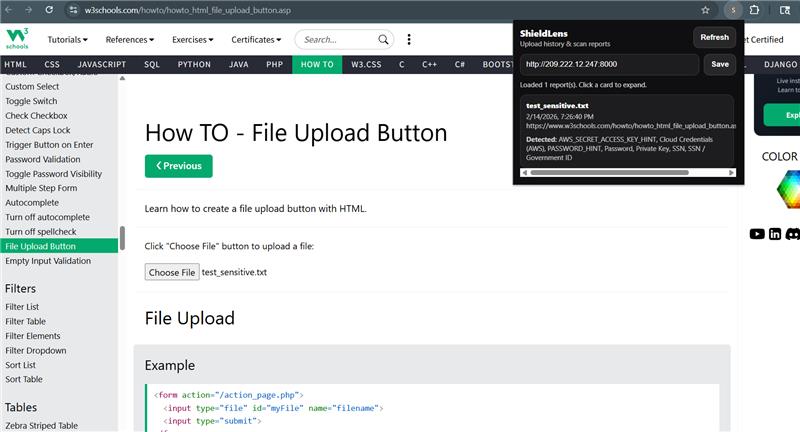
ShieldLens UI Updated
-
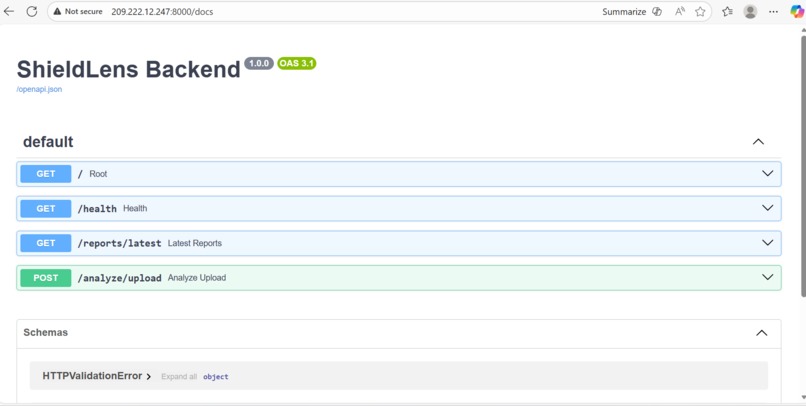
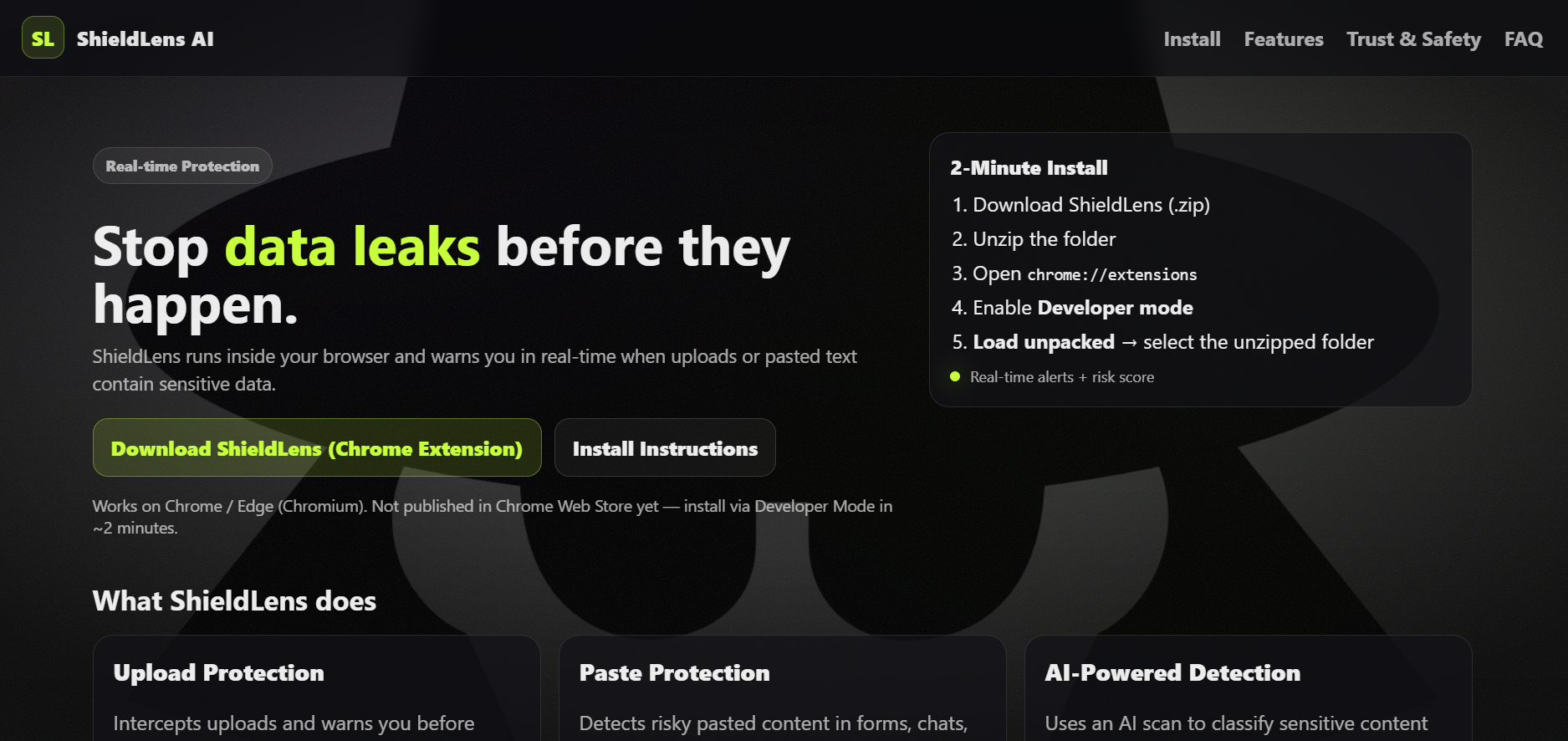
Initial server layout while working
-
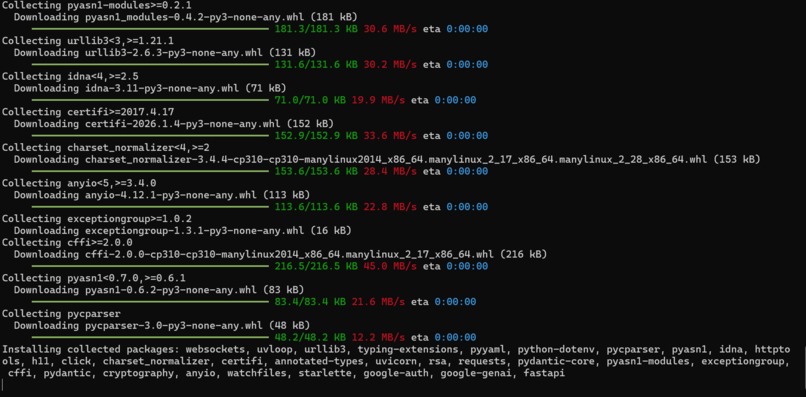
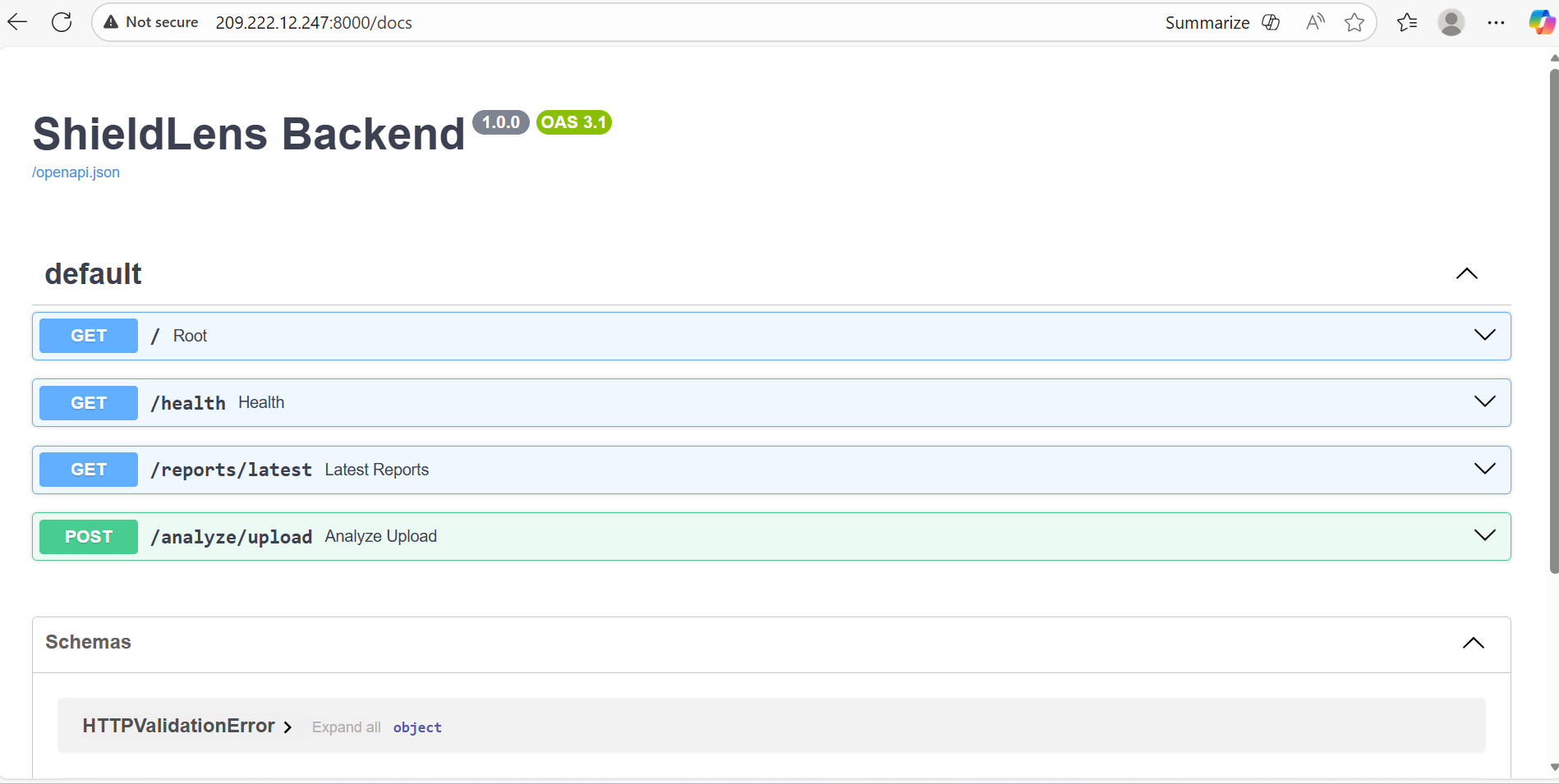
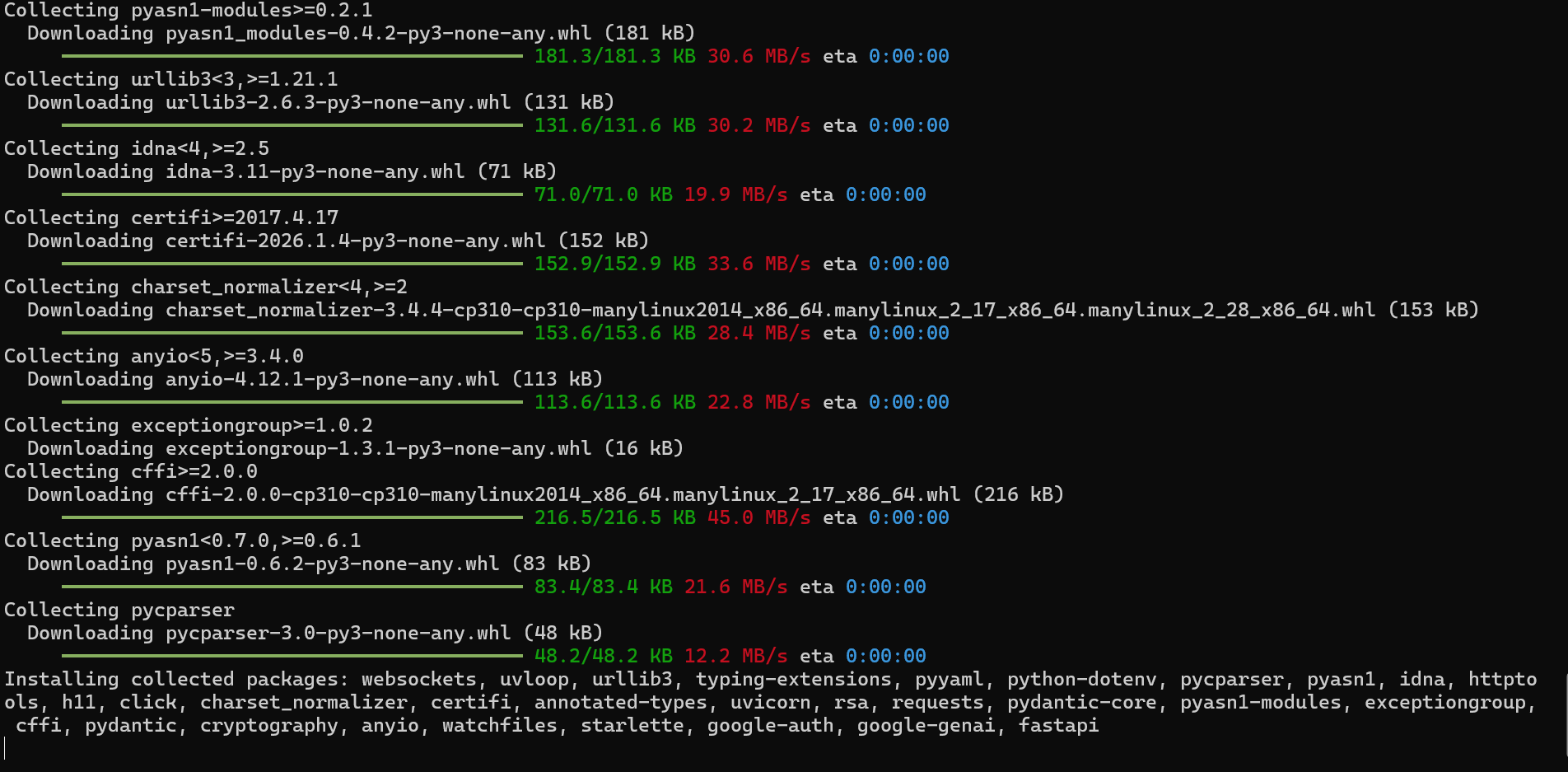
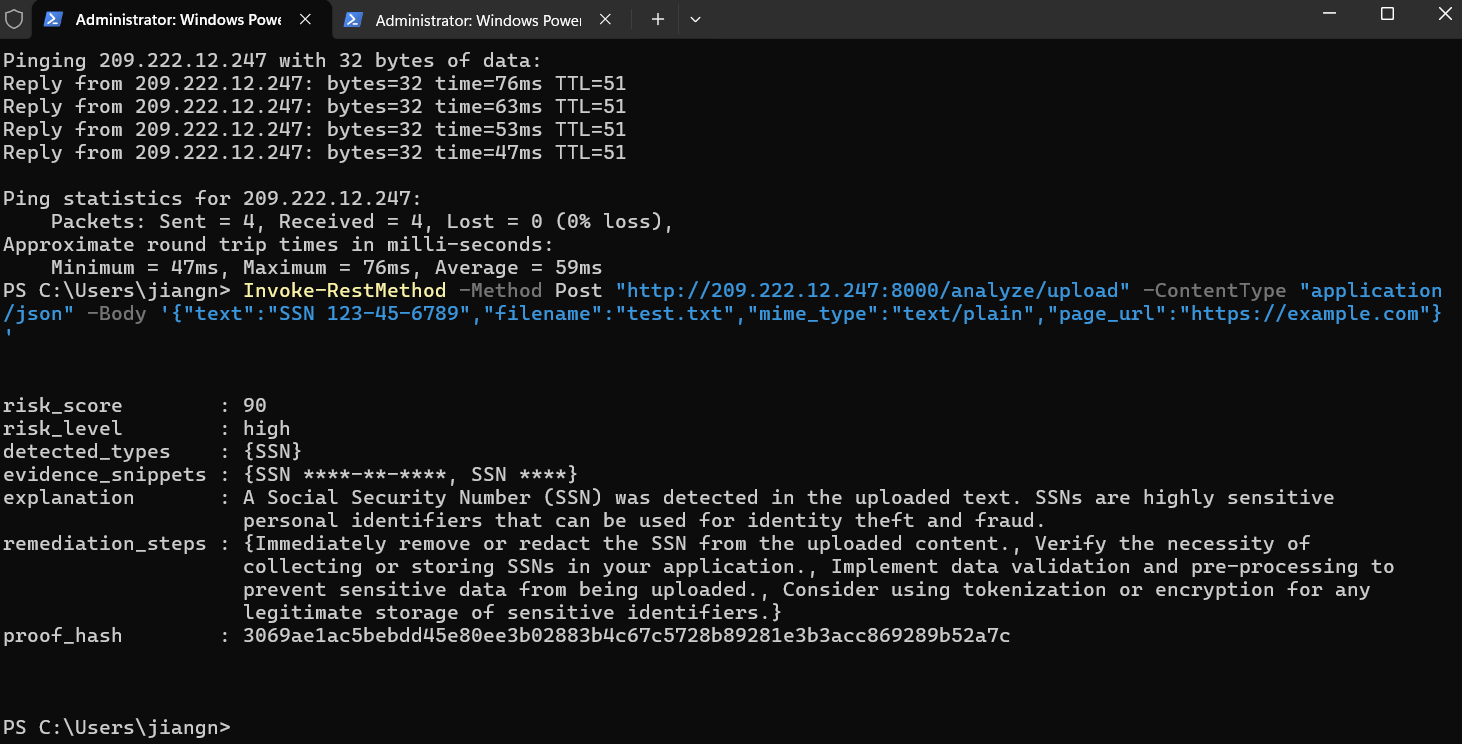
Server Configured with python backend
-
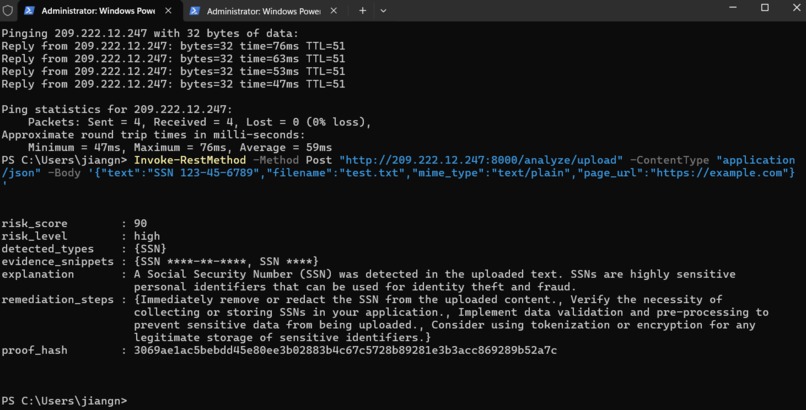
Payload API call
-
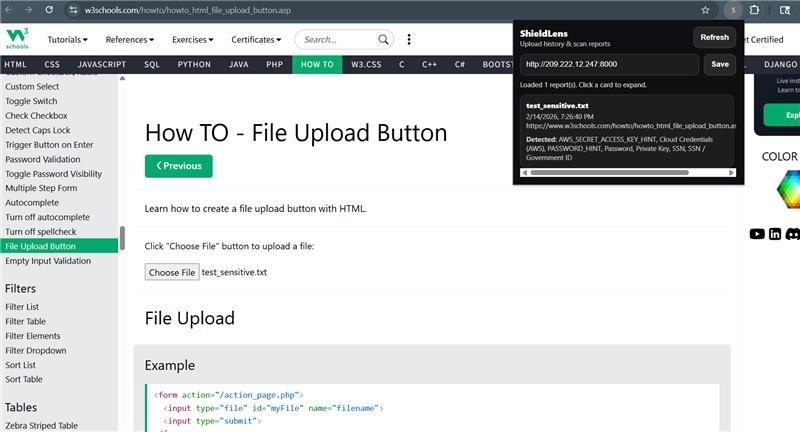
Report Notif on report
Inspiration
The rapid growth of AI tools, cloud platforms, and online applications has changed how students share information. Every day, students copy and paste text into LLMs, use file sharing platforms, and send out emails with files attached on various platforms. In this fast-paced digitalized environment, it is easy to accidentally include sensitive information such as Social Security numbers, API keys, private keys, passwords, student IDs, or personal contact details without realizing it.
Traditional browser security tools primarily focus on blocking malware and phishing websites, but they rarely protect users from context-based data leaks during file uploads or pasted content. Many students do not have a real-time safety layer that warns them before confidential information leaves their browser.
ShieldLens was inspired by a simple but powerful question: what if your browser could detect sensitive information before it is uploaded and give you a chance to rethink it? By acting as a real-time file and content scanner, ShieldLens empowers students to upload documents, paste text, and share content with greater confidence and security!
What it does
ShieldLens is an AI-powered browser extension that actively protects users from data leaks and focused scams in real time. It analyzes web content, forms, and suspicious data input. ShieldLens presents a clear percentage score indicating how likely a document or input contains sensitive information. When potential threats are detected, such as risky data submission points, the extension alerts users before damage has been done. ShieldLens acts as a trust layer in the browser, helping users verify authenticity before they engage.
How we built it
ShieldLens was built as a Chrome browser extension with a modular architecture that allows real-time inspection of user uploads on the web. The extension monitors form inputs, file uploads, and embedded media using content scripts, while a lightweight background service coordinates analysis and alerts.
We integrated AI-powered analysis pipelines to evaluate both text and media. Text-based inputs are analyzed for patterns associated with sensitive information (such as credentials, identifiers, and private keys) and contextual risk signals. The results are normalized into an easy-to-understand percentage-based risk score.
To ensure usability, we designed a minimal UI overlay that provides timely warnings without interrupting normal browsing behavior. All analysis is optimized to run efficiently and respect user privacy, with a focus on preventing exposure before data is submitted or trust is misplaced.
Challenges we ran into
One of our biggest challenges was configuring and deploying our infrastructure on Vultr. Since this was our first time working with Vultr, we faced inconsistencies in accessing the server during setup, which made debugging difficult and slowed the overall development. Properly configuring firewall rules was especially challenging, small misconfigurations could block traffic entirely. It also took some time to understand which ports and services needed to be exposed for our application to function correctly.
Another major hurdle was ensuring that all components of the system worked together once deployed to Vultr. Code that functioned correctly in local development environments did not always behave the same way in production, requiring additional adjustments to environment variables, networking, and service communication.
We also encountered difficulties getting the Gemini API calls to work reliably within the Vultr environment. Issues such as credential loading, outbound network access, and request handling had to be carefully debugged before the AI analysis pipeline could function as intended. Overcoming these challenges required a deeper understanding of cloud deployment, networking, and secure configuration that our team had not touched upon before.
Accomplishments that we're proud of
We are especially proud of building our own Google Chrome extension from the ground up and turning an idea into a fully functional security product. As a team, we stepped outside our comfort zone by learning how to deploy and manage infrastructure on Vultr, including setting up and configuring an Ubuntu server to support our application. One of our biggest achievements was successfully integrating the frontend, backend, and cloud server into a unified system that communicates reliably end-to-end. Seeing all components work together seamlessly validated both our technical growth and our ability to collaborate effectively as a team.
What we learned
Through building ShieldLens, we gained hands-on experience configuring and managing servers in a production environment, including setting up and securing an Ubuntu server on Vultr. We learned how to properly configure firewall rules to allow necessary traffic while maintaining security, and how to debug and execute API calls reliably within a server environment rather than just locally. In addition, we learned how to design, build, and deploy a web plugin from scratch, deepening our understanding of how browser extensions interact with web content, backend services, and cloud infrastructure as a complete system.
What's next for ShieldLens
Next, we plan to expand ShieldLens detection capabilities by improving the accuracy of sensitive data and deepfake analysis while supporting a wider range of websites, file types, and media formats. We aim to refine the risk-scoring system to reduce false positives and provide users with more customizable alert thresholds. In future iterations, we want to enhance performance, strengthen privacy protections, and branch out to support more browsers and enterprise use cases. Ultimately, our goal is to continue evolving. ShieldLens into a reliable, scalable trust layer that helps users confidently navigate an increasingly AI-driven web.


Log in or sign up for Devpost to join the conversation.