-
-
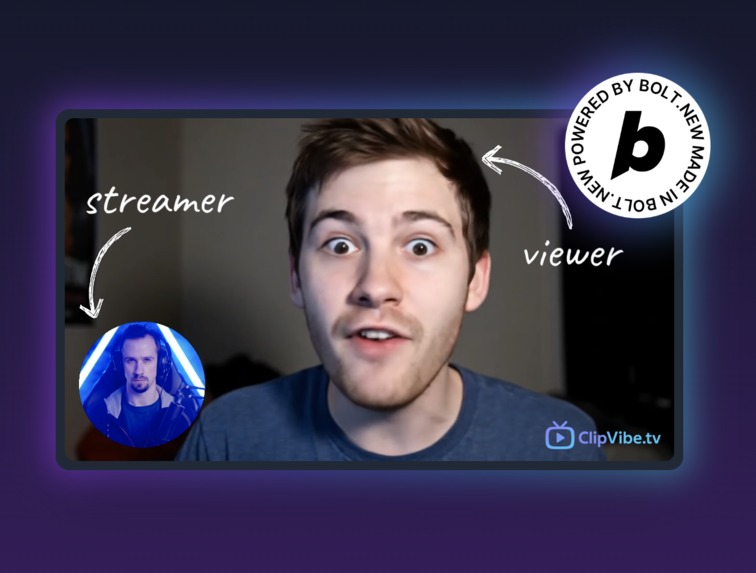
ClipVibe.tv - Where viewers are the stream! Monetize streams and boost engagement with viewer-submitted video clips!
-
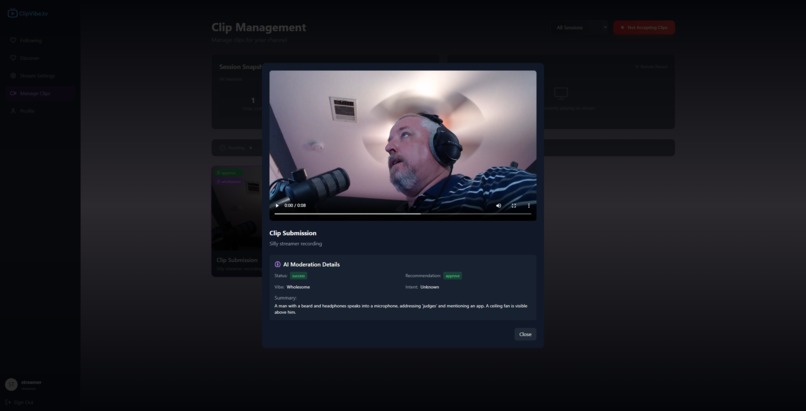
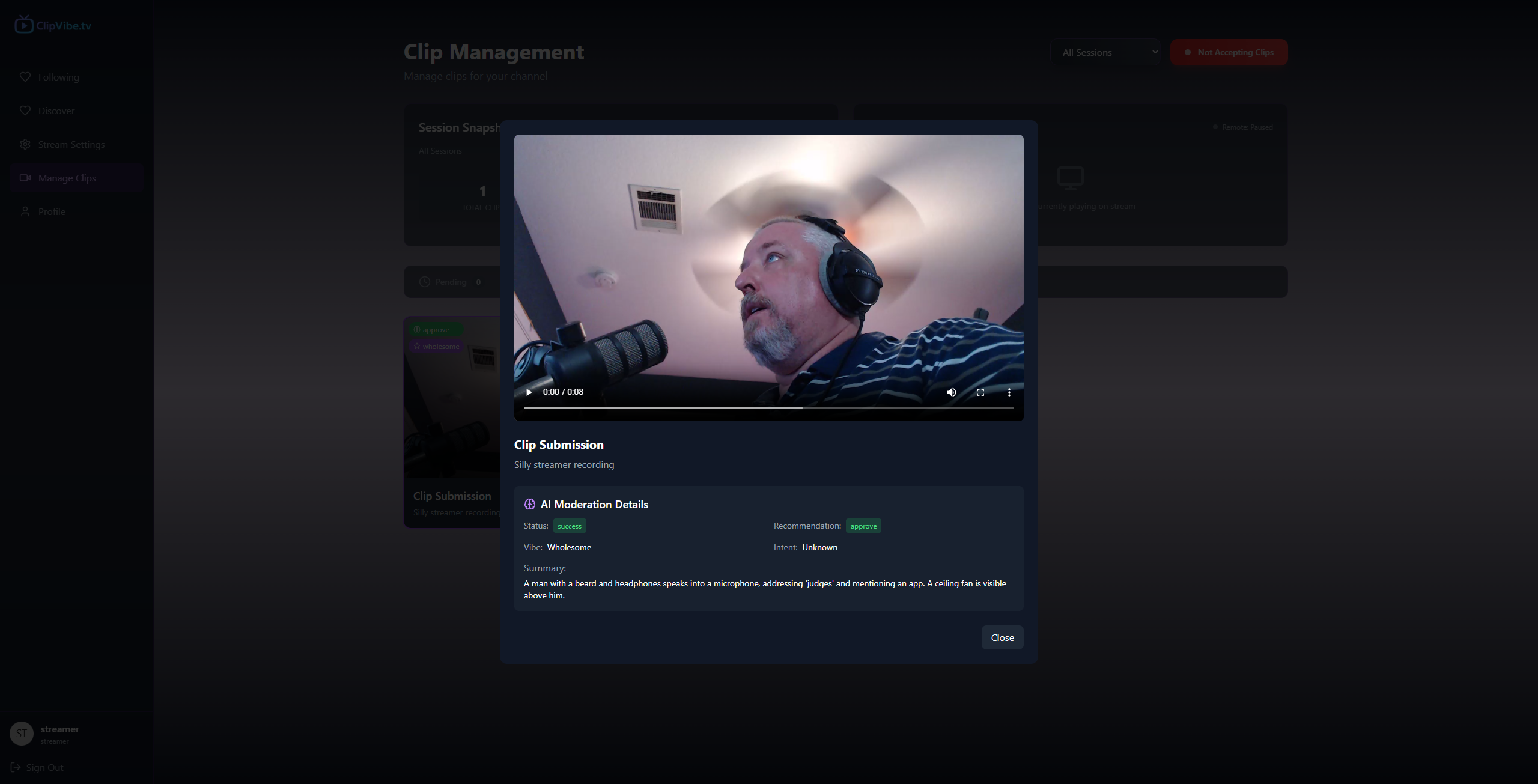
Sample AI moderation feedback
-
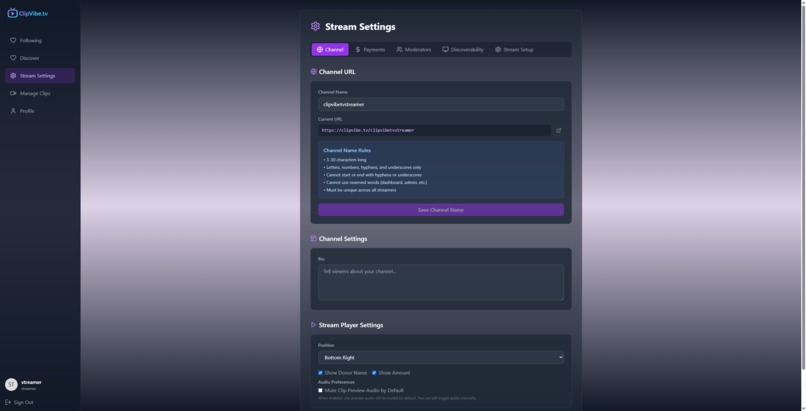
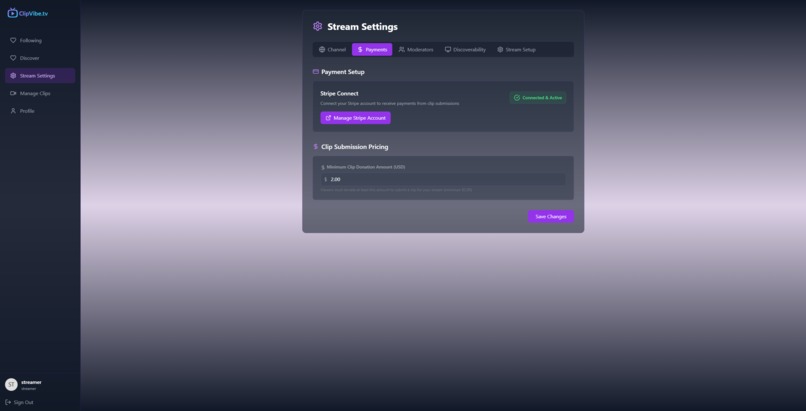
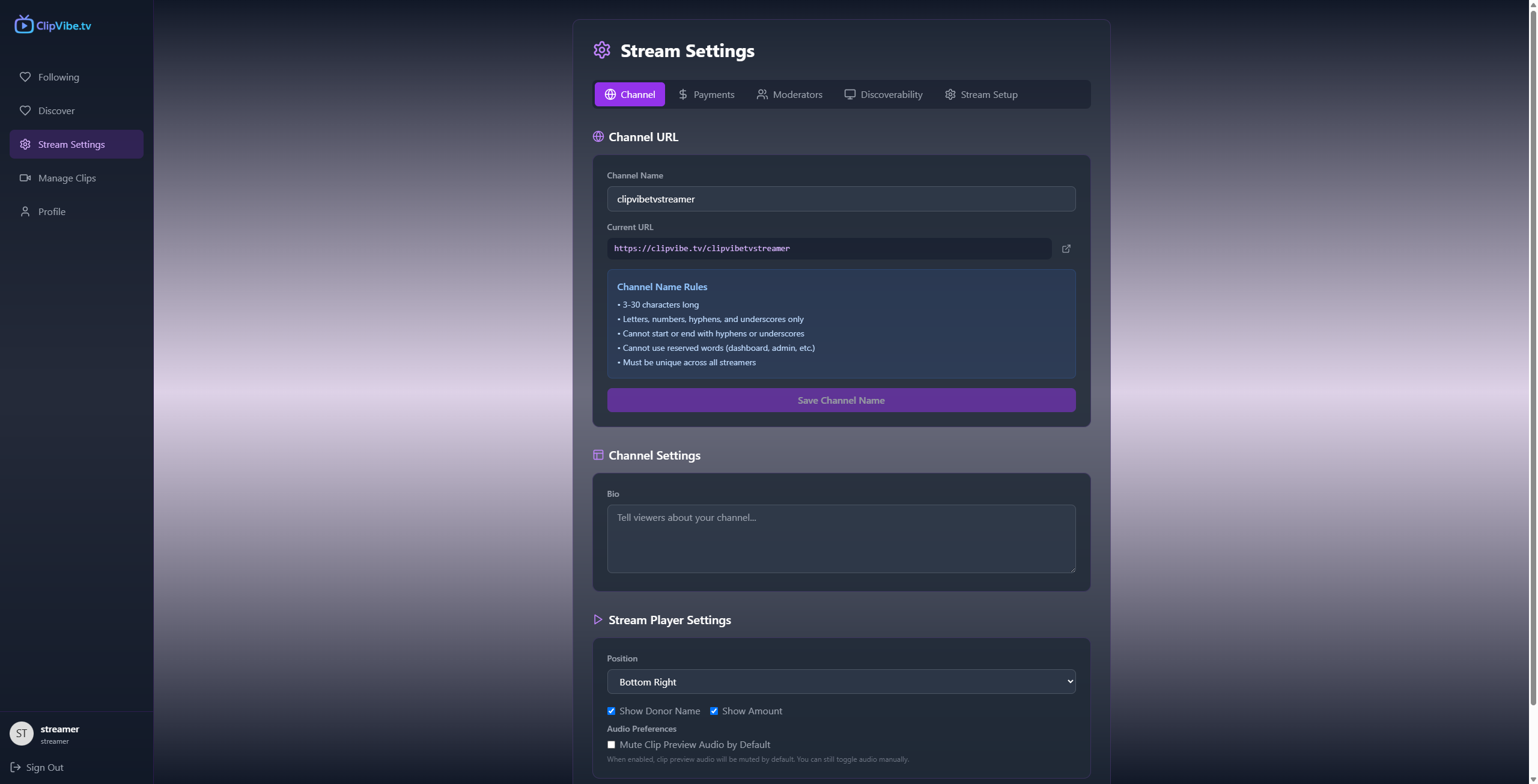
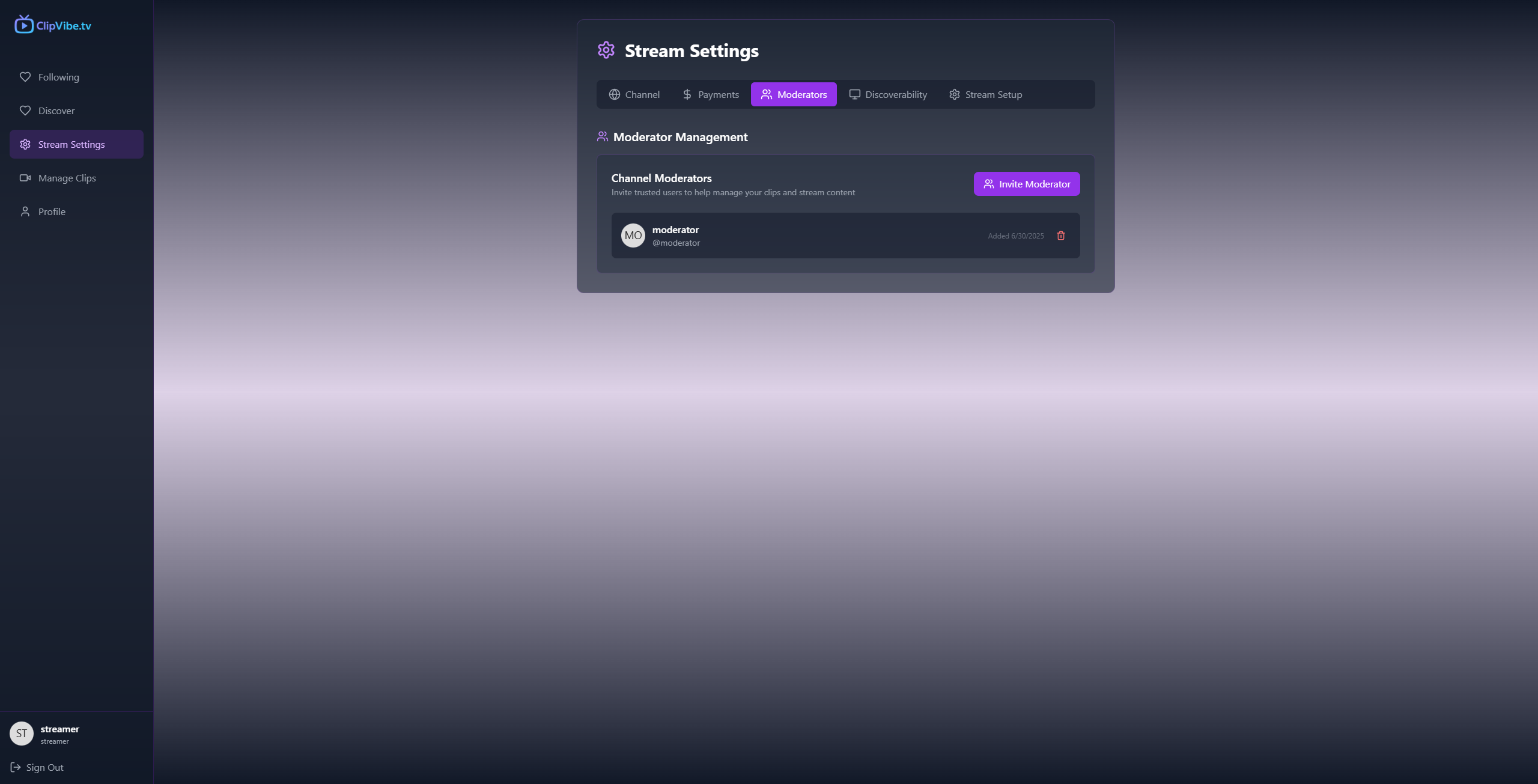
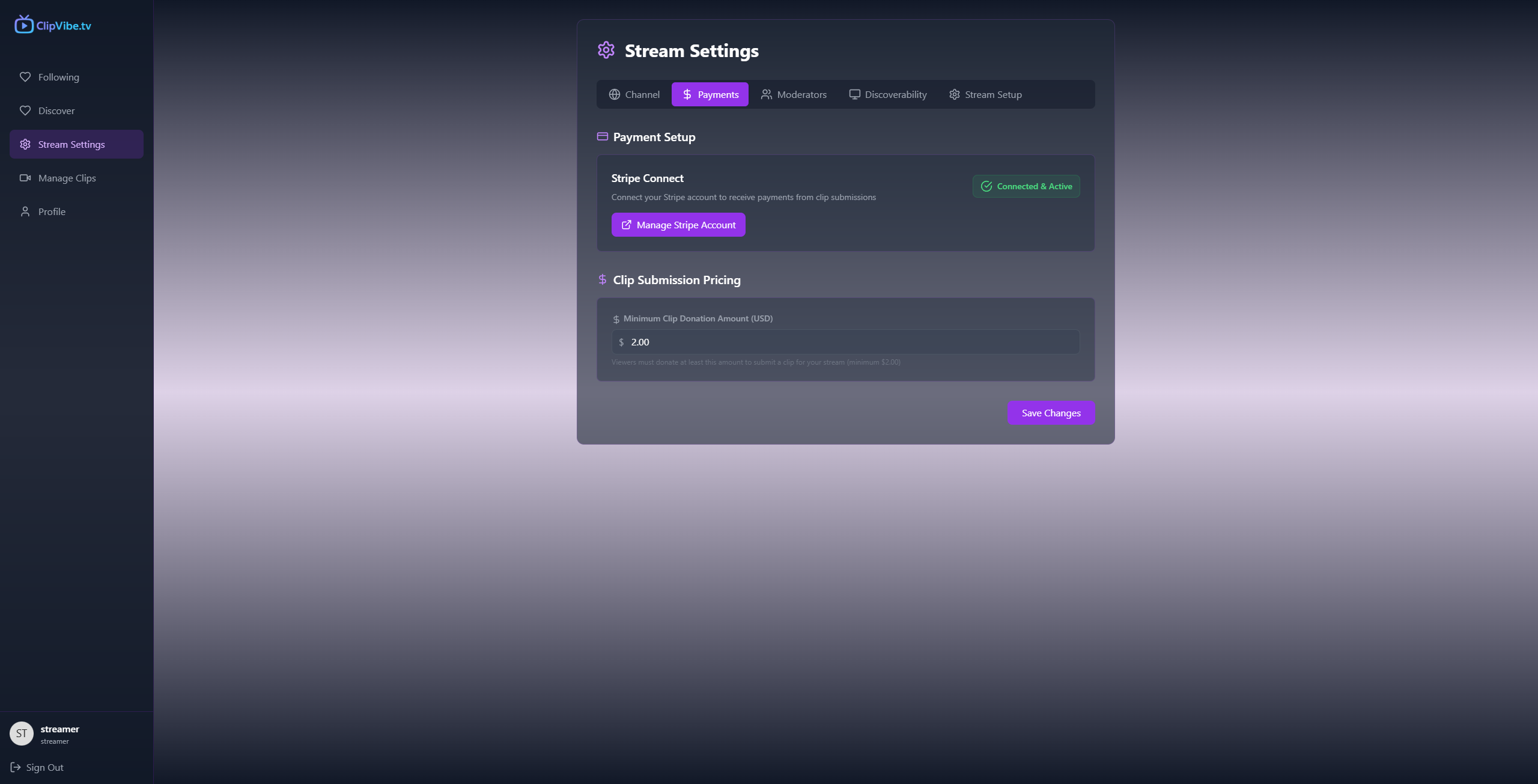
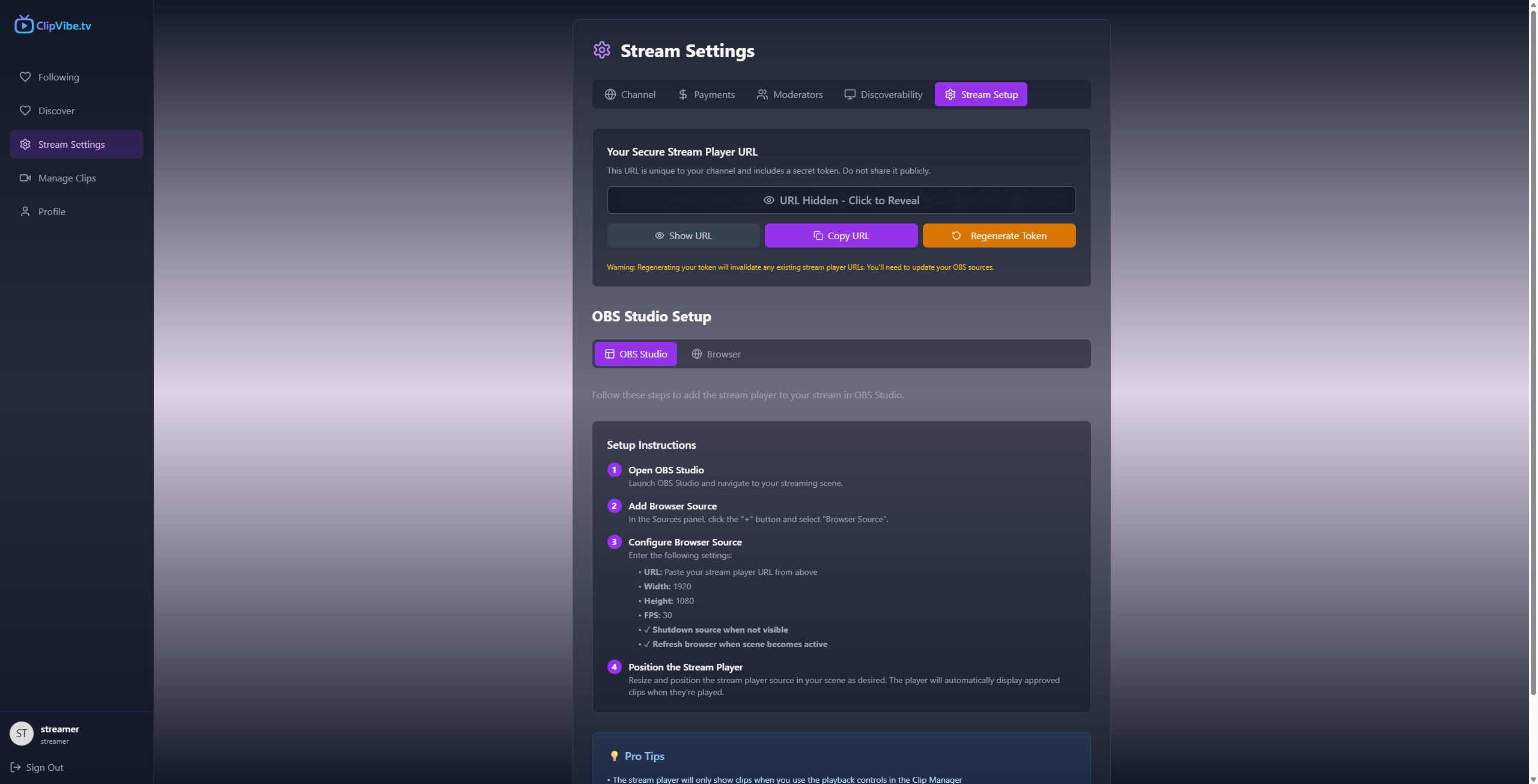
Stream settings page
-
-
-
-
-
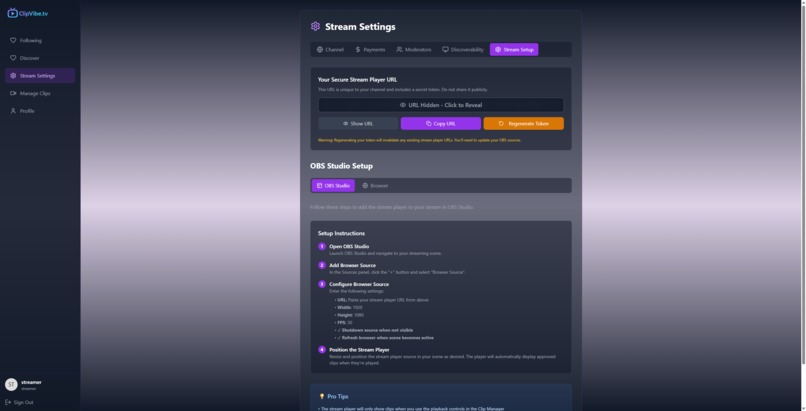
Stream Player Settings
-
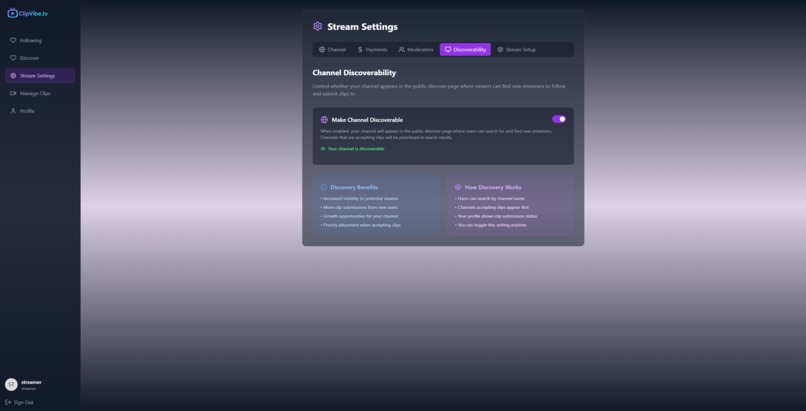
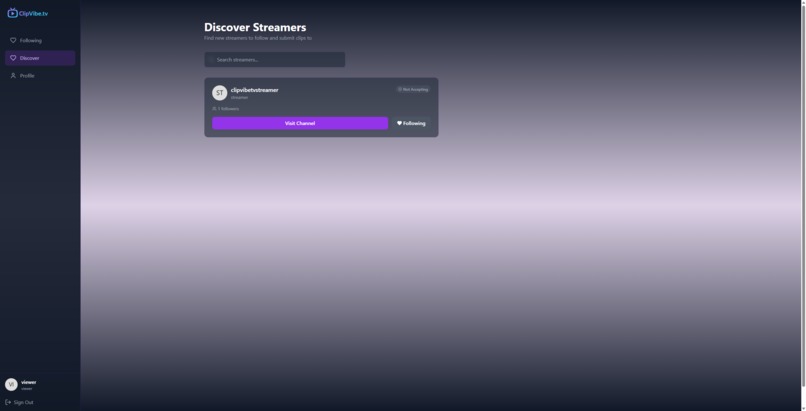
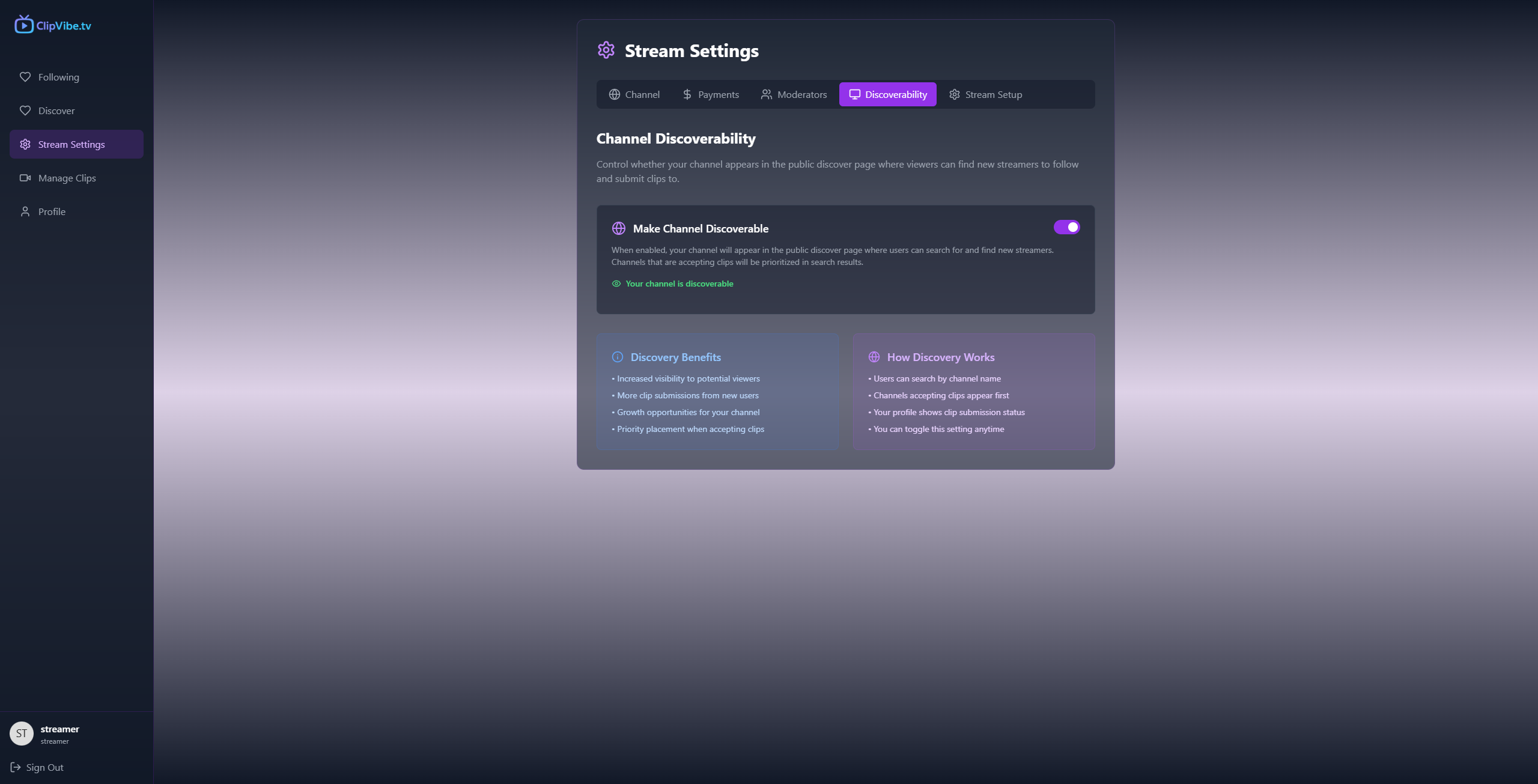
Streamer channel discoverability settings allow the streamer to set their stream to be found by others
-
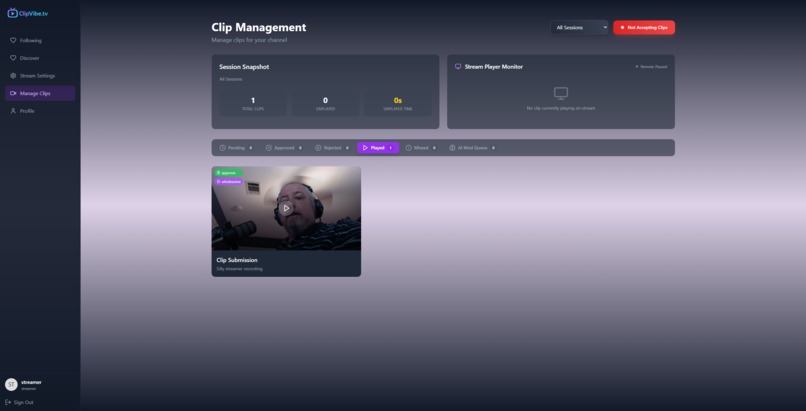
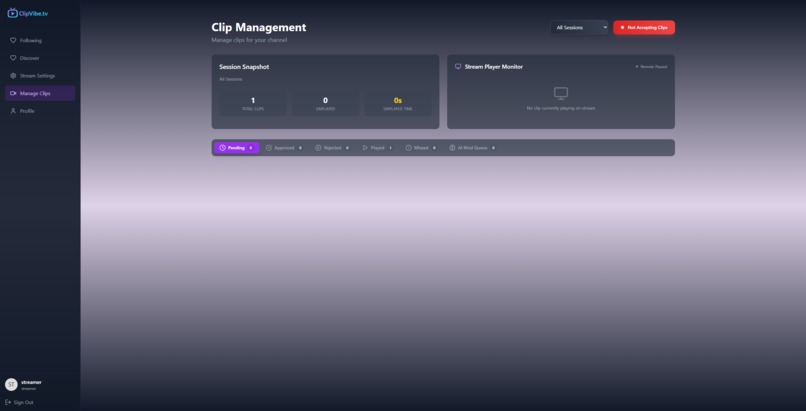
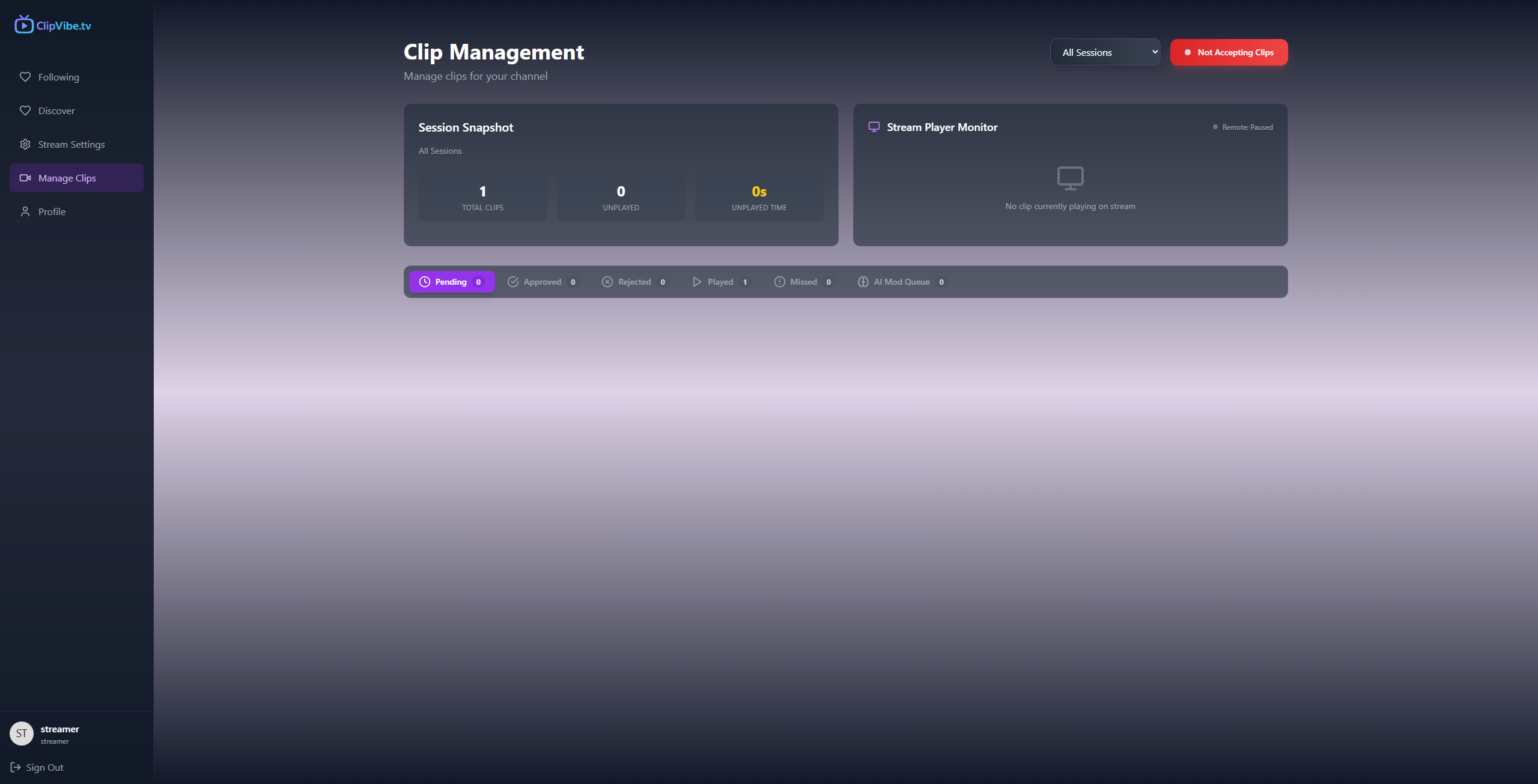
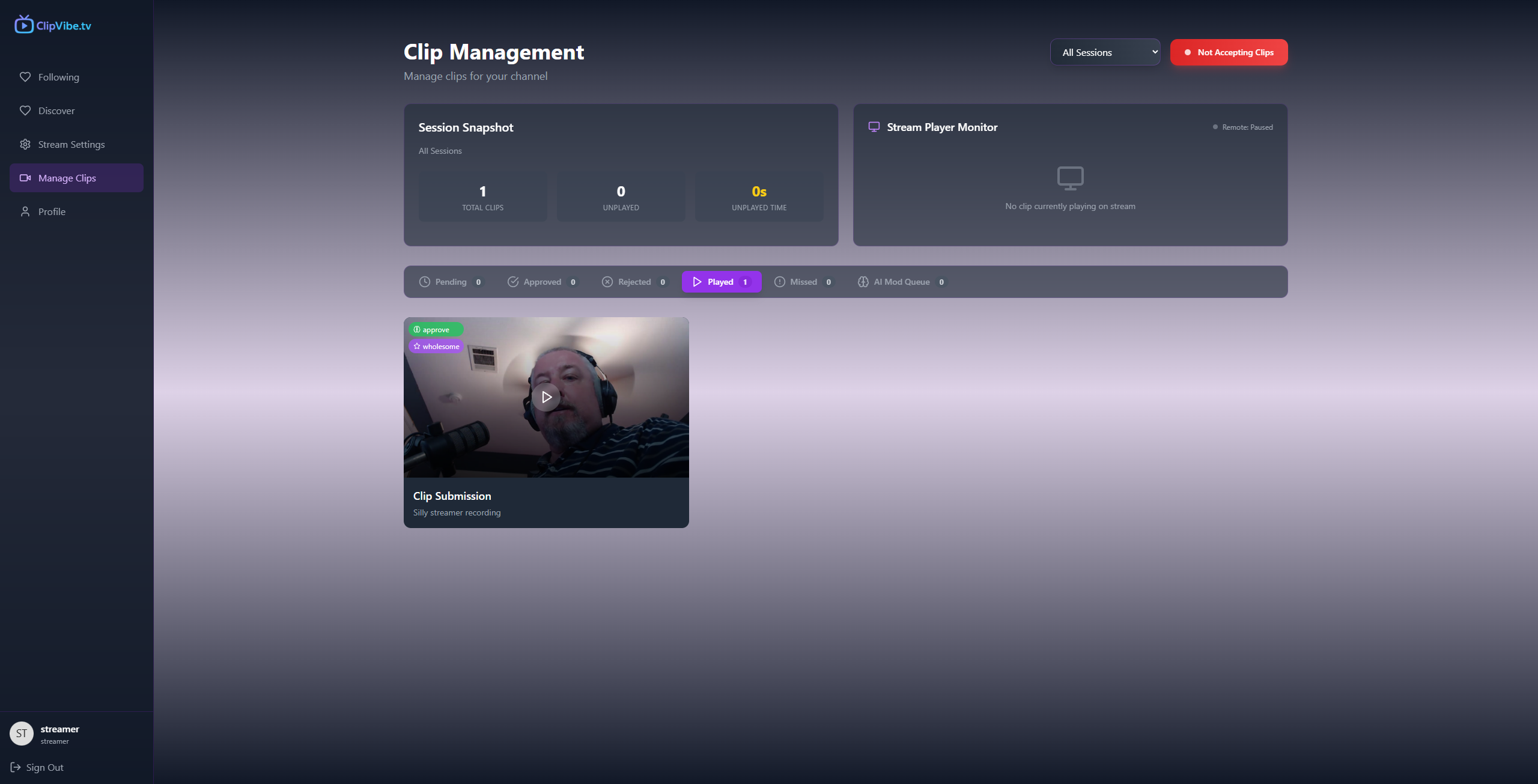
Streamer clip management page
-
-
-


How to Use clipvibe.tv
As a Streamer
- Sign up/log in using your Twitch or Google account.
- From your profile page, upgrade to a streamer account.
- Set up Stripe Connect from Stream Settings → Payments.
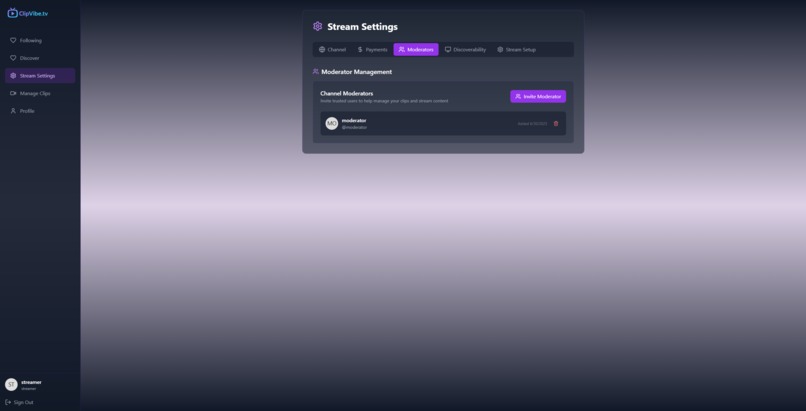
- Invite moderators by generating and sharing an invite link.
- Set up the Stream Player in OBS as a browser source (recommended), or open it in a browser.
- Set your minimum donation amount (platform minimum is \$2 to cover Stripe/ClipVibe fees and a small streamer donation).
- Customize your channel URL via Stream Settings → Channel.
- Go live. Open a clip submission window, share your Channel URL, approve or reject clips, and play them on stream.
- Keep an eye on "Unplayed Time" to help manage the length of your stream. Close the clip window to stop new submissions. Be sure to play all remaining clips to avoid upsetting paying viewers.
As a Moderator
- Sign up/log in using your Twitch or Google account.
- Accept a moderator invitation via the streamer-provided link.
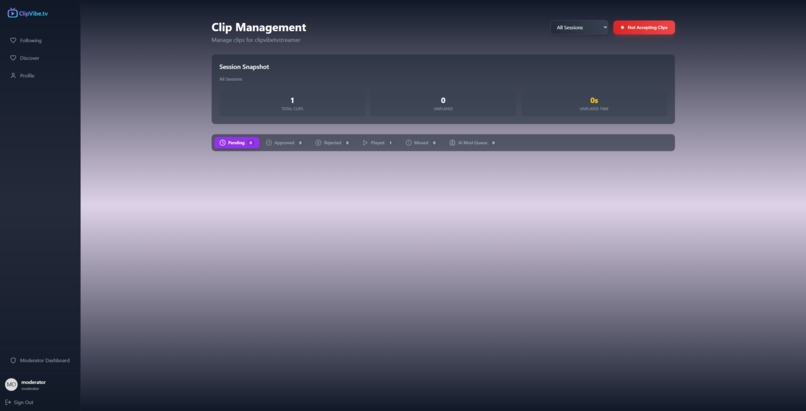
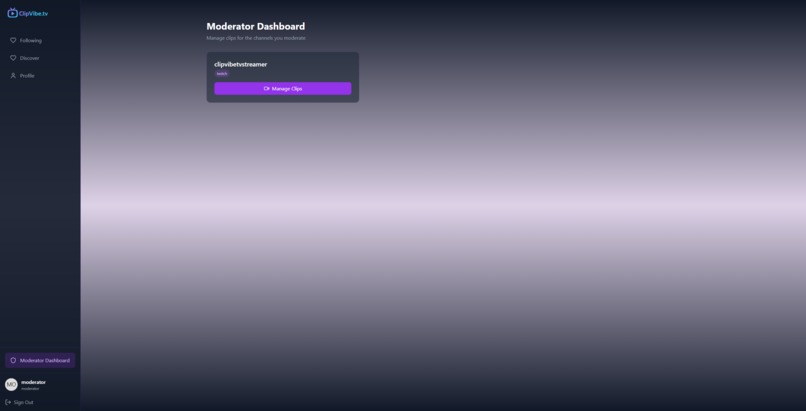
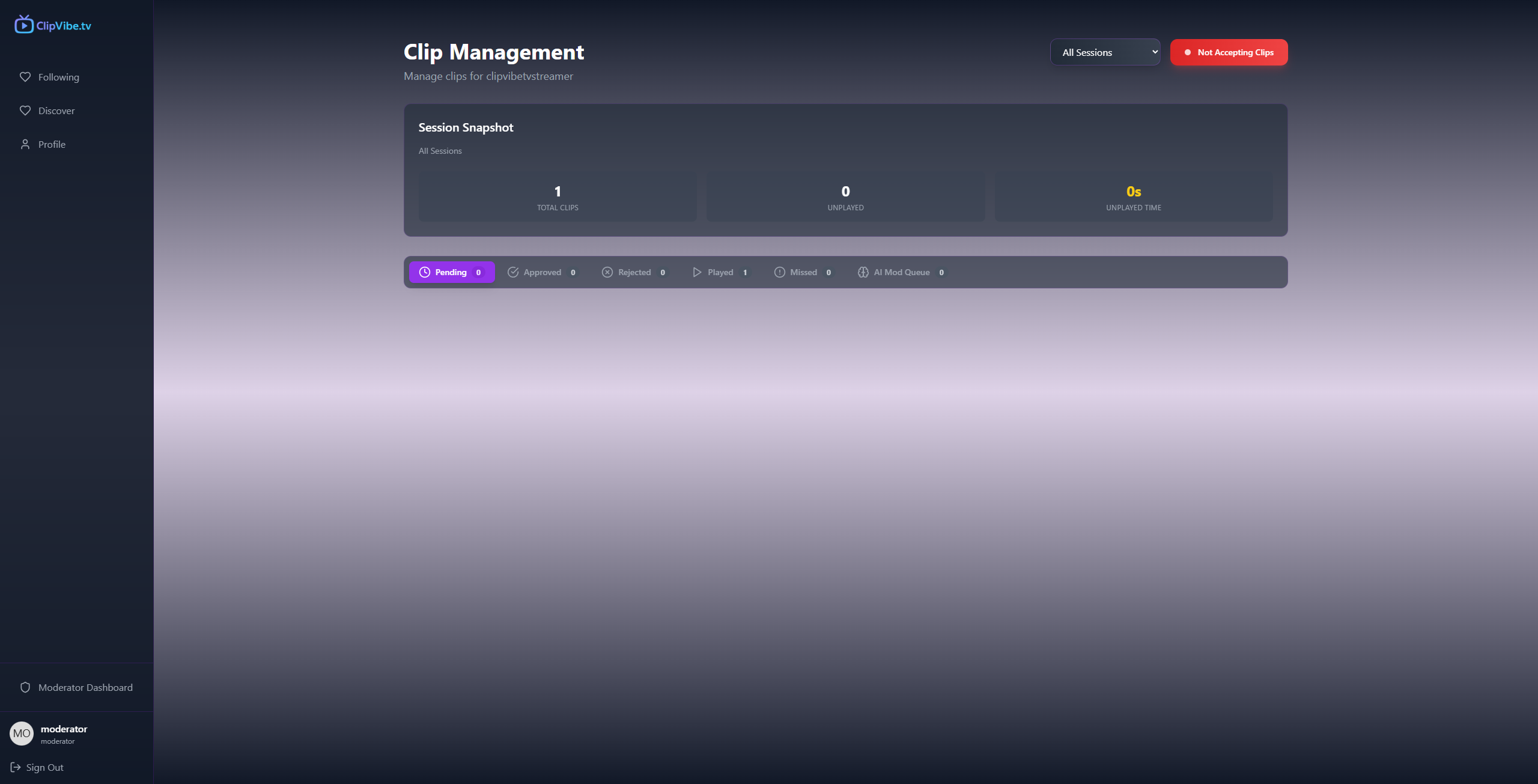
- When the streamer is live, access the Moderator Dashboard to review and approve or deny clips based on the AI-generated moderation summaries.
As a Viewer
- Sign up/log in using your Twitch or Google account.
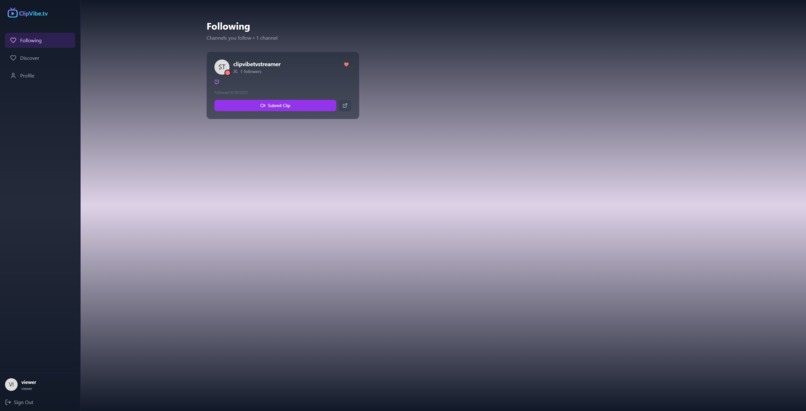
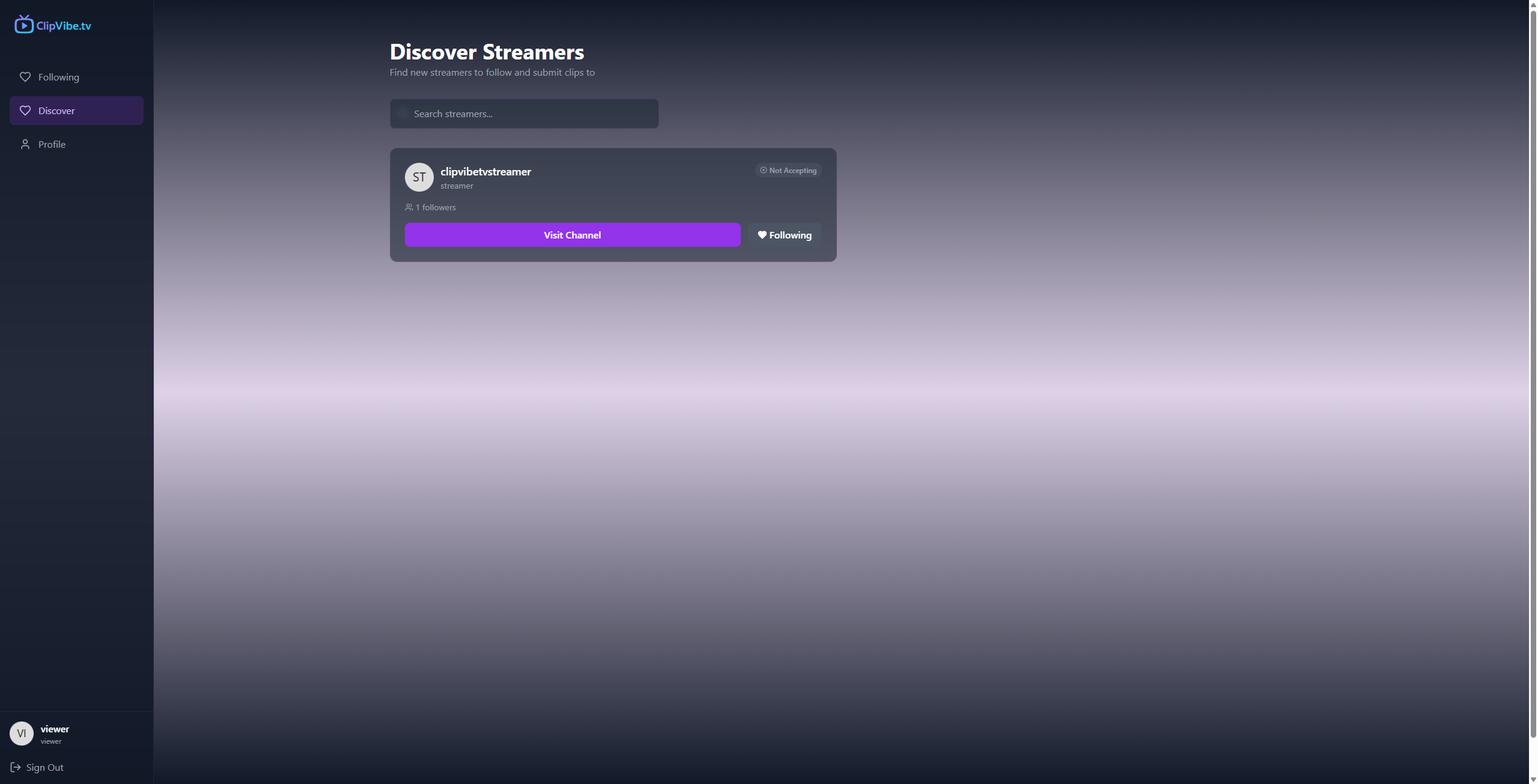
- Visit your favorite streamer’s clipvibe.tv channel or use Discover to find new creators.
- Record up to a 30-second video to be played live.
- Choose a donation amount.
- Upload your clip and submit payment.
- Watch the stream to see your video played live.
Inspiration
My inspiration for this app goes back to watching Justin Kan strap a camera to his head and launch what would become twitch.tv. When justin.tv opened up streaming to other individuals, I built a site called mash-it-up.com that let users watch multiple streams simultaneously with a built-in IRC chat. Justin even blogged about it back then! That experience planted the seed for building tools that enhance streaming.
What I Built
clipvibe.tv gives streamers a fun and effective way to increase both engagement and revenue by letting viewers submit up to 30-second video clips tied to a donation. Clips are moderated with AI (Gemini 2.5 Flash) to flag any potential guideline violations before going to the human moderators or streamer for final review. Once approved, the clips are added to a queue and played live on stream. Streamers can use clipvibe.tv to create interactive and creative experiences like game shows, challenges, surprise messages, or community-driven reactions.
Tech Stack
- Vite and Tailwind for the frontend UI
- Netlify for hosting
- Supabase for the database, Edge Functions, and real-time features
- Stripe for payment processing
- Gemini 2.5 Flash for AI-powered video moderation
- AWS S3 and Lambda for sending videos to Gemini and handling the moderation lifecycle
- Sentry for finding problem areas
My clipvibe.tv Development Journey
The idea struck on the first morning of the hackathon. I knew I wanted to do something with AI and video, and I was aware Gemini could process videos. That led me to connect the idea with my justin.tv nostalgia — and clipvibe.tv was born.
I built the entire app with Bolt.new, except the AI moderation piece, which I developed with help from Cursor. That part of the project was the steepest learning curve. My first few attempts failed — I tried providing Gemini with R2 links (didn't work), base64-encoding the video (unreliable), and even using Google Cloud Storage (nope). The final version uploads clips to S3, then triggers a Lambda function that sends the file to Gemini's File API with a prompt, receives a structured JSON response, and writes it to the database. Given more time, I think the AI moderation lifecycle could be moved to Supabase edge functions, and that would be my plan.
Once I had the moderation pipeline working, the next challenge was building the video recording functionality. I assumed this was too advanced for Bolt, but it nailed it.
Then came Stripe payments. While regular Stripe integration was smooth, Stripe Connect (which enables split payments) was new to me. Bolt handled the heavy lifting, but I had to read up and experiment to fully understand how to configure the flow so that the streamer was the merchant of record and we could take a platform fee.
Finally, I had to implement real-time communication between the "Manage Clips" dashboard and the Stream Player. This had me nervous, but with Supabase and Bolt.new, I got it fully functional with just a couple of prompts.
Future Plans
- Offer premium streamer subscriptions with features like player customization and lower platform fees
- Enable premium viewer perks like video filters or voice changers (Snapchat-style) via credits
- Support uploaded clips in addition to live recordings
Develop a dedicated mobile app to streamline the submission process
- Example: the stream player could show a QR code between clips to easily onboard mobile viewers
Closing Thoughts
This hackathon experience has been incredibly rewarding. Building with bolt.new has been more enjoyable than any of the many "vibe coding" tools I've used. I'm not a full-time developer — I work in tech, I can code, and I have an entrepreneurial itch. But with a full-time job, a family, and ADHD, I often lose momentum if I don't see quick progress. Bolt helped me stay on track by delivering working functionality quickly enough to keep the dopamine hits flowing.
I'm thankful tools like bolt.new exist now, and I can't wait to bring more of my ideas to life.
Built With
- amazon-web-services
- gemini
- netlify
- stripe
- supabase
- tailwind
- vite


Log in or sign up for Devpost to join the conversation.