-
-
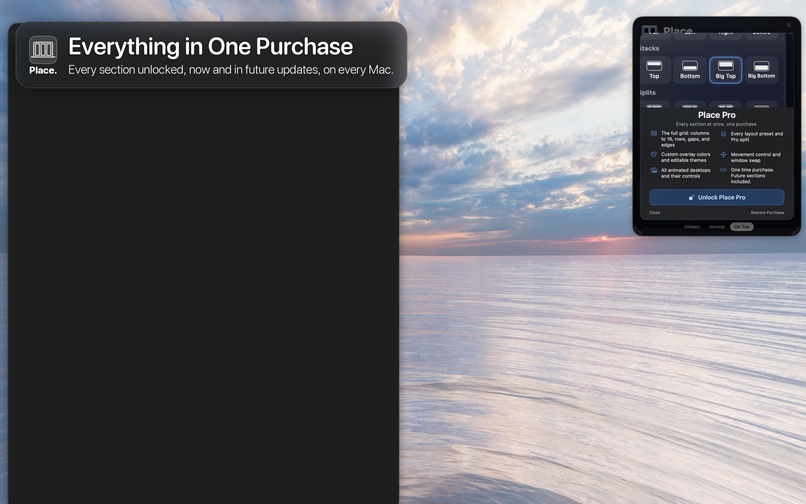
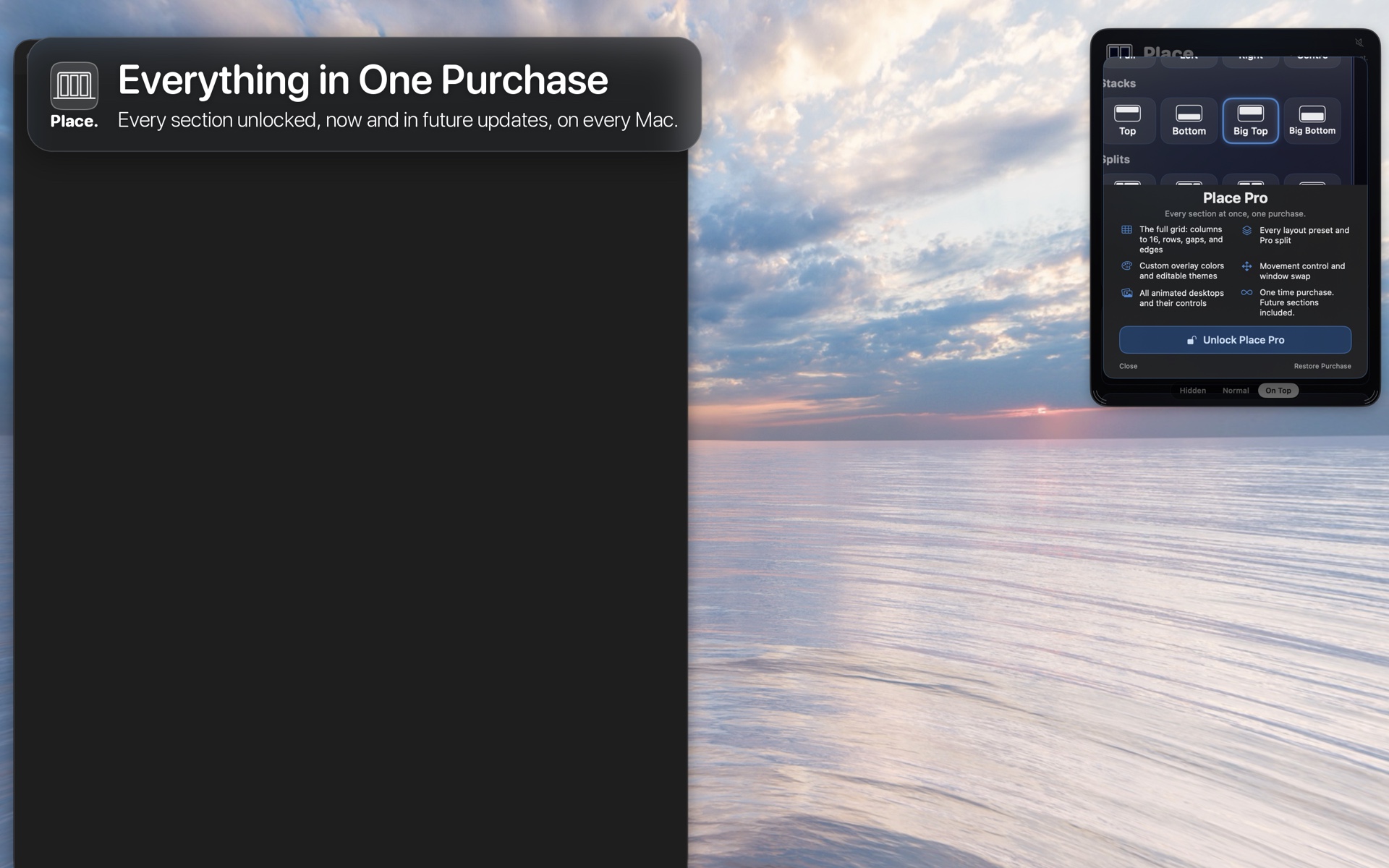
Place Pro unlocks all five sections for €5. Every section you already own comes off the price, and owning all five unlocks Pro.
-
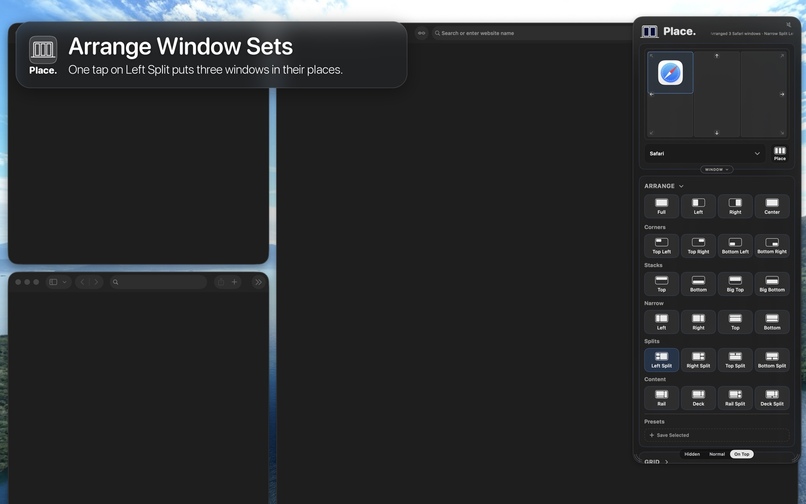
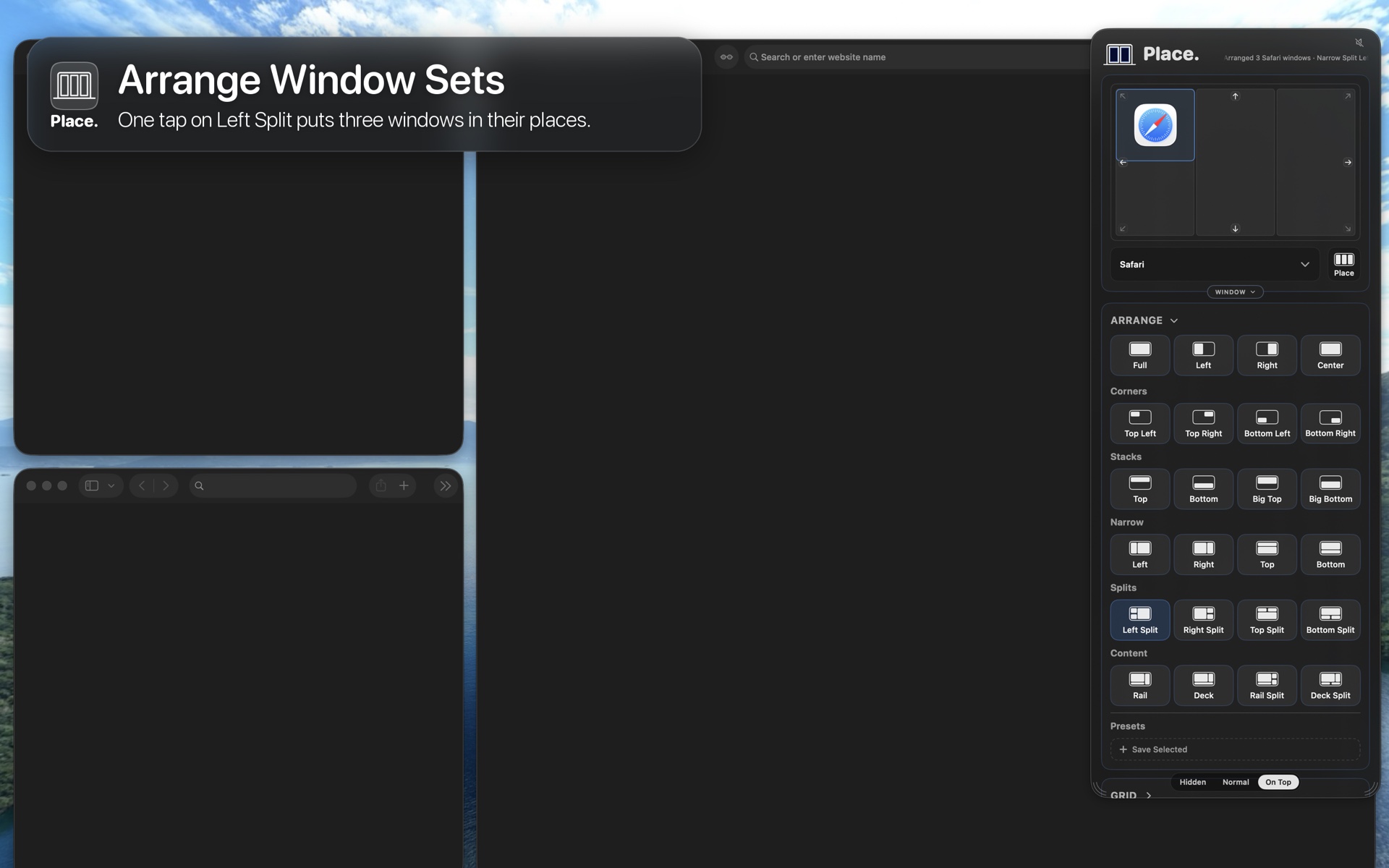
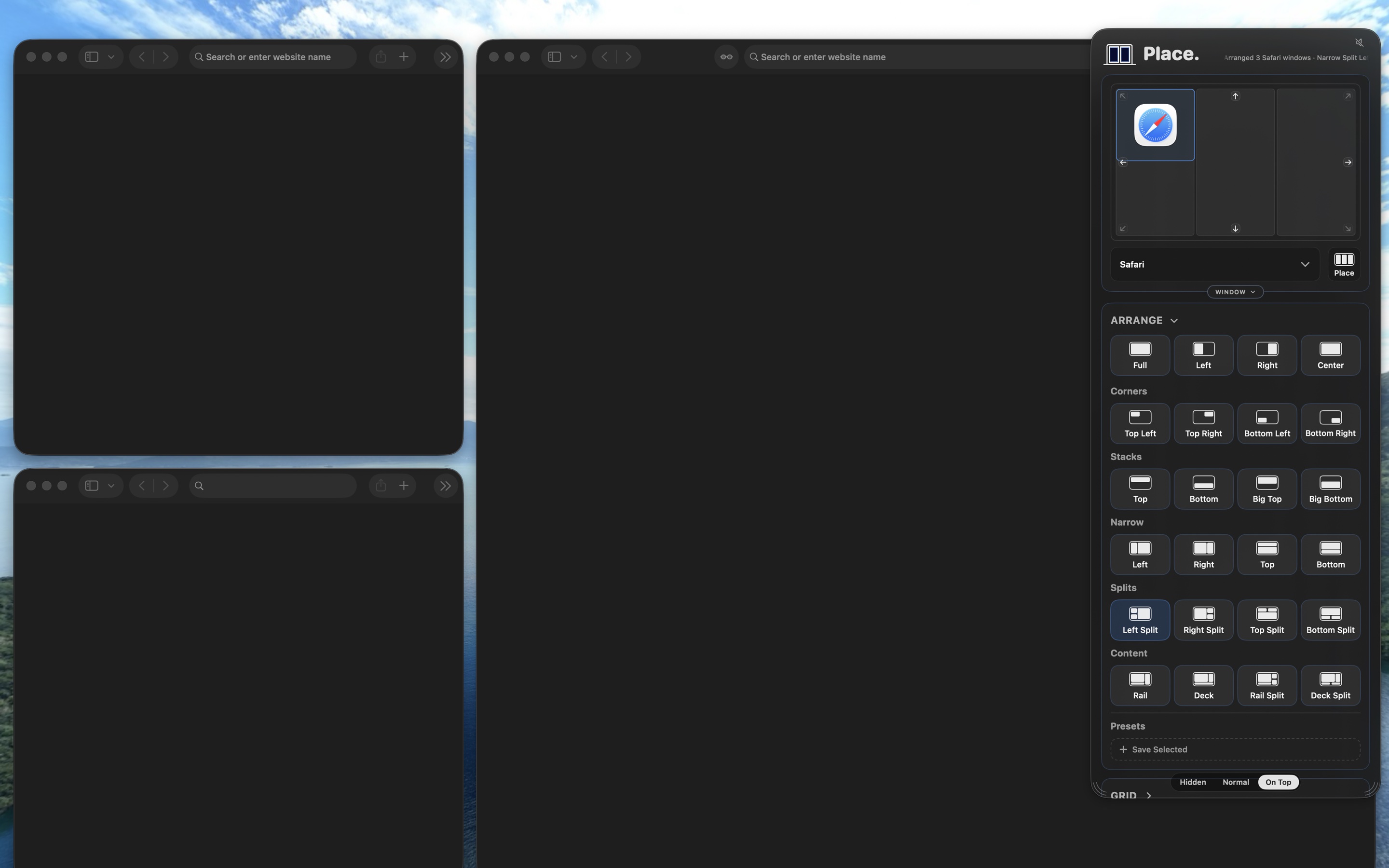
One tap on Left Split puts three windows in their places.
-
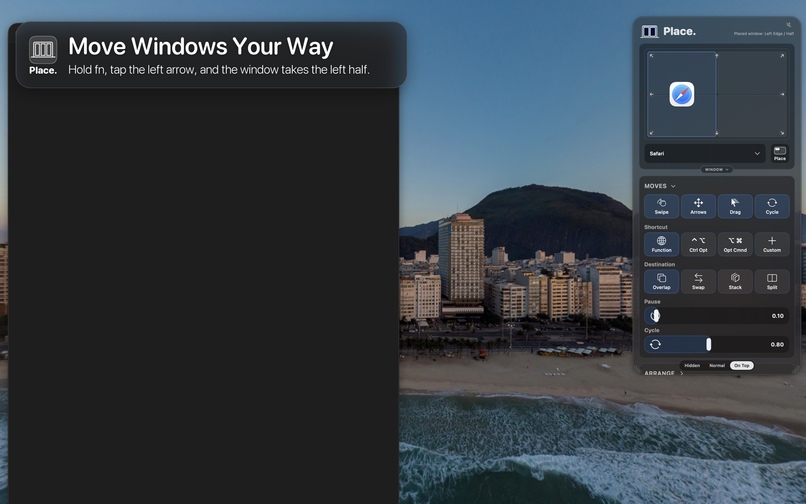
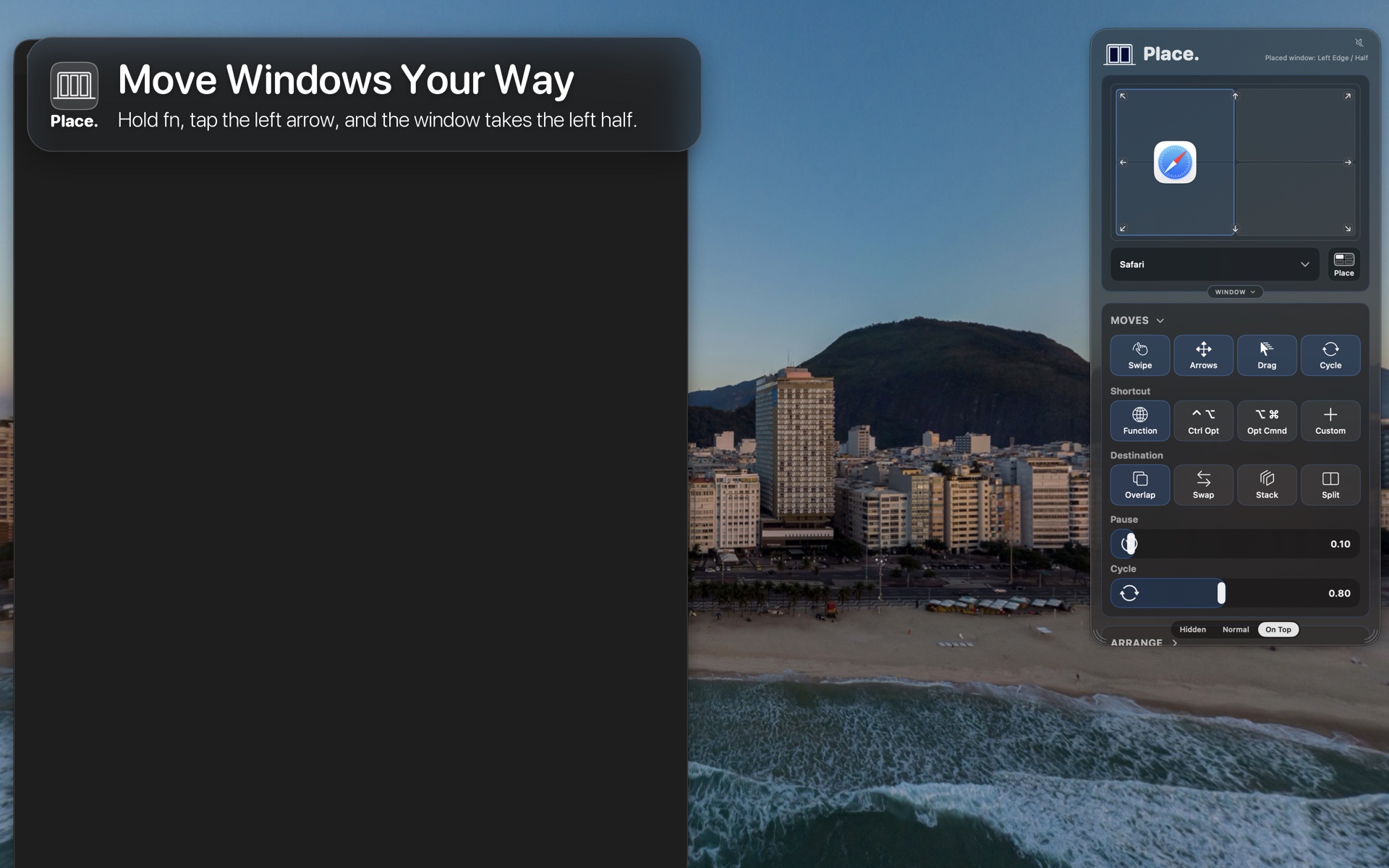
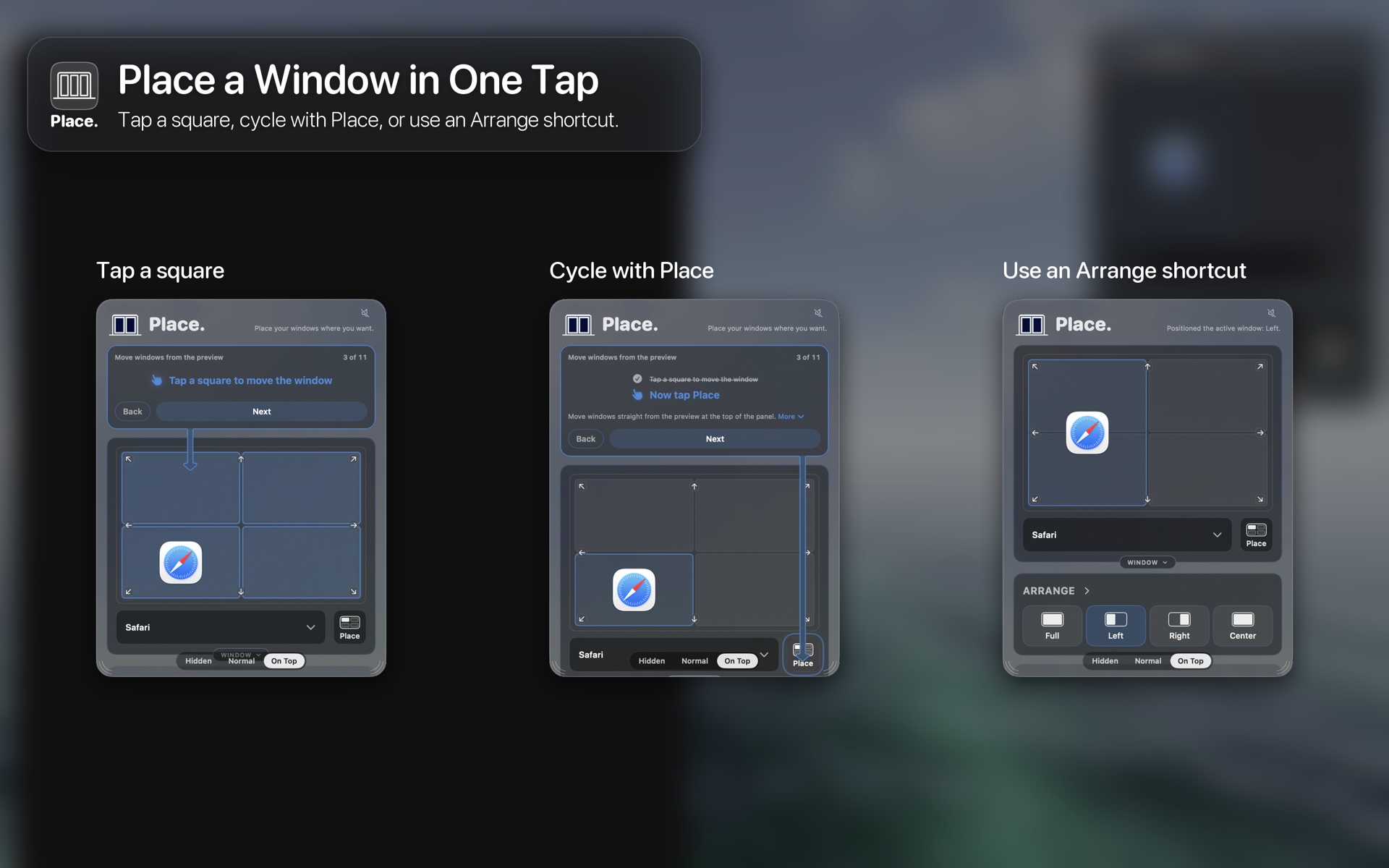
Hold fn and tap an arrow, and the window takes that half of the screen. Swipe, drag and cycle work too.
-
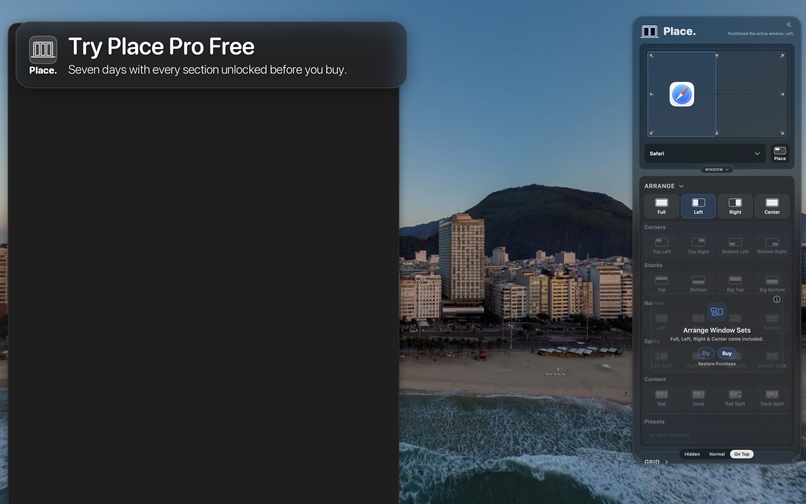
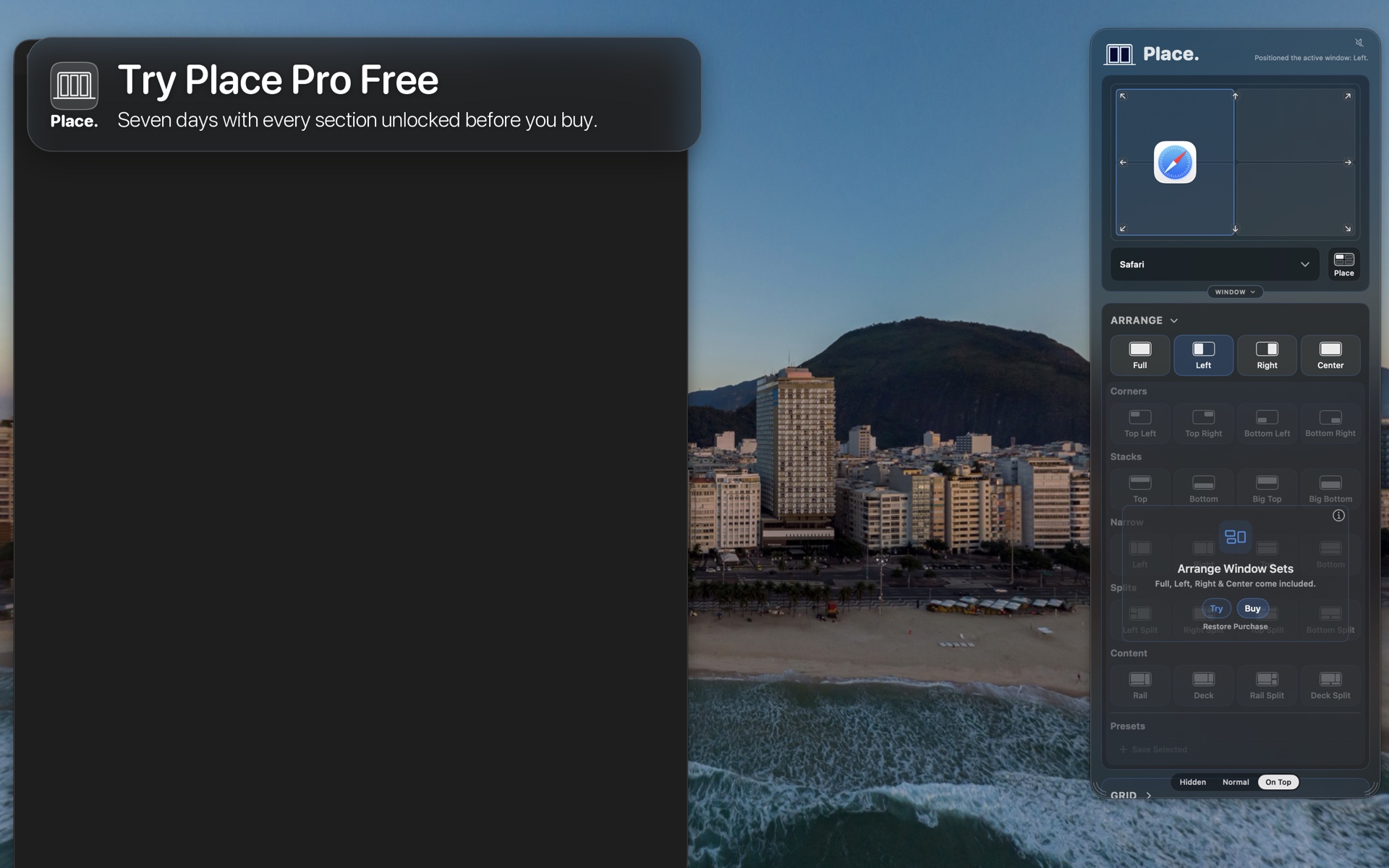
One free 7-day trial unlocks every section. No subscription, and nothing is charged when it ends.
-
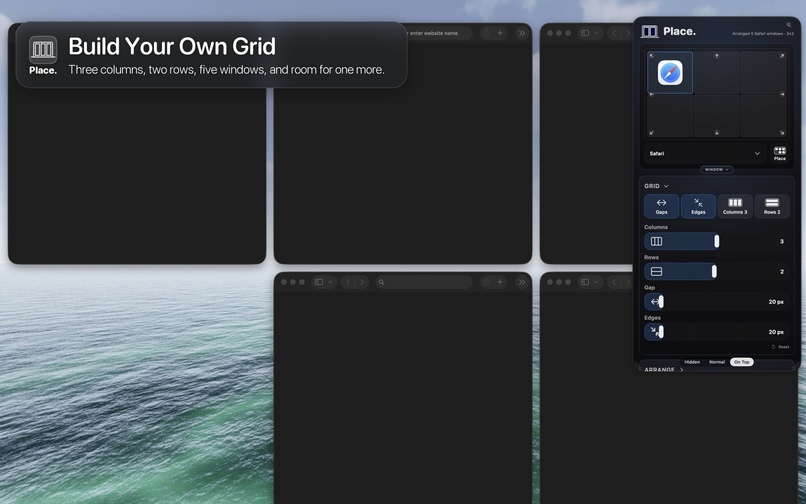
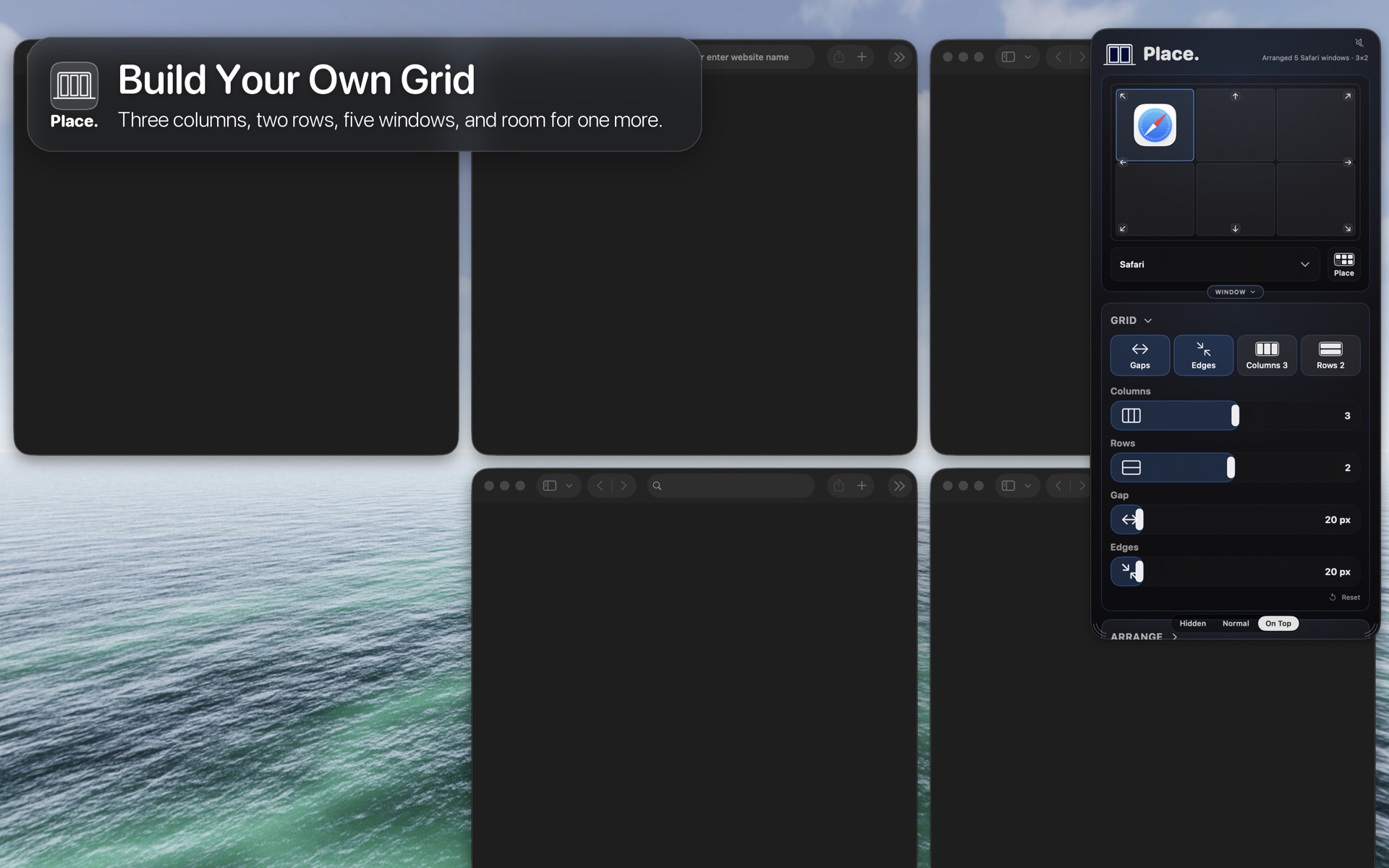
Build your own grid: three columns, two rows, five windows, and room for one more.
-
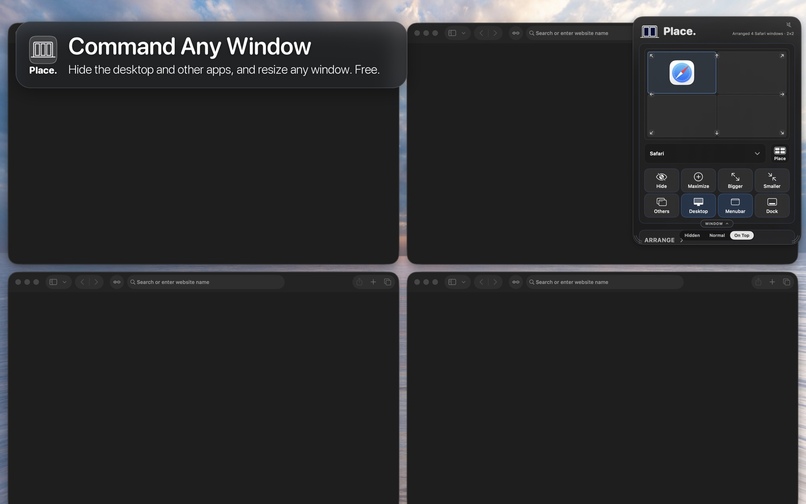
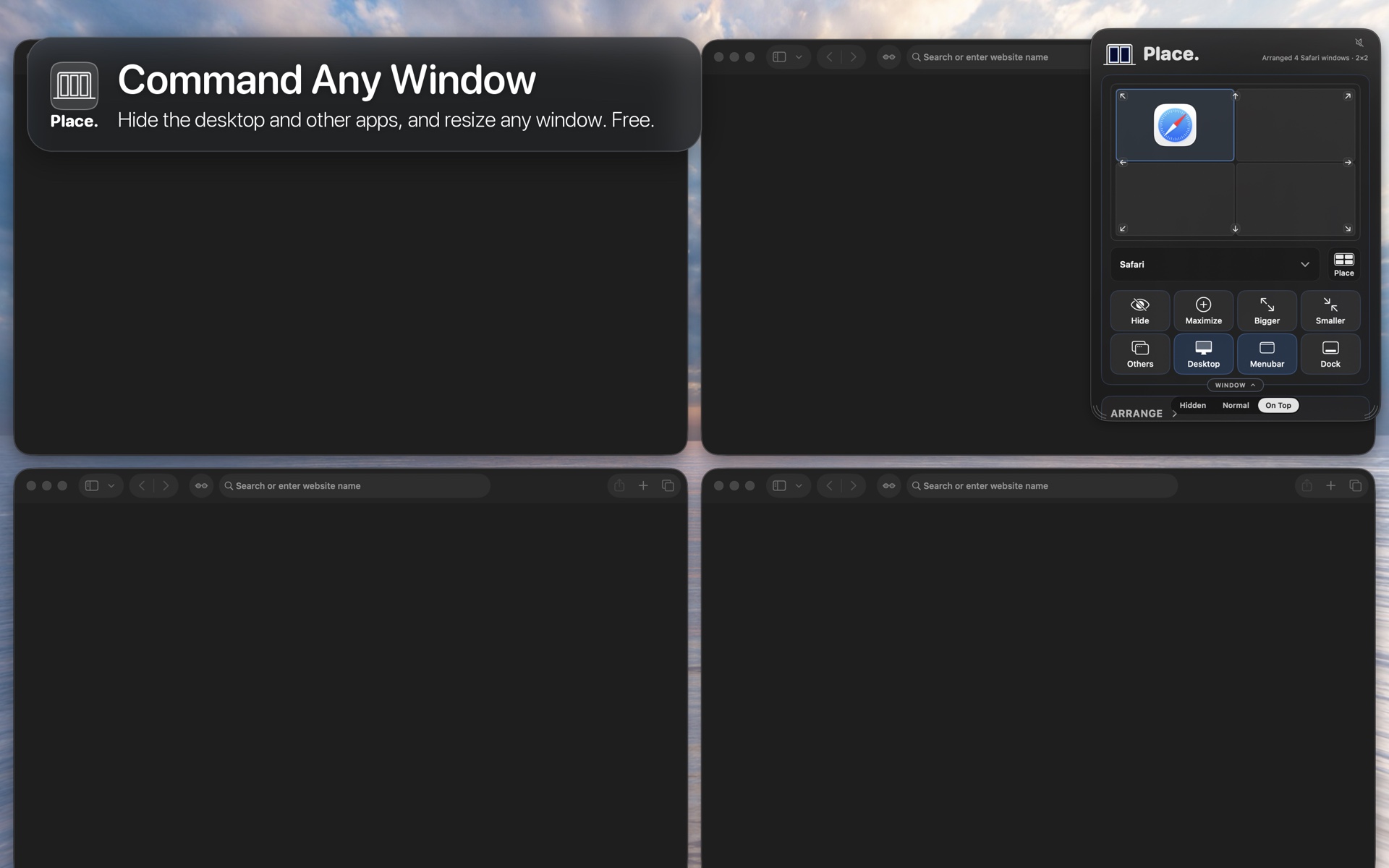
Free for everyone: hide the other apps, clear the desktop, and resize any window.
-
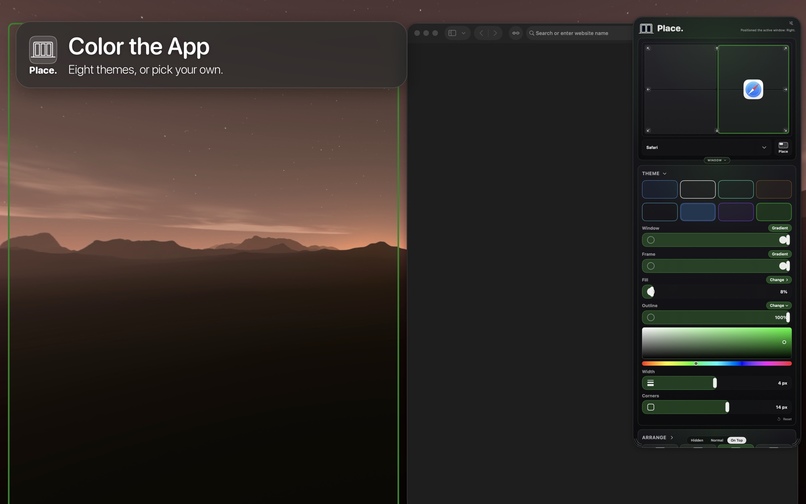
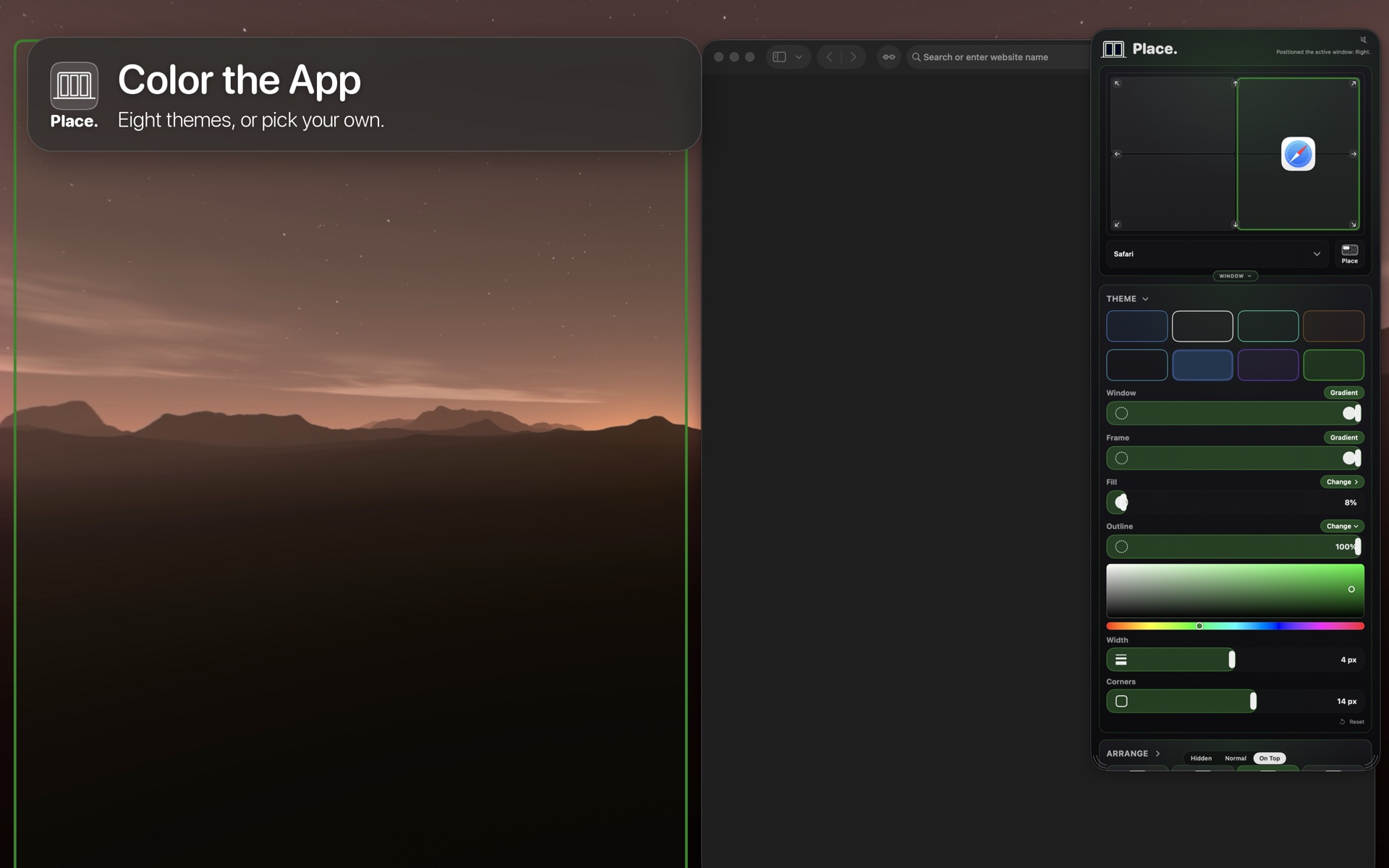
Eight themes, or pick your own colors for the panel and the window outlines.
-
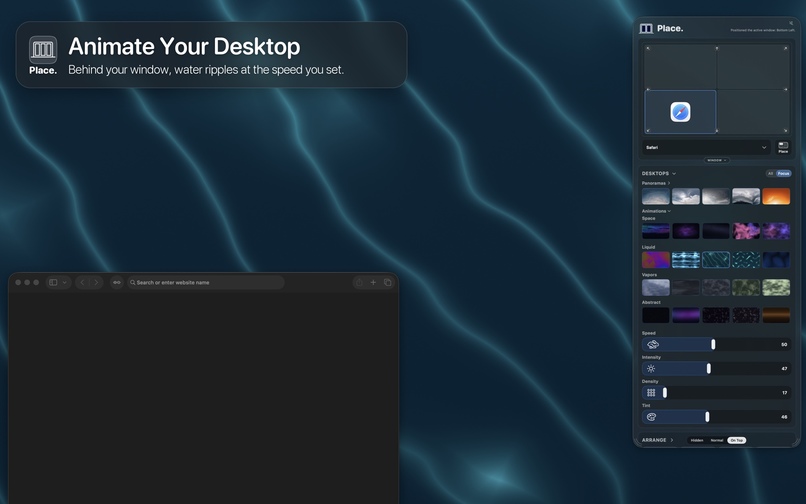
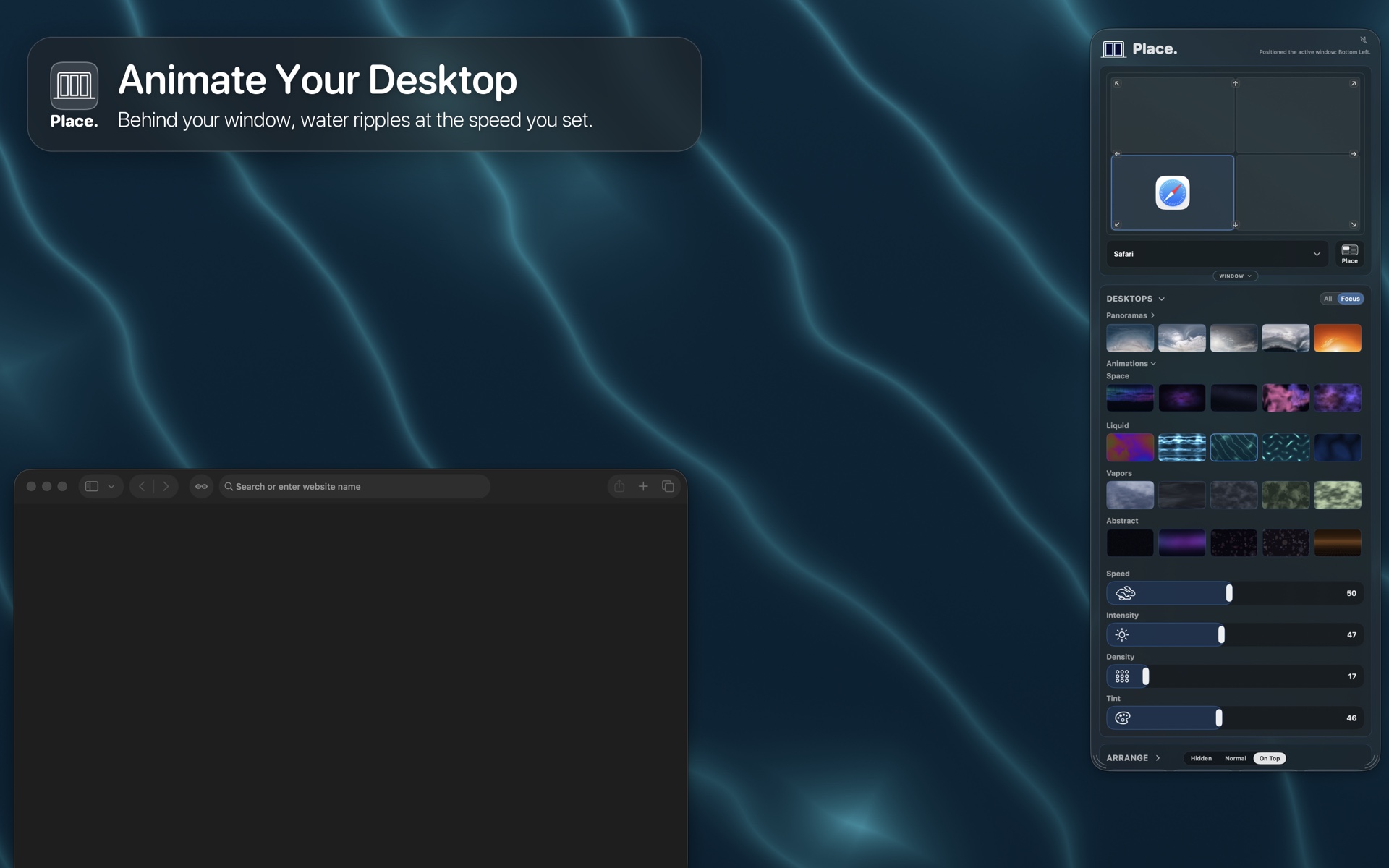
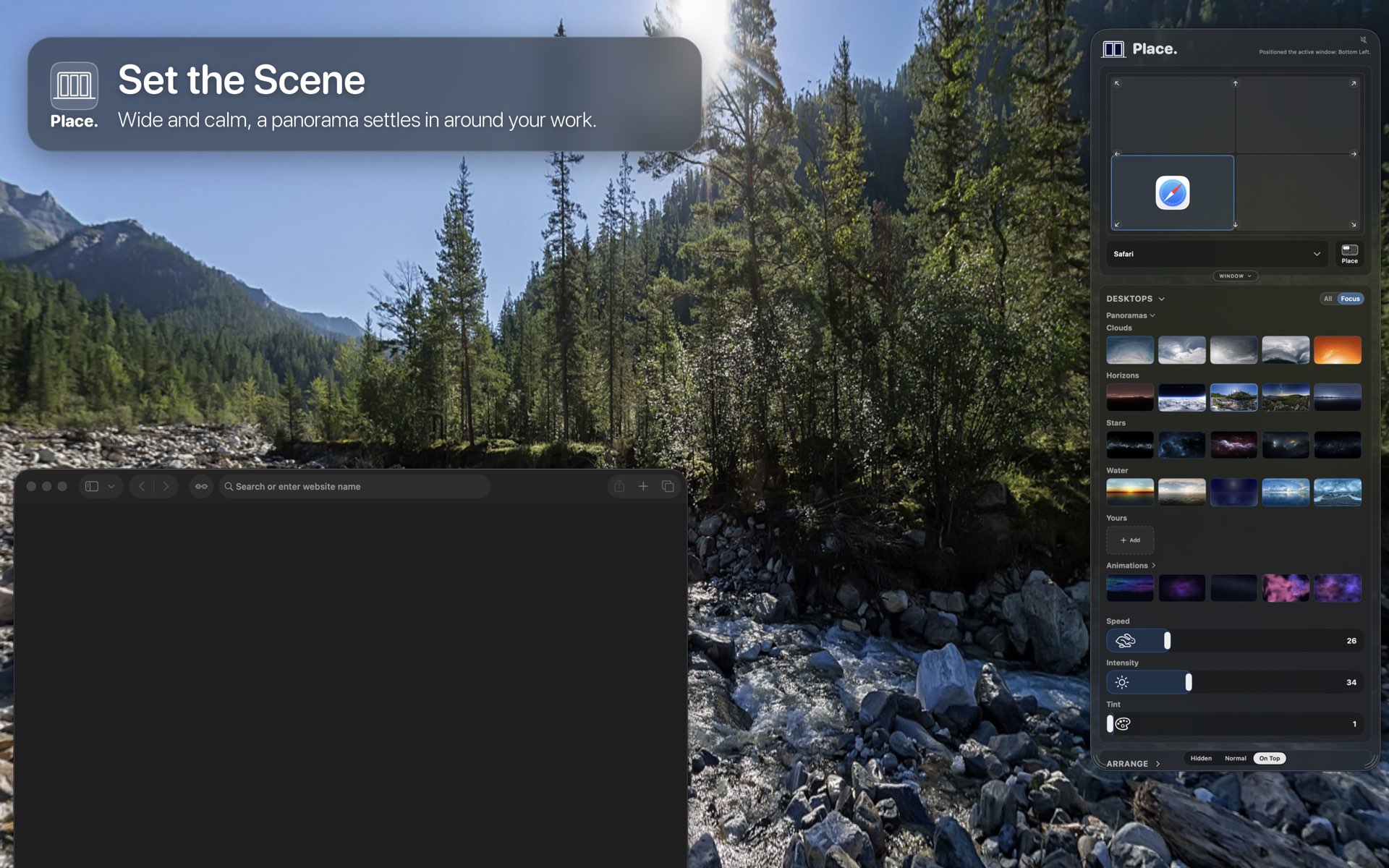
A living desktop behind your windows, with the speed, intensity and tint you set.
-
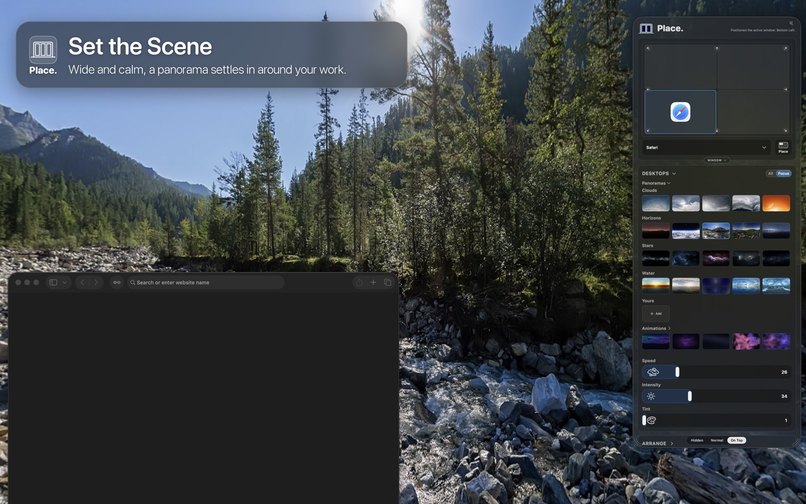
Every panorama is free: a wide, calm scene settles in around your work.
-
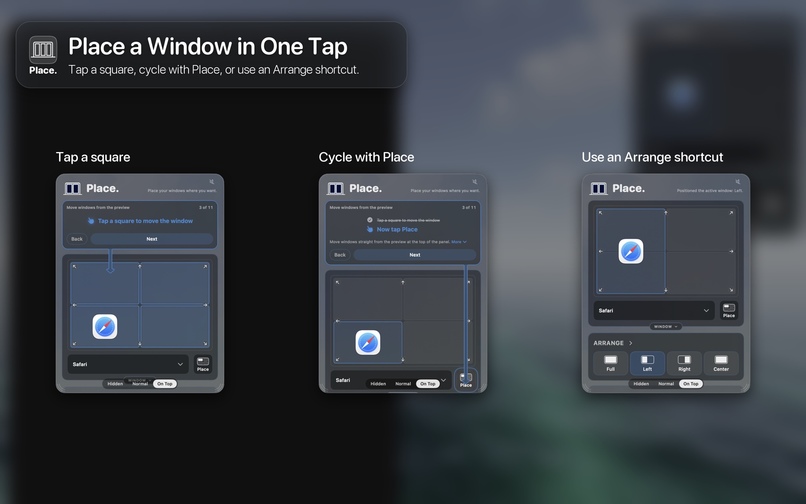
Place a window in one tap: tap a square, cycle with Place, or use an Arrange shortcut.
-
Place, the app icon.
-
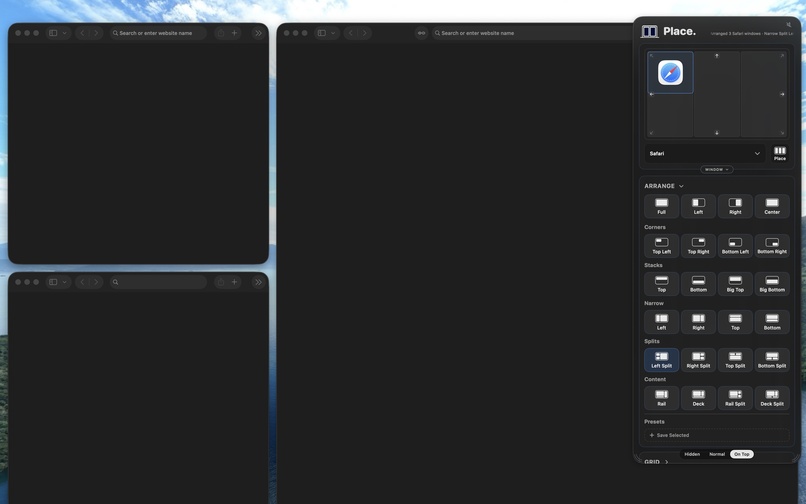
The panel with Arrange open: one tap on Left Split sets three windows in place.
Inspiration
Every Mac user knows the pile: a dozen windows stacked on top of each other and none where you want it. We wanted window management that feels like placing, not dragging: tap where a window should go and it goes there.
What it does
Place lives in the Mac menu bar. Tap a square on its preview and the front window follows. Hold fn and press an arrow, or drag a window to an edge and it fills the outline. One tap arranges every window into a grid; Others and Desktop clear the clutter. Themes, glass and animated desktops make it yours.
How it is sold: a ladder, not a subscription
Place has five sections: Arrange, Grid, Moves, Theme and Animations. Each is a one-time €1 purchase. Place Pro unlocks all five for €5, and everyone gets one free 7-day trial of everything.
Everything you buy counts toward Pro. Own one section and the Pro button offers the rest for €4; own two and it is €3, and so on. Own all five and Pro unlocks by itself, so nobody ever pays more than €5.
The App Store has no upgrade pricing for one-time purchases, so Place sells four upgrade products, one per rung (€4, €3, €2, €1), and offers the one that matches what you already own.
How we built it
SwiftUI and AppKit on macOS 26. StoreKit 2 completes each App Store purchase and the RevenueCat SDK records it against the matching entitlement. The direct download sells Pro through RevenueCat Web Billing (Stripe) on uxlabs.app. App Intents and a bundled Shortcut move windows, TipKit runs the tour, and the animated desktops are GPU shaders.
Challenges
App Review turned down the Accessibility and System Events exceptions a sandboxed window manager would normally use. We rebuilt the App Store edition to move windows through a bundled Shortcut instead, and redesigned the first run around it. The direct download keeps the Accessibility route.
What we learned
A price ladder needs one rule stated everywhere: every section counts toward Pro. The button, the sheet and the trial all say the same thing.
What's next
The App Store release, more languages, and a Place remote for iPad.

Log in or sign up for Devpost to join the conversation.