Planto
Inspiration
Vacation planning is often tedious and requires a lot of thought because: you have to fish out what sightseeing options there are in the particular location you are visiting, consider nearby restaurants/shopping/nightlife places, and weight a lot of factors like travel distance, ratings, weather, etc. We wanted to make a product that takes the mental load of these decisions off of the travelers
What it does
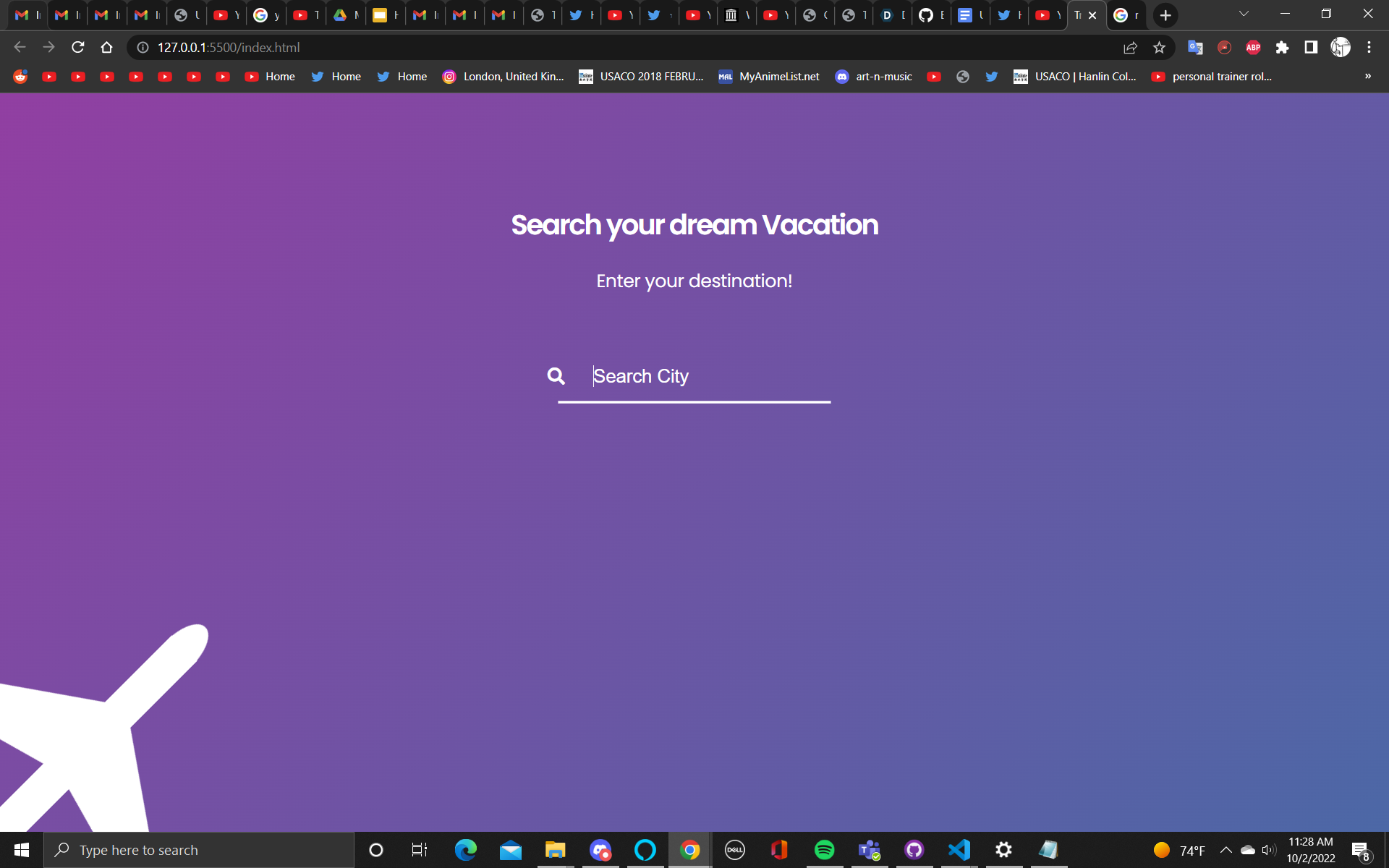
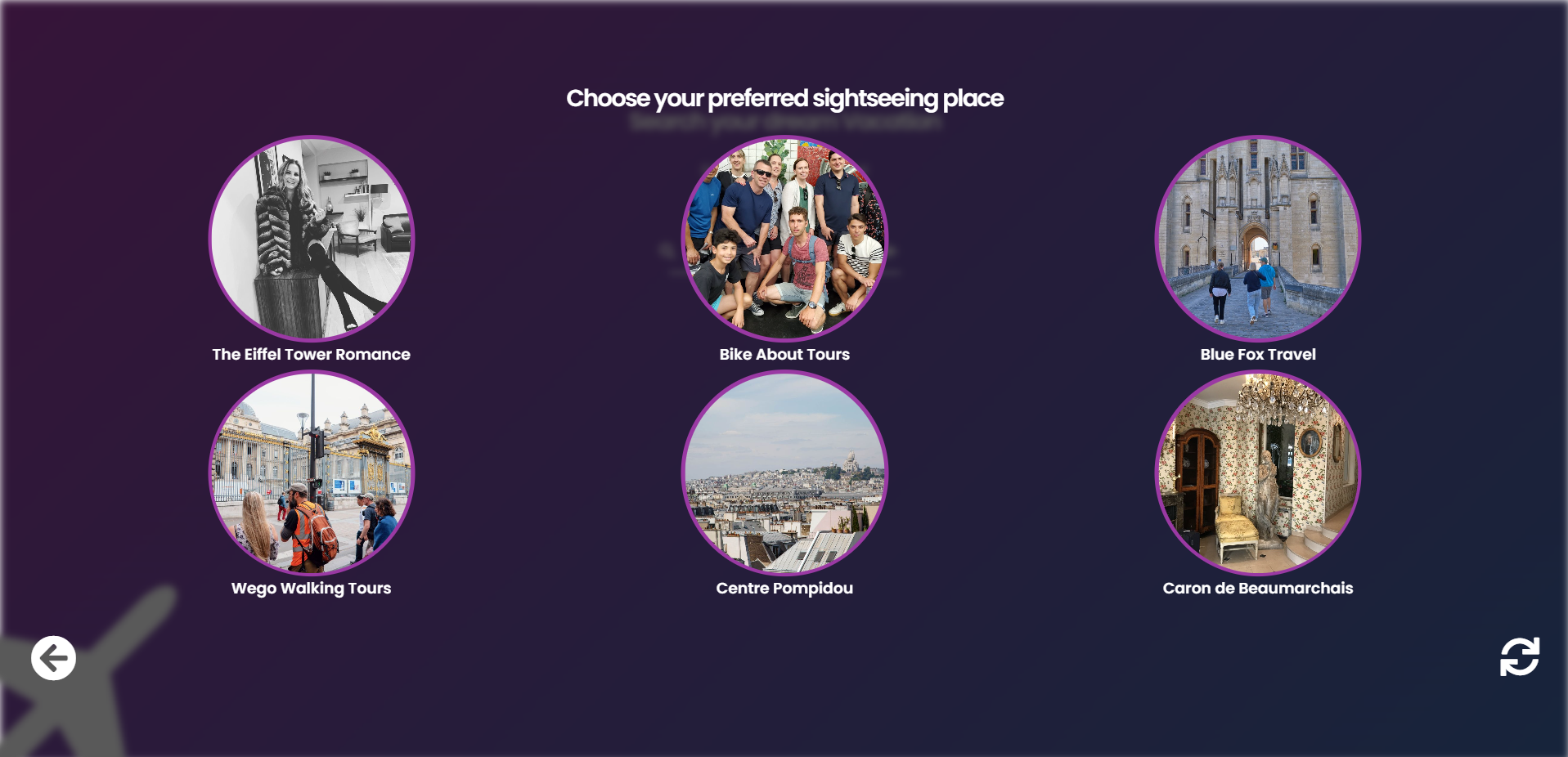
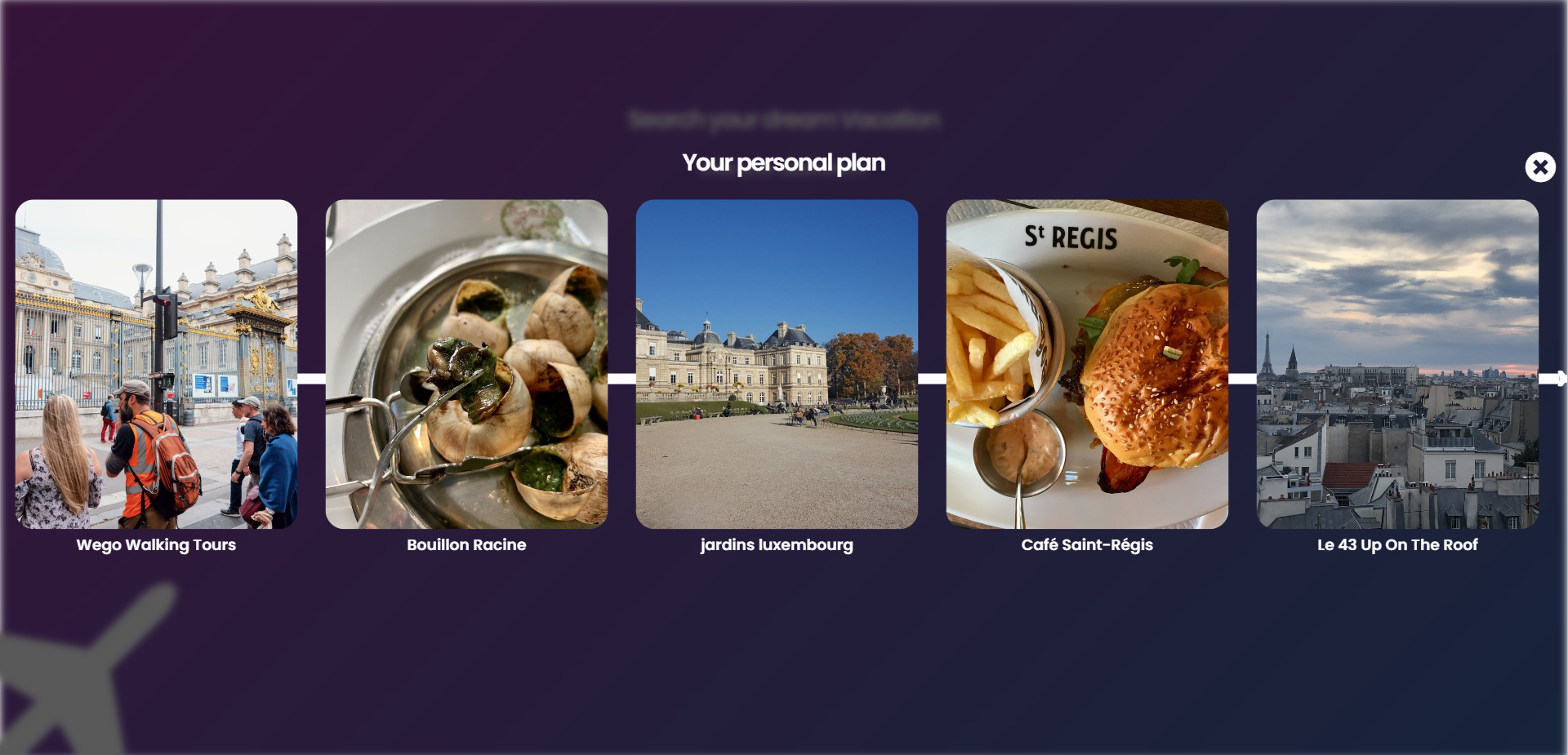
Planto is a website that generates a customized vacation plan tailored to each customer’s needs and situation. We first query the user for their vacation location and proceed to supply them with a list of the best sight-seeing places near the location. After the user selects one of the locations, the website generates a day plan consisting of nearby restaurants, shopping places, and nightlife experiences. The user has the option to customize their plan as they see fit. After they find their plan, the user recieves a copy of the plan to their personal email.
How we built it
We built the website with HTML, CSS, and JavaScript along with the use of a variety of travel API’s.
Challenges we ran into
One challenge we ran into was finding API’s that returned fully comprehensive information on various travel locations the user could input. It took many tries to finally get results that we were proud of. We also ran into many issues in the front-end side considering we were using bare javascript with some CSS and HTML templates, instead of using open-source libraries like ReactJS to make the frontend.
Accomplishments that we're proud of
We are quite proud of the UI we were able to create in the 24-hour allotted time. Our website is very appealing and easy to use on the customer side.
What we learned
We learned a great deal about linking JS to HTML and CSS as well as learning how to make HTTP requests in JavaScript with the fetch API.
What's next for Planto
One feature we would like to add in the future is a FireBase backend that stores the user’s past and present vacation plans. Right now we only show it on the website after creation, but we don’t have an option to save the plan directly to their account.


Log in or sign up for Devpost to join the conversation.