-
-

pixoCrop_logo
-
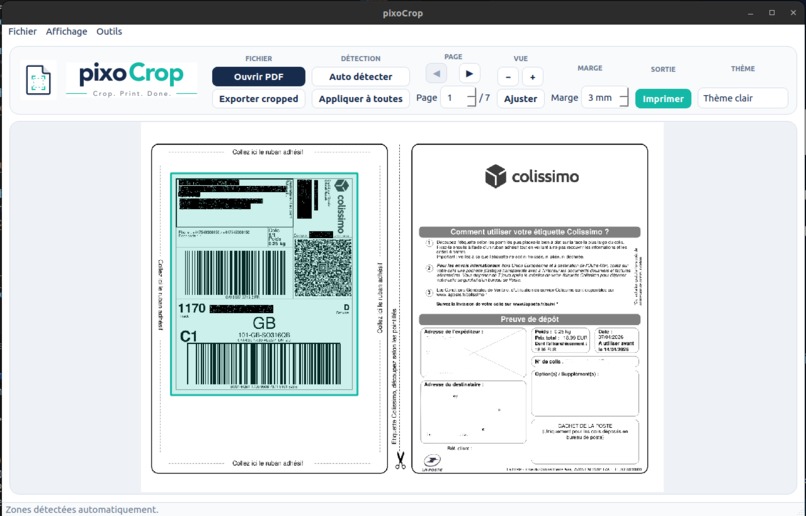
pixocrop-preview

Inspiration
PixoCrop was created to simplify a repetitive task: cropping shipping labels and useful document areas from full-page PDFs before printing. We wanted a fast, private desktop alternative to online PDF tools.
What it does
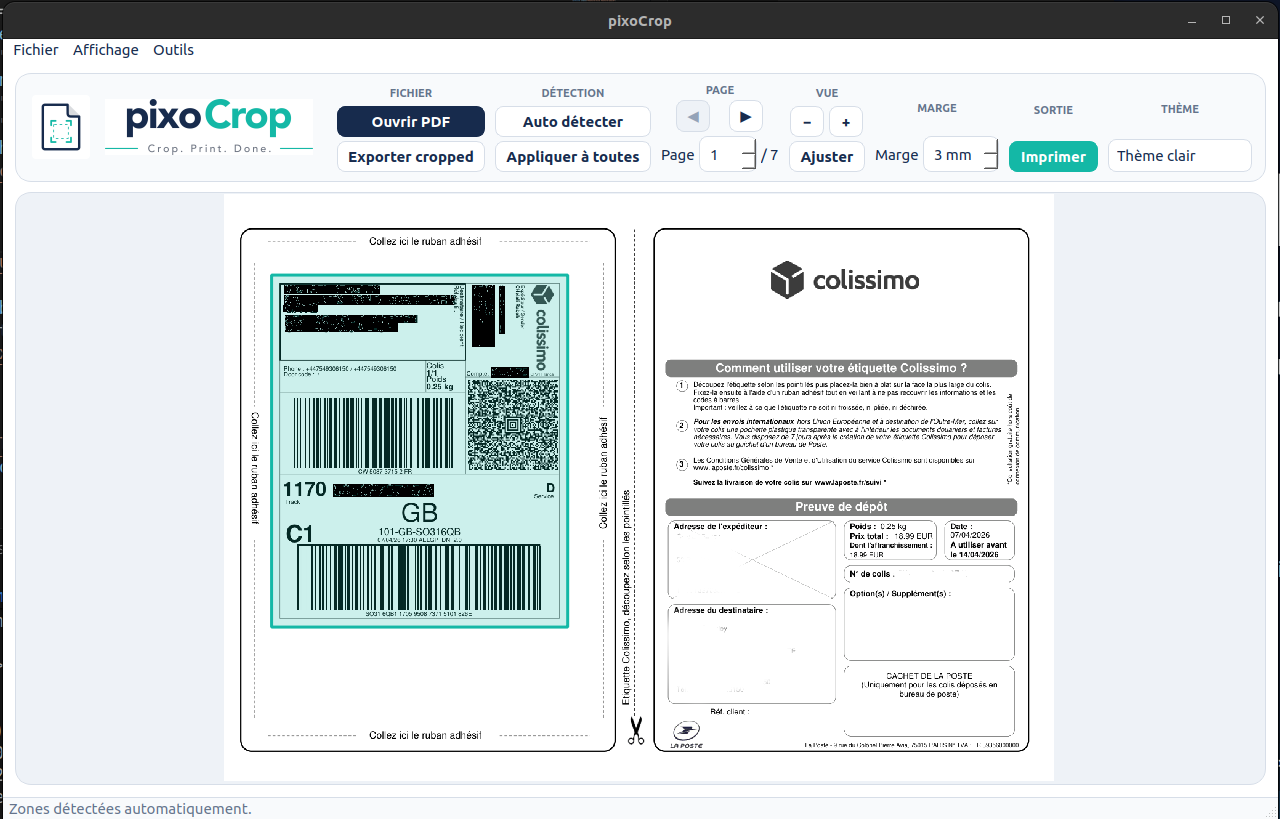
PixoCrop lets users open a PDF, select or automatically detect the useful area, preview the result, and export or print the cropped document. All processing is done locally.
How we built it
We built PixoCrop with Python, PySide6, and PyMuPDF. Codex helped us design the architecture, implement features, refactor the code, debug issues, write tests, improve the interface, and prepare the application for packaging.
Challenges we ran into
The main challenges were converting crop selections accurately between screen and PDF coordinates, supporting different page formats, handling printer scaling, and packaging the application across operating systems.
Accomplishments that we're proud of
We created a complete and usable desktop application rather than a simple prototype. PixoCrop provides an intuitive interface, automatic crop detection, print preview, local processing, and light and dark themes.
What we learned
We learned that Codex is most effective when tasks, constraints, and expected results are clearly defined. It accelerated development, but testing and human review remained essential.
What's next for PixoCrop
Next, we plan to add batch processing, reusable crop profiles, shipping-label templates, A4-to-A5 conversion, improved printer support, and native releases for macOS, Windows, and Linux.
Built With
- pillow
- pyinstaller
- pymupdf
- pyside
- python

Log in or sign up for Devpost to join the conversation.