-
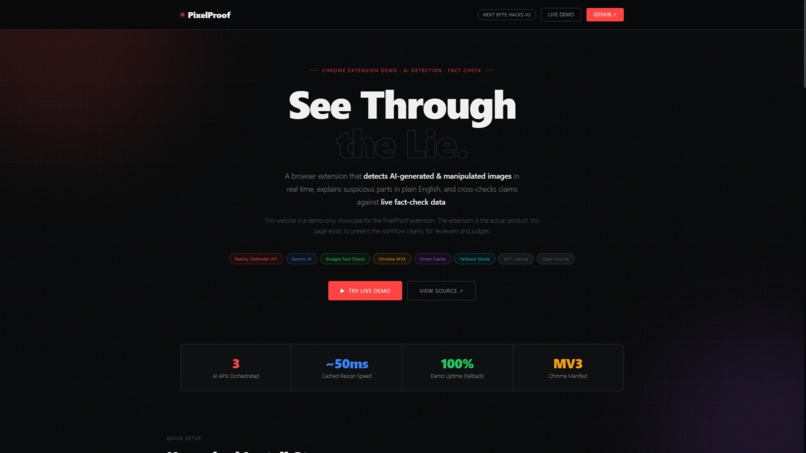
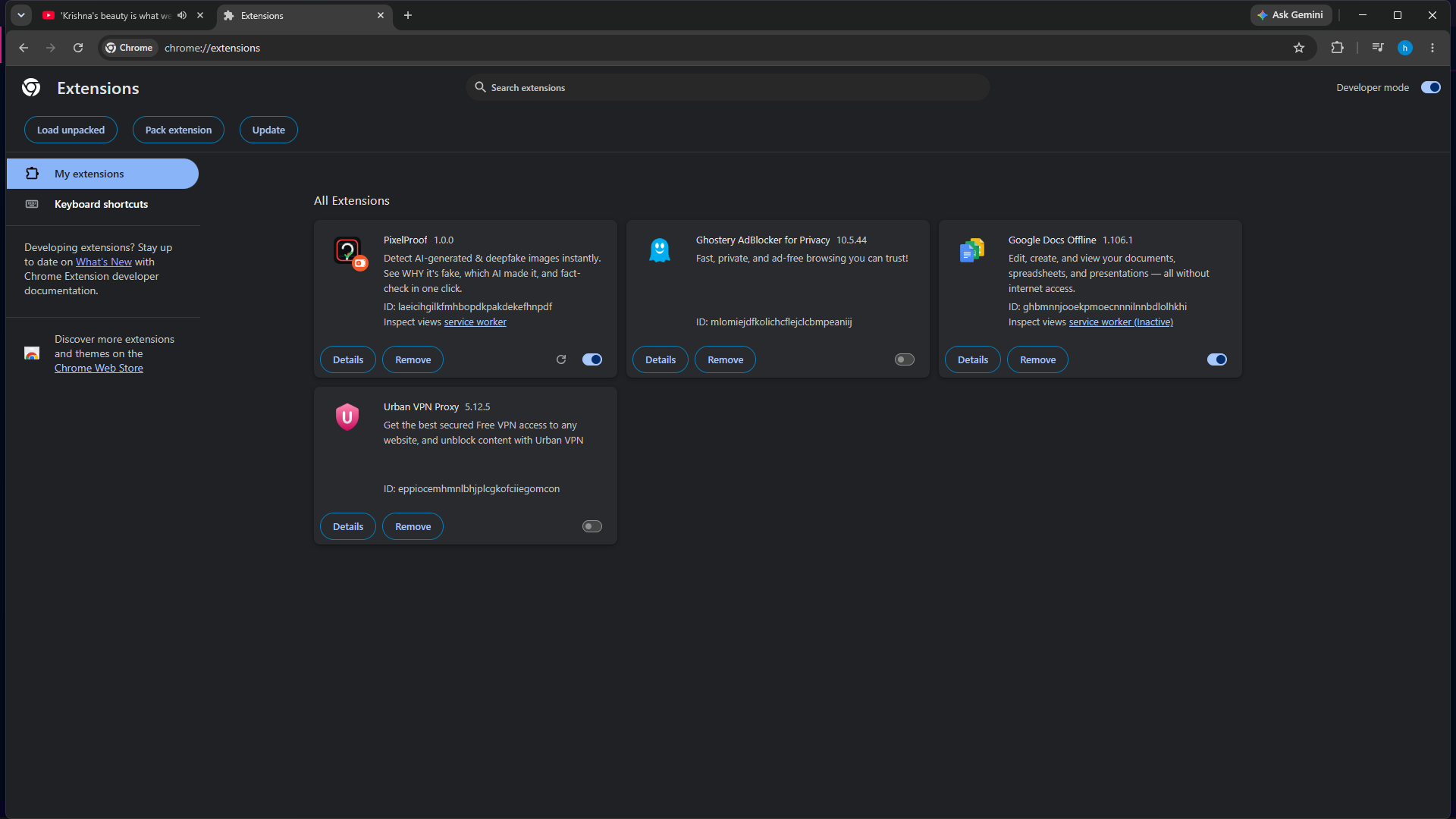
PixelProof — spot synthetic images instantly. Unpacked install + demo available
-
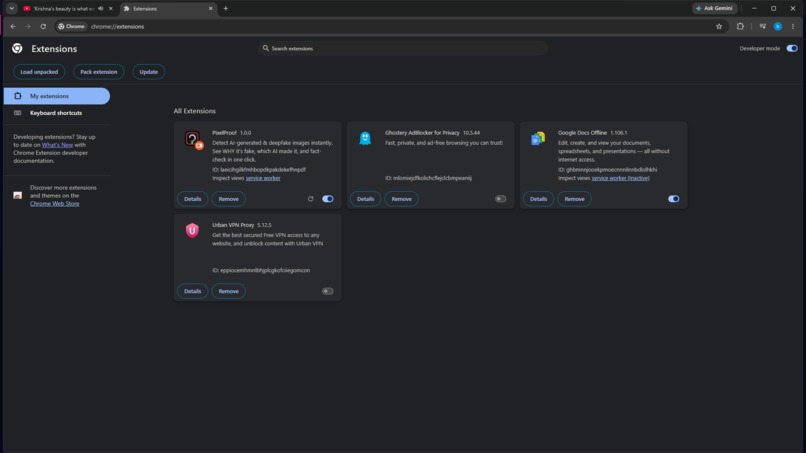
PixelProof extension installed — ready to scan images in-page.
-
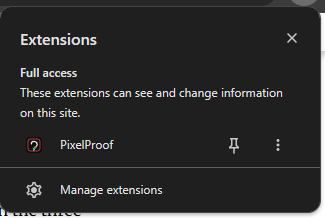
extensionS Panel
-
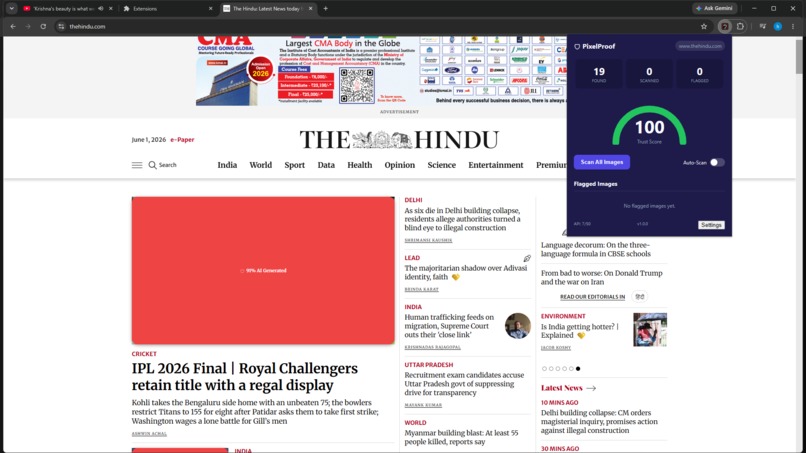
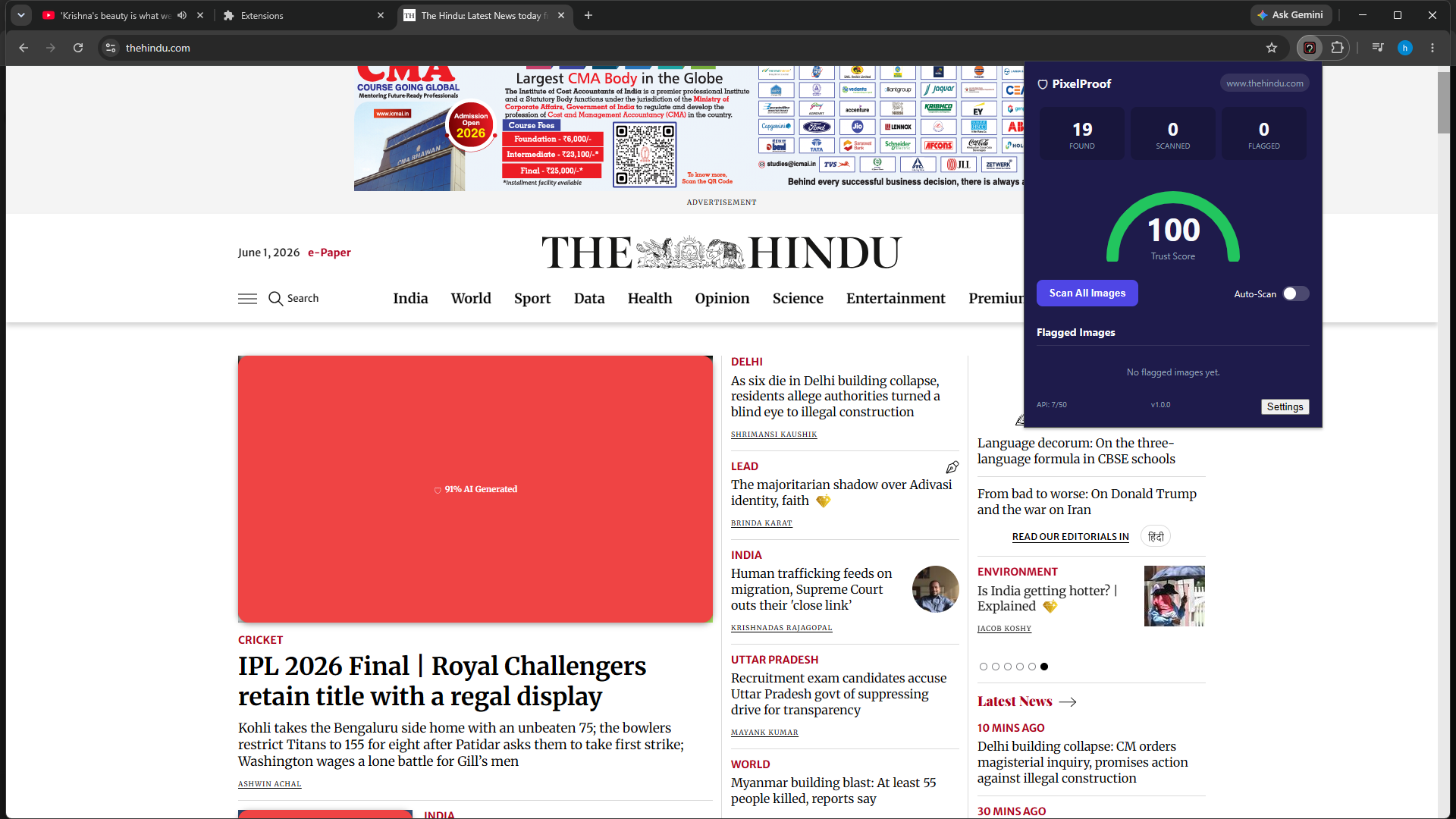
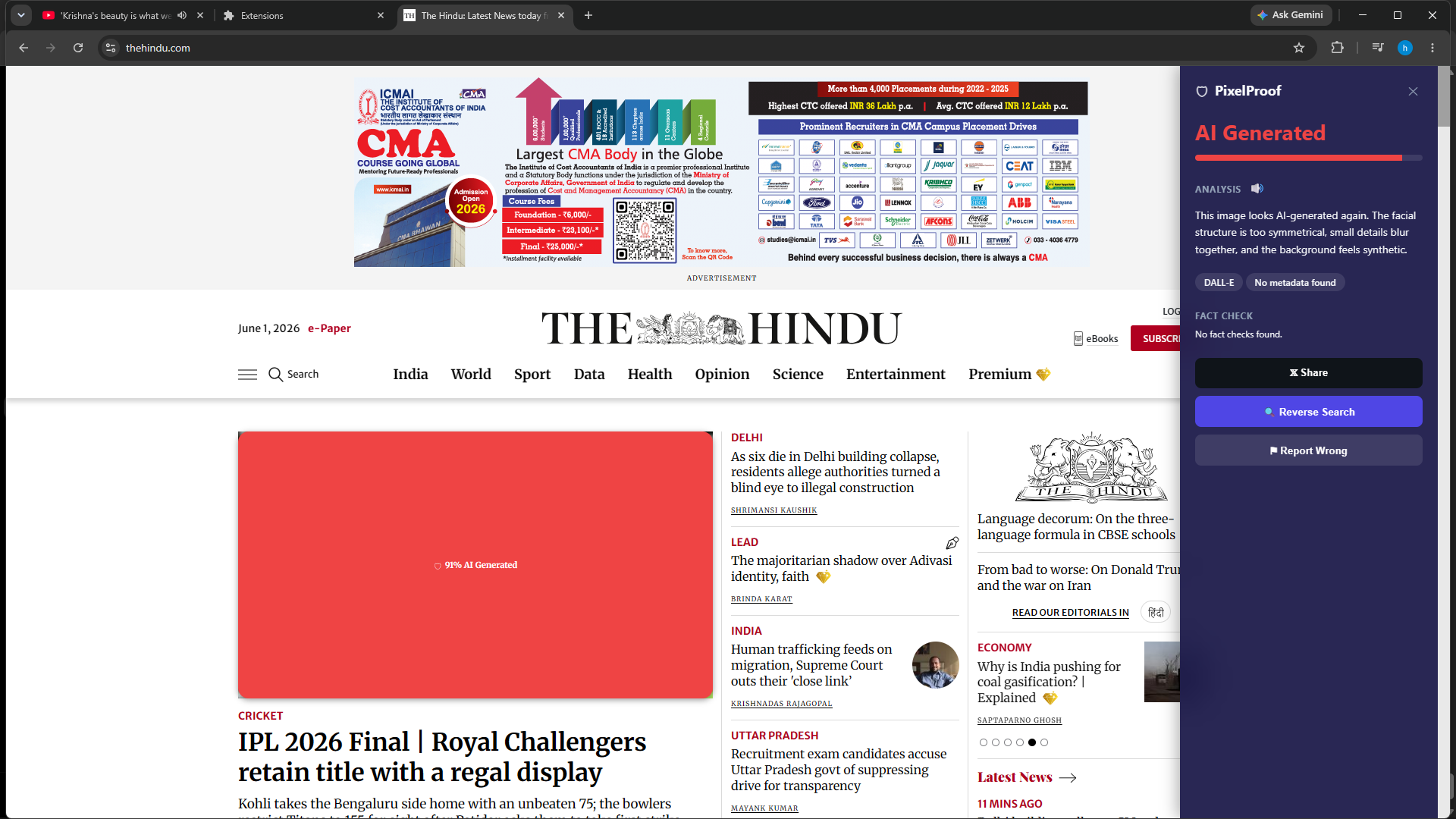
AI-generated detection — PixelProof flags likely synthetic imagery.
-
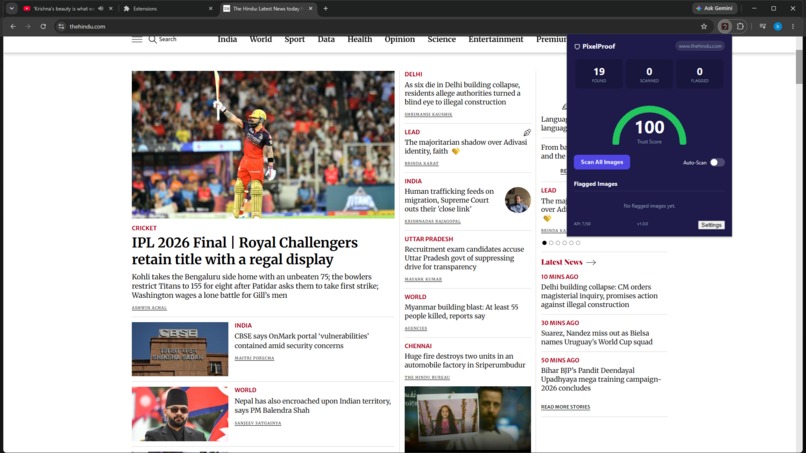
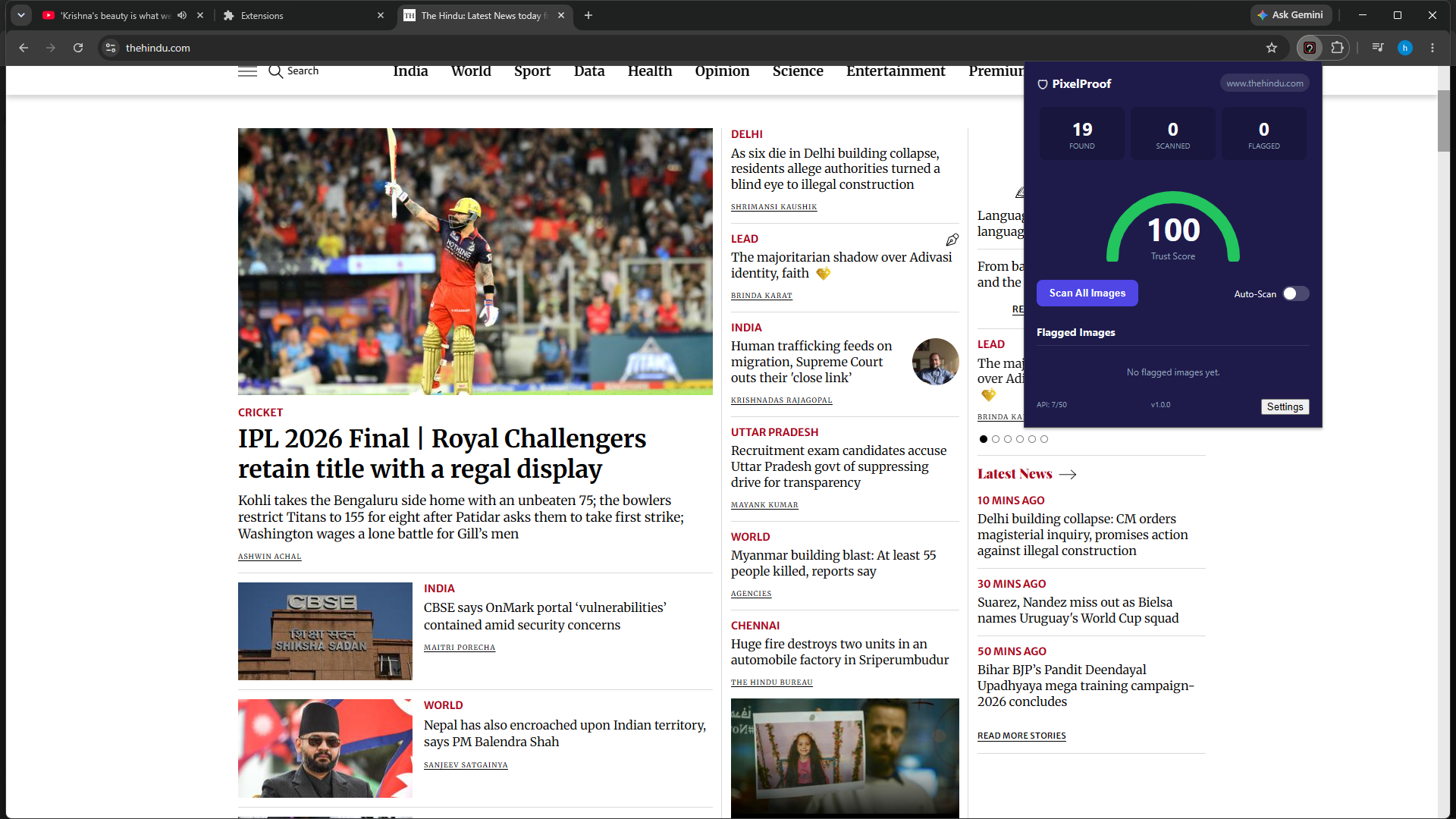
Real-world test: news article used as scan source (context matters)
-
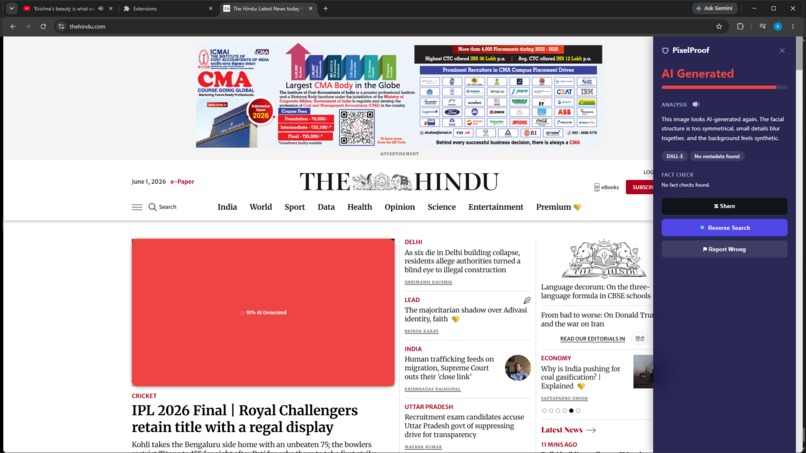
Detection details: explanation, confidence, claim sources, TTS and reverse-search tools
-
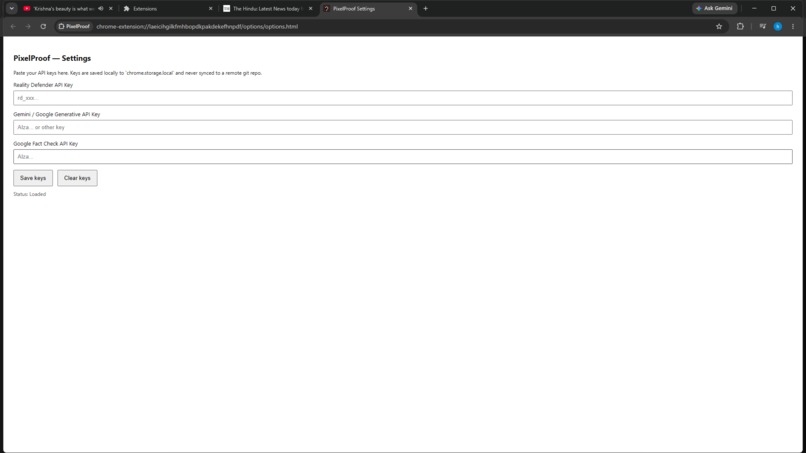
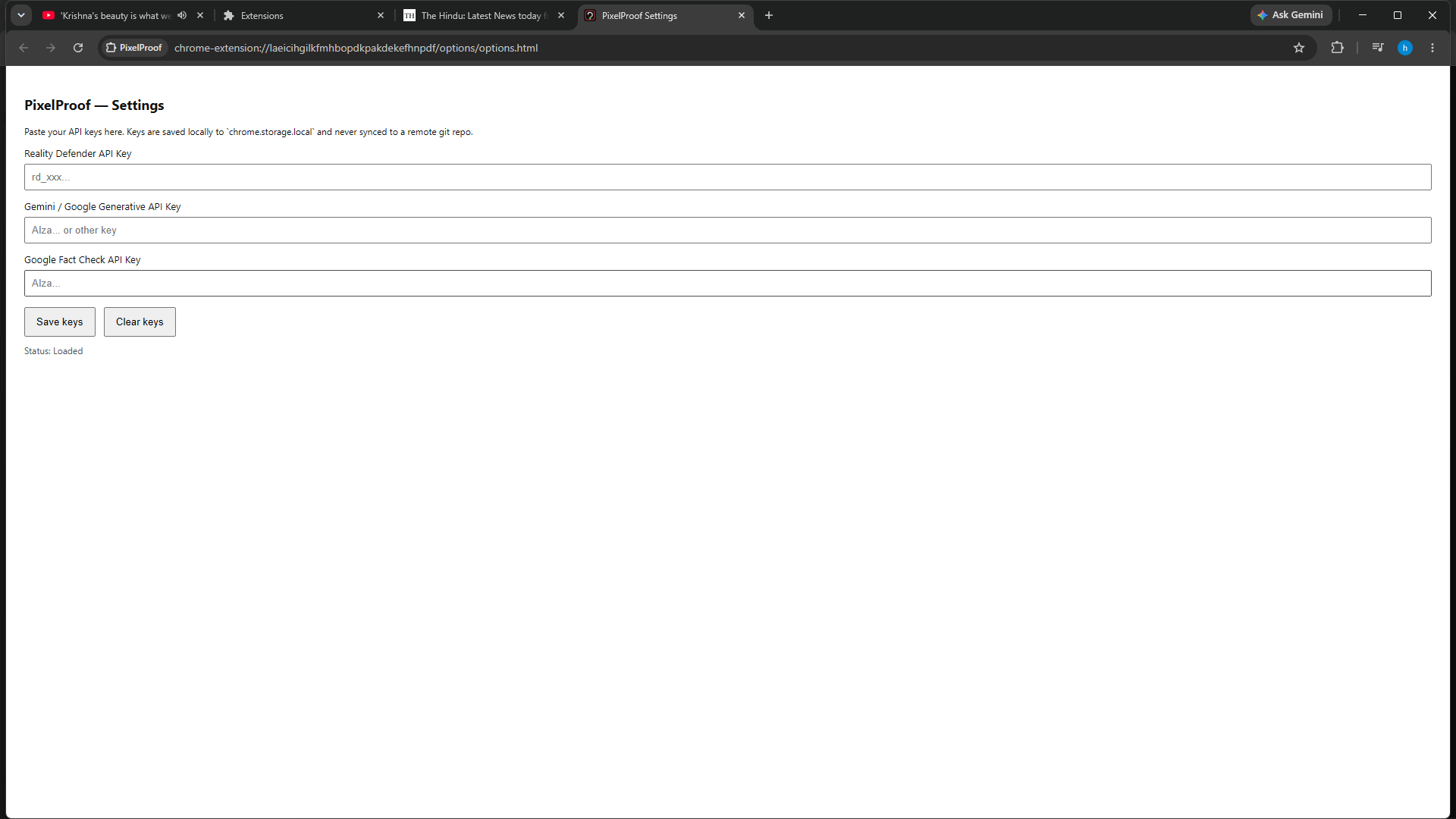
Settings & privacy: configure API keys, demo presets, and local cache.
Here’s a stronger, more in-depth version you can paste into Devpost. I kept it aligned with your README story, but made it sharper, more product-like, and more judge-friendly.
Inspiration
We built PixelProof because misinformation now travels through images faster than most people can verify it. A fake photo, a synthetic face, or a manipulated screenshot can look believable for seconds, but those seconds are often enough to shape opinions. Existing tools usually require extra steps, separate websites, or technical understanding. We wanted something that works where the content already is: inside the browser, with one click, in plain language.
PixelProof is our answer to that problem. It is designed as a browser-native fact and image verification layer that feels immediate, understandable, and practical.
What it does
PixelProof is a Chrome extension that scans images on any page and flags whether they look AI-generated, authentic, or manipulated. It explains its verdict in plain English and cross-checks claims against fact-check sources. It also stores results locally so rescans are fast and the demo stays responsive.
The extension supports:
- Live image scanning on webpages
- AI-generated vs authentic vs manipulated classification
- Human-readable explanations
- Fact-check lookup
- Local caching for instant rescans
- Local API key storage
- Demo-safe fallback mode when APIs are unavailable
How we built it
We built PixelProof as a Manifest V3 Chrome extension using vanilla HTML, CSS, and JavaScript. The architecture is split into a content script, background service worker, popup UI, options page, and shared utility modules.
The scan pipeline works like this:
Page image
  -> content script
  -> background worker
  -> AI detection
  -> Gemini explanation
  -> fact-check lookup
  -> cached result
  -> overlay / popup UI
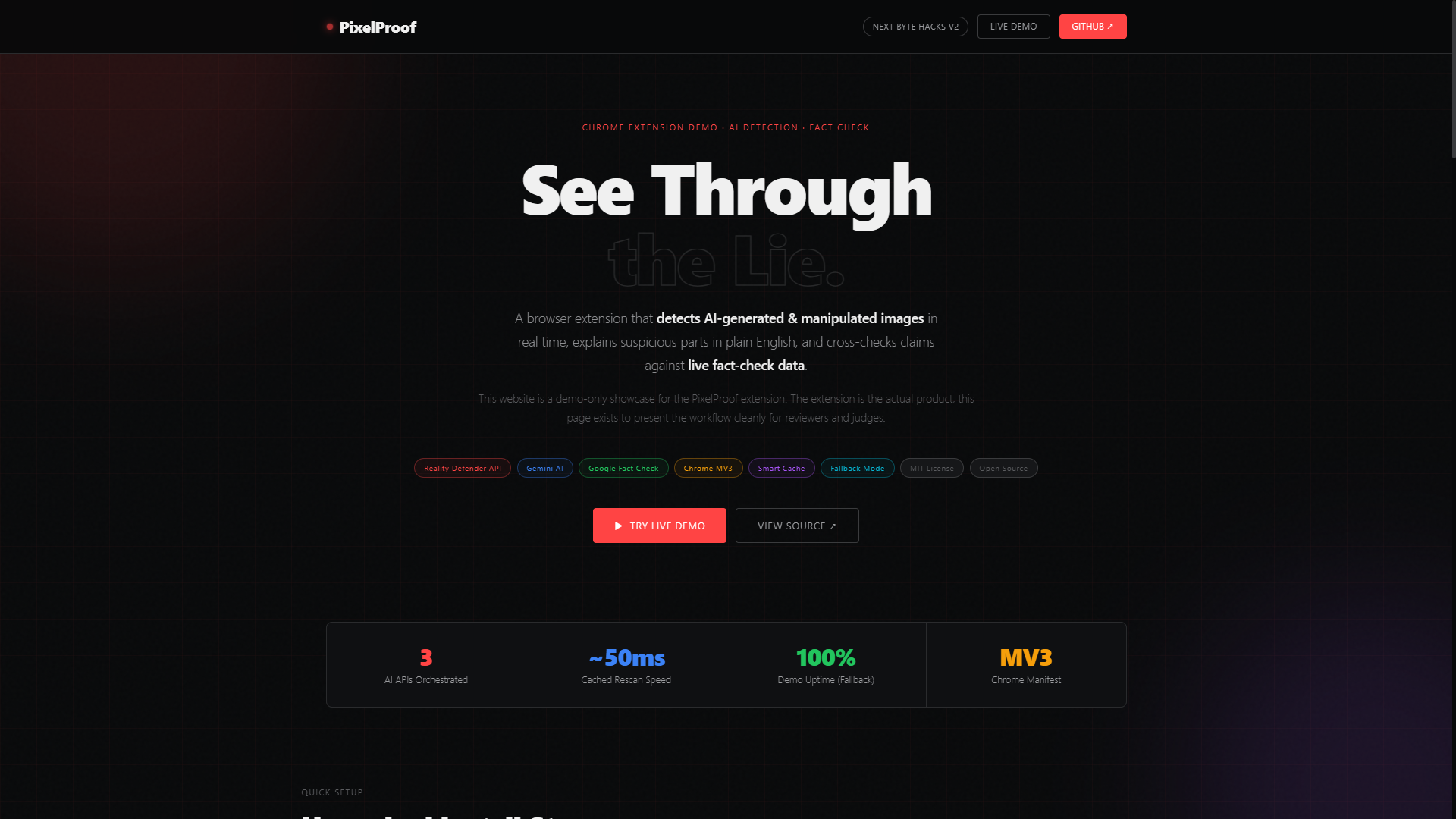
We also built a public-facing demo landing page to explain the product, show setup steps, and make the submission easier to review. That page is separate from the extension itself, because the actual product is the browser extension.
For local setup and API configuration, we used a simple environment-based workflow. A stripped-down example looks like this:
# .env example
REALITY_DEFENDER_API_KEY=your_key_here
GEMINI_API_KEY=your_key_here
FACT_CHECK_API_KEY=your_key_here
And the extension can be loaded unpacked locally with Chrome’s extension tools. That keeps the build simple and makes the project easy to run during judging.
A simplified version of the scan flow looks like this:
chrome.runtime.sendMessage({
  action: "scanImage",
  imageUrl,
  imageBase64,
});
The background worker then handles the actual classification, explanation, fact-checking, and caching.
Challenges we ran into
The biggest challenge was making the demo reliable without depending on live APIs at all times. For a hackathon submission, that matters a lot: the project has to work during a live demo, not just in perfect conditions. To solve that, we added a deterministic fallback mode so PixelProof still produces believable results when keys are missing or a service fails.
Another challenge was keeping the UI simple while handling multiple states: scanning, cached results, explanation panels, settings, overlays, and demo fallback. We had to make sure the extension still felt clear when a user jumps between pages and images quickly.
We also spent time polishing the installation story. Since this is an unpacked extension for now, we made the setup flow explicit so reviewers can load it in a few steps without confusion.
Accomplishments that we're proud of
We’re proud that PixelProof is not just a static mockup. It is a working browser extension with a real scan flow, local caching, settings, fallback behavior, and a polished demo landing page. The project is designed to feel useful immediately, even before a public release.
We’re also proud of the presentation layer: the icon set, the documentation, the credits, the security notes, and the demo site all make the repo feel like a real product, not just a hackathon prototype.
What we learned
We learned how important it is to design for the demo as well as the product. A good hackathon submission needs more than a feature list. It needs a clear story, a reliable fallback, visible proof that it works, and a setup path that does not waste the reviewer’s time.
We also learned how to structure a Chrome extension cleanly across multiple files and responsibilities. Separating the content script, background logic, popup, settings, and utilities made the project easier to reason about and easier to explain.
What’s next for PixelProof
Next, we want to improve detection quality, expand the review flow, and make the UX even cleaner for real use. We also want to keep refining the verification experience so users can see not just a label, but stronger evidence and more context.
Future improvements could include:
- Better detection models and signal aggregation
- Stronger upload and screenshot workflows
- More polished onboarding for unpacked install
- More detailed fact-check matching
- Broader browser support if the architecture allows it
- A public release path beyond the current demo build


Log in or sign up for Devpost to join the conversation.