-
-
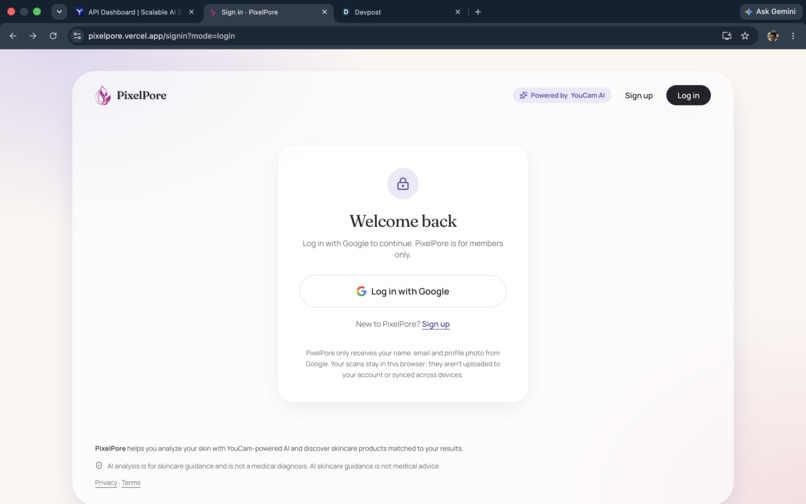
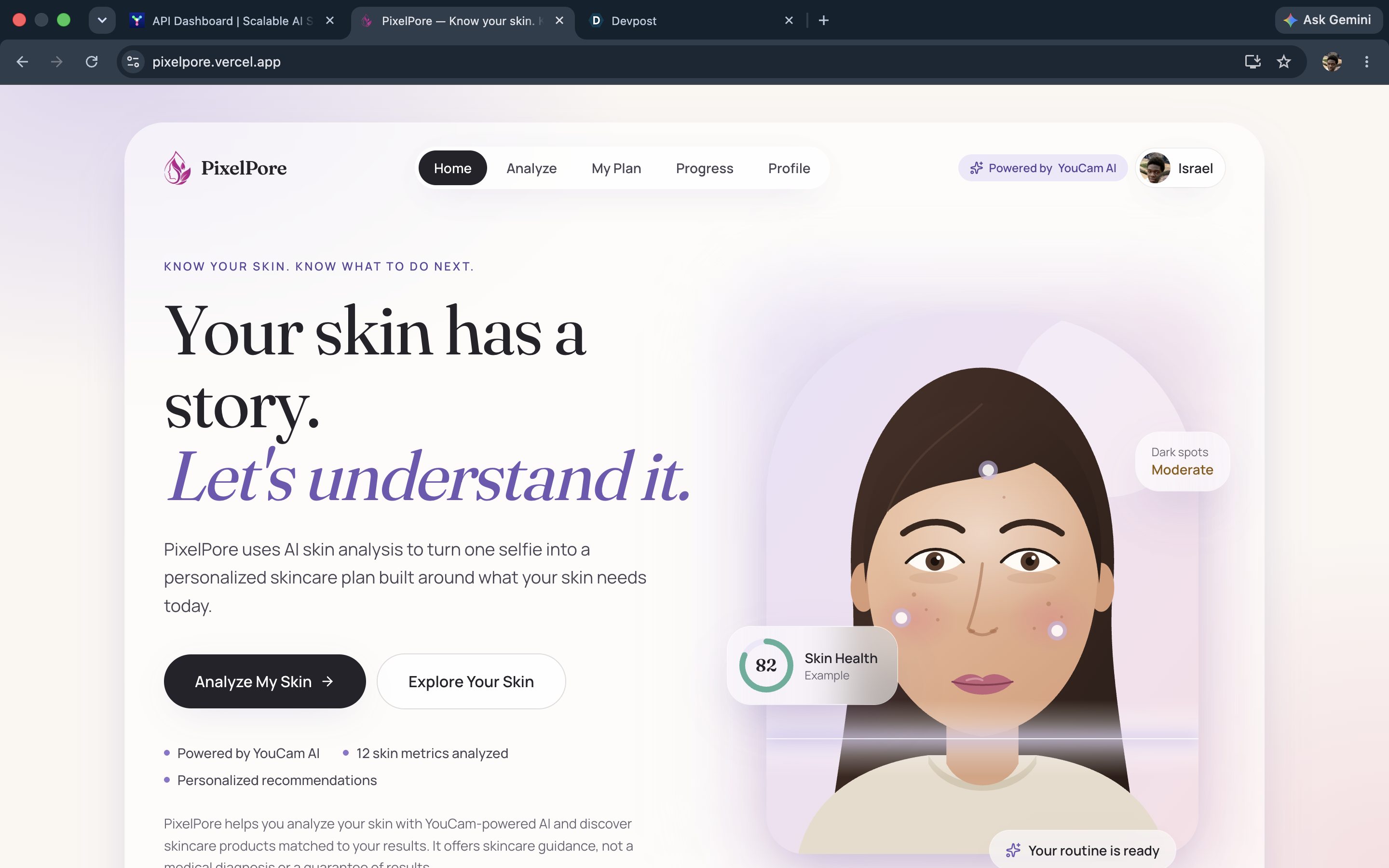
Pixelpore Landing page
-
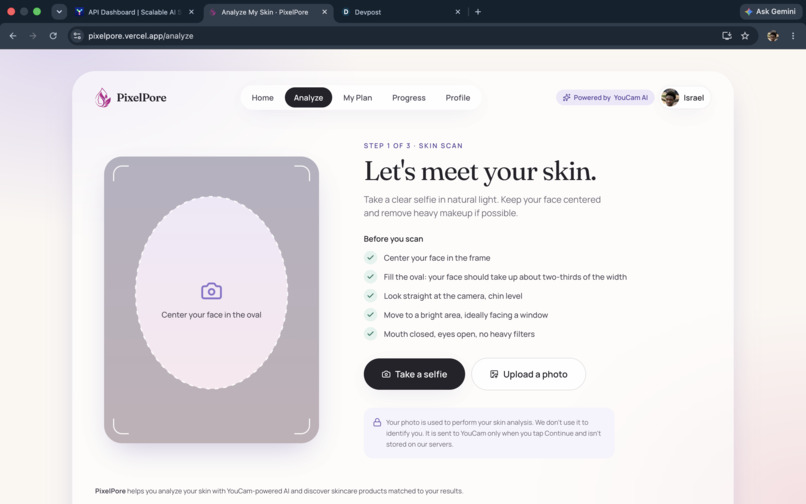
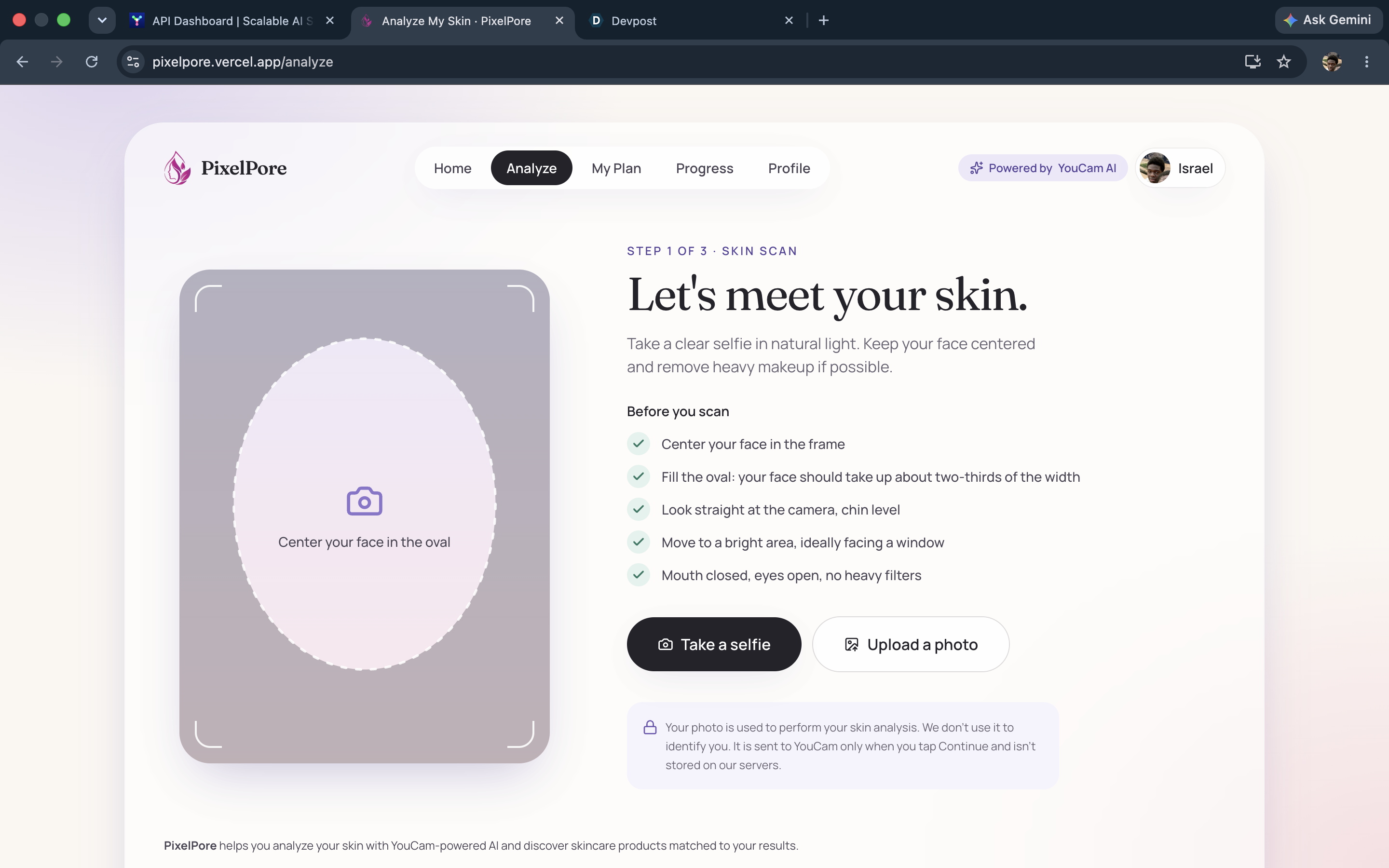
scan page
-
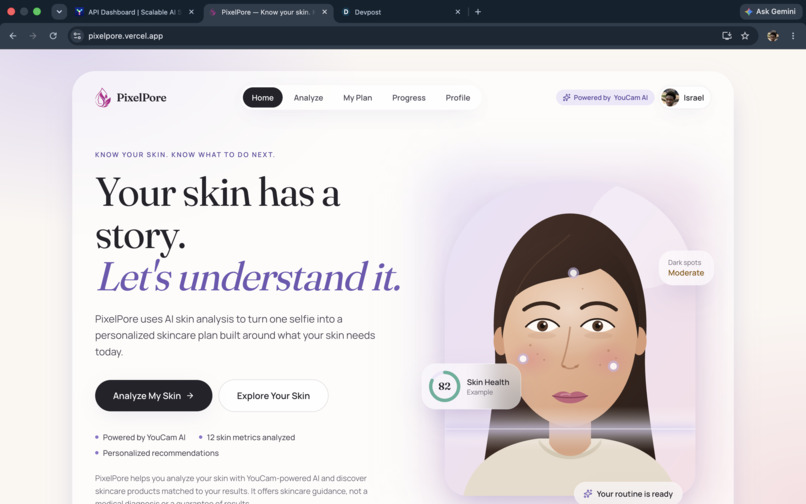
Home age
-
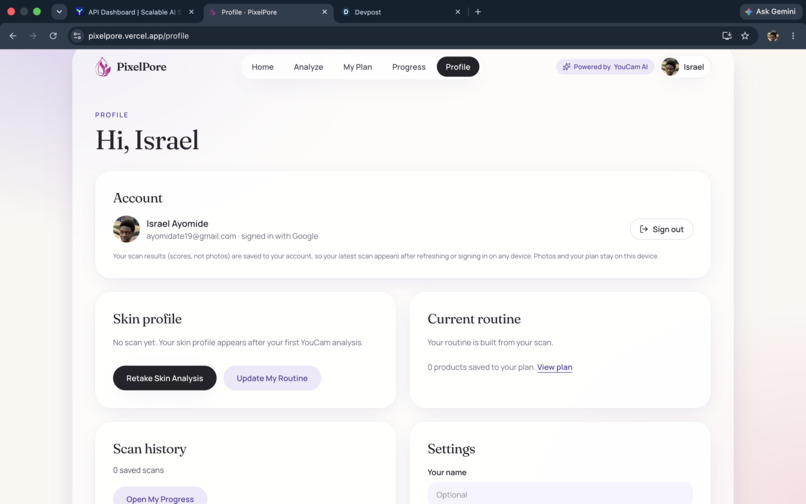
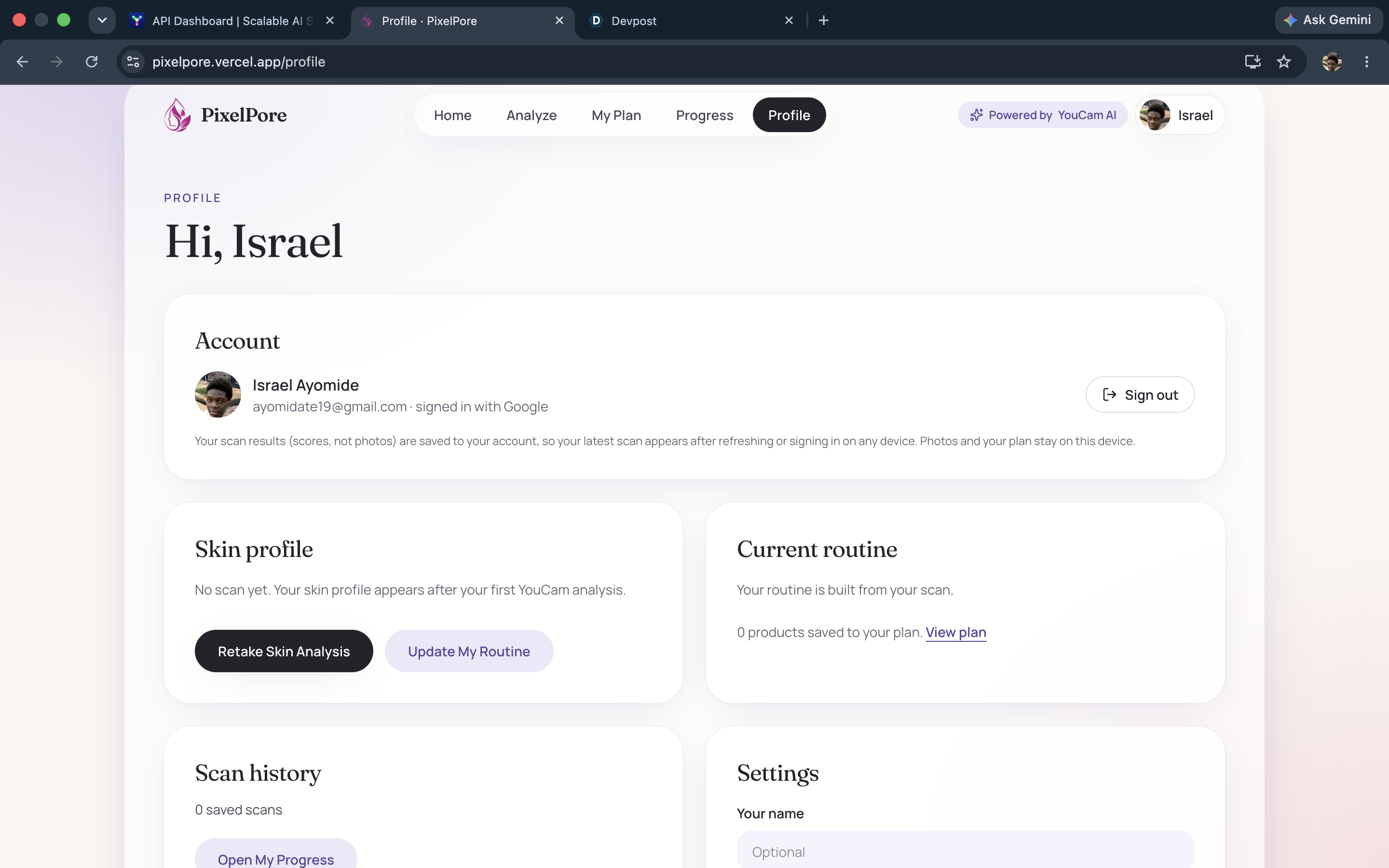
Profile Page
Inspiration
People buy skincare based on assumptions: a trending serum, a friend's recommendation, a label they can't decode. Skin-analysis tools can show you a score, but they stop there, and a score doesn't tell you what to do next. We wanted to close that gap. [Add one sentence of your own: a personal reason, or a moment when you didn't know what your skin needed.]
What it does
PixelPore turns one selfie into a personalized skincare plan.
- Guided scan: before anything is sent, the app checks your framing, lighting and pose on your own device and tells you what to fix ("move a little closer," "keep your head level"). You can use the camera or upload a photo.
- YouCam-powered analysis: the photo is analyzed by the YouCam AI Skin Analysis API across twelve areas, including hydration, dark spots, pores and texture.
- Skin snapshot: an overall score, a short list of what to focus on first, and a plain-language explanation, clearly labeled as AI-generated insight, not a diagnosis.
- Personalized routine: a morning and evening routine, and every step has a "Why this step?" tied to your own results.
- Real products: matched to your scores, each with its photo, key ingredients, why it fits, and a link to the brand's own store.
- Scan a product you own: read its barcode, or paste the ingredient list, to see its ingredients and how they may relate to your skin.
- Progress: your scan history, so you can see how your skin changes over time.
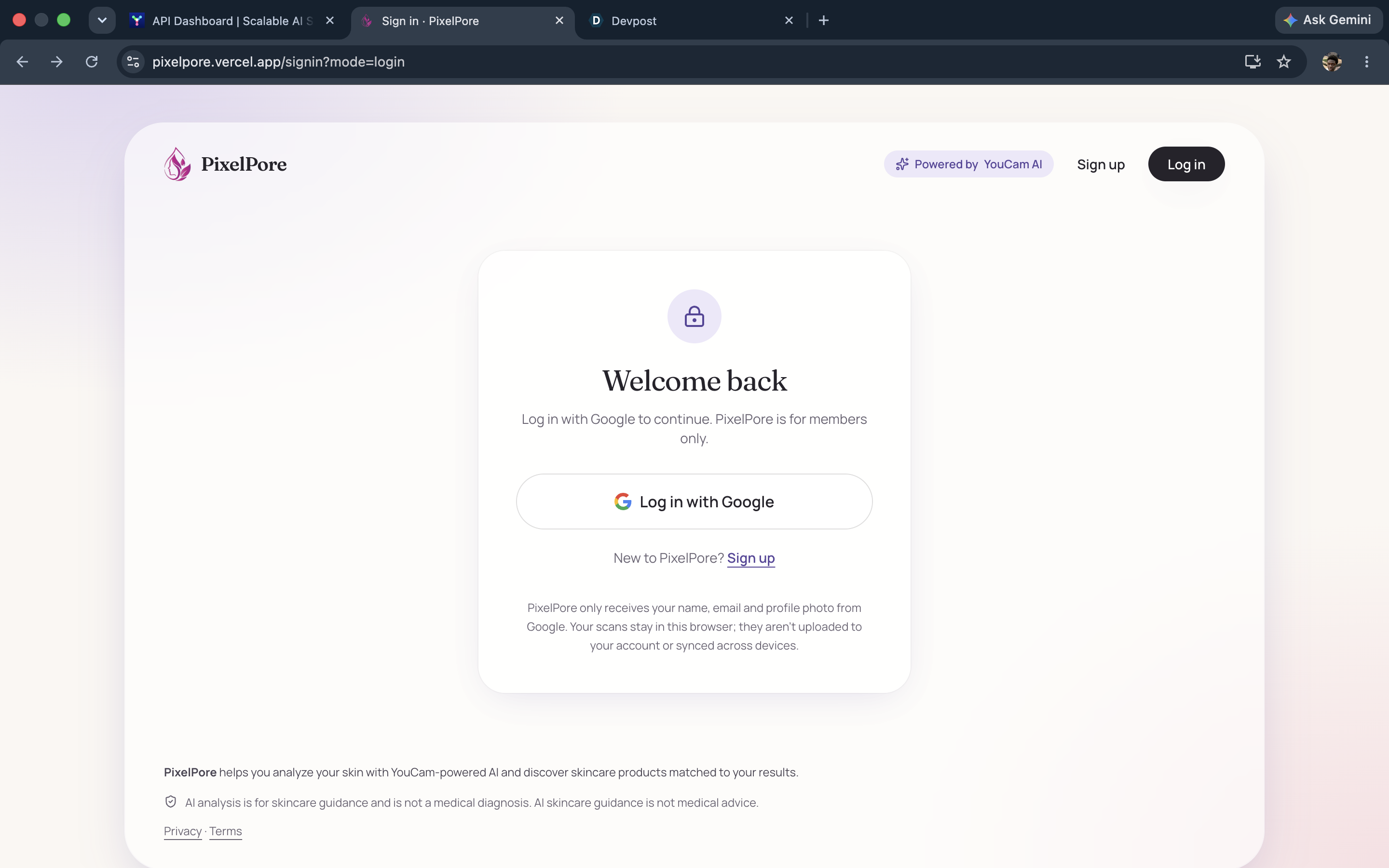
- Members-only: sign up or log in with Google. Your photo is not stored on our servers.
How we built it
PixelPore is a Next.js (React, TypeScript, Tailwind CSS) app deployed on Vercel. A server-side layer talks to the YouCam API: upload the photo, create a skin-analysis task, poll for the result, and normalize it, so the API key never reaches the browser. A separate rule-based recommendation engine turns the YouCam scores into priorities, routines and product picks, and explains each choice. Face-position checks run in the browser with MediaPipe. Barcodes are decoded in the browser with ZXing and looked up in Open Beauty Facts. Sign-in uses Auth.js with Google, and Upstash Redis stores saved scan scores for signed-in users.
Challenges we ran into
- YouCam has no pre-scan signal. The API only rejects a bad photo after upload, so we built local checks based on its documented photo requirements, and mapped its error codes into friendly guidance.
- Our first scans kept failing with "face too small." We found we were sending the whole camera frame instead of the visible crop, and fixed the capture.
- Keeping the app honest. We separate what YouCam returns (scores) from what PixelPore suggests (routines and products), label both clearly, and never claim an ingredient is safe or effective for someone.
- Real products, real links. We replaced sample products with real ones and checked every store link and product image by hand.
- Shipping it for real: Google OAuth branding and publishing, a members-only gate, and privacy and terms pages.
Accomplishments that we're proud of
- A complete journey from selfie to routine to shopping, running live on the real YouCam API.
- Scan quality checks that stop most bad photos before they cost an API call.
- 17 real products with verified links and photos, and a barcode scanner that says "not found" instead of guessing.
- A privacy-minded design: photos are checked on-device and are not stored on our servers.
What we learned
The YouCam API gives strong visual intelligence, but the value for people comes from the decision layer around it: explaining scores, prioritizing, and being honest about uncertainty. We also learned that failure states are part of the product, since most of our work went into helping people get a good scan.
What's next for PixelPore
- Reading ingredients straight from a label photo.
- Scan history that follows you across devices.
- Android and iPhone apps in the stores.
- More products and retailers, with expert-reviewed ingredient guidance.
- Richer progress tracking over weeks and months.
Try it: https://pixelpore.vercel.app (sign in with Google)

Log in or sign up for Devpost to join the conversation.