-
-
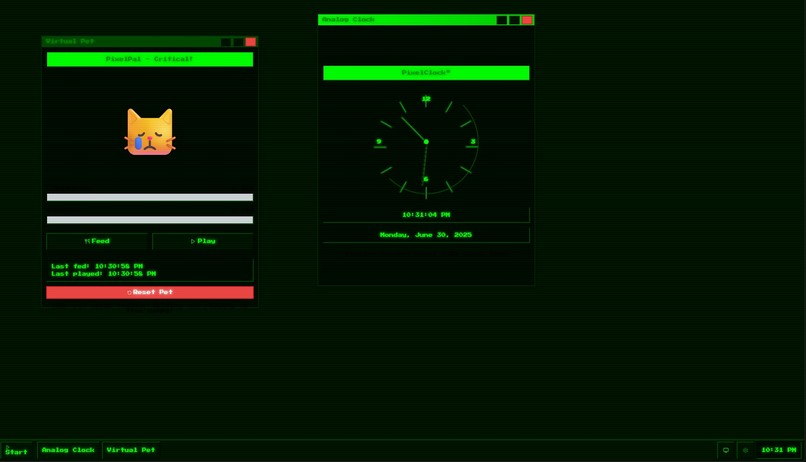
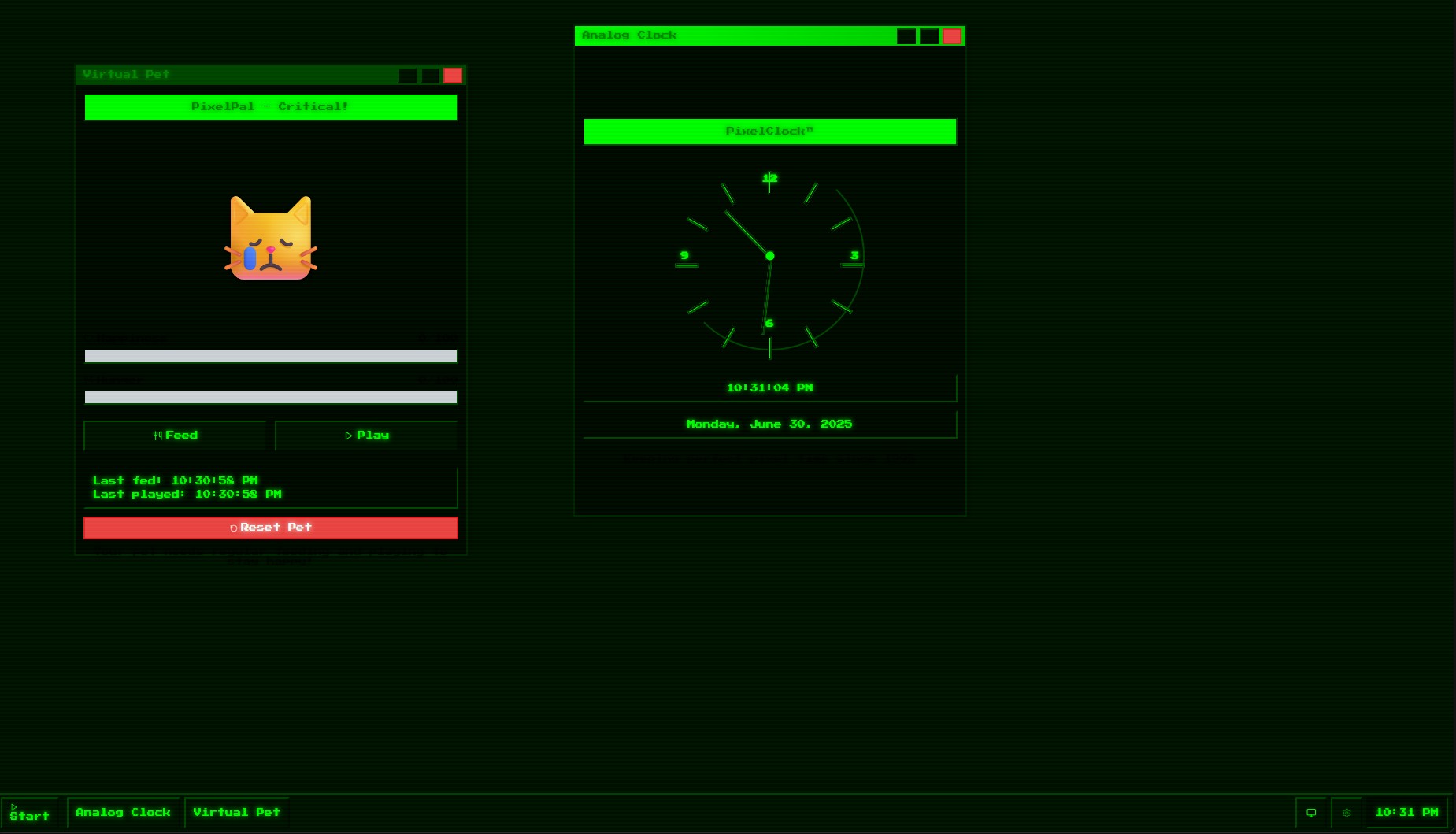
some apps open
-
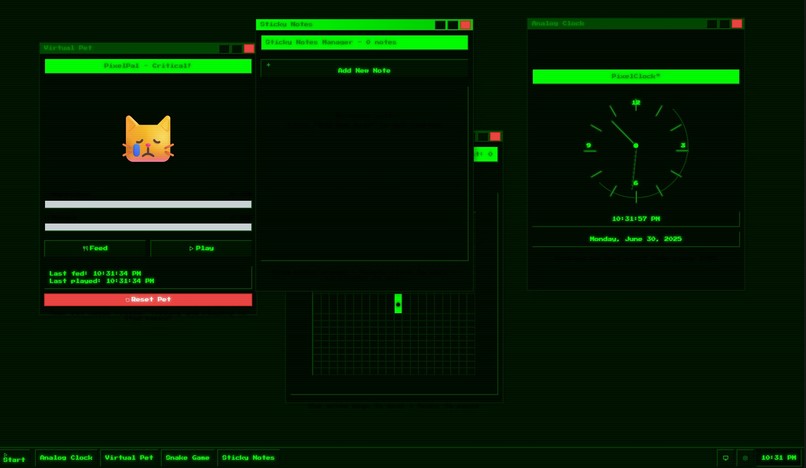
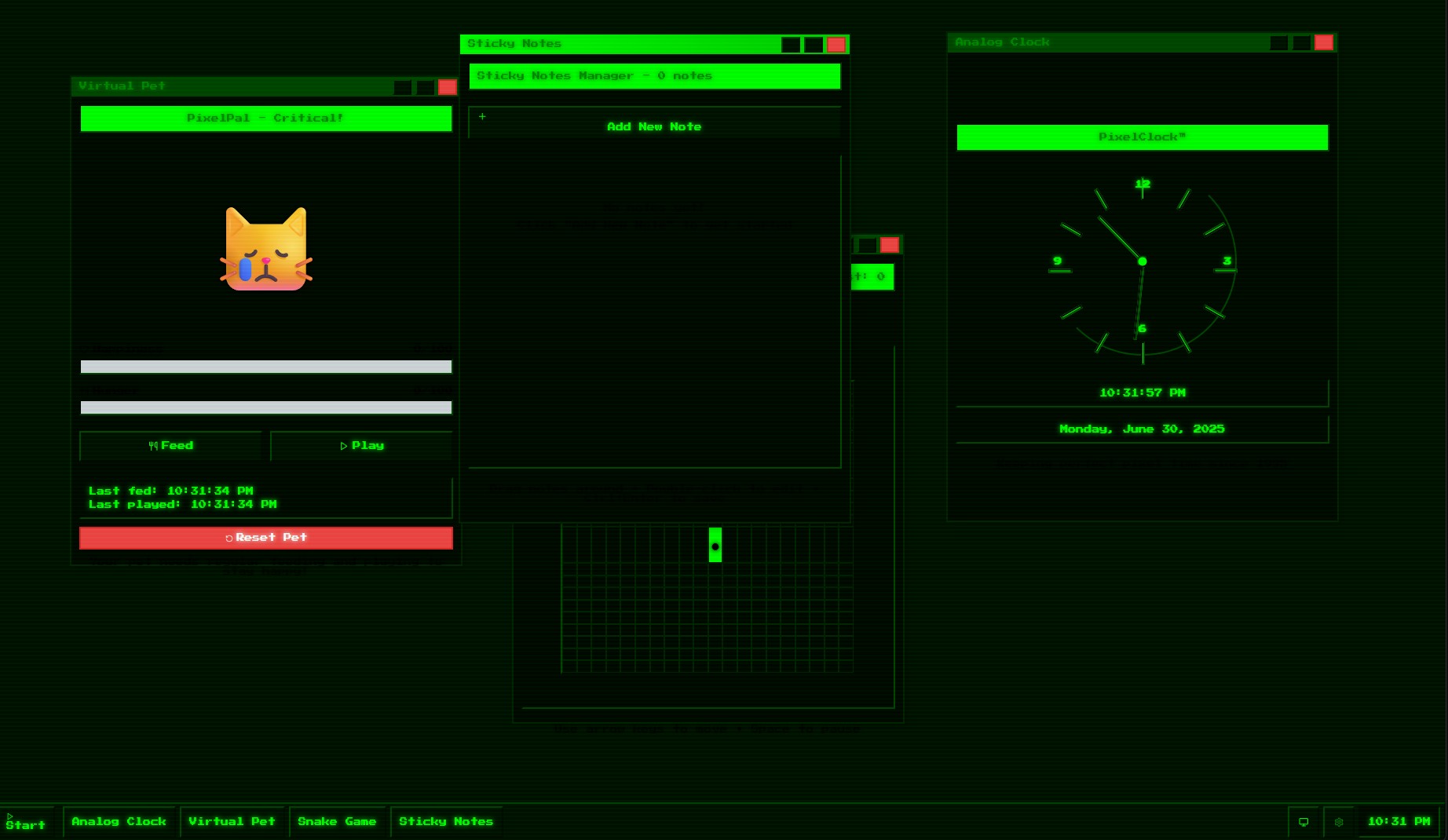
More apps
Inspiration
We were inspired by the nostalgia of retro operating systems and handheld consoles like the GameBoy, Windows 95, and Tamagotchi. We wanted to create a playful, self-contained dashboard that feels like a toy but serves a purpose — something you can customize, interact with, and enjoy without any modern-day friction like logins or cloud sync.
What it does
PixelPanes is a retro-styled widget dashboard that mimics a mini OS interface. It features:
- Drag-and-drop pixel windows with CRT visual styling.
- Built-in widgets like a to-do list, sticky notes, clock, and a virtual pet.
- Offline-first support using
localStorage. - Retro sound effects and animations.
- A bonus mini-game (Snake) for quick breaks.
Everything runs locally in the browser — no external APIs, no backend.
How we built it
We used:
- React + Vite for the app foundation.
- Tailwind CSS with custom retro-themed styles.
- Framer Motion for window animations and subtle effects.
- LocalStorage to persist user data across sessions.
- Pixel fonts and sound effects for the nostalgic experience.
- Custom React hooks to manage windows and widget states.
All assets are local, and the app is designed to be installable as a PWA.
Challenges we ran into
- Making the windows draggable, resizable, and responsive while keeping the pixel aesthetic consistent.
- Ensuring layout persistence with localStorage in a clean and efficient way.
- Designing a cohesive retro UI without relying on external assets or libraries.
- Balancing functionality and fun — making sure it wasn’t just a toy, but something people might actually use.
Accomplishments that we're proud of
- A polished, completely offline, nostalgic app with charm and utility.
- Smooth UI/UX that replicates the feel of old interfaces.
- A unique experience that stands out visually among modern web apps.
- The virtual pet — it actually reacts when you interact with it and changes mood based on time.
What we learned
- How to design around limitations intentionally (low-res fonts, sound beeps, etc.).
- That small delightful interactions (window pop sounds, scanlines, pet reactions) create huge emotional payoff.
- How to make a complex layout system feel lightweight and perform well, even with multiple draggable components.
What's next for PixelPanes
- Add more widgets: weather (mocked), file manager, terminal.
- Let users create their own widgets using a visual builder.
- Add themes (GameBoy Green, DOS Blue, Vaporwave).
- Export/import desktop layouts for sharing.
- Add a Tamagotchi-like care loop to the pet: feeding, sleeping, evolving.
We see this evolving into a fun productivity toy — a place for users to take breaks, jot notes, and play, all in one quirky environment.
Built With
- bolt
- react
- tailwindcss
- typescript


Log in or sign up for Devpost to join the conversation.