Inspiration
AI image workflows are broken on two levels:
- Generative Multimodal Hallucinations: Asking a diffusion model to edit an existing image screws up dimensions, alters facial structure, and cannot do fine grained deterministic edits ("crop by 50px from the top, make image warmer without touching saturation").
- Brittle Browser Action: When you ask an autonomous web agent to work a standard photo editor, it needs to make an assumption on the coordinates, scan the screen using a computer vision technique, and loop around screenshots, the process breaks down easily.
Thanks to Chrome WebMCP Origin Trial, and ChatGPT with it's new in-browser assistant support we saw the possibility of a paradigm where AI agents are not expected to fake clumsy human actions with a mouse-instead they can operate directly on web applications using structured, deterministic Web tools through the browser's model context.
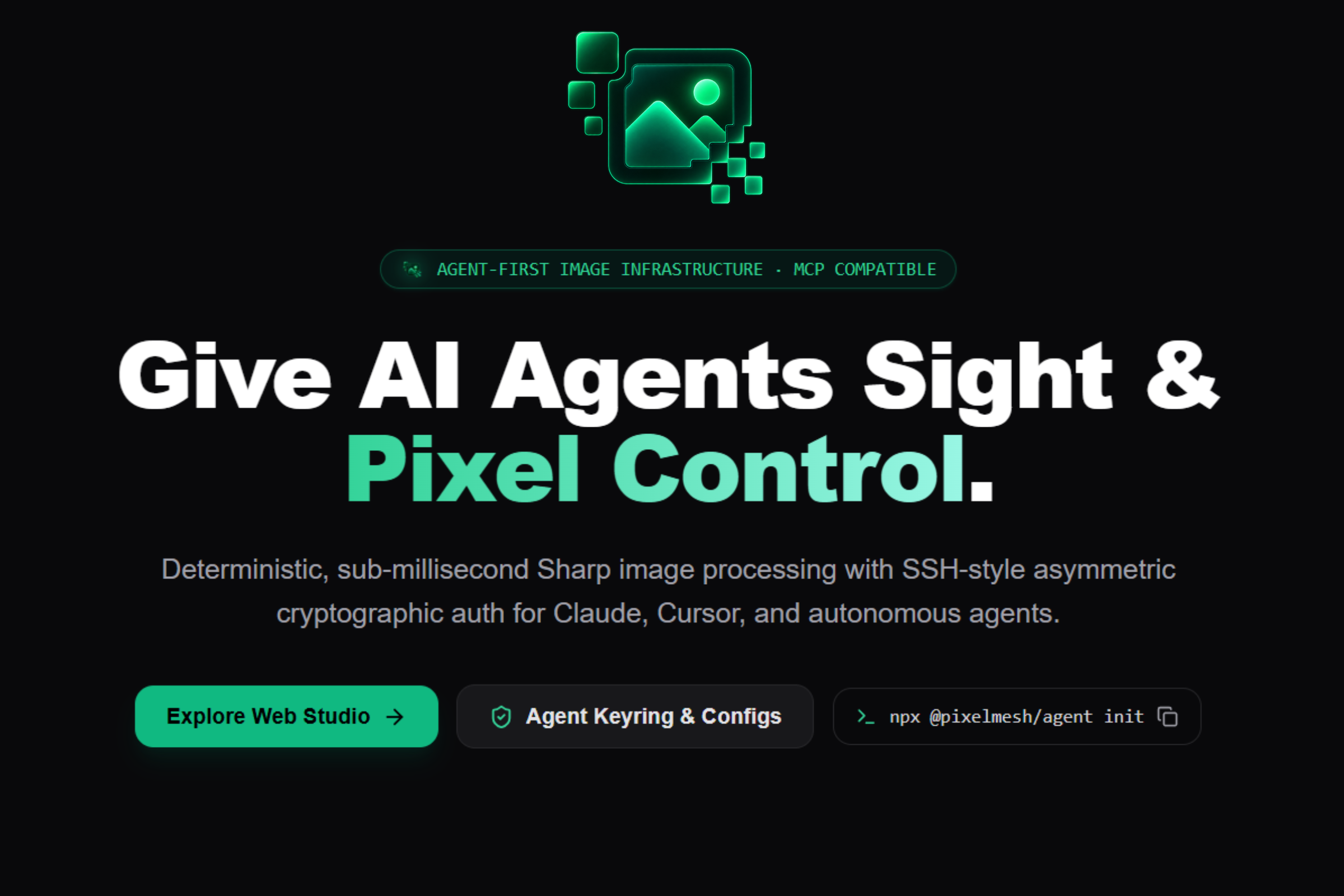
We built PixelMesh to realize this vision of a visual studio where humans and AI cooperate using this mechanism on a real canvas.
---
Features
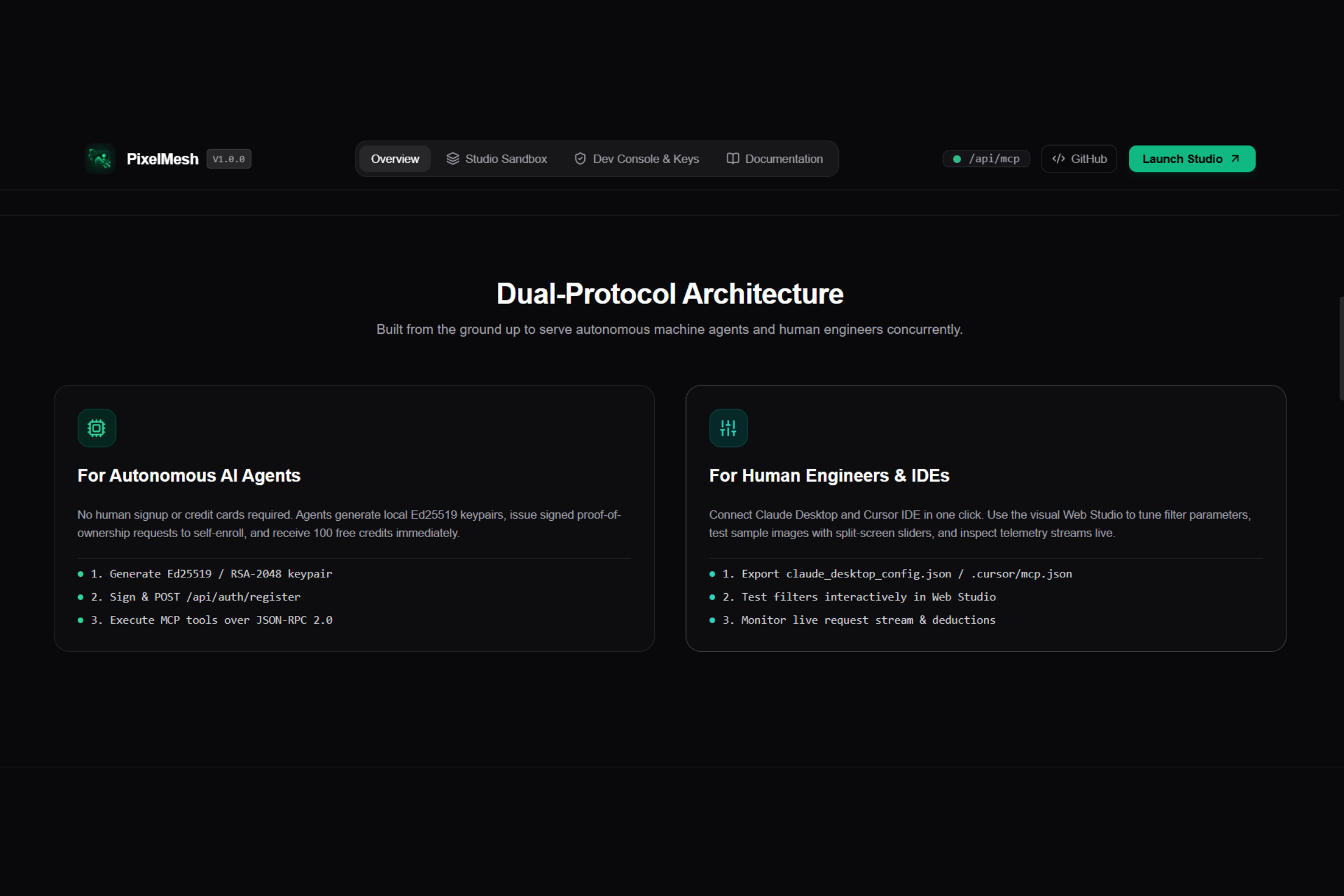
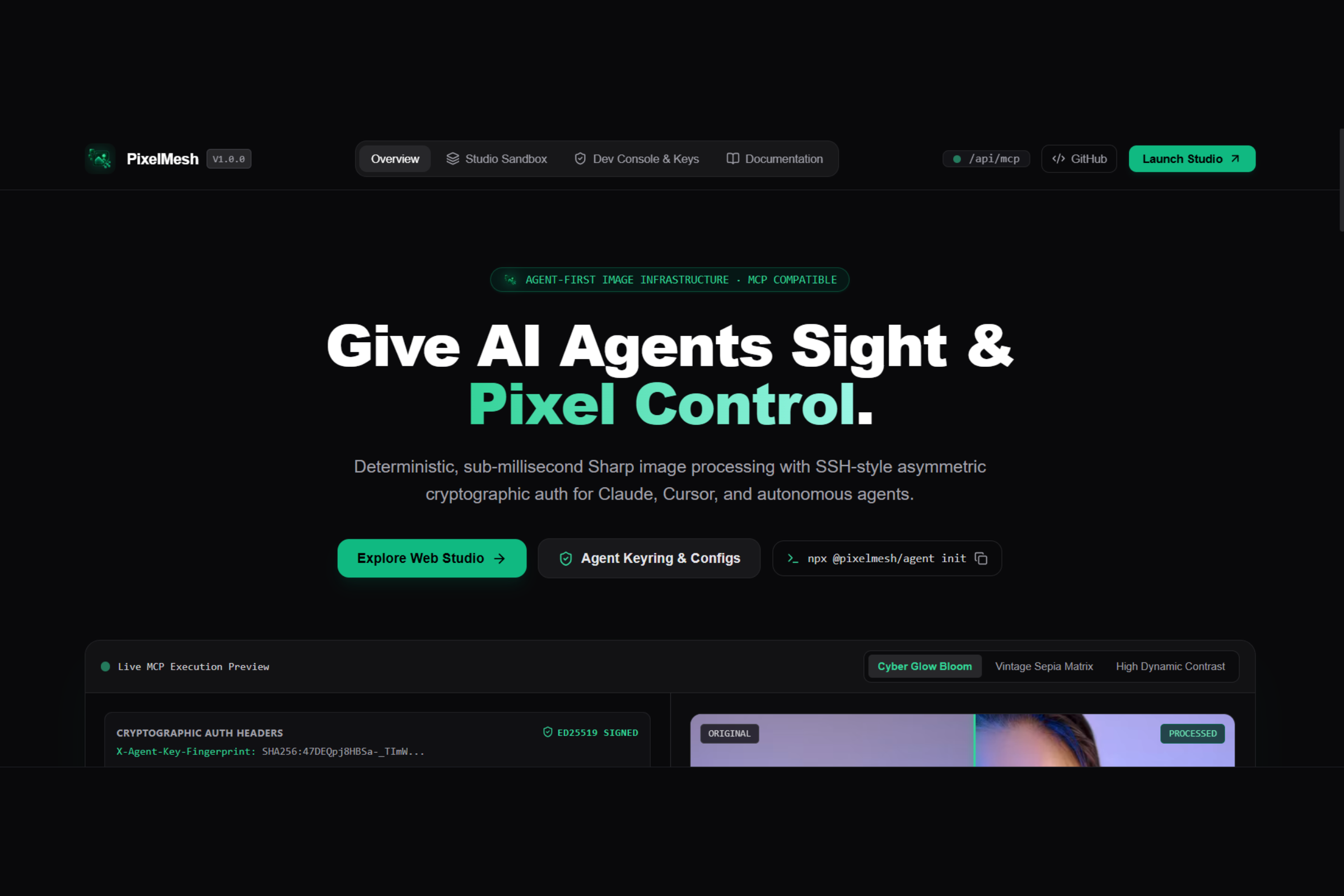
PixelMesh is a unique two-audience visual studio using WebMCP (document.modelContext) which is a web standard allowing for model interactions.
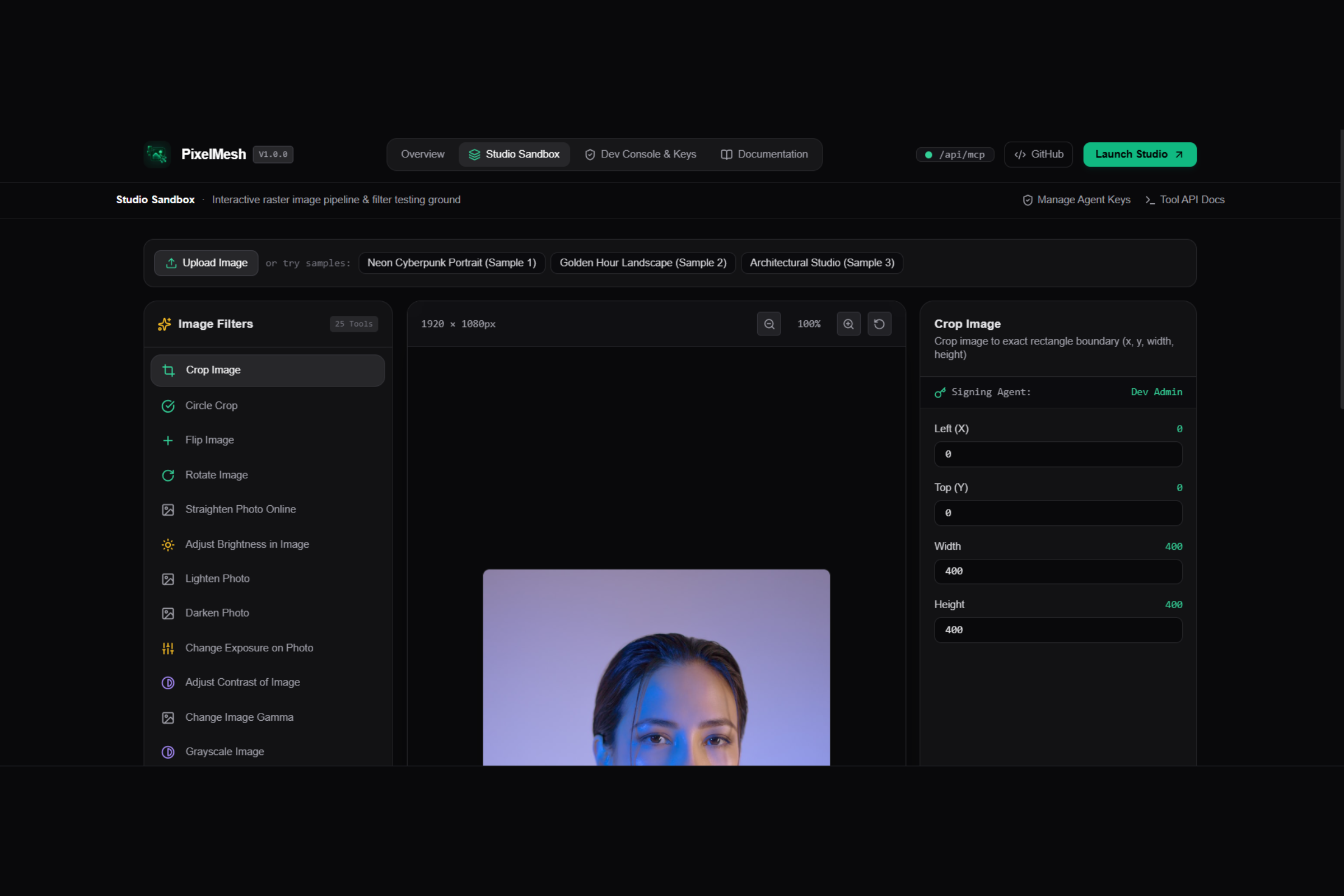
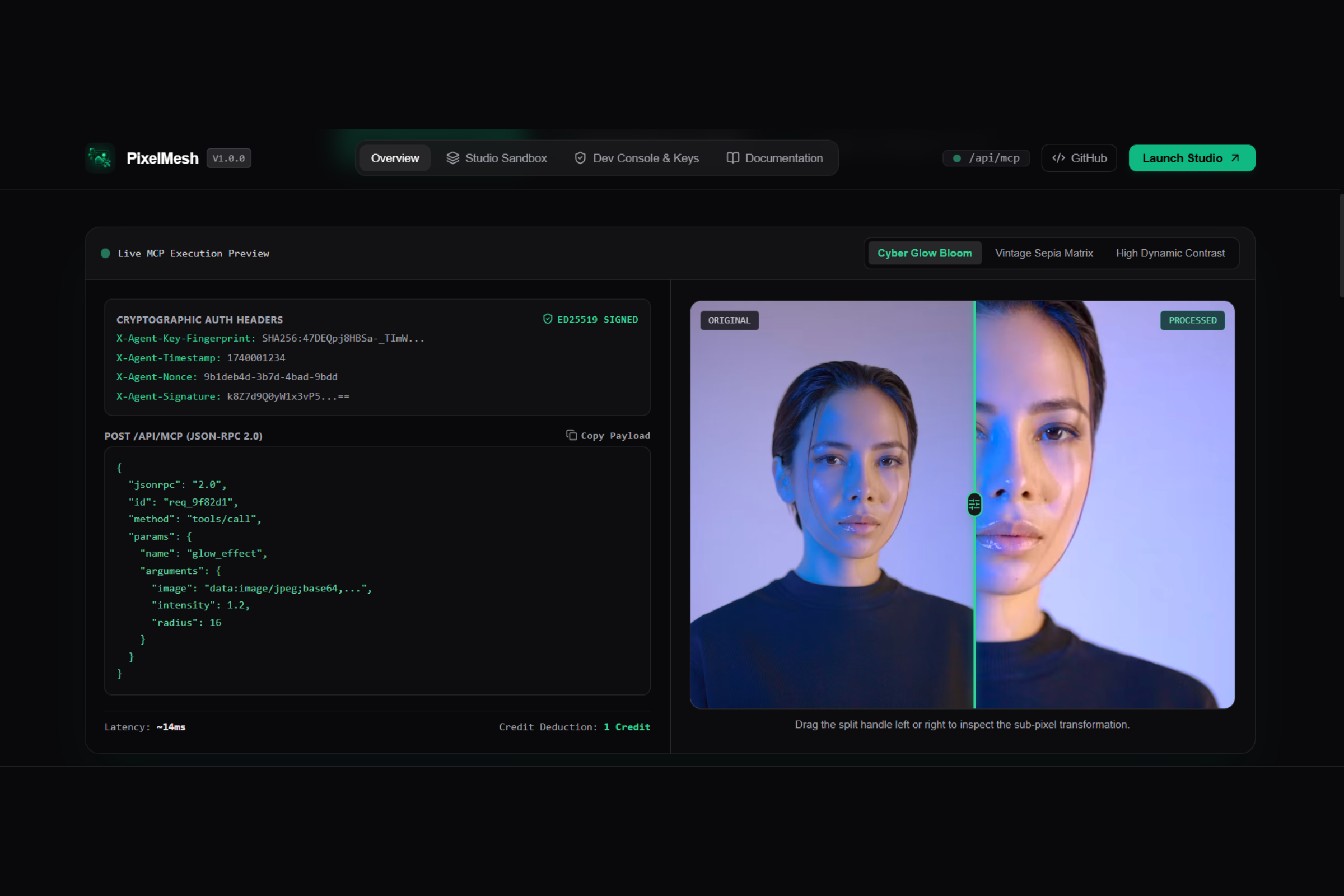
- Shared Live Canvas and Split Comparison: The canvas can be simultaneously observed by human and AI and modified in real time. The human can then move a slider to split view (compare before/after images) enabling fine observation of any AI operations.
Native WebMCP 8 Tools:
Load preset image: Loads in image presets and image URLs.
Inspect_image: Inspects and shows image properties (dimensions, color space, file size, pipeline history).
Crop_canvas: Surgical rectangular cropping of the image.
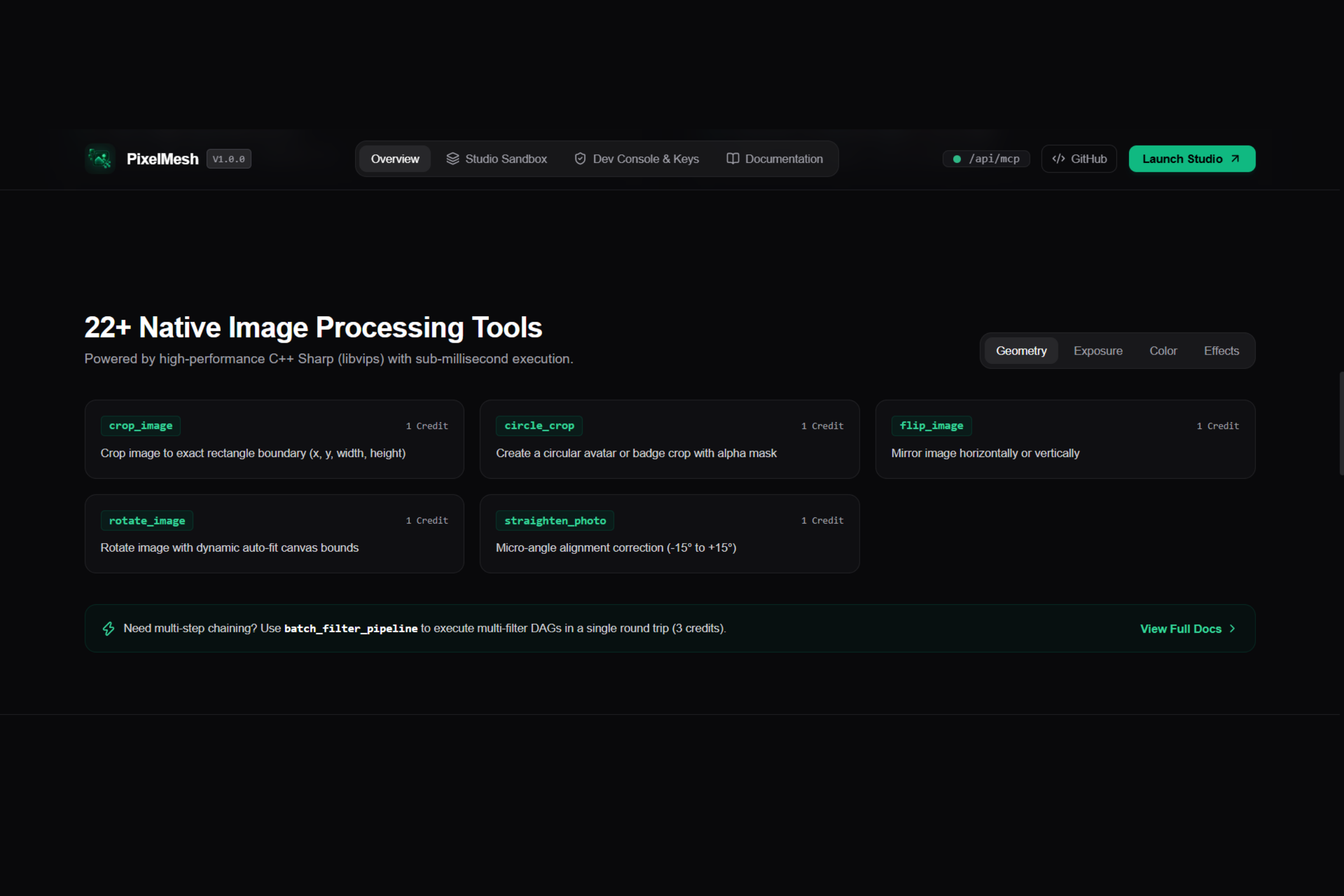
Apply_filter: Applying standard photographic filters (e.g. Exposure, color tone, hues, sharpening, etc.).
Build filter pipeline: Orchestrating multiple filters with defined composition order (DAGs).
Set comparison slider: Adjusting the Before/After split (0-100) along with zoom level.
Undo canvas action: Step by step Undo/Redo without destroying history.
Export canvas image: Allows exporting images directly using specific formats and levels of quality.
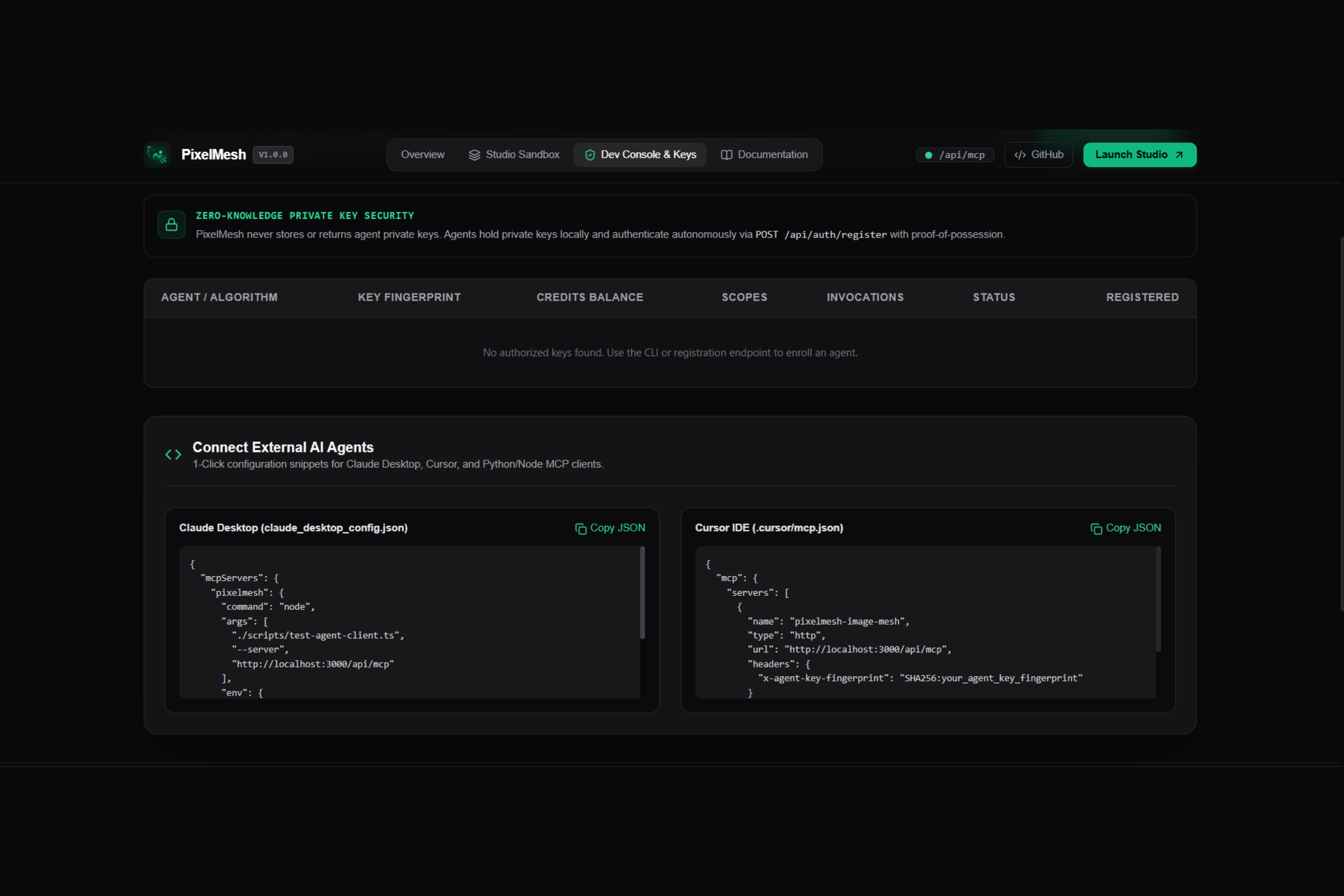
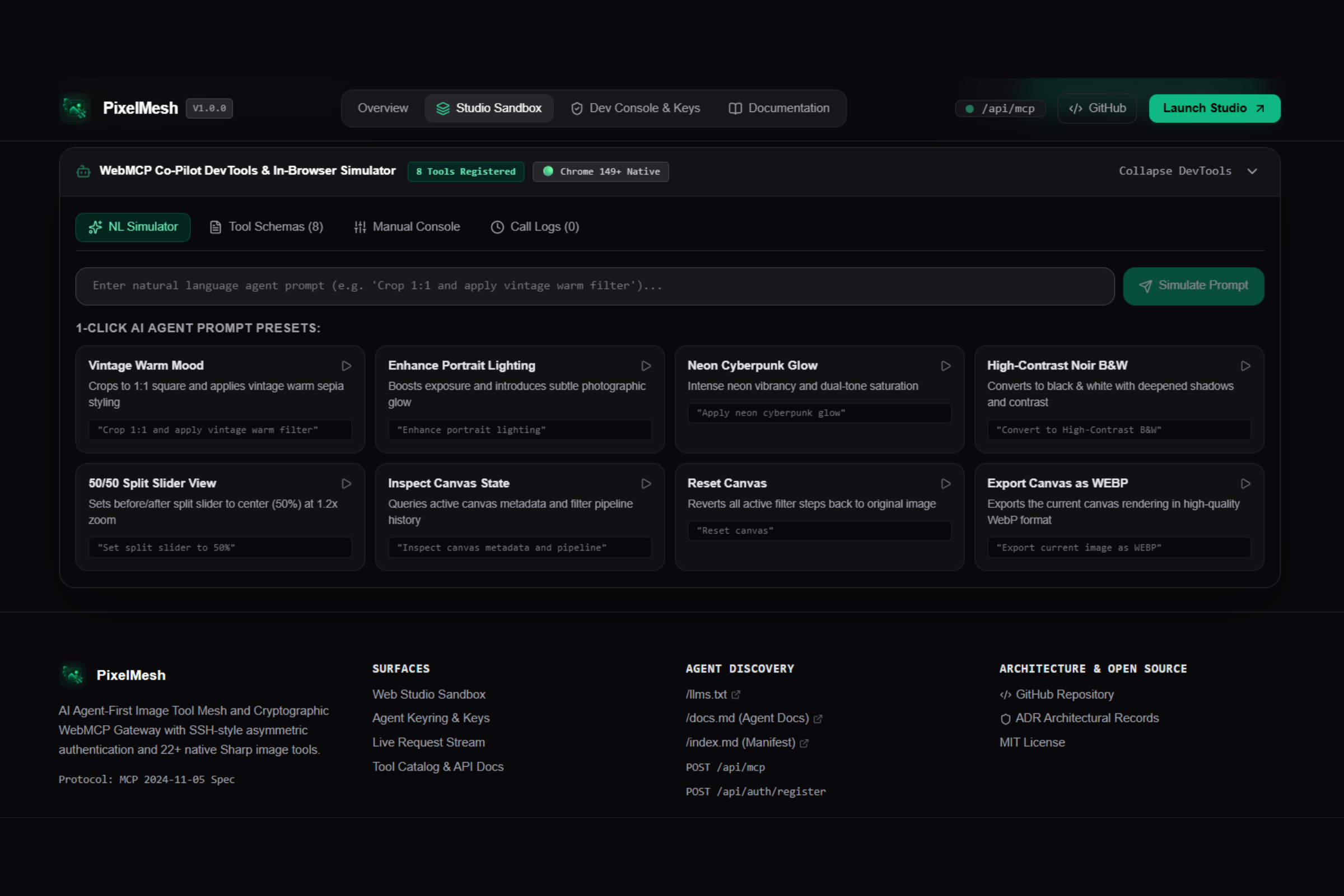
In-browser WebMCP simulator & Dev tools: Integrated tool where one could simulate an agent and observe live execution with interactive inspector, schema registry and execution log.
Why WebMCP is Fundamental (The 4 Questions)
1. What is this use case a good fit for WebMCP?
The nature of image editing itself is a dynamic, state-based workflow. Trying to make an agent's use of a typical website work by applying vision models to the canvas is tedious, slow, and requires a lot of computation. By connecting an agent to the image using WebMCP tools, we're giving it direct, programmatic access with defined and accurate parameter specifications; eliminating the need to guess coordinates on the canvas and cutting down the agent's operational latency from milliseconds down to microseconds.
2. How does this offer better user experience?
In conventional workflows, a human has either full control in the traditional manual editor, or they receive some post-process AI modification without full visibility on what the AI is actually doing on the canvas. With PixelMesh, users can: observe what an agent does on their own live image while watching its effects update live. Review individual and composed edits using a side-by-side comparison view, inspect pipeline data, and refine parameters by simply intervening. They can always undo in case they don't like an edit.
3. What have humans and agents now been able to achieve that wasn't before?
Visual co-creation: Imagine an agent analyzing an image, noticing something off, building and then applying a sophisticated filter pipeline, adjusting the comparison slider so that the user can see a fine-tuned 65% portion of the transformed picture, and the user is able to provide instantaneous, localized feedback through a manual slider adjust.
4. How did you implement this WebMCP?
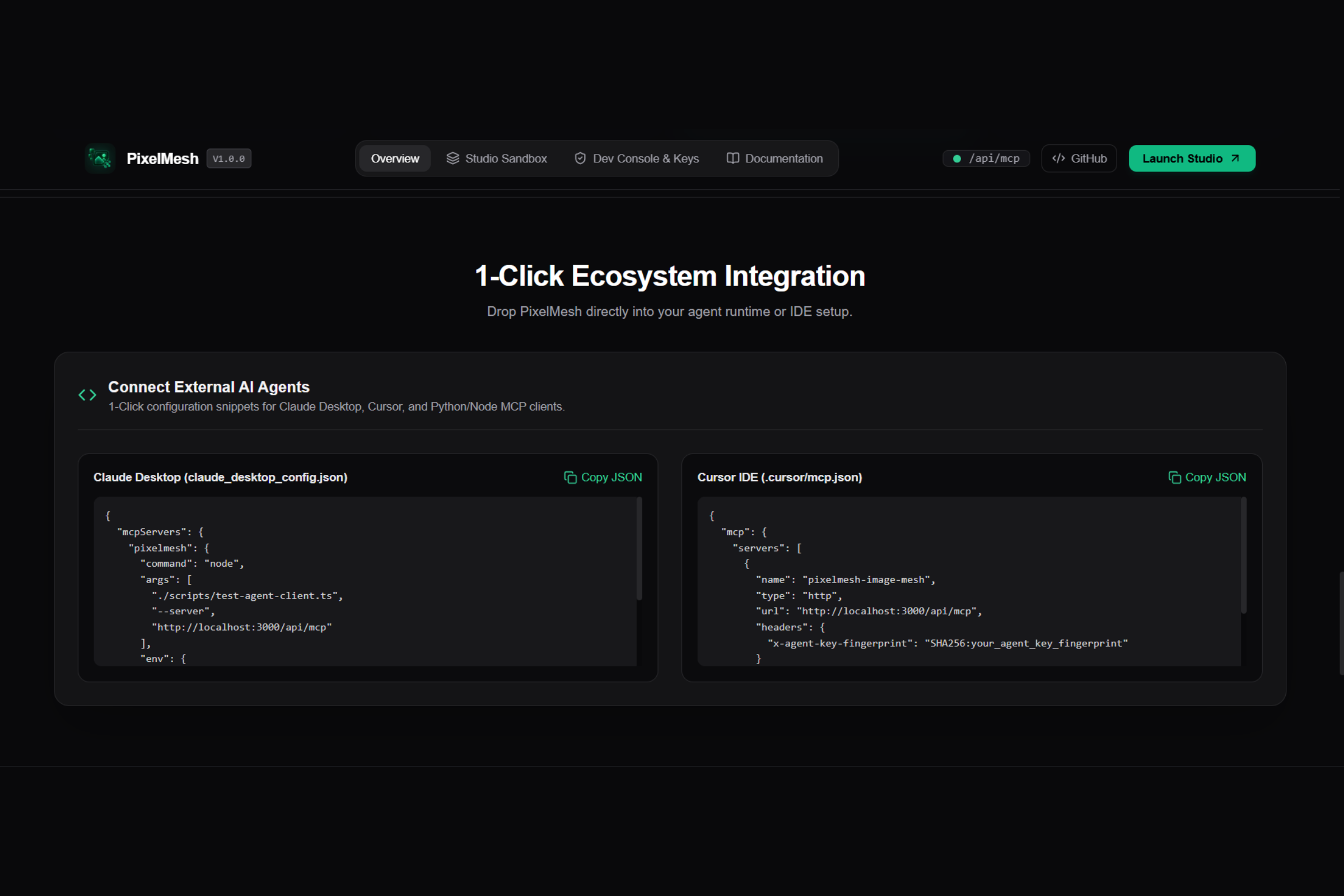
We implemented it strictly following the W3C draft specification, currently in the Chrome 149+ Origin Trial.
- Declarative tool registration: Tools are registered onto document.modelContext with concise descriptions and schemas (under 500 characters each for the former, 150 for the latter) as well as key safety annotations (readOnlyHint, destructiveHint, etc.)
- Declarative DOM Fallback: All information about the available tools is exposed in hidden semantic forms so that traditional web crawlers and existing agents without the full WebMCP API also can use the platform.
- Atomic Mutation System: To prevent conflicts during high frequency updates (the human's continuous sliding action compared to the agent's concurrent pipeline operations), we built an atomic mutation coordinater (studio-mutation-state.ts)
---
The BUILD
- Frontend: Next.js 15 App Router, React 19, Tailwind, Lucide Icons.
- WebMCP Architecture: A custom hook (use-webmcp.ts) combined with our custom-built atomic state machine and a bidirectionnal DevTools simulator.
- Backend: High performance C++ sharp (libvips) that processes more than 22 photographic effects through efficient chained and stacked operations without context switching buffer data.
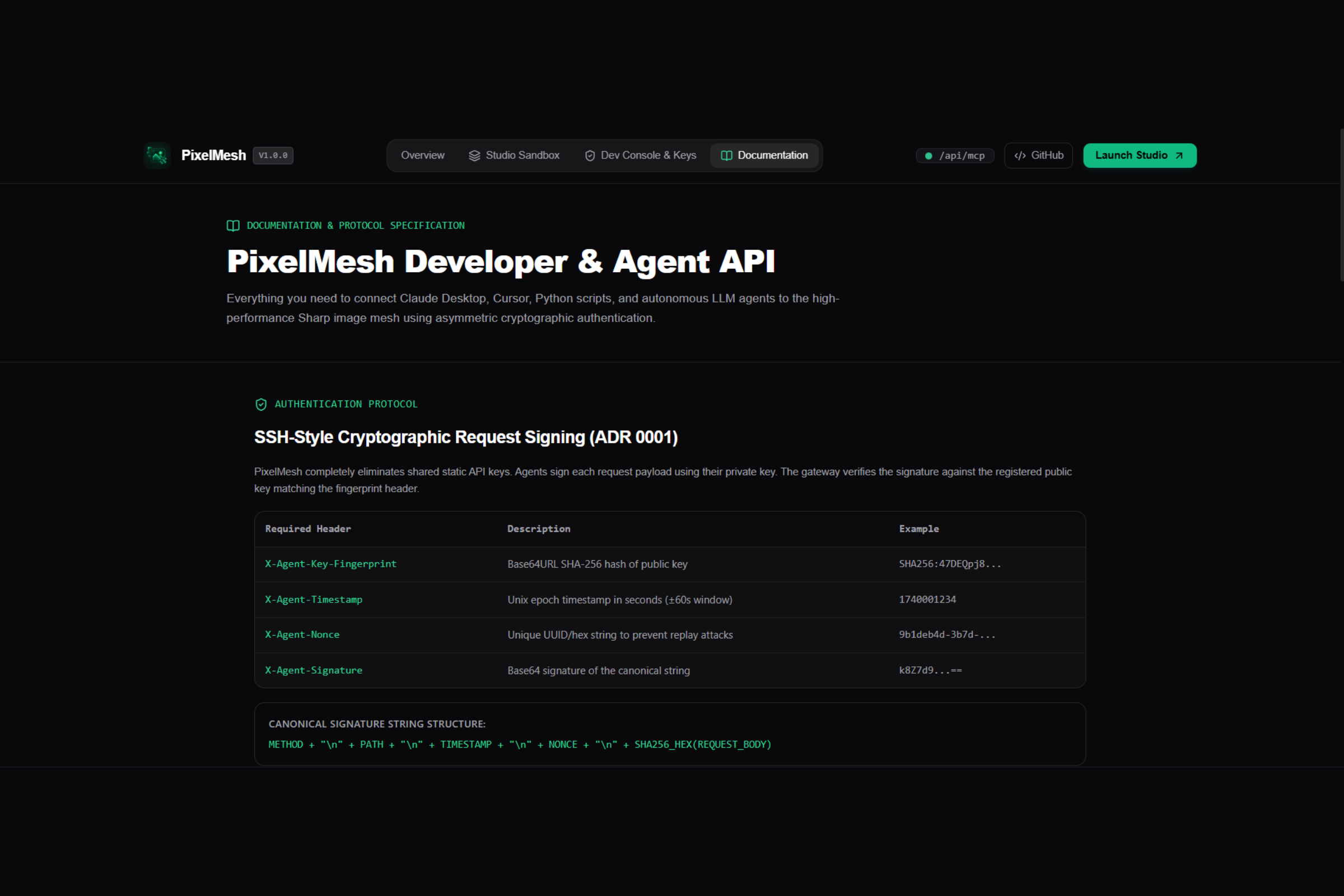
- Security & Auth: Uses asymmetric cryptography with Ed25519 / RSA-2048 for connection-based authentication (SSH style), per-agent anti-replay nonces, and rate limited Redis backend.
- Testing: Passes all tests after hundreds of automatically generated unit, performance, and security tests (totaling 420 so far).
---
Challenges Encountered
- Synchronization between Human & AI operations: One aspect was managing UI updates between a rapid, human initiated interaction like dragging a slider, versus asynchronous agent commands. We resolved this using a serialized mutation queueing system.
- Coordinate drift during aspect ratio changes: Some of the image transformations, like arbitrary rectangular cropping, were not maintaining consistent mouse positioning during the comparison stage. We resolved this issue by recalculating the pointer coordinate based on the coordinates of the internal rendered image and not the bounding boxes in which it sits.
- High Resolution Image Handling: Since the operations could apply a range of pixel intensive transformations (especially noise generation and posterizing), we developed techniques to not block event loops through the use of Node's native crypto.randomFillSync.
---
Our Proudest Achievements
- Complete Working Product: It’s ready. We’re live with a real working product, no dummy images or paying users required.
- Dual-Audience Paradigm: We got both human and autonomous agent UI to work on the same view without friction.
- Engineered After Aug 25th: All our client code (WebMCP) as well as the Dev tools were conceived and built solely within the duration of the hackathon.
- Bulletproof stability: 420 unit test passing gives us the confidence it won't break under any conditions.
---
Lessons Learned
WebMCP truly transforms the way we work with web interfaces. Where semantics allowed for accessibility of the web to assistive tech, WebMCP finally lays the foundations of an agent-aware web. Structured tool usage triumphs over heuristic pixel detection.
---
What is next for PixelMesh?
- Natural Language intent compiler: Allowing agents to dynamically create multi-stage filter pipeline jobs with descriptive language, something like "make the portrait pop with a cyberpunk 2077 vibe".
- Community Tool Mesh: Enable external developers to use the WebMCP infrastructure for their own visual-studio type of projects by integrating WebGPU and WASM based processing modules.
Built With
- ed25519
- libvips
- model-context-protocol
- nextjs
- react
- redis
- sharp
- tailwindcss
- typescript
- vercel
- webmcp


Log in or sign up for Devpost to join the conversation.