-
-
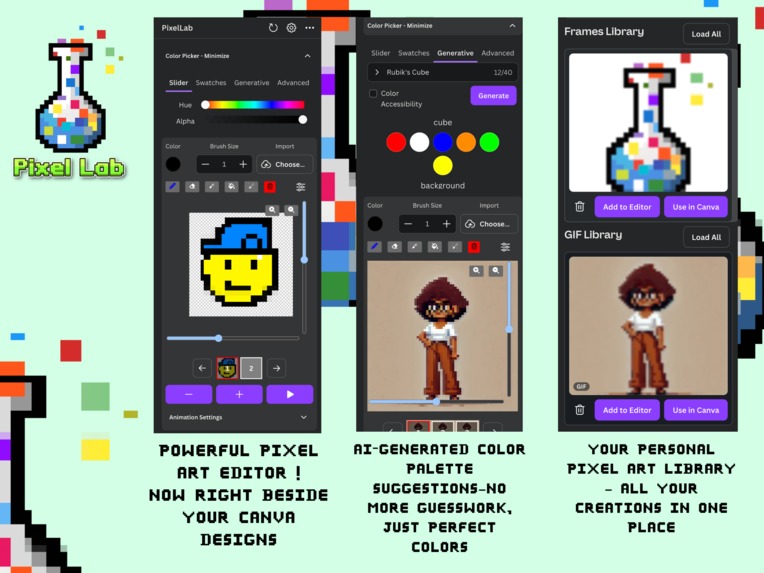
App
Inspiration
The inspiration for Pixel Lab came from my passion for pixel art and the desire to bring this creative form into Canva. I wanted to offer Canva users a unique tool that allows them to create detailed pixel art directly within the platform, combining Canva's powerful design tools with the creativity of crafting custom art right inside Canva. The absence of pixel art editors within Canva was a big disappointment for me, as I wanted to use my animated art and GIFs alongside Canva's design features and animation effects for creating presentations, videos, and even animated movie pitches. Whether they are students, teachers, or artists, I believe that many Canva users would benefit from integrating pixel art and Pixel Lab into their creative workflow.
What it does
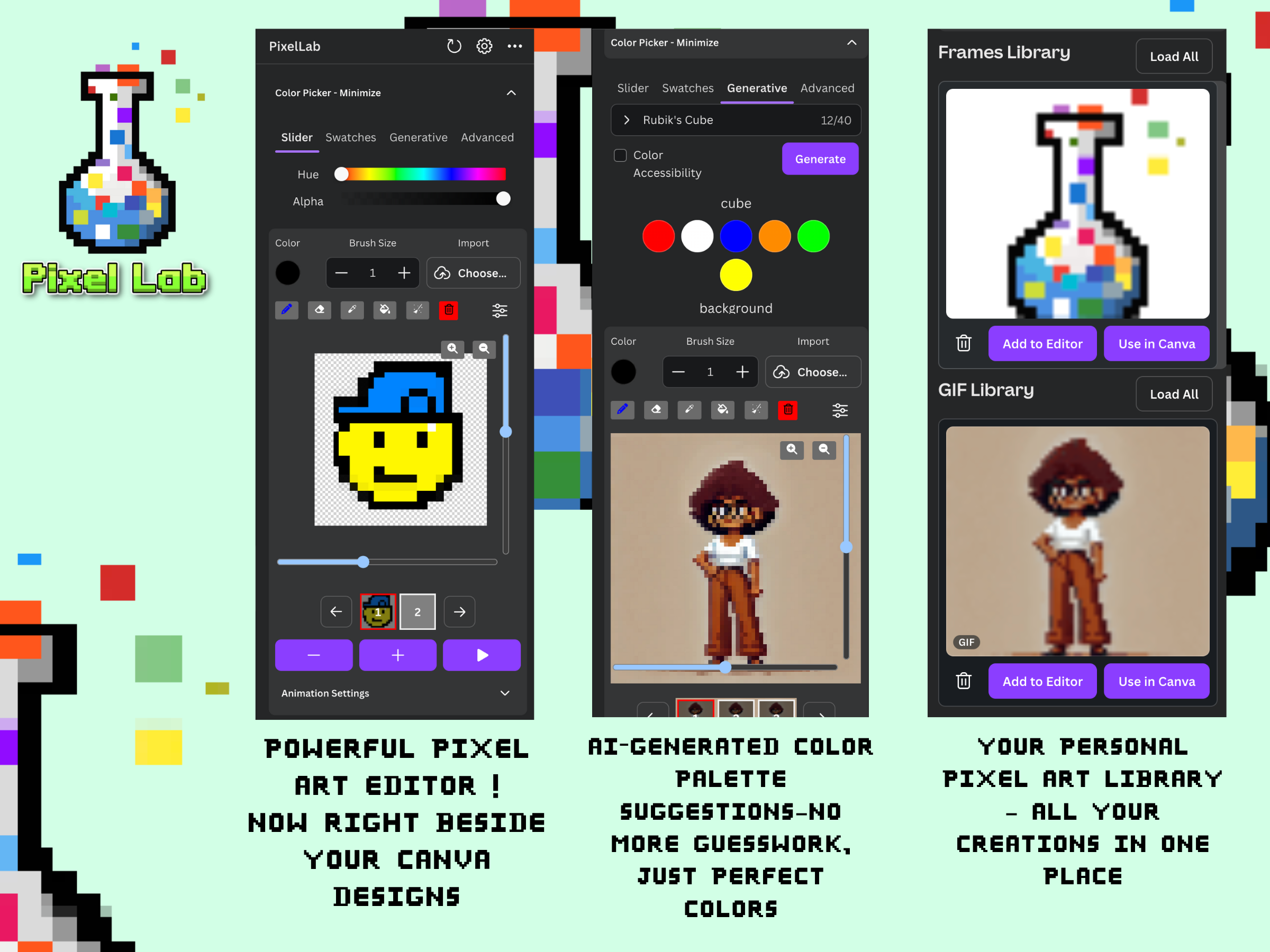
Pixel Lab is a fully integrated pixel art editor within Canva, designed to bring the distinctive style of pixel art directly to the platform. It empowers users to create detailed pixel art images and animated GIFs from scratch or convert existing images into pixel art. With intuitive tools for drawing, editing, and customizing pixel art of various sizes and styles, Pixel Lab seamlessly integrates these creations into Canva projects. This allows users to enhance their designs, presentations, videos, and animations.
Pixel Lab also features a Color Palette AI, which assists users in selecting the perfect colors for their artwork. Additionally, users can save their art and animations, edit them later, and effortlessly incorporate them into their Canva designs with just one click.
Whether you're creating a simple pixel art graphic or a animated sequence, Pixel Lab provides everything you need to make pixel art an integral part of your creative process in Canva.
How I built it
I developed the Canva application using the Canva SDK and React, leveraging Canva’s UI kit for most of the interface components. The application stores and processes user-created art and animations in the cloud, ensuring seamless access and integration. On the server side, I built the application with Express.js and MongoDB, hosting it on AWS services and MongoDB Atlas for reliable performance and scalability.
Challenges I ran into
Developing the pixel editor canvas to be both efficient and fast was a challenging task. Creating the functionality that Pixel Lab offers today involved a complex process of optimization and iteration, requiring careful attention to performance and user experience.
Designing a full-featured editor UI that fits seamlessly within the left panel of the Canva Editor was another significant challenge. It required multiple iterations and valuable user feedback to ensure that the interface was both intuitive and functional within the limited space.
Accomplishments that we're proud of
One of the key accomplishments I'm proud of is successfully creating the first fully integrated pixel art editor within Canva. This project involved not only building a robust and feature-rich editor but also ensuring it seamlessly fits into Canva’s user interface, making it accessible and easy to use for a wide range of users.
I'm also proud of the extensive optimization work that went into making the pixel editor fast and responsive, which was crucial for delivering a smooth user experience. Additionally, developing the Color Palette AI and implementing the ability to save, edit, and reuse pixel art and animations were significant achievements that greatly enhance the functionality of Pixel Lab. As someone who often struggled with choosing colors, I see this as a particularly valuable tool for myself and others.
Seeing these features come together in a way that allows users—whether they are students, teachers, or artists—to effortlessly create and incorporate pixel art into their Canva projects is a truly rewarding accomplishment and reflects the effort and care invested in this project.
What we learned
Creating something and designing something are distinct processes. While creating involves the technical execution, designing requires thoughtful planning and consideration to ensure the result is both functional and aesthetically pleasing.
What's next for PixelLab For Canva
I am excited about the potential of incorporating AI animation generation into Pixel Lab. In the future, I plan to develop custom generative models that can create the subsequent frames of an animation based on a single user-drawn character and a provided animation description. This feature would significantly enhance the animation process, making it faster and more intuitive.
I also envision creating a dedicated full-featured website that offers even more advanced tools for drawing and animating. This site would integrate with the Canva Connect API, allowing users to seamlessly enhance their creative projects with an even better drawing and animation experience.


Log in or sign up for Devpost to join the conversation.