-
Pixelate Image Open Graph
Inspiration
Pixel art is back in demand across gaming, marketing, and social media, yet most tools feel outdated, require installs, or compromise privacy. Pixelate Image was created to give designers, marketers, and hobbyists a lightweight way to turn photos into pixel art without sacrificing speed or control.
What it does
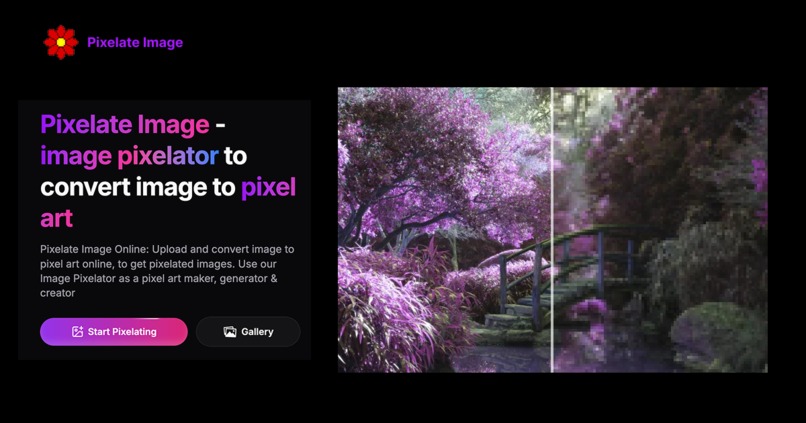
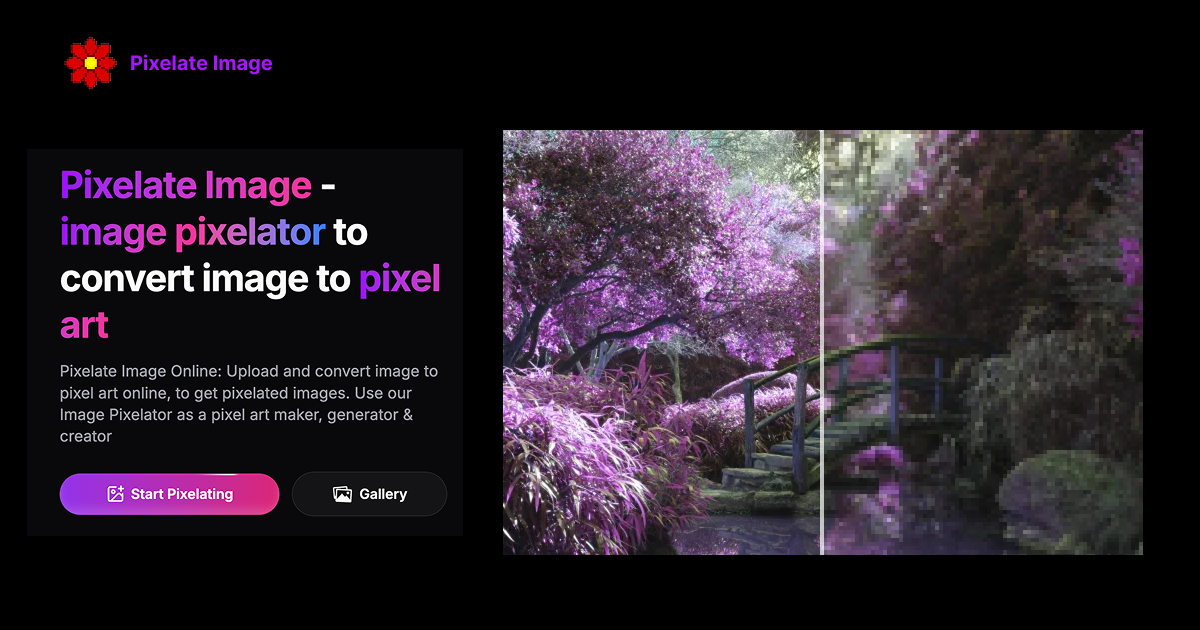
Pixelate Image is a browser-based pixel art maker that transforms any JPEG, PNG, or WebP file into pixelated artwork. You can:
- Upload images up to 5MB per file
- Toggle between five pixelation strengths
- Preview the effect instantly in your browser
- Export crisp pixelated images for personal or commercial use Everything runs locally, so your images remain private and watermark-free.
How I built it
Pixelate Image uses Next.js and Tailwind CSS for a responsive interface, while the HTML5 Canvas API powers fast, high-quality pixelation. Fine-tuned algorithms preserve key details, and client-side rendering keeps the experience smooth even on mobile devices.
Challenges I ran into
- Balancing pixelation strength with detail retention across varied image sizes
- Ensuring real-time previews stay responsive on lower-powered devices
- Maintaining consistent results across desktop and mobile browsers
Accomplishments that I'm proud of
- Delivering a pixel art generator that feels instant and intuitive
- Achieving 100% local processing for privacy-focused users
- Providing professional-quality outputs suitable for brand and content work
What I learned
- Users value speed and simplicity as much as advanced controls
- Browser differences require robust testing to keep pixelation results consistent
- Privacy assurances are a major differentiator for creative tooling
What's next for Pixelate Image
- Batch pixelation for multiple images in one session
- Additional export sizes and aspect-ratio presets for social platforms
- Built-in templates and overlays for game assets and marketing graphics
Built With
- nextjs
- tailwindcss

Log in or sign up for Devpost to join the conversation.