-
-
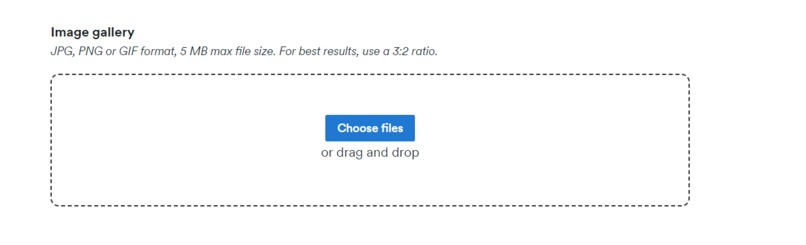
Actual Drag and Drop
-
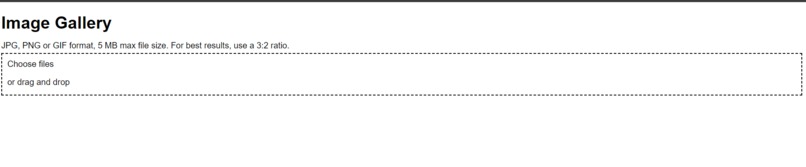
Software created Code
-

translation
-
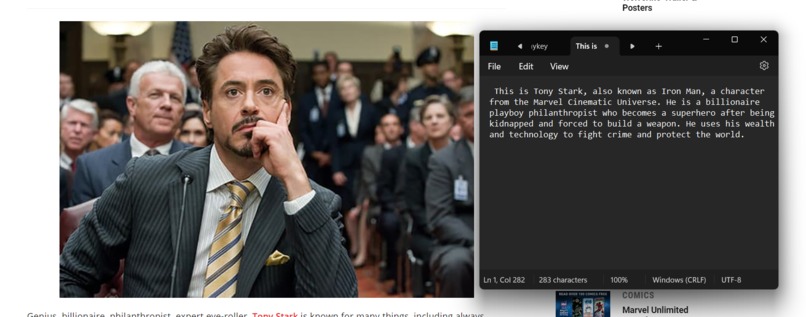
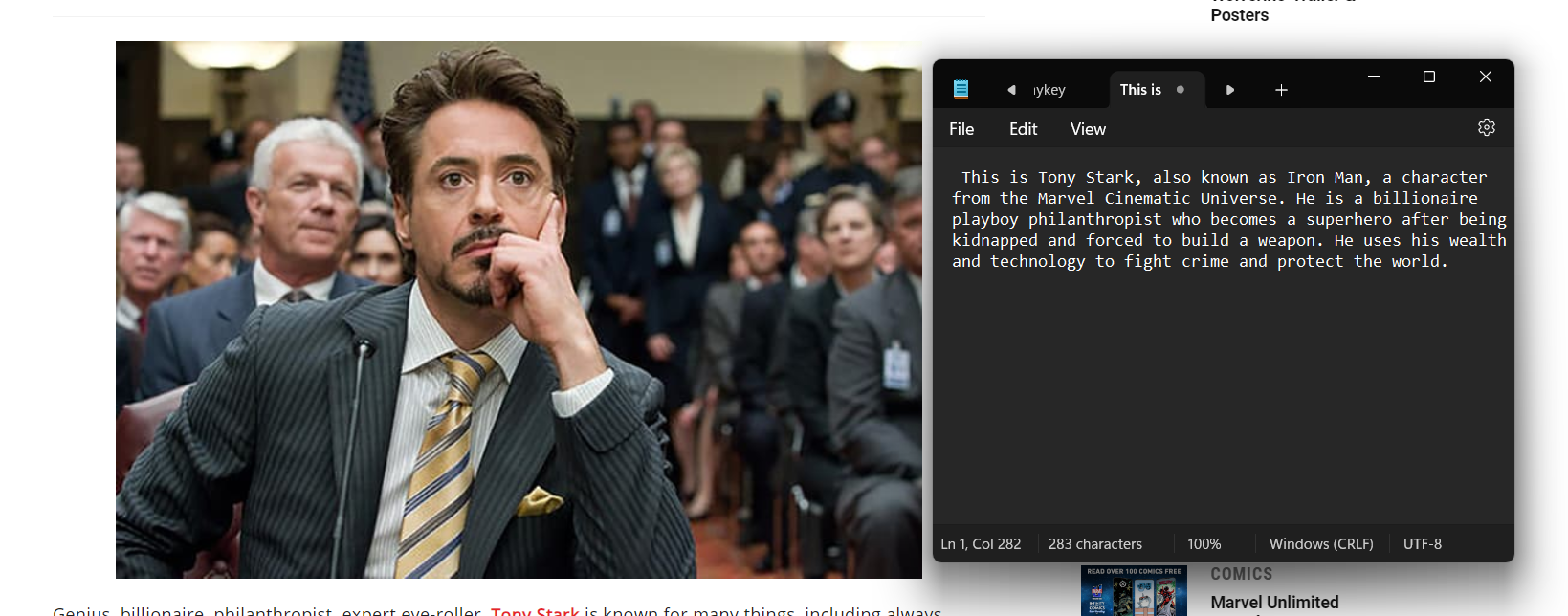
Image analysis
-
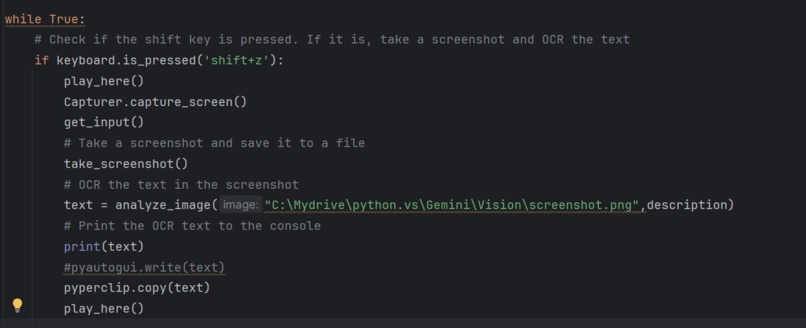
With proper comments
-
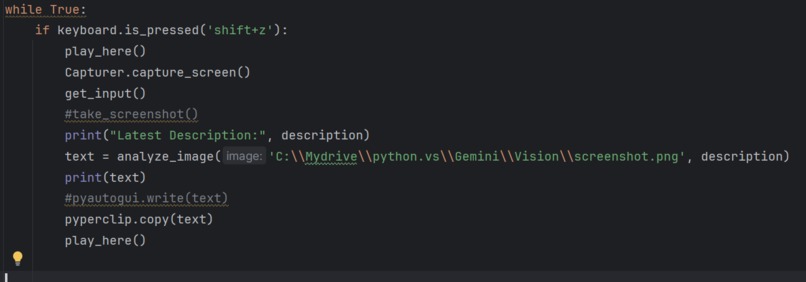
Old code
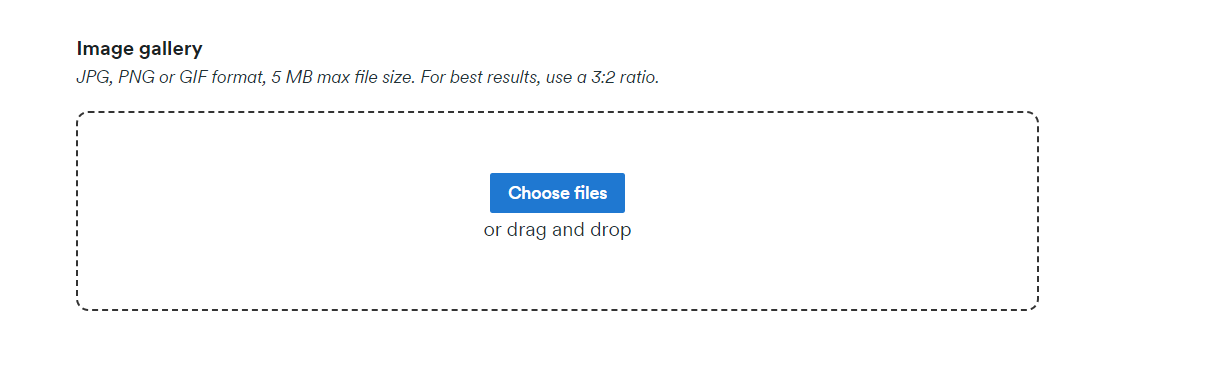
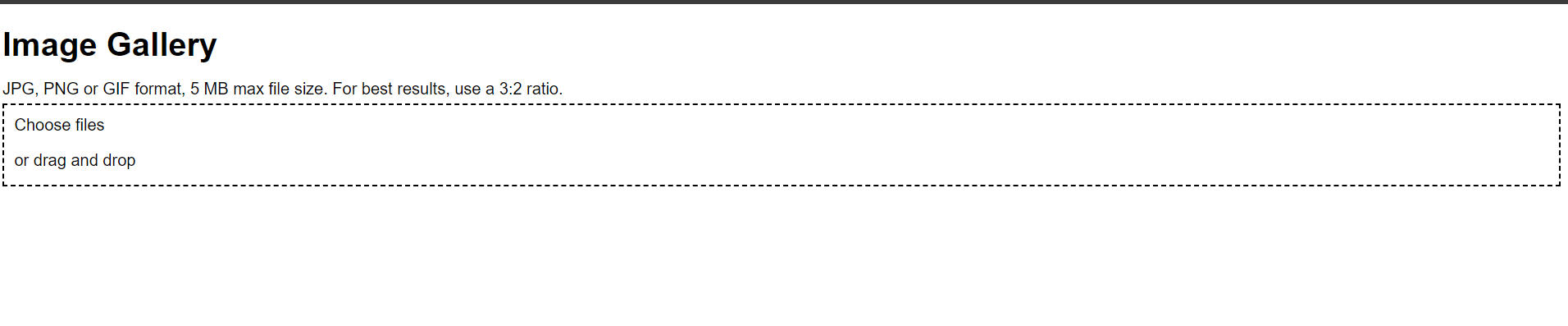

Inspiration
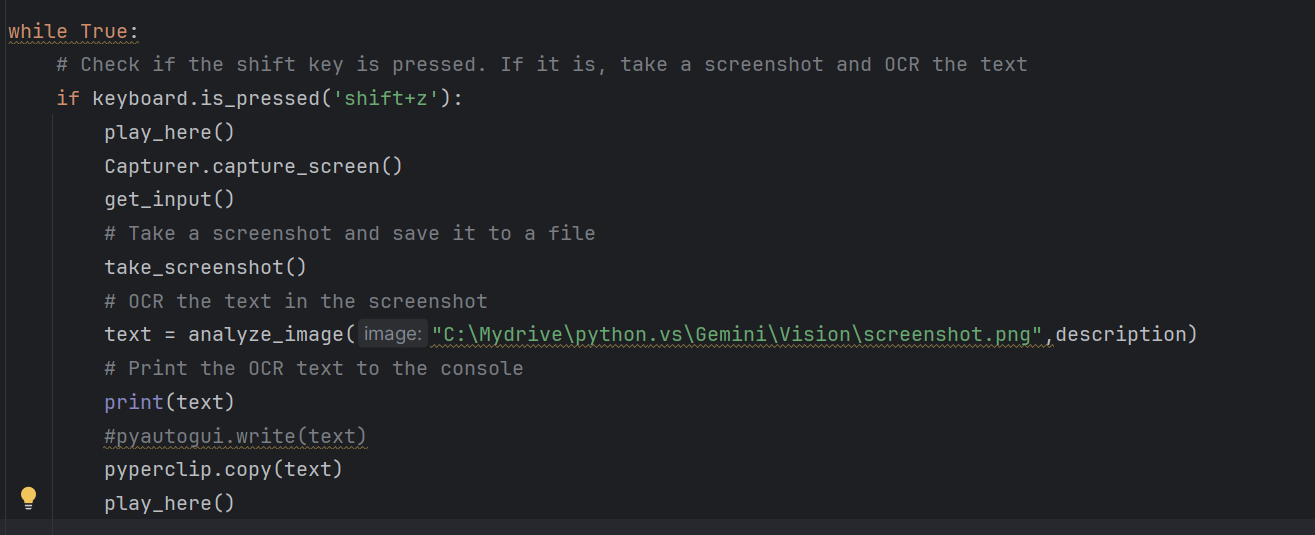
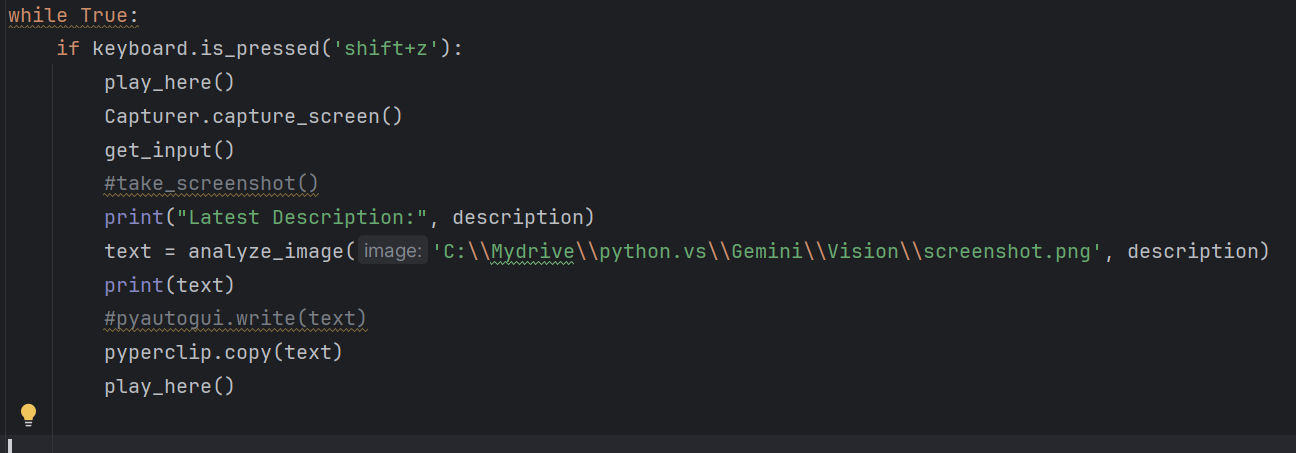
The inspiration for this project stemmed from the need to get important data from screen, text extraction, image analysis I wanted a tool that could take a screenshot, analyze it, and perform tasks based on the extracted information, streamlining processes and boosting productivity.
What It Does
Pixel Prompt captures specific regions of the screen or the entire screen based on user input. It uses Gemini Vision to extract usable data from screenshots and then responds to queries by providing descriptive analysis or performing automated tasks.It plays notification sounds to alert users of key actions and when response is finished.
How We Built It
We built Pixel Prompt using a combination of Python libraries and frameworks:
- PyQt5 for graphical user interface and screen capture.
- PIL (Python Imaging Library) for handling image processing.
- Gemini for Image analysis.
- CustomTkinter for creating custom graphical interfaces.
- sounddevice and soundfile for playing notification sounds.
- keyboard for capturing keypress events.
- pyautogui for automating GUI interactions.
- pyperclip for clipboard operations.
Challenges We Ran Into
Building Pixel Prompt had its share of challenges:
- Screen Capture Consistency: Ensuring reliable screen capture across different systems and operating systems.
- User Interaction: Creating an intuitive and responsive user interface for ease of use.
Accomplishments That We're Proud Of
Despite the challenges, we accomplished several key milestones:
- Flexible Screen Capture: We developed a flexible screen capture mechanism that allows users to define custom regions.
- Seamless Automation: We created automated workflows that respond to user actions and extracted text.
What We Learned
Through this project, we learned several valuable lessons:
- Handling External Libraries: Managing dependencies and ensuring compatibility across different platforms.
- User Experience Design: The importance of creating user-friendly interfaces and responsive feedback.
- Efficient Automation: Techniques for automating tasks based on user input and extracted information.
What's Next for Pixel Prompt
We have several plans for the future of Pixel Prompt:
- Enhanced OCR Capabilities: Improving the accuracy and speed of text recognition.
- Expanded Automation Features: Adding more automated responses and workflows based on user-defined actions.
- Cross-Platform Support: Ensuring seamless operation across different operating systems and environments.


Log in or sign up for Devpost to join the conversation.