

Pixel Pilot
Inspiration
We have all had the same frustrating experience: you ask an AI how to do something on your computer, it gives you a long list of steps, and you still have to do every step yourself.
We wanted to build something closer to a real partner. Not a chatbot that only explains, but an agent that can stay in the loop with you in real time, understand what is happening on your screen, talk with you naturally, and take action when appropriate.
That idea became Pixel Pilot: a Windows desktop assistant built around Gemini Live. Instead of treating AI like a one-shot prompt/response tool, we designed Pixel Pilot as a live multimodal session that can listen, speak, observe the desktop, and help complete tasks as they happen.
What It Does
Pixel Pilot is a Gemini Live-powered Windows desktop agent that executes computer tasks from natural-language commands.
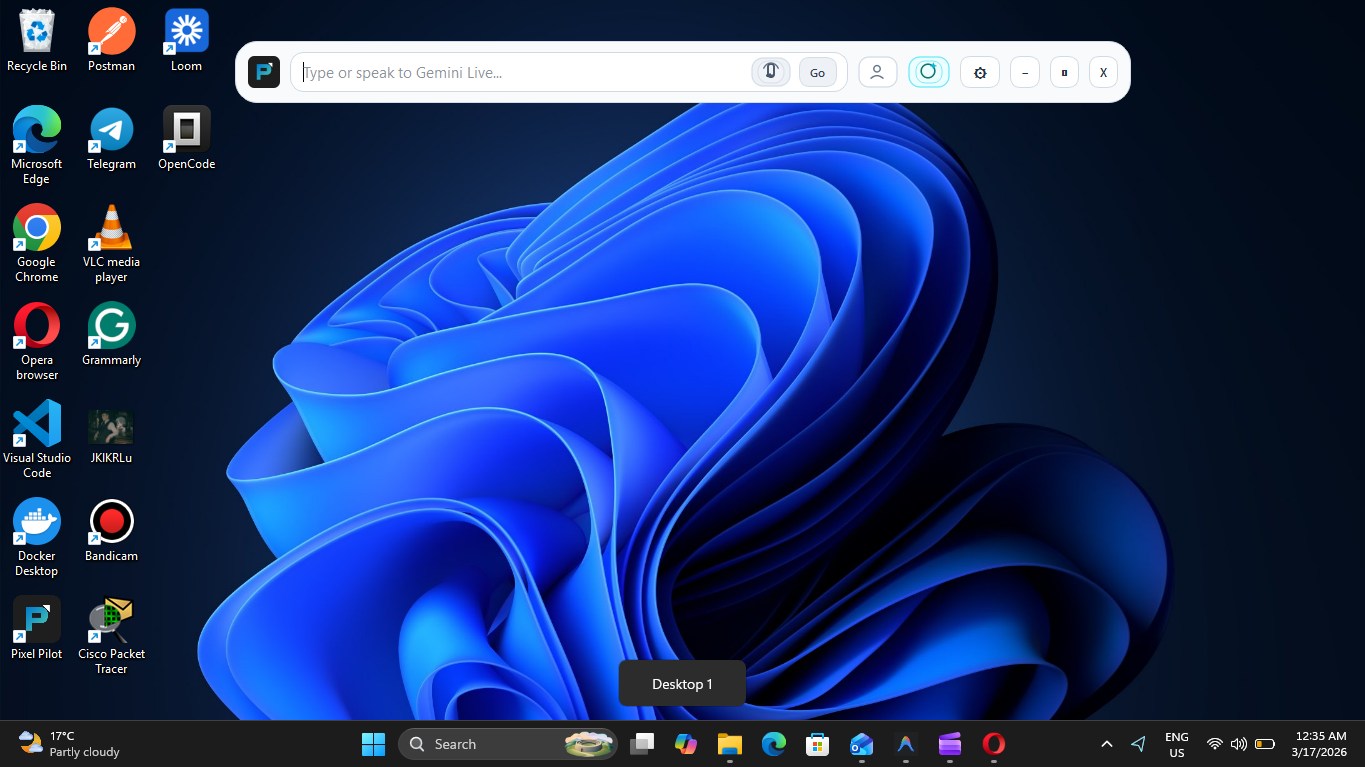
When Gemini Live is available, Pixel Pilot starts in Live mode by default. The user can type or speak to the agent, and the app opens a persistent Gemini Live session that streams microphone audio, a low-frame-rate desktop video feed, and tool-grounded context. Gemini can respond with live audio, live transcripts, and tool-driven actions.
This is not just voice chat layered on top of automation. In Live mode, Gemini can:
- inspect the desktop using UI Automation snapshots
- list and focus windows
- read on-screen text
- request a high-resolution screen capture when detailed visual reasoning is needed
- click, type, press shortcuts, launch apps, and switch workspaces through a brokered action layer
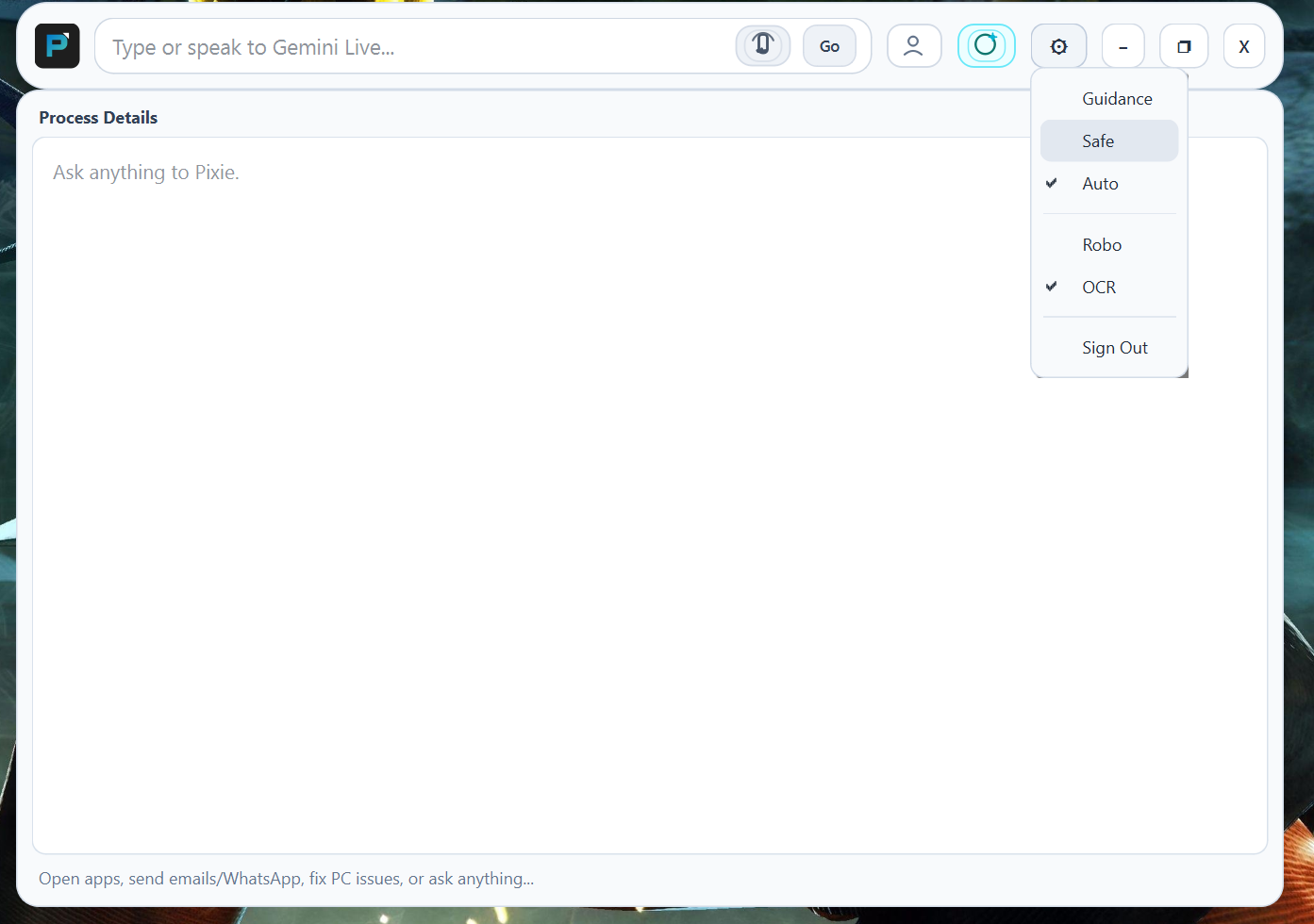
Pixel Pilot also supports a Live Guidance mode. In that mode, Gemini Live becomes a tutor instead of an actor: it can still observe the desktop and adapt its instructions from what it sees, but it does not perform mutating desktop actions on the user's behalf.
Outside of Live mode, Pixel Pilot falls back to standard request/response planning with Gemini Flash for task execution and verification.
Key Capabilities
Gemini Live First Interaction
- persistent Gemini Live session with reconnect and session resumption support
- real-time microphone streaming and spoken model responses
- live transcripts for both user and assistant
- live session state in the UI such as connecting, listening, thinking, acting, and interrupted
- voice toggle and Live toggle built directly into the desktop app
Tool-Grounded Live Agent
- Gemini Live can call structured tools instead of guessing blindly
- read-only tools include UI snapshots, window listing, text reading, screen capture, and action-status checks
- mutating tools include clicking, typing, keyboard shortcuts, app launch, window focus, and workspace switching
- a dedicated action broker serializes side-effectful actions so only one mutating action runs at a time
- the model can check whether an action is queued, running, completed, failed, or cancelled before planning the next step
Hybrid Desktop Automation
- blind-first automation using UI Automation for robust targeting
- local OCR/CV pipeline with EasyOCR and OpenCV
- optional Robotics-ER fallback
- verification pipeline that prefers blind verification first and escalates to vision when needed
Windows-Native Execution
- keyboard and mouse control through Python desktop automation libraries
- Win32 and ctypes-based system integrations
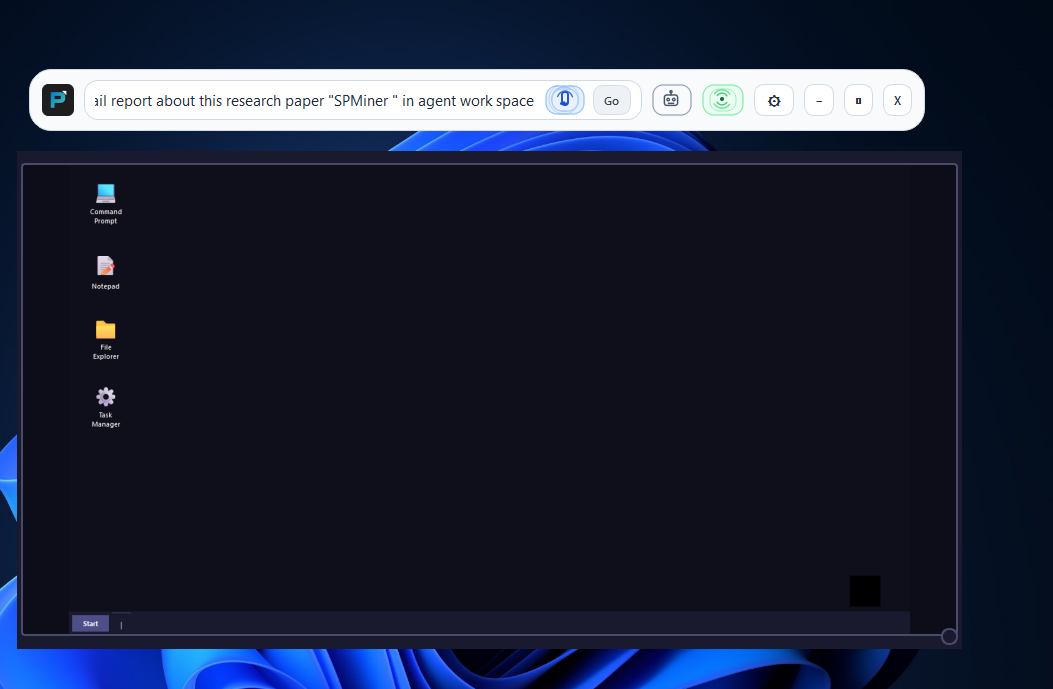
- optional isolated Agent Desktop with sidecar preview
- UAC-aware orchestrator and agent helpers for elevated workflows
- global hotkeys so the user can stop tasks or change interaction policy quickly
How We Built It
Pixel Pilot combines a real-time Gemini Live loop with a grounded desktop action system.
At the center is a Live session manager that connects to Gemini Live, streams audio input, streams low-resolution desktop video for coarse situational awareness, plays model audio back to the user, and maintains transcript state. It also handles reconnects and session resumption so the experience feels continuous instead of restarting on every interruption.
We built a dedicated Live tool registry that exposes desktop capabilities to Gemini in a structured way. Those tools include UI snapshots, window discovery, text reading, screen capture, app launching, workspace switching, keyboard input, and mouse control. Mutating actions are routed through a broker so the model cannot overlap actions recklessly; it must wait for action status before continuing.
On the desktop side, Pixel Pilot is written in Python with PySide6. It uses the Google GenAI SDK for Gemini, PyAudio for live audio, and UI Automation, pyautogui, Win32 APIs, ctypes, EasyOCR, OpenCV, and Pillow for desktop sensing and control.
We also built an optional FastAPI backend with JWT auth, MongoDB, Redis, and rate limiting so people can sign in and try Pixel Pilot even if they do not have their own Gemini API key. Users who prefer can also paste their own key and run in direct API mode instead. Gemini Live currently depends on direct API mode, while the backend path makes the rest of the product easier to test and share.
Challenges We Ran Into
Making Gemini Live Actually Useful for Control
Real-time audio and video are powerful, but raw live video alone is not reliable enough for precise desktop automation. We had to combine Gemini Live with UI Automation, targeted text reads, and high-resolution captures so the model could act accurately instead of just react conversationally.
Safe Action Orchestration
In a live session, the model can think and act quickly, but desktop automation becomes fragile if multiple actions overlap or if the agent moves on before the UI settles. We solved that with a brokered action layer that serializes side-effectful operations and reports explicit action states back into the Live loop.
Windows System Constraints
Supporting UAC prompts, secure desktops, isolated workspaces, and single-instance Windows applications required low-level Windows engineering and careful policy design. Some applications simply do not behave like cleanly isolated agent targets.
Accomplishments That We Are Proud Of
- We made Gemini Live the core interaction model, not a side feature. Users can talk to Pixel Pilot in real time, hear responses, watch transcripts update live, and see the agent move between listening, thinking, and acting.
- We built a tool-grounded Live architecture where Gemini can observe the desktop, call tools, and act through a safer brokered execution path.
- We created a Live Guidance mode that uses the same Gemini Live foundation for tutoring instead of automation, giving users a safer and more flexible interaction style.
- We combined live multimodal interaction with Windows-native automation, UAC support, and an optional Agent Desktop with a sidecar preview.
What We Learned
Gemini Live Works Best When Grounded
Realtime audio and video make the interaction natural, but reliability comes from pairing Gemini Live with tools, state, and verification. The more grounded the model is in the actual desktop, the more trustworthy the agent becomes.
Autonomy Needs Clear Modes
A live tutor that observes and guides is a different product from a live agent that clicks and types. Building both on top of the same Gemini Live foundation helped us balance capability, safety, and user trust.
Windows Internals Matter
Secure desktops, elevation, input routing, and application lifecycle quirks all shape what a desktop agent can realistically do. Strong product behavior comes from designing with those constraints instead of pretending they do not exist.
What's Next for Pixel Pilot
- Expand the Gemini Live toolset so the agent can handle more end-to-end workflows.
- Improve the handoff between coarse live video, UI Automation, and detailed capture so planning becomes faster and more reliable.
- Add more domain-specific skills such as productivity, email, and spreadsheet workflows.
- Keep improving hosted deployment with backend controls, user accounts, and operational safeguards.
- Explore broader platform support beyond Windows over time.
Pixel Pilot shows what Gemini Live can become when it is treated as the center of the product instead of a simple voice add-on: a real-time desktop copilot that can listen, observe, reason, and act.

Log in or sign up for Devpost to join the conversation.