-
-
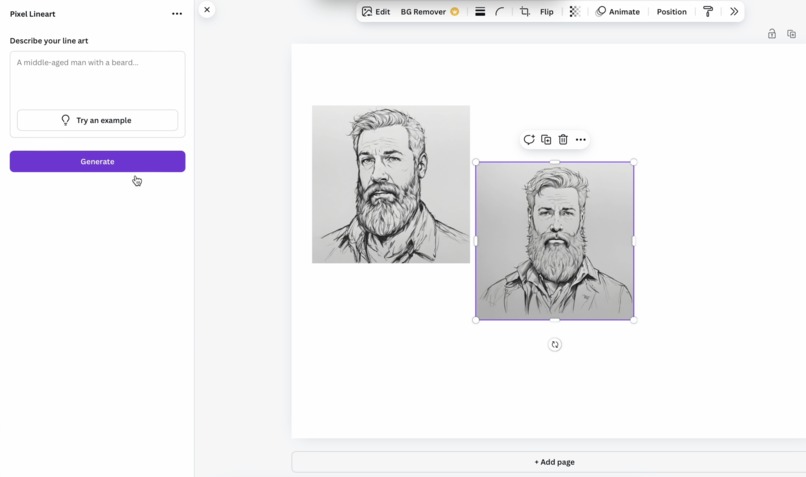
user interface in Canva
-
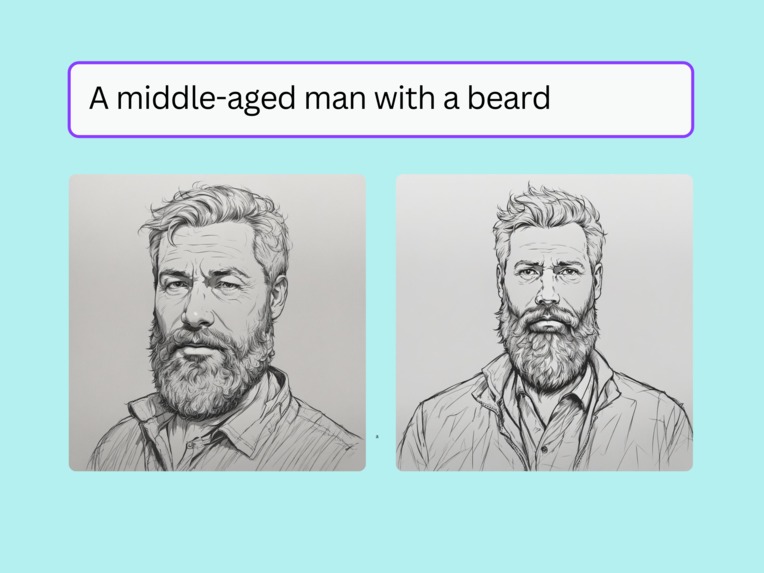
example_1
-
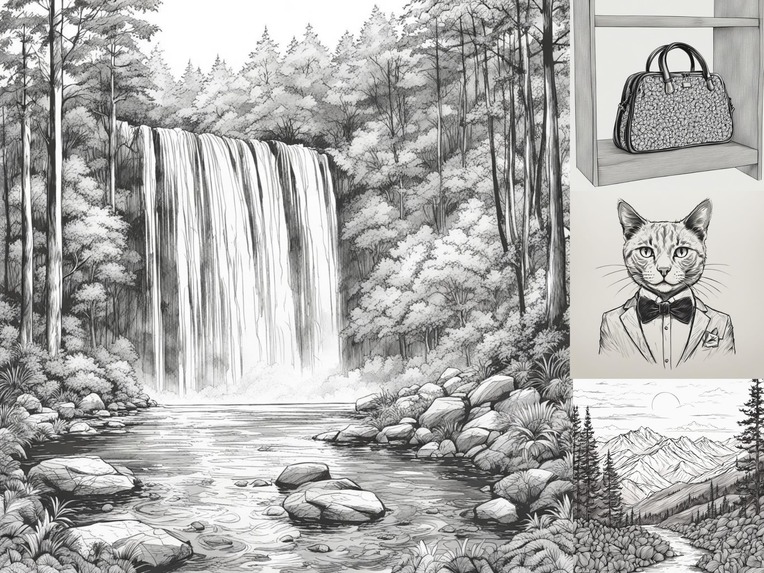
example_2

Inspiration
- The potential of AI technology to transform how we interact with art and images, making creativity more accessible to everyone. As someone who has always been fascinated by the intersection of art and technology, I wanted to create an app allowing users to quickly generate unique line art based on their thoughts and ideas.
- My passion for creating a unique and creative way for users to express themselves through line art was driven by my desire to provide a platform for people to explore their imagination and self-expression. Everyone has the potential to be an artist, and I wanted to create an app that would make it easy for anyone to tap into their creativity.
- To create an app allowing users to easily express themselves through line art while promoting imagination and self-expression, I drew inspiration from various sources, including the works of famous artists, designers, and writers. I also consulted with AI technology and computer vision experts to ensure my app was innovative and effective.
What it does
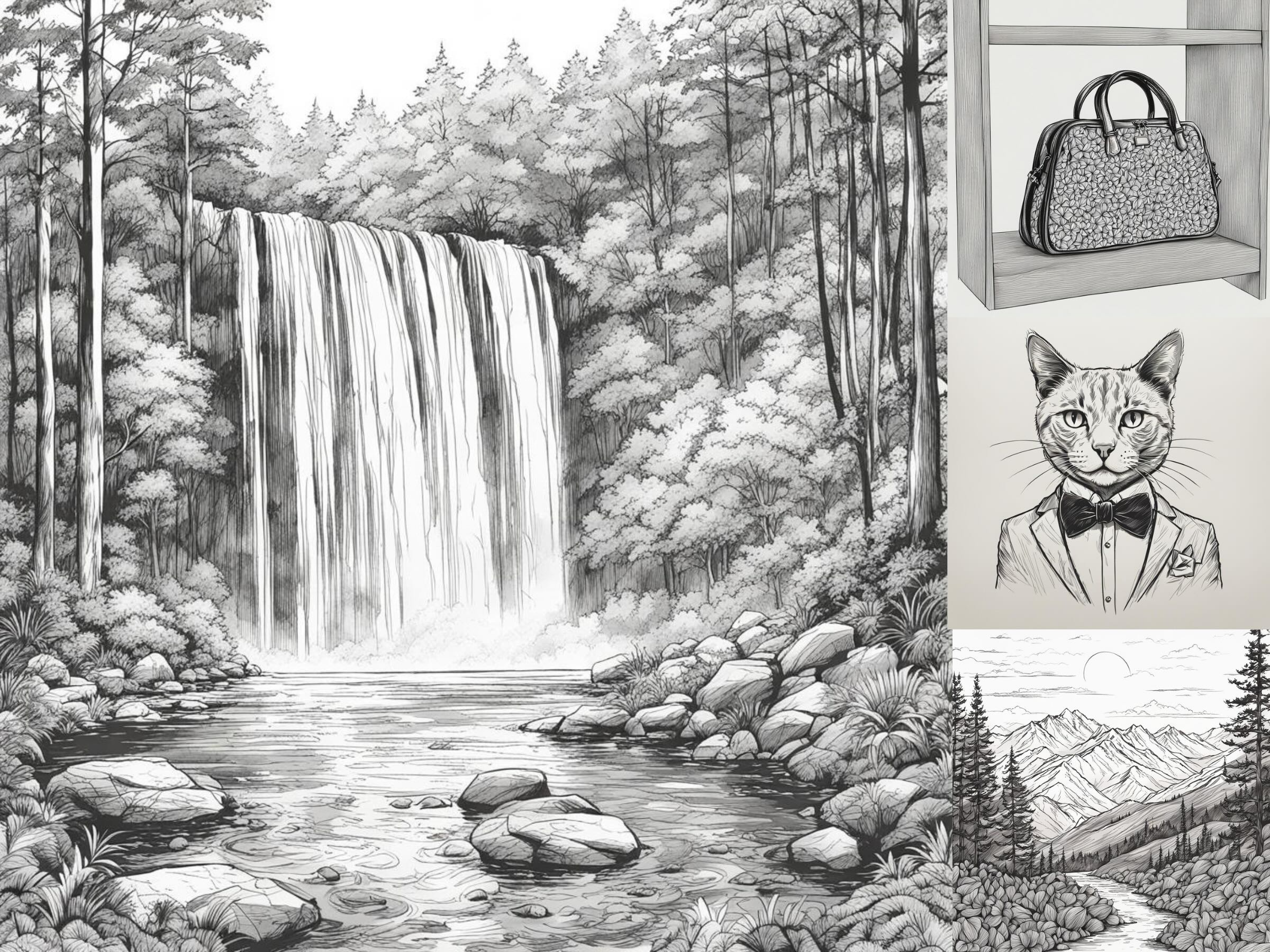
- It is a generative art app that takes a sentence as input and creates a unique line art based on the words and meaning of the sentence. The app uses advanced algorithms and machine learning techniques to analyze the language and semantics of the sentence, generating an image that reflects the text's mood, tone, and style through lines and shapes.
- Users can customize the output by adjusting various parameters, such as line thickness, color, and style, allowing them to fine-tune their artwork to suit their taste. The app also provides a range of pre-set styles and themes for users, making it easy to create unique line art.
- One of the critical features of Pixel Line Art is its ability to generate artworks that are both visually appealing and semantically meaningful. By analyzing the input sentence, the app can create an image that looks beautiful and accurately reflects the text's meaning and tone.
How I built it
- The app's AI engine is based on a deep learning model trained on a large dataset of images and text, allowing it to generate visually appealing and semantically meaningful artworks. I worked with Imagineers AI developer to orchestrate the various frameworks, including Canva Apps SDK, the backend FastAPI server, the web application, the diffusion model, etc.
- To ensure that the app's AI engine accurately captures the meaning and tone of the input sentence, I experimented with different algorithms and techniques, balancing creativity and coherence while avoiding any potential biases or inaccuracies. This involved working closely with experts in AI technology and computer vision to fine-tune the app's performance.
- The app's user-friendly interface was designed to make it easy for anyone to use, regardless of technical expertise. I consulted with designers and usability experts to ensure the app's layout and navigation were intuitive and easy to follow.
Challenges I ran into
- Ensuring that the app's AI engine accurately captured the meaning and tone of the input sentence. This required experimenting with different algorithms and techniques, balancing creativity and coherence while avoiding potential biases or inaccuracies.
- Addressing copyright and ownership concerns while providing users with a tool to express themselves through line art. I worked closely with experts in IP law to ensure that the app's terms of service were transparent and compliant with relevant regulations.
- Having consistent, accurate outcomes was also a challenge, as it required fine-tuning the app's performance and ensuring that the output was visually appealing and semantically meaningful.
Accomplishments that I'm proud of
- To have created an app that can generate unique line art based on user input without requiring any prior artistic experience or expertise. This has made it easy for anyone to tap into their creativity and express themselves through line art.
- The app's user-friendly interface has also been a significant accomplishment, as it makes it easy for users to get started with creating unique line art without needing to learn complex software or techniques.
- The potential that Pixel Line Art has to promote creativity and self-expression by providing users with a tool to express themselves through line art in a healthy and safe way.
What I learned
- The importance of balancing AI-generated results with human judgment and oversight. This requires working closely with experts in AI technology and computer vision to fine-tune the app's performance.
- Gained experience working with NLP and computer vision techniques, integrating them into user-friendly interfaces that are easy for anyone to use.
- The need for sensitivity and awareness when creating tools that can impact users' creative work and artistic expression was another key takeaway from this project.
What's next for Pixel Line Art
- Refine the app's AI engine to improve its accuracy and speed. This will involve experimenting with different algorithms and techniques, balancing creativity and coherence while avoiding any potential biases or inaccuracies.
- Integrate additional parameters, such as style strength so that users can have more fine-grained control over the outputs.
- Adding the option of scaling the difficulty of the line art drawing result based on the user's desire.
- Providing users with different styles of line art to choose from will also be a key feature that I'll implement soon.
Built With
- canva-apps-sdk
- diffusers
- diffusion
- fastapi
- gpu-cloud
- jwt-auth
- model
- overlays-api
- postgresql
- python
- pytorch
- react-typescript
- selection-api
- torch


Log in or sign up for Devpost to join the conversation.