-
-
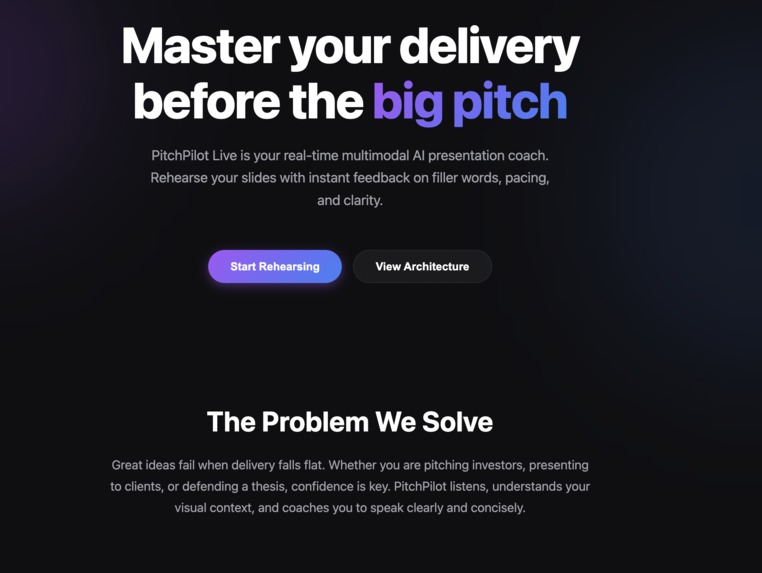
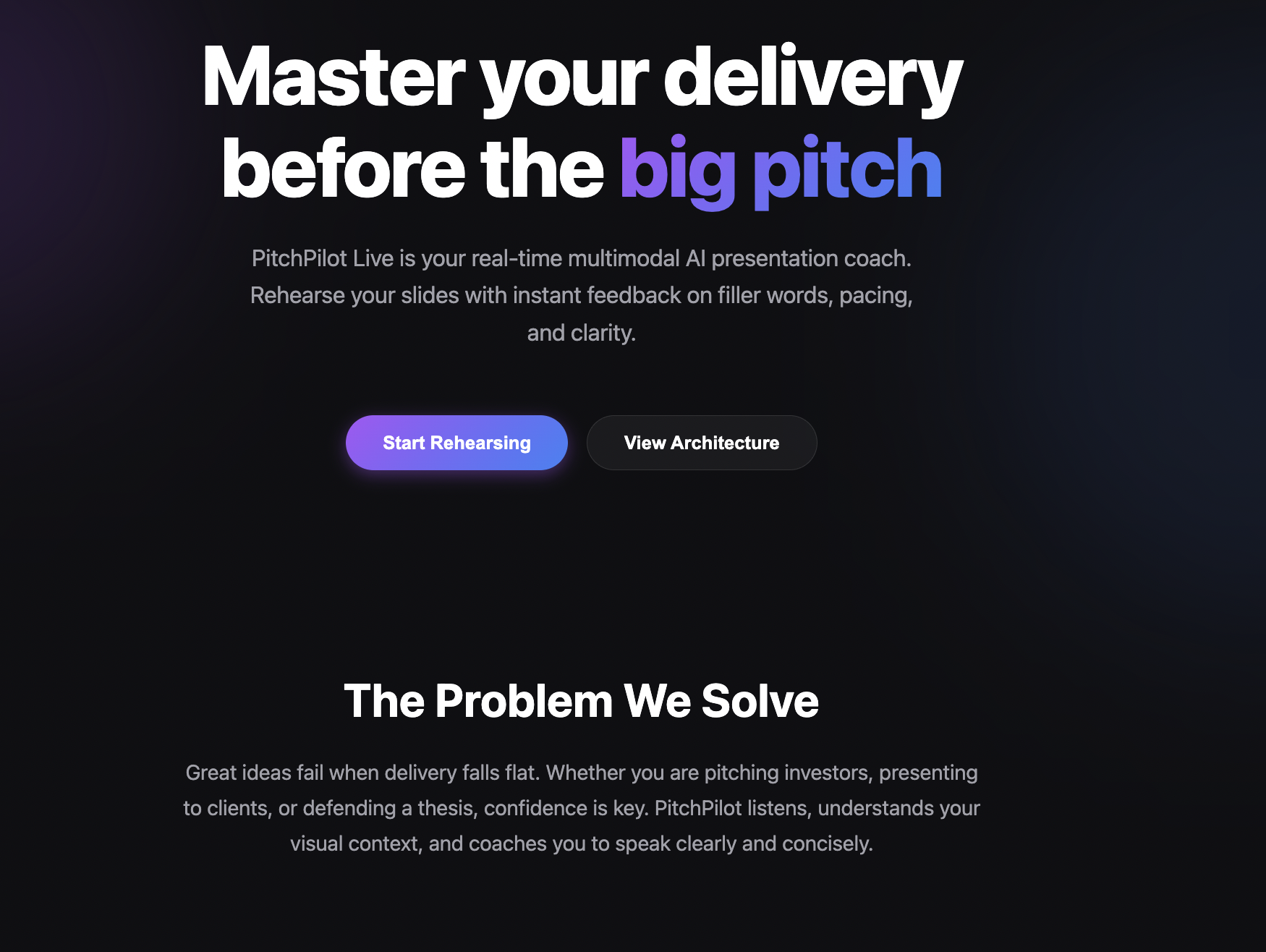
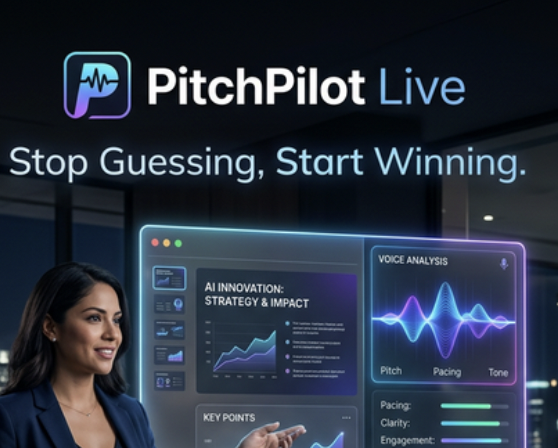
Master your presentation, pitch is one of the type
-
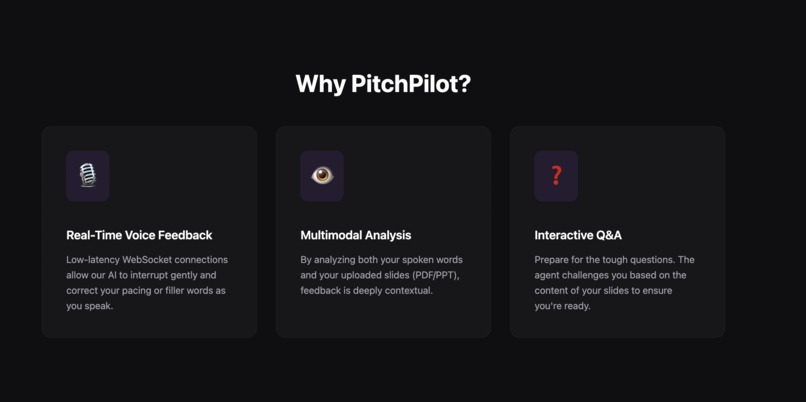
why we build this? Talk with live agent to rehearse your presentation
-
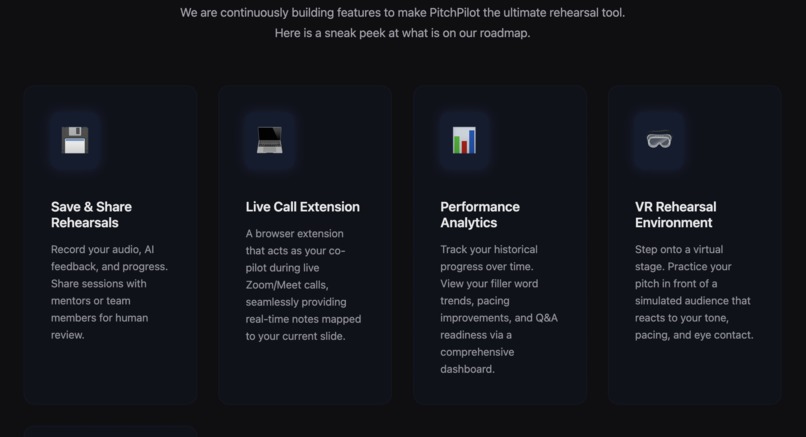
Future for PitchPilot..lots of features
-
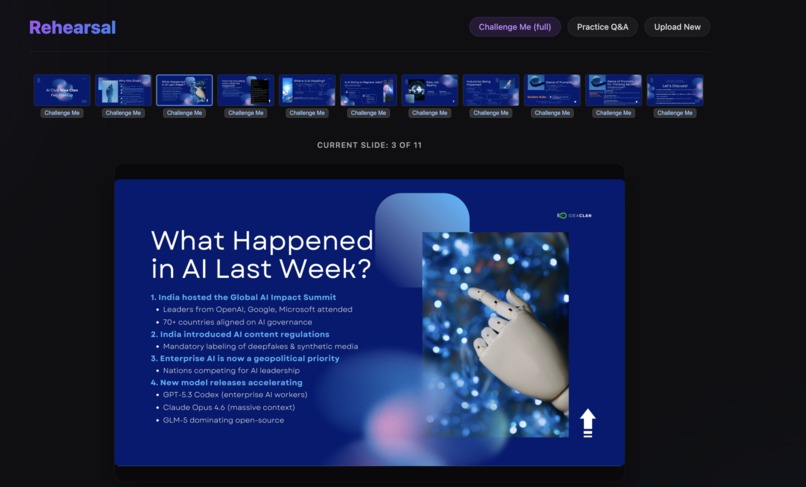
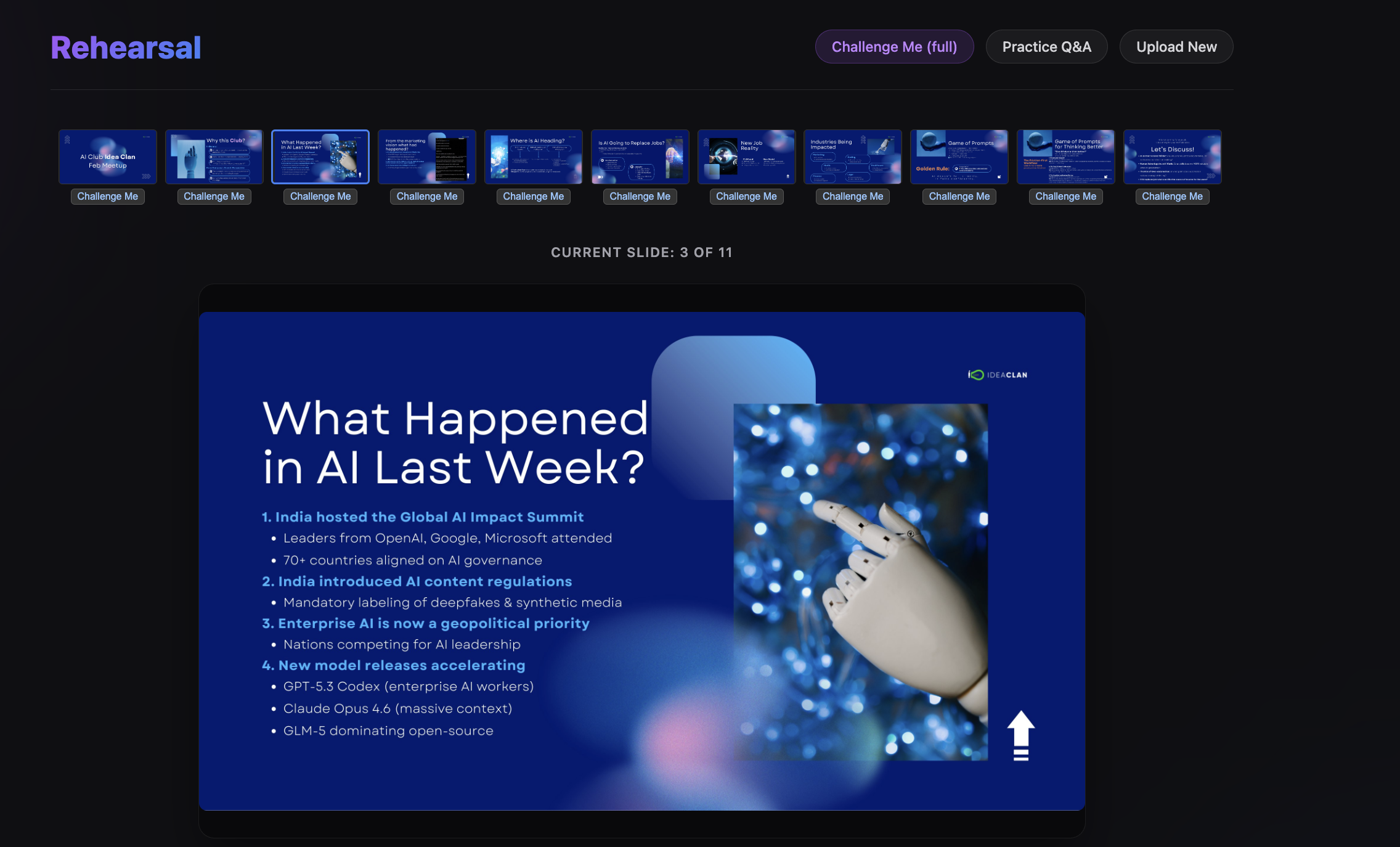
Upload the presentation pdf
-
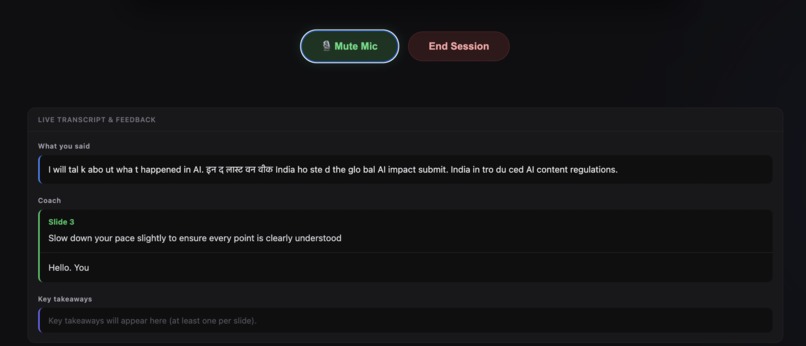
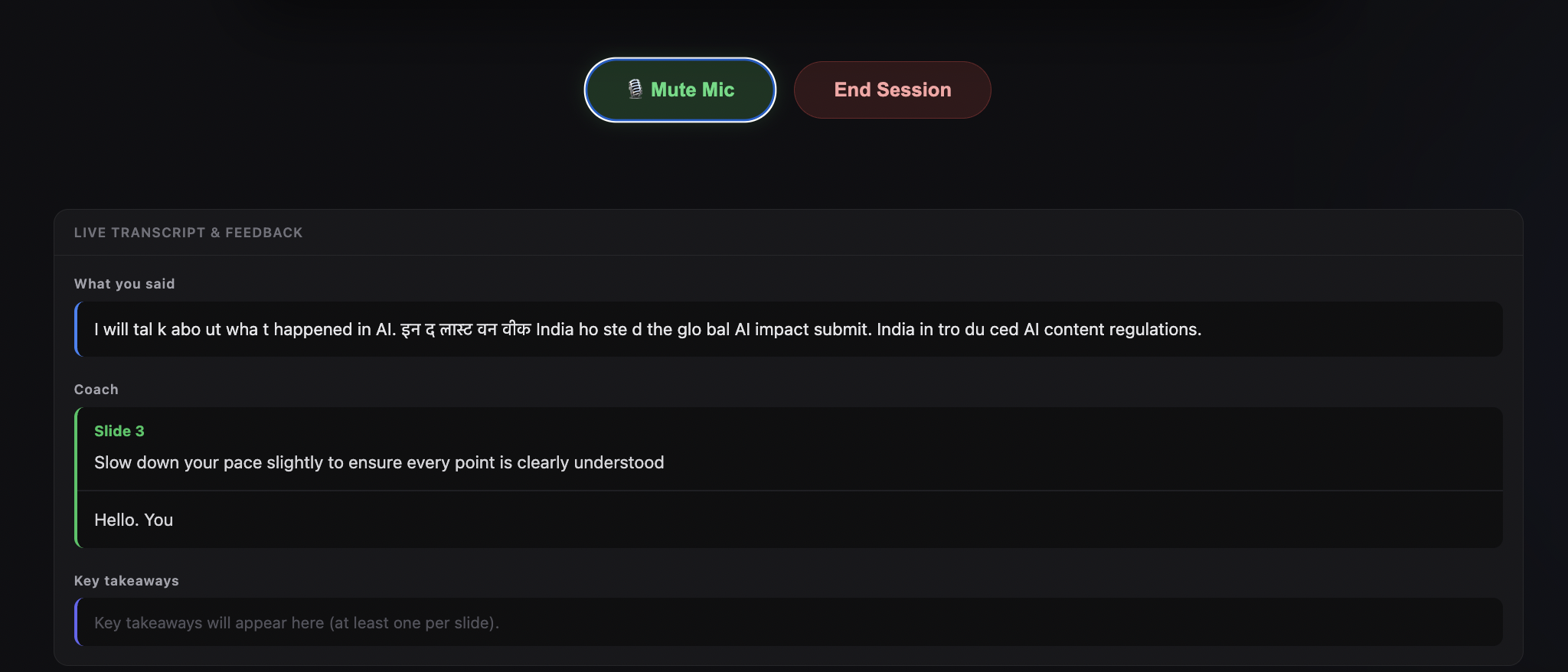
Live interaction example
-
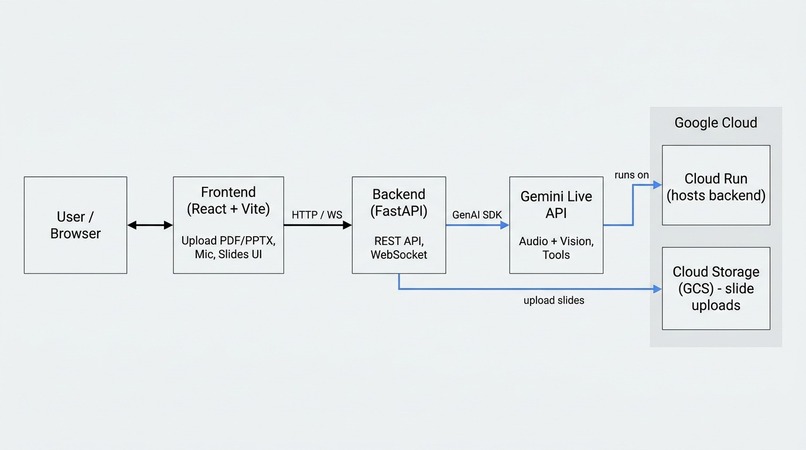
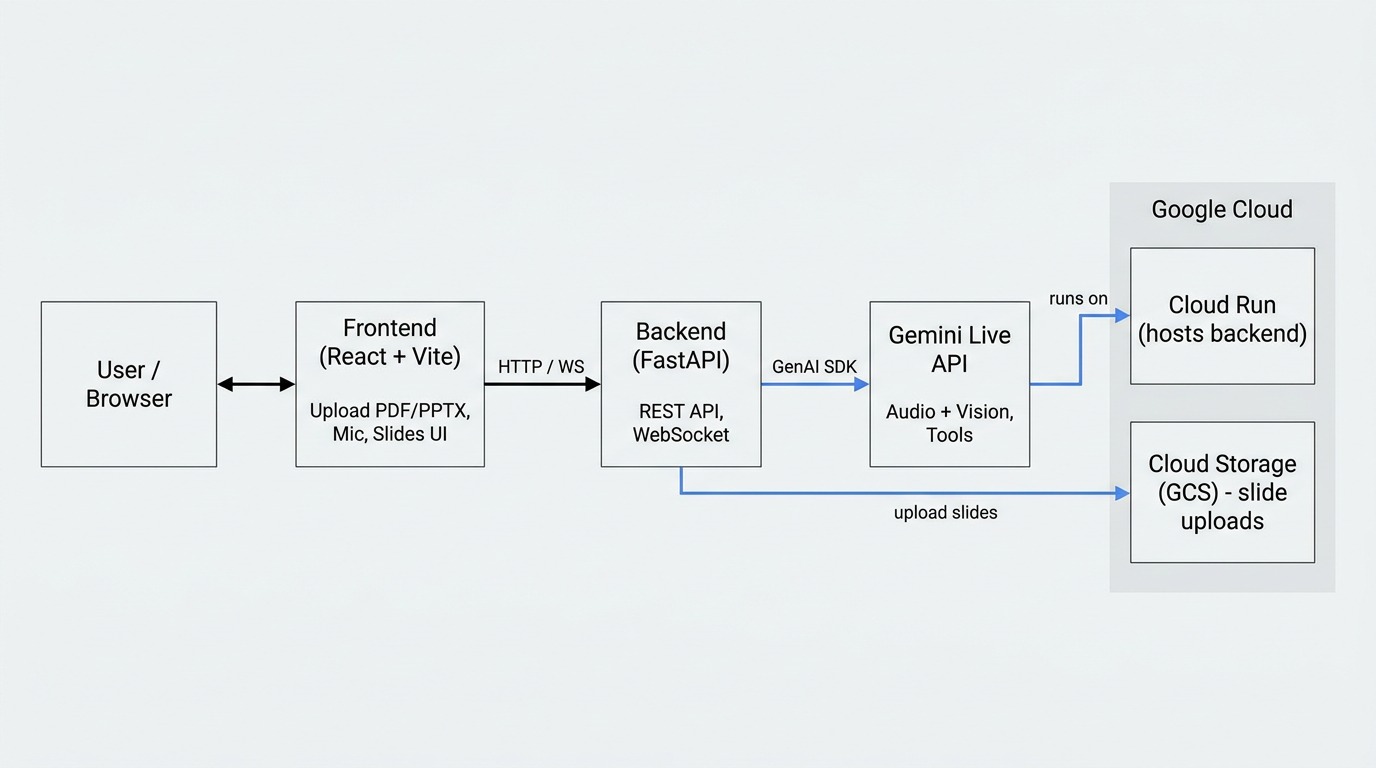
Architecture
-
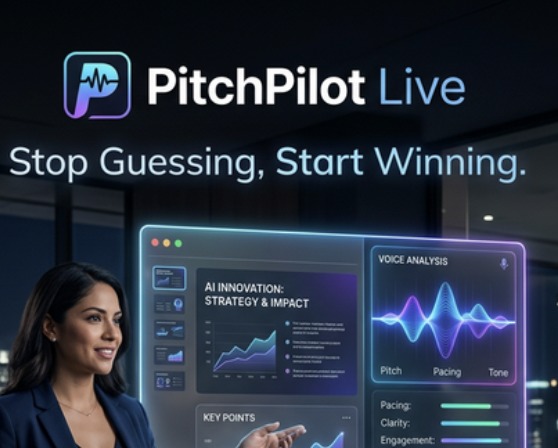
Win with us
PitchPilot Live: The Story Behind the Coach

About PitchPilot Live
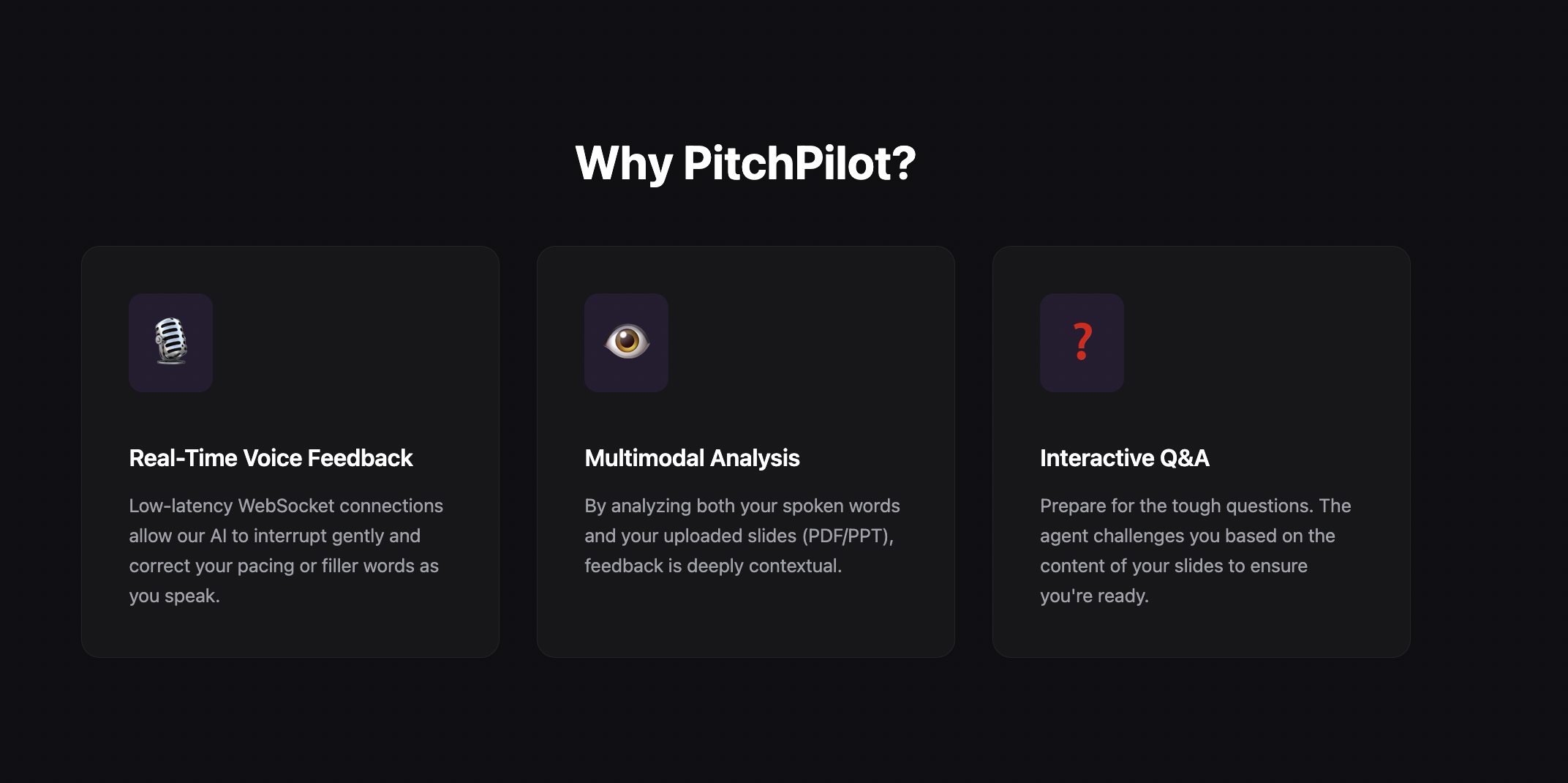
PitchPilot Live is a cutting-edge, real-time AI presentation coach designed to transform how professionals and students prepare for high-stakes speaking engagements. By leveraging the power of multimodal AI, PitchPilot Live provides immediate, actionable feedback on both what you say and what you show. It's not just a recorder; it's an interactive partner that helps you refine your pacing, eliminate filler words, and ensure your message lands with clarity and impact.
The Inspiration
Public speaking is often cited as the #1 fear for professionals worldwide. Whether it's a startup founder pitching to VCs or a student defending a thesis, the "feedback loop" for rehearsals is traditionally broken. It usually involves practicing to a mirror or a recording, both of which lack the critical element of interactive critique.
We were inspired to build PitchPilot Live to bridge this gap. We wanted to create a tool that doesn't just record you, but listens to you, understands your slides, and provides real-time, multimodal feedback as if an expert coach were sitting in the room with you.
How We Built It (with Antigravity)
Building PitchPilot Live was a collaborative journey between human intuition and AI-assisted engineering through Antigravity.
The Tech Stack
The project is built on a modern, high-performance stack:
- Frontend: React + Vite for a blazing fast, glassmorphism-inspired UI.
- Backend: FastAPI for high-concurrency WebSocket handling.
- AI Core: Google Gemini 2.0 Flash Multimodal Live API, integrated via the Agent Development Kit (ADK).
Antigravity played a pivotal role in the "heavy lifting" of the development process:
- UI Architecture: Antigravity helped iterate through multiple design phases—transitioning from a basic tool to a premium landing page and eventually a structured 3-column rehearsal layout.
- Deployment Strategy: We utilized Antigravity to architect a single-service monolith deployment, bundling the React build into the FastAPI container to simplify Google Cloud Run hosting.
The Technical Journey & Math
A core challenge was the synchronization of audio streams and slide indices. To ensure the AI coach "sees" what the user is seeing, we modeled our synchronization logic.
The probability of a successful "Coached Moment" $C$ can be thought of as the intersection of real-time audio processing $A$, slide context $S$, and low latency $L$:
$$P(C) = P(A \cap S \cap L)$$
Where latency $L$ must satisfy: $$L < T_{threshold} \approx 200ms$$
By utilizing the Gemini Multimodal Live API's low-latency performance, we were able to maintain $L$ well below the human-perceivable threshold, allowing for "Barge-in" functionality where the coach can interrupt the speaker gracefully.
Challenges Faced
- The Multimodal Dance: Coordinating a live audio stream via WebSockets while simultaneously injecting slide snapshots was a complex state-management puzzle. We had to ensure the
useLiveSessionhook remained reactive to slide changes without dropping audio packets. - Layout Evolution: Moving from a vertical stacking layout to a professional 3-column grid (Slides | Stage | Feedback) required a complete overhaul of our CSS architecture while ensuring the underlying WebSocket logic remained "blind" to the visual changes.
- Monolith Deployment: Building a Docker container that handles both Node.js (Vite) and Python (Uvicorn) dependencies taught us the power of multi-stage Docker builds to keep our production image lean and performant.
What We Learned
Mastering the Gemini 2.0 Live API taught us that the future of UI isn't just clicks and taps—it's voice and vision. Working with Antigravity showed us how an agentic pair-programmer can accelerate UI polish and complex deployment planning, turning raw ideas into a professional product in hours rather than weeks.
Future Scope
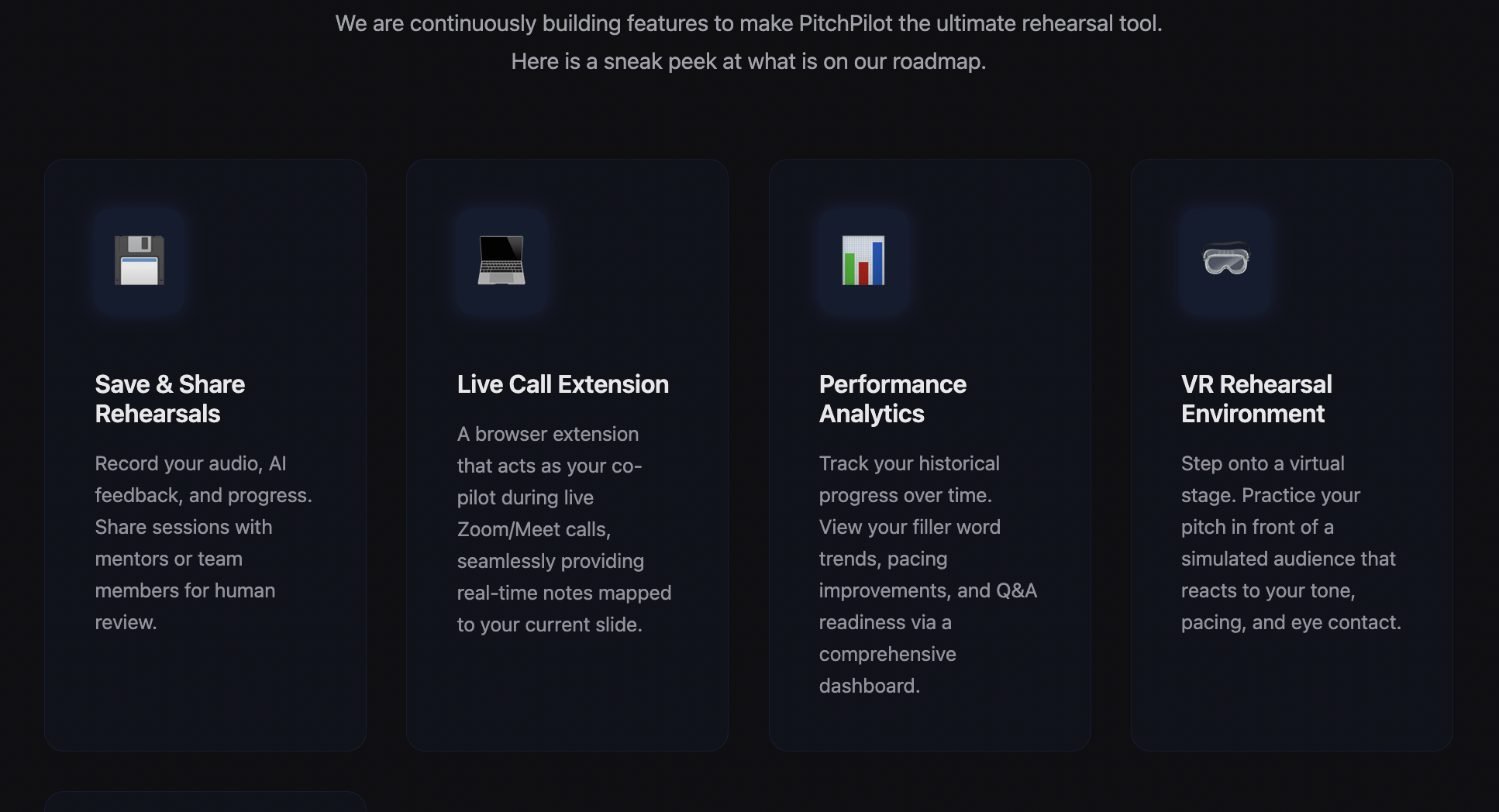
The journey for PitchPilot Live is just beginning. We envision a roadmap that pushes the boundaries of AI coaching:
- Save & Share Rehearsals: Record your audio, AI feedback, and progress. Share sessions with mentors or team members for human review.
- Live Call Extension: A browser extension that acts as your co-pilot during live Zoom/Meet calls, seamlessly providing real-time notes mapped to your current slide.
- Performance Analytics: Track your historical progress over time. View your filler word trends, pacing improvements, and Q&A readiness via a comprehensive dashboard.
- VR Rehearsal Environment: Step onto a virtual stage. Practice your pitch in front of a simulated audience that reacts to your tone, pacing, and eye contact.
- Interview Rehearsal: Practice for job interviews with an AI agent tailored to ask specific role-based questions and evaluate your conversational skills.
PitchPilot Live – master your story.
Built With
- docker
- gcp
- pydantic
- python
- react
- vite
- websockets


Log in or sign up for Devpost to join the conversation.