Pitch Deck OPT Overview
Inspiration
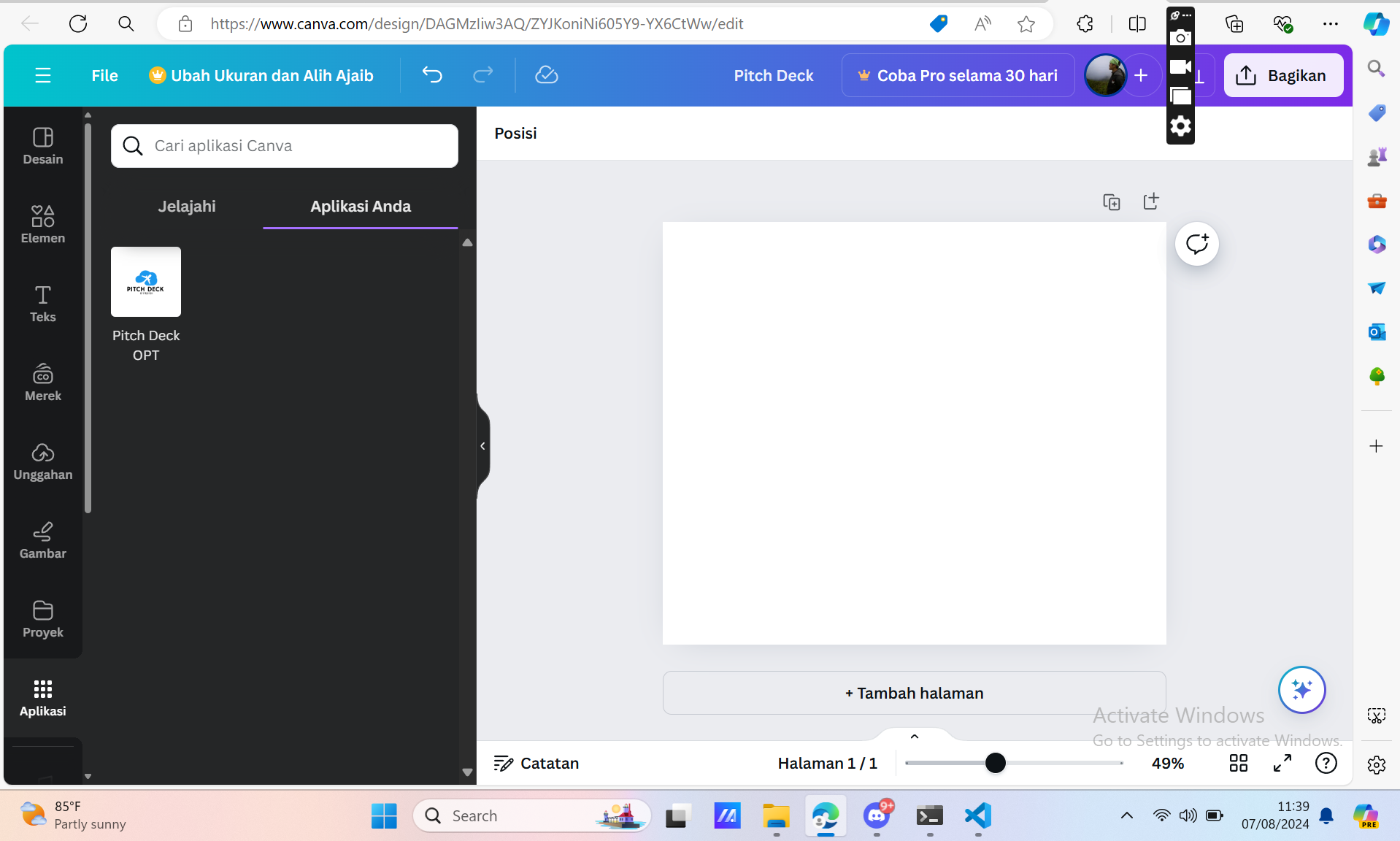
Pitch Deck OPT was inspired by the need to simplify pitch deck creation without requiring users to leave Canva. Many users find it cumbersome to switch between tools and manually input data. Even the Canva AI 'magic words' still needs you to input everything manually, then it will generate every and each section or each text you want (Repeated Action in so Many Times). But we have a solution for this problem. By integrating AI directly within Canva, we aim to make the process more seamless and efficient, allowing users to generate complete pitch deck components with minimal effort.
What It Does
Pitch Deck OPT enhances Canva’s functionality by:
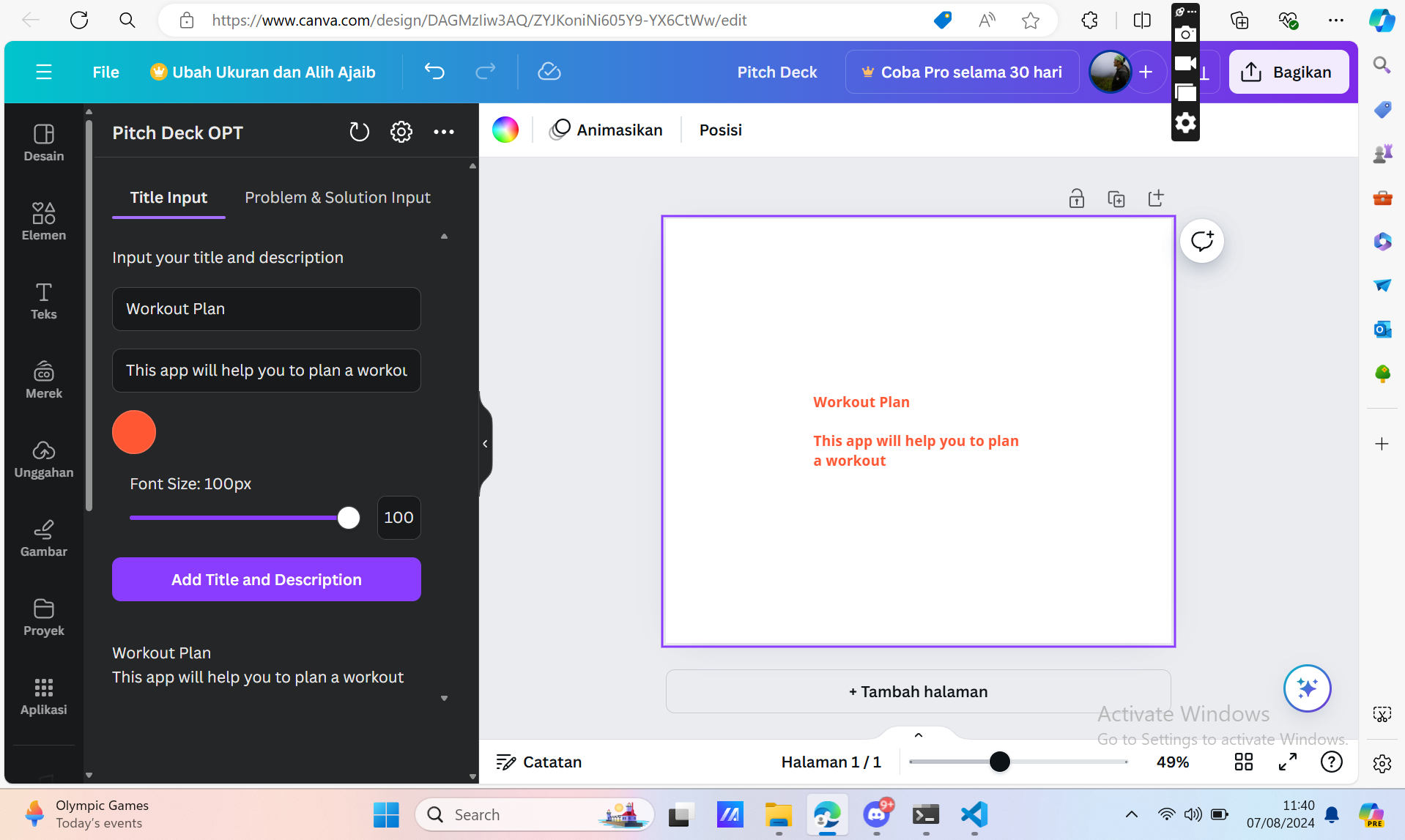
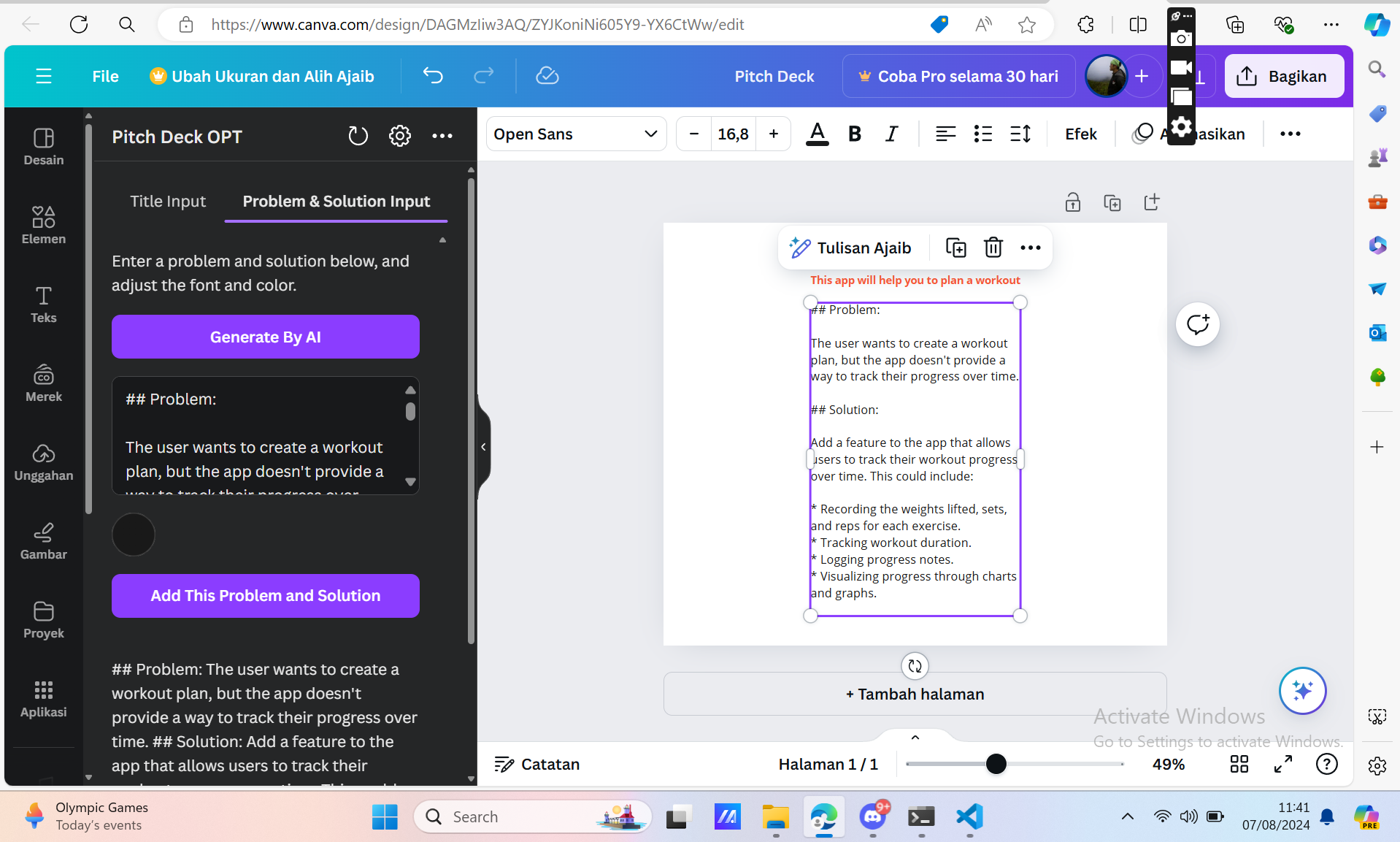
- AI-Powered Content Generation: Users input just a title and description, and the AI automatically generates comprehensive content for various pitch deck sections, including problem statements, solutions, market analysis, and more just by analyzing the title and description.
- In-App AI Features: Users can generate pitch deck components like market insights, audience segmentation, and financial projections directly within Canva, without needing to use external AI tools.
- Effortless Integration: The tool operates within Canva’s interface, allowing users to manage and customize their pitch decks seamlessly.
How We Built It
- Canva App-UI Kit & SDK: Utilized Canva’s App-UI Kit and SDK to integrate our AI tool directly into Canva’s platform, ensuring a cohesive user experience within the existing Canva interface.
- Gemini API: Employed the Gemini API for generating high-quality content based on user inputs, including problem statements, market data, and other pitch deck components.
- Custom Development: Developed algorithms to process user inputs and generate relevant pitch deck content. The tool is designed to understand and adapt to various pitch deck requirements.
Challenges We Ran Into
- Integration Within Canva: Ensuring a smooth and intuitive integration of AI features within Canva’s existing interface required overcoming technical challenges and aligning with Canva’s design principles.
- Contextual Content Generation: The AI needed to accurately generate context-specific content based on minimal user inputs, which required sophisticated natural language processing and continuous refinement.
- Maintaining Flexibility: Balancing the AI’s automated content generation with the need for user customization and flexibility proved challenging.
Accomplishments That We're Proud Of
- Seamless In-App Integration: Successfully integrated AI content generation features within Canva, allowing users to stay within the platform while creating their pitch decks.
- Enhanced User Experience: Simplified the pitch deck creation process by automating content generation, making it easier for users to generate comprehensive pitch decks quickly.
- Positive User Feedback: Received praise for the convenience and efficiency of the tool, with users appreciating the ability to generate pitch deck components without leaving Canva.
What We Learned
- User Preferences: Learned about users’ desire for a streamlined experience where they can perform all tasks within a single platform.
- AI Content Accuracy: Gained insights into the challenges of generating contextually accurate and relevant content from minimal inputs.
- Integration Complexities: Understood the complexities of integrating new features within an established platform and the importance of aligning with user expectations.
What’s Next for Pitch Deck OPT
- Advanced AI Capabilities: Continue to improve the AI’s ability to generate more nuanced and detailed pitch deck components based on user inputs.
- Feature Expansion: Add new features and templates to cover a wider range of pitch deck components and industry-specific needs.
- User Interface Enhancements: Further refine the user interface to ensure an intuitive and seamless experience.
- Feedback Integration: Incorporate user feedback to continuously enhance the tool and address any emerging needs or challenges.
Built With
- canva
- canva-app-ui-kit
- canva-sdk
- react

Log in or sign up for Devpost to join the conversation.