-
-
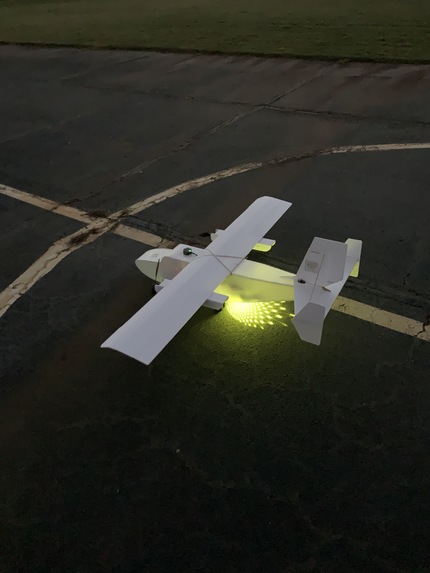
PiPlane
-
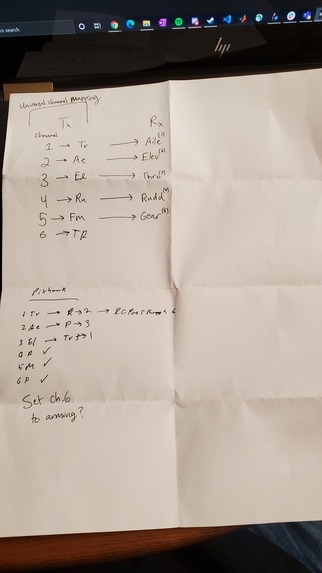
Channel Mapping Guide
-
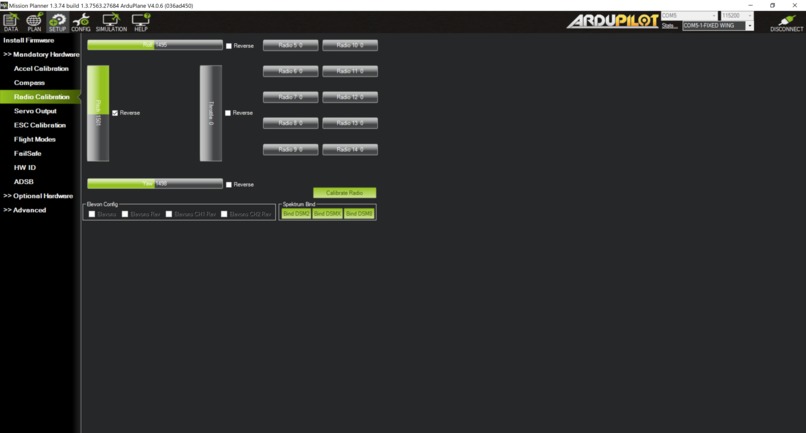
RC Calibration
-
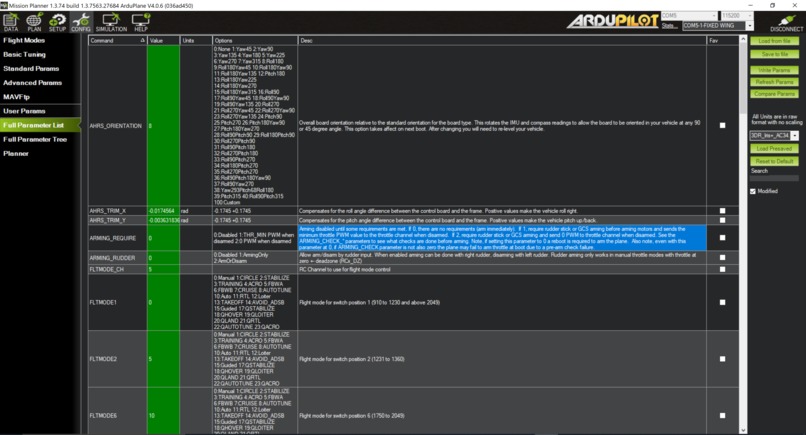
Modified Parameters 1
-
Modified Parameters 2
-
Modified Parameters 3
-
Modified Parameters 4
-
Modified Parameters 5
-
Modified Parameters 6
-
PID Values
-
Flight Modes
-
Speaker Construction
-
Wing Construction
-
Body Construction
-
PiPlane Bottom
-
Flight Test
-
Electronics
-
Takeoff!
-
Flight!
-
Touchdown!


Inspiration
Everyone on our team loves working with RC planes, and we have all felt the effects of not being able to interact with our friends in the same way we could before the COVID-19 pandemic. As such, we thought that it would be a fun project to develop an autonomous RC plane that could allow us to listen to music with others while maintaining a safe distance.
What it does
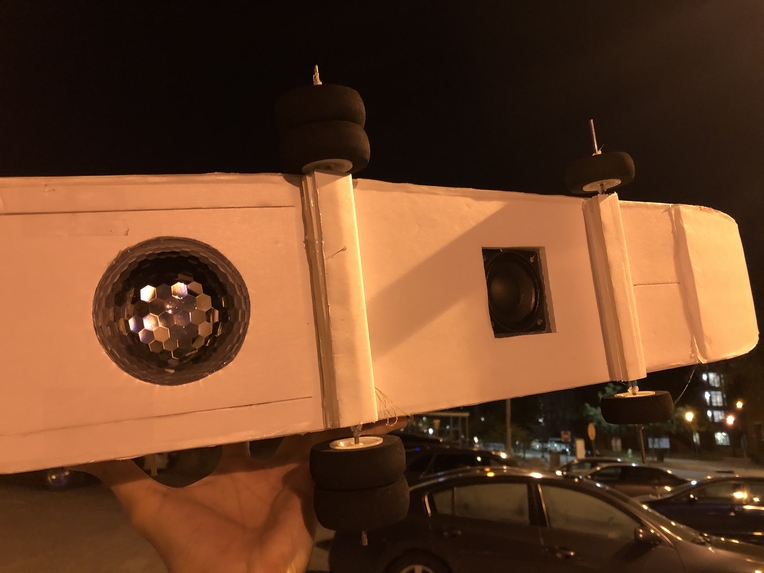
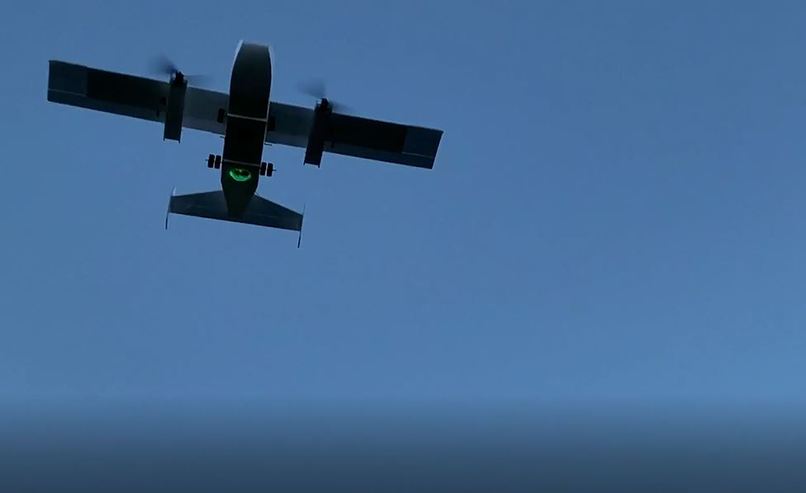
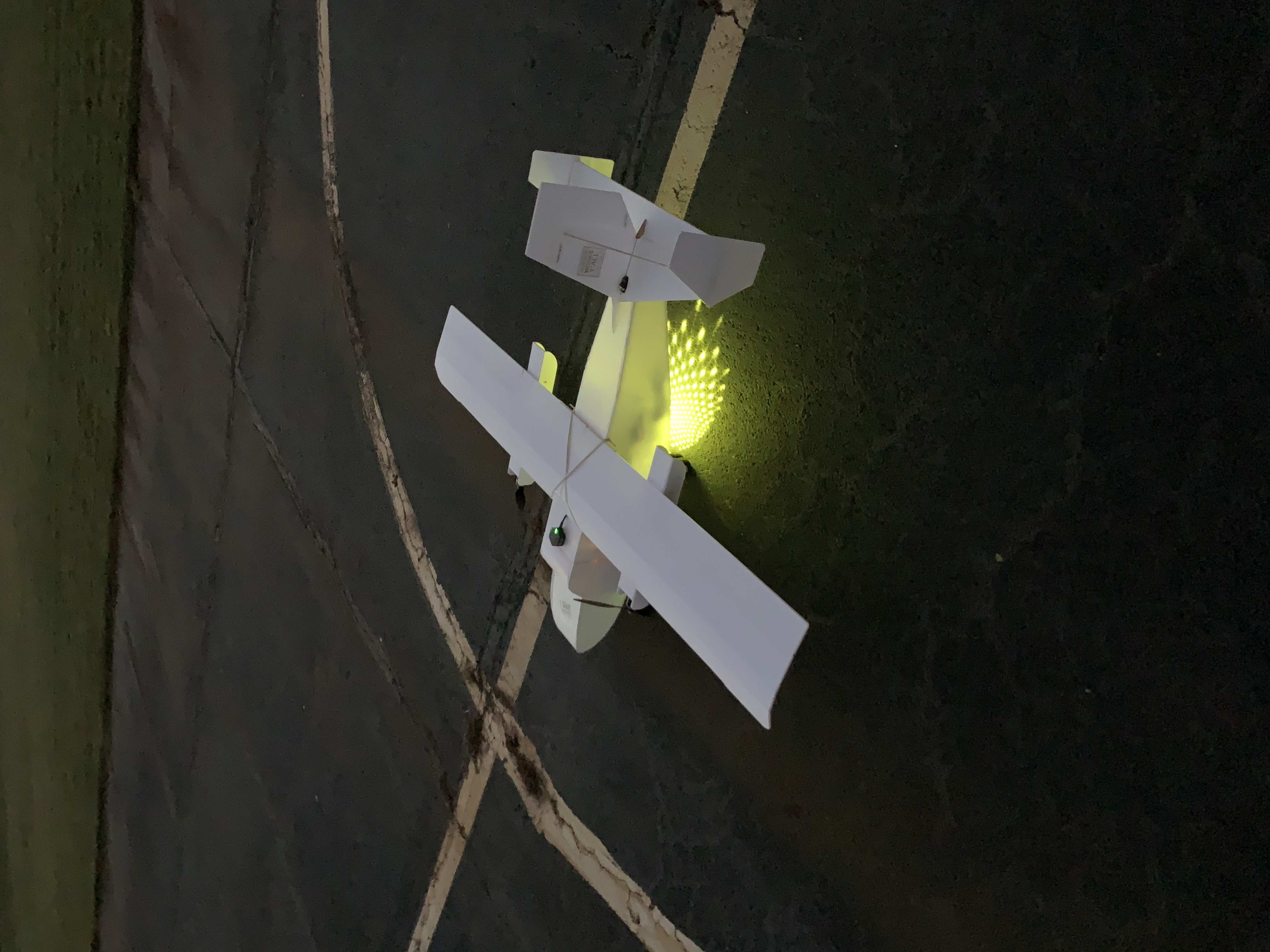
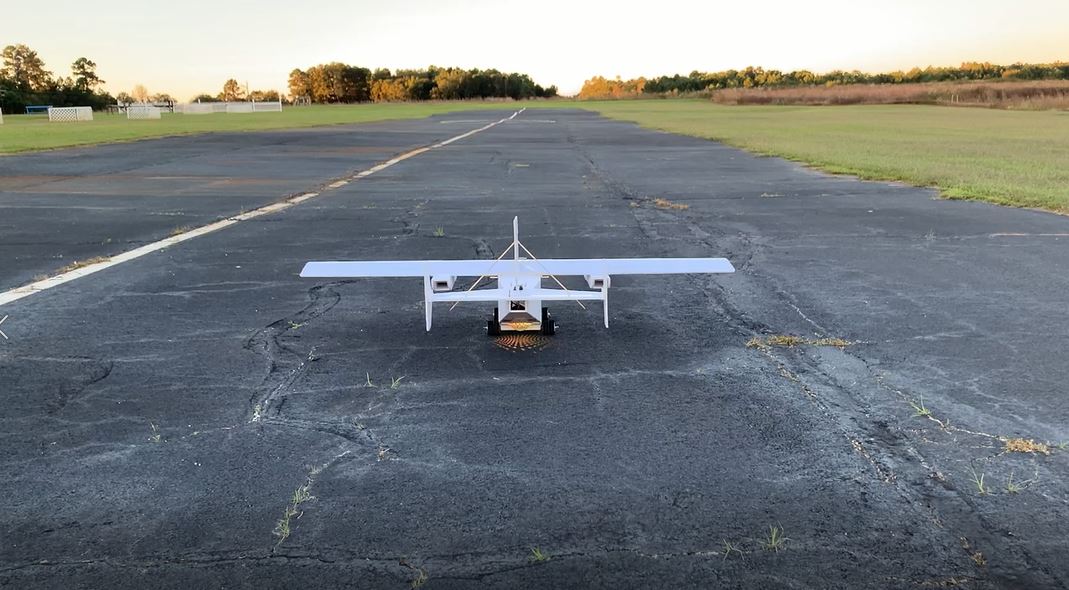
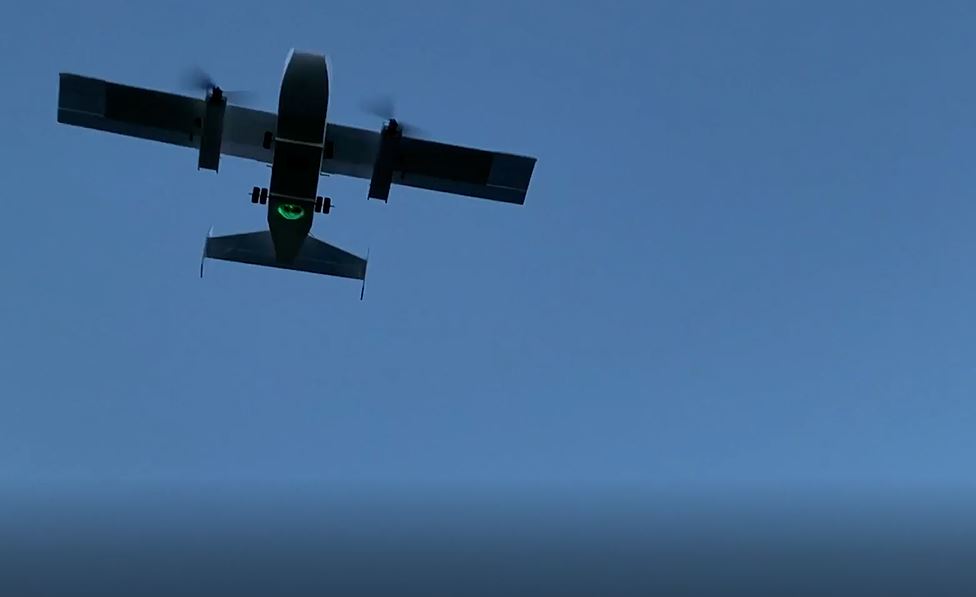
PiPlane is an integrated autonomous aerial boom box and disco ball. After taking off manually, the plane can circle around a pre-designated area, playing music and shining lights so that people below can enjoy entertainment while social distancing. Additionally, the PiPlane tracking goggles use computer vision to assist a pilot in locating the aircraft while taking off and landing to improve safety in an otherwise hazardous environment.
How we built it
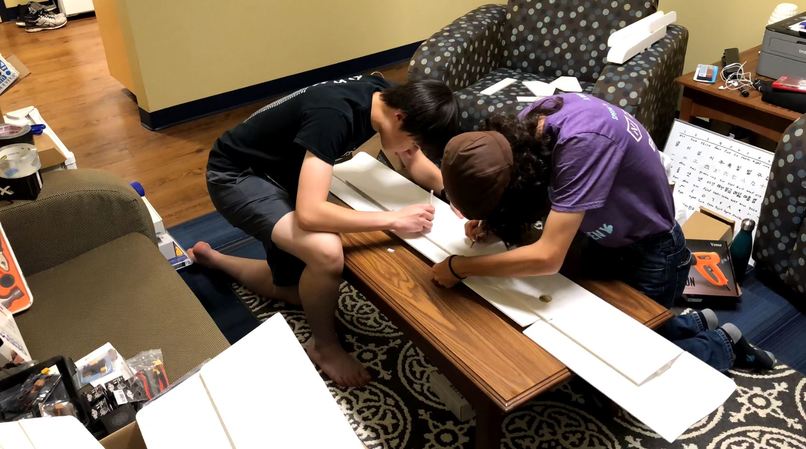
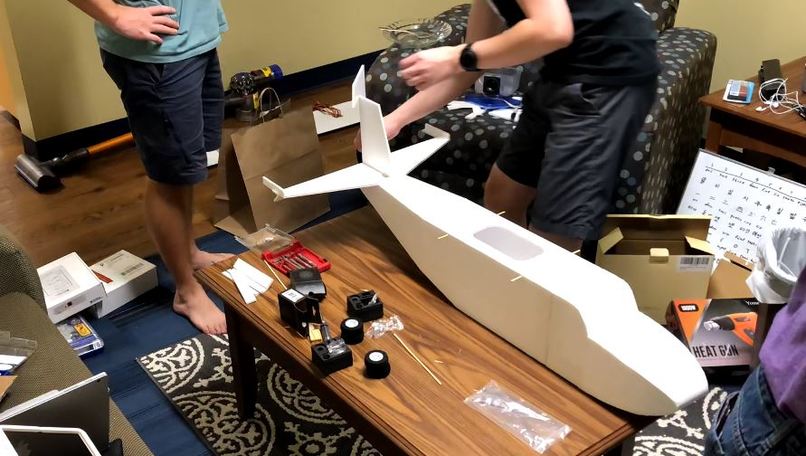
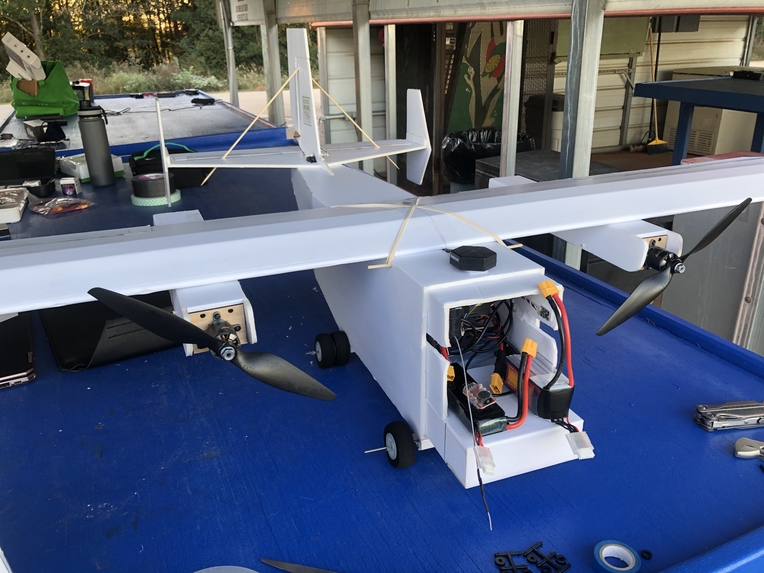
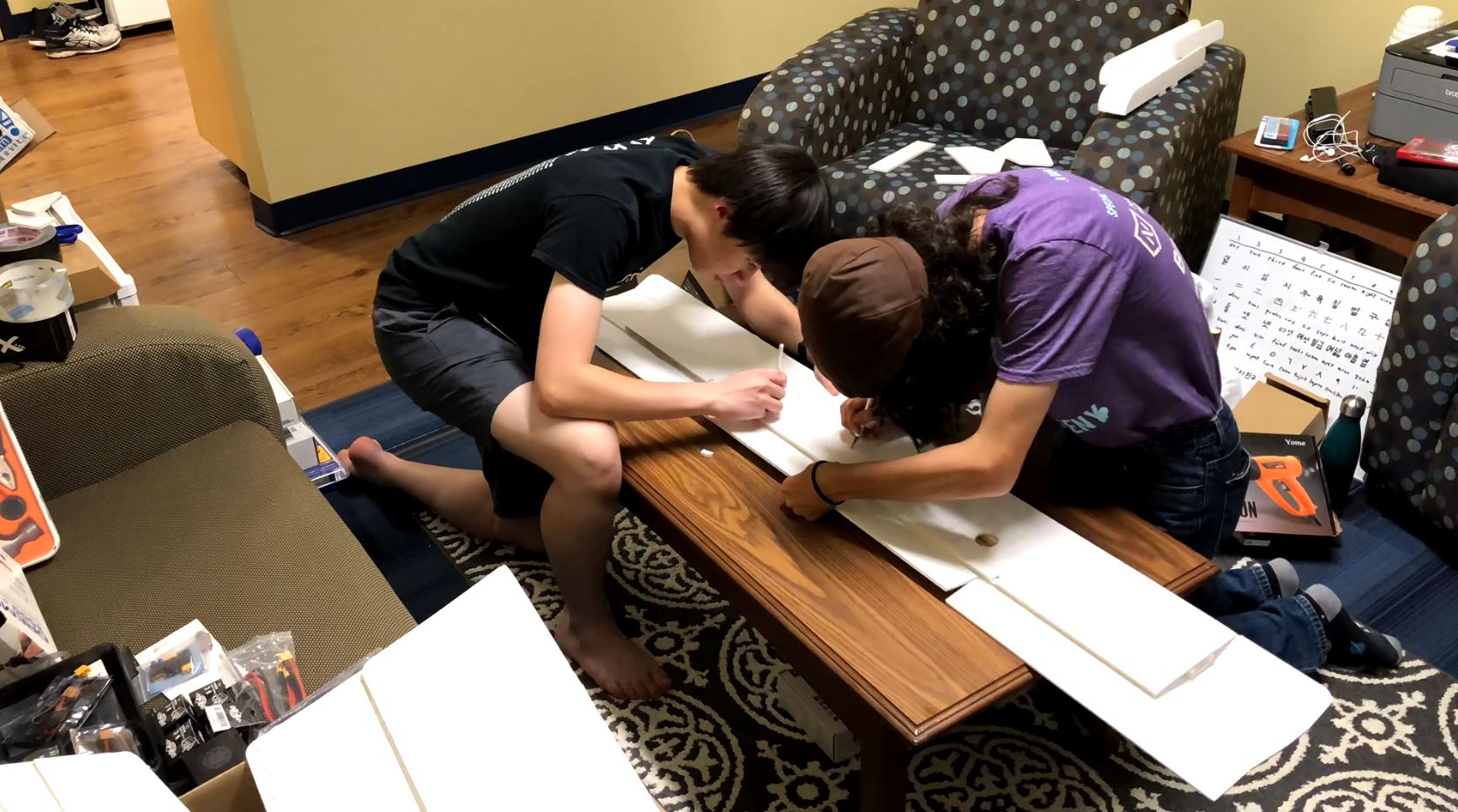
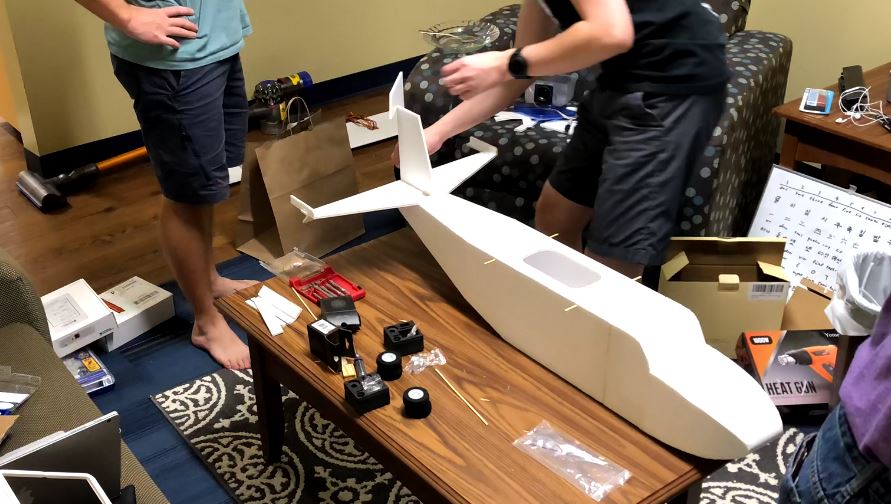
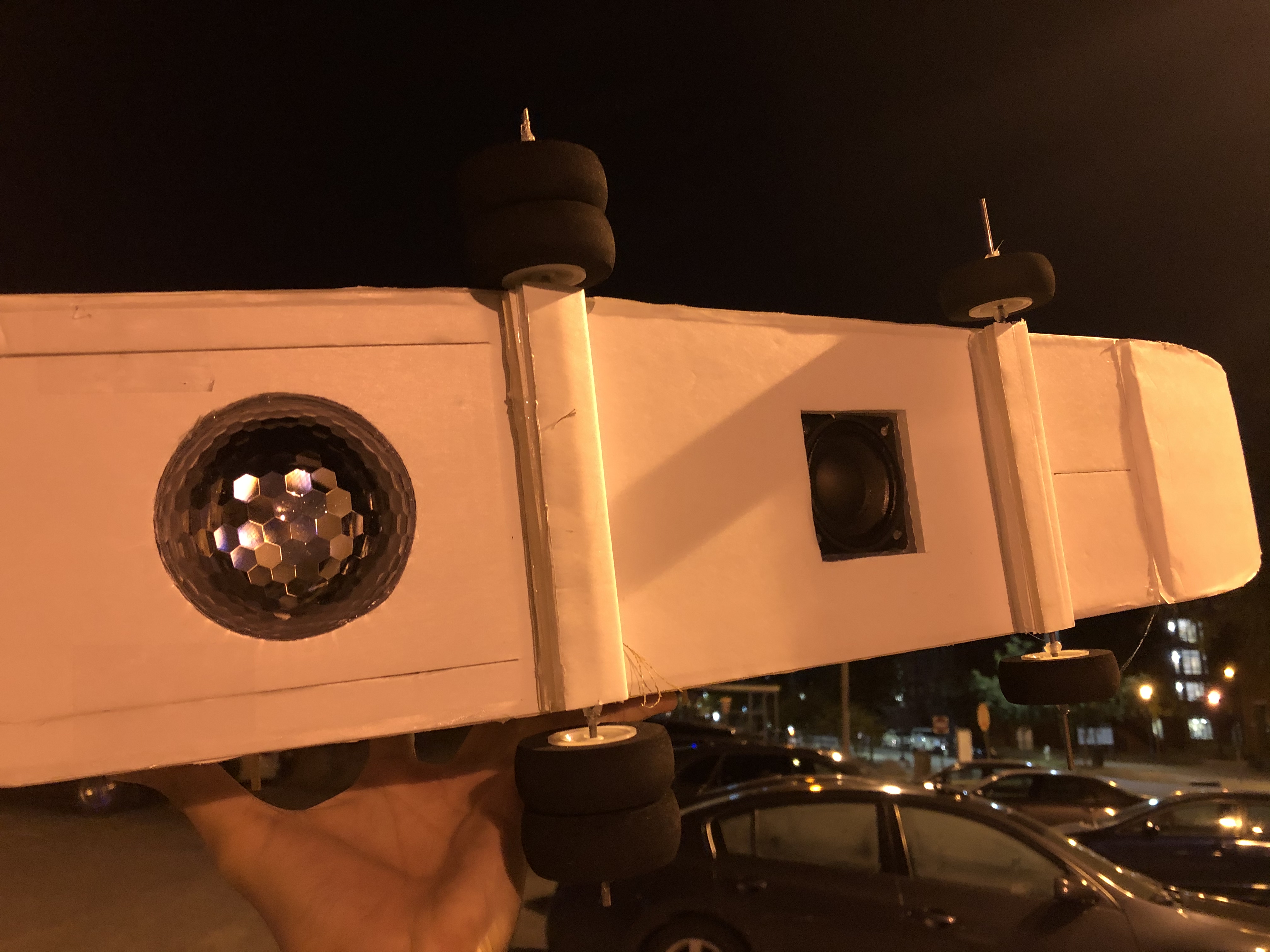
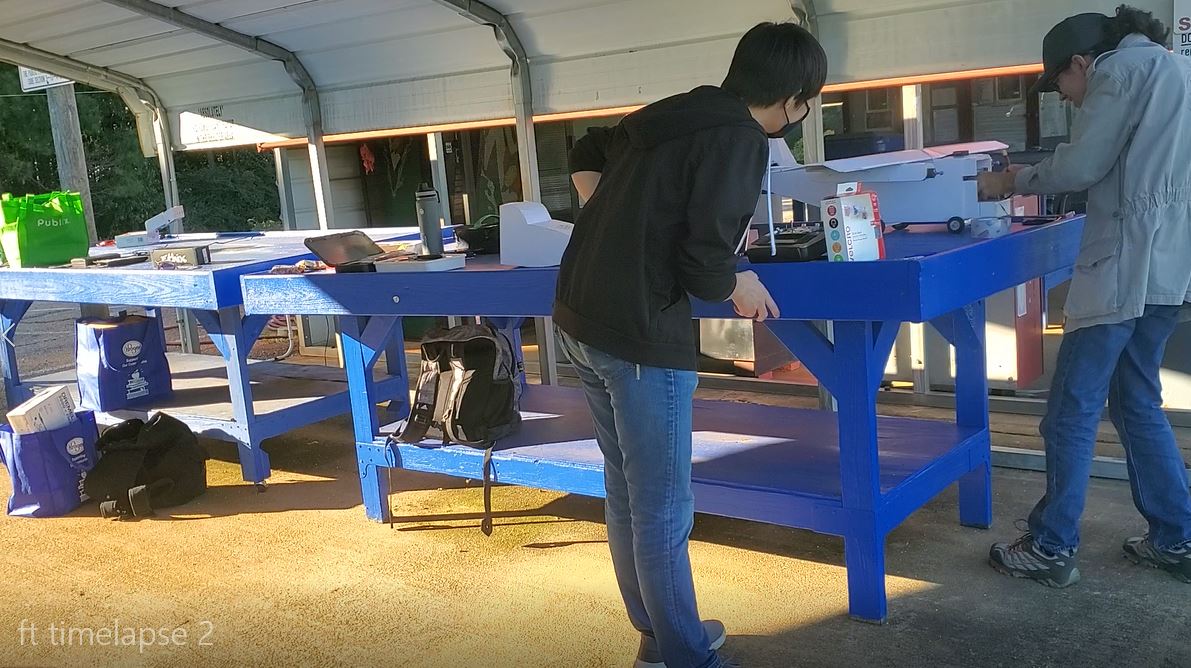
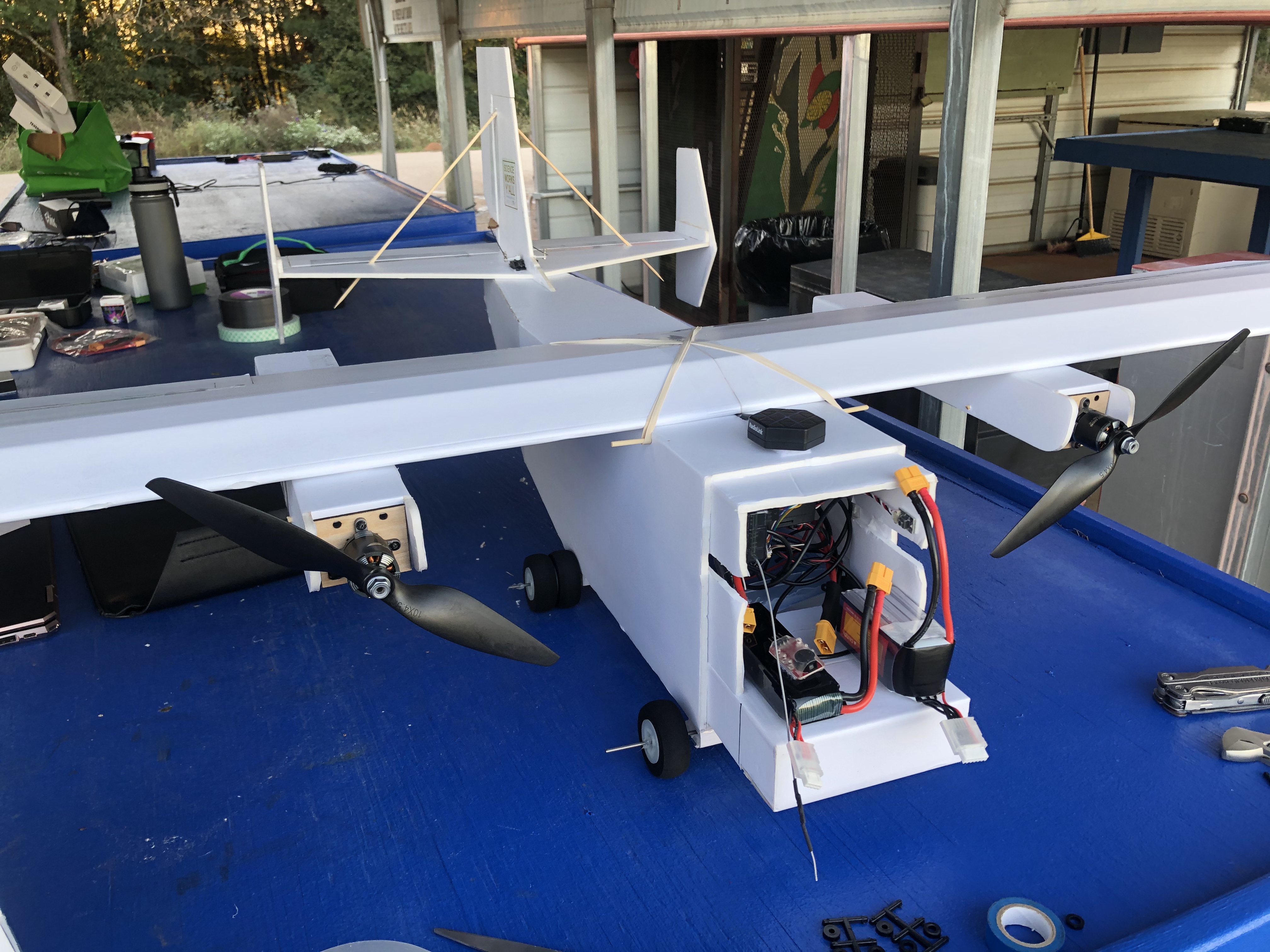
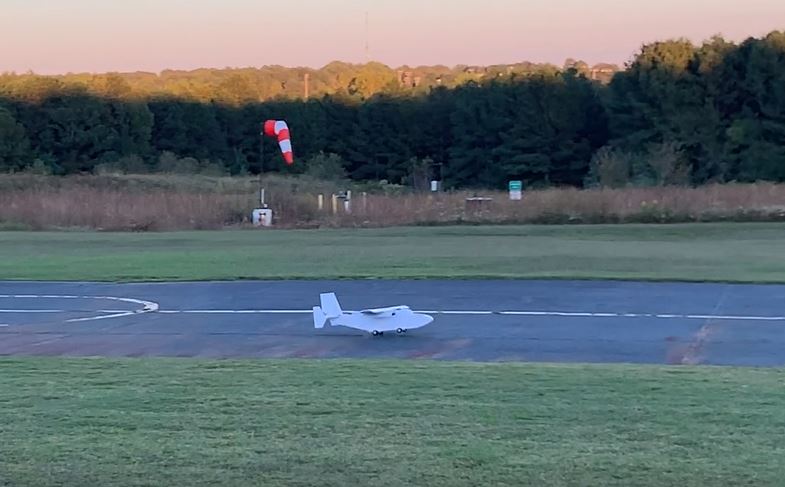
PiPlane was built over the course of about 13 hours during the beginning of the event. The plane itself is built using primarily laser cut foam board pieces held together with hot glue, with the exception of certain areas such as the landing gear which required more robust materials like steel rods. The laser cut pieces come from the Flite Test Guinea Pig RC Plane, however many areas of it were modified for our needs, such as the landing gear which were made sturdier and the payload area. The payload of PiPlane includes a disco ball and custom built speaker as well as the autopilot and electronics. The disco ball is simply a cheap OMERIL Disco Light bought on amazon.
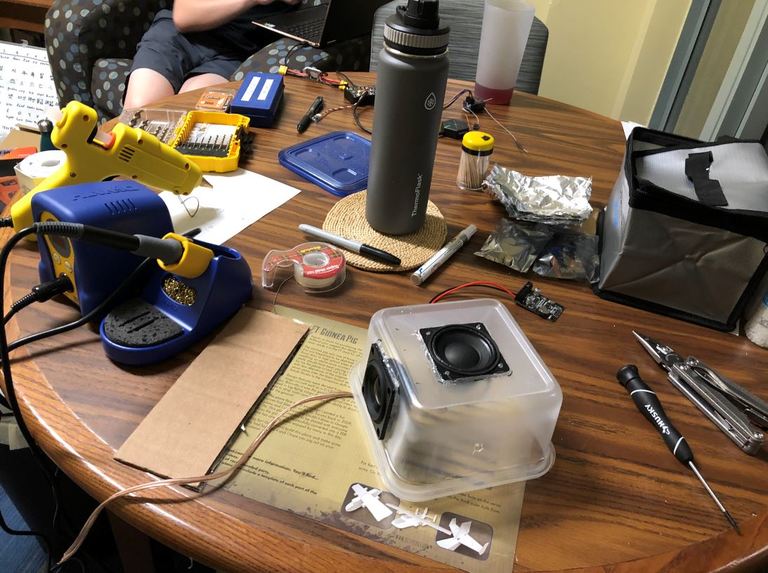
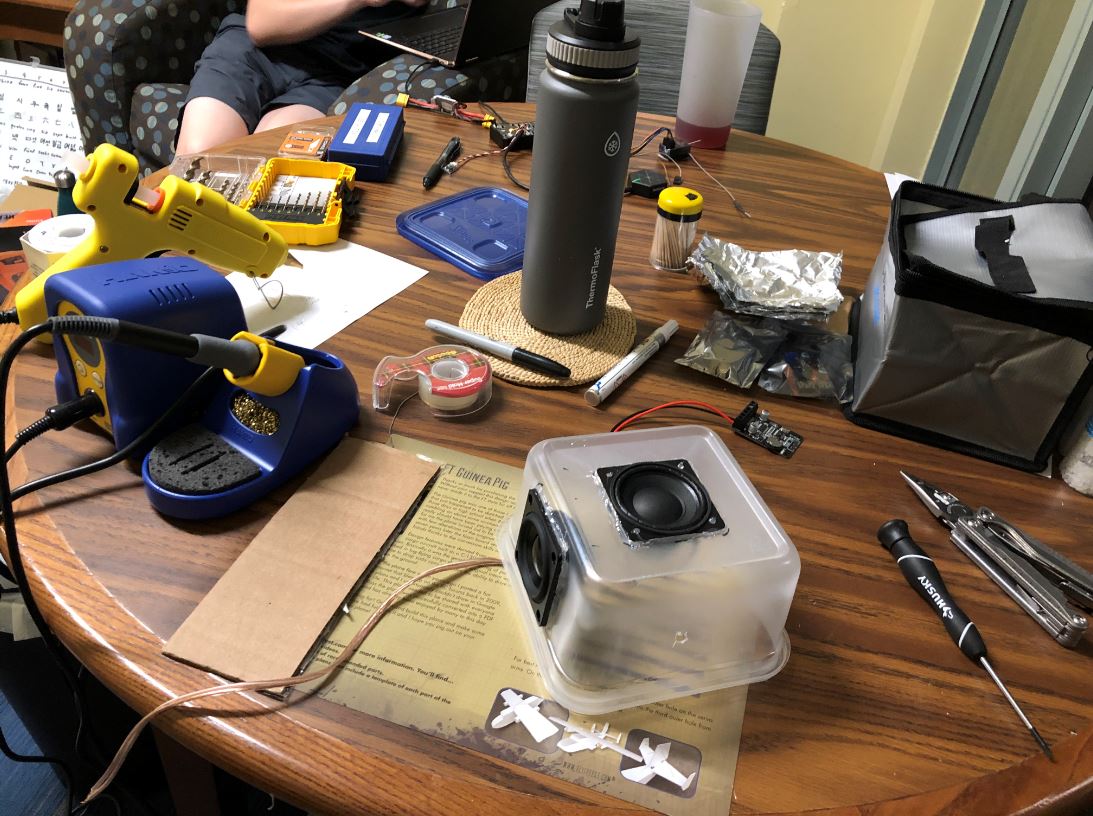
The speaker uses a sealed Tupperware box and a passive radiator to improve the bass frequency performance. The amplifier and Bluetooth combo board are soldered and mounted separately in the fuselage to also improve the reception.
For the autopilot, we used a RadioLink Pixhawk with an SE100 GPS. Mission planner was used to upload Ardupilot Plane firmware as well as the flight plan which were used to control the autopilot. Most of the wires for the Pixhawk were included with it, however we did have to use a separate PPM encoder for the Spektrum receiver we used since it did not send direct PWM signals to the Pixhawk. We used a single 2200 mAH 3S lithium polymer battery for the controls of the plane in addition to a single 1300 mAH 5S lithium polymer battery for the speaker and disco light.
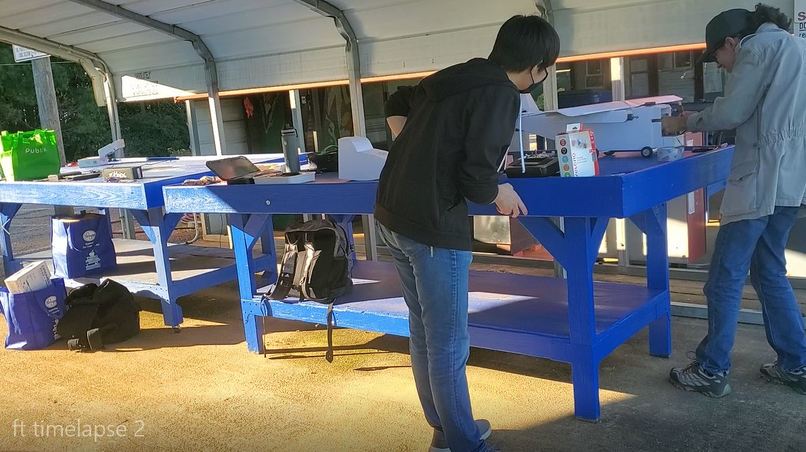
The algorithm behind the PiPlane tracking goggles is implemented in Python and relies primarily on the OpenCV and NumPy libraries. First, feature points are extracted from a video frame and stored in memory. This is done using ORB feature extraction through OpenCV. These points are then compared to the previous frame’s feature points using OpenCV’s Brute Force Matcher algorithm to determine possible matches. The best matches are then analyzed using a variety of methods, and a bounding box for the plane is generated. The input image with the bounding box shown is then projected to the screen.
Regarding the hardware of the PiPlane tracking goggles, we attached a USB streaming webcam to a pair of FatShark video goggles, and plugged both of these into a laptop to run the PiPlane location algorithm.
Challenges we ran into
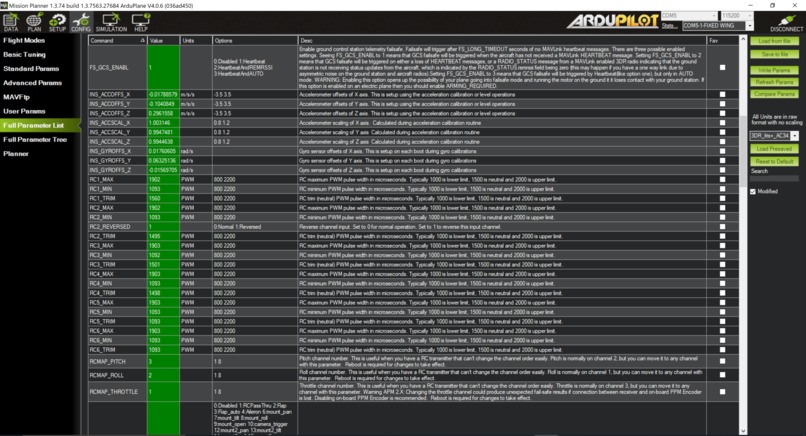
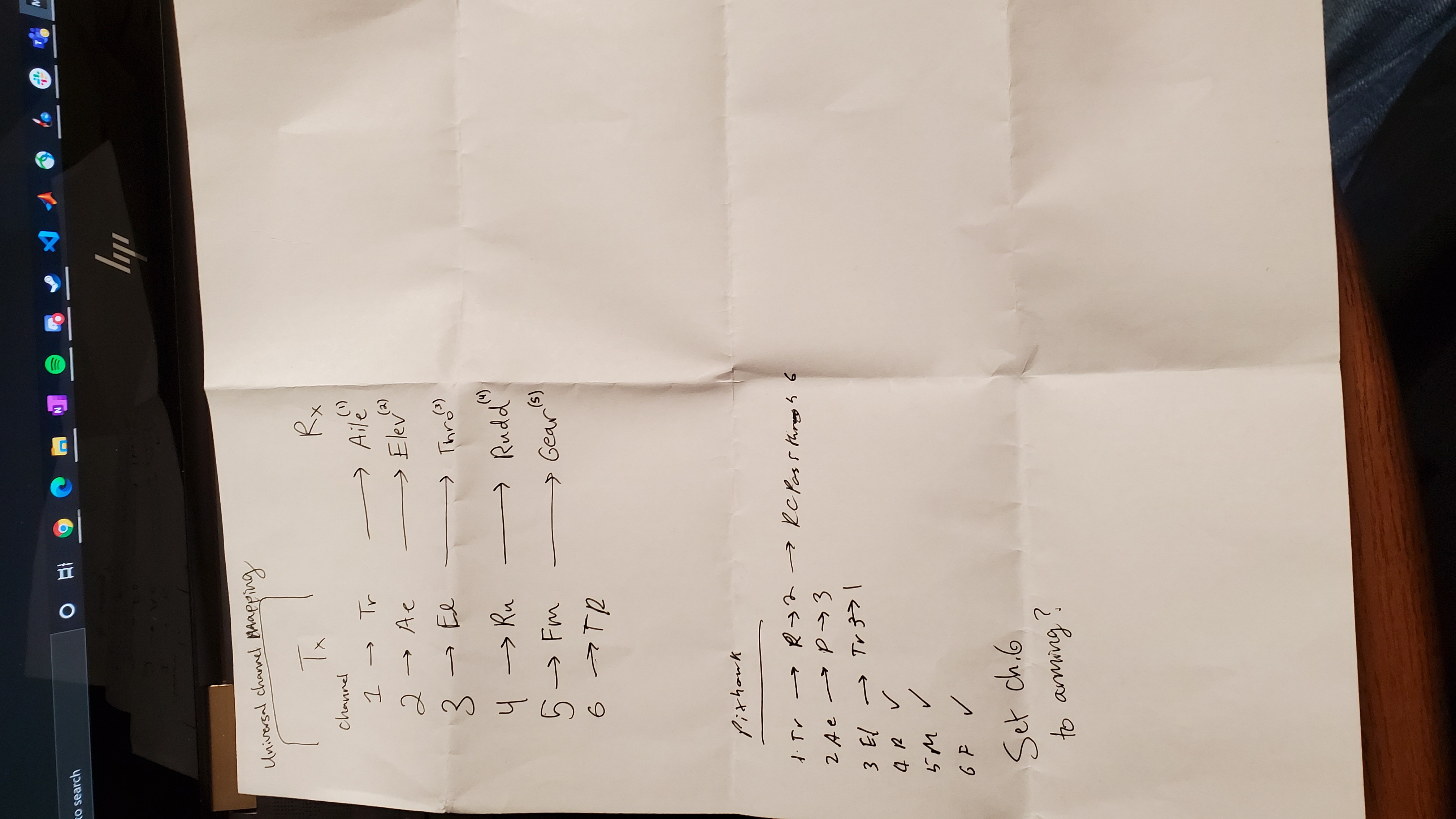
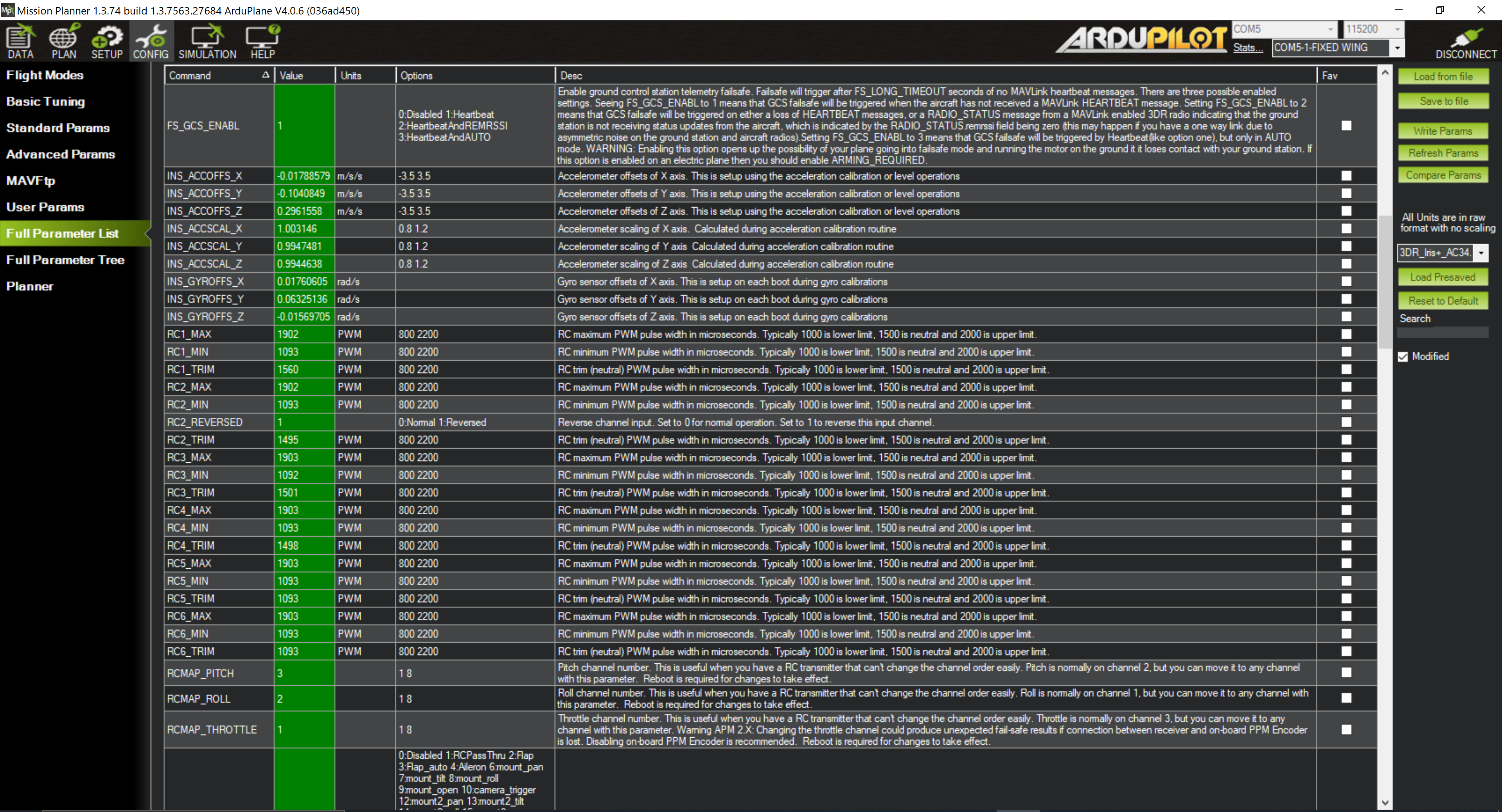
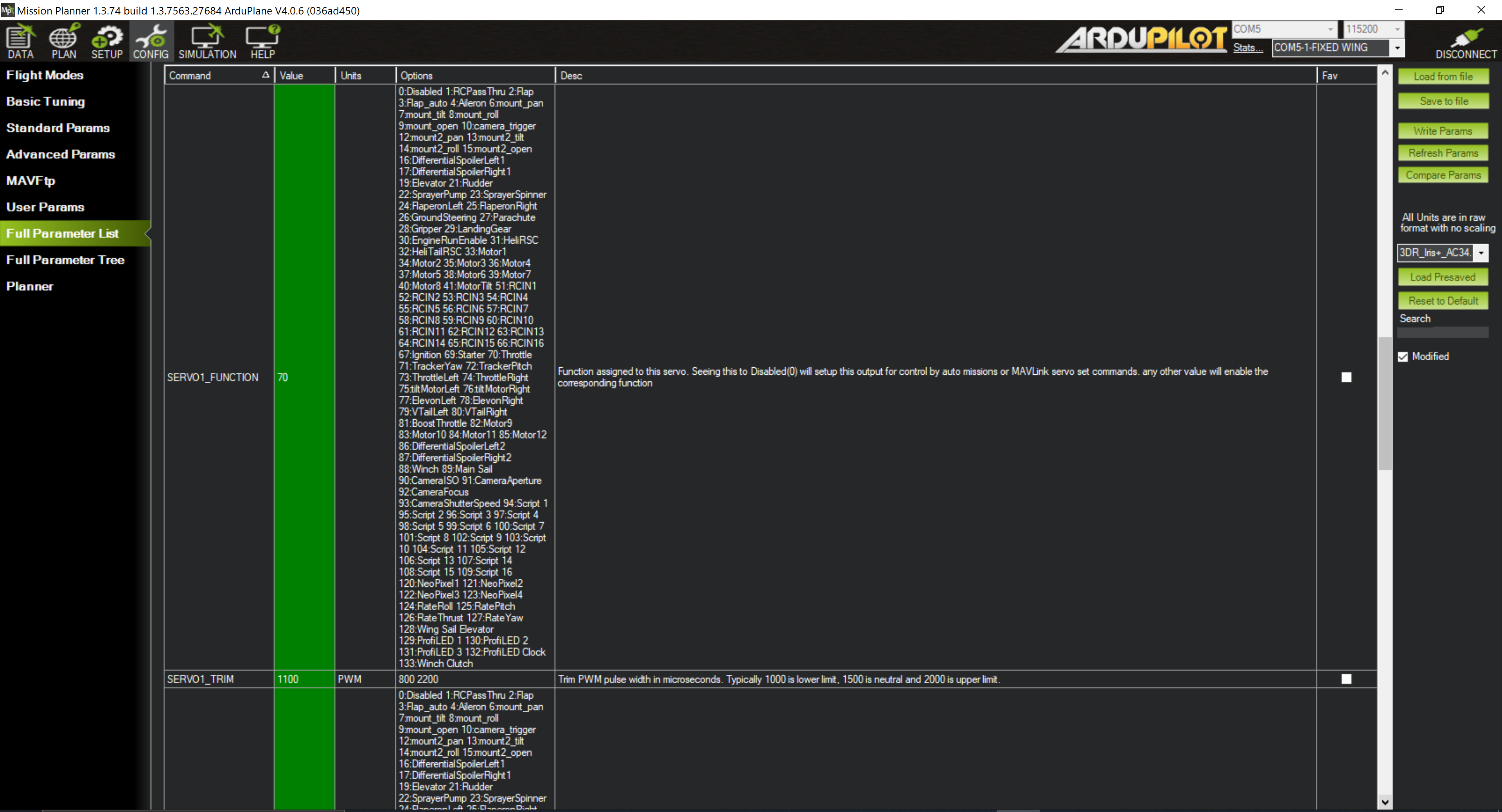
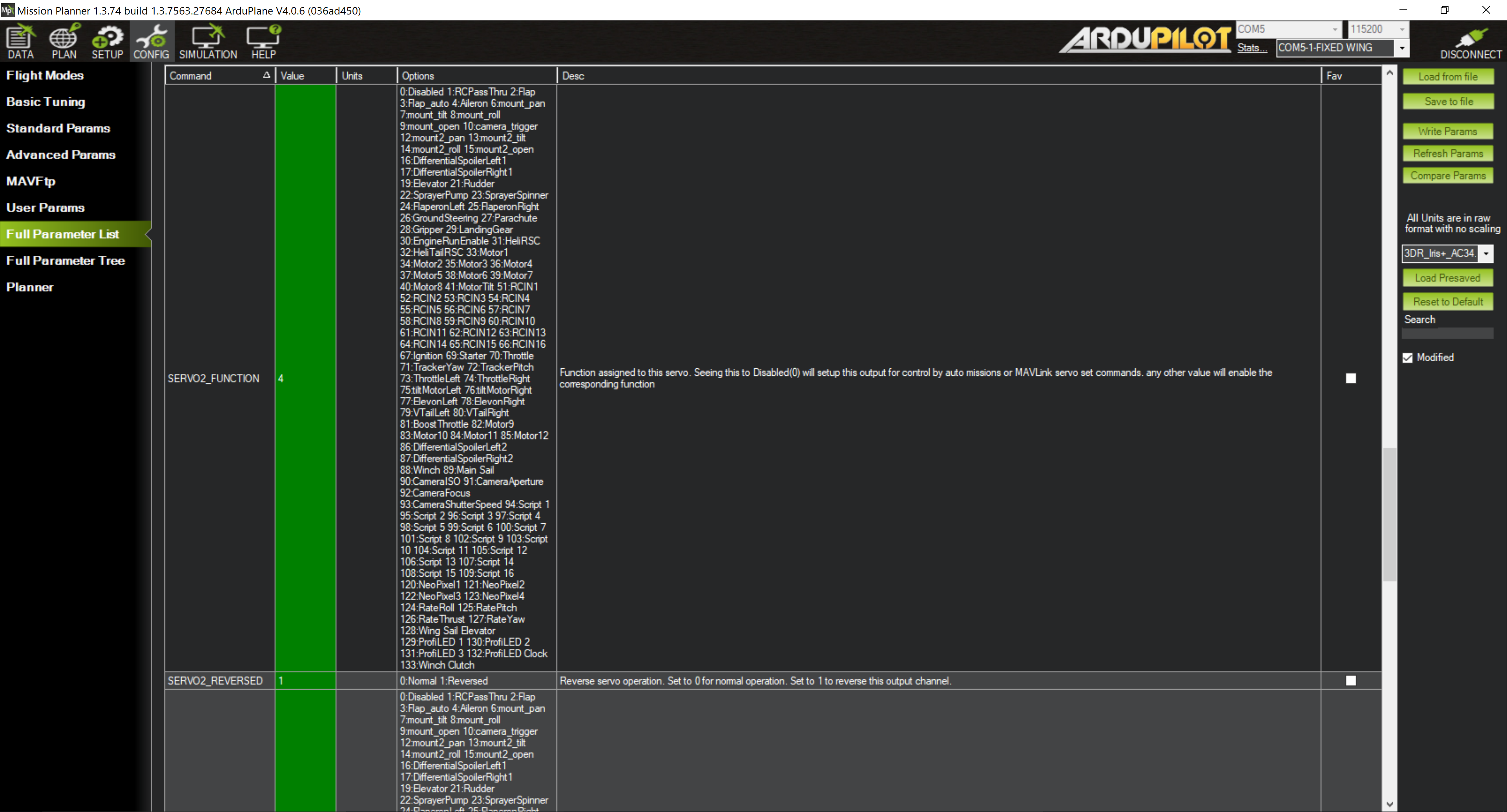
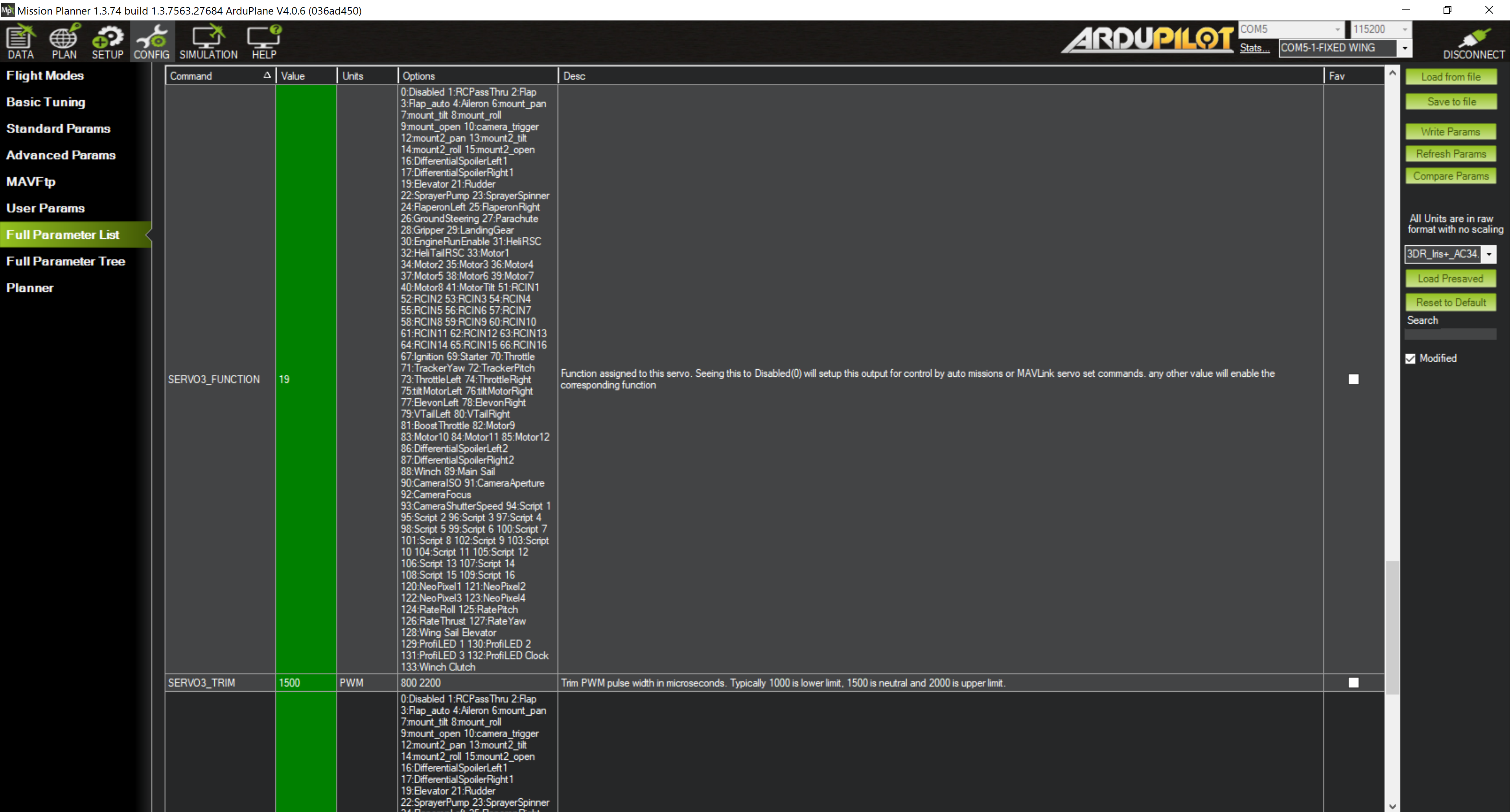
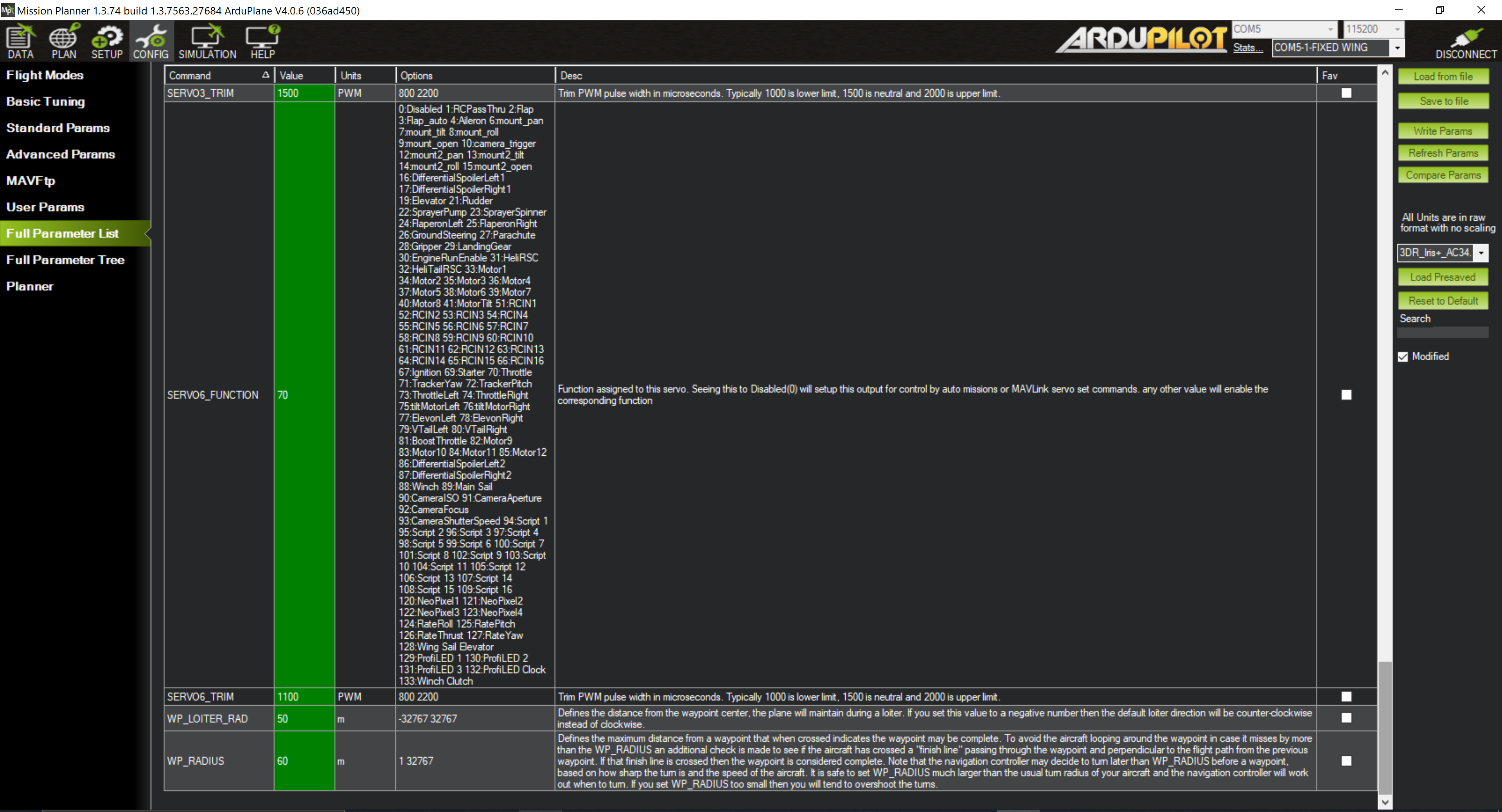
The first major challenge we faced had to do with getting to Pixhawk to interface with the receiver and transmitter since each used a different method for channel mapping. While this is usually standard, we discovered that the receiver used a different channel mapping than the Pixhawk and transmitter. While the Pixhawk and transmitter did use the same channel mapping during calibration, it was further discovered that the channel mapping parameters in the Pixhawk parameters was incorrect so these were also changed.
Another major challenge was that the Bluetooth 5.0 receiver that we used had significant trouble picking up Bluetooth signals despite being a Bluetooth 5 module. Through testing we discovered that pointing the antenna from the phone towards the module as well as using a piece of aluminium foil to create a baffle around the receiver helped significantly increase its range.
Thirdly, we ran into the challenge of building the plane in a timely manner since we realized that we had significantly overestimated our own building abilities, which did end up meaning that we had less time than anticipated to test the autopilot.
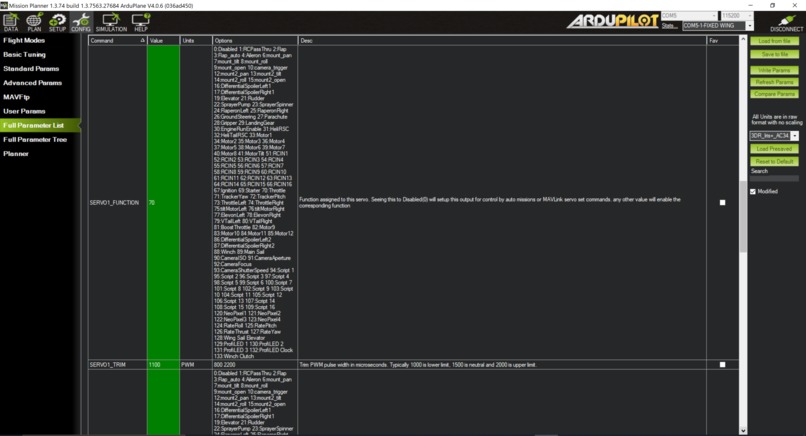
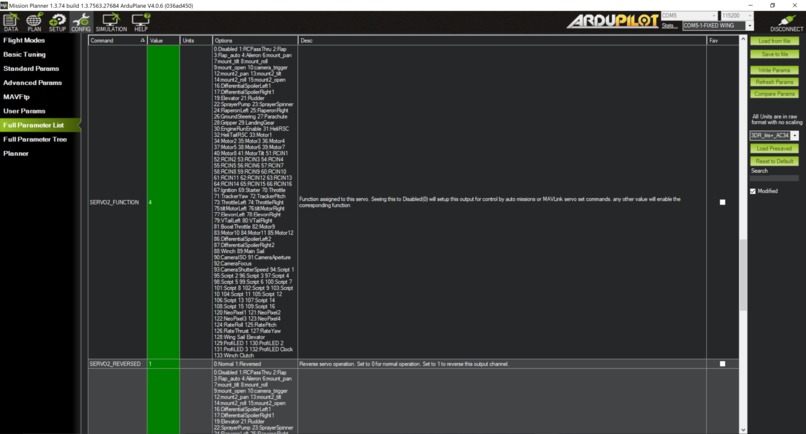
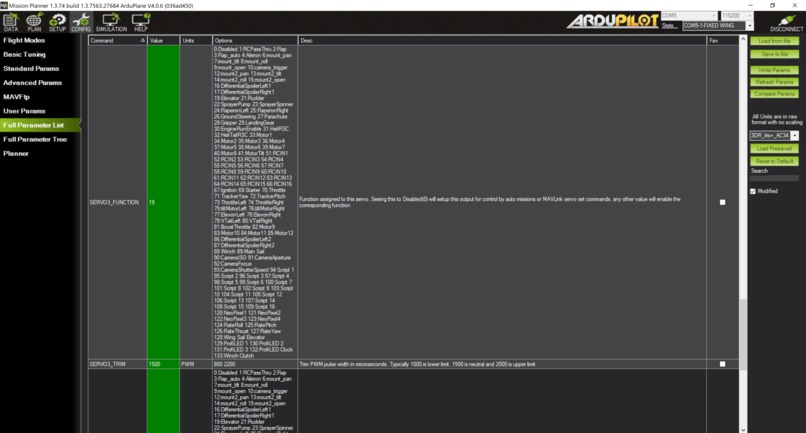
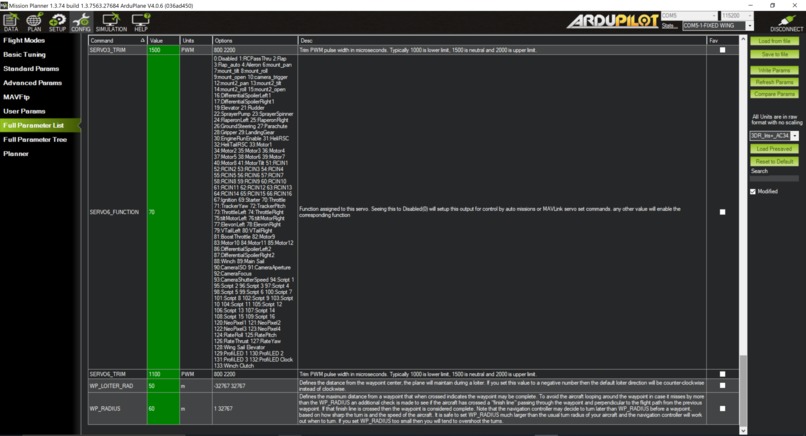
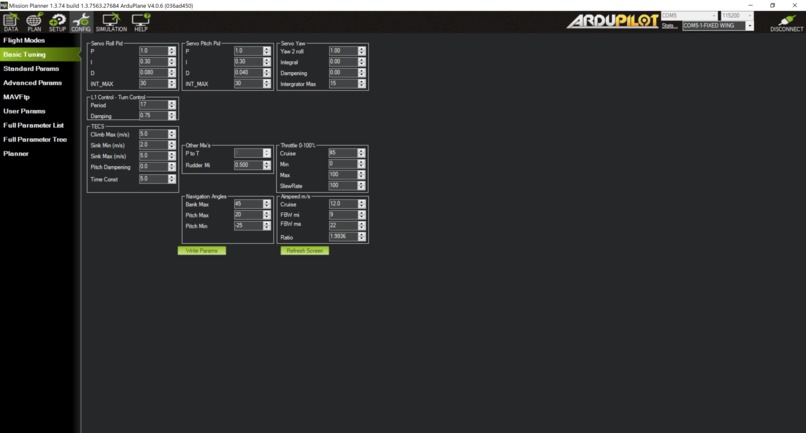
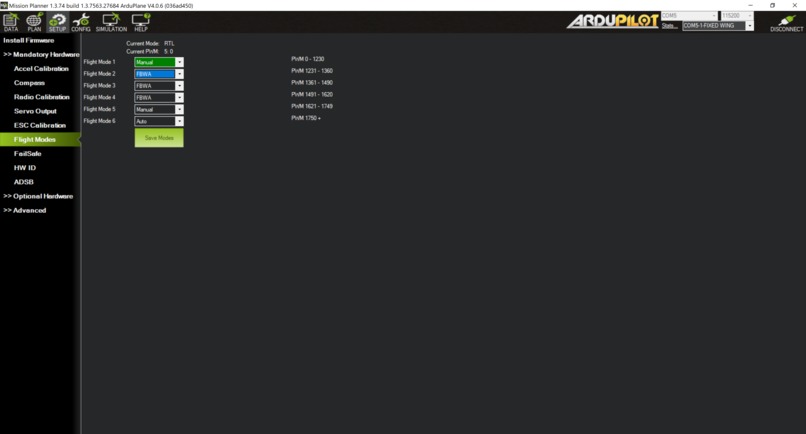
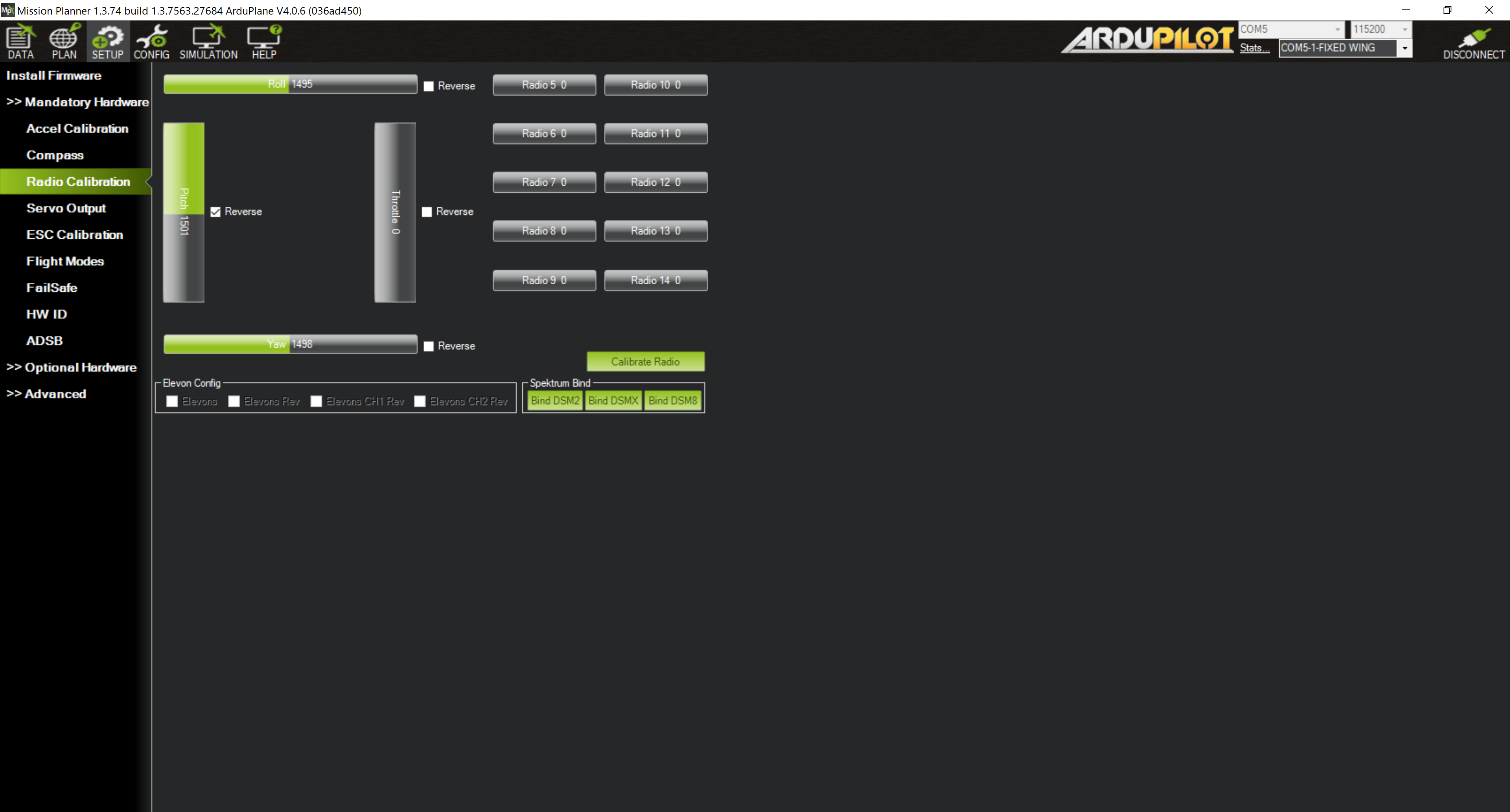
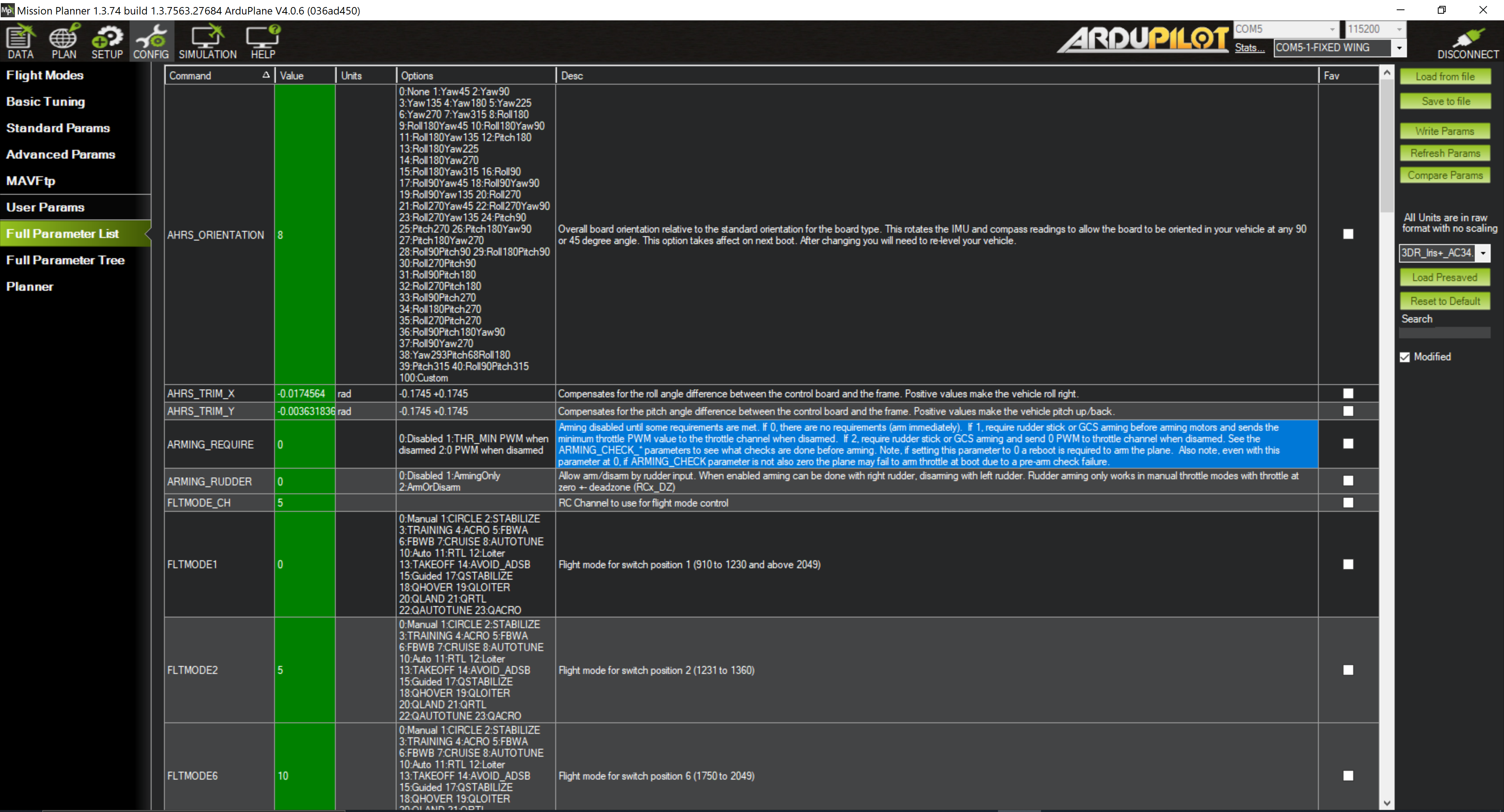
Lastly, it was difficult to get the autopilot to actually function as there were a lot of parameters that needed to be changed for our specific plane. Furthermore, the arming system for the plane posed significant challenges to circumvent as the software was designed for drones and this meant that a large portion of the time in Ardupilot was spent trying to get this to work. The result was that we had basically no time to tune the PID settings to allow for an ideal flight by the autopilot.
Accomplishments that we're proud of
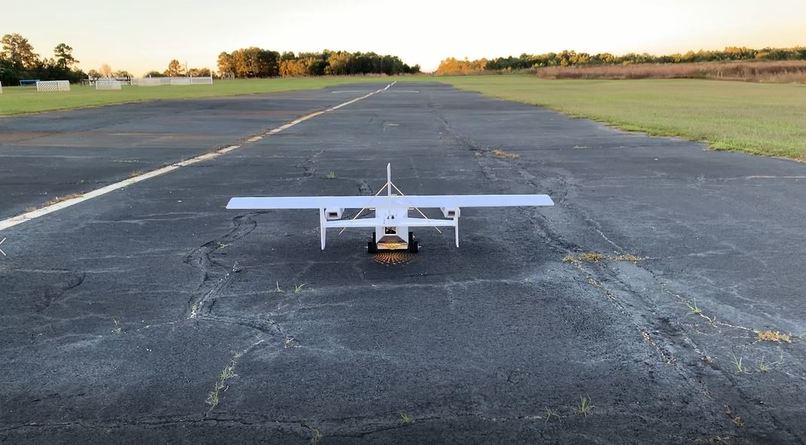
We had four main accomplishments that we are proud to have achieved during this hackathon. The first was that we managed to solve the range issue we were having on the Bluetooth module using the aforementioned aluminium foil baffle. The second major accomplishment was that we were able to have the plane actually take-off and fly at a weight of over 4.5 pounds. The third accomplishment was that we were able to verify that the autopilot worked with the aircraft we had created as there were significant challenges in the domain. The last major accomplishment was that we were able to make a vision tracking supplement for the plane which functioned to a reasonable degree, even in low-light conditions.
What we learned
The single most important thing we learned was the importance of budgeting extra time for seemingly simple tasks. When we thought up the project, we didn’t think that the plane would take anywhere near as much time to build as it actually did. We believed that we would be able to start testing in the early morning on Saturday, and would be done before rush hour. However, the build took much longer than we thought and we didn’t even start testing until after 4 in the afternoon. Nevertheless, this ended up being a blessing in disguise: we never would’ve thought to create the PiPlane tracking goggles had it not started to get dark while we still needed to test.
What's next for PiPlane
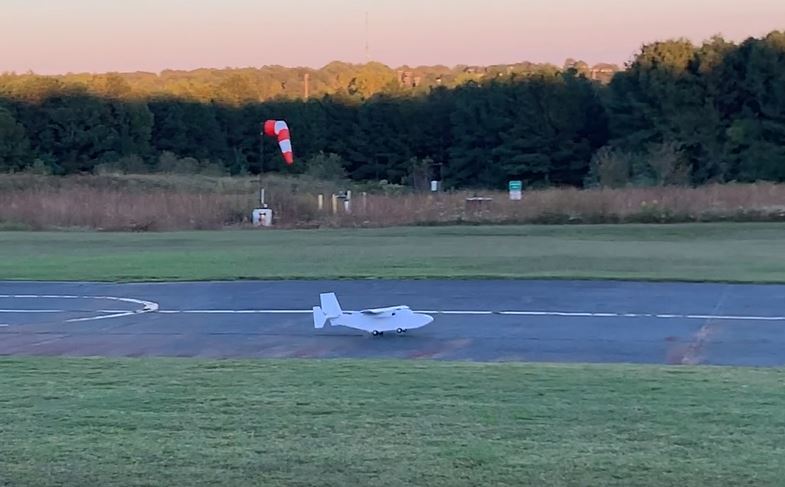
We would like to improve on the autopilot which we didn't have time to completely tune and test the plane in more of an urban setting. We would also like to automate the take-off and landing of the plane, as well as increase its flight time.
Ardupilot: https://ardupilot.org/plane/


Log in or sign up for Devpost to join the conversation.