-
-

Thumbnail
-
Architecture

Inspiration
Sales representatives spend their entire day chatting with customers and teammates inside Slack, but they hate opening up their CRM (like Salesforce or HubSpot) to manually type in updates. Because of this friction, CRM data is often days or weeks out of date, leading to poor sales forecasting and lost revenue.
We built PipelinePulse to solve this gap. It acts as an active, intelligent bridge that monitors conversation channels, detects buying signals, and lets reps update the CRM in one click without ever leaving Slack.
What it does
PipelinePulse is a complete sales copilot inside Slack that handles four major workflows:
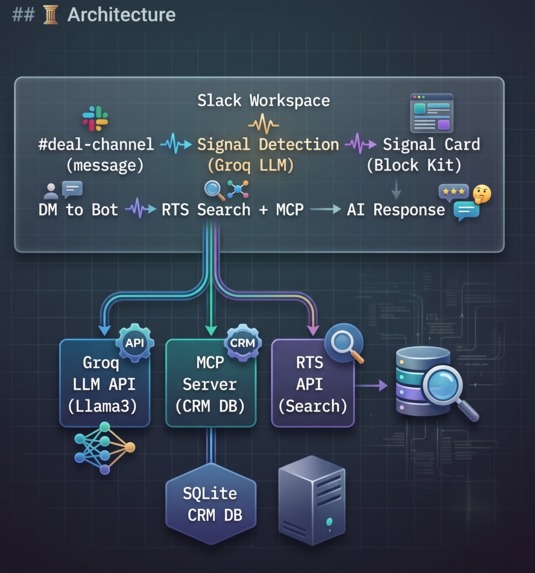
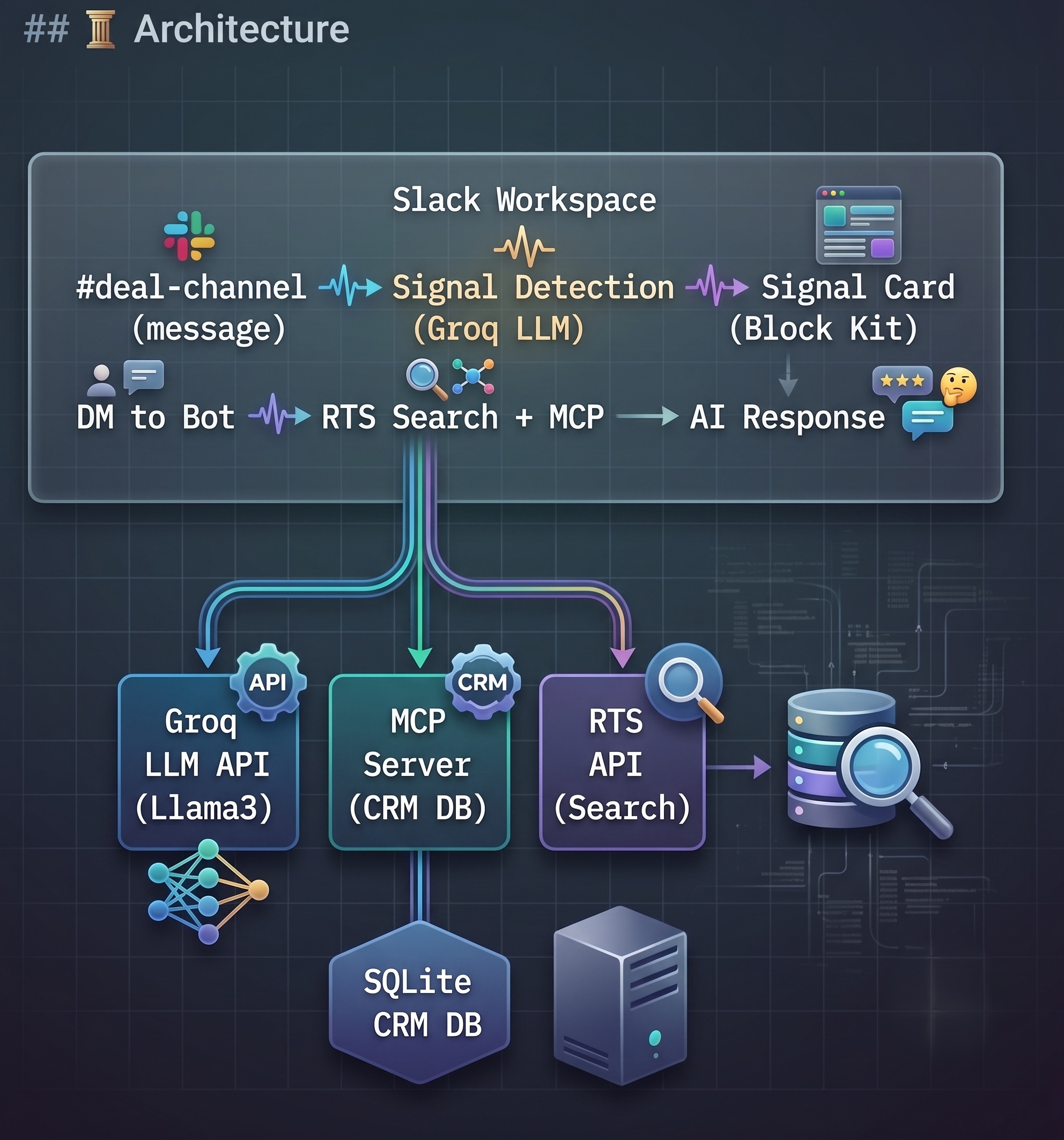
- Proactive Signal Detection: The bot actively monitors deal channels. When a client expresses buying intent (e.g., budget approved, timeline set), the AI immediately flags it and posts an interactive Block Kit card proposing a CRM update.
- One-Click CRM Actions: Reps can update the deal stage or log custom activity notes into the database directly from Slack using native buttons and modal forms.
- Smart DM Assistant: Users can DM the bot questions like "What's the status of the Google deal?". The bot uses Slack's Real-Time Search (RTS) API to pull cross-channel chat context and uses MCP to query live database fields for grounded, cited summaries.
- Executive App Home Dashboard: Clicking on the app in the sidebar opens a visual pipeline dashboard showing total pipeline value, deal counts by stage, and a list of top opportunities.
How we built it
- Application Framework: Built in Python using the Slack Bolt SDK running in Socket Mode.
- Slack Agent Builder API: Leveraged the brand-new Agent Builder features, including thread initialization, status indicators, and streaming responses.
- Database & MCP Layer: Created a custom CRM database in SQLite, exposed to the AI client using Model Context Protocol (MCP) SSE transport.
- LLM Engine: Powered by Groq Cloud (Llama-3.3-70b-versatile) for sub-second, highly accurate classification, extraction, and synthesis.
- Cloud Hosting: Hosted 24/7 on Render with UptimeRobot keeping the container active and responsive.
Challenges we ran into
- Fuzzy Entity Matching: Users often search for "Google deal" or "Amazon" when the CRM has them saved as "Google Cloud" or "Amazon Web Services". We resolved this by building LLM-driven entity extraction combined with suffix-stripping in the database query.
- Port Binding on Render: Render requires Web Services to bind to
0.0.0.0and handle GET/HEAD healthchecks. We solved this by extracting FastMCP's underlying Starlette ASGI application and registering custom root routes.
Accomplishments that we're proud of
- Building a fully functional bidirectional integration. The app doesn't just display static data; it can actually insert new records, update stages, and write activity notes.
- Designing a premium user experience with responsive Block Kit elements, pop-up modals, and a live home dashboard.
What we learned
- The power of the open Model Context Protocol (MCP) standard for unifying how LLMs interface with databases and custom tools.
- How to balance background event listening (signal detection) with real-time conversational Q&A threads in Socket Mode.
What's next for PipelinePulse
- Connecting to production Salesforce and HubSpot APIs instead of a local SQLite replica.
- Adding a
/pipelinepulse-watchcommand to let admins configure monitored channels dynamically from Slack.


Log in or sign up for Devpost to join the conversation.