

PiPartner 📐🤖
📌 Inspiration
PiPartner was inspired by my high school Precalculus class. The course was tough, and students often had to wait a long time for help. I wanted to build something that could explain math problems clearly, whenever students needed it. My teacher loved the idea and encouraged me to expand it to support IB-style problems too. That’s how PiPartner became an AI-powered tool to provide step-by-step math help and targeted practice.
🤖 What It Does
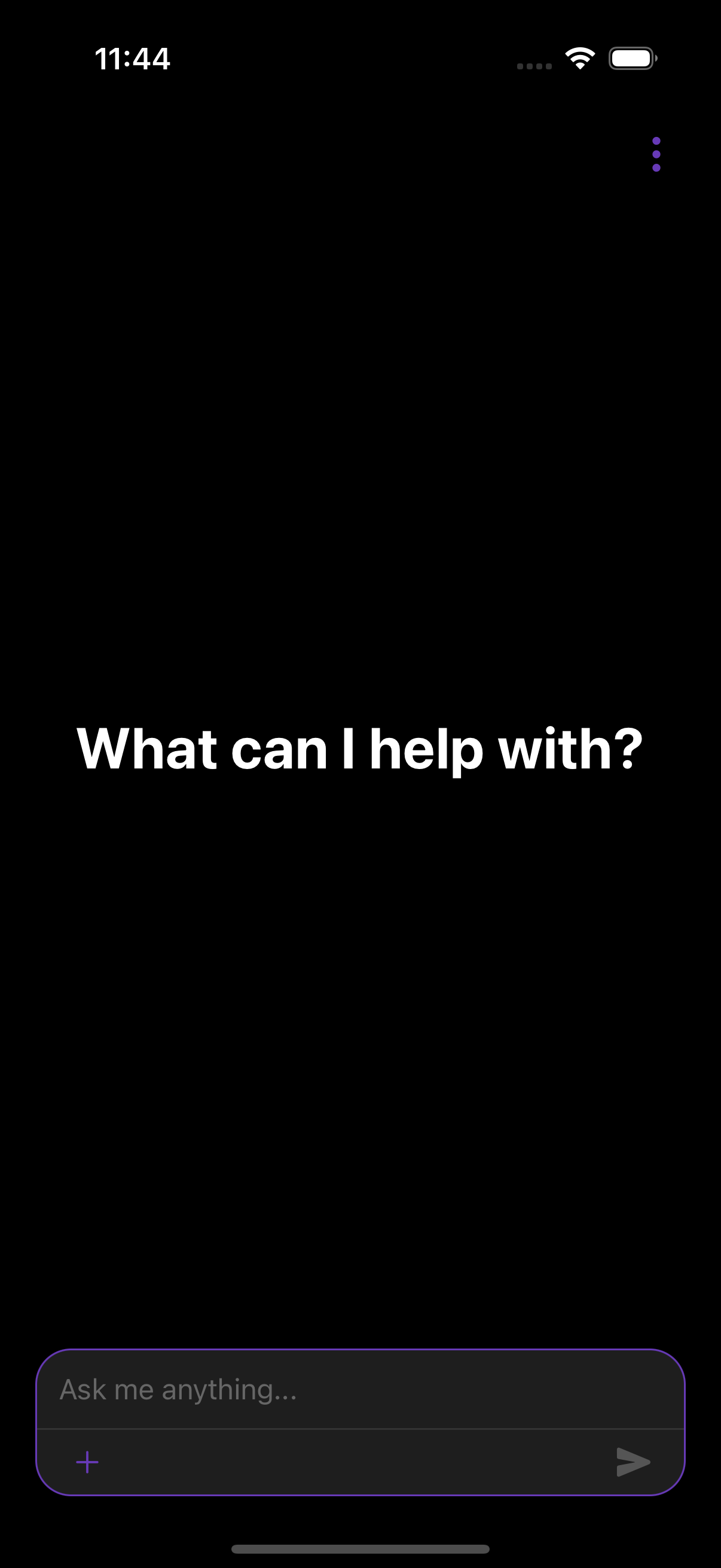
PiPartner is your personal AI math tutor that supports both text and image input. It can:
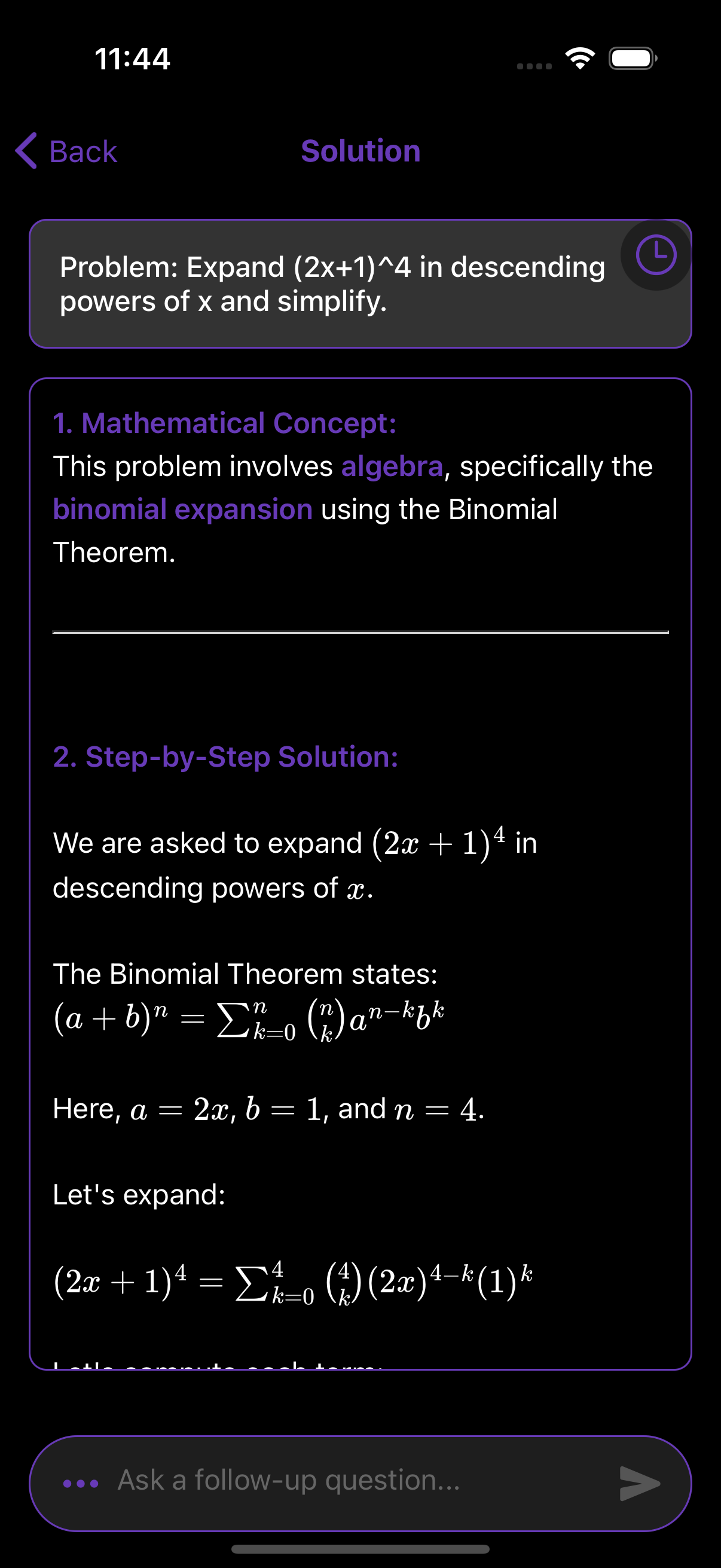
- ✍️ Solve typed or handwritten math problems with clear, step-by-step explanations.
- 📷 Automatically extract and solve math from uploaded images.
- 🧠 Identify the math concept or specific IB topic.
- 📚 Generate a set of related practice problems that get harder as you go.
- 💬 Keep full conversation memory, so users can revisit or build on past questions.
⚙️ How It Works
🧠 Backend
Input Routing:
- If
input_type == "text": calls a GPT-4 prompt for concept ID + solution. - If
input_type == "image": sends base64 image to GPT-4 Vision for OCR and solving. - Each prompt handles both standard and IB-style problems with tailored logic.
- If
OpenAI Integration:
- Uses GPT-4 and GPT-4o to:
- Break down problems step-by-step.
- Identify IB topics like SL 2.1: Straight-line equations.
- Generate custom practice questions.
Conversation Logging:
- DynamoDB stores:
user_id,timestamp, problem, solution, and image (if any).- This allows users to return to old problems or ask follow-ups.
Infrastructure:
- Flask (Python): Backend logic and routing.
- AWS Lambda: Serverless deployment.
- API Gateway: Frontend-backend connection.
- S3: Placeholder for future image storage.
- UUIDs: Track sessions without user accounts.
- Base64 image checks: Ensures safe and valid inputs.
- Flask (Python): Backend logic and routing.
💻 Frontend
Framework: Built with React.
Input Workflow:
- Auto-detects input type (text or image).
- Routes to correct backend API.
- Displays output: explanation + practice problems.
Features:
- Clean UI for step-by-step results.
- Re-submission allowed if image input was misread.
- Future-ready design for math keyboard and user accounts.
- Clean UI for step-by-step results.
UX Highlights:
- Smooth transitions between problem input and explanation.
- Simple error handling for missing or invalid input.
- Designed for clarity — especially helpful for IB math students.
- Smooth transitions between problem input and explanation.
🚧 Challenges
- 🧠 Crafting prompts that worked across a wide range of math topics and levels.
- 💸 Managing OpenAI API usage efficiently to reduce cost.
- 🖼️ Integrating GPT-4 Vision to both read and solve image-based math.
- ⚛️ Pivoting from Flutter to React in a short time.
- 🧩 Handling follow-up questions in chat history:
- Required manual context injection to reattach past problems and ensure accurate responses.
- Built logic to pull previous conversation history from DynamoDB and reformat it for GPT input.
- Required manual context injection to reattach past problems and ensure accurate responses.
🏆 What I’m Proud Of
- Built and deployed a full-stack AI app from scratch.
- Supported both typed and image-based math inputs seamlessly.
- Integrated a dynamic chat-like experience with full session memory.
- Helped students not only find answers—but understand the "why."
📚 What I Learned
- Prompt engineering is essential for making AI both accurate and helpful.
- GPT-4 Vision works well when structured carefully with base64 images.
- Managing context in chat-style interactions needs deliberate backend planning.
- React is a powerful frontend tool when paired with clean API logic.
- DynamoDB is perfect for lightweight, real-time session history.
🔮 What’s Next for PiPartner
- ⌨️ On-screen math keyboard for mobile and accessibility.
- 🔁 Follow-up question logic with smoother context handling.
- 🧪 More IB/AP-style practice modules.
- 📦 User login + saved sessions across devices.
- 🌍 Multilingual support (e.g., Spanish, French, Hindi) for global accessibility.
- 🧑🏫 Educator dashboard for assigning and reviewing student work.
Built With
- amazon-web-services
- claude
- ocr
- openai
- python
- react

Log in or sign up for Devpost to join the conversation.