Pinnect
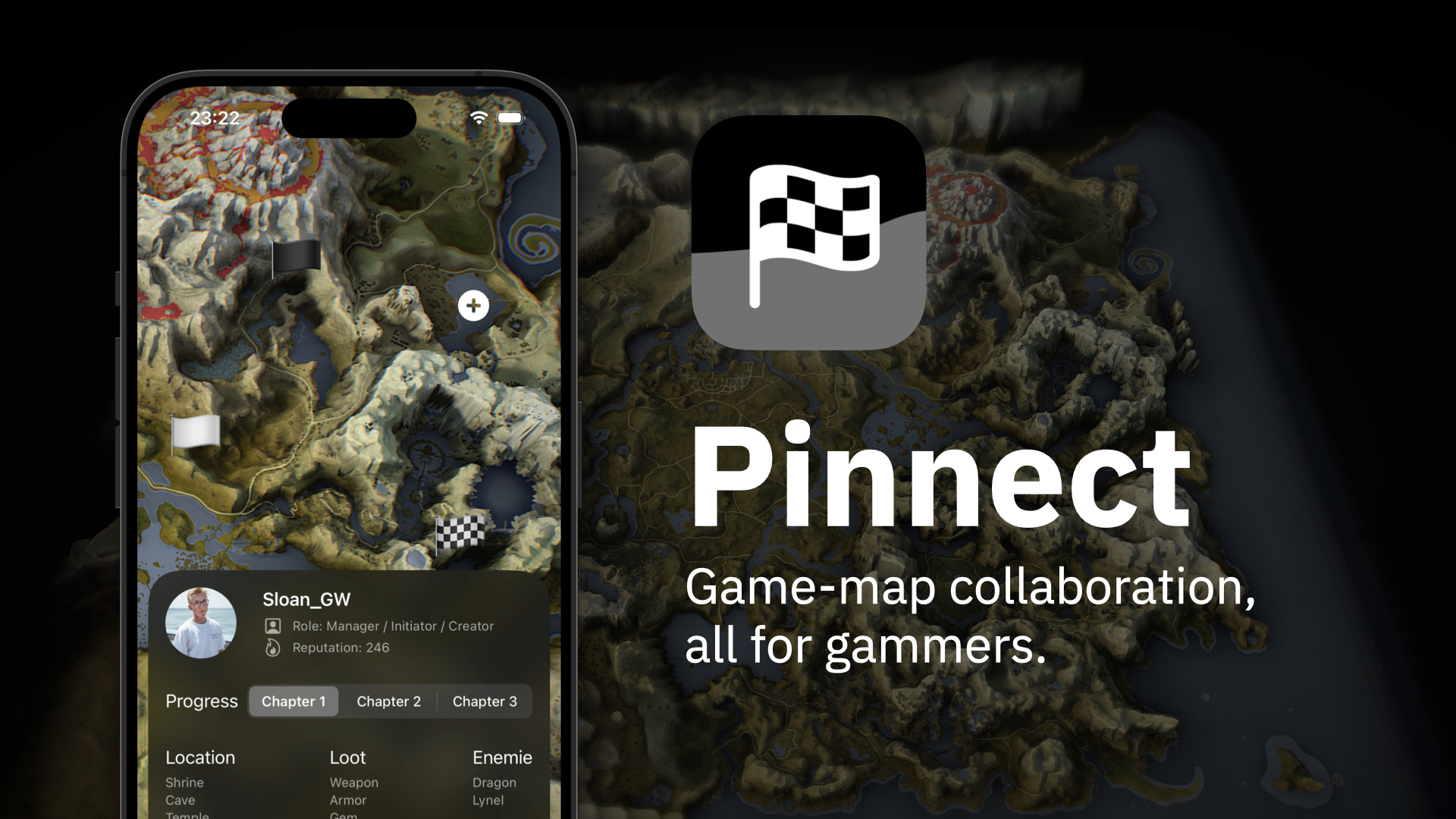
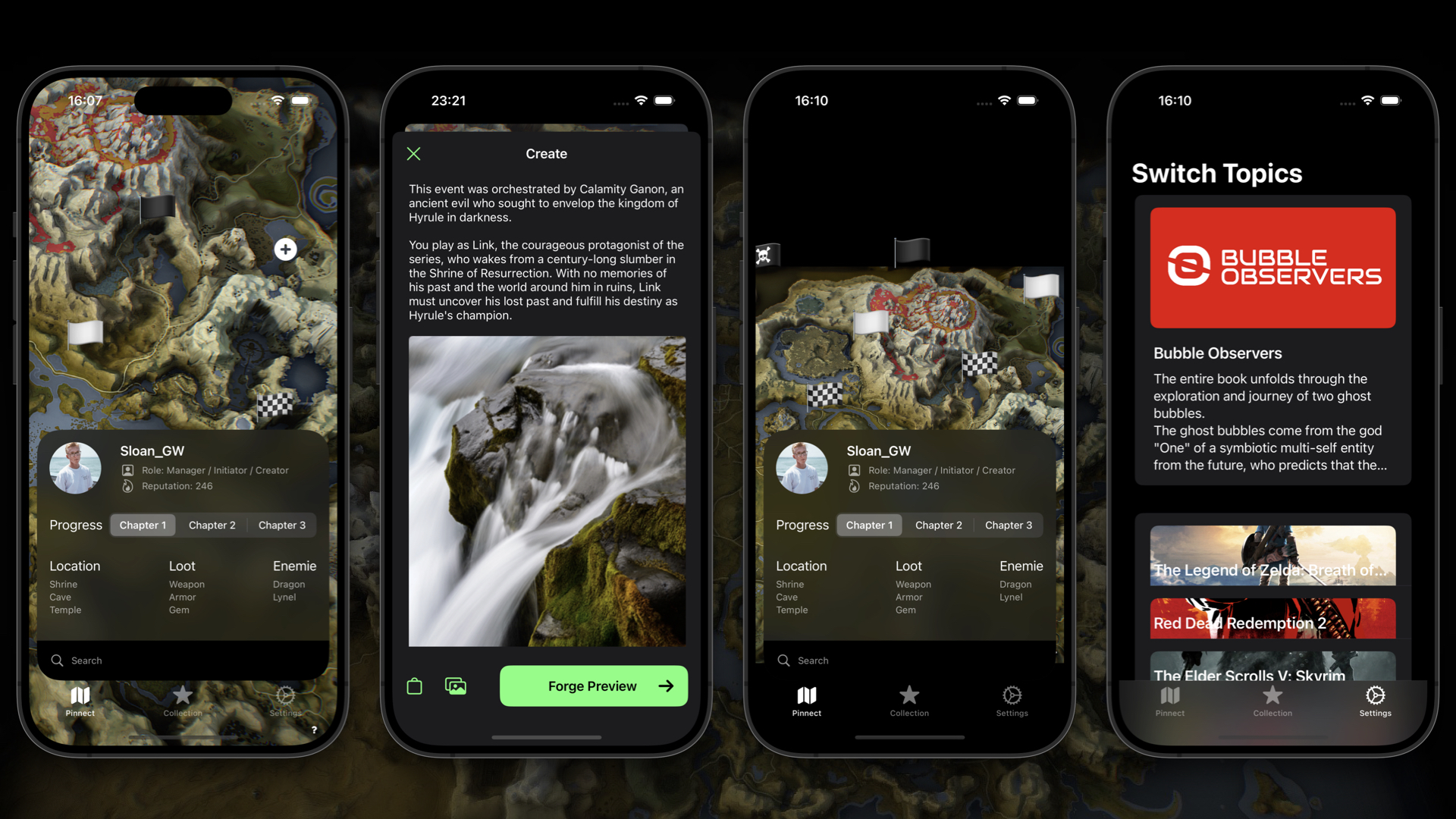
Game-map collaboration, all for gammers. Our vision is to create a dynamic and interactive platform that functions like a game itself. Imagine this: you click on a spot on a map, and just like that, you're crafting your story. What's more, you can connect your narrative to others' stories, creating a collaborative storytelling experience like never before. Pinnect is not just a platform; it's an adventure waiting to happen.
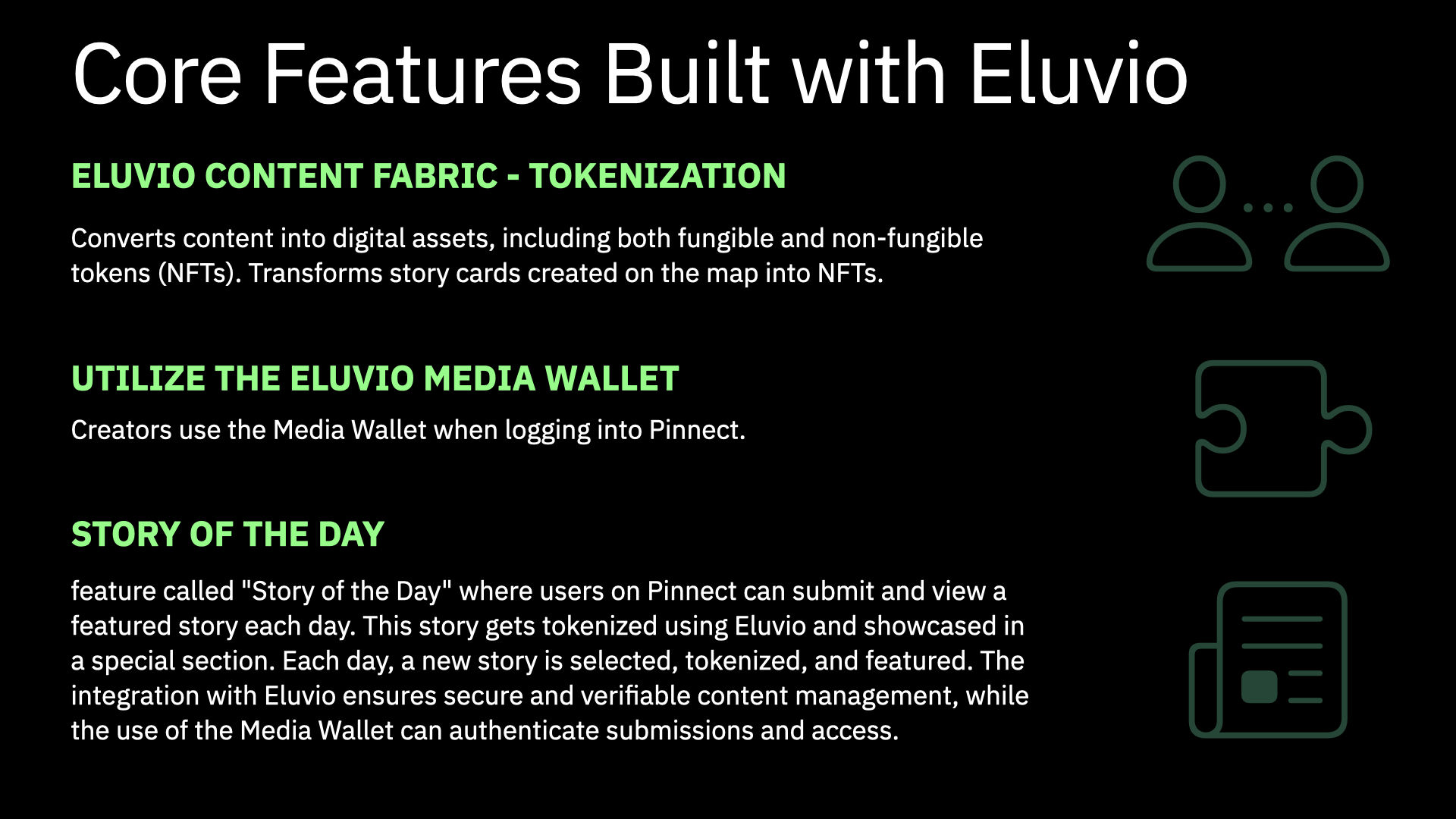
Core Features Built with Eluvio
Eluvio Content Fabric - Tokenization
- Converts content into digital assets, including both fungible and non-fungible tokens (NFTs). Transforms story cards created on the map into NFTs. Utilize the Eluvio Media Wallet
- Creators use the Media Wallet when logging into Pinnect. Story of the Day
- feature called "Story of the Day" where users on Pinnect can submit and view a featured story each day. This story gets tokenized using Eluvio and showcased in a special section. Each day, a new story is selected, tokenized, and featured. The integration with Eluvio ensures secure and verifiable content management, while the use of the Media Wallet can authenticate submissions and access.
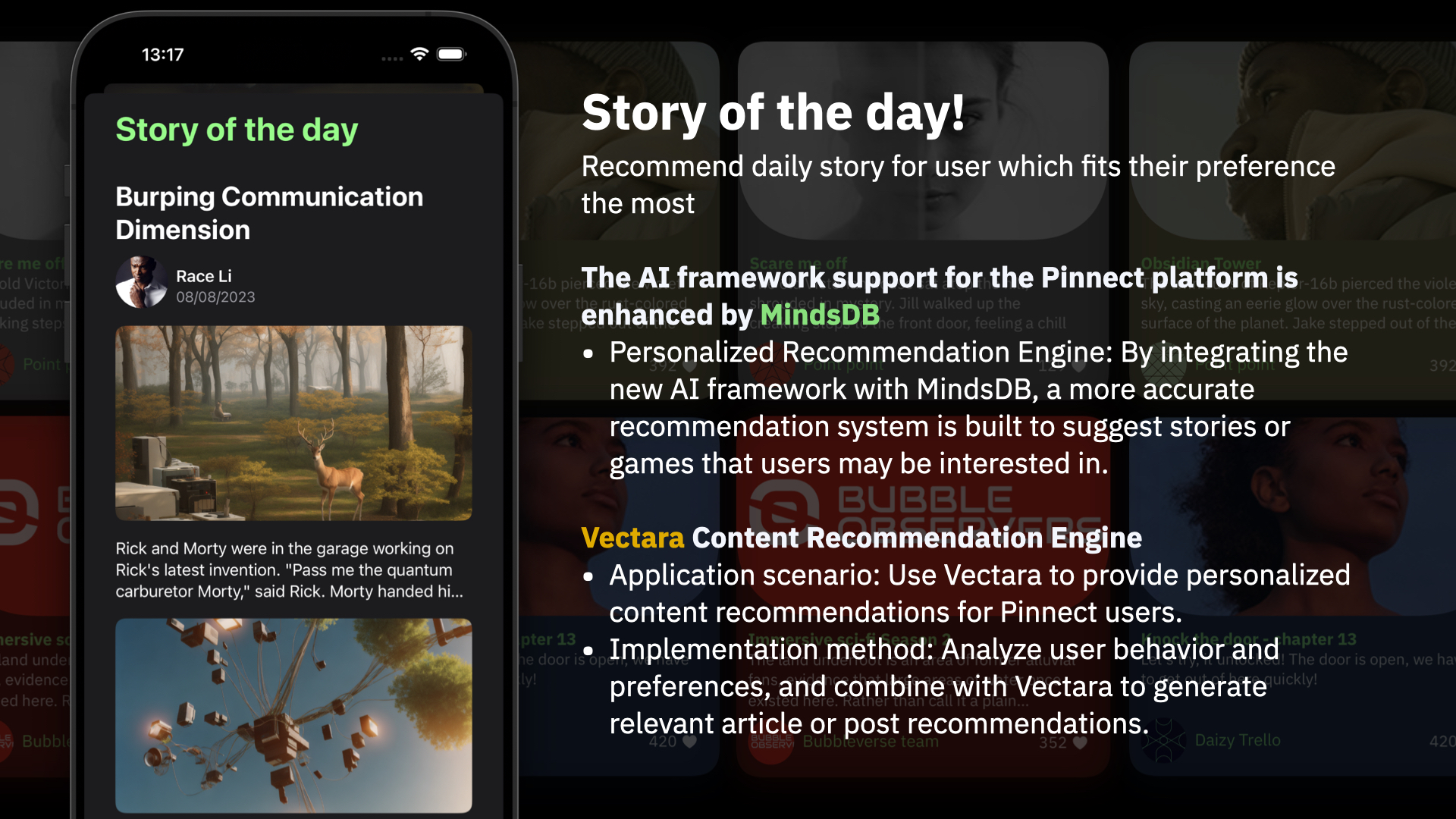
Story of the day!
Recommend daily story for user which fits their preference the most The AI framework support for the Pinnect platform is enhanced by MindsDB
- Personalized Recommendation Engine: By integrating the new AI framework with MindsDB, a more accurate recommendation system is built to suggest stories or games that users may be interested in. Vectara Content Recommendation Engine
- Application scenario: Use Vectara to provide personalized content recommendations for Pinnect users.
- Implementation method: Analyze user behavior and preferences, and combine with Vectara to generate relevant article or post recommendations.
Game-map Collaboration
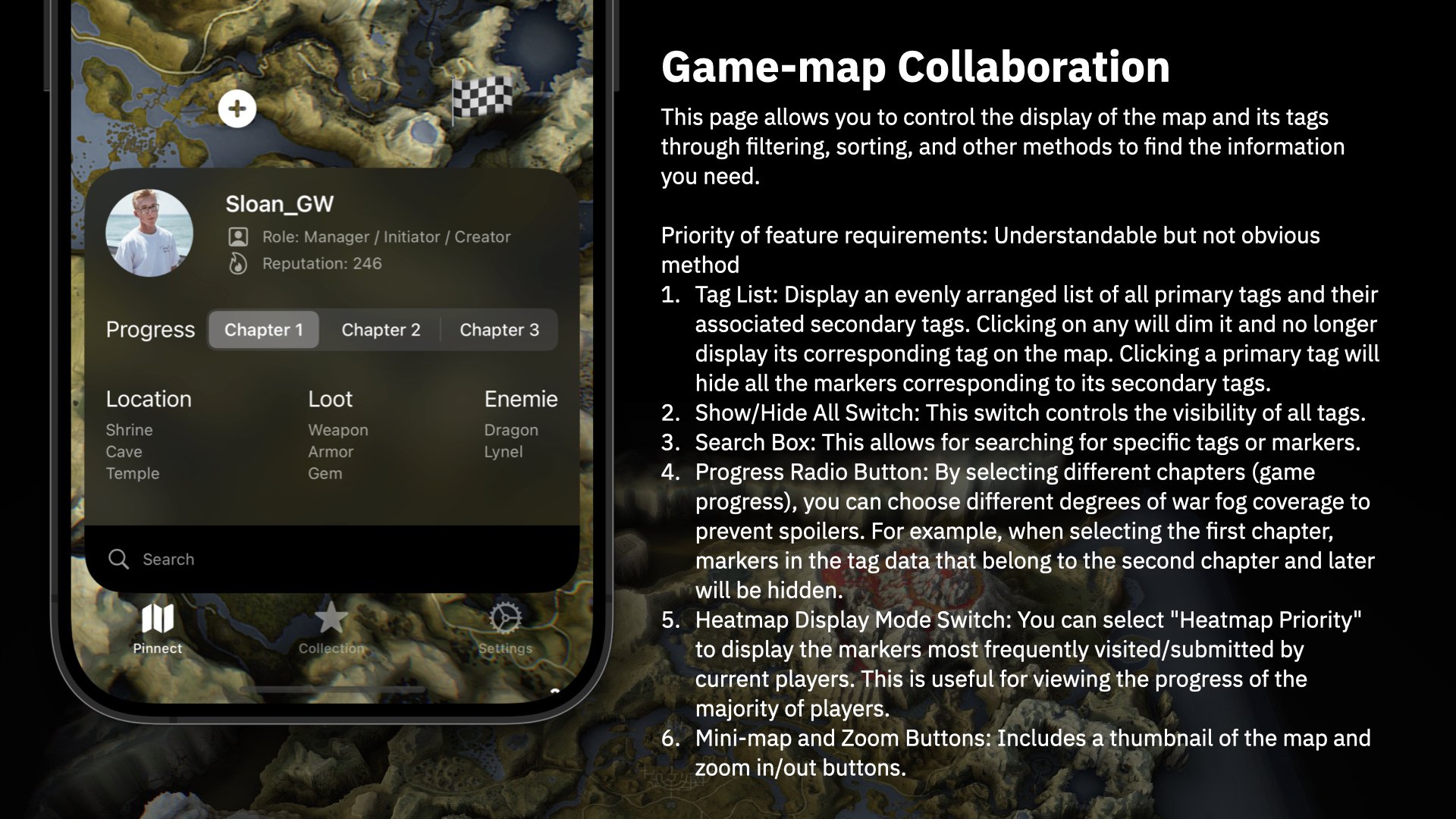
This page allows you to control the display of the map and its tags through filtering, sorting, and other methods to find the information you need. Priority of feature requirements: Understandable but not obvious method
- Tag List: Display an evenly arranged list of all primary tags and their associated secondary tags. Clicking on any will dim it and no longer display its corresponding tag on the map. Clicking a primary tag will hide all the markers corresponding to its secondary tags.
- Show/Hide All Switch: This switch controls the visibility of all tags.
- Search Box: This allows for searching for specific tags or markers.
- Progress Radio Button: By selecting different chapters (game progress), you can choose different degrees of war fog coverage to prevent spoilers. For example, when selecting the first chapter, markers in the tag data that belong to the second chapter and later will be hidden.
- Heatmap Display Mode Switch: You can select "Heatmap Priority" to display the markers most frequently visited/submitted by current players. This is useful for viewing the progress of the majority of players.
- Mini-map and Zoom Buttons: Includes a thumbnail of the map and zoom in/out buttons.
Tag Editing
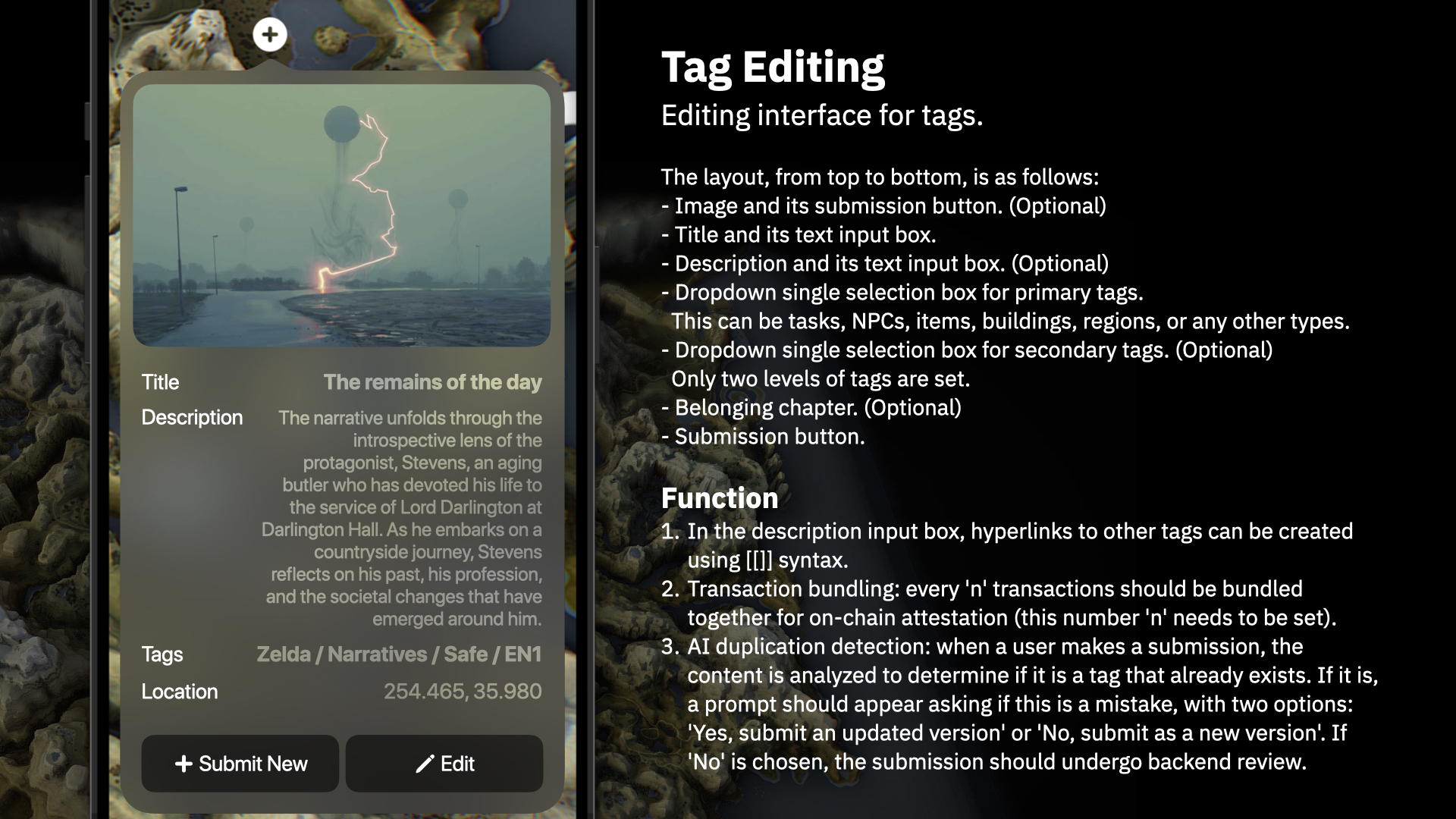
Editing interface for tags. The layout, from top to bottom, is as follows:
- Image and its submission button.
- Title and its text input box.
- Description and its text input box.
- Dropdown single selection box for primary tags. This can be tasks, NPCs, items, buildings, regions, or any other types.
- Dropdown single selection box for secondary tags. Only two levels of tags are set.
- Belonging chapter.
- Submission button.
Function
- In the description input box, hyperlinks to other tags can be created using [[]] syntax.
- Transaction bundling: every 'n' transactions should be bundled together for on-chain attestation (this number 'n' needs to be set).
- AI duplication detection: when a user makes a submission, the content is analyzed to determine if it is a tag that already exists. If it is, a prompt should appear asking if this is a mistake, with two options: 'Yes, submit an updated version' or 'No, submit as a new version'. If 'No' is chosen, the submission should undergo backend review.
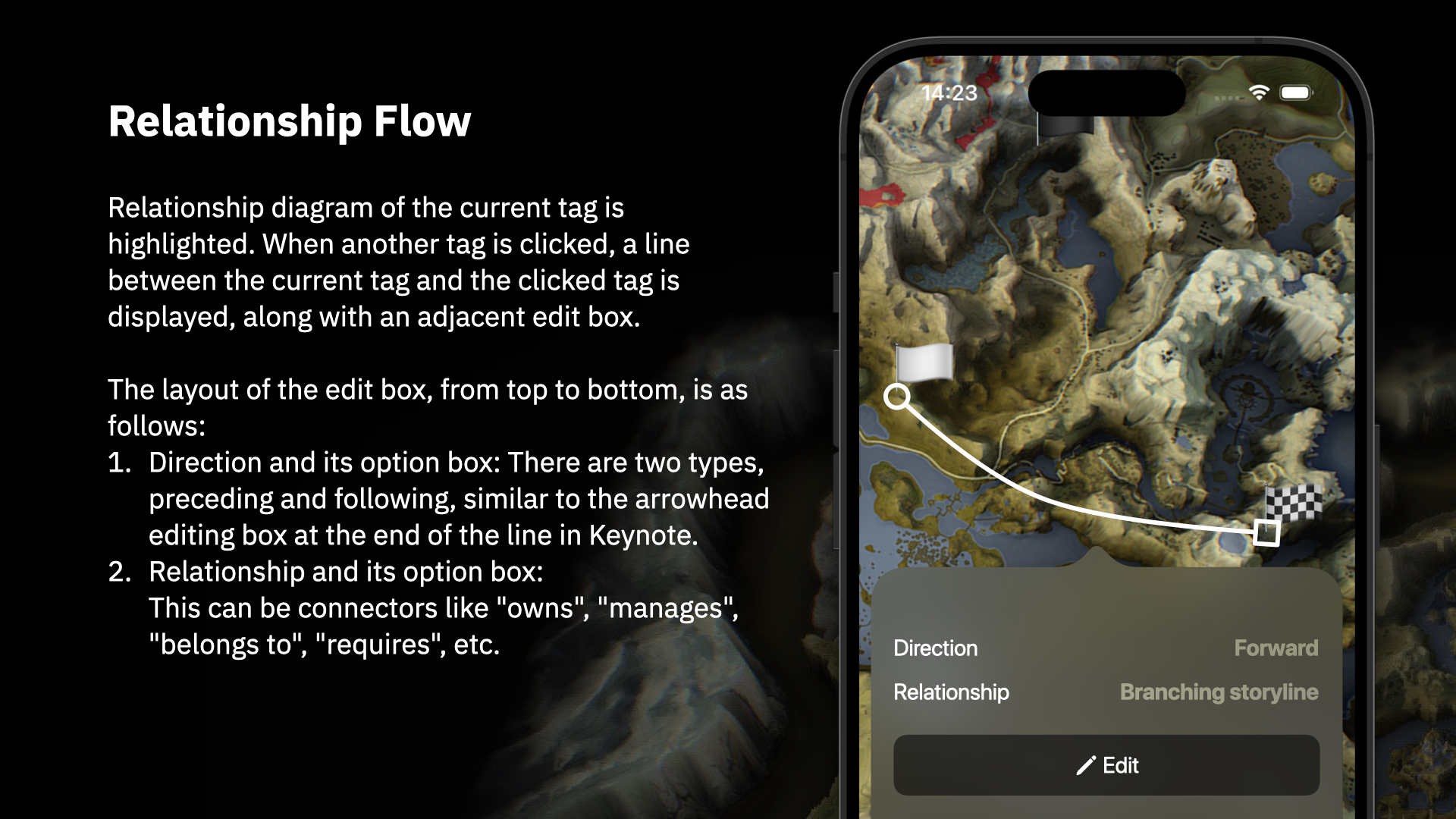
Relationship Flow
Relationship diagram of the current tag is highlighted. When another tag is clicked, a line between the current tag and the clicked tag is displayed, along with an adjacent edit box.
The layout of the edit box, from top to bottom, is as follows:
- Direction and its option box: There are two types, preceding and following, similar to the arrowhead editing box at the end of the line in Keynote.
- Relationship and its option box: This can be connectors like "owns", "manages", "belongs to", "requires", etc.
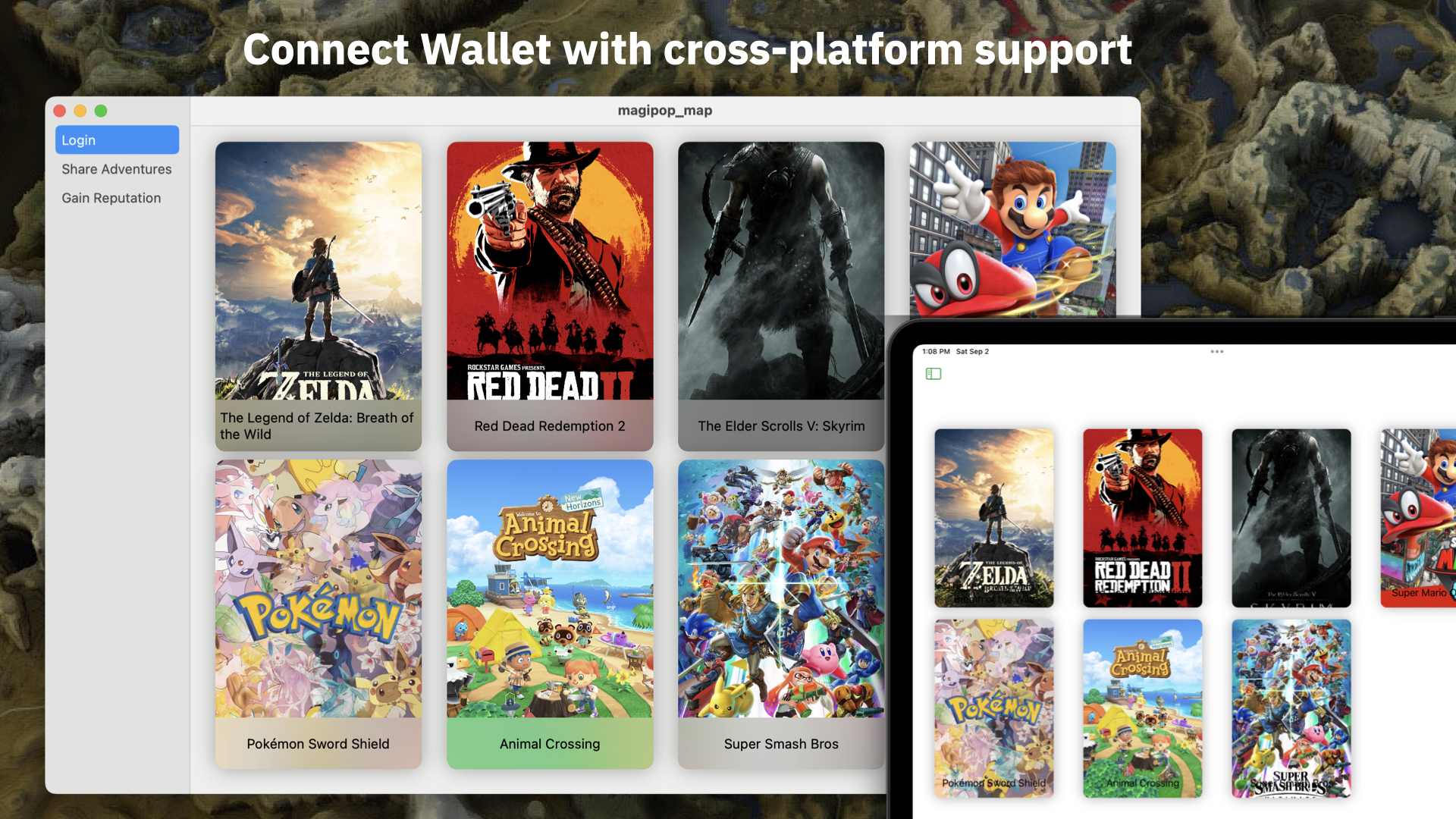
Connect Wallet with cross-platform support
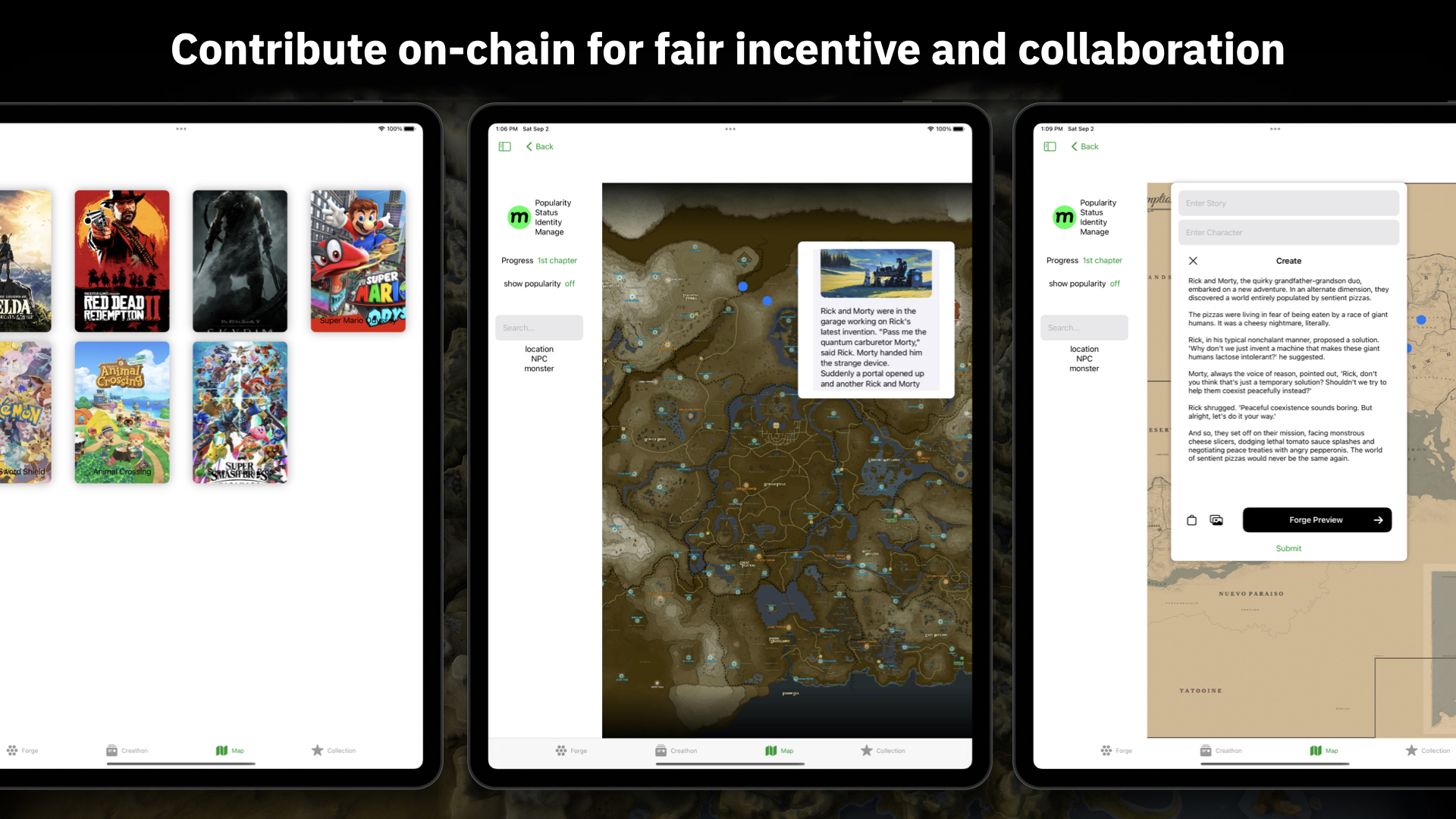
Contribute on-chain for fair incentive and collaboration
Developers
Annie Huang CS + Business Sophomore @ UC Berkeley, ETH Denver NFT Track Award Winner, Canada National Book Award Winner, NCWIT Award Winner.
About the Project
Inspiration: My passion for gaming and interactive storytelling sparked the idea of Pinnect. I envisioned a platform where users could not only share their stories but also collaborate to create a larger, intertwined narrative using a dynamic game map.
Learning Journey: Embarking on this project solo, every step was a profound learning experience. I immersed myself in technologies like Eluvio Content Fabric, honed skills in AI with MindsDB, and navigated the world of content recommendation using Vectara.
Building the Project: As a solo developer, multitasking was the name of the game. From conceptualizing the interactive game-map to integrating tokenization of stories into NFTs, and implementing a comprehensive tagging system, every phase posed unique challenges.
Challenges: The balance between crafting a robust backend and ensuring a seamless user experience was a tightrope walk. Tokenizing stories into NFTs while retaining a user-friendly platform interface was particularly demanding. Further, fine-tuning the recommendation engine to curate stories tailored to user preferences was both challenging and rewarding, as it underscored the platform's commitment to delivering a personalized experience.
Built With
- eluv.io
- javascript
- minddb
- node.js
- python
- rust
- swift
- vectara

Log in or sign up for Devpost to join the conversation.