-
-
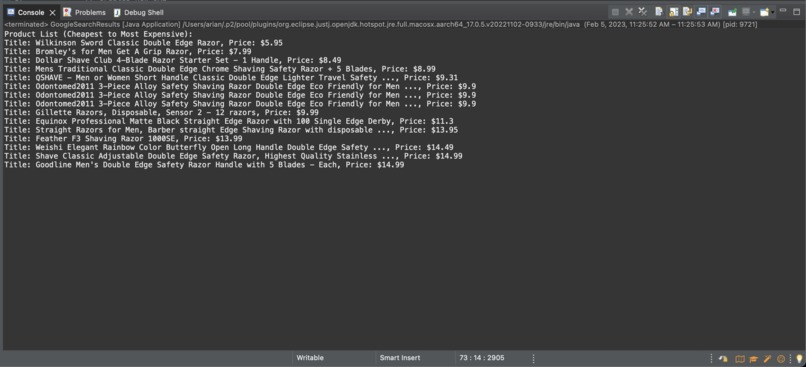
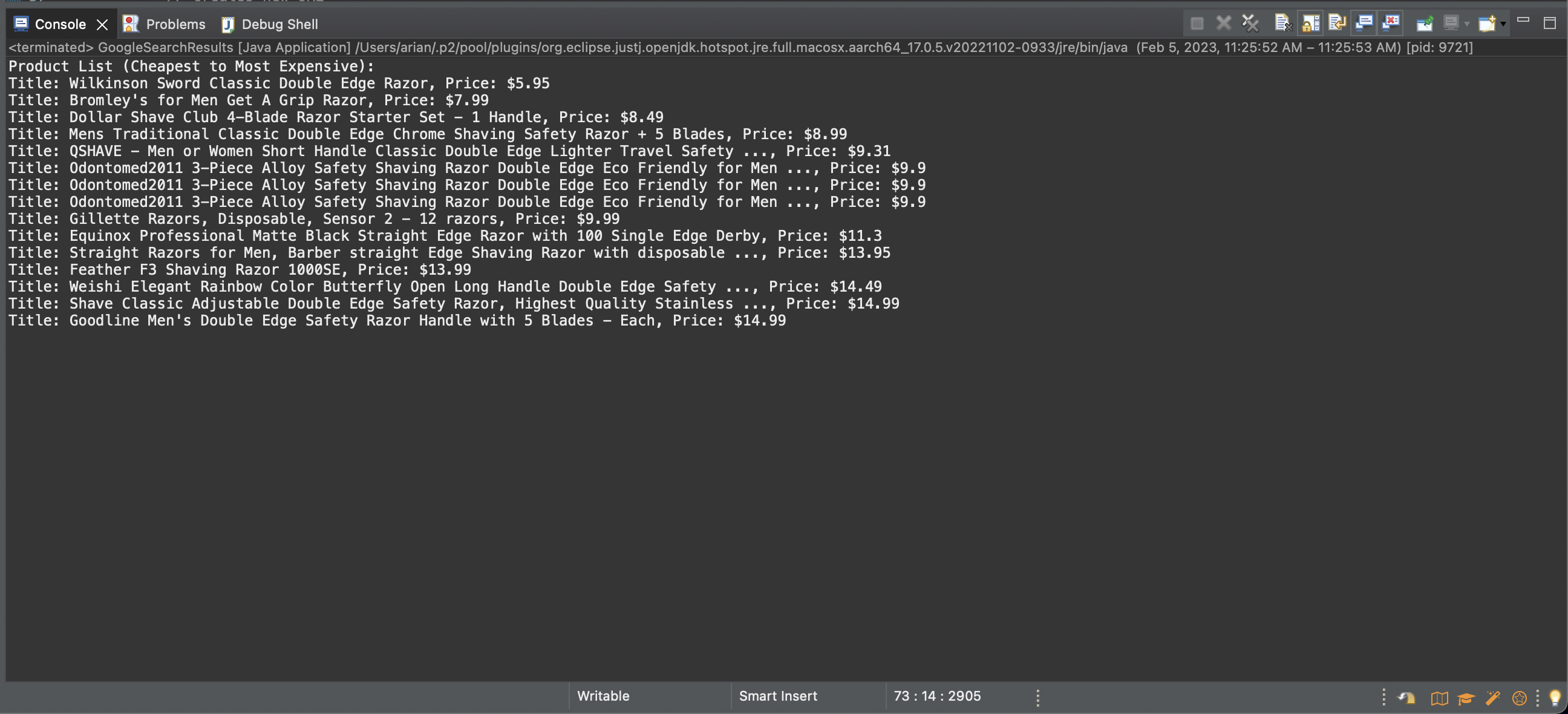
Google search rests: product list from cheapest to most expensive
-
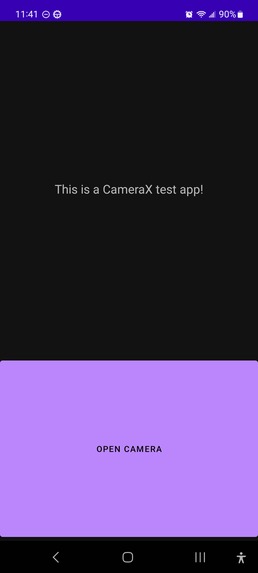
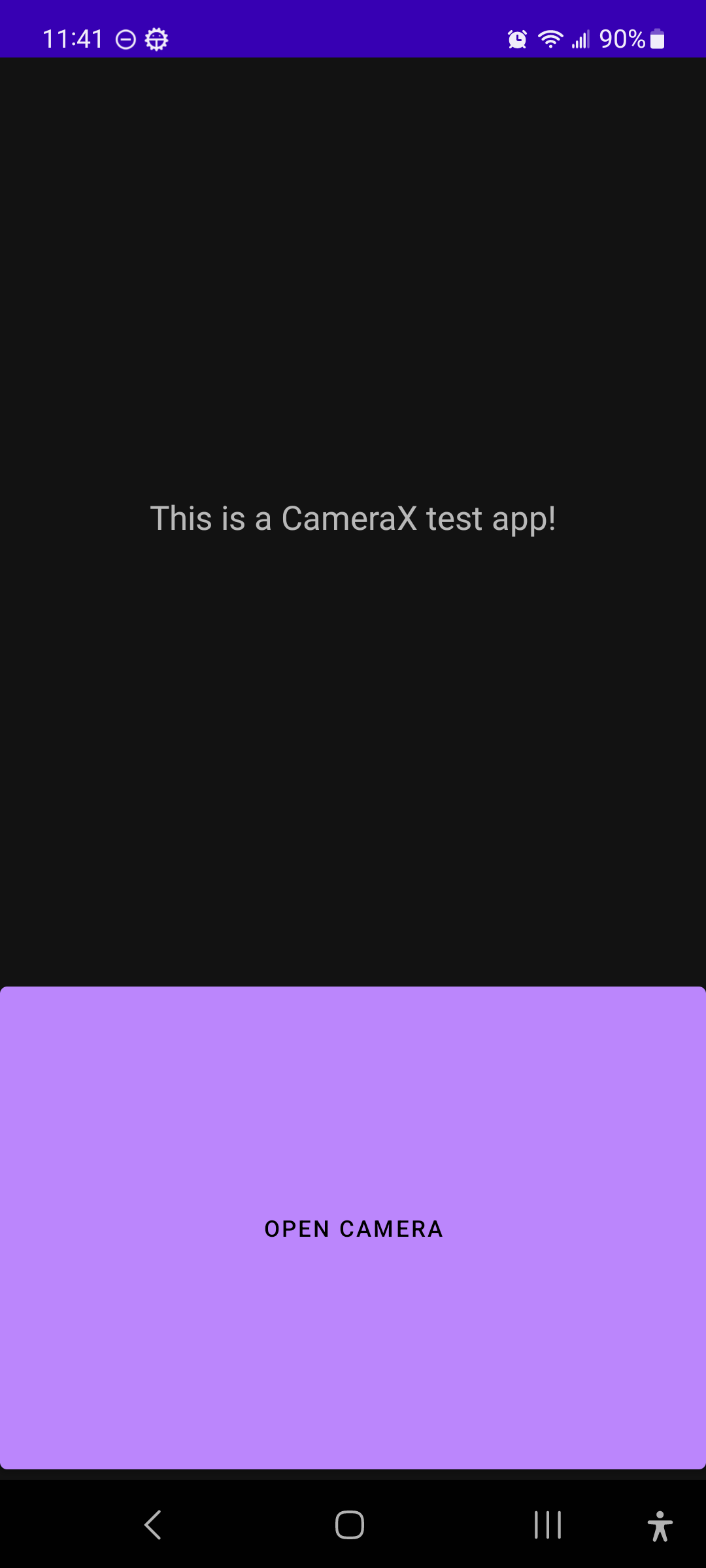
Working Camera Opening Screen
-
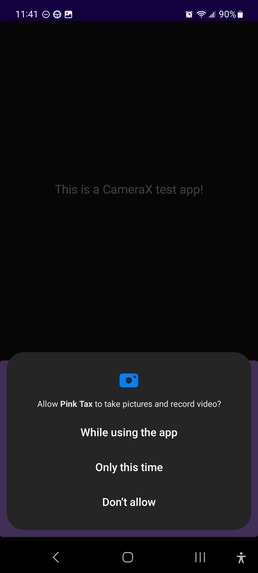
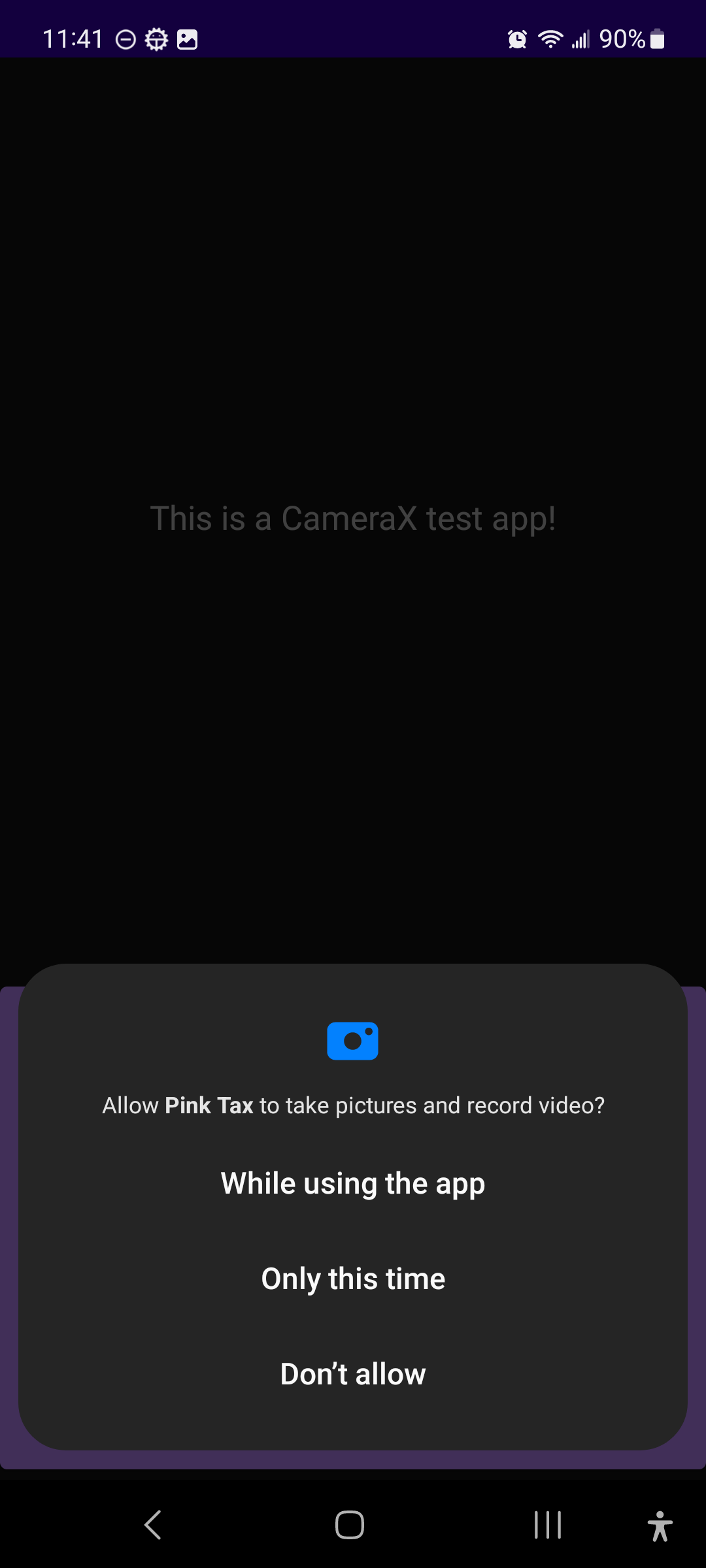
Working Camera Permissions
-
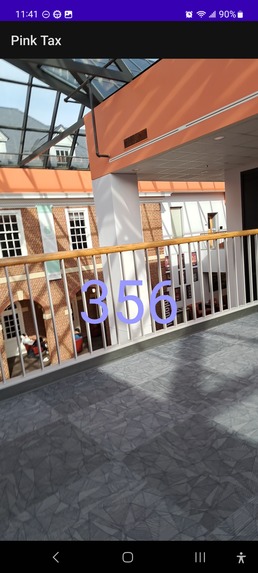
Working Camera
-
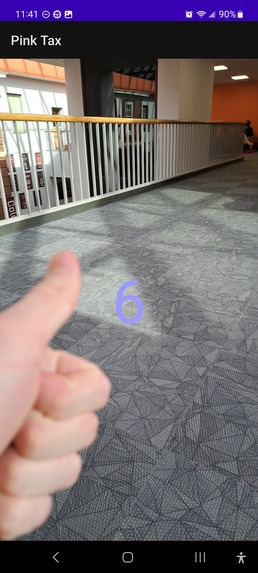
Working Camera
-
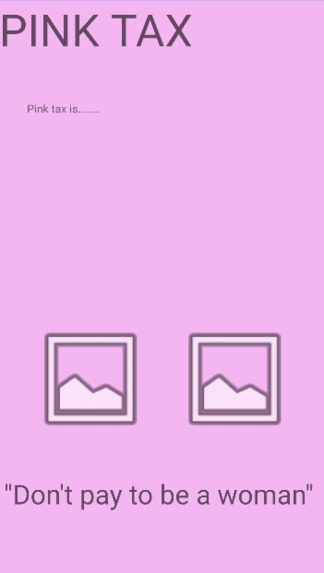
Layout for Final App
-
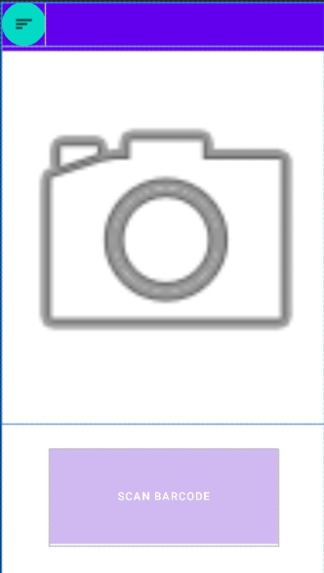
Camera Layout for Final App
-
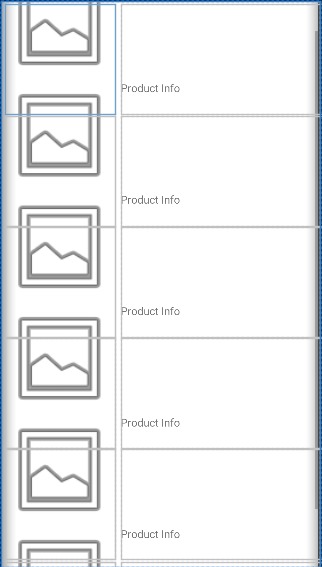
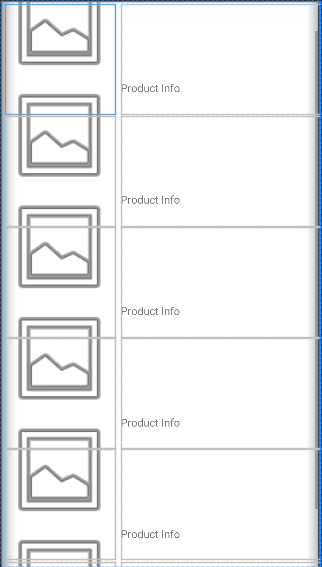
Alternative Options Scrolling Page for Final App
-
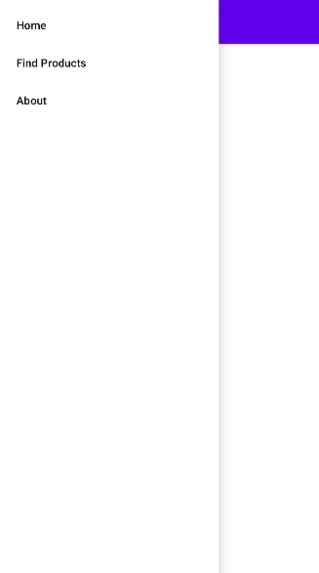
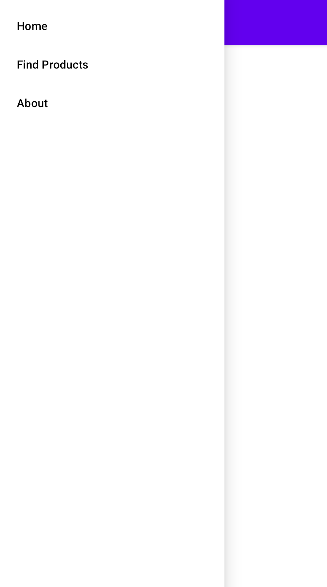
Menu Layout for Final App
Inspiration
Earlier this year, our team member, Emily Woodard, had complained to her male friends about how expensive razors or shampoo were but was met with conflicting accounts. Her guy friends weren't paying nearly as much for their hygiene products, of equal or better quality. Hearing this, she questioned why she was paying more for the same products. When she looked into this price discrimination, she found something called the "Pink Tax". Pink Tax, named because pink products are often priced higher than their blue counterparts, is the systemic up-charging of feminine marketed products. While the gender wage gap has decreased, women still experience economic inequality through Pink Tax. We wanted to give Emily, and all women, the ability to easily avoid Pink Tax by buying nearly identical, male-marketed, or gender-neutral products for less money.
What it does
Our Android app uses a camera to scan a product's barcode. It then searches for similar products and sorts them by price and gendered advertisement. The product alternatives are then shown to the user, with the cheapest, most similar products at the top. This allows users to avoid Pink Tax by buying cheaper male or gender-neutral product alternatives.
How we built it
We used a java program that uses SerpApi to obtain google search and google shopping results. We then took those results and ordered the products that came from those results from cheapest to most expensive. We also used android studio and collaborated through GitHub to create our Android App. Our goal was to have the barcode scanned from the Android app and then use the API to find similar products.
Challenges we ran into
As new developers, we needed to learn the basics of API use, and Android Development Studio. this was a challenging task to take on in 24 hours. Although the graphical development of the application went smoothly with little error, accessing and implementing our required libraries was a challenge. Our first challenge was to use the CameraX library in android where we ran into problems with permissions access. After resolving this issue, we needed to turn our image into an InputImage type for mlKit to interpret the picture as a barcode. We ultimately went into the Gradel build files and added implementation of the necessary libraries. Tracking down where to pull correct information was a time-consuming and tedious task that prevented us from reaching the completion point that we wanted to achieve. On the other hand, the API backend was no walk in the park either. For the longest time, we could not get the google API to work. We had API keys, documentation, tutorials, etc and we could not get the API to send the results back until we found a different way of implementing it through StackOverflow and mentor help. Once we got the API working, the rest of the backend code was very straightforward.
Accomplishments that we're proud of
Although we ran into extensive problems with the systems we chose to use, we eventually got them to work. We are proud of the current version of the app which has camera capability and barcode-scanning features. Here is a list of some of the achievements that we accomplished: Learning and using different google APIs in Java, learning and using Android Studio, implementing and using JSON, and creating a UI and working "apk" application for Android using Java.
What we learned
We learned Android app design as well as GitHub, Google mlKit, serpAPI, and the Android CameraX library. More than these we learned how to combine multiple APIs and Libraries to form the functionality that we desired. This hackathon was most definitely crucial for our development as Computer Science students. We learned a lot about different APIs, languages, and coding in general. Although the most important lesson from this project was learning how to work in a team creating an app.
What's next for Pink Tax
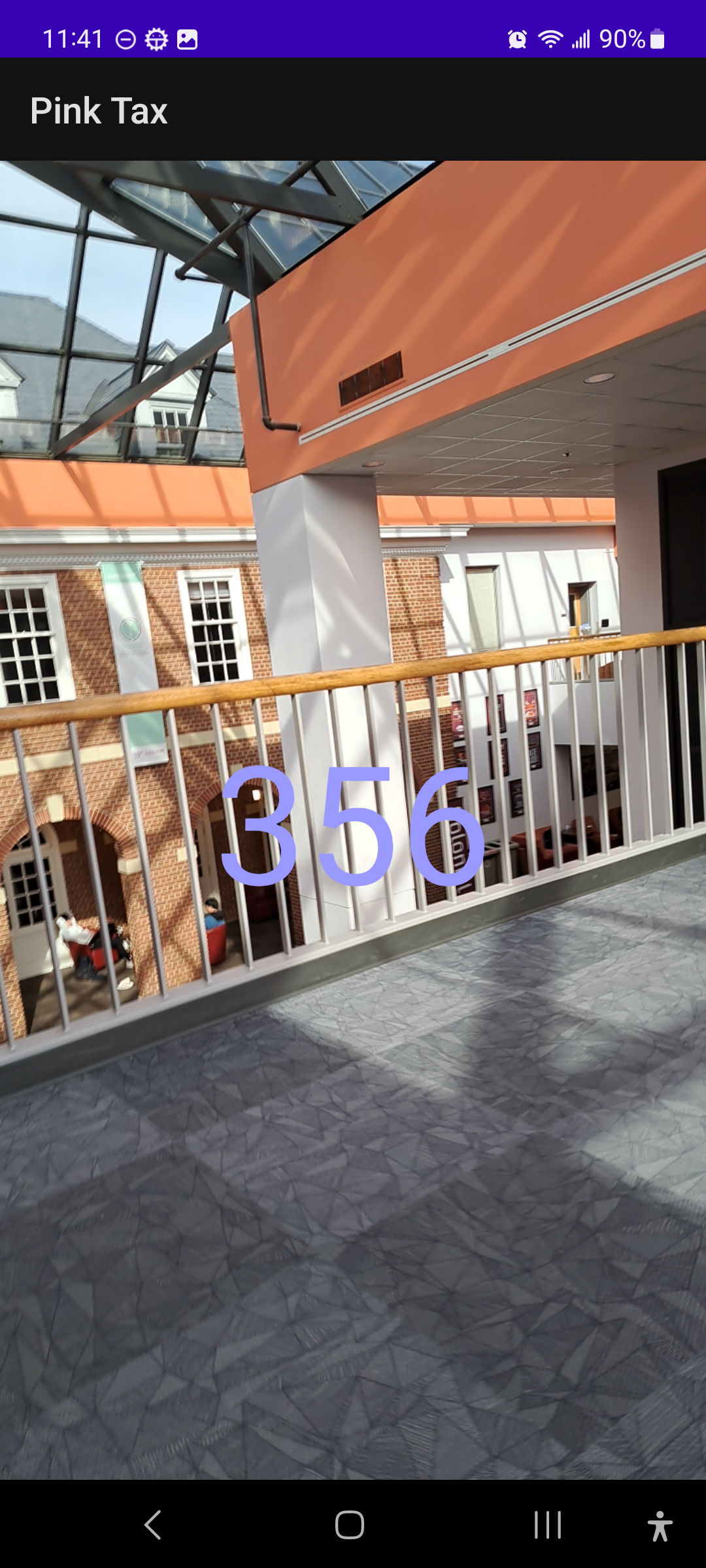
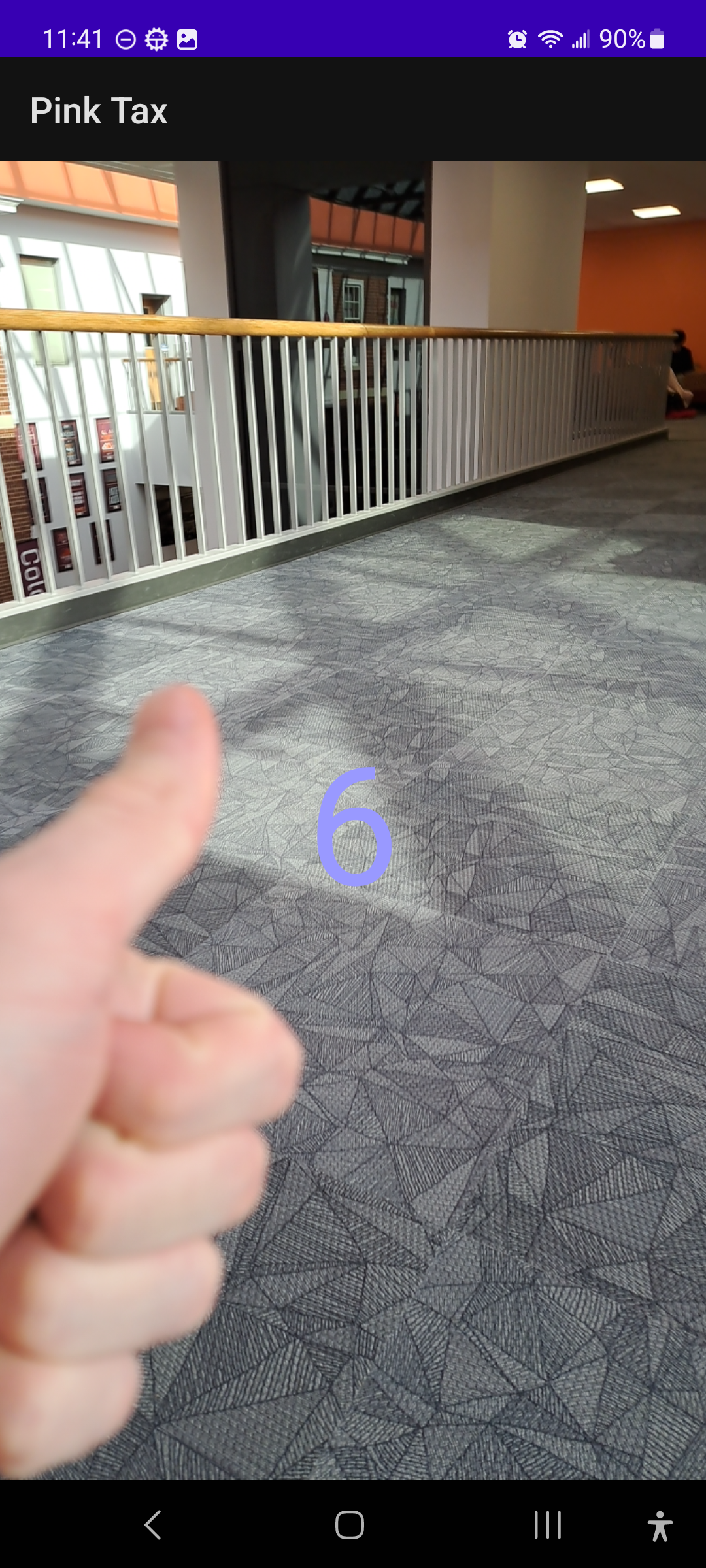
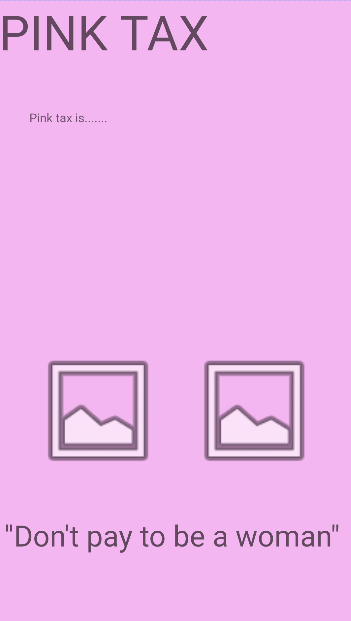
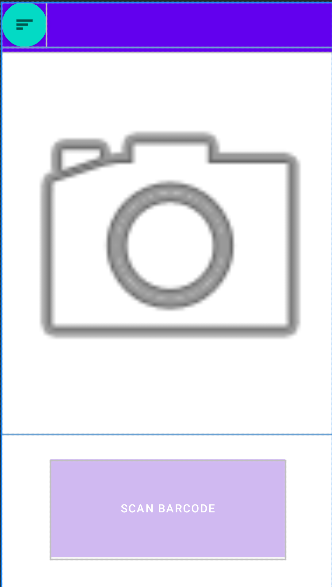
As shown in the image gallery below, we have all layouts, camera backend, and good search backend done. All we lack is putting the pieces together. With more time, we would be able to implement all the different parts of the project into the Android app. Unfortunately, our lack of experience and the fact that it was our first time attempting anything in this manner prevented us from combining all the different elements of our project together.
Built With
- android-studio
- java
- mlkit
- serpapi


Log in or sign up for Devpost to join the conversation.