-
-

App Icon
-
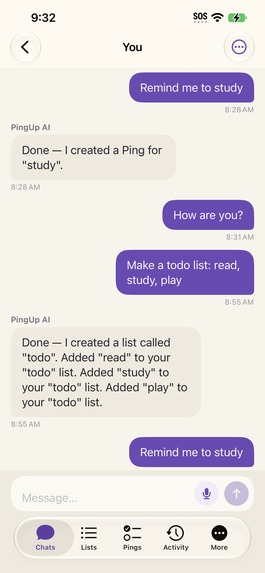
Chat
-
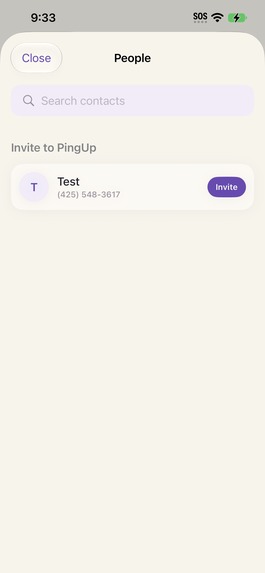
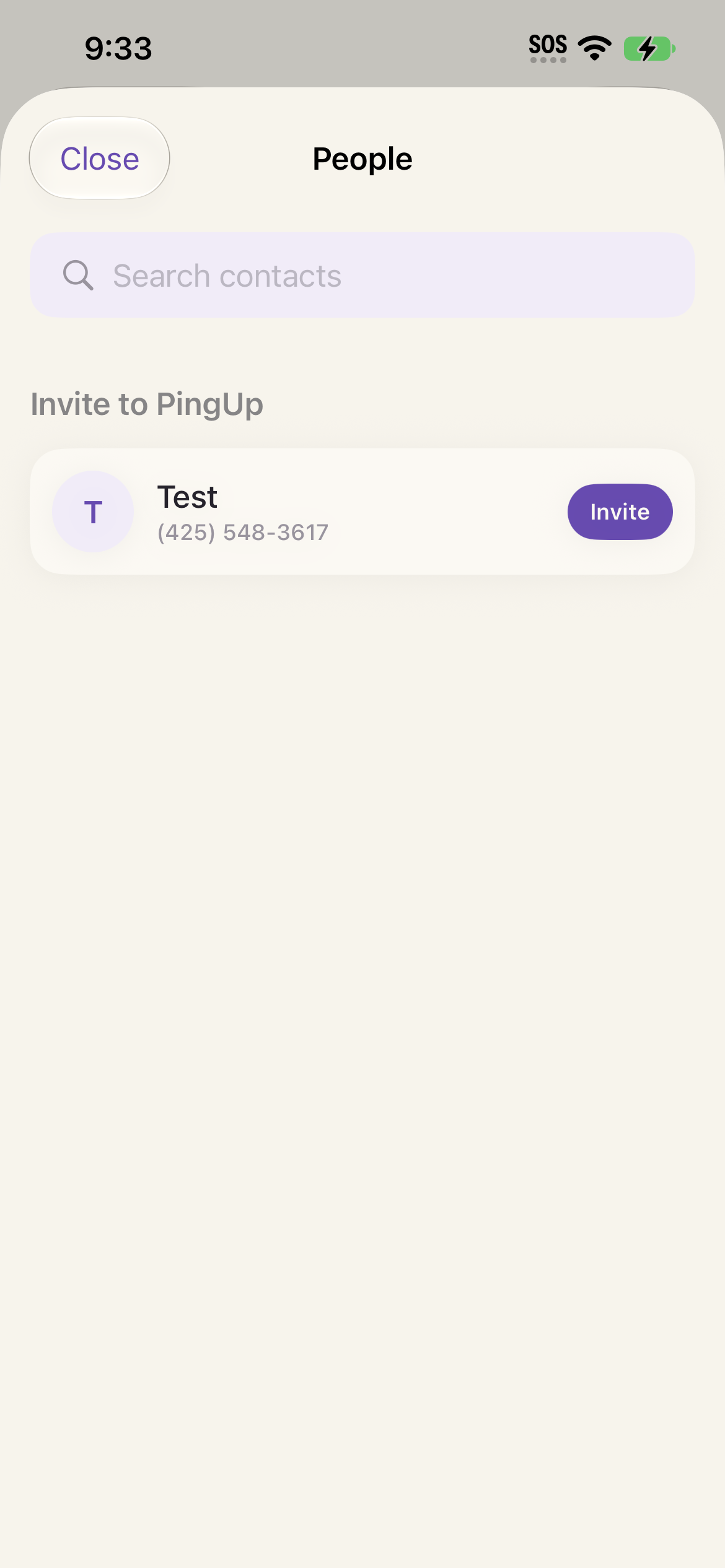
Connect with People in Your Contacts (tested on an old phone so only one contact)
-
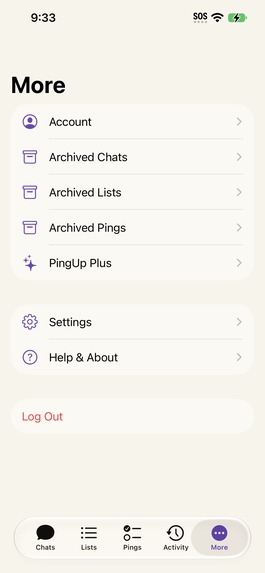
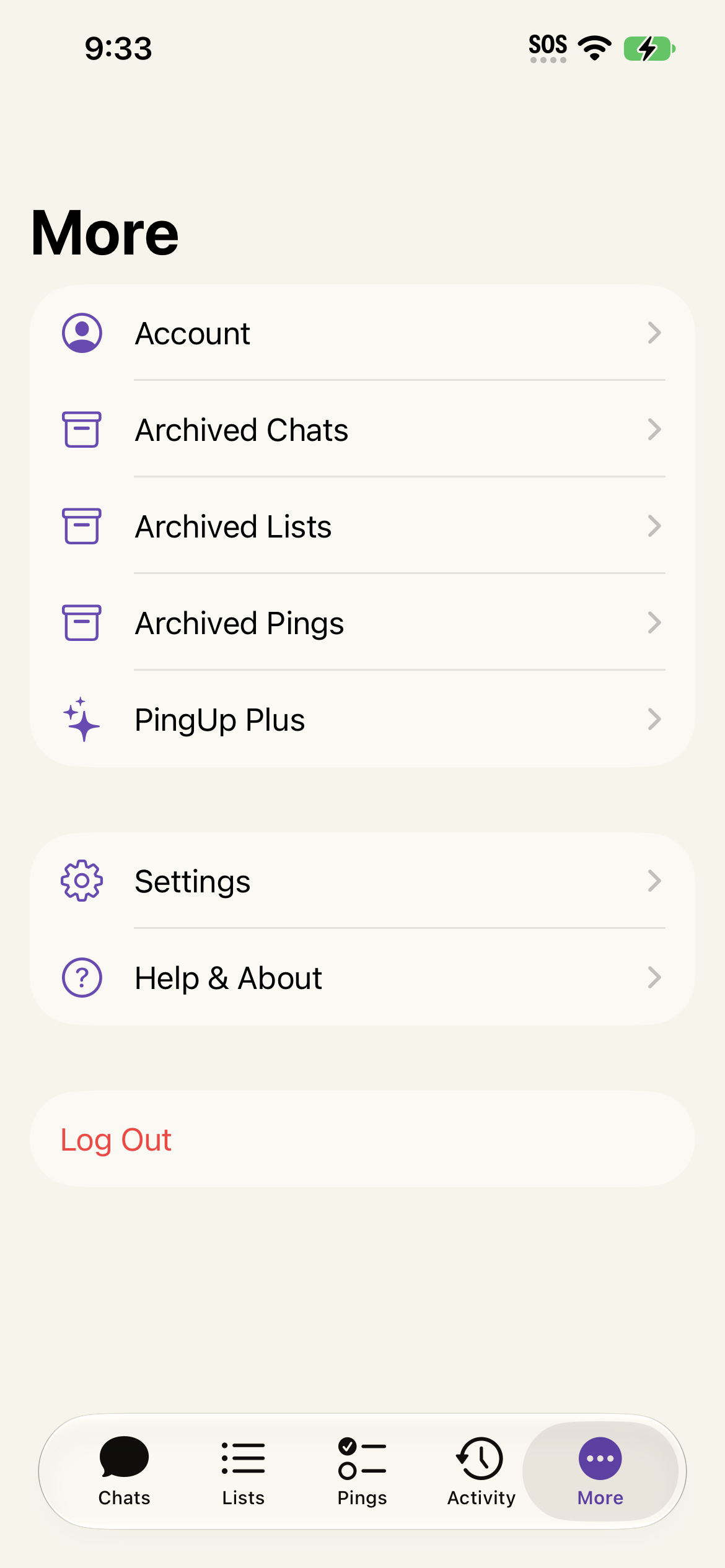
Access old chats, lists, pings and delete them.

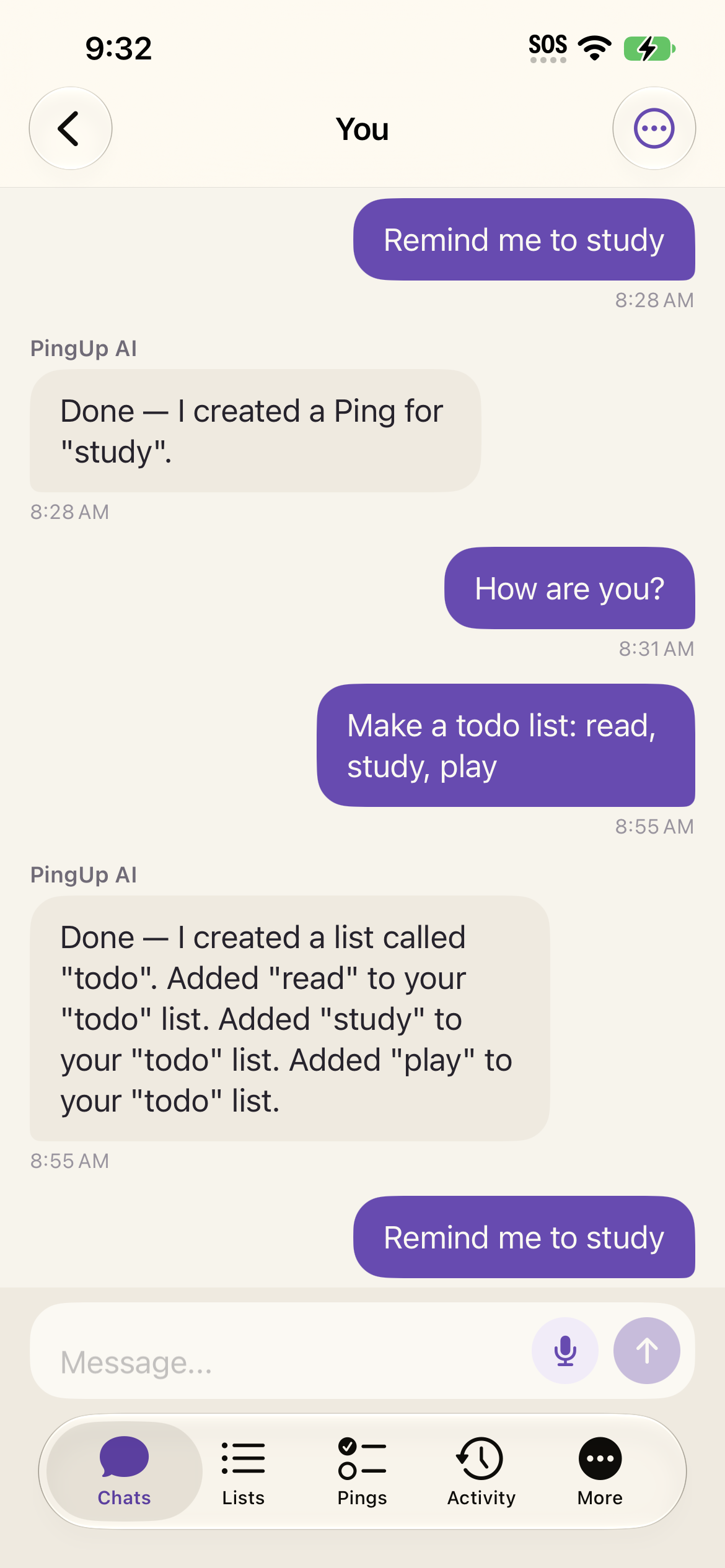
PingUp
Next Gen Award Submission
PingUp is a messaging-first task and reminder app built by a high school student to make everyday coordination feel as natural as texting.
Inspiration
I noticed my parents often sent lists and to-dos in our family group chat, but there was no way to check things off or keep track of what was done. Important messages would get buried in the conversation and forgotten.
I realized this wasn't just my family. People constantly delegate tasks, send shopping lists, and use texts as reminders. I wanted to build something that worked the way people already communicate, while actually helping them keep track of what needs to get done.
Instead of creating another task manager that asks people to change their habits, I wanted to make the conversation itself more useful.
What it does
PingUp combines messaging, lists, tasks, and reminders into one conversation-based experience.
Users can naturally type or speak what they need instead of filling out traditional task forms.
For example:
"Can you pick up milk, eggs, and bread on your way home?"
PingUp can turn that kind of natural conversation into structured list items or tasks.
Core Features
- 💬 Direct and group conversations
- 📝 Shared lists and list items
- ⏰ One-time and recurring pings/reminders
- ✅ Task completion and reopening
- 😴 Snoozing reminders
- 🤖 AI-powered natural-language actions
- 🎙️ Native voice input
- 🔄 Realtime updates
- 🔐 Authorization and protected data
- 📱 Native iOS experience
Users can keep chatting normally while their conversations become more actionable.
How I Built It
PingUp is a native iOS application built with Swift and SwiftUI, backed by a Fastify + TypeScript server.
The backend uses Prisma and PostgreSQL for data persistence, while realtime updates keep conversations, lists, and tasks synchronized.
I built an AI interaction layer that interprets natural-language messages and turns them into structured actions such as creating list items, completing tasks, and working with shared conversations.
I also implemented native Apple speech recognition so users can speak directly into the message composer.
Beyond the core messaging experience, I built:
- Recurring task logic
- Due dates and reminders
- Snoozing
- Shared lists
- Completion and reopening
- Realtime synchronization
- Deletion and authorization rules
- Invitation-link functionality
- Automated backend and iOS tests
The goal was to build the actual product architecture rather than a collection of mocked screens.
Challenges I Ran Into
One of the biggest challenges was making PingUp feel like a messaging app rather than another traditional task manager.
I had to design the backend so normal conversations could still produce structured tasks and lists without forcing users through a series of forms.
I also worked through:
- SwiftUI state-management issues
- Realtime synchronization
- Recurring task logic
- Database relationships and authorization
- Deletion and archival rules
- Voice permissions and audio-session behavior
- Error handling and failed requests
- Simulator vs. physical-device differences
- Testing complex interactions across the frontend and backend
A particularly important lesson was that features that look simple from the outside can require significant backend logic to make them reliable.
Accomplishments I'm Proud Of
I'm proud that PingUp grew from a simple idea into a working end-to-end product.
As a high school student, I built the iOS application, backend, database architecture, realtime systems, task engine, AI interaction layer, voice input, and automated tests.
I'm especially proud of the core experience: users don't have to learn a new productivity workflow. They can communicate naturally, and PingUp helps turn those conversations into things that actually get done.
What I Learned
I learned that building a reliable product requires much more than getting the main feature working.
State management, error handling, permissions, synchronization, database design, authorization, and testing all have a major impact on whether an application actually feels trustworthy.
I also learned to design around how people already behave instead of forcing them to learn an entirely new workflow.
Most importantly, building PingUp taught me how many layers are involved in turning an idea into a real product—from the interface all the way down to the backend and database.
Implementation & Testing Notes
Some PingUp features depend on external services that could not be included as live external-service demonstrations in the final submission.
The implementations are included in the codebase, and the underlying workflows were tested during development with local or fake providers where applicable.
AI
The production AI integration and AI action architecture are implemented in the codebase.
I tested the AI integration during development, including the AI action workflows, but I am not including live AI API usage in this submission because the external AI service requires paid API usage.
The application also includes a fake AI provider for development and testing, allowing the core AI action flows to be tested without depending on live API calls.
Invitation Links
The invitation-link functionality is implemented in the codebase.
I tested the invitation-link functionality during development, but I am not including live invitation-link sending in this submission because it depends on external link/service configuration.
Other Tested Functionality
The following functionality was implemented and tested throughout development:
- Messaging and conversations
- Shared lists
- Tasks and recurring tasks
- Pings and reminders
- Completion and reopening
- Snoozing
- Realtime updates
- Voice input
- Authorization
- Deletion and archival
- Backend validation
- Automated tests
- Debug and Release builds
For Judges
Please check the repository/codebase when evaluating features that depend on external services.
The project contains the actual implementation and integration architecture rather than a mockup of these capabilities. Where live external-service testing was not included in the submission, the underlying application logic and workflows were still tested during development.
What's Next for PingUp
The next stage for PingUp would be expanding beyond the current iOS experience.
Planned improvements include:
- 🌐 Cross-platform and web access
- 🔗 More complete invitation and deep-link flows
- 🤖 Production AI usage at scale
- 👥 AI-assisted task assignment between conversations
- 📱 SMS-based interactions through Twilio
- ⚙️ More automated reminders and workflows
- 🔄 Additional integrations with everyday communication tools
The long-term goal is for PingUp to become a layer that sits naturally on top of how people already communicate—turning "I'll do it" into something that actually gets remembered and completed.
Built With
Swift, SwiftUI, TypeScript, Fastify, Prisma, PostgreSQL, Apple Speech Recognition, AI, and Xcode.
Submission
Award: Next Gen Award
Developer: High school student
Project: PingUp
Built With
- anthropicai
- fastify
- postgresql
- prisma
- python
- revenuecat
- swift
- twilio

Log in or sign up for Devpost to join the conversation.