-
-
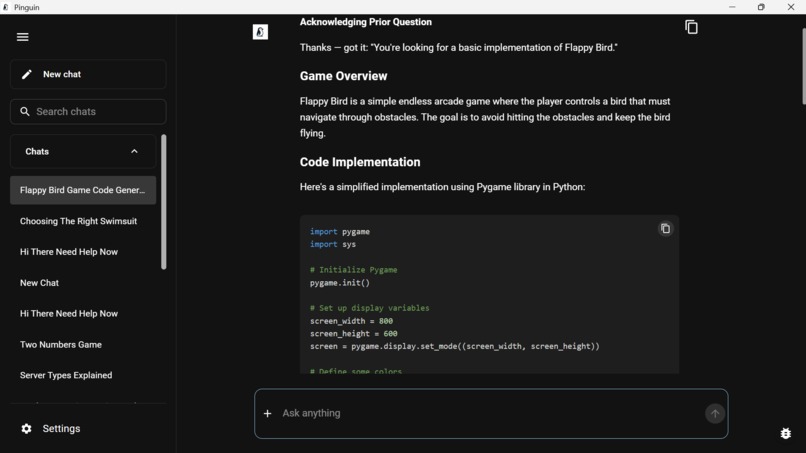
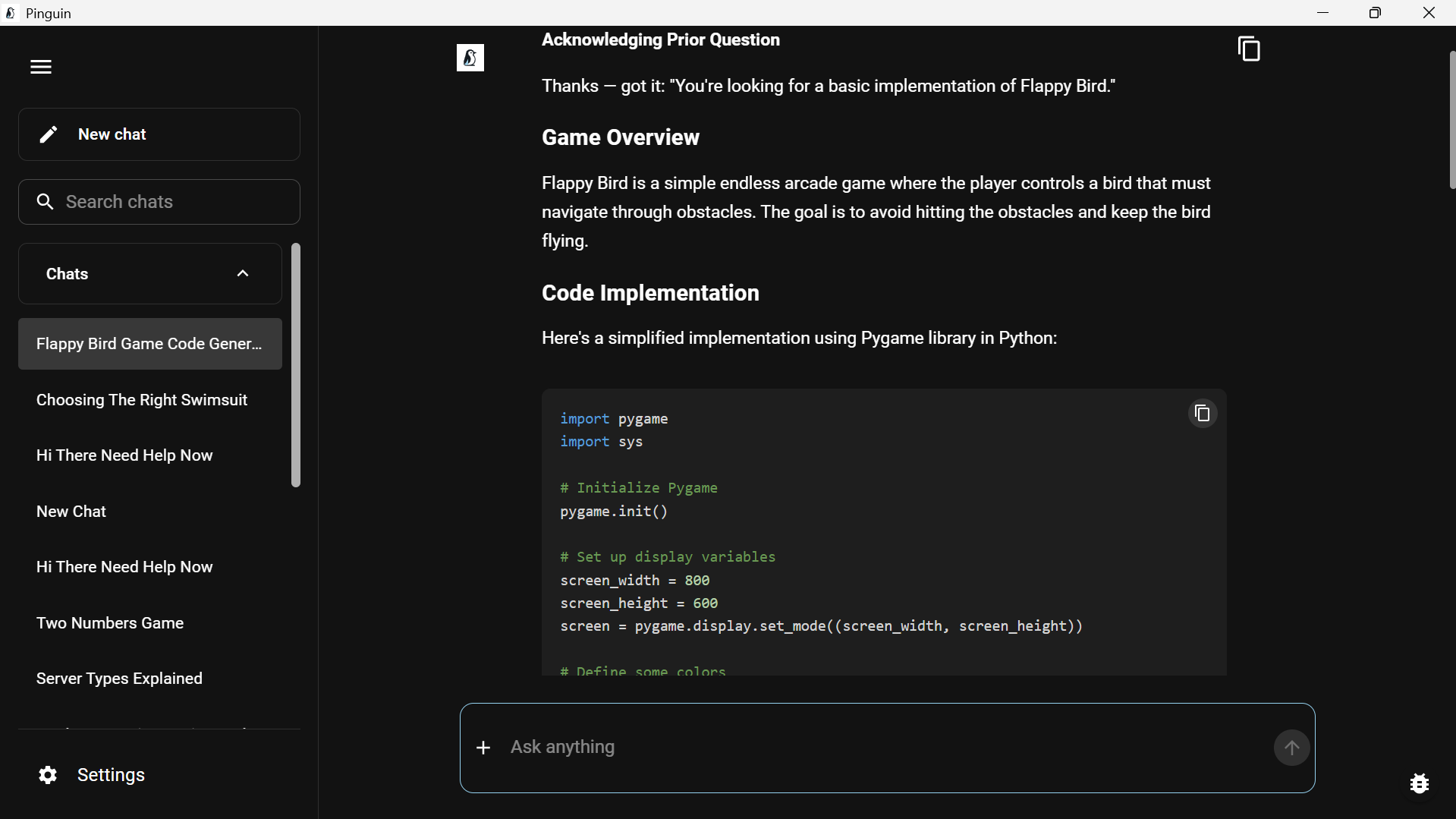
Pinguin in Action
-
Project Story
Inspiration
As a university student, I've always struggled with the overwhelming amount of study materials—lecture slides, textbooks, research papers, and notes scattered everywhere. Traditional search tools fall short because they rely on exact keyword matching, missing the semantic meaning of my questions. Cloud-based AI solutions like ChatGPT require uploading sensitive academic materials to external servers, raising privacy concerns.
I wanted a solution that was:
- Private: All data stays on my device
- Intelligent: Understands the meaning behind my questions
- Fast: Optimized for modern Arm hardware
- Offline: Works without internet connectivity
When I discovered the Arm AI Developer Challenge, I saw the perfect opportunity to build Pinguin—a privacy-first AI study companion that leverages Arm's efficient architecture to deliver powerful on-device AI capabilities.
What it does
Pinguin transforms your study materials into an intelligent, searchable knowledge base using Retrieval-Augmented Generation (RAG). Here's how it works:
Document Ingestion: Upload PDFs, Word documents, EPUBs, or text files. Pinguin extracts text (even from scanned documents using OCR), chunks it intelligently, and generates semantic embeddings.
Semantic Search: Ask questions in natural language. Pinguin uses vector similarity search to find the most relevant passages across all your documents.
AI-Powered Answers: A local LLM generates comprehensive answers grounded in your study materials, complete with source citations.
Course Organization: Group documents by courses, making it easy to focus on specific subjects.
Chat History: Review past conversations and insights for exam preparation.
Key Features:
- Multi-format document support (PDF, DOCX, EPUB, TXT)
- OCR for scanned documents and images
- Multiple LLM options (Llama 3.2, Qwen 2.5, Phi-3)
- Flexible embedding models (nomic-embed-text, mxbai-embed-large)
- Fast inference on Arm CPUs
- Beautiful, intuitive Material-UI interface
- 100% offline operation
How we built it
Pinguin is architected as a desktop application with three main components:
Frontend (Electron + React)
- Built with Electron for cross-platform desktop support
- React 18 with TypeScript for type-safe, maintainable code
- Material-UI for a polished, accessible interface
- IPC communication between renderer and main process
Backend (Python FastAPI)
- FastAPI server for high-performance async operations
- LangChain for RAG pipeline orchestration
- Custom document extractors for various file formats
- Tesseract OCR integration for scanned documents
- ChromaDB for vector storage and similarity search
AI Layer (Ollama)
- Ollama provides local LLM inference with Arm64-native builds
- Supports multiple models optimized for Arm architecture
- Efficient embedding generation for semantic search
- No external API calls—everything runs locally
Arm Optimization Strategy:
- Native Compilation: All components compiled for Arm64 (Electron, Python, native modules)
- Efficient Models: Selected models optimized for Arm CPUs (3B-7B parameter range)
- Batch Processing: Efficient embedding generation reduces overhead
- Memory Management: Lazy loading and caching minimize memory footprint
- Async Operations: Non-blocking I/O prevents UI freezes during processing
Development Process:
- Started with architecture design and technology selection
- Built MVP with basic document ingestion and querying
- Iteratively added features (OCR, course management, chat history)
- Optimized for Arm performance (model selection, batch sizes, caching)
- Extensive testing on Windows on Arm (Snapdragon X Elite)
- Created comprehensive documentation and build guides
Known Limitations
As with any v1.0 release, there are some areas for improvement:
Performance Considerations:
- First query after launch takes 1-2 minutes as models load into memory (subsequent queries are faster at 30-50 seconds)
- Scanned documents with OCR can take 20-30 minutes to process (text-based PDFs process in seconds)
- We recommend using text-based documents for the best experience in v1.0
UI Polish:
- Some minor UI state synchronization issues when navigating between chats
- Input field state handling needs refinement
- These are cosmetic issues that don't affect core functionality
File Format Support:
- Currently supports PDF, DOCX, EPUB, and TXT
- Additional formats (PPTX, XLSX, etc.) planned for future releases
All of these are documented in KNOWN_ISSUES.md with workarounds and are prioritized for the next release. The core RAG pipeline, document processing, and AI inference all work correctly - these are primarily UX polish and performance optimizations.
Challenges we ran into
1. Arm64 Native Module Compilation Many Node.js native modules didn't have pre-built Arm64 binaries. I had to configure the build system to compile them from source, which required setting up proper toolchains and dealing with platform-specific quirks.
2. Python Backend Bundling Packaging a Python environment with Electron was complex. I created custom scripts to bundle the Python runtime, dependencies, and external tools (Tesseract, Poppler) into the Electron app, ensuring they work across different Arm platforms.
3. OCR Performance Initial OCR implementation was slow on large scanned PDFs. I optimized by implementing parallel processing, image preprocessing, and smart page detection to skip non-text pages.
4. Memory Management Running LLMs locally is memory-intensive. I implemented lazy model loading, LRU caching for embeddings, and careful memory profiling to keep the app responsive even with large models.
5. Cross-Platform Compatibility Ensuring Pinguin works seamlessly on Windows on Arm, macOS (Apple Silicon), and Linux Arm64 required platform-specific handling of file paths, process management, and native dependencies.
6. First-Run Experience Designing an intuitive onboarding flow that guides users through model selection and download was crucial. I built a step-by-step wizard that explains each choice and provides sensible defaults.
Accomplishments that we're proud of
Technical Achievements:
- Successfully built a complete RAG pipeline running entirely on-device
- Achieved 25-40 tokens/second inference on Arm CPUs (no GPU required)
- Implemented efficient document processing with OCR support
- Created a seamless cross-platform experience for Arm devices
- Built a production-ready application with proper error handling and recovery
User Experience:
- Designed an intuitive interface that makes AI accessible to non-technical users
- Implemented a smooth onboarding flow for first-time users
- Created comprehensive documentation for developers and users
- Achieved sub-5-second startup time on modern Arm hardware
Arm Optimization:
- All components compiled natively for Arm64 architecture
- Leveraged Arm's power efficiency for extended battery life
- Optimized model selection for Arm CPU capabilities
- Demonstrated that powerful AI applications can run efficiently on Arm without GPUs
Open Source Contribution:
- Released under MIT license for community benefit
- Comprehensive technical documentation for developers
- Build guides for multiple Arm platforms
- Reusable components for other RAG applications
What we learned
Technical Insights:
- Arm architecture is incredibly capable for AI workloads, especially with optimized models
- On-device AI is not only feasible but often preferable for privacy-sensitive applications
- Proper chunking and embedding strategies are crucial for RAG quality
- Async programming is essential for responsive desktop applications
- Cross-platform development requires careful attention to platform differences
AI/ML Learnings:
- Smaller models (3B-7B params) can deliver excellent results with proper prompting
- Embedding quality matters more than LLM size for retrieval accuracy
- Quantization (4-bit, 8-bit) enables larger models on resource-constrained devices
- Caching strategies dramatically improve perceived performance
User Experience:
- Privacy is a major concern for students handling academic materials
- Offline capability is essential for reliable study tools
- Clear onboarding reduces friction for non-technical users
- Source attribution builds trust in AI-generated answers
Arm Development:
- Arm's ecosystem has matured significantly—most tools now have native builds
- Power efficiency translates to real-world benefits (longer battery life)
- Arm CPUs are surprisingly capable for AI inference
- The developer experience on Arm is now on par with x86
What's next for Pinguin
Short-Term Enhancements:
- Mobile Companion App: Extend Pinguin to iOS/Android for on-the-go studying
- Voice Input/Output: Add speech recognition and text-to-speech for hands-free use
- Advanced Citation Management: Export references in various formats (BibTeX, APA, MLA)
- Collaborative Features: Share knowledge bases with study groups (encrypted)
Medium-Term Goals:
- Spaced Repetition Integration: Generate flashcards and quizzes from documents
- Multi-Language Support: Localize UI and support non-English documents
- Cloud Sync (Optional): End-to-end encrypted backup for users who want it
- Plugin System: Allow community extensions for custom document types
Long-Term Vision:
- Federated Learning: Share model improvements without sharing data
- Academic Integration: Connect with university LMS systems
- Research Assistant: Advanced features for graduate students and researchers
- Mobile-First Optimization: Leverage Arm's dominance in mobile for broader reach
Community Building:
- Grow an open-source community around privacy-first AI tools
- Create tutorials and workshops for students and developers
- Partner with universities to provide Pinguin as a study tool
- Contribute improvements back to upstream projects (Ollama, LangChain, ChromaDB)
Arm Ecosystem Contribution:
- Continue optimizing for Arm architecture
- Share benchmarks and best practices for on-device AI
- Advocate for Arm as a platform for AI development
- Inspire other developers to build Arm-native AI applications
Built With
- arm64
- chromadb
- electron
- fastapi
- langchain
- mammoth
- material-ui
- ollama
- poppler
- python
- react
- sentence-transformers
- tesseract-ocr
- typescript


Log in or sign up for Devpost to join the conversation.