-
-
pinGoal App Store 1
-
pinGoal App Store 2
-
pinGoal App Store 3
-
pinGoal App Store 4
-
pinGoal App Store 5
-
Paywall Screenshot
-
Bingo Card Editor Screenshot
-
Bingo Card Editor Screenshot 2
-
pinGoal Logo
Inspiration
We've tried many ways to manage our lives, but the tools out there make life feel like work: Jira, Trello, or an endless to-do list. We both tried Notion, but it's so open that we ended up scheduling and planning instead of actually doing anything.
One day a friend showed us his paper goal bingo card. Nine squares, no columns, no due dates. We loved it, but it also felt like a waste: the paper only recorded the goal and whether he achieved it. A goal has a whole life cycle (setting it up, the process, and looking back), and nothing captured all of it. So we built pinGoal: a bingo card as easy as his paper one, that follows a goal through its whole life.
What it does
Set it
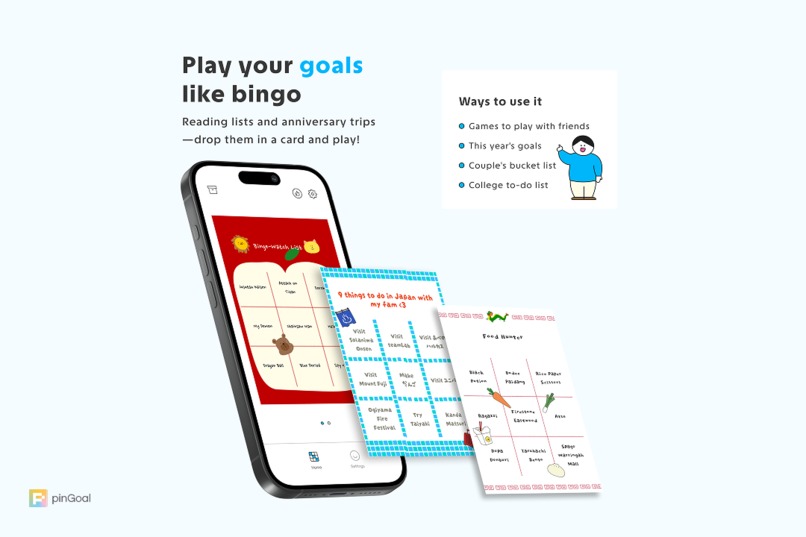
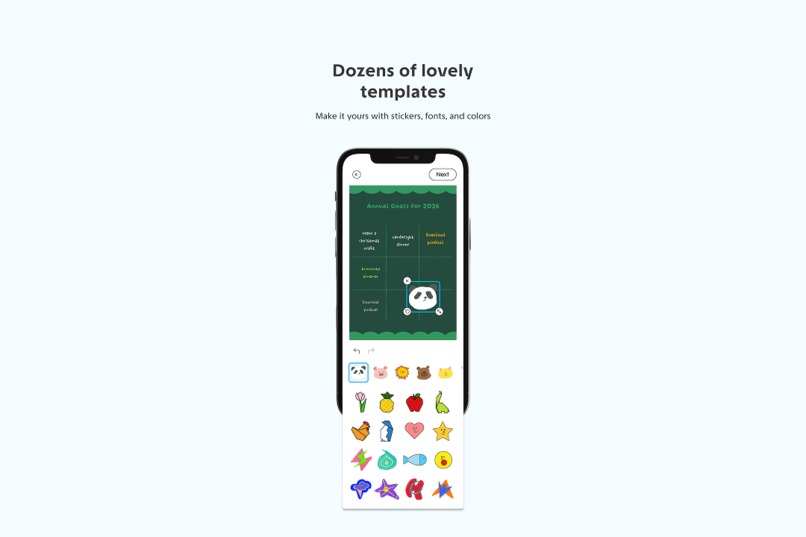
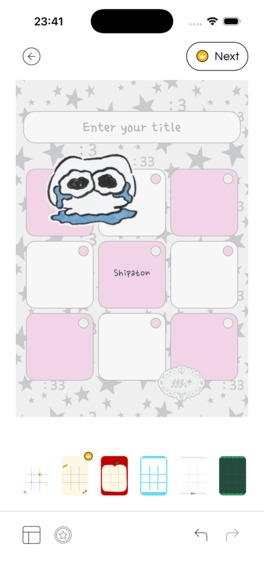
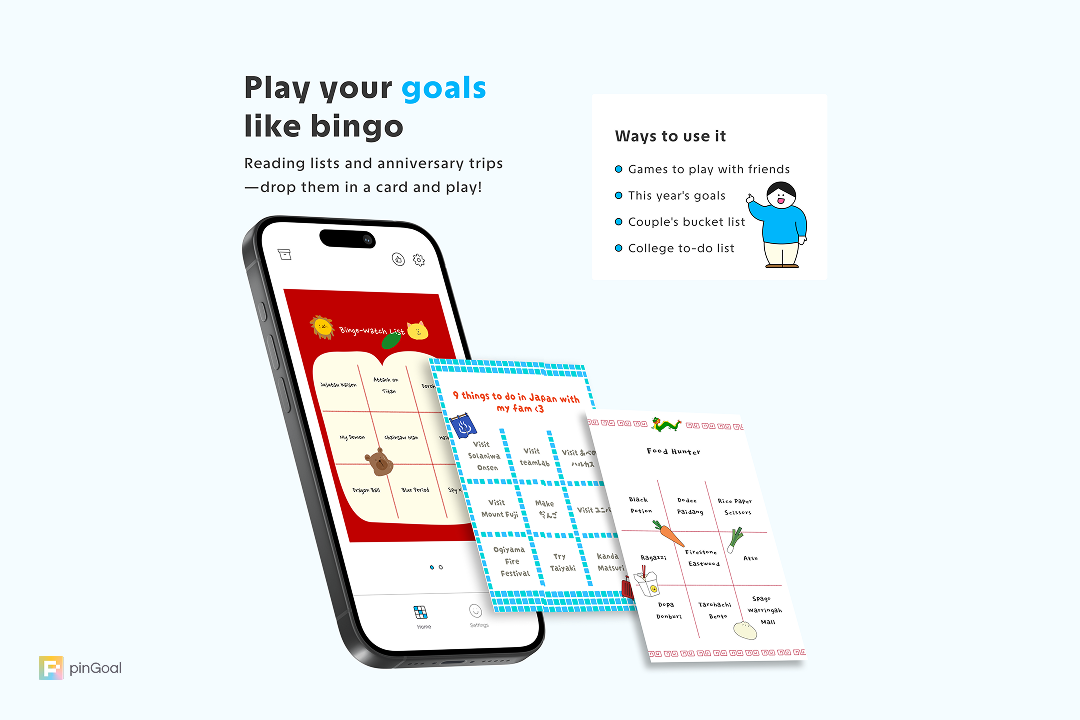
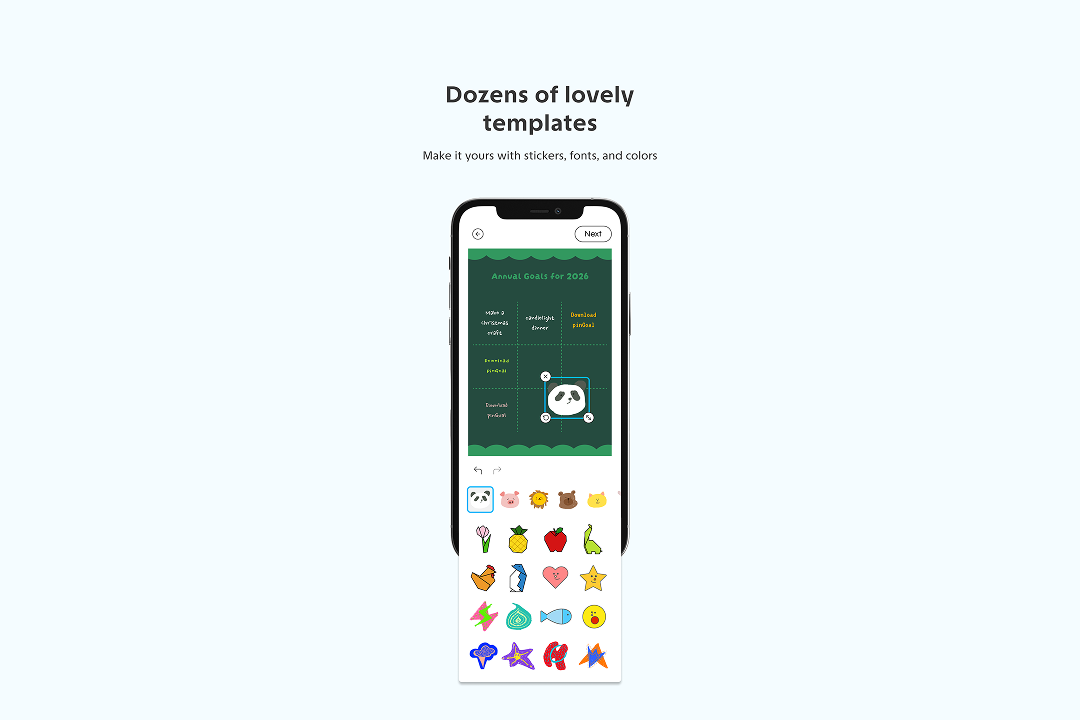
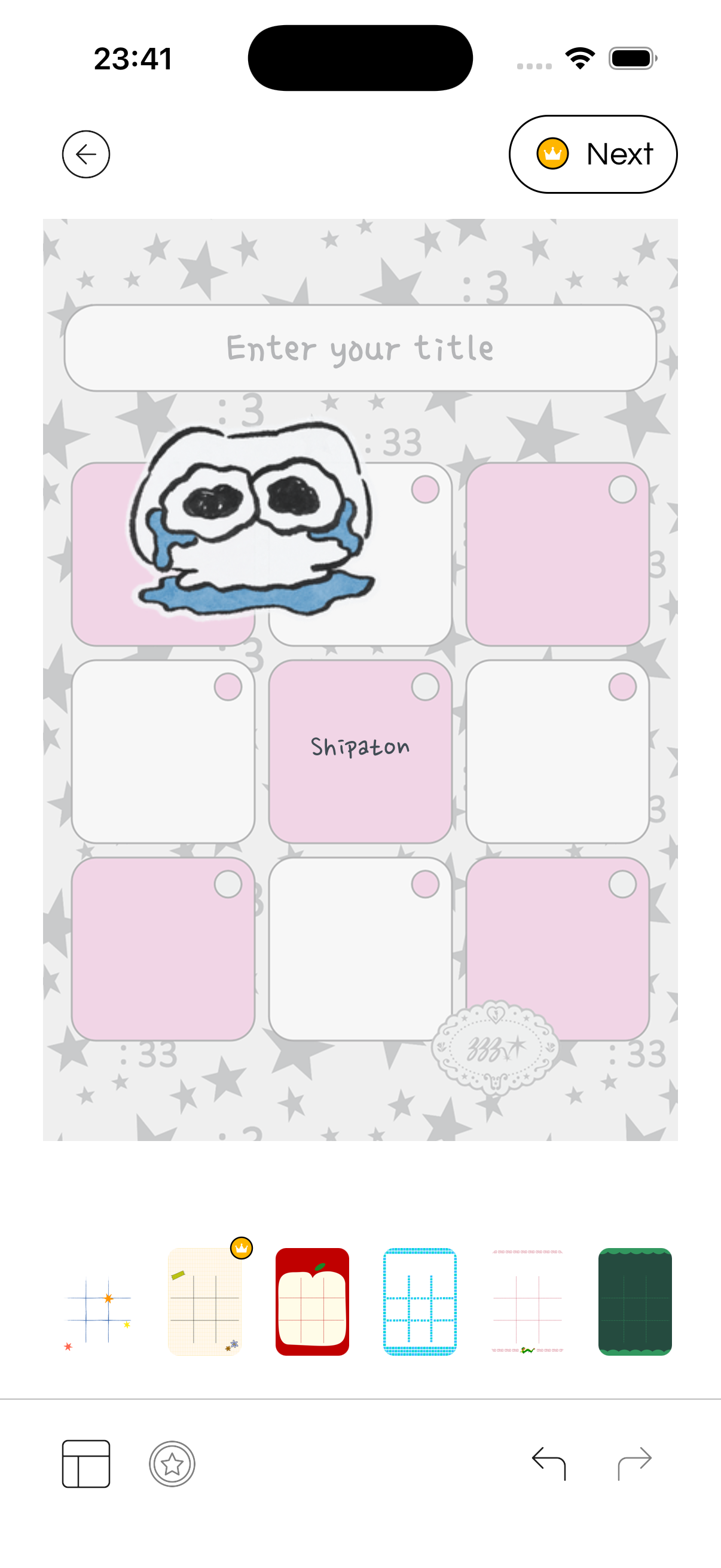
Make your card. Write your goals into our bingo editor, then decorate the card with stickers and templates drawn by independent creators. A card can be anything: restaurants to try with friends, things to do with your family, places to travel with your partner, or next month's to-dos. There are no categories, deadlines, or priorities to fill in. You see the whole plan at a glance, and nine squares keep you from overthinking it.
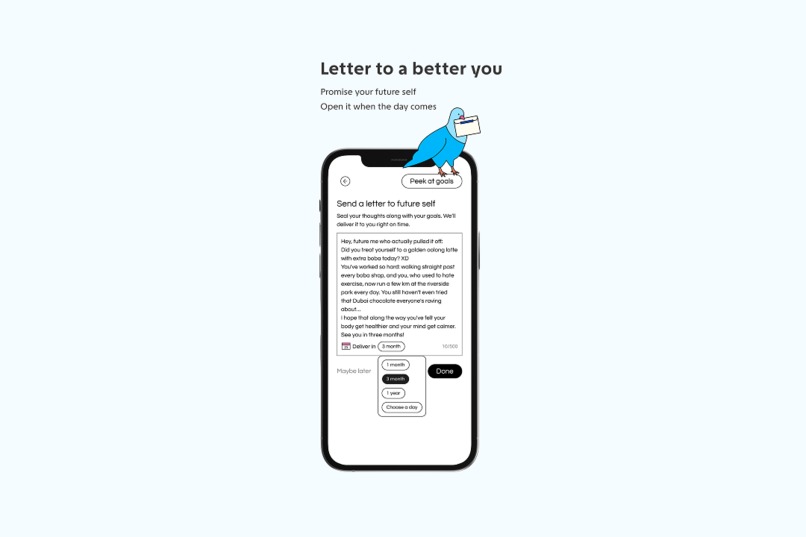
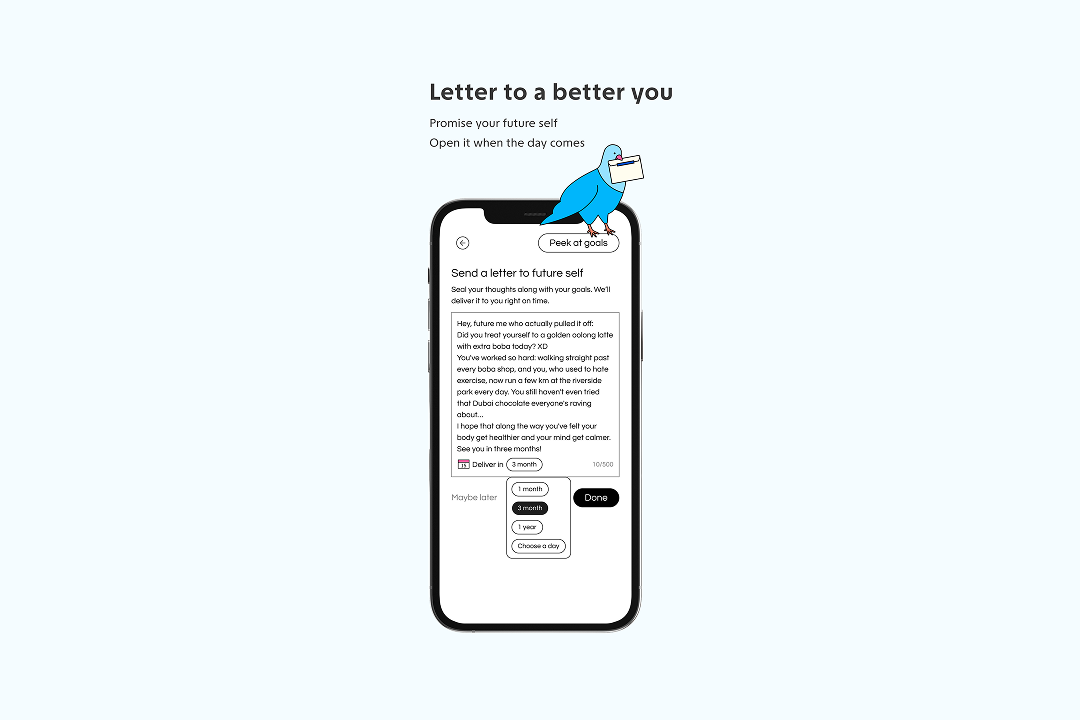
Write to your future self. Type a letter, or record a video with your friends, your partner, or even your pet. Then pick the day it arrives. When it does, you'll remember why you set these goals and what you were thinking back then: what you were unsure about, what you were hoping for, and how far you've come since.
Do it
Keep it in sight. Put your card on your Home Screen with the widget so you won't forget it.
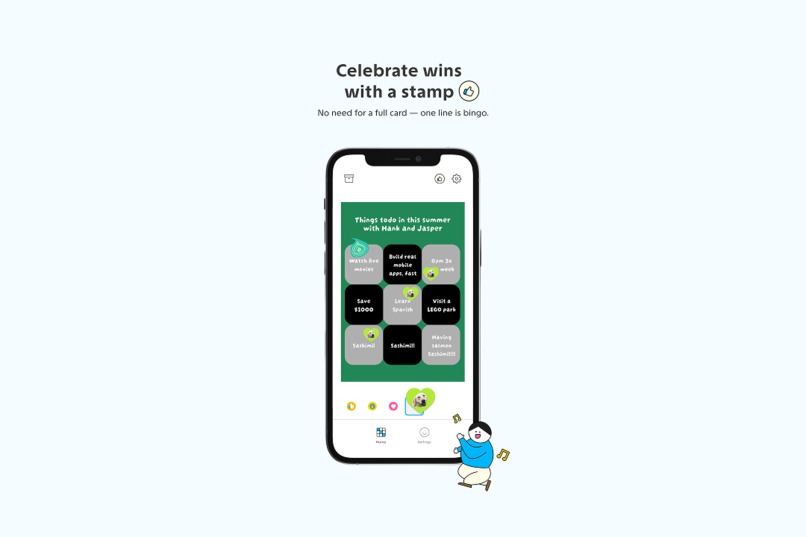
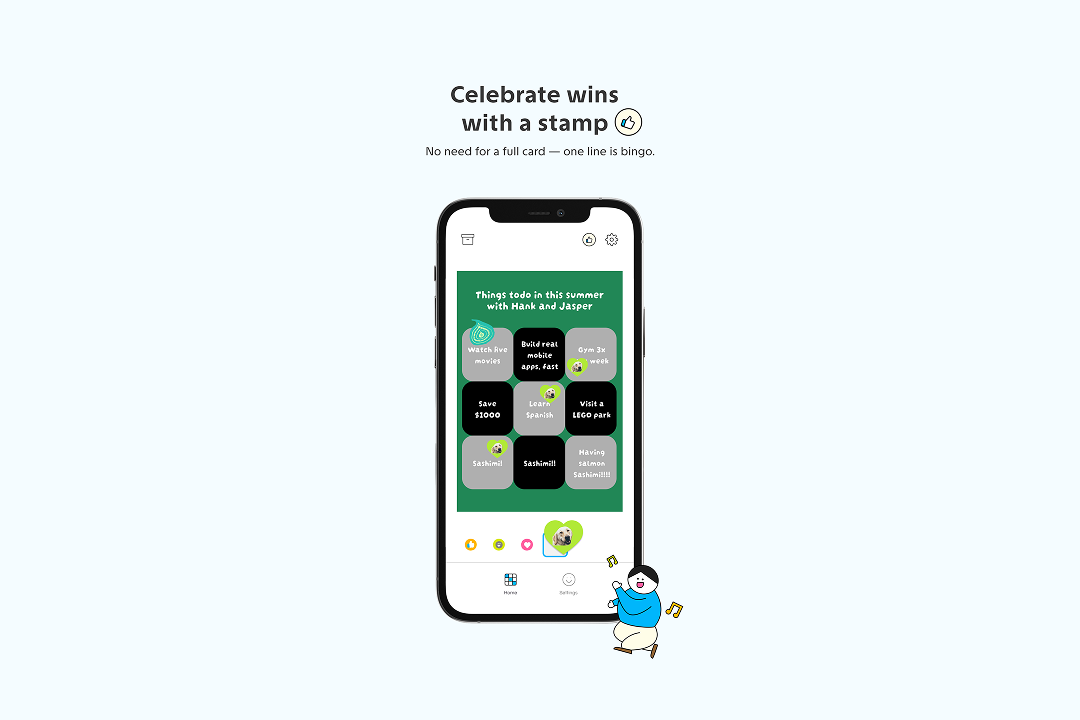
Stamp what you finish. Line them up to get a bingo. The closer you get to a line, the more you want to finish it.
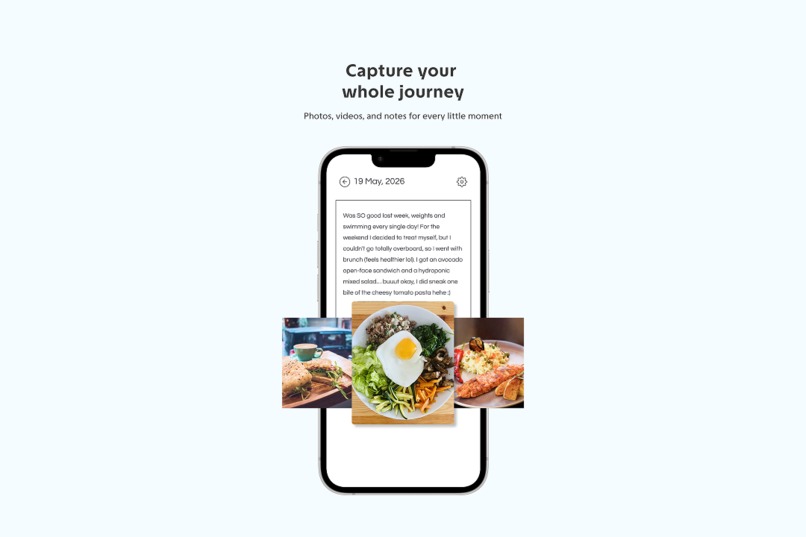
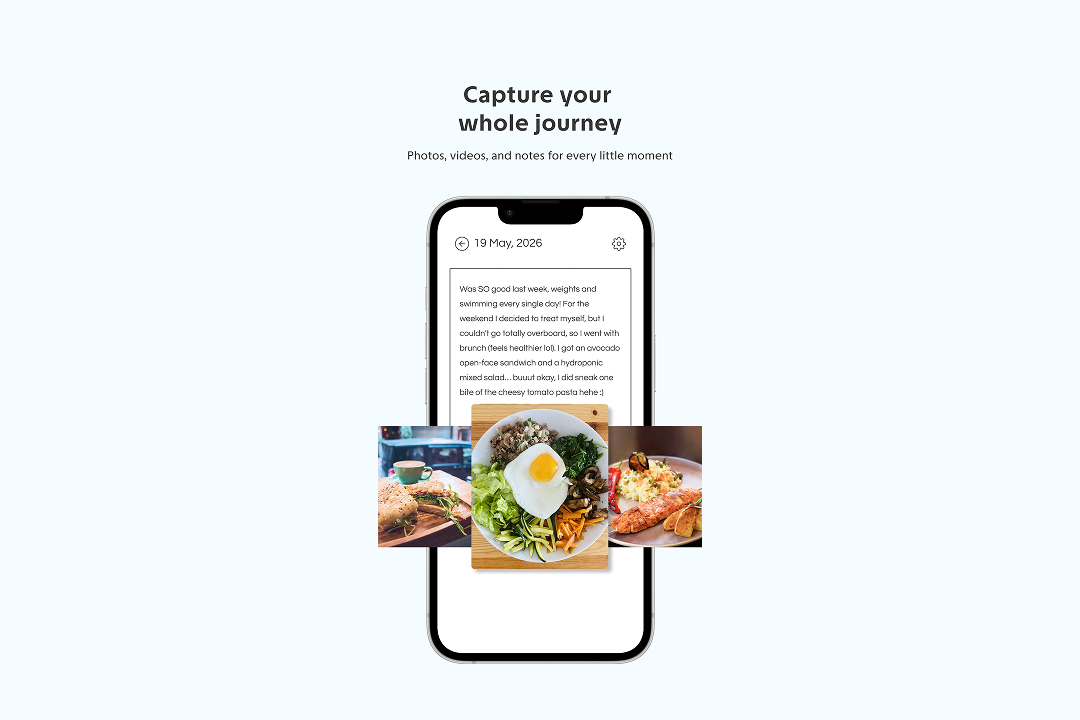
Keep a diary. Every card gets its own diary. Write what happened that day and add photos so you keep how you got there, not just whether you did it.
Look back
- Open your letter. It arrives by email and notification on the day you chose. Read it next to your diary and see how far you've come.
- Seal it as a Memory. Keep the card, the letter, and the diary together, and free up space so your energy goes into your next card.
How we built it
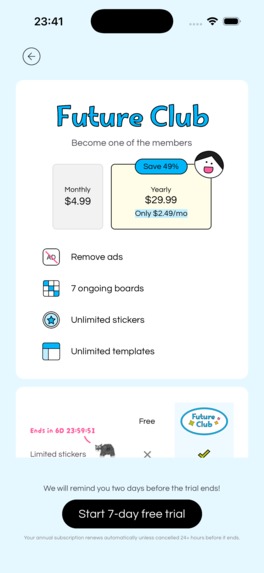
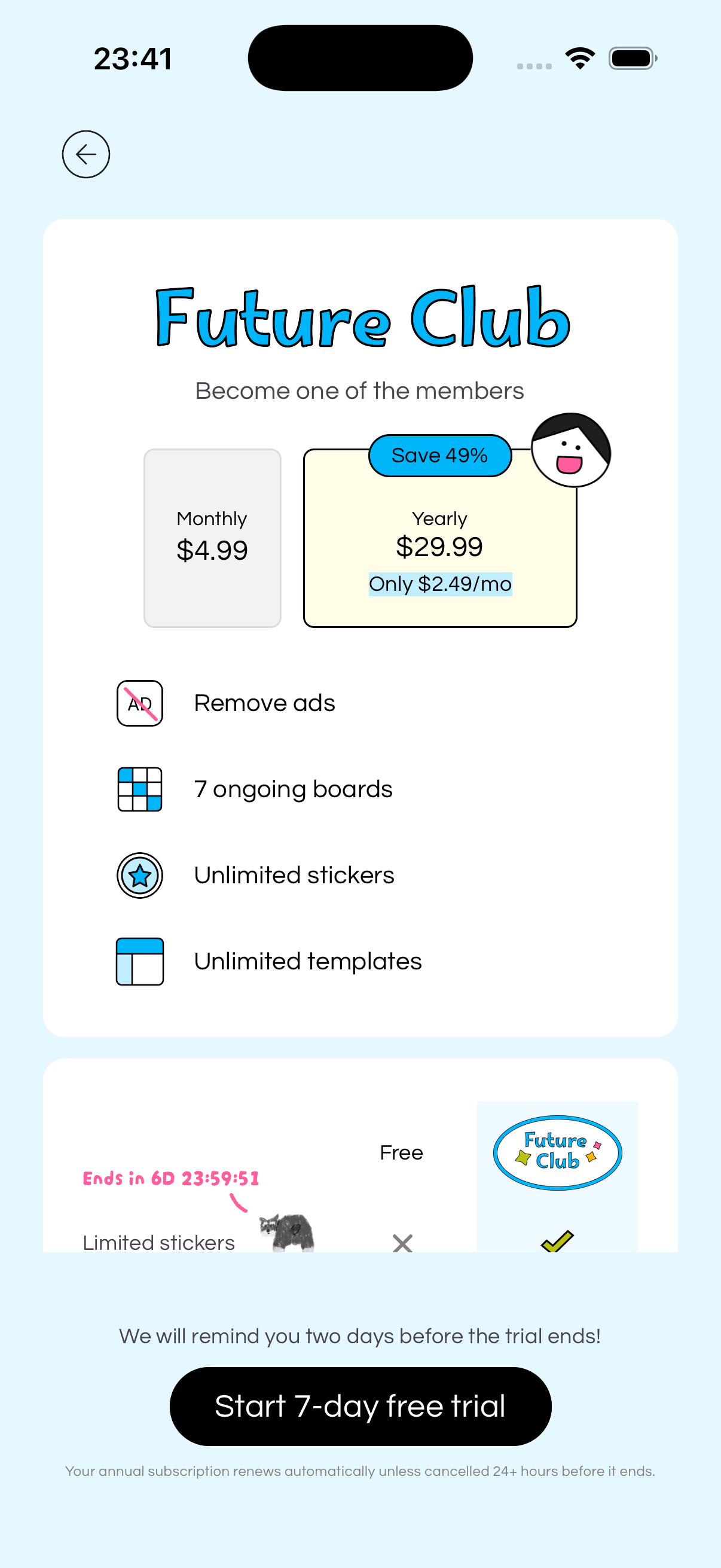
pinGoal is built with React Native and Expo, Supabase for accounts and data, and RevenueCat for the Future Club subscription.
Project memory. We're a team of two, and we build with AI coding agents. Everything we know about the app (every decision, spec, and known limitation) lives in a project memory the agents read before they change anything. Each change starts from what we already know.
Design. Our design system lives in that same project memory, so every new screen is built from the same components, colors, and spacing. We use Claude Design with Mobbin to study patterns and try a screen several ways quickly. Because every version is built from the same design system, moving fast doesn't make the app look patched together.
Creator ecosystem. Our stickers and templates come from small, independent creators. AI helps us write code, but none of the art is AI-generated. We built a creator program to help their work get seen: when a creator's art is used past a certain level, they earn a bonus.
Challenges we ran into
The best compliment our editor gets is that nobody notices it.
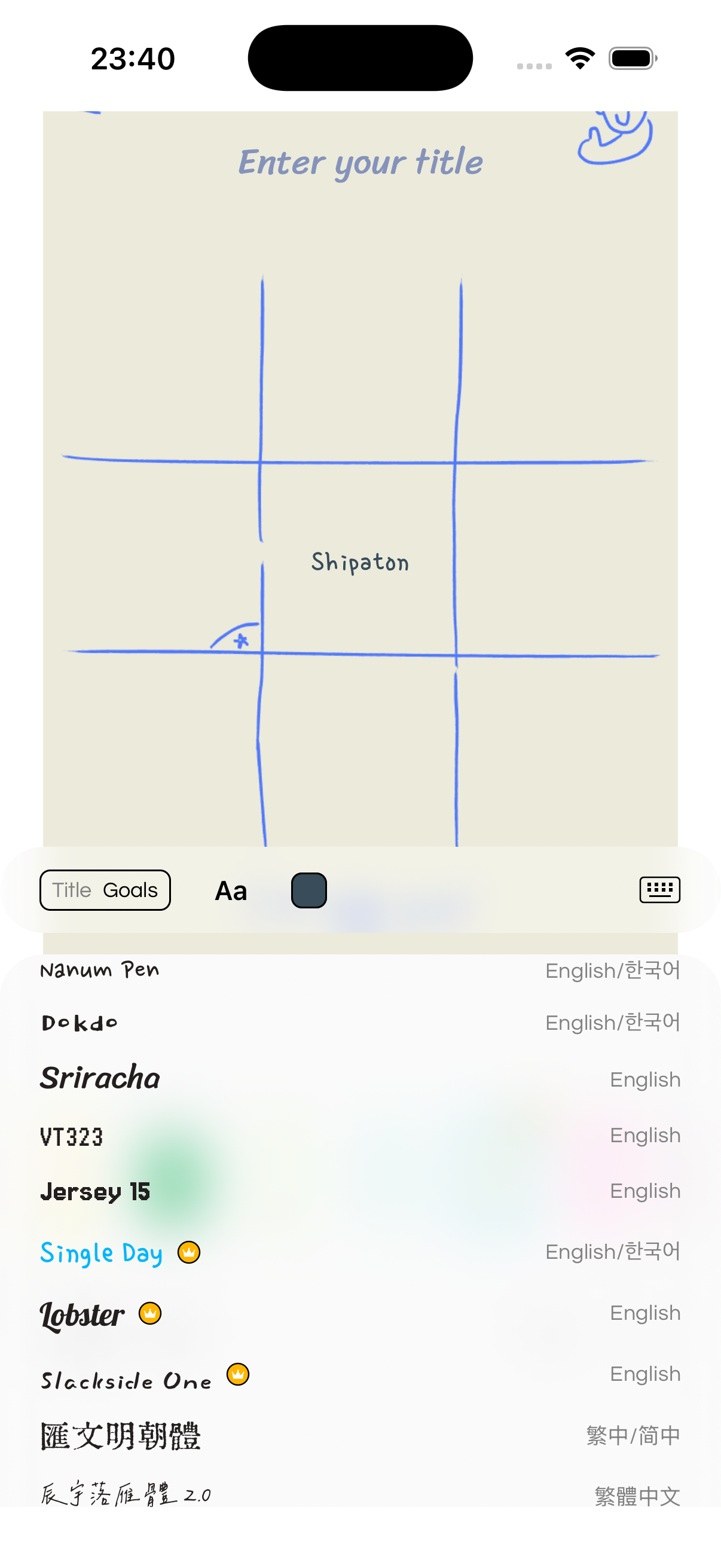
You type straight into a square on a creator's bingo card and watch your words fill it in. No text boxes to drag into cells, nothing to resize.
That is much harder than it looks. Every template is a different creator's artwork, each grid painted in its own style. Yet your words land inside the lines on every screen size, shrink as you type, and stay put when you swap templates, fonts, or colors. Under the card are several layers (the artwork, the grid, your text, the stickers) lined up so closely that it looks like one piece of paper.
The keyboard was the hardest part of keeping that illusion. When you tap a goal, the board has to slide up above the keyboard without the text jumping, and slide back down when you're done. Our first version looked perfect until you actually started typing: the board centered itself again instead of sliding up, so the square you were typing in moved under your finger. It took a few rounds of measuring on real phones before the square stayed put while you typed.
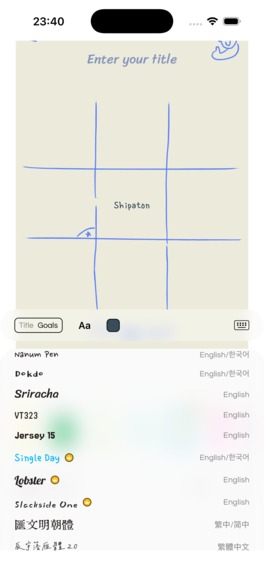
Fonts were the other half. The editor ships 49 fonts across Latin, Traditional and Simplified Chinese, Japanese, and Korean. Each one has a different height and width, and all of them have to fit the same squares. Many fonts work in more than one script, so our first font list often put the wrong ones at the top for someone typing in Korean or Chinese. Now the list is sorted by the script you're typing in, and it re-sorts as you type.
What we learned
Let people make the card instead of explaining it.
We sat with five users one-on-one and watched them go through our onboarding, looking for where they got stuck and what confused them.
Before: four short videos explaining the app → a sign-in screen → an empty main screen. One of them told us that after the videos, she still didn't understand what pinGoal was or how to use it.
Now: the first card is the onboarding. Give it a title (or tap "Show me an example") → write your goals → watch your card try on every template → record a video letter to your future self → write your first diary entry. In about a minute you have a real bingo card.
Cut what nobody uses. We shipped a feature called punch cards to TestFlight. After 14 days, no one had used it. We switched it off and put that effort into the rest of the app.
What's next
Now that pinGoal is live, our focus is getting it in front of more people, and running A/B tests on our paywall, onboarding, and marketing to learn what actually works.
Built With
- claude-code
- codex
- expo.io
- maestro
- postgresql
- posthog
- react-native
- resend
- revenuecat
- sentry
- supabase
- swift
- typescript
- visioncamera
- widgetkit


Log in or sign up for Devpost to join the conversation.