-
-
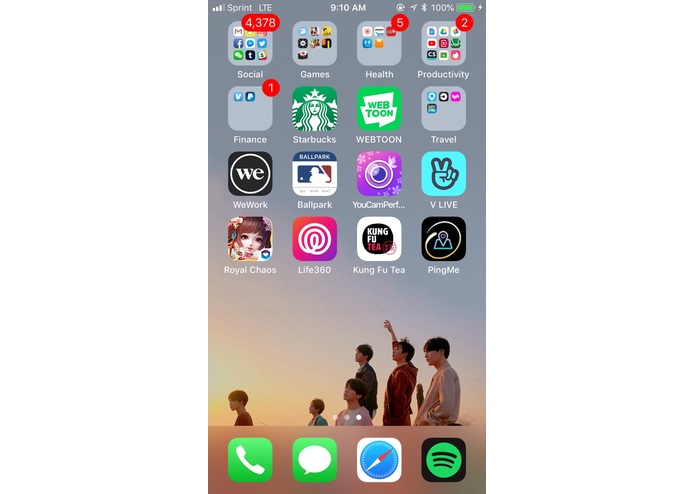
App icon on home screen
-
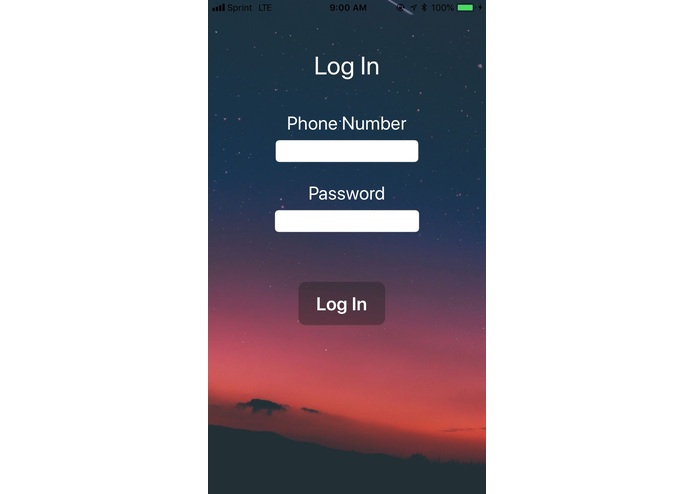
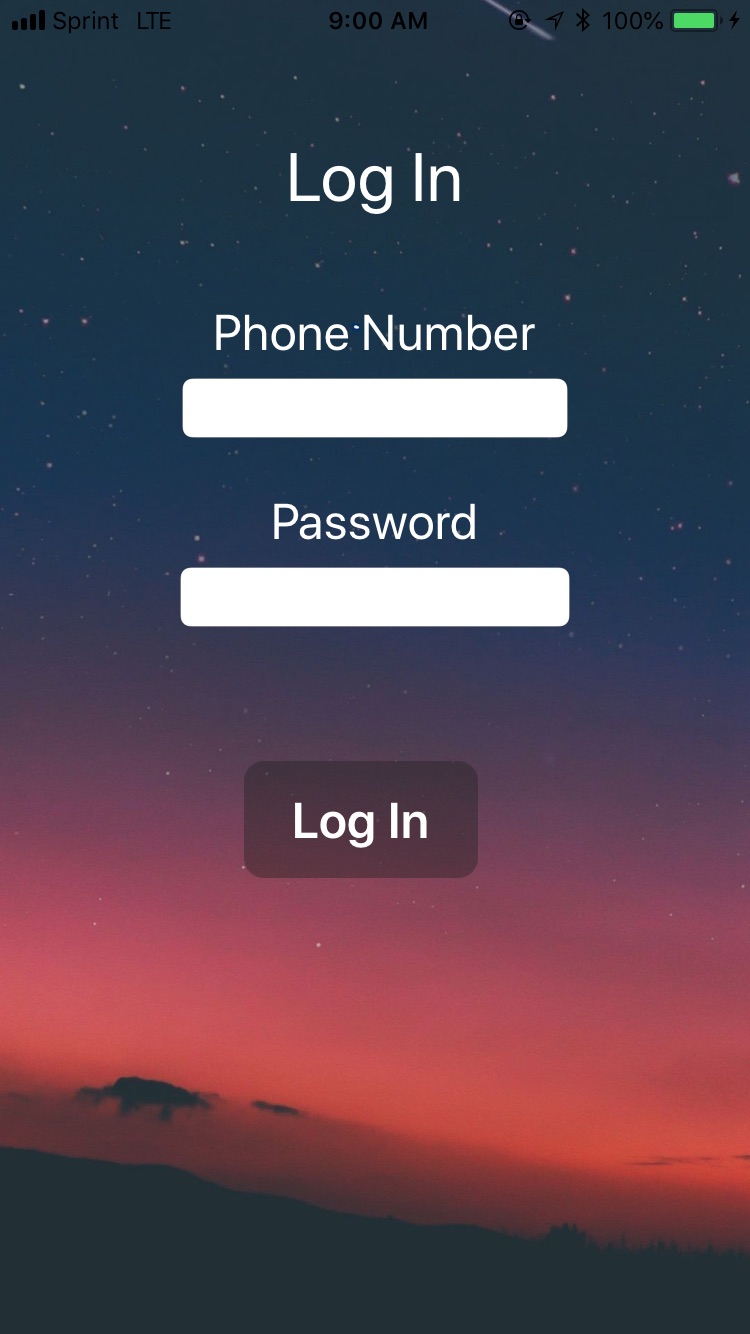
Log In Page
-
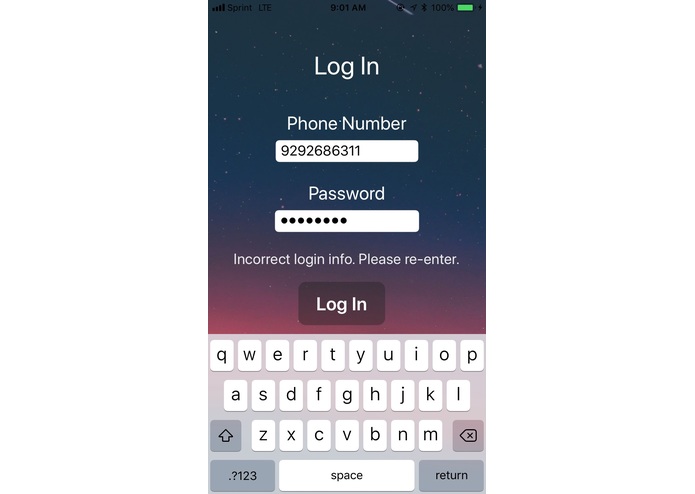
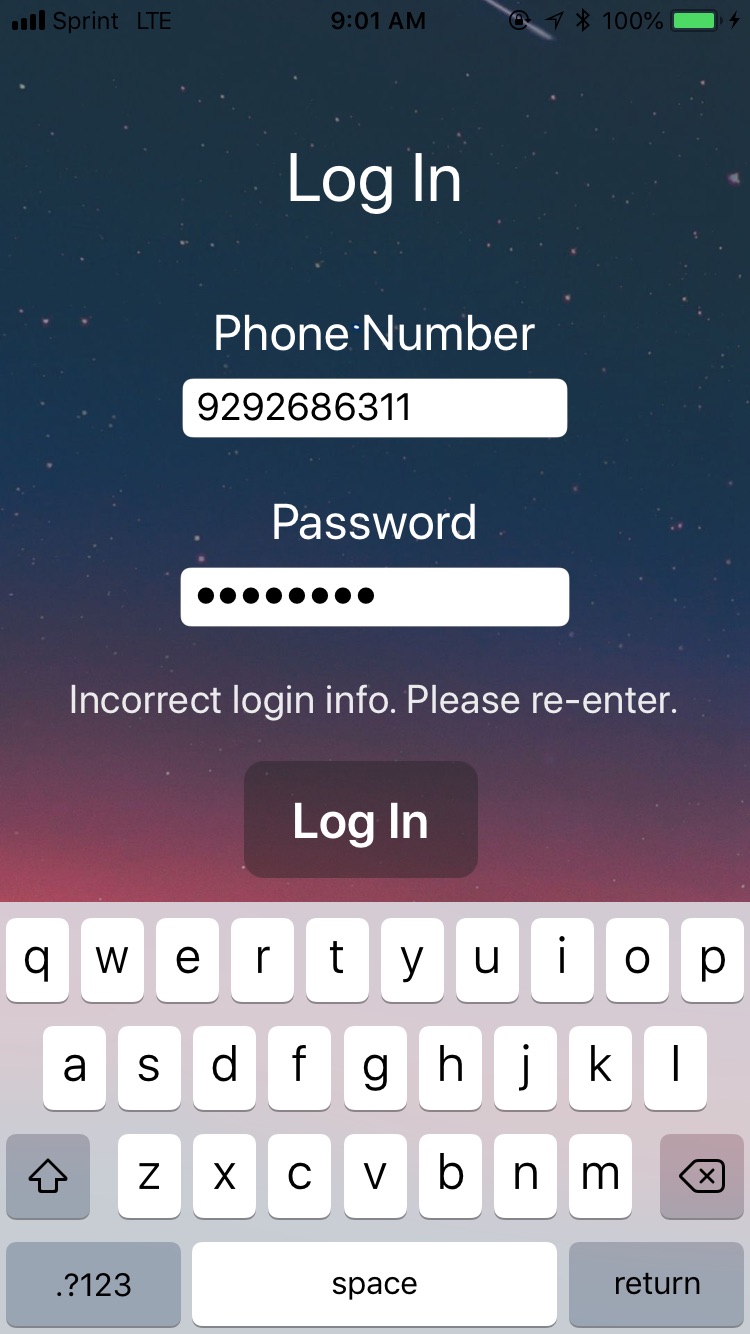
Detects incorrect phone number/password
-
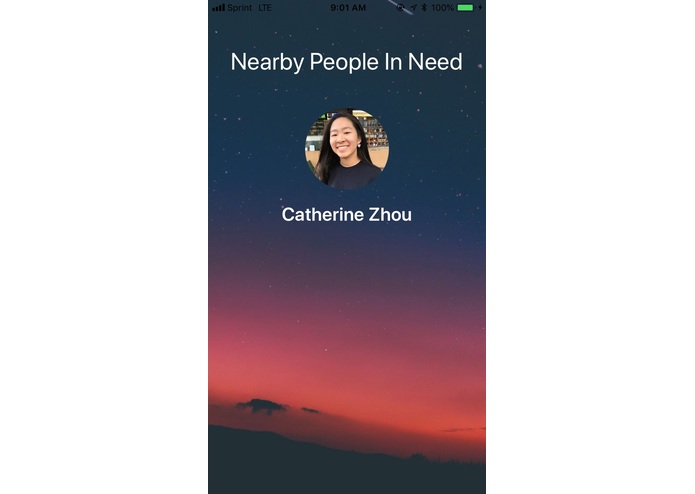
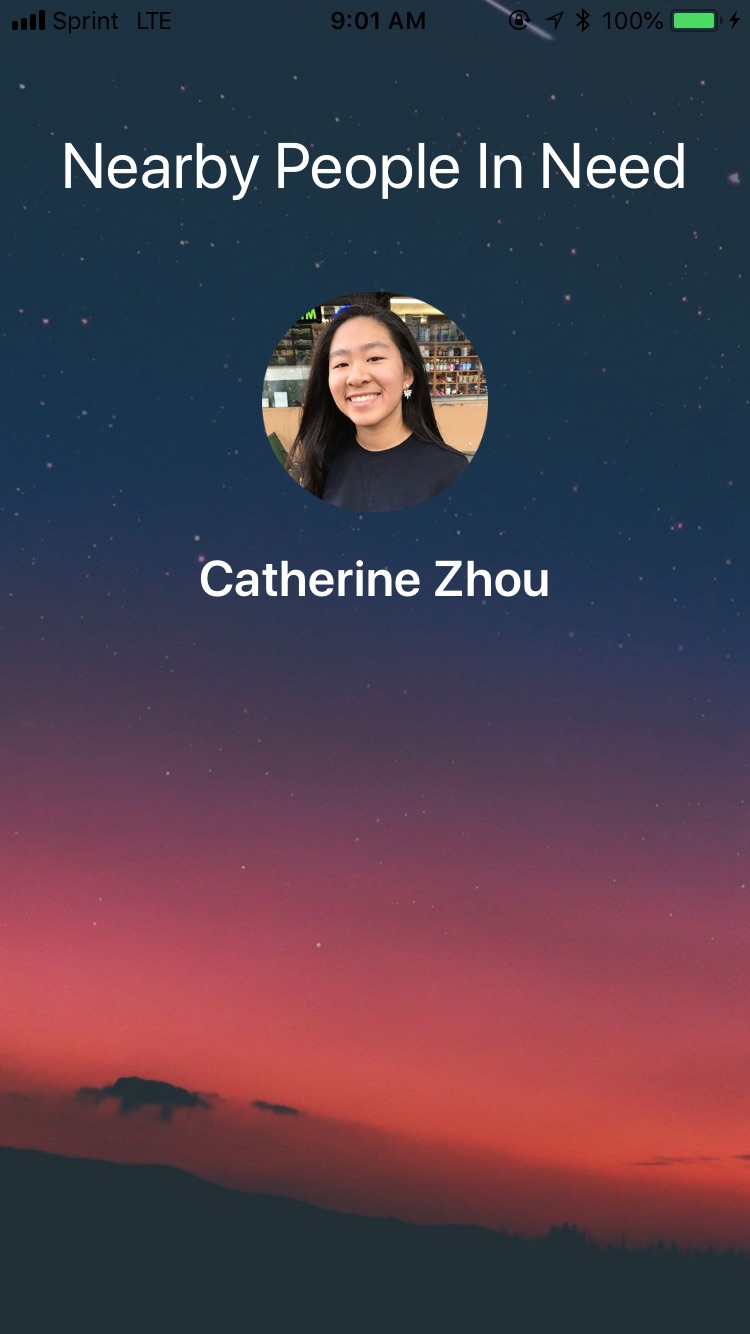
Person in need pops up as soon as the volunteer logs in
-
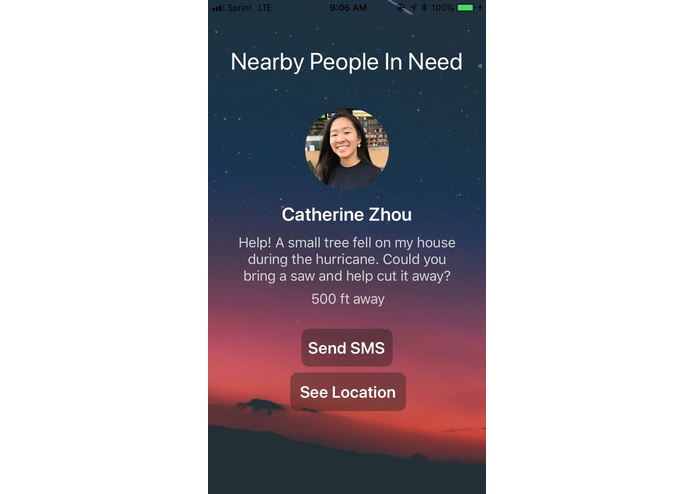
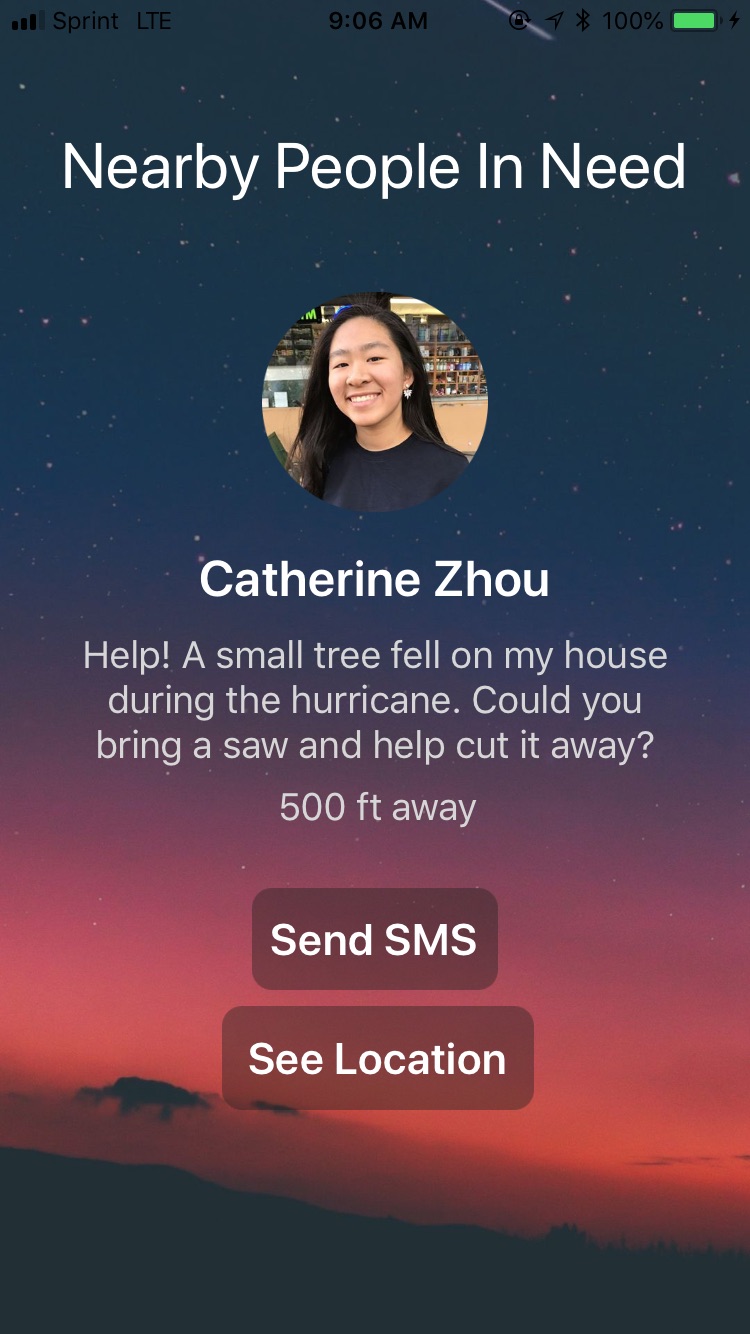
After clicking on her name, the volunteer sees a short description of the issue and two buttons if they choose to help
-
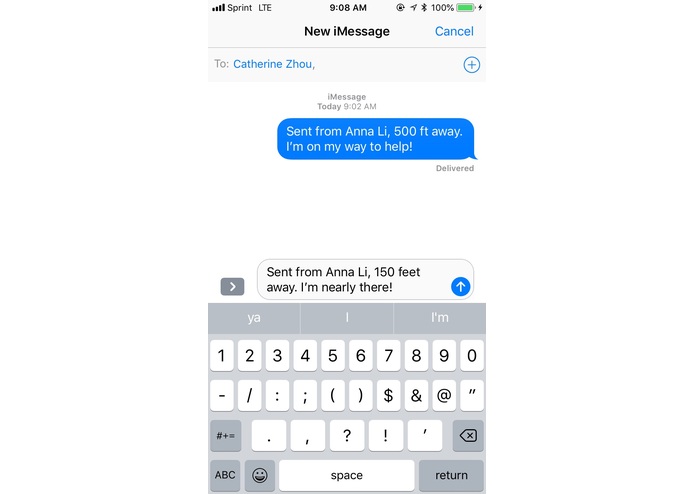
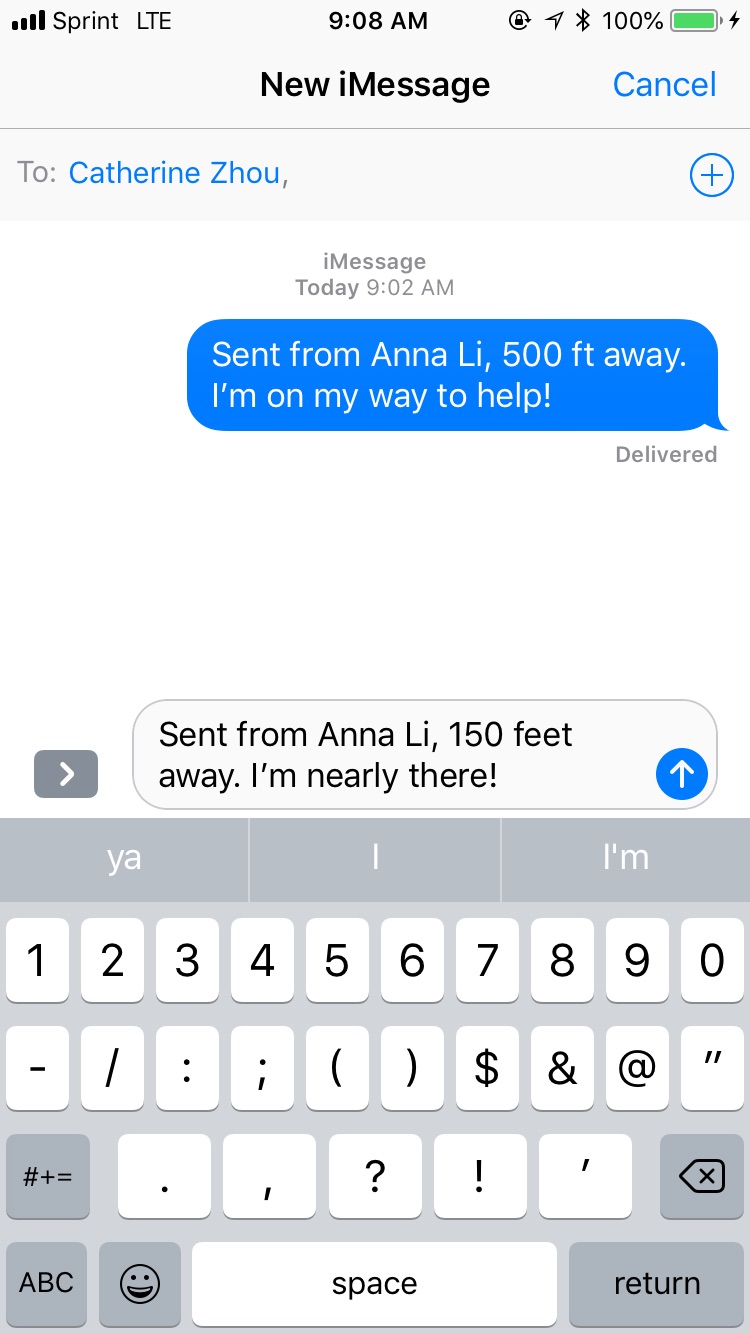
After clicking "Send SMS," user can send a text from within the app
-
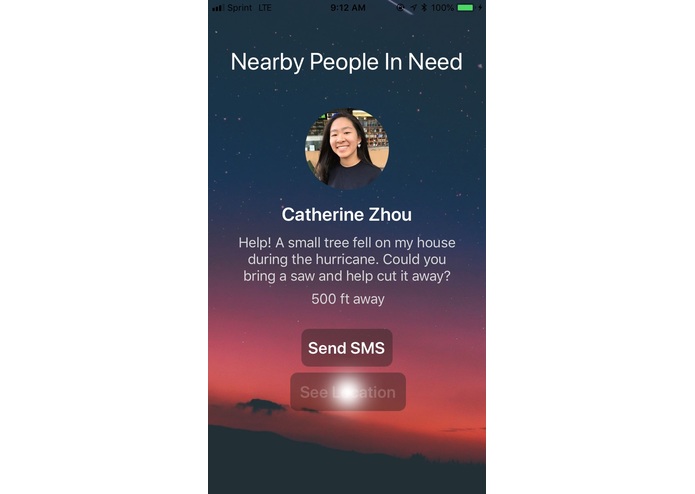
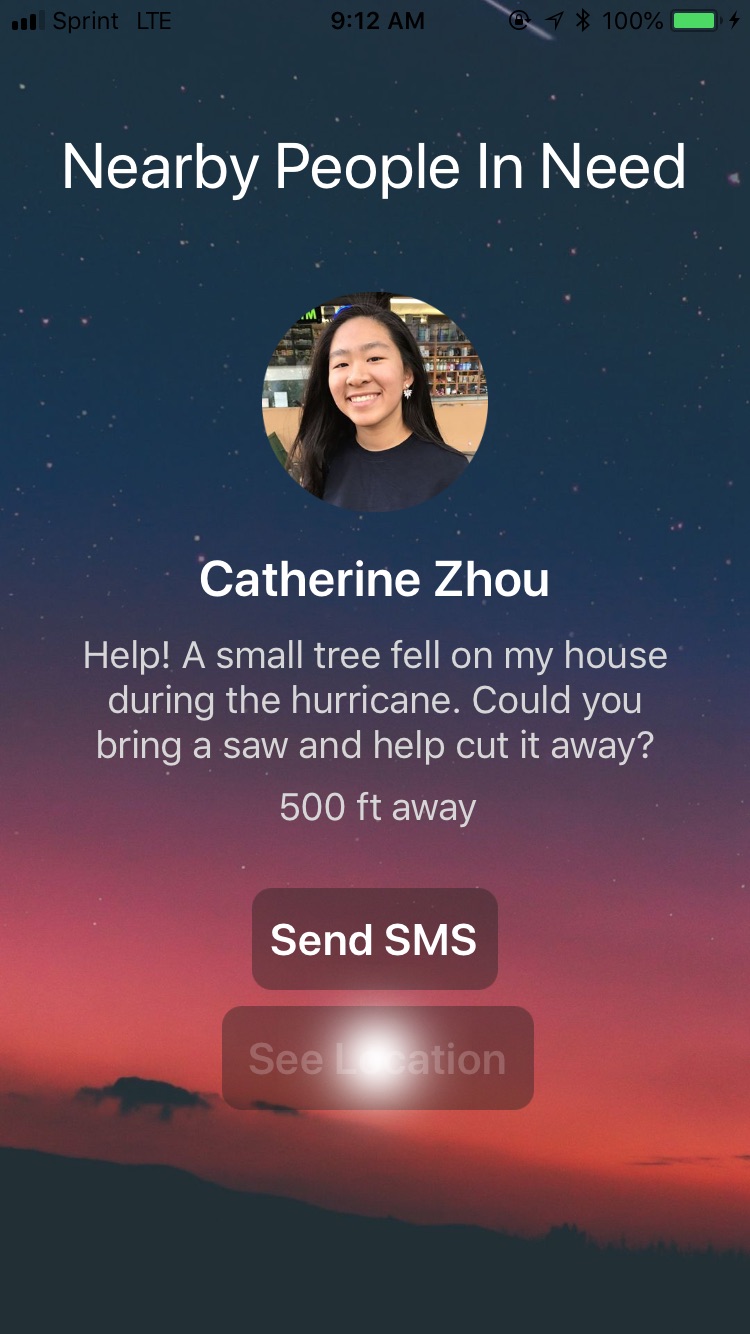
Button animation. Clicking "See Location"
-
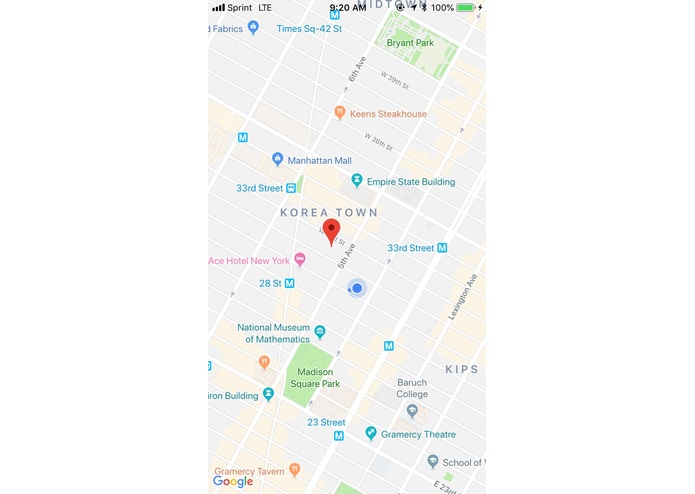
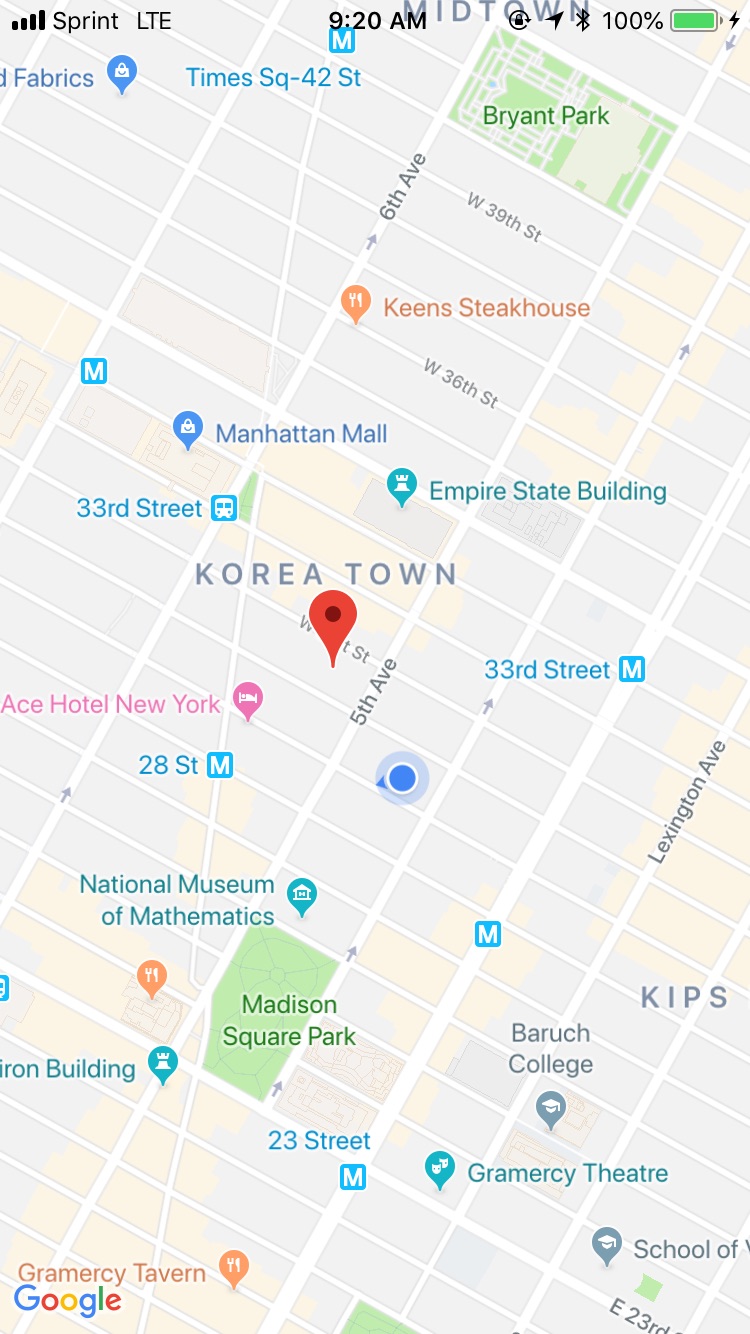
After clicking "See Location," user can see their location and the location of the other user using GPS tracking!
Inspiration
All of us have been trained since we were children to recognize when to call 911...and when not to.
"If you think someone has broken into your house, please call the police."
"If you've tripped and stubbed your toe, please don't call an ambulance."
But what should we do in situations that fall somewhere in the middle? Let's say you are an elderly woman and a small tree branch crashes through your window after an earthquake. Is it really wise to pull a firefighter away from dousing a wildfire so that he can help dislodge this pesky piece of wood? Wouldn't it make more sense to ask a younger neighbor to help out? Or, for that matter, any able person nearby who is willing to do you a favor out of kindness?
To solve this dilemma, we created PingMe, an easy-to-use alert system that provides solutions to these sort-of-serious problems.
What it does
PingMe is a user-friendly iOS app that alerts volunteers about anyone nearby who needs a little bit of help. Whether it's an elderly man with a broken cane or a pregnant woman who needs help lifting groceries, the potential use cases for PingMe are infinite.
PingMe shows special potential in disaster recovery efforts. When an entire region is hit with a disaster, it is in the best interest of the community to work together to lift each other back up. What better way to do this than to use an app designed especially for this purpose?
How we built it
We decided that the best way to access the most people spanning across all ages would be to create an iOS app in XCode. We wrote the entire app in Swift.
Users:
- Volunteer or a Person in Need and can switch between roles whenever necessary. After logging in with their phone number and password, volunteers can view all people in need within a certain radius. By clicking on one of the people's names, the volunteer can view the person's needs and distance away. If the volunteer then decides to help this person, they can quickly text them and view the person's location within the app itself.
Log In Process
- We had intended to create a functioning user database that would allow users to sign up, log in, and edit their profile data. However, after struggling with Firebase for far too many hours, we decided that pursuing a less traditional path would be more beneficial to the usability of the app. Since only the three of us would be using this in our presentation, we opted to create a Dictionary instead, with our phone numbers stored as keys and our passwords as values. To log in to the app, we ran several if statements verifying that the inputted text matched our makeshift "databases."
Matching Process
- For our presentation, we decided to show the app from a volunteer's perspective, since they do most of the selecting in this matching process. Due to software limitations in Jade's phone, we settled on Anna being the volunteer and Catherine being a person in need. In order to be matched with Catherine, Anna clicks on her name, which reveals a hidden text field and button below. After reading the text field and deciding that this is a suitable person to help, Anna can send Catherine a text by clicking the "Send SMS" button, or view her location by clicking the "See Location" button.
Send SMS
- We initially wanted to use Twilio for this part, but we quickly discovered that using an MFMessageComposeViewController offered significantly more benefits to the user. This interface allows the user to open SMS right from inside the app, seeing all of their texts to the person in need without ever having to exit the app. To achieve this, we inputted Catherine's phone number as the recipient value, and the name and distance of the volunteer as the initial body of the text. We then created a switch statement for the enum MessageComposeResult so that the user could exit the messaging screen after sending their text.
GPS Tracking
- We imported MapKit and GoogleMaps into our project in order to achieve GPS tracking. Much of this data was open source, from determining the zoom and movement of the camera to pinpointing the longitude and latitude of the destination.
Challenges we ran into
Here's a list:
- Coming up with the idea
- How could we create a product that was helpful and one that could be appealing to people in certain areas? We first wanted to focus on women’s health in the context of natural disasters, especially the health of pregnant women, but we thought that that would be a bit too specialized. The challenge was to broaden it in order to be of service for various types of vulnerable people, such as the elderly and the disabled.
- Organizing our time
- What did we have time to learn and create? Considering that only one of us had ever used Xcode/Swift before to create a basic app, we were relatively inexperienced. We spent a good portion of our time just following along with tutorials, deciding to skip sleeping altogether so that we would have more time to code. Moreover, we restarted our project at least five times due to bugs, illogical designs, and our unfamiliarity with this new technology, which took a significant chunk out of our time.
- Firebase
- Despite having created a public database and filling it with data, we were unable to actually access it when the time came. This forced us to improvise with a Dictionary of phone numbers and passwords.
- Alamofire
- We consistently encountered the same error in our Swift code when we tried to import Alamofire. We spent hours carefully poring through Stack Overflow trying to fix this issue, but we eventually realized that it was a fruitless search. This forced us to switch from Twilio to MFMessageComposeViewController, which we actually ended up preferring.
- Software Incompatibility
- We neglected to take into consideration that not all of us had updated XCode to the latest version, so our various drafts of the app would only work on some of our phones and computers. This inhibited our ability to stitch our programs together, and we ended up only working on one computer.
Accomplishments that we're proud of
This complex network of segues, if statements, hidden textfields, and open source data was a challenge for us to stitch together, but was even more rewarding once we completed our app prototype.
Even though we initially viewed our idea-filled Google Doc as a burden, this ultimately provided us with the opportunity expand on each other’s ideas, discuss their pros and cons, and provide new perspectives. And along with working as a team, each of us was also able to complete our individual tasks, such as building the login page, setting up the SMS service, and creating the interactive map from the Google API.
Despite at one point having 238 bugs in our code, our ability to improvise while still supporting each other's efforts resulted in an aesthetic UI and a program that now runs more smoothly than we ever thought it would. Over the course of the weekend, we transformed from nervous yet curious newcomers, to disappointed yet determined bug-exterminators, to much more experienced developers -- and we have this hackathon to thank for that.
What we learned
We learned that sometimes things were futile and just taking up more of our time, and that we had to move on and work on something new. For example, the Alamofire, Firebase, and Twilio problems caused us significant frustration and lost time. Ultimately, we accepted the fact that we didn’t have to use these platforms and replace them with substitutes, before realizing that these "back-up plans" had been better for us all along.
We all became much more familiar with Xcode and Swift, even though two out of the three of us had never even seen it before. This was very much a learning experience, because we kept on bumping into obstacles in our code. Nevertheless, we were able to persevere on by experimenting with different pieces of advice from online forums such as Stack Overflow.
We learned to think and act like app developers, marketers, and true improvisers. We answered the questions, “How can we make services more accessible to people who might not have the means? How can this technology appeal to a variety of people, not only one specific demographic? How can we make something that people can use without major issues?” Since we all knew each other beforehand, we had relatively little trouble communicating. However, we had never worked in a group before, and each person brought different skills and experiences to the table. Our ultimate goal was to build a working app in 24 hours -- not a small feat by any means, for a group of people who had never or rarely programmed with the software previously.
It took a lot of manpower, collaboration, and encouragement of each other -- and we seriously doubted ourselves for a large part of the weekend -- but PingMe turned out to be a success in our eyes, and hopefully with time, in the eyes of many others.
What's next for PingMe
As excited as we are about PingMe's extensive functionality, it is still nowhere near the level of quality we expect our app to be. Our next goal is to figure out how to use Firebase, or another database platform, to create a legitimate way for users to sign up, log in, and retrieve and update their data.
This change, albeit small, will significantly improve every other aspect of our application. Our new ability to track each user as a separate entity with their own ID will allow us to apply GPS tracking to each user's phone, which will result in a fully and automatically populated list of users nearby.
We are also eager to add voice call as a communication option in order to be more accessible to users with sight problems. Our goal is to reach as wide a user base as possible -- after all, everyone needs a little bit of help sometimes.
Built With
- google-maps
- open-source-data
- sms
- swift
- user-login


Log in or sign up for Devpost to join the conversation.