-
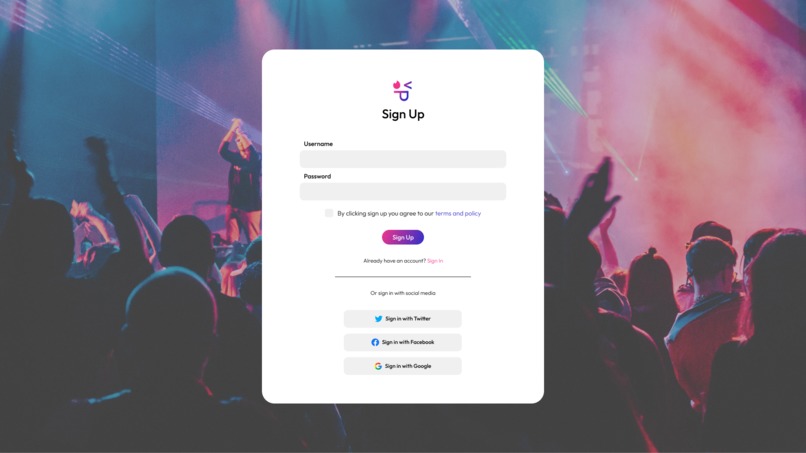
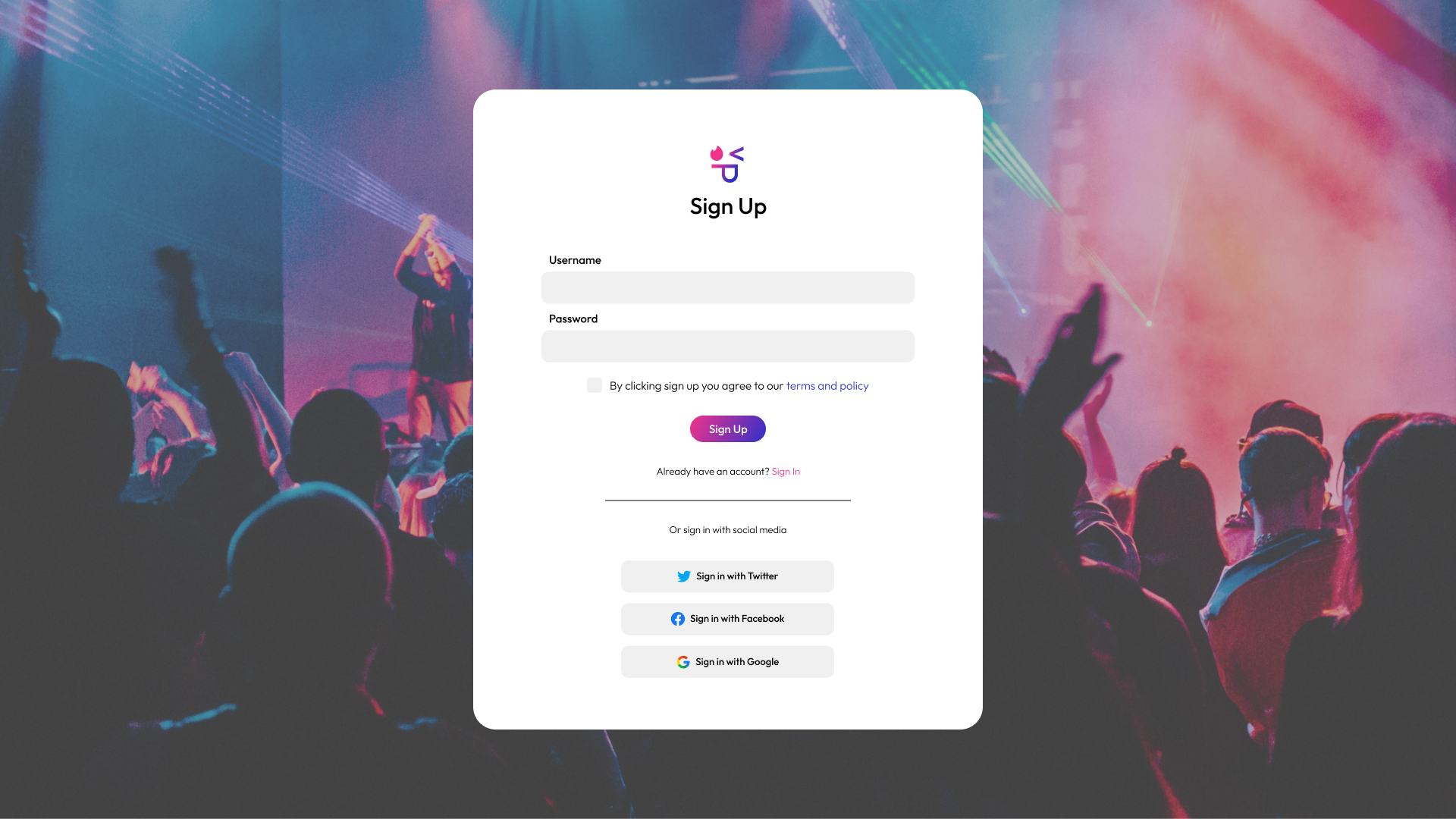
Login Page
-
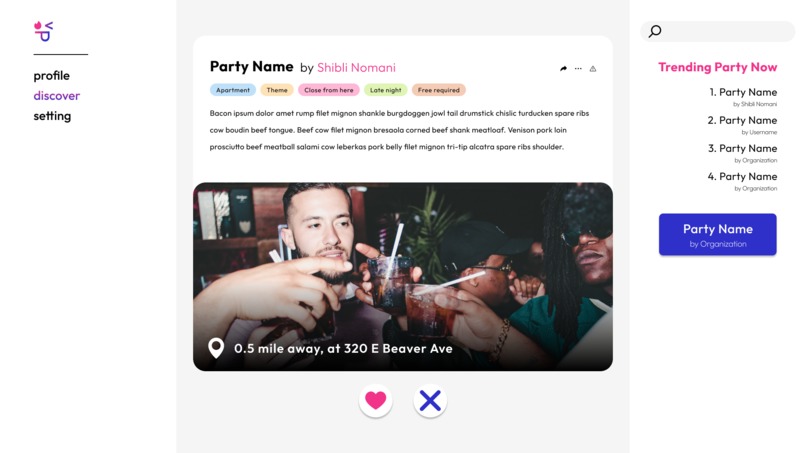
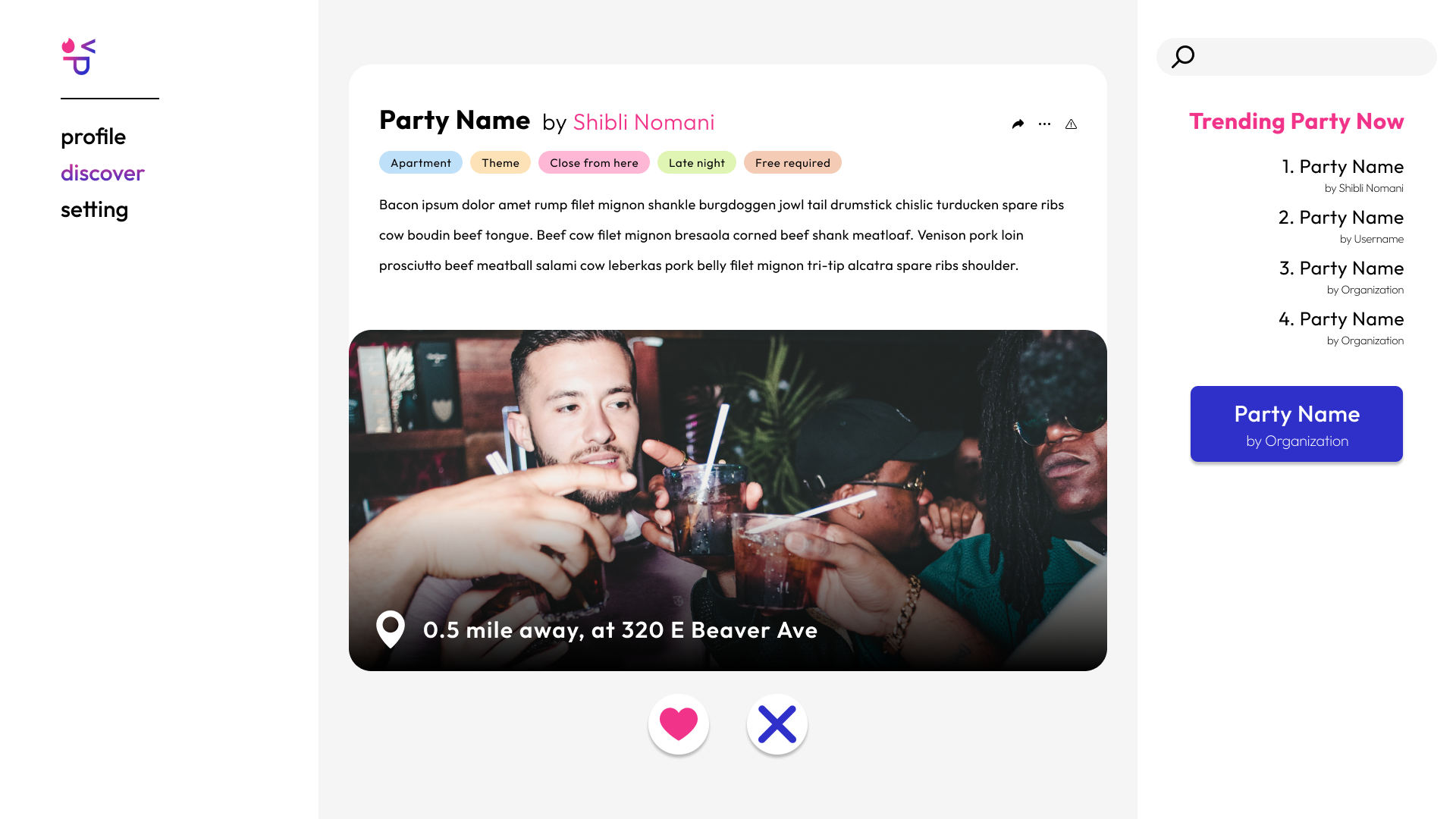
Party Search Page
-
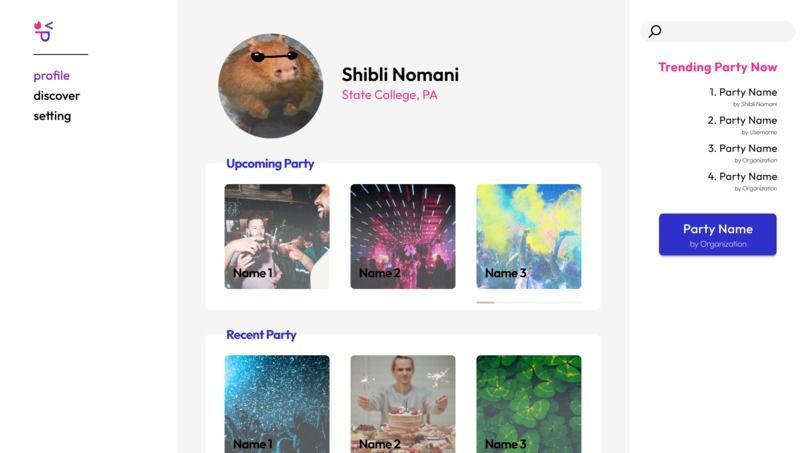
Profile Page
-
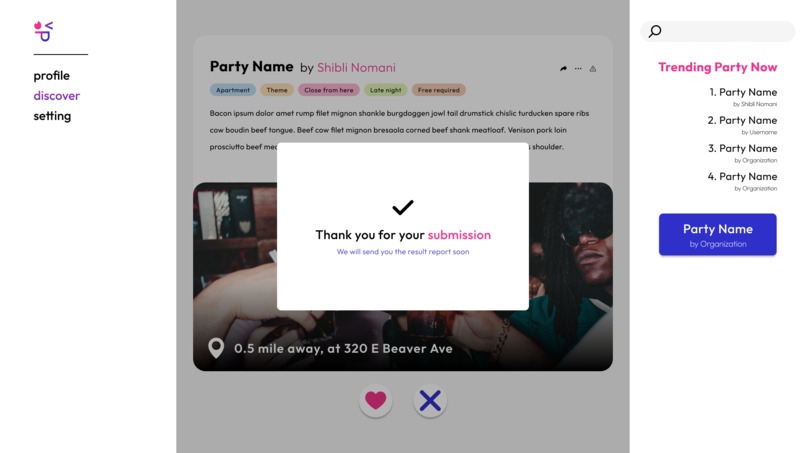
Confirmation Pop-Up
-
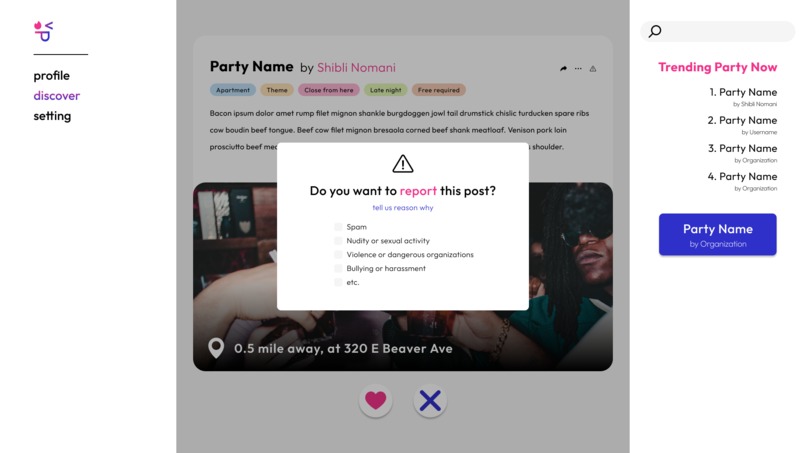
Report Pop-Up
-
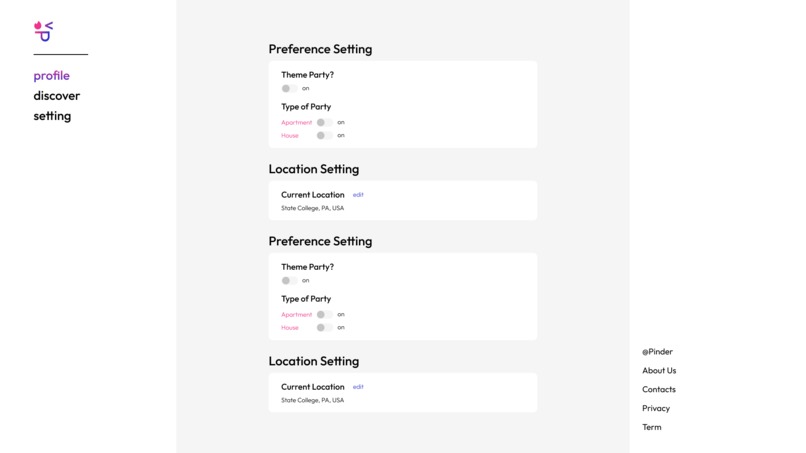
Setting Page
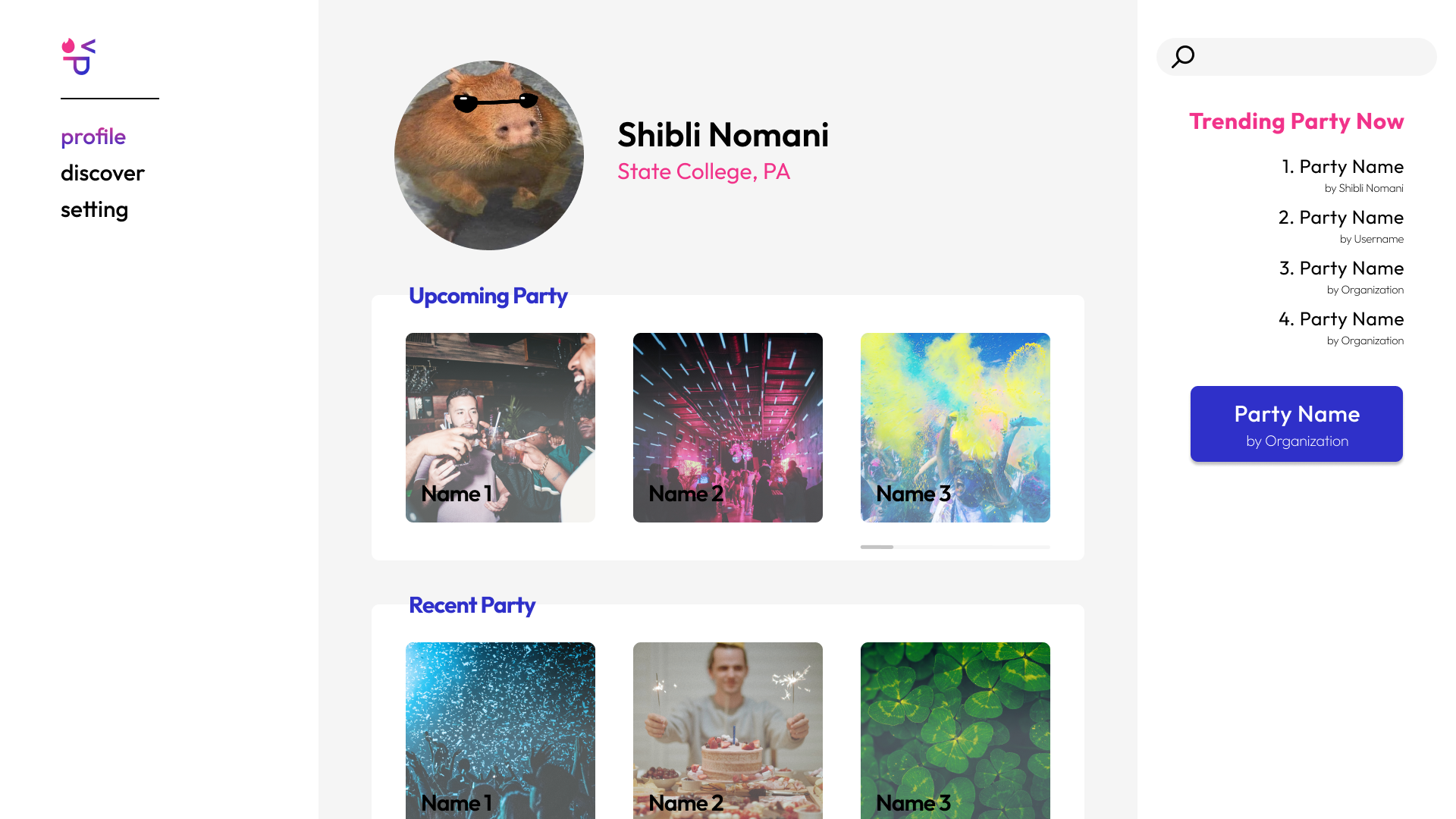
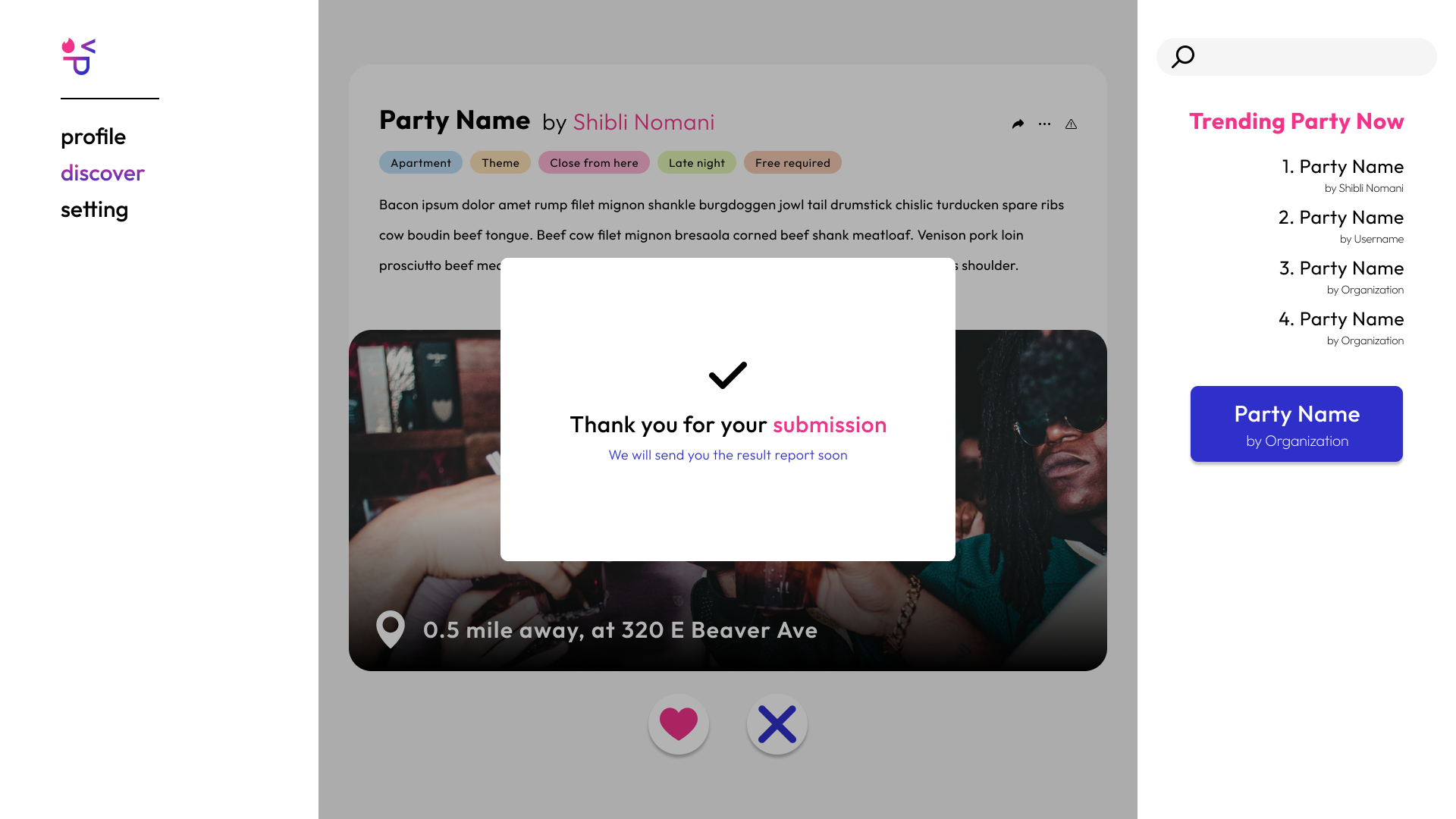
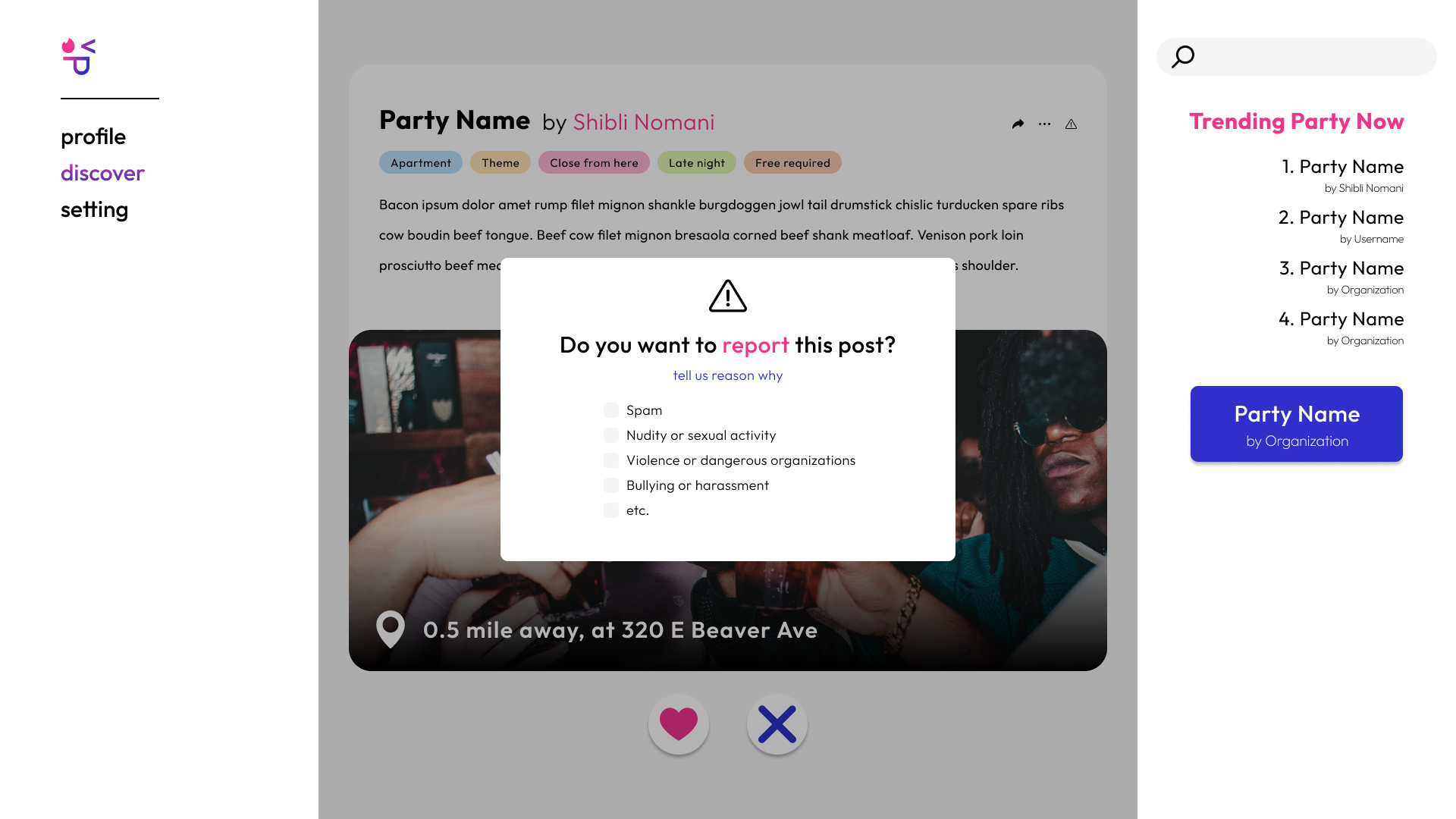
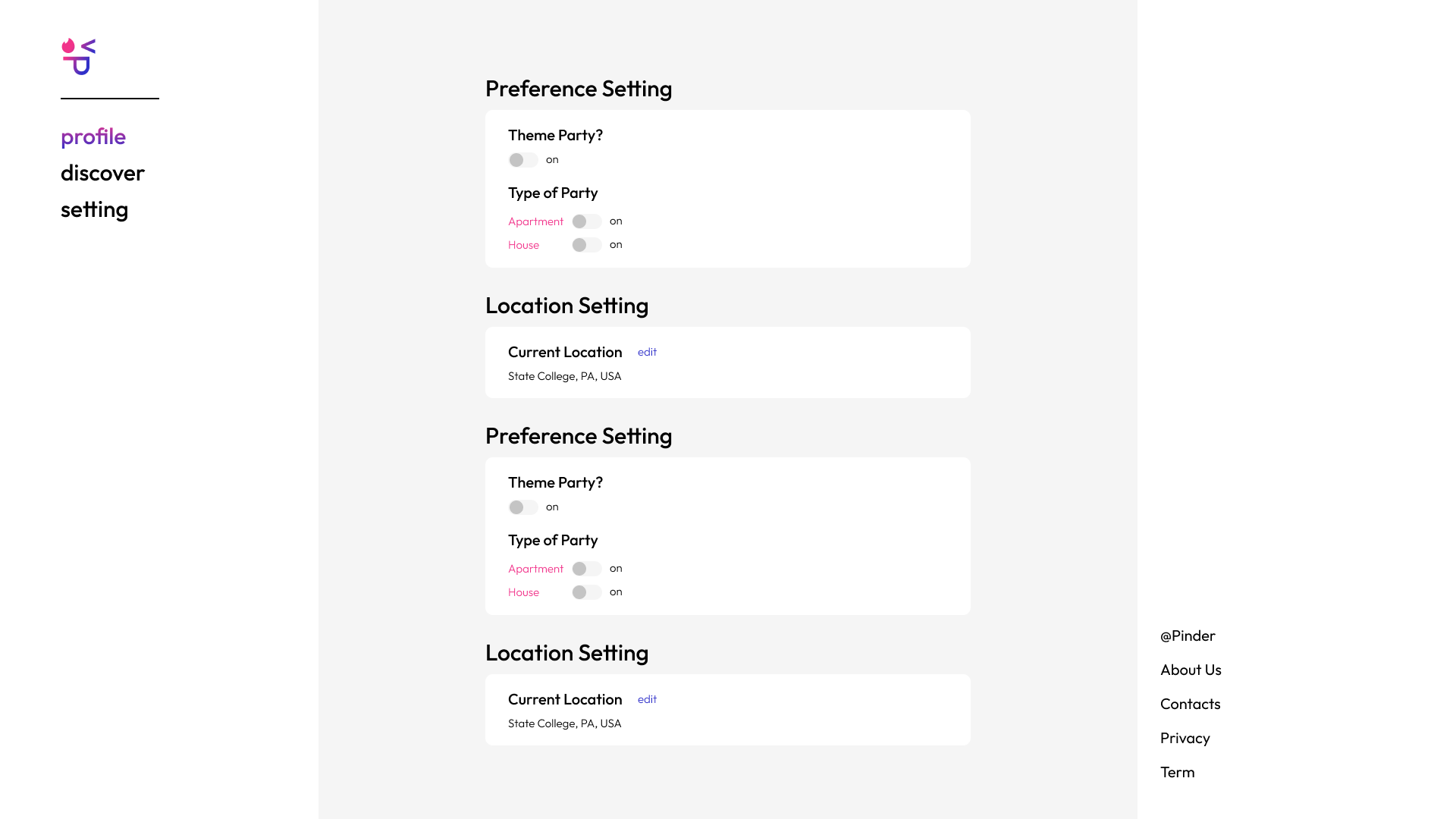
Inspiration
Undeniably, partying is a huge part of the college experience for many students at Penn State. Although there are a myriad of parties going on every weekend starting Wednesday night, not everyone has connections to attend these parties. In order to go out, most may need to resort to Tinder—the most popular dating app on any college campus—to find parties. Not only that, some students, such as underclassmen or men, may experience more difficulties finding parties. After thinking about the accessibility to the parties at Penn State, we thought, “Huh. Penn State. Party. Tinder. Pinder!?” Hence, the idea of Pinder was born.
What it does
A one of a kind service, Pinder connects students to the hottest parties in town. Party hosts will be able to publicize their parties on the app and party-goers will have a variety of parties to choose to from. An additional note, Pinder’s service only provides information regarding parties. In no way, shape, or form is Pinder responsible for any incidents that occur at the parties.
How we built it
Our frontend was developed using Next.js, a build of React Native. It implements React’s infinite scroll component, and uses secondary components within the pages. Pages also receive props from Json packages to implement the infinite scroll. Each page is written using html and css for design purposes, and were designed in Figma. To convert the .fig files to a usable form in React, we used Anima to write it as code. Our backend was developed in javascript. The first function adds a new login to the .json file containing all the user logins and adds a new user account to the .json file containing all user account information. It also makes sure that the login email ends in “psu.edu” so that the person using it is a Penn State student. This was done by parsing a .json file containing the new login to be added and the .json file with all existing logins. Then the program checks to verify that the email used to sign up ends with “psu.edu” so it knows that the person is a student of Penn State. Once that is verified, the first parsed file is added to the end of the second parsed file and this total parse is rewritten as a .json file, becoming the new .json file containing all the logins. The same process is used to take the new user account from a .json file and add it to the .json file containing all the existing user account information. The next method is used when a person has already created an account and wants to log in. This function verifies that the account and login information they are trying to use exists in the .json file containing all of the logins. If it does exist a .json file containing “true” is written and if it does not a .json file containing “false” is written. We wrote a function that when given three .json files (one with the current user email, one with all users, one with the saved AI model), returns ten variables that make up the user’s data. This was accomplished by simply parsing the second .json file, finding the dictionary key that matched the email in the first .json file, and returning the data associated with that dictionary key. The model was loaded form the third .json file and was also returned. We wrote two similar functions next that added parties to either a user’s “interested” or “not interested” array depending on if the user liked or disliked the prospective party respectively. We went about this task by parsing the .json file containing the data for the party and adding that data to the correct array associated with the user. Then we updated the .json file containing all of the user data to reflect the changes in this particular user’s “interested” or “not interested” arrays. The final three methods all concern the operation of the machine learning algorithm. The machine learning algorithm our website uses the distance you were from the party, the fee of the party, the type of party (Apartment or House), and whether or not the party was themed, of previously liked and disliked parties to predict which parties a user is most likely to go like and then show those parties to the user first. This algorithm is very similar to the ones used in other social media such as instagram and facebook. To achieve this algorithm we first had to create the input and output data. This was done by parsing the data for the user and the parties, and then for each party adding an array (with the distance, fee, party type, and if it was themed) to the input array. If the party was in the interested array then the output value for the party was 1 and if it wasn’t the output value for the party was 0. With the inputs and outputs created we loaded the model form its .json file and than ran it for 1000 epochs with a batchsize of 1. The model is trained on any due data everytime the page withe parties is reloaded. Due to the relatively small size of new data each time, there is no noticeable delay due to training the model. Lastly, the newly trained model is used to assign a probability to each new prospective party, where the probability is the likelihood of you liking the party. Those parties are then presented with the highest probability first.
Challenges we ran into
Pulling and receiving data proved to be a challenge when facing the obstacle of connecting our front and backend. To pass information through our pages, it was ideal to be using Json files, and as a result, we were forced to have our backend output Json files, which proved to be difficult. While we were able to test our front and backend separately, we were unable to implement them together within the time constraint.
Accomplishments that we're proud of
We are proud that we were able to completely write the backend of the website and were able include an intelligent Machine Learning algorithm to better adapt to each user and improve every person’s experience. We are also proud that we were able to mostly complete the frontend and were able to make excellent designs even though we were heavily time restricted.
What we learned
This was our first time working with Next.js as a React framework, and it has an unique implementation for an infinite scroll that differs from the basic React framework, which we learned. We also learned to use json files to implement data that is both passed and received. The use of Anima was also a first for us, as we found that writing the html from scratch would be too tedious, and page aesthetics would be best if made in Figma.
What's next for Pinder
We want to fully connect our front end to our back end. Additionally, we want to implement a system where users are able to log in through their Google, Facebook, or Twitter accounts. For those who choose not to log-in with a social media account, we want to have a verification code system sent out to the user’s email to provide additional security. To better the user’s experience on the app, the Pinder team also wants to create a “Trending Now” page featuring parties where large numbers of people are interested in. We also want to give users the option to add a profile photo to their account too. Last, we would like to provide hosts with a “Super Promotion” feature where they would be able to have their parties publicized to more users on Pinder.
Built With
- anima
- css
- figma
- html
- javascript
- json
- next.js
- node.js
- react-native
- tensorflow.js

Log in or sign up for Devpost to join the conversation.