Inspiration
Most of us juggle scattered to-dos, tabs and sticky notes all day. On a train, in a café or on the sofa there is no real "desk" to organise your thoughts. I wanted to turn any seat into a calm, focused workspace – using nothing but your hands.
What it does
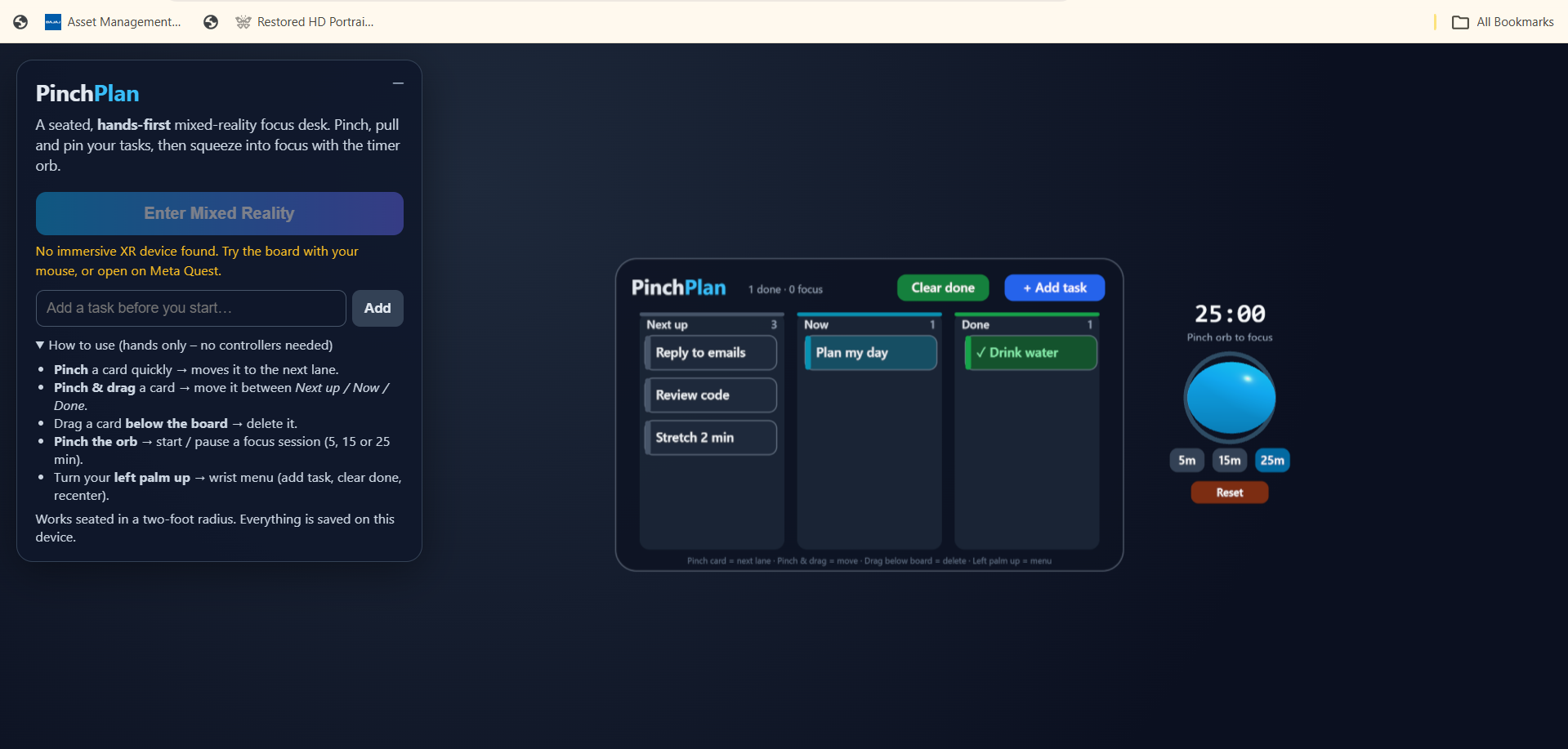
PinchPlan is a seated, hands-first mixed-reality focus desk for Meta Quest:
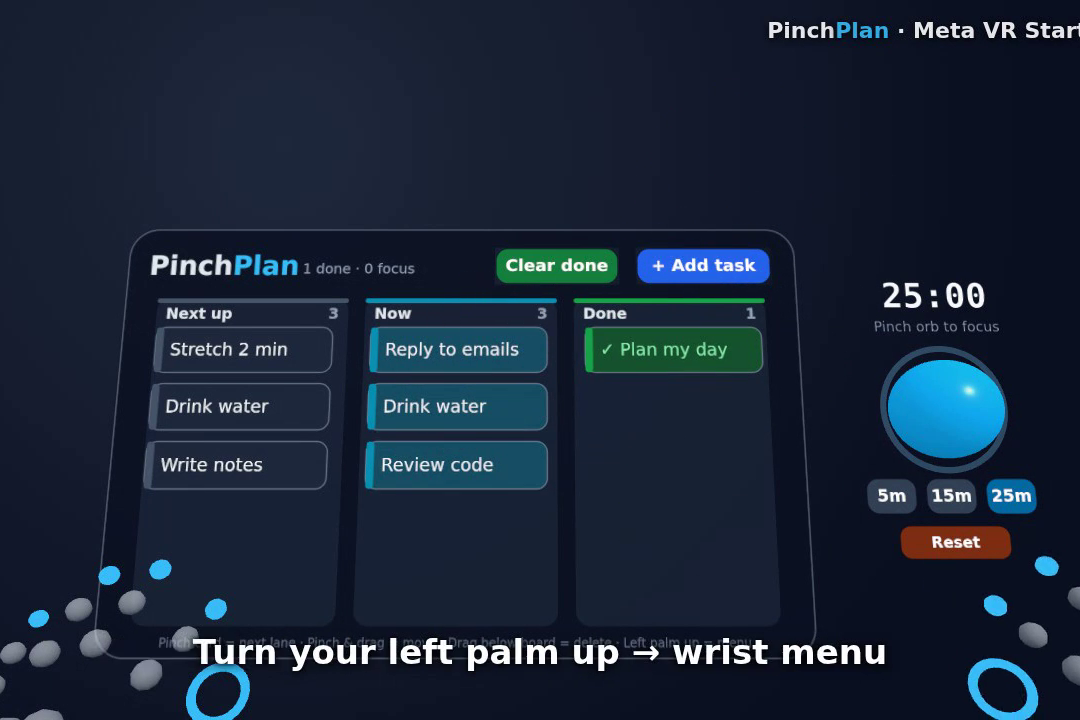
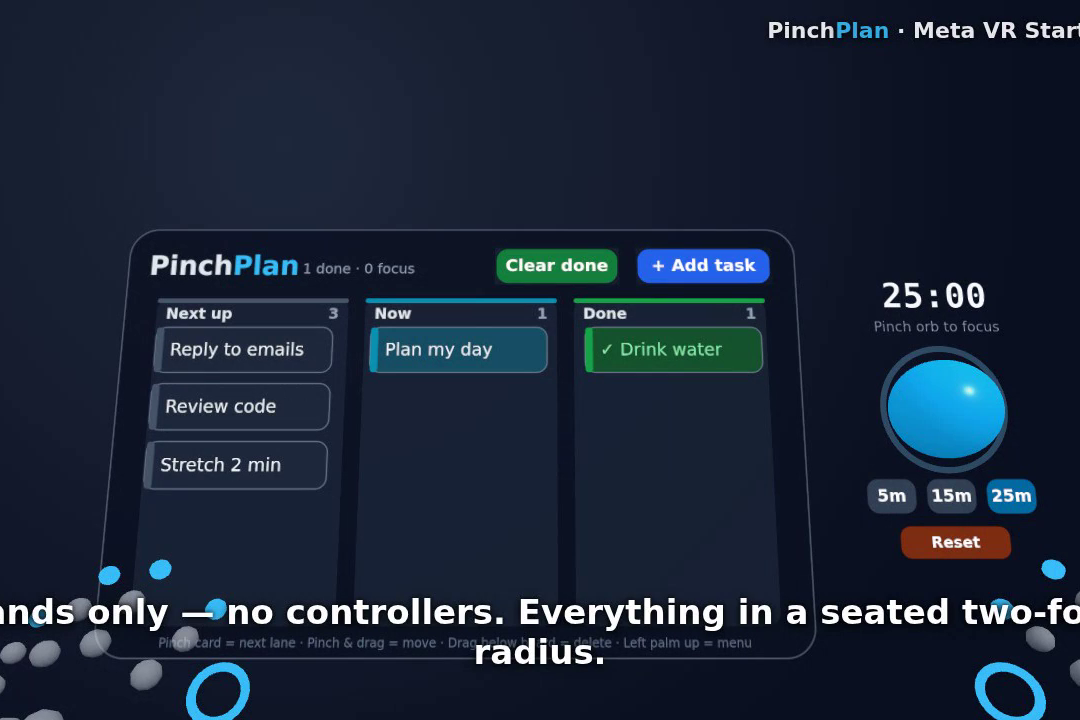
- Spatial task board – three lanes (Next up / Now / Done) floating in passthrough in front of you. Pinch a card to advance it, pinch-and-drag to move or reorder it, drag it below the board to delete it.
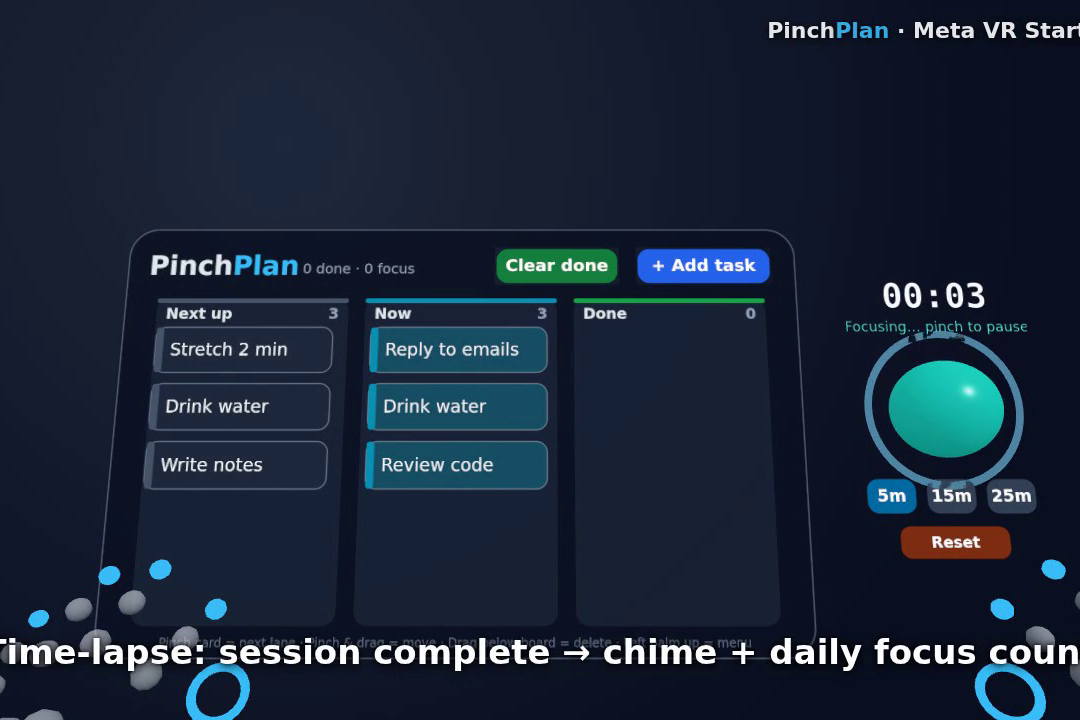
- Focus orb – a glowing timer orb. Pinch it to start or pause a 5, 15 or 25-minute focus session; it pulses while you focus and chimes when the session ends. Completed sessions are counted per day.
- Wrist menu – turn your left palm up to open a small menu: add task, start/pause focus, clear done, recenter the board.
- Quick resume – tasks, timer length and focus count are saved on the device, so you are back where you left off in seconds.
Everything fits inside a two-foot radius (airplane-seat test) and a complete focus moment fits in one bus ride.
Try it: open https://swapnilchaudhari007.github.io/pinchplan/ in the Meta Quest Browser and tap Enter Mixed Reality.
How I built it
- WebXR (immersive-ar passthrough, falling back to immersive-vr) with Three.js, as a single static page hosted on GitHub Pages
- WebXR Hand Tracking – custom pinch detection (thumb-tip to index-tip distance with hysteresis) and palm-up detection from the wrist joint orientation
- UI (cards, buttons, timer) drawn with canvas textures for crisp text at close range
- Web Audio for short confirmation sounds; localStorage for persistence
- Controllers and mouse work as fallbacks, but the whole experience is designed for hands
Hand interactions
100% usable without controllers. Pinch = select / advance, pinch-and-drag = move a card, pinch orb = start / pause focus, left palm up = wrist menu. Every target is large, inside a seated reach radius, and shows a hover highlight plus a cursor ring that changes colour (blue, green on hover, yellow while pinching), with a sound on every action so users always know a gesture registered.
Challenges
- Making pinch reliable while seated without false triggers (hysteresis thresholds, near-field targets only)
- Keeping text readable at close range in passthrough
- Fast cold start and clean pause/resume
What I learned
Hands-first design forces simplicity: every feature has to be one clear gesture. Seated MR is a great fit for short productivity moments.
What's next
- Voice-to-card quick capture
- Calendar import and daily review summaries
- Shared boards for small teams
- Store release on Meta Horizon
Built With
- html5
- javascript
- meta-quest
- three.js
- webxr

Log in or sign up for Devpost to join the conversation.