-
-
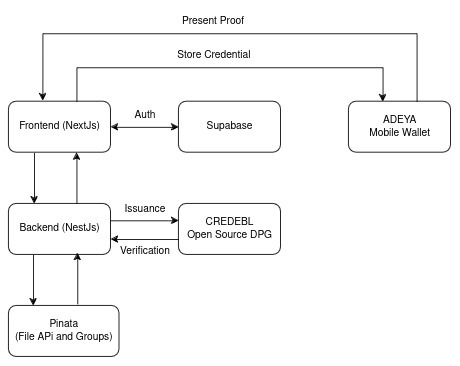
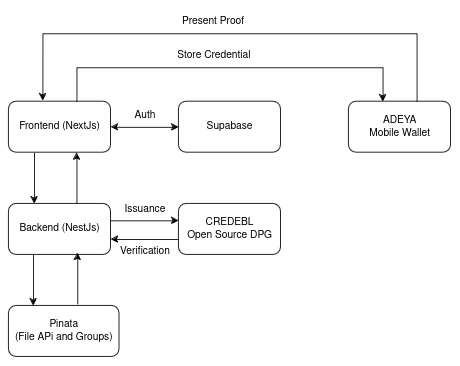
PinaVault Architecture
-
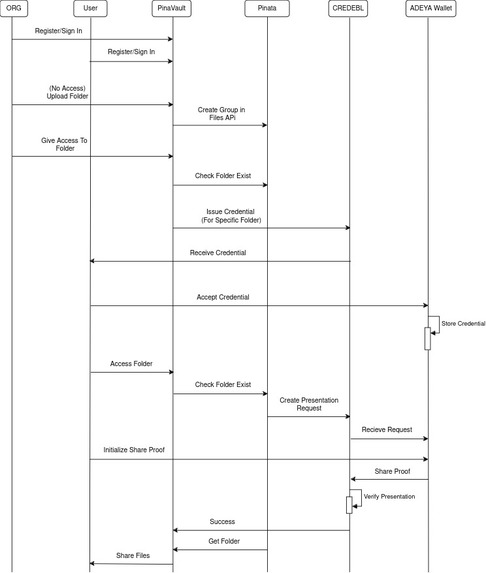
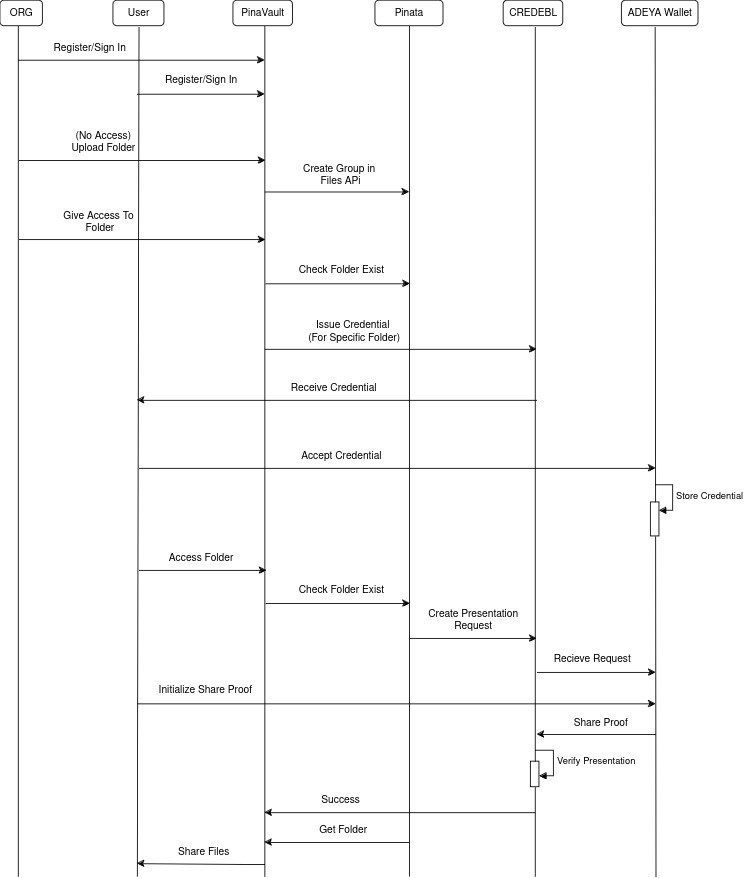
PinaVault Flow diagram
-
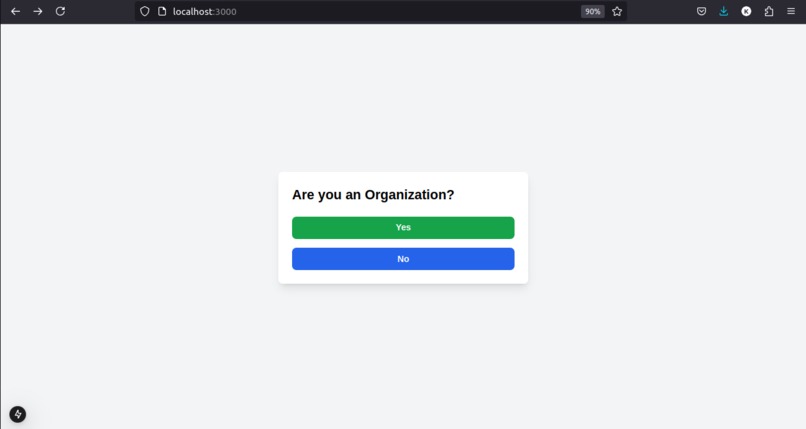
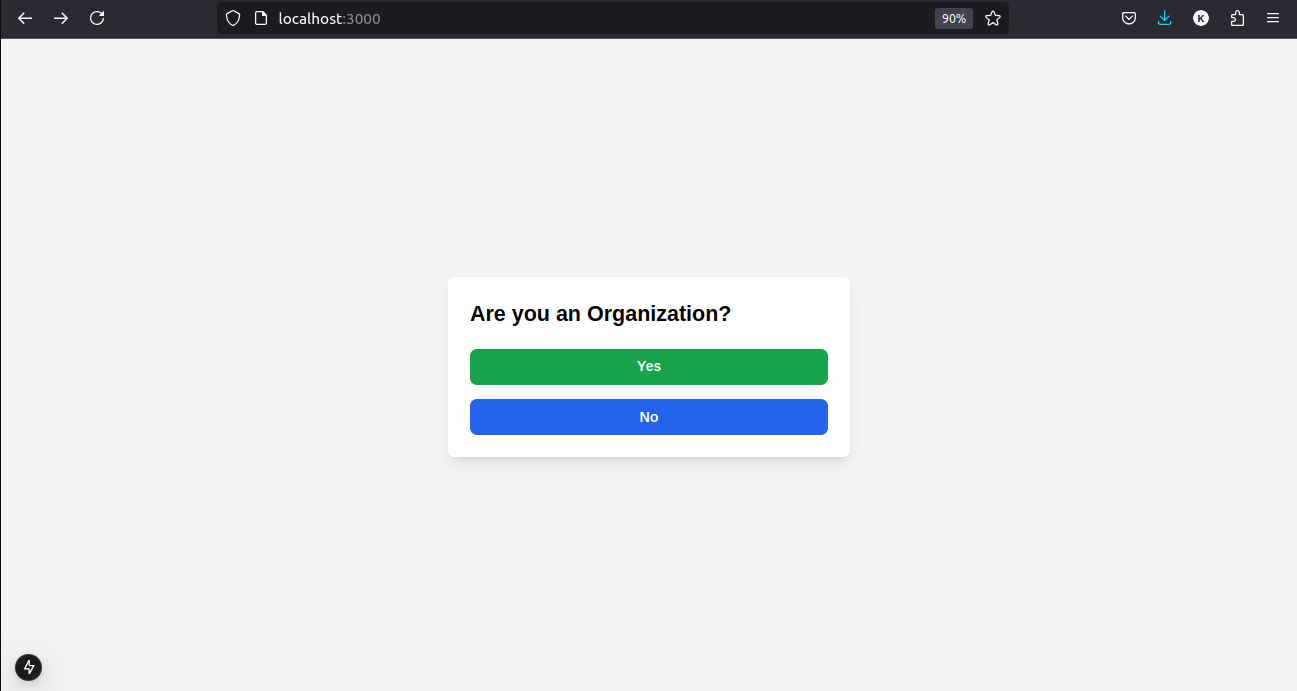
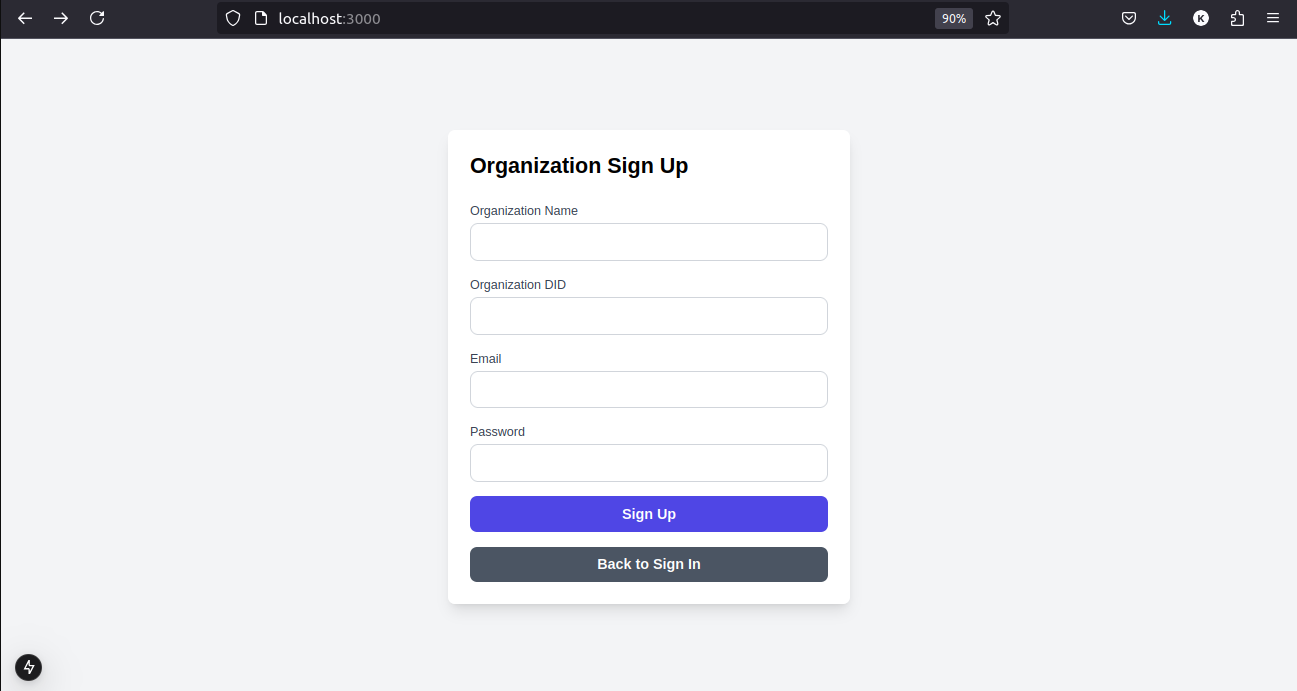
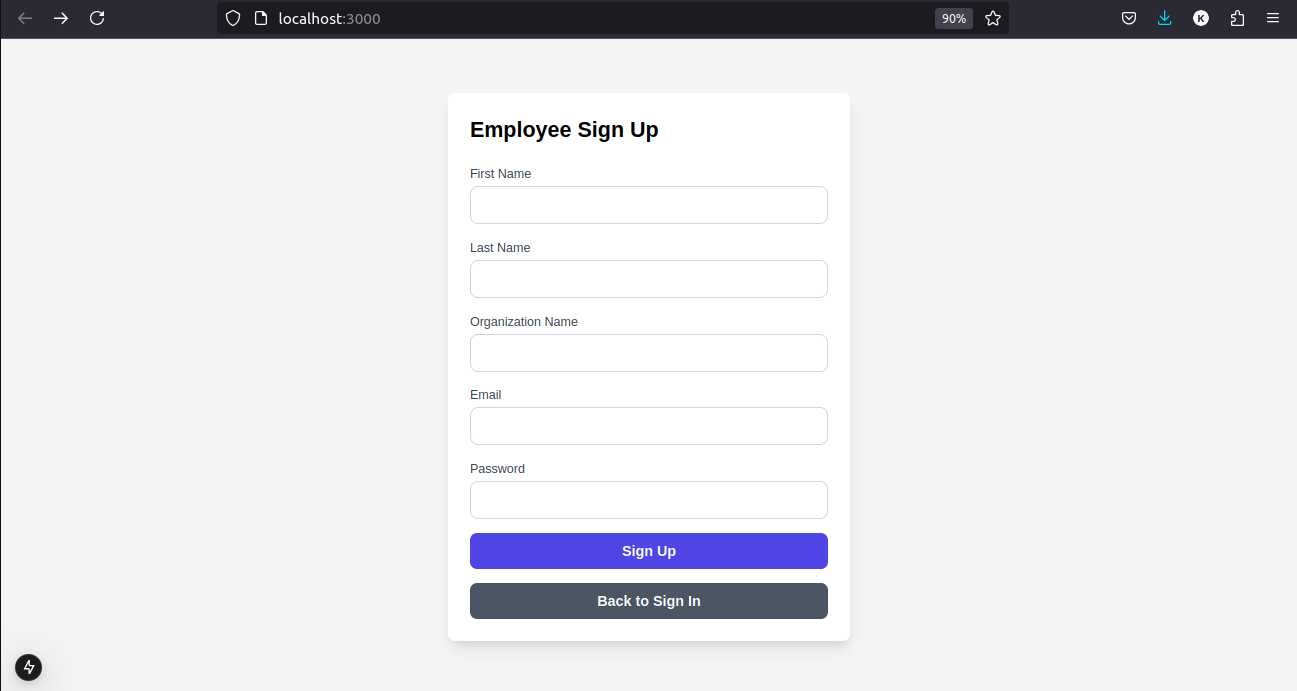
Signup
-
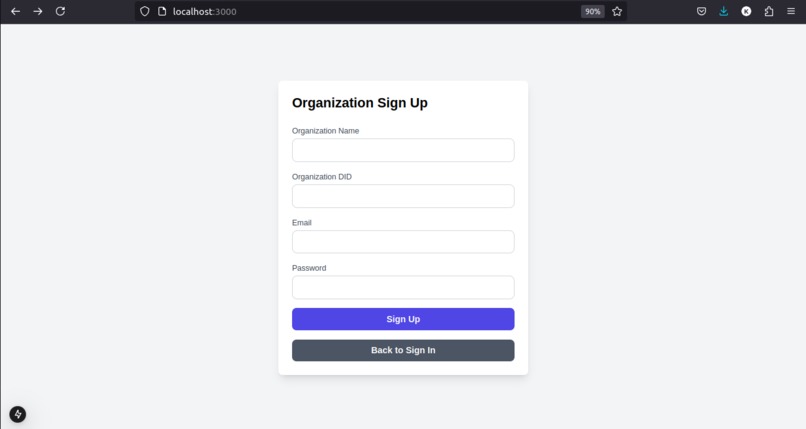
Org sign up
-
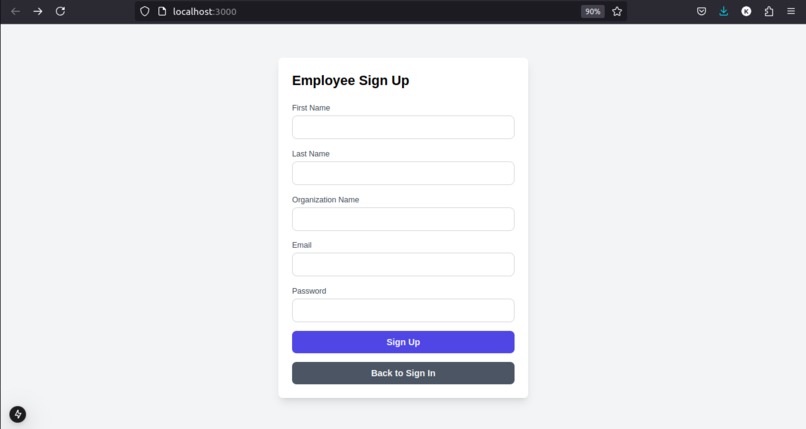
Employee signup
-
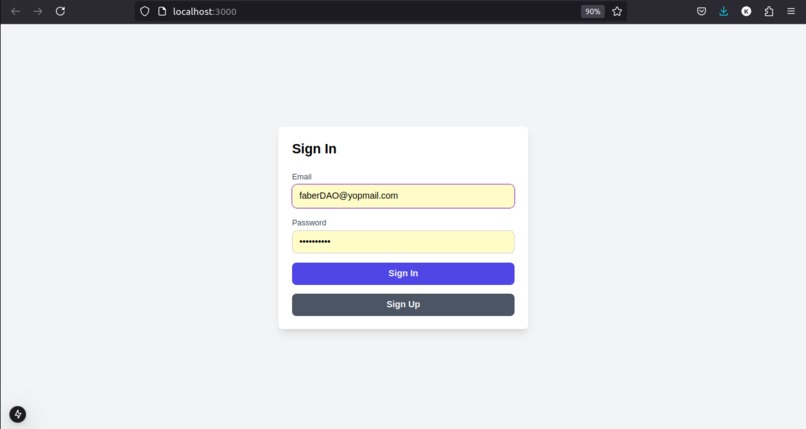
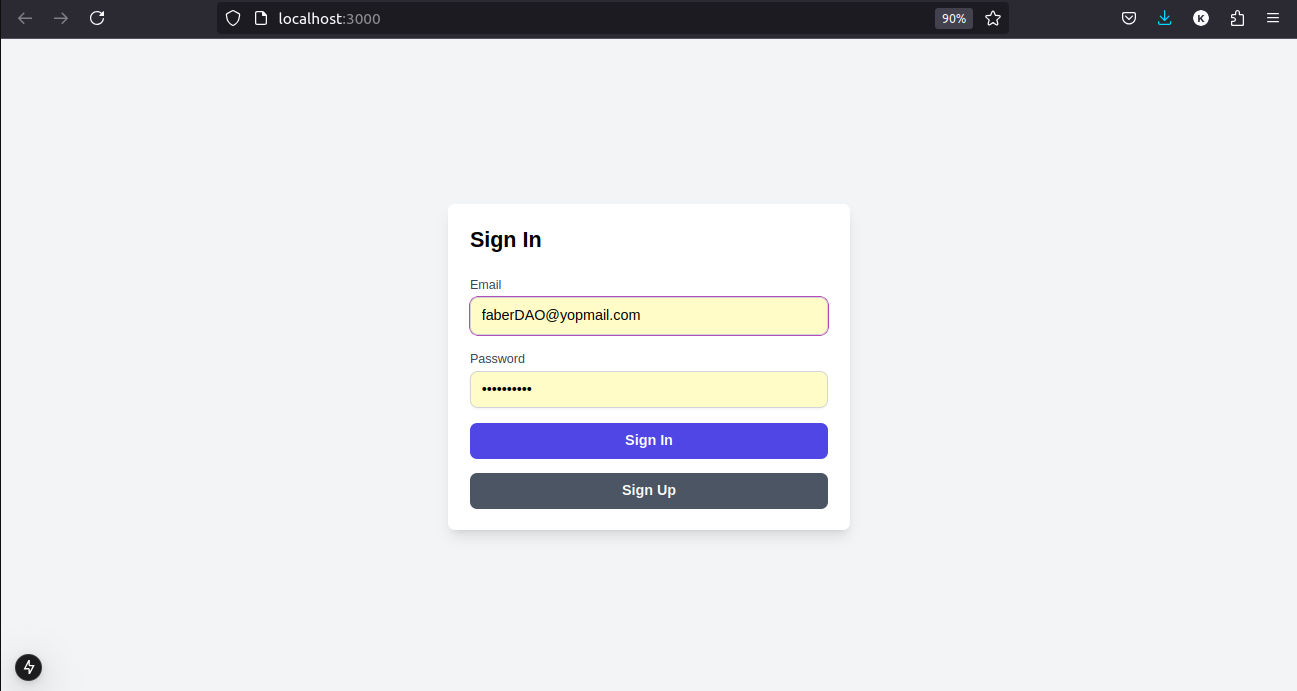
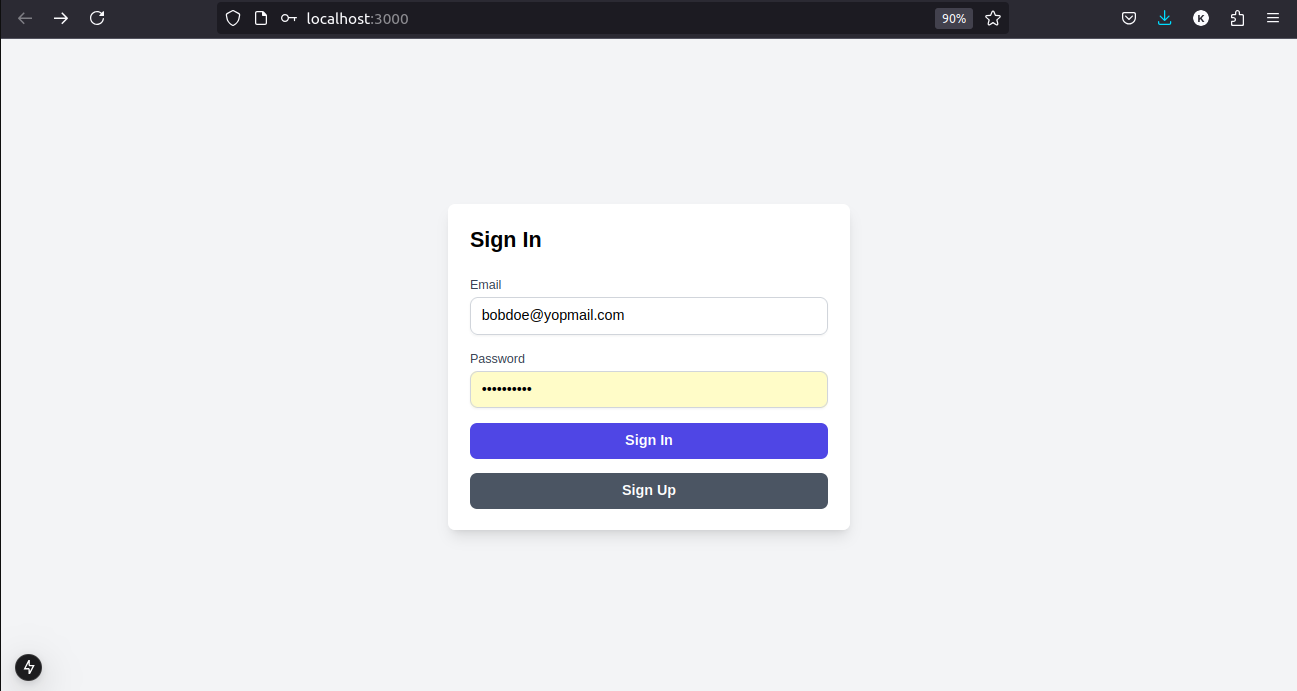
Org Sigin
-
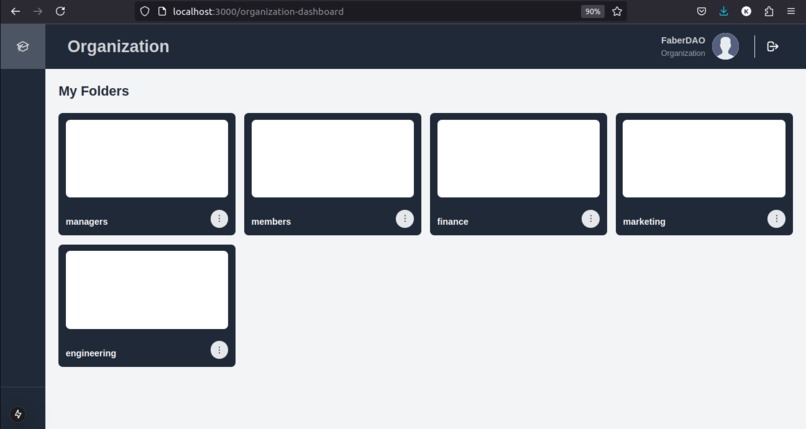
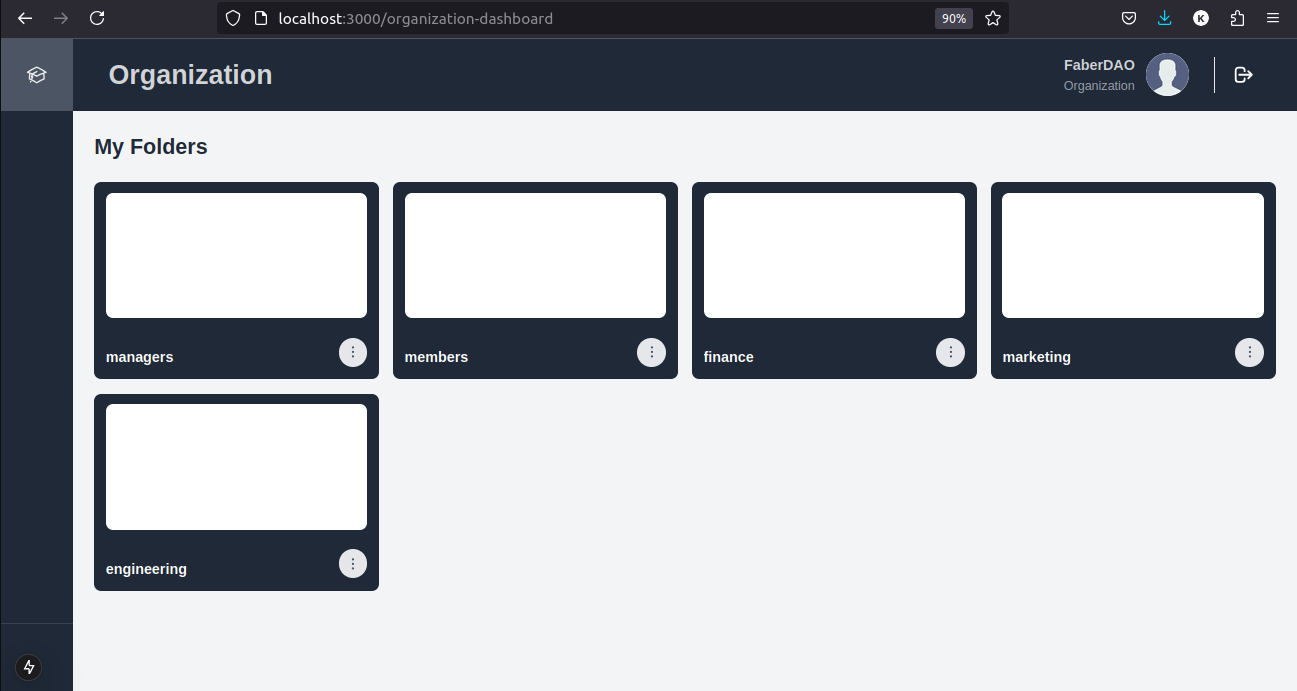
Org dashboard
-
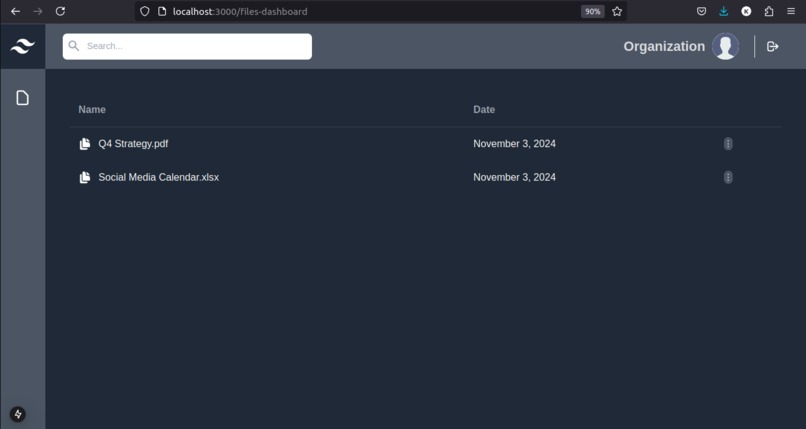
Org accessing all folders
-
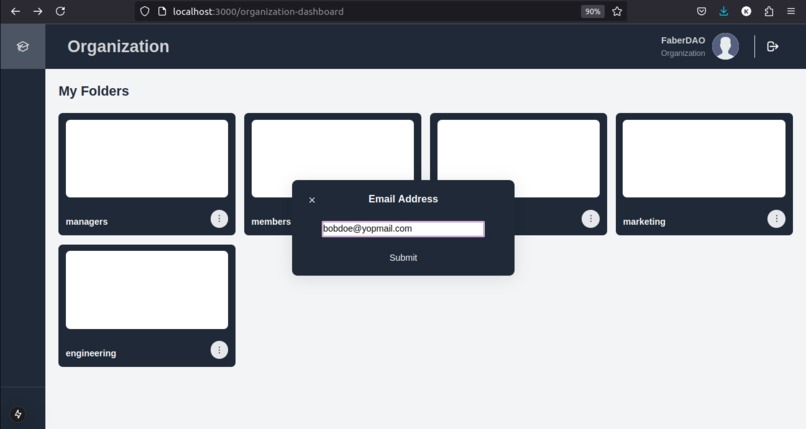
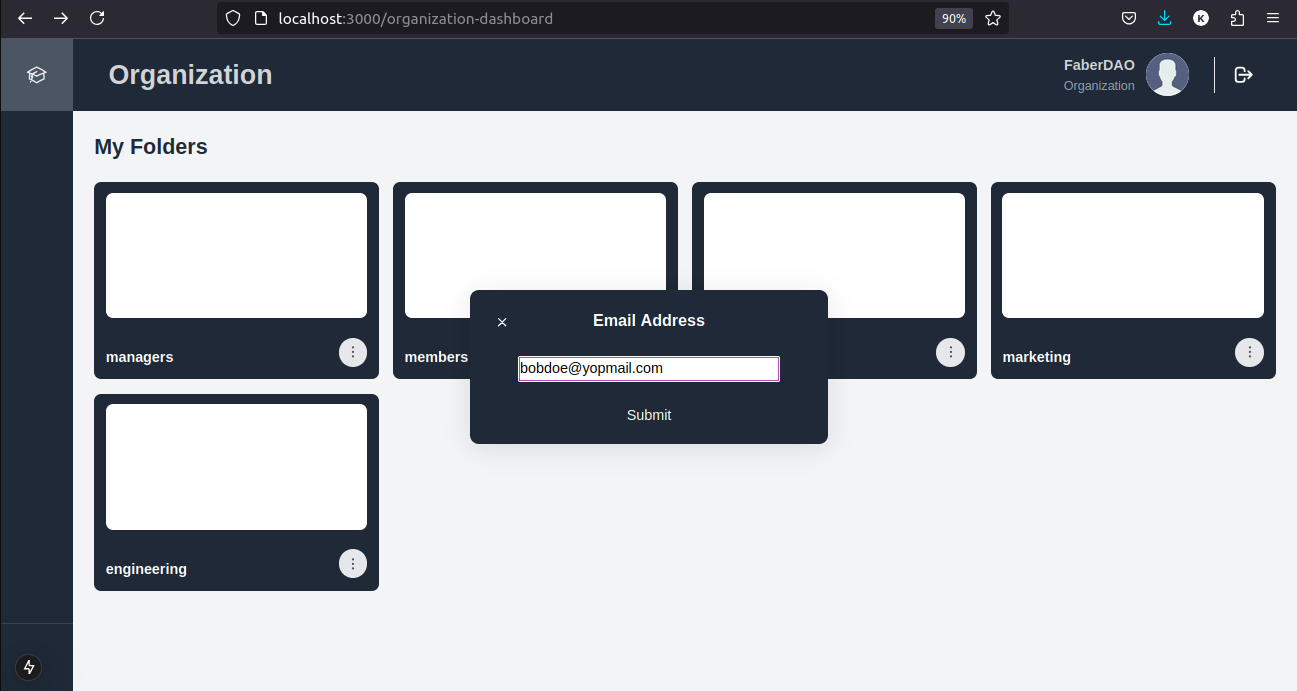
Org sharing folder access to employee
-
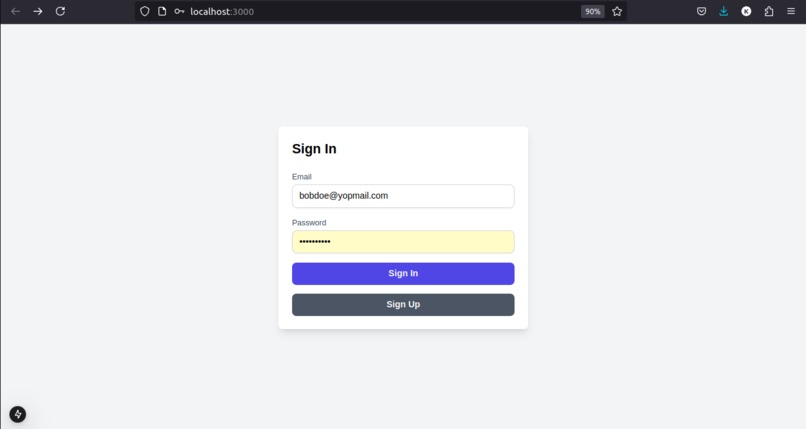
Employee signin
-
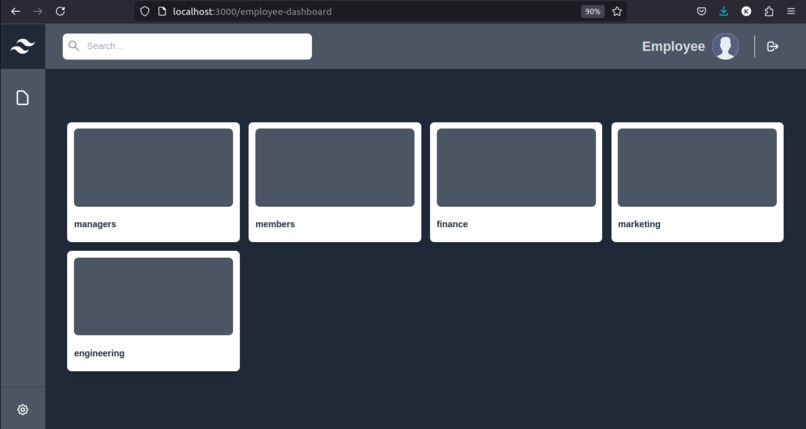
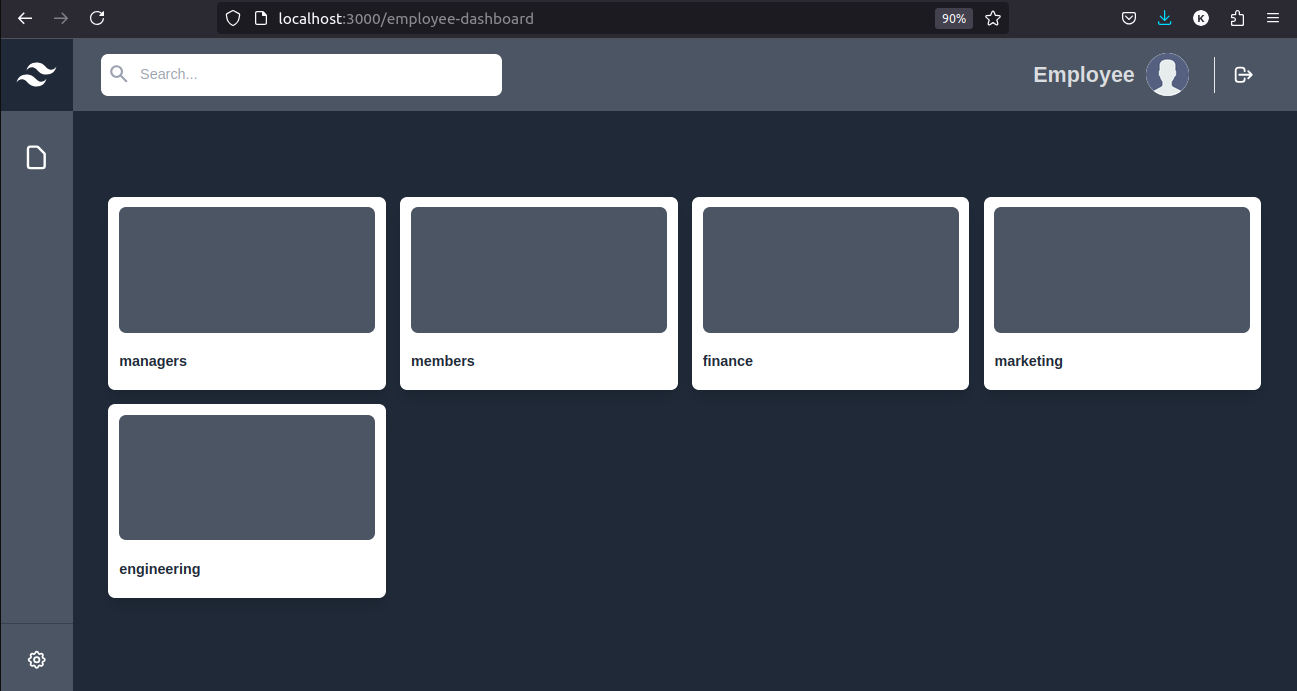
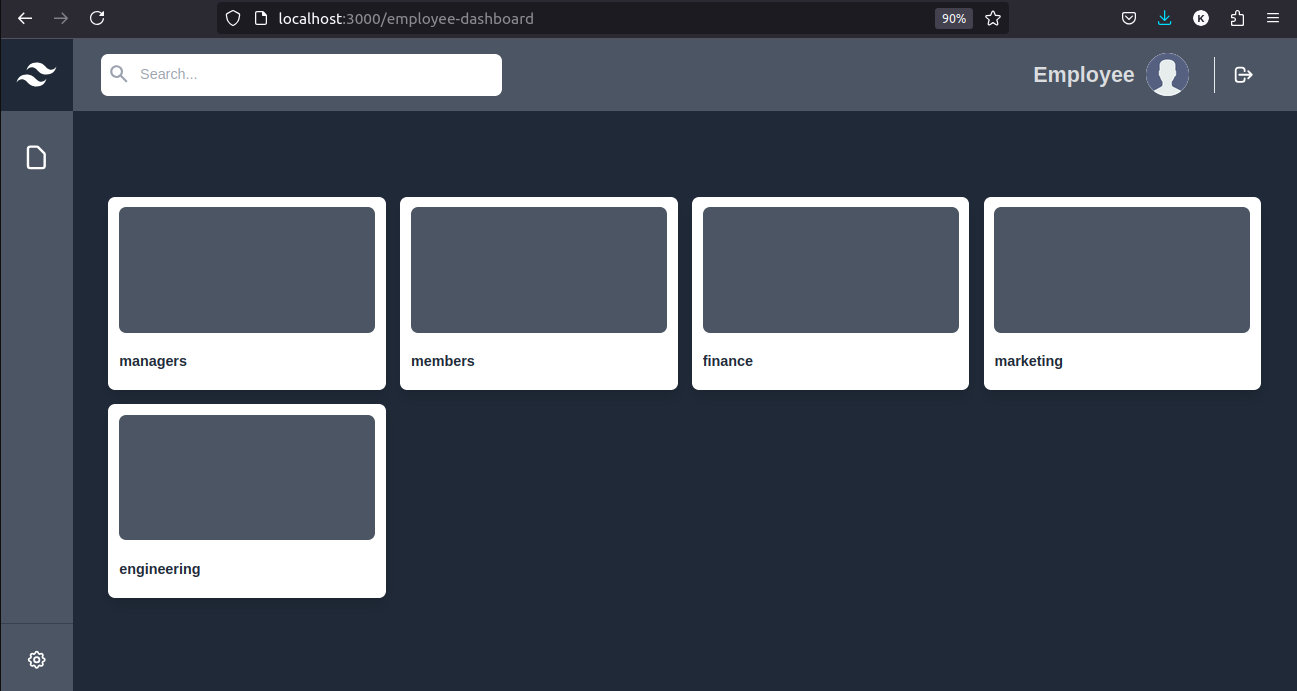
Employee dashboard
-
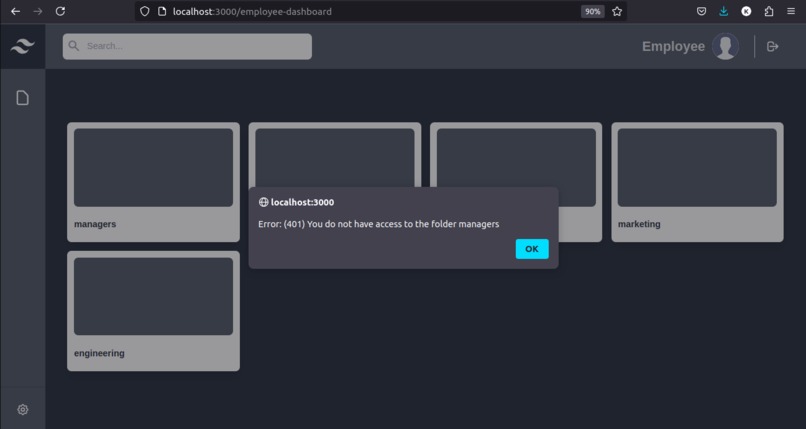
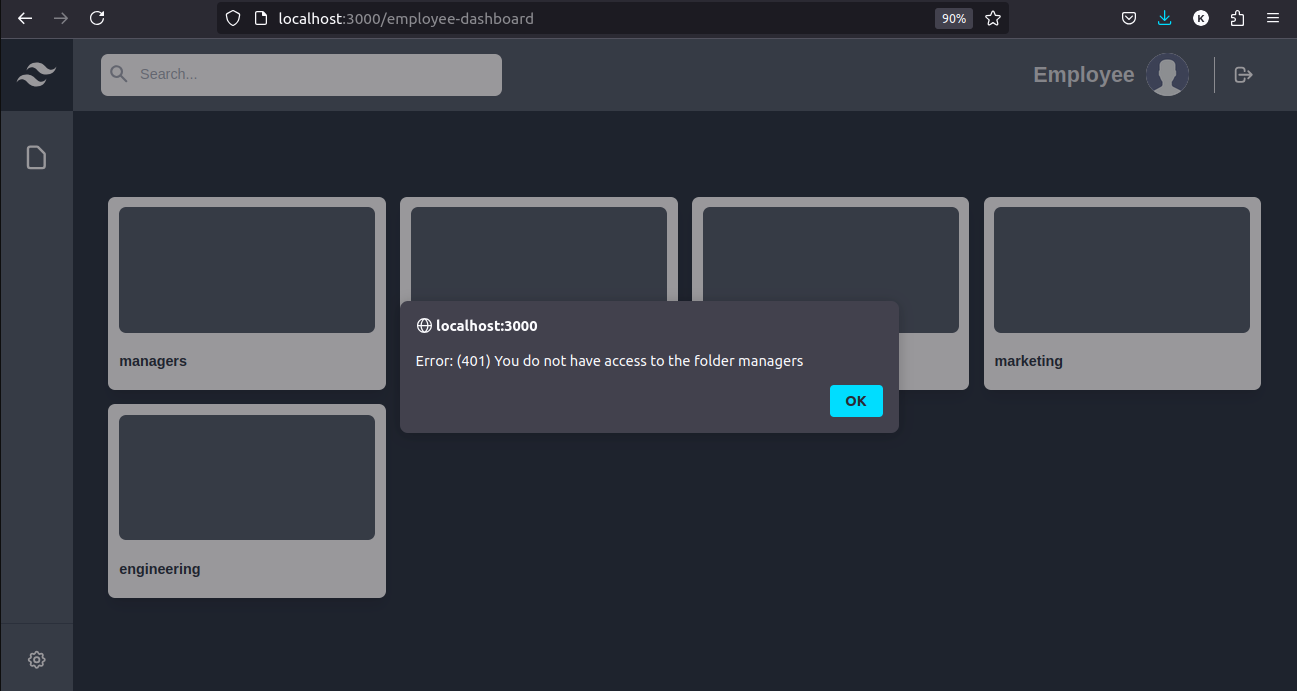
Employee accessing folder that they dont have access to
-
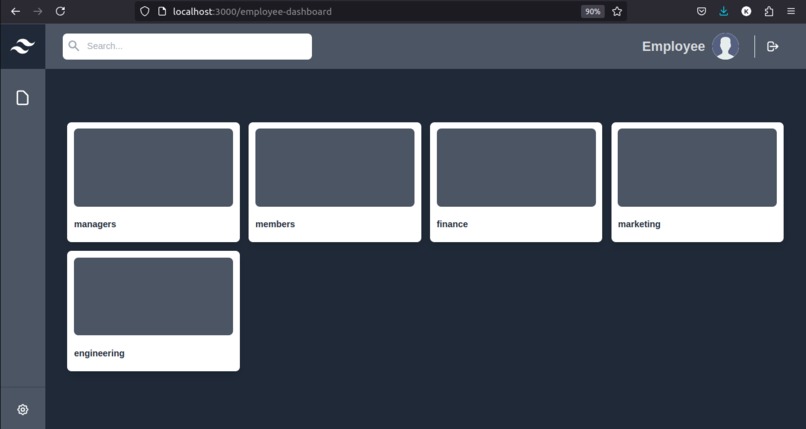
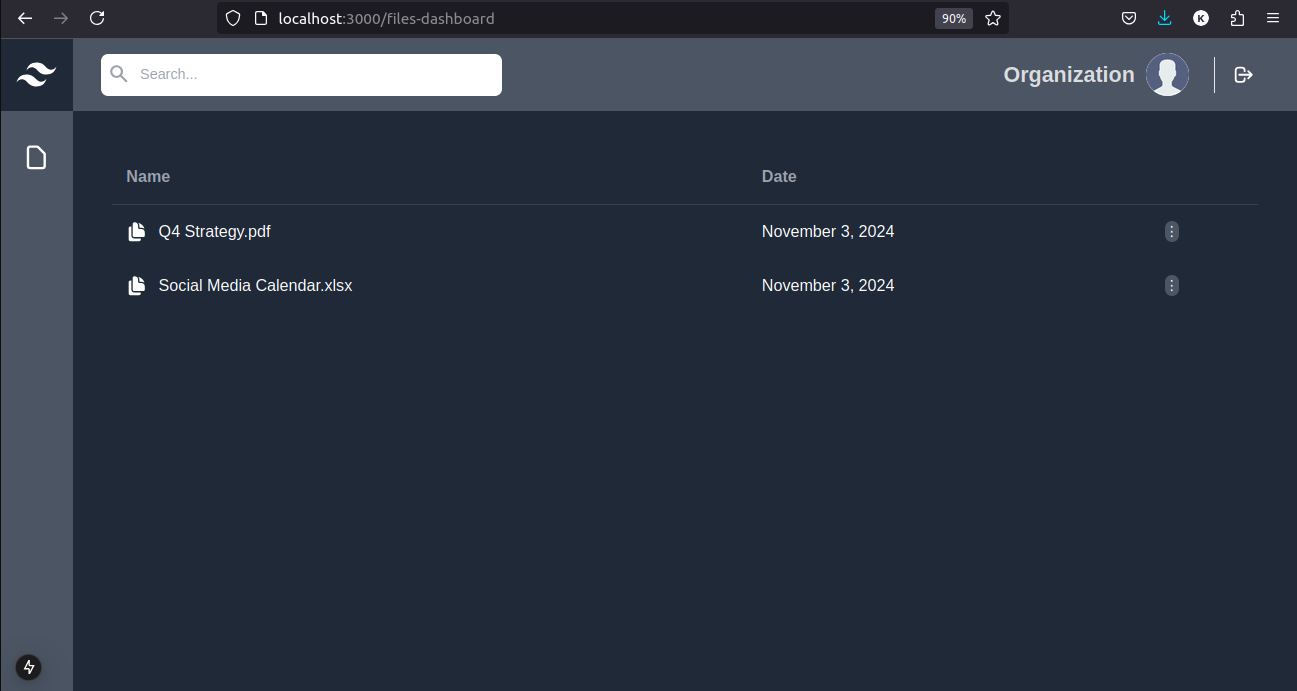
Employee accessing folder they ahve access to
-
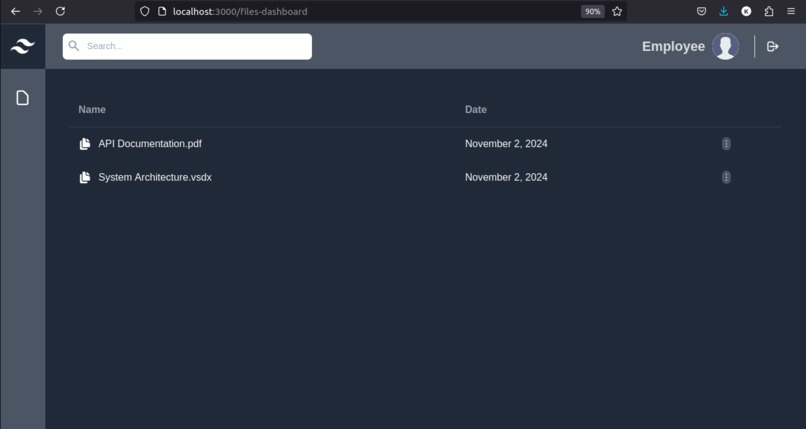
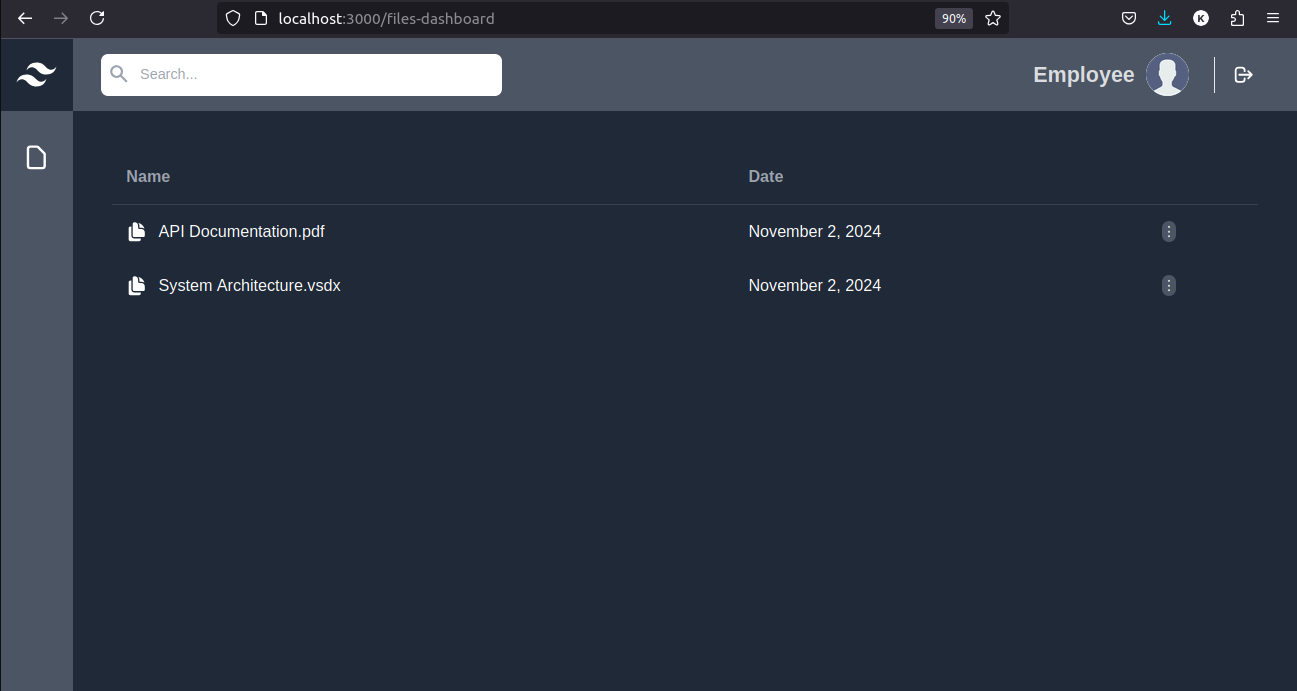
Employee able to view files inside folder with access
-
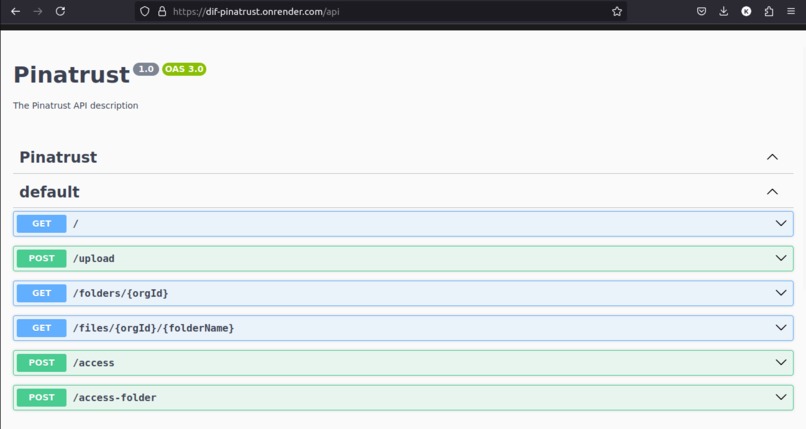
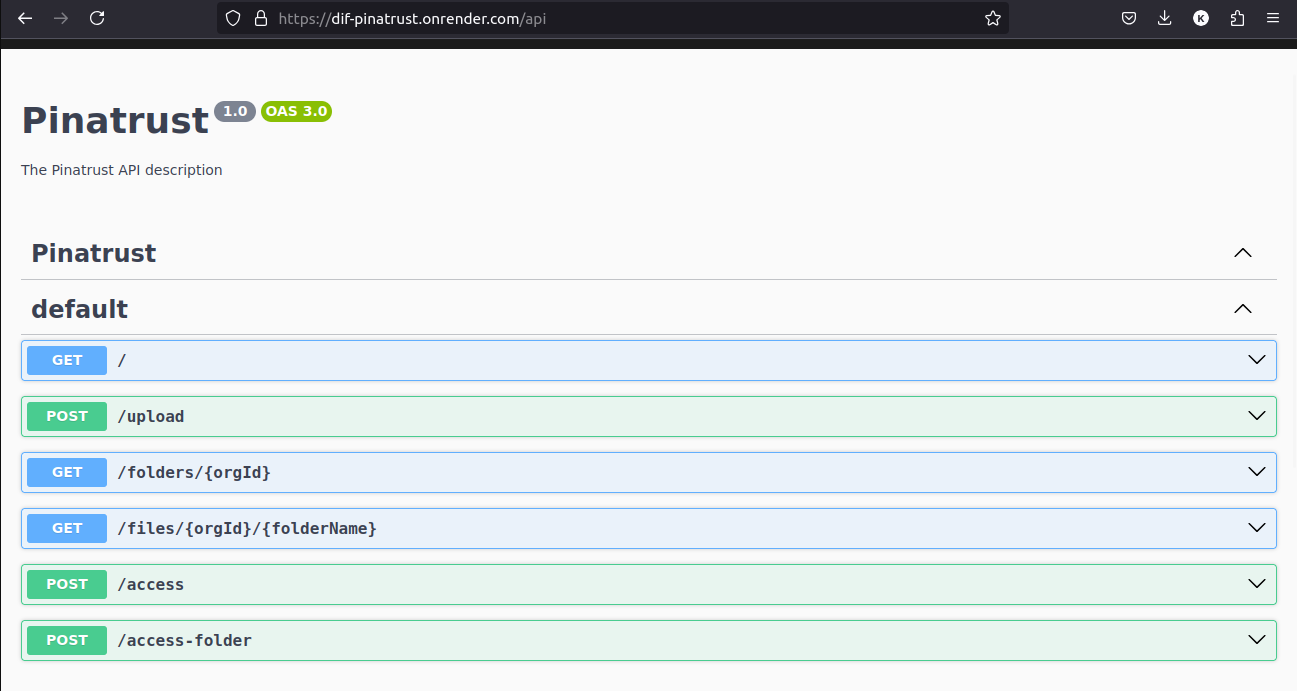
API backend
-
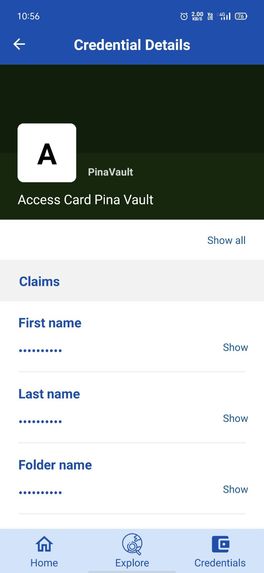
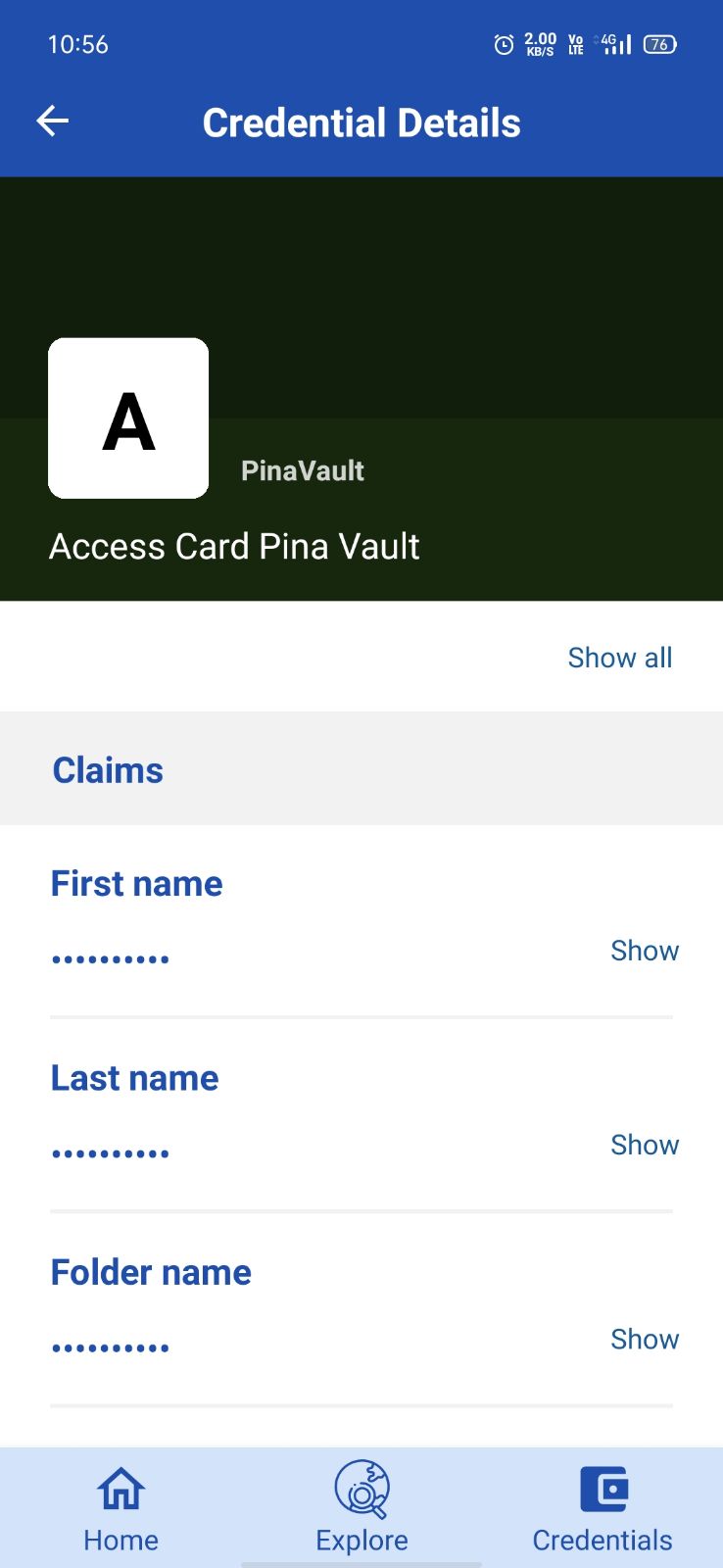
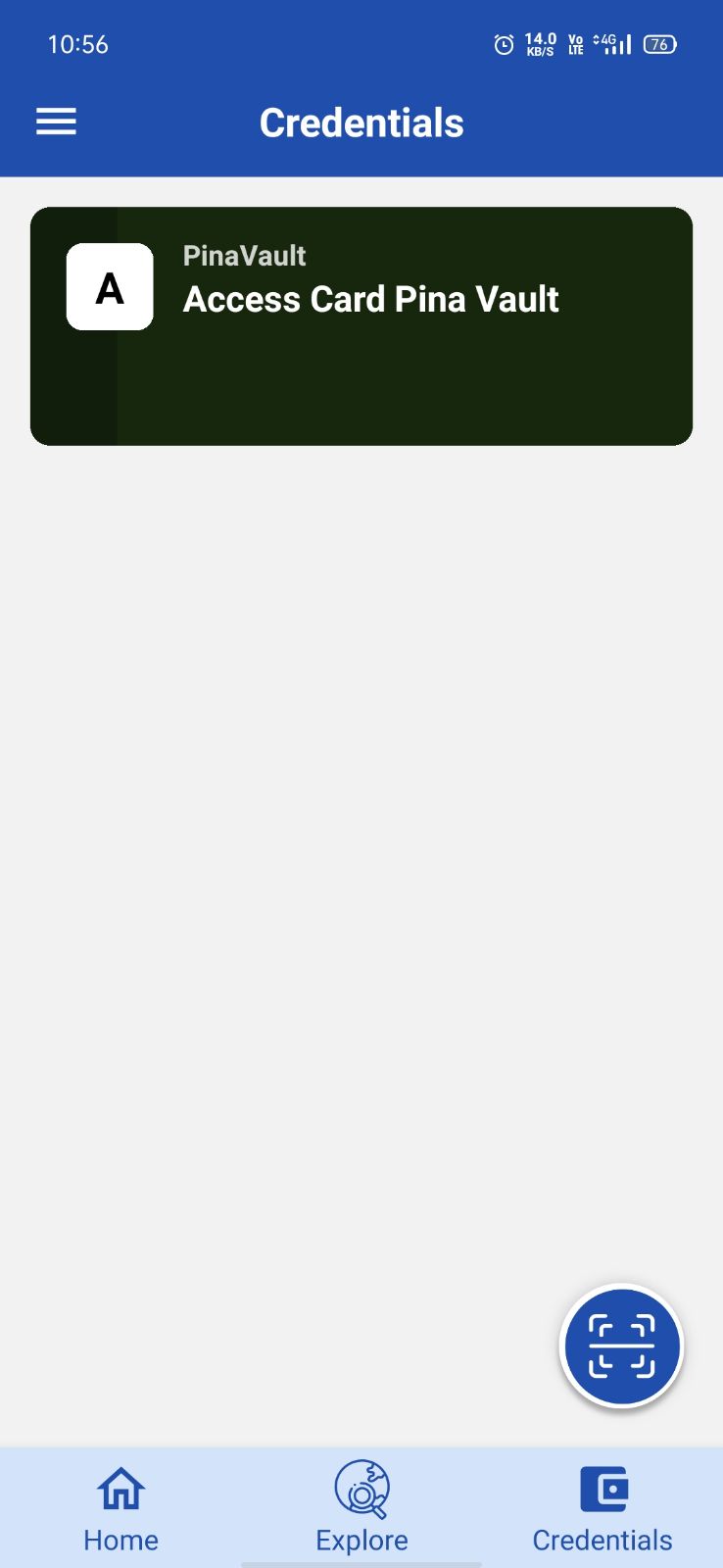
Holder/Employee receive credential in their wallet
-
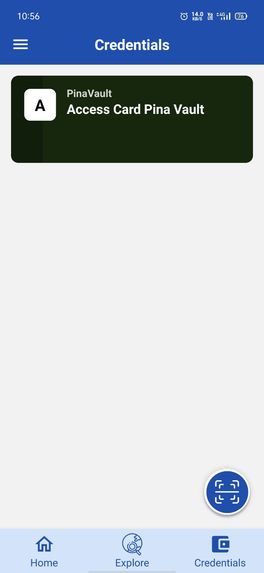
Holder/Employee receive credential
-

Holder/Employee share presentation

Inspiration
In an increasingly digital world, securely managing and sharing sensitive information across organizations and individuals has become crucial. Inspired by the need for a secure, decentralized access solution for private IPFS files, we created PinaVault. Leveraging Pinata's Files API and W3C Verifiable Credentials, PinaVault ensures secure, credential-based access, protecting both organizational assets and user privacy.
What it does
PinaVault provides a seamless and secure way for organizations to manage file access on IPFS:
- Organizations can upload folders and grant credential-based access to users within their organization.
- Users can sign in, view their affiliated organizations, and access files based on their credentials. If they possess the correct credentials, they gain access; otherwise, access is restricted.
How we built it
Backend: Built with NestJS, handling user authentication, file access control, and credential issuance and verification. Frontend: Developed in React, offering an intuitive UI for organizations to manage files and for users to securely access content. File Management: Powered by Pinata's Files API to store files on IPFS and manage access. Credential Management: Integrated with CREDEBL, an open-source Digital Public Good (DPG), for issuing and verifying W3C Verifiable Credentials.
Challenges we ran into
Credential Verification: Integrating and managing credential-based access control was a complex process. IPFS File Management: Ensuring reliable private file access on IPFS presented technical and security challenges. User Flow: Designing a smooth user experience for both organizations and users, given the nuances of decentralized credential management.
Accomplishments that we're proud of
Credential-Based Access Control: Implemented a secure access model using W3C credentials for IPFS-based files. Seamless Integration: Successfully integrated multiple technologies (Pinata, IPFS, W3C credentials, and CREDEBL) to provide a cohesive solution. Use and abstraction: We were able to create an abstraction on top of Files API and groups to manage upgradable folders in IPFS
What we learned
Decentralized Credential Management: Gained hands-on experience with W3C Verifiable Credentials and decentralized identity management. IPFS and Pinata Integration: Learned best practices for private file storage and access on IPFS using Pinata's Files API.
What's next for PinaVault
Enhanced Access Management: Develop more granular access controls for organizations. Automated Credential Issuance: Simplify the credentialing process for new users joining an organization. Providing an onboarding credentials for users to be onboarded as member organization.
User flow
file:///home/krishna/Downloads/Pinata_DIF-Flow%20Diagram.jpg
Architecture
file:///home/krishna/Downloads/Pinata_DIF-Architecture%20Diagram.jpg
Tech Stack
Backend: NestJS Frontend: React File Storage: Pinata Files API and IPFS Credentials: CREDEBL for issuing and verifying W3C credentials


Log in or sign up for Devpost to join the conversation.